My favorite app
Great app, easy to use. Helps our small business save time and money to create different marketing materials professionally. Thank you.
Compress WebP files right in your browser and shrink thousands at once. Keep images looking sharp, process up to 10,000 files, and download everything as a single ZIP.
Drag and drop your WebP files into the compressor, or import them straight from Dropbox to pull in a full folder. Add up to 10,000 files in a single batch.
There are no settings to adjust. Keep WebP as your output and Pixelcut compresses every file right in your browser, ready to download in seconds.
Grab your compressed WebP files individually or download the entire batch as one ZIP. Your images stay sharp and web-ready while the file sizes drop.
WebP already delivers smaller files than older formats, and there is still room to trim. Pixelcut compresses WebP with no settings to learn. Drop your files in, click download, and let the tool handle the rest. You get lighter, web-ready images that still look sharp, in seconds. Free to try with up to 100 images per batch.
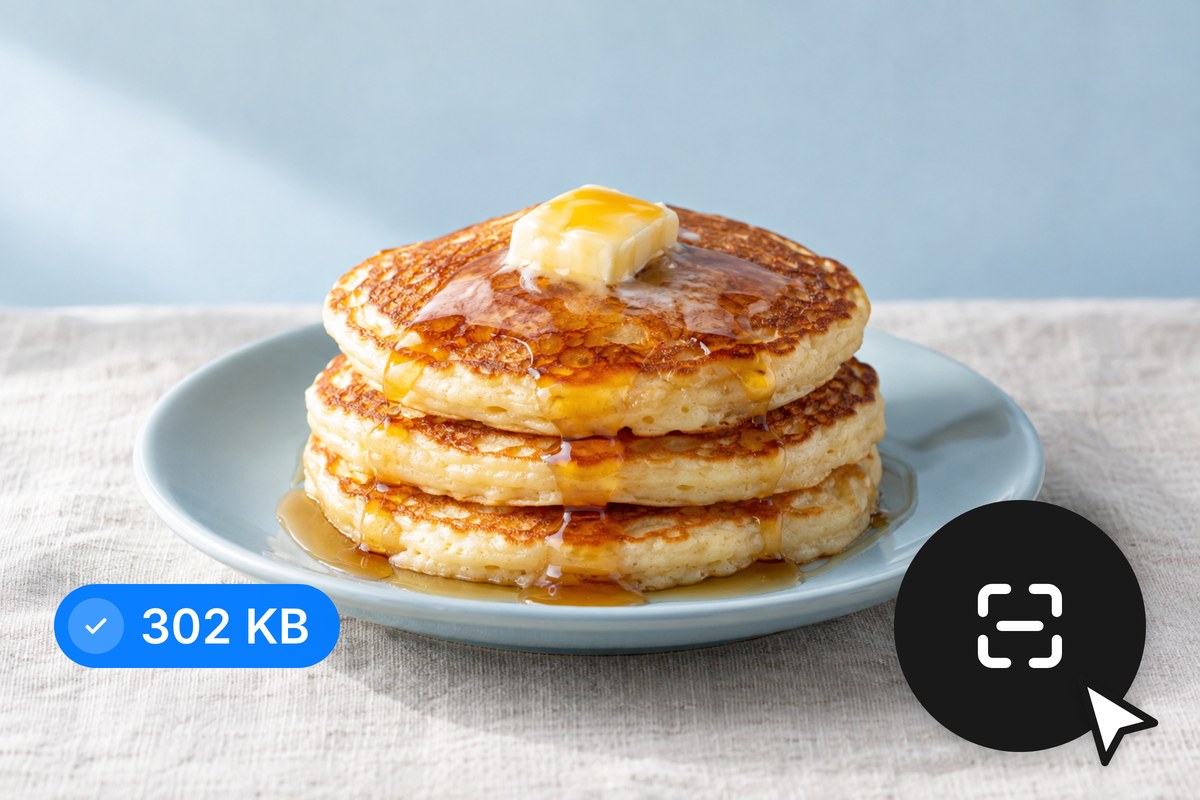
Your images never touch a remote server. Pixelcut runs all WebP compression directly in your browser using client-side processing. That means your product photos, design assets, and personal images stay on your machine from start to finish. There are no cloud queues, no waiting for server round trips, and no wondering who else can reach your files. For teams handling sensitive visuals or proprietary content, local processing takes the privacy question off the table.
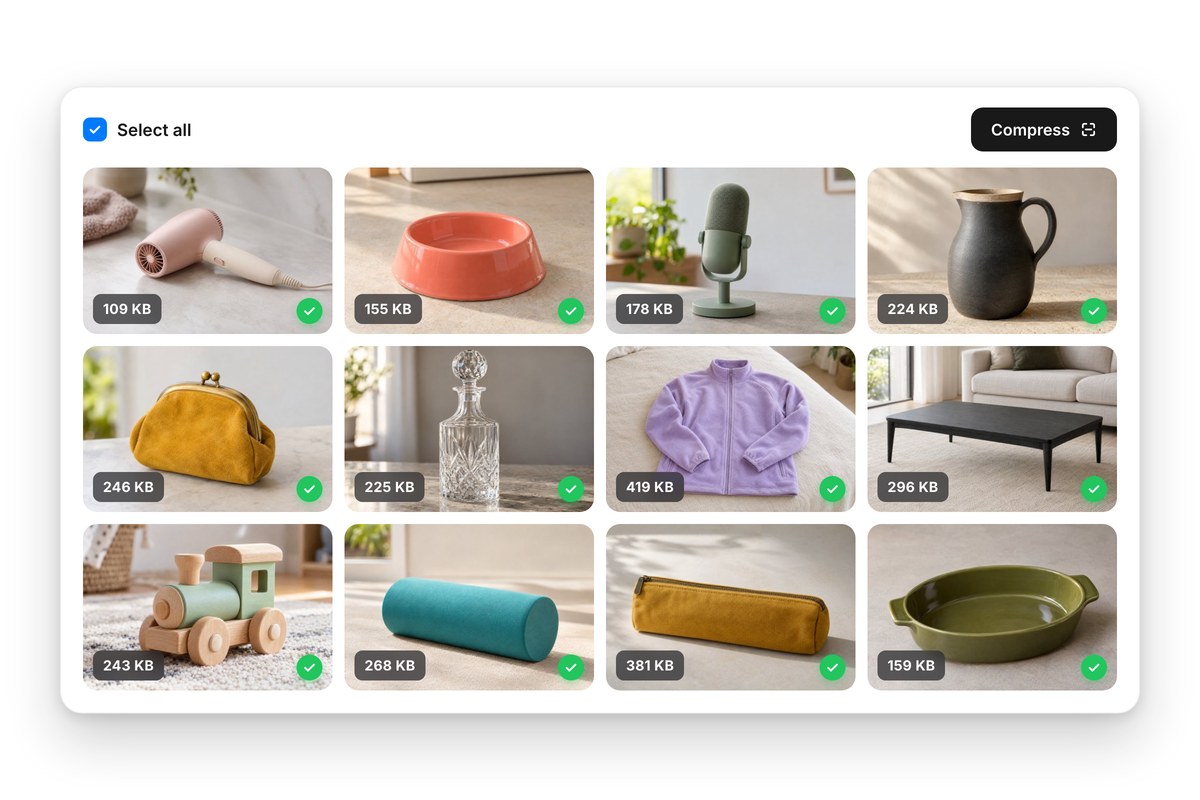
Compressing files one at a time works until it stops. When you have hundreds or thousands of WebP images lined up for a site migration, product catalog refresh, or CMS overhaul, batch processing is the only sane path. Upload your full set by drag and drop or pull it from Dropbox, compress everything in one pass, then download a single ZIP with it all packaged and ready to deploy. Free accounts cover up to 100 per batch.
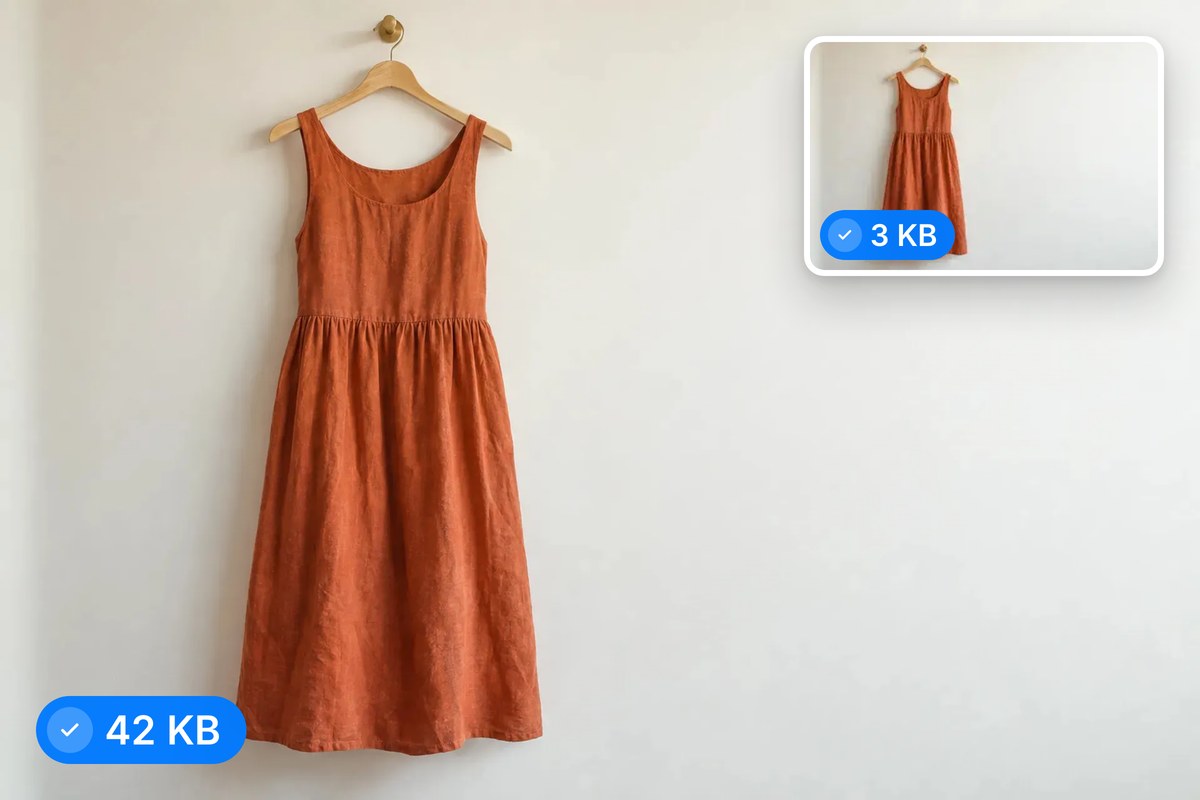
Page speed lives and dies by image weight, and Core Web Vitals like LCP are tied directly to how fast your largest visual loads. Compressing your WebP files shaves kilobytes off every asset, which adds up quickly across a full page. Lighter images mean quicker Largest Contentful Paint times, stronger Lighthouse scores, and a smoother experience for visitors on slower connections. Your rankings and your users benefit from the same fix.











Great app, easy to use. Helps our small business save time and money to create different marketing materials professionally. Thank you.
I need a good background remover for my work and I've been through them all it feels like. This one is the best by far. It's so easy to use and the results always look amazing. Thank you Pixelcut!
It's amazingly easy and gives the perfect results for my bags and accessories. It looks like it was done by a professional photographer.