My favorite app
Great app, easy to use. Helps our small business save time and money to create different marketing materials professionally. Thank you.
Turn your words or your photo into anime characters in the genre you love with the AI anime generator on Pixelcut. Describe your character to start.
Write who your character is, how they look and the anime era or genre you want. To start from a photo instead, add it first and describe the anime version.
Choose from dozens of image models for your anime art. Pick a square, tall or wide shape, then make up to four images from a single prompt.
Press generate and your anime art is ready in moments. Download your favorite, or add it as a reference to bring the character into another scene.
Describe a character in your own words and get real anime art back, drawn fresh instead of filtered. The AI anime generator turns the personality and outfit you write into clean line art and bold cel color. There is no tag formula to learn. Plain sentences carry the whole idea. You end up with an original character who looks like a still from a real series.
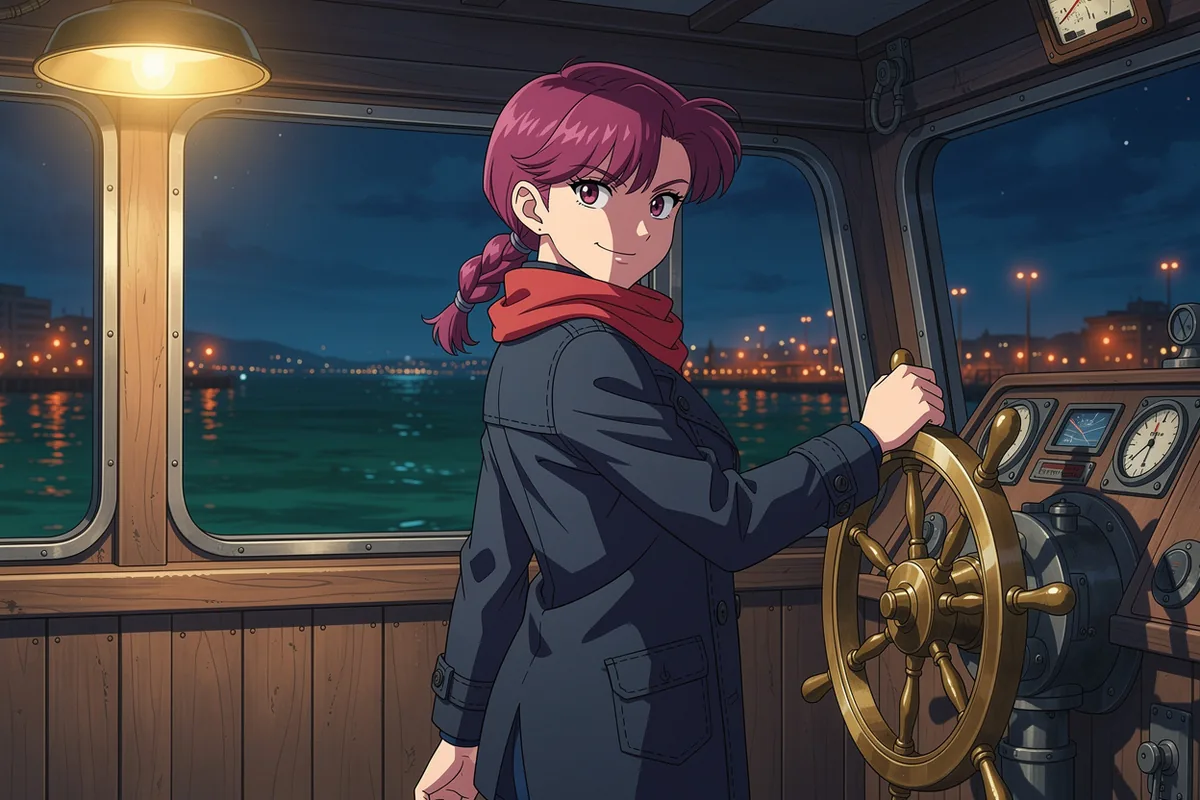
Turn a selfie or a photo of a friend into anime art that keeps the person's look close. Every face is redrawn in true anime line and color rather than tinted with a filter. The features that make you recognizable stay close in the anime version. Get a profile picture or a gift that still feels like you to someone who knows you well.
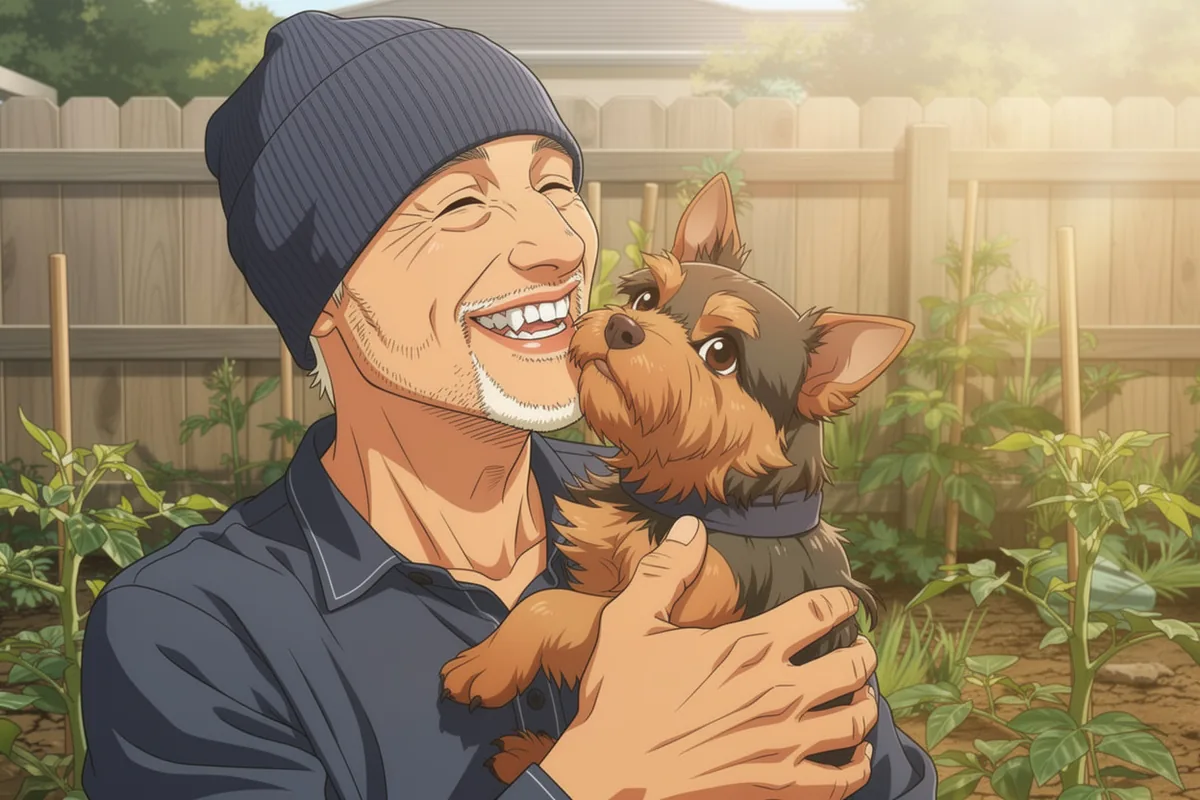
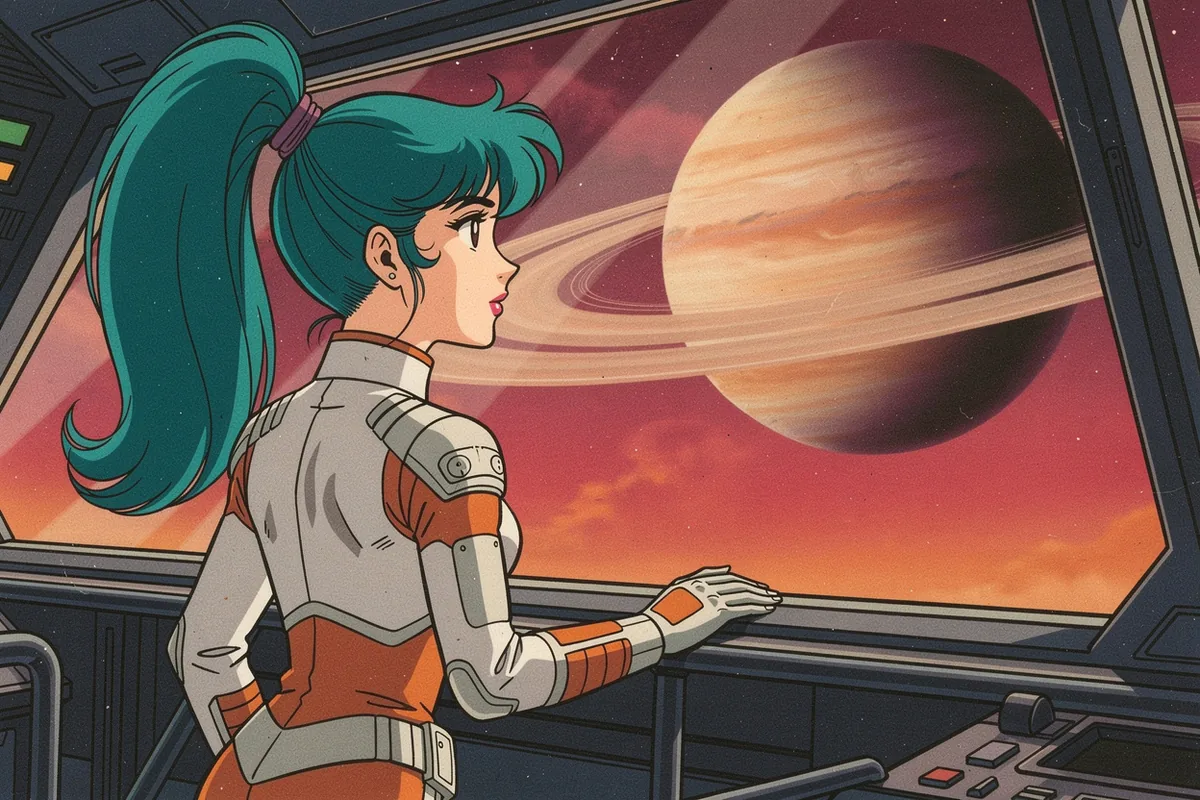
Name the genre or era you love, such as 90s cel shading or a painted watercolor sky. The whole picture comes back drawn in that look. Line work and color change together, from the first stroke to the last shadow. Each image holds that style from edge to edge. Give your story the deliberate look of the shows you grew up on.
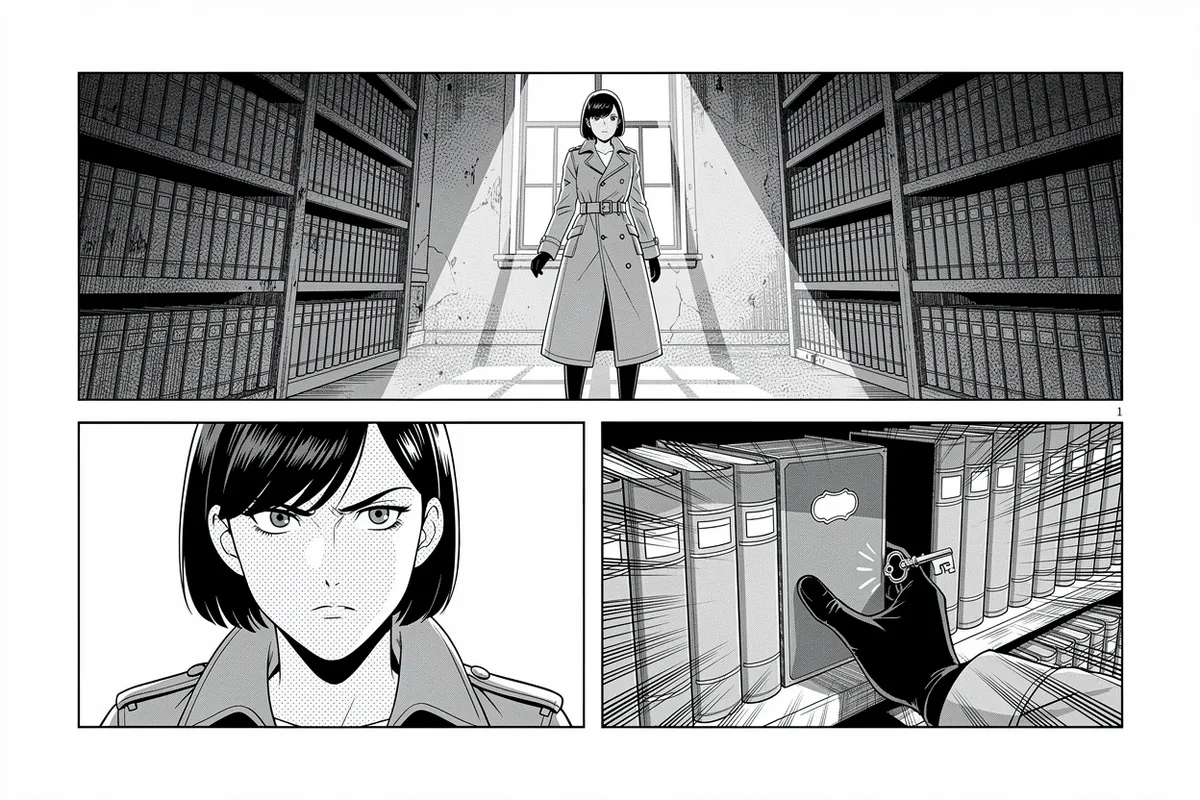
Try out a big moment in your chapter before you spend a night inking it. Turn a few story beats into one rough layout with screentone and bold framing. Leave the lettering out of your prompt and add the dialogue yourself. Check that the reveal hits the way you planned, and keep the beats that work. Your deadline feels lighter with the rough pass already done.
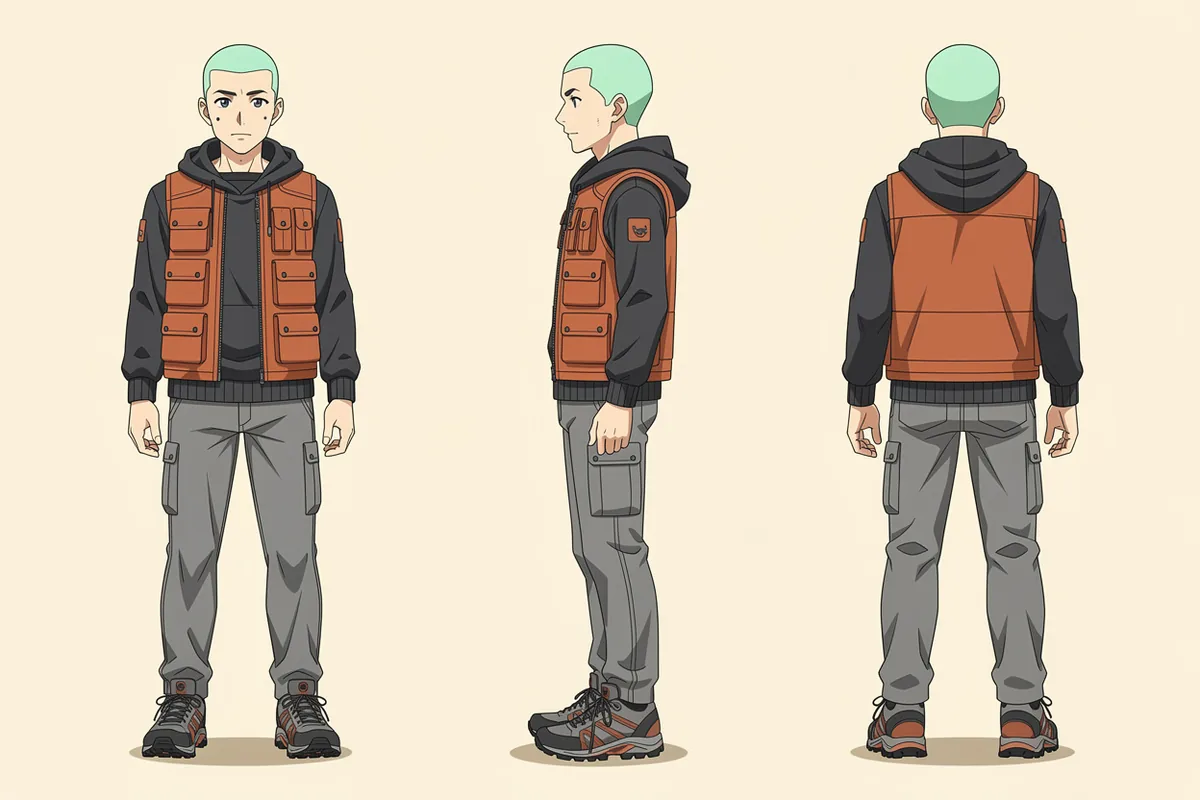
Your OC can return for the next chapter without a fresh start. Begin with a character sheet of your OC, then add it as a reference when you describe the next moment. The AI anime generator uses that sheet to help keep their face and outfit looking like the design you already love. No model training or extra software is needed, only your browser. Your OC stays familiar to everyone who follows the story.
Trusted by creatives at











Great app, easy to use. Helps our small business save time and money to create different marketing materials professionally. Thank you.
I need a good background remover for my work and I've been through them all it feels like. This one is the best by far. It's so easy to use and the results always look amazing. Thank you Pixelcut!
It's amazingly easy and gives the perfect results for my bags and accessories. It looks like it was done by a professional photographer.