My favorite app
Great app, easy to use. Helps our small business save time and money to create different marketing materials professionally. Thank you.
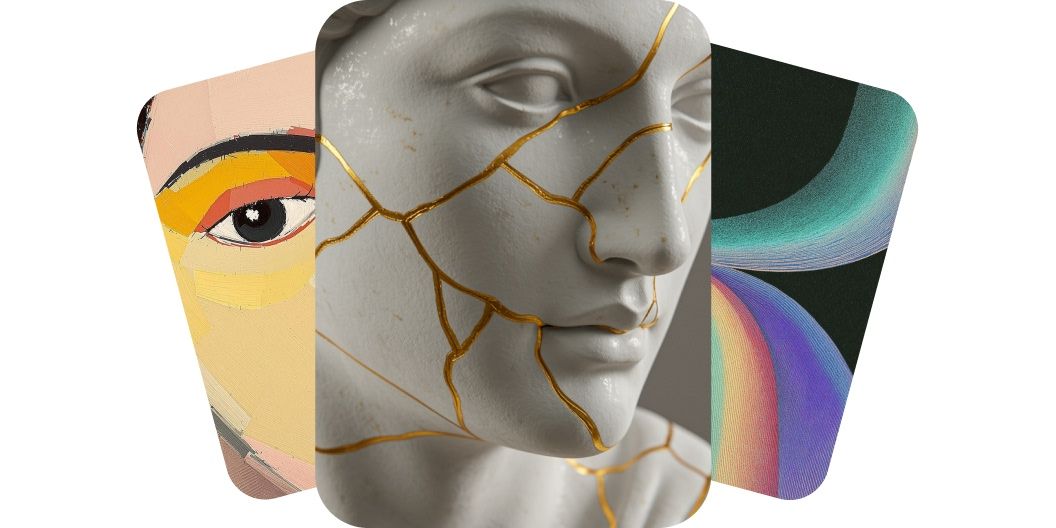
Turn text into high-quality artwork with our AI art generator. Instantly create original, commercial-ready images using multiple AI generation models.
Our AI art generator transforms words into beautiful visuals. Instantly create high-quality artwork for any project using simple text prompts. Whether you’re an artist looking for inspiration or a marketer needing eye-catching graphics, our free AI art generator has you covered. Simply type your idea and let AI handle the design work. Save time and start creating art from your words in an instant. Try it now and watch your words paint a picture!
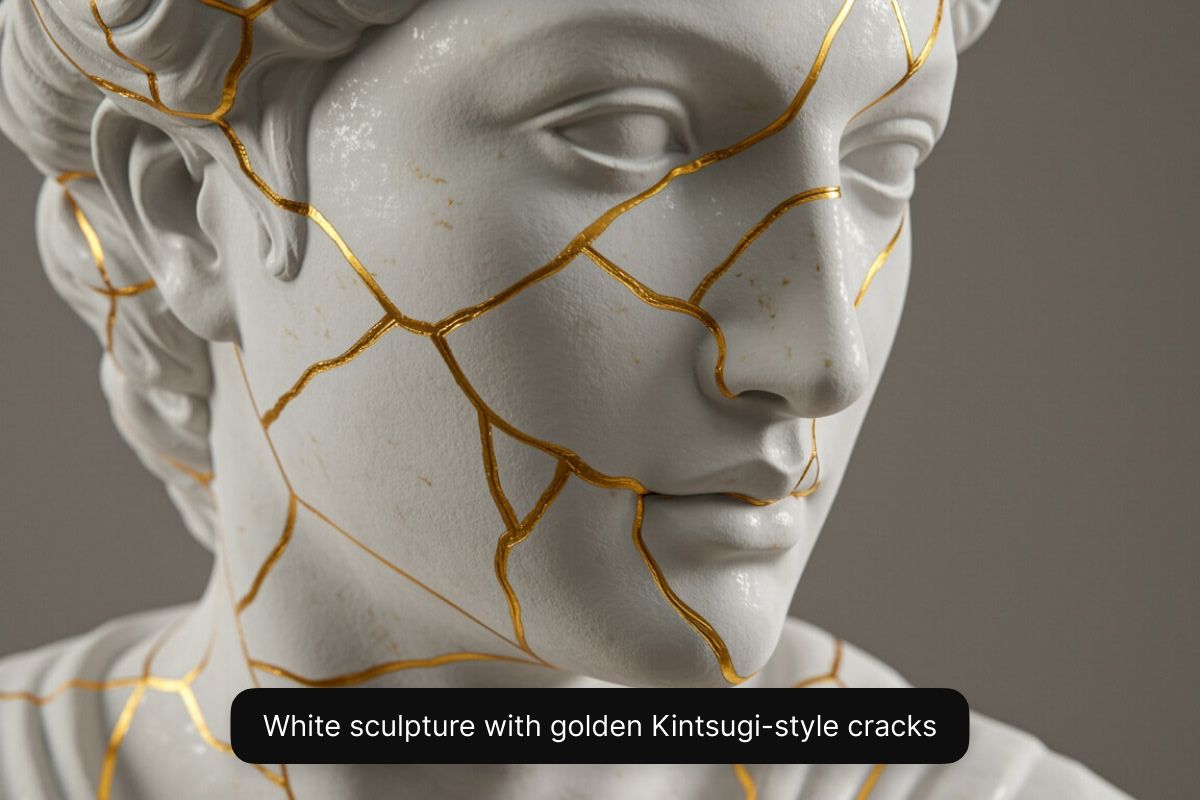
Create high-resolution AI art on your phone, tablet, or computer. You can access our AI art generation tool through the Pixelcut app or directly from any web browser on desktop or mobile. Create high-quality images in seconds, without needing to download expensive graphic design software on your computer. Our AI art generator produces sharp, detailed artwork that you can download and use immediately, wherever inspiration strikes. Get started by describing your idea in the prompt box!
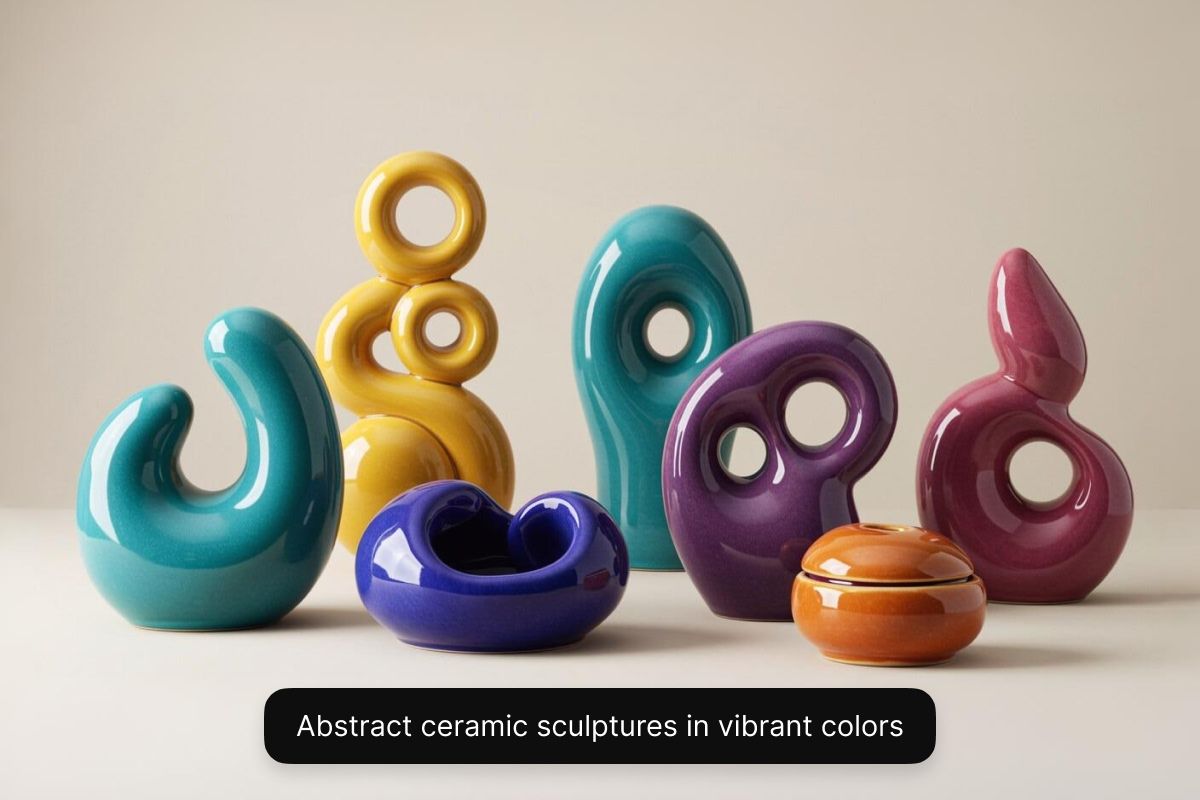
Every artistic vision is different. With Pixelcut, you can explore diverse artistic styles with multiple AI models. With a Pixelcut Pro plan, you’ll be able to select from a range of AI models, including Black Forest Labs’ Flux, Google’s Imagen 3, OpenAI’s GPT Image, Ideogram, and more. Each model showcases a distinct aesthetic, giving you the flexibility to experiment with different styles all in one place. Want an oil painting, a surreal abstract piece, or a realistic 3D render for a game? You have full control to experiment and choose the style you want. The result: artwork tailored to your needs. For free image generation, choose the Flux Dev model.
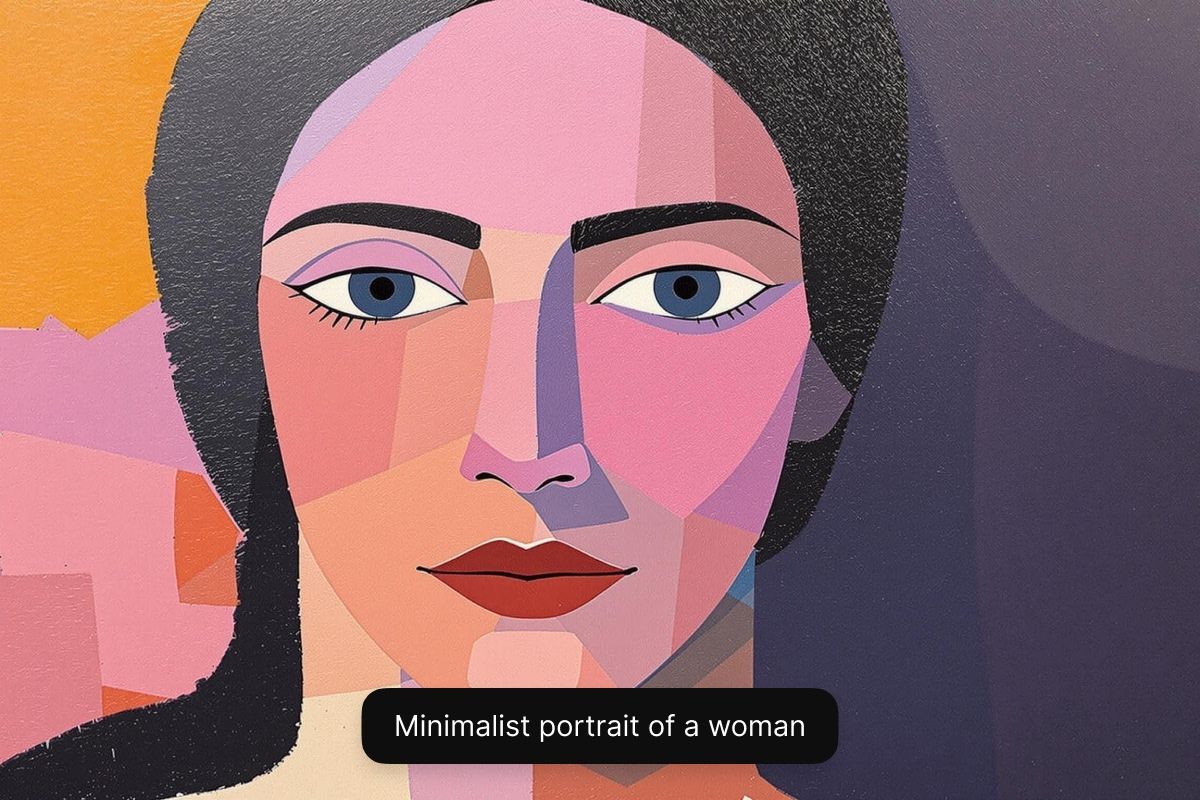
With Pixelcut’s AI art generator, you can use visuals you’ve created for commercial use. Every piece you create comes watermark-free and with a royalty-free license, allowing you to confidently use the visuals you created in any business context, from marketing campaigns to comic book illustrations. This ensures that your images are not only high-quality but also legally compliant, providing peace of mind as you grow your brand or project. Start creating with Pixelcut and enjoy peace of mind.
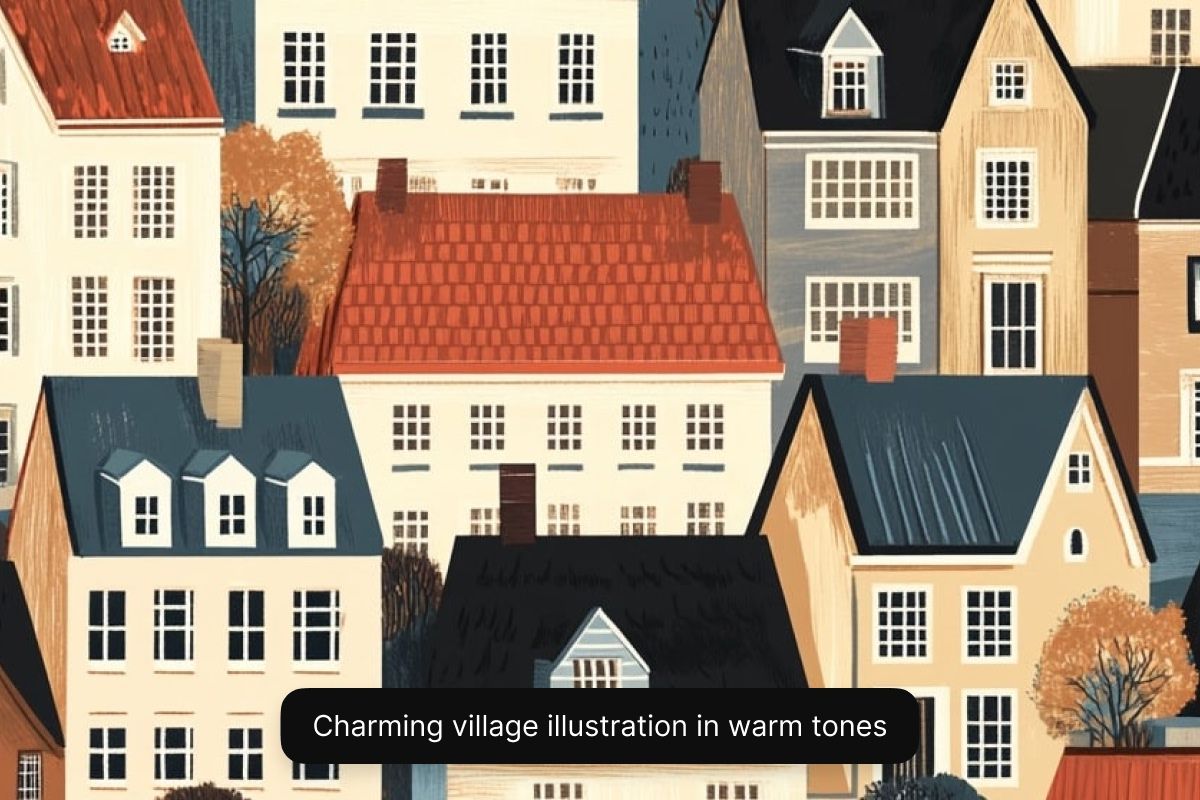
Game developers & illustrators: Quickly generate concept art, characters, environments, and cover designs. Pixelcut helps artists and devs bring ideas to life in seconds. Perfect for prototyping game worlds, comics, or children’s book illustrations.
Time-pressed entrepreneurs: Create custom hero images, calendars, or art for print-on-demand products in minutes. Pixelcut’s AI art generator helps entrepreneurs turn ideas into professional assets in minutes.
Digital content creators: Generate eye-catching YouTube thumbnails, Instagram posts, cover art for your podcast, or backgrounds for videos. Pixelcut fuels your creative flow with fast, AI-powered visuals for any social platform.
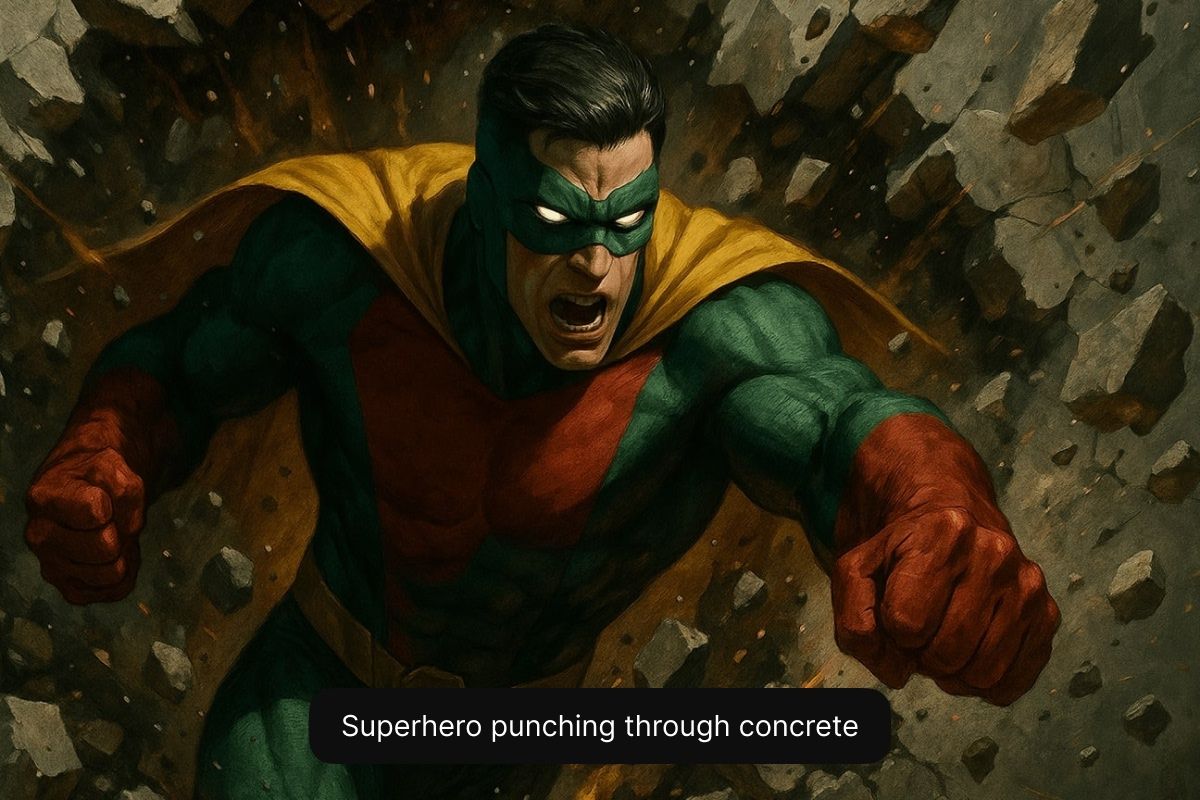
By following these tips, you’ll help the AI understand your vision and produce artwork that matches what you imagined.
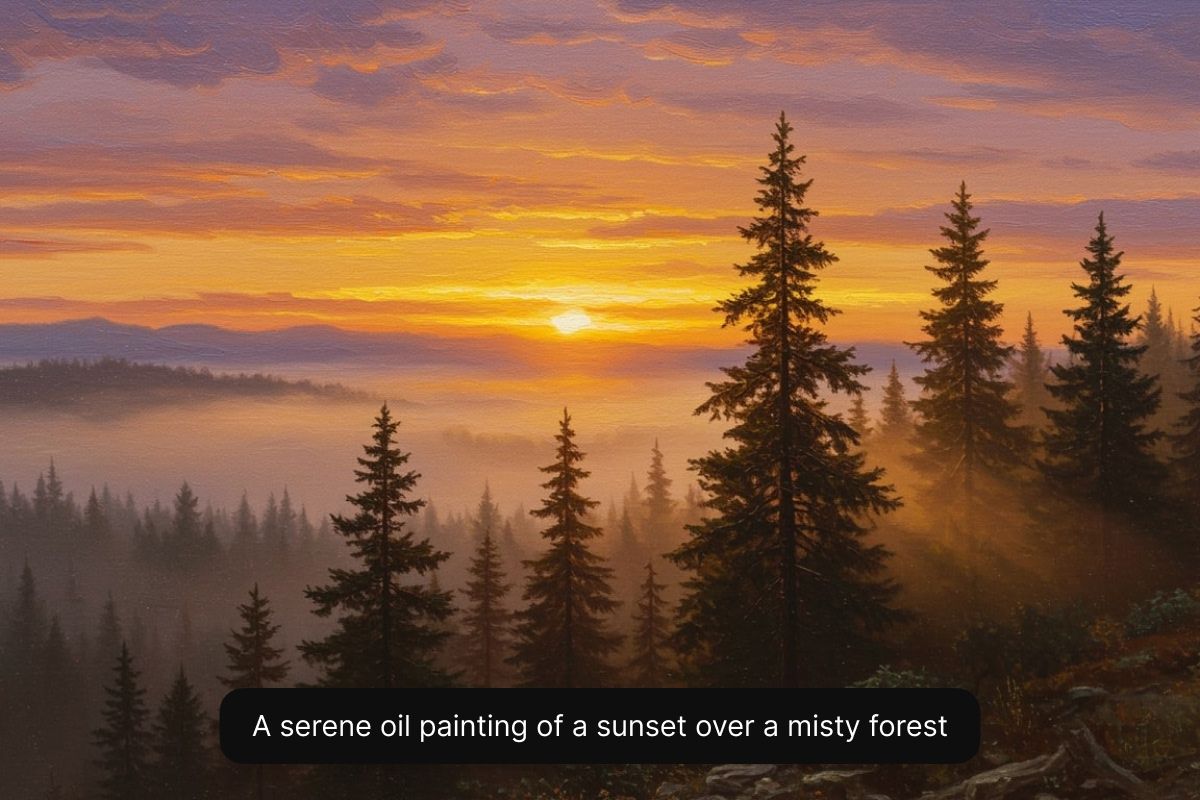
Begin by typing a detailed description of the art you want to generate. Include subject, style, and any other details. The more specific you are, the better the outcome.
Choose an AI model from the dropdown menu. For free AI art generation select Flux Dev. For Pixelcut Pro users, experiment with any model you like.
Our AI will instantly create multiple high-resolution versions of artwork from your description. Choose a different model or rewrite your prompt if you want to iterate through other options.
Your artwork is ready to download! Share it on social media, use it for marketing campaigns, or put it on a storyboard. Your AI art is ready for commercial use!
Start creating for free. Upgrade for more credits and features.



Trusted by creatives at











Great app, easy to use. Helps our small business save time and money to create different marketing materials professionally. Thank you.
I need a good background remover for my work and I've been through them all it feels like. This one is the best by far. It's so easy to use and the results always look amazing. Thank you Pixelcut!
It's amazingly easy and gives the perfect results for my bags and accessories. It looks like it was done by a professional photographer.