My favorite app
Great app, easy to use. Helps our small business save time and money to create different marketing materials professionally. Thank you.
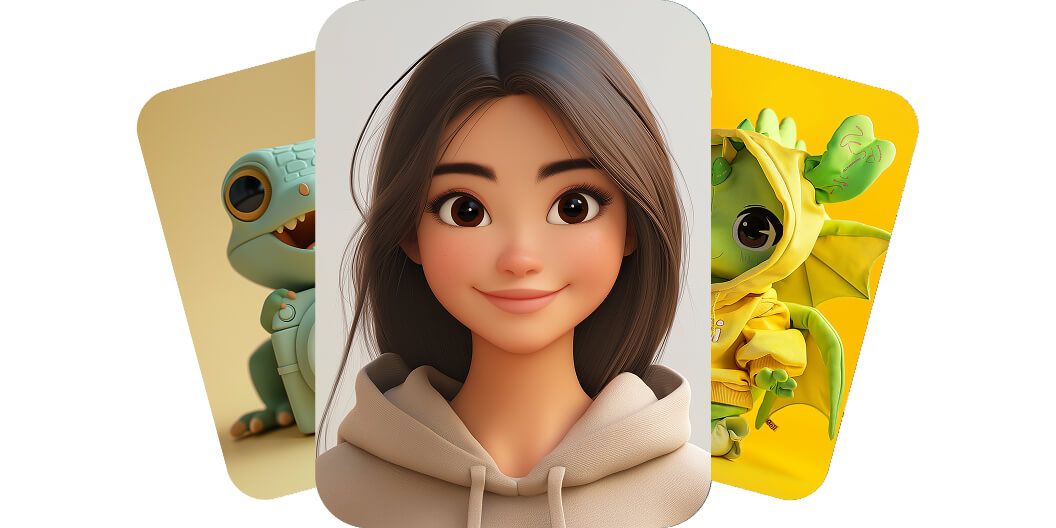
Pixelcut’s AI character generator lets anyone create a custom character in seconds, no design skills needed. This powerful tool transforms your written description into artwork at lightning speed, eliminating the need for costly illustrators or time-consuming design software. Even a busy marketer or a writer with no art background can instantly visualize new characters for a project just by typing ideas. Unleash your creativity and see characters appear out of thin air. Try it free and see the magic for yourself!
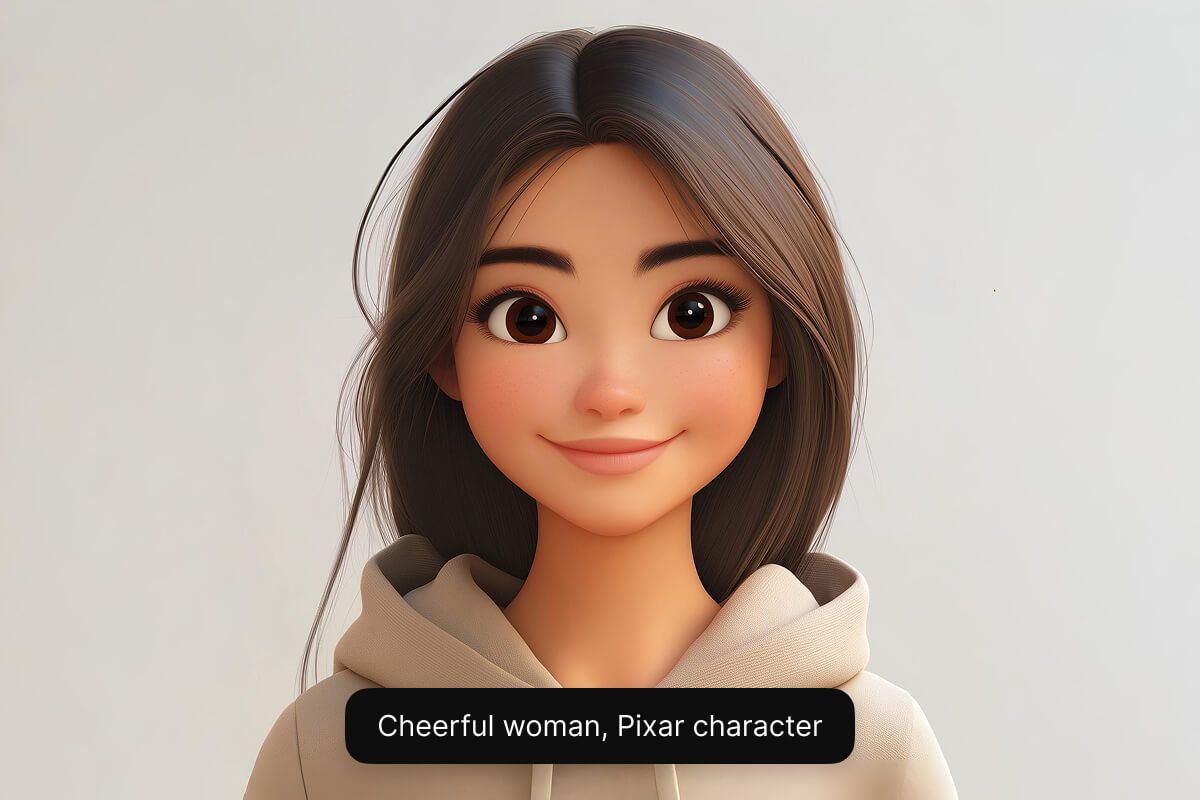
Create a character in any style you want using Pixelcut’s AI models. From a cute cartoon mascot to a realistic fantasy hero, the AI can generate it. The tool offers multiple AI engines (including Google Imagen 3 and Flux) so you can get the exact look and quality you need. This flexibility empowers illustrators to experiment with different styles and helps game designers bring unique characters to life. Try it free and unleash your creativity across styles.
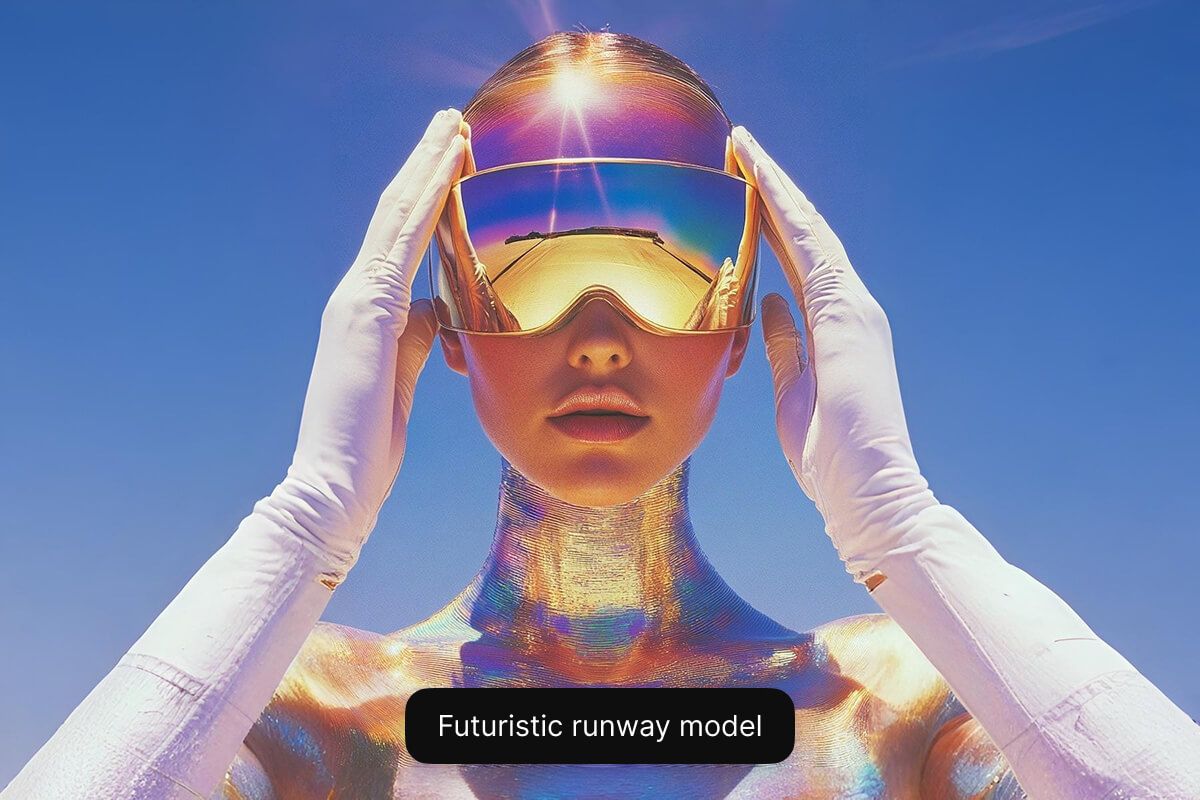
Our free online custom AI cartoon character generator runs in your web browser, so there’s nothing to download or install. Anyone can craft cartoon or anime-style characters in seconds using a simple text prompt. Gamers can bring fantasy characters to life, and small businesses can create a mascot or avatar – all for free. Get started now for free and bring your character to life!
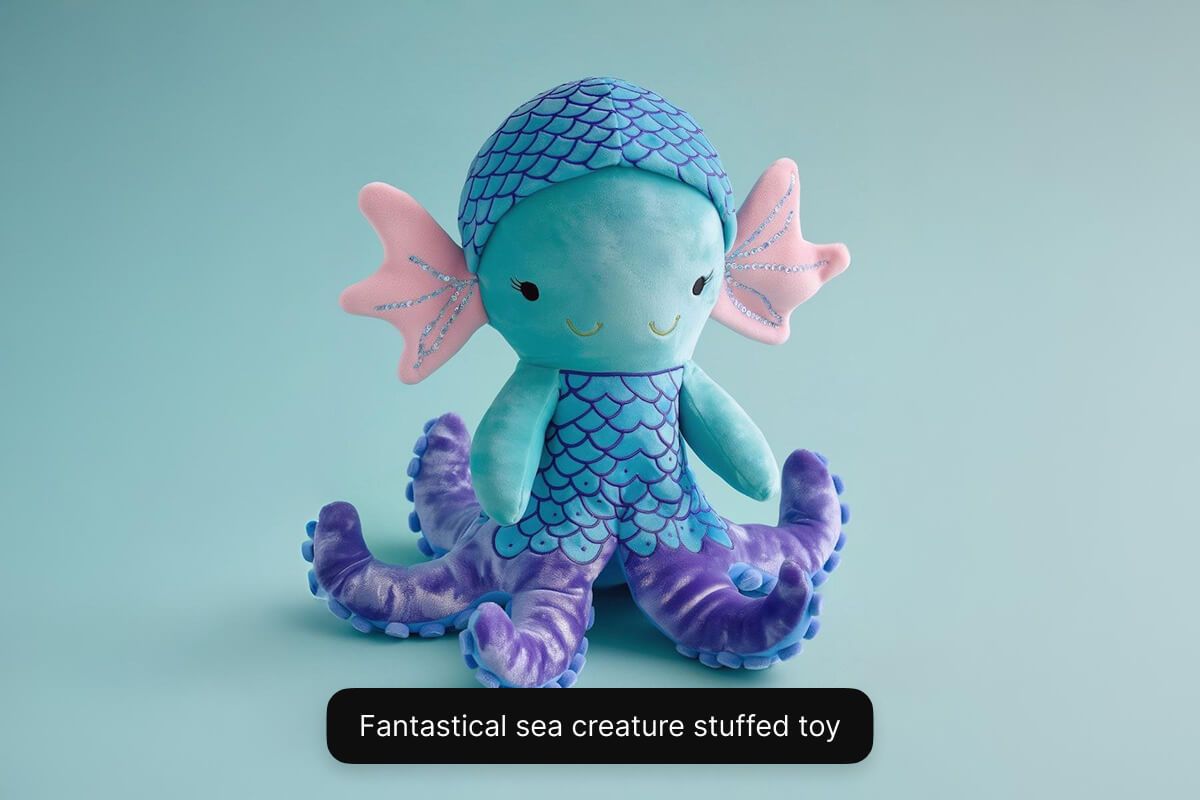
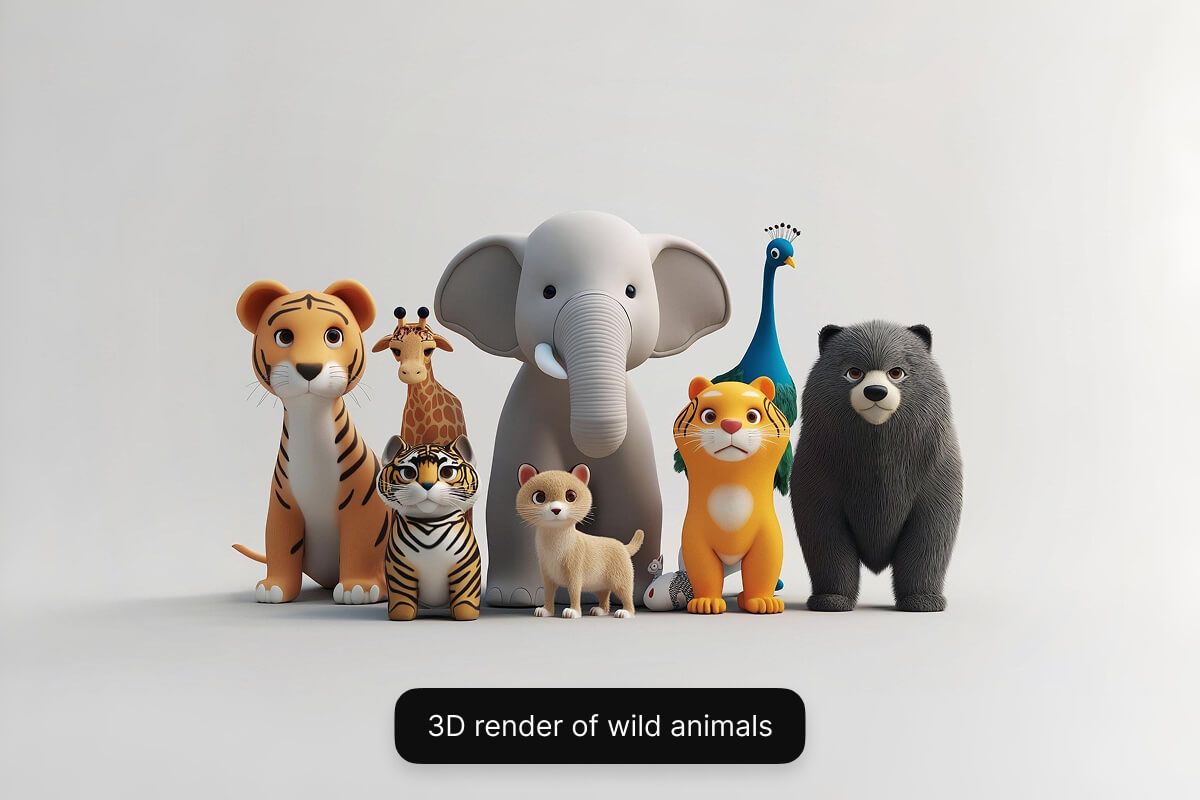
Type a short text description of the character you want to create. Include key details about their look, personality clothing, and background.
Select one of our supported models including Flux Dev, Flux Pro, Flux Ultra, and Ideogram. This allows you to experiment and see which model best fits your needs.
In seconds, Pixelcut’s AI will create a unique character image based on your description. The AI interprets your prompt and instantly visualizes your character for you.
Once you’re happy with the result, download your character image to your device. It’s ready to use in your game, story, marketing campaign, or any project.











An AI character generator is a tool that uses artificial intelligence to create character images from text descriptions. In other words, it interprets your written prompt and produces a unique character design automatically (for example, turning a description of a “cyberpunk elf warrior” into a picture).
Yes. Pixelcut’s AI character generator is free to use online. You can create characters at no cost directly from your web browser.
No. You don’t need any design or drawing skills to use Pixelcut’s AI Character Generator. The tool handles all the art creation for you from your text prompt, so it’s very easy for beginners.
Yes. Pixelcut’s AI character generator can create cartoon-style characters as well as realistic ones. Simply include the desired style in your prompt (for example, “cartoon knight”), and the AI will generate the character in that style.
Yes. Characters generated by Pixelcut are unique and royalty-free, so you can confidently use them in commercial projects.
Great app, easy to use. Helps our small business save time and money to create different marketing materials professionally. Thank you.
I need a good background remover for my work and I've been through them all it feels like. This one is the best by far. It's so easy to use and the results always look amazing. Thank you Pixelcut!
It's amazingly easy and gives the perfect results for my bags and accessories. It looks like it was done by a professional photographer.