Pixelcut
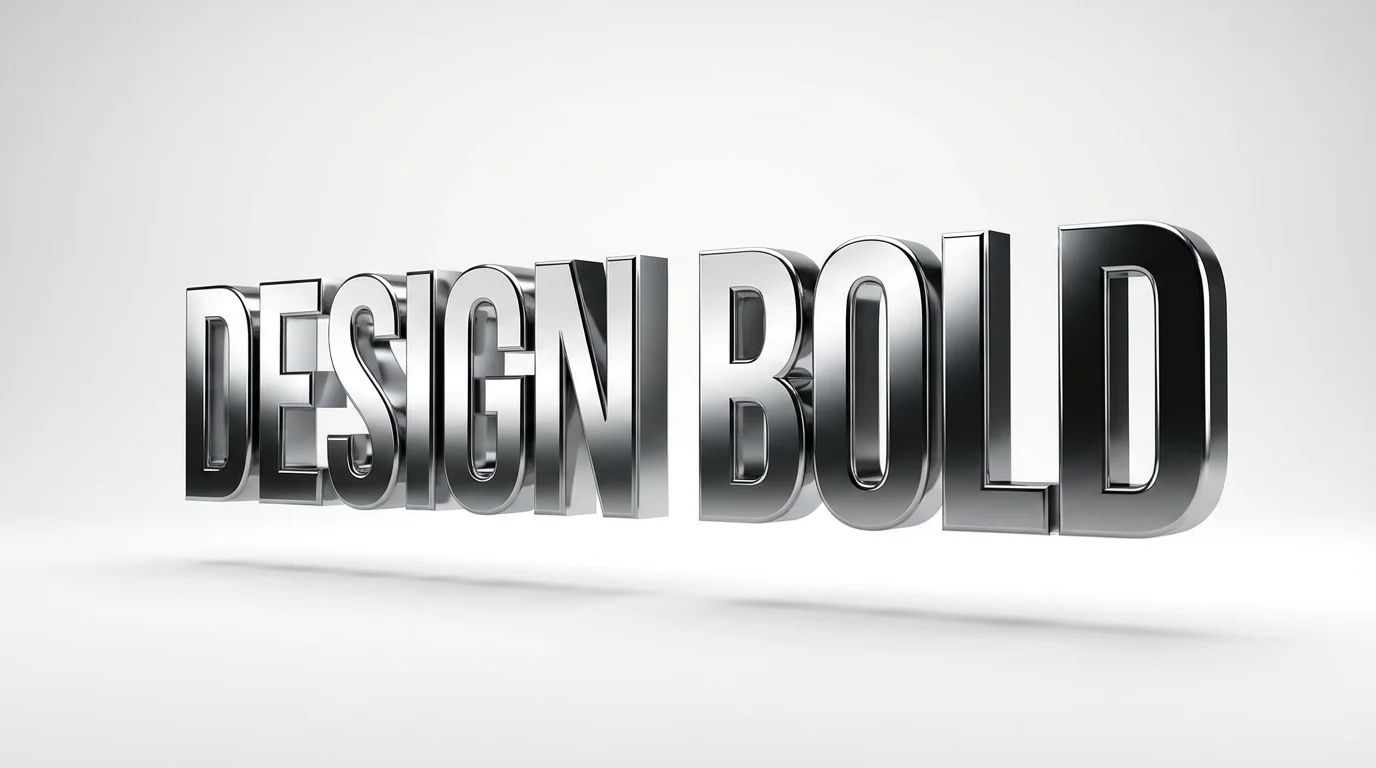
An eye-catching hero image displaying the words 'DESIGN BOLD' rendered in a hyper-realistic glossy chrome 3D text effect, floating over a clean white surface with soft shadows and dramatic lighting.

AI 3D Text to Image Generator

Trusted by 70 million people
171,800 Reviews
Developer API
Available on iPhone & Android

How to Create 3D Text with AI

  1. 1

    Describe Your 3D Text

    Start by writing a prompt that details the 3D text you want to create. Include the text itself, plus descriptions of material, color, and lighting. For example: '3D text saying PIXEL, made of frosted glass'.

  2. 2

    Generate Your Image

    Click the generate button and let the AI work its magic. It will interpret your prompt to model, texture, and light your text, creating a unique image based on your description in just a few seconds.

  3. 3

    Download Your 3D Text Image

    Your high-resolution 3D text image is ready to download. Save it as a PNG or JPEG file and use it for your logo, website, social media post, or any other creative project. All downloads are watermark-free.

Forget spending hours in complicated design programs. Pixelcut's AI 3D text generator creates impressive three dimensional lettering right from your browser. Simply type what you want to create. For example, you could ask for 'the word HELLO made of grass' or 'the word FUTURE in a chrome finish'. The AI handles the modeling, lighting, and textures, delivering a high-quality image in moments. It’s the easiest way to make your text stand out for any project, from presentations to social media posts, without any design experience needed.

Instant 3D Text, No Complex Software

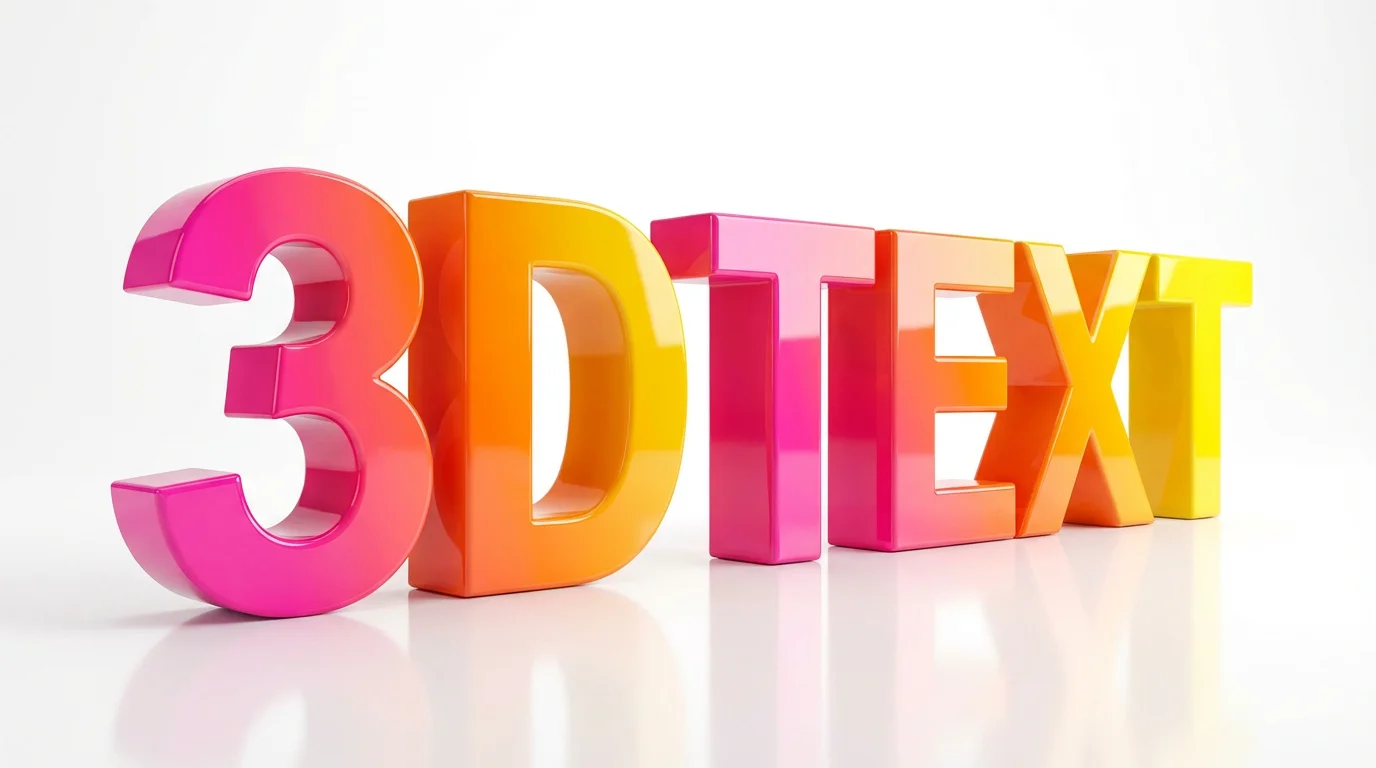
A colorful and glossy set of 3D letters spelling out '3D TEXT' on a clean white background, demonstrating a three-dimensional text effect.
Your imagination is the only limit. Our AI tool gives you the power to specify every detail of your 3D text. Describe the material you envision, whether it's glossy plastic, rustic wood, glowing neon, or polished metal. Dictate the lighting, from soft and ambient to dramatic and high contrast. You can even define the environment and background. This level of control means you can generate 3D text that perfectly matches your brand's aesthetic or the mood of your creative project, all through simple text commands.

Full Creative Control with Text Prompts

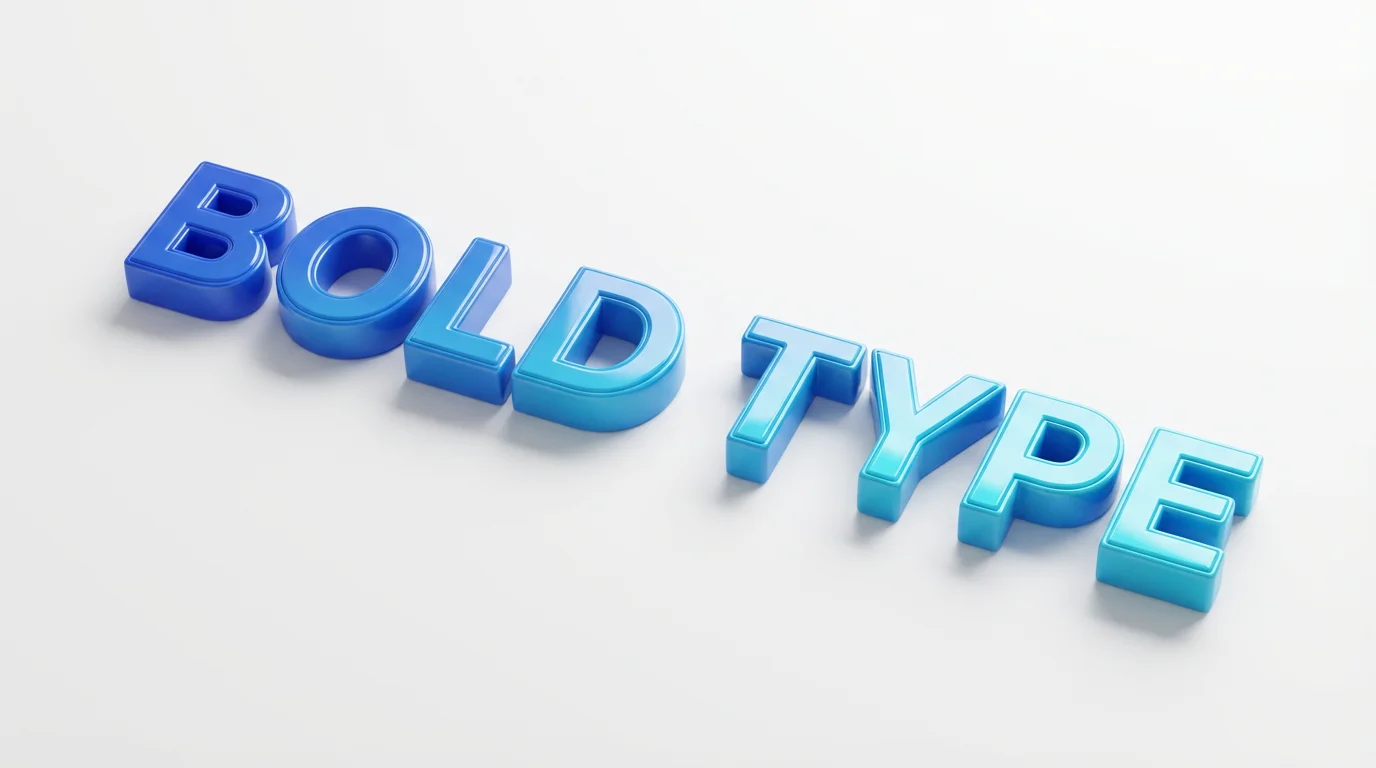
A photorealistic 3D rendering of the words 'BOLD TYPE' in a bold, glossy font. The text features a colorful blue and cyan gradient and casts a soft shadow on a clean white background, creating a sense of depth.
Produce professional-grade 3D text that adds a layer of polish to all your work. The images you generate are high-resolution and perfect for a wide array of uses. Design a bold 3D logo for your new business, create eye-catching headlines for your website, or make title cards for a video project. The clean, crisp output ensures your text looks great on screens of all sizes and even in print. Download your creations watermark-free and ready to use in JPEG or PNG format.

Studio-Quality Renders for Any Application

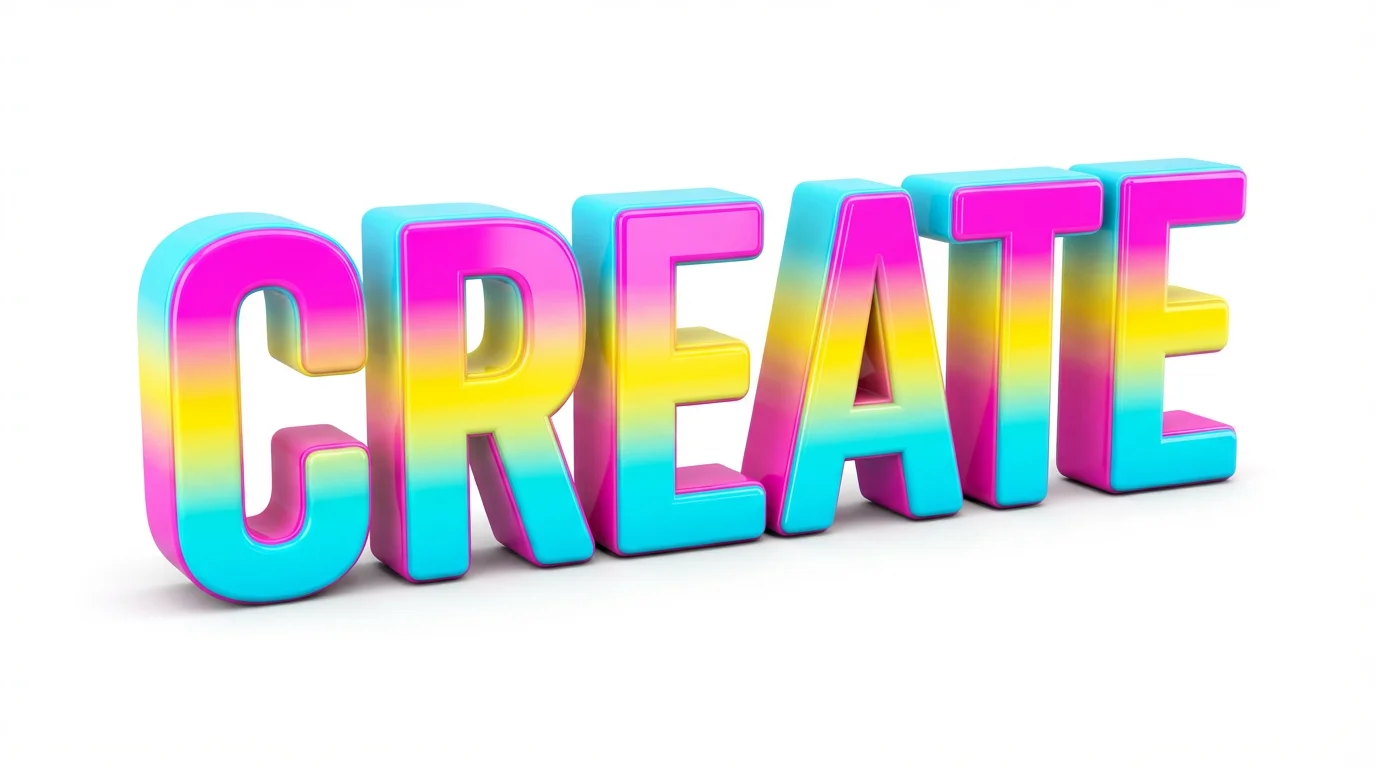
A 3D rendering of the word 'CREATE' in vibrant, glossy, multi-colored letters, set against a plain white background to emphasize its three-dimensional quality.
It’s Fast: Go from a simple idea to a finished 3D render in just a few seconds. It's Easy to Use: If you can describe it, you can create it. No 3D modeling skills are required. AI-Powered: Leverage advanced AI to generate complex effects like realistic lighting, shadows, and material textures automatically. Completely Customizable: Describe the letters, materials, colors, and background to create something that is uniquely yours. Versatile Output: Download high-quality images for logos, websites, social media, presentations, and more.

Why use Pixelcut's AI 3D Text Generator?

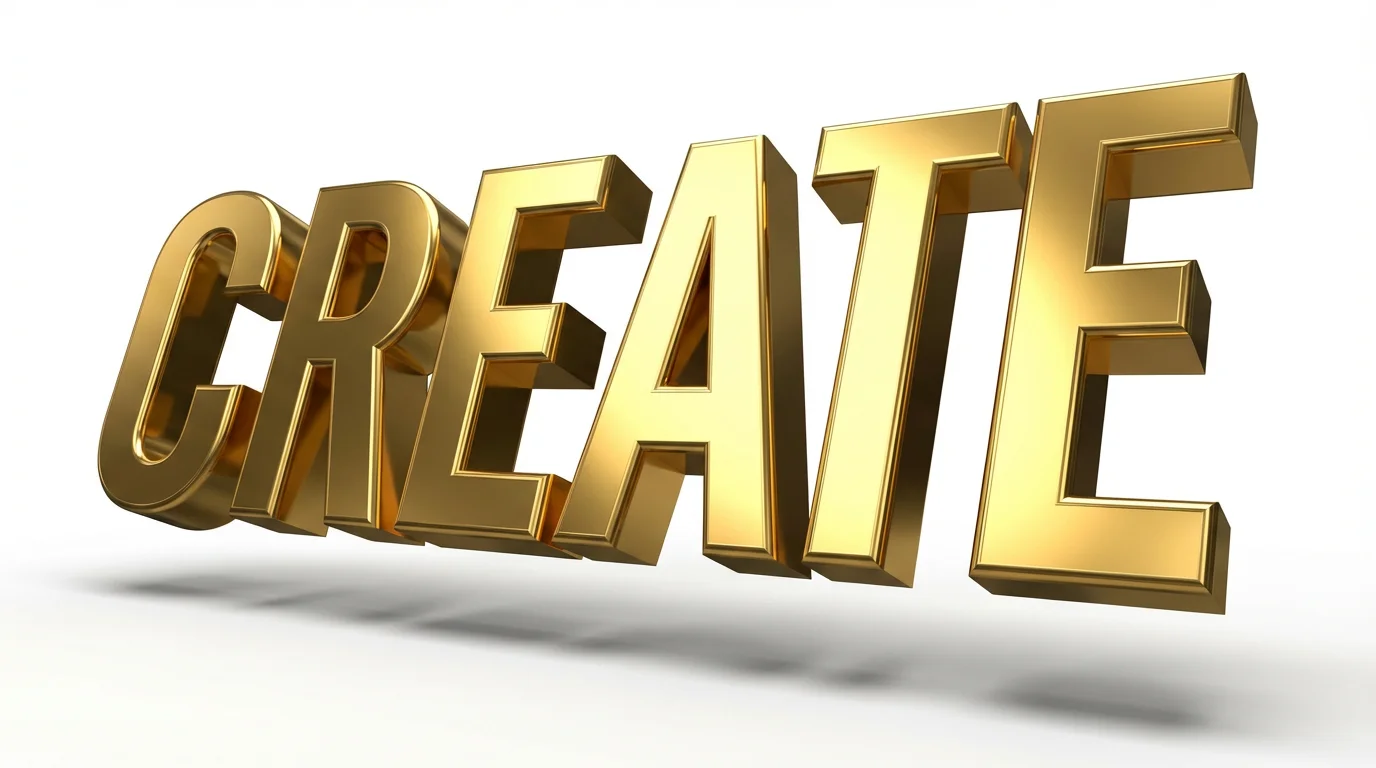
A photorealistic 3D rendering of the word 'CREATE' in bold, golden letters. The text is shown from an angle against a clean white background, with dramatic lighting creating highlights and shadows that emphasize its three-dimensional form.
Logos and Branding: Create a memorable 3D logo that helps your brand stand out from the competition. Website Headers: Grab visitors' attention instantly with a powerful 3D headline on your homepage. Social Media Content: Make your posts and stories pop with custom 3D text for announcements and quotes. Presentation Titles: Give your slides a professional edge with dynamic 3D titles that command the room. Digital Art: Experiment with different text effects to create unique typographic art for personal or commercial projects.

3D Text Generator Use Cases

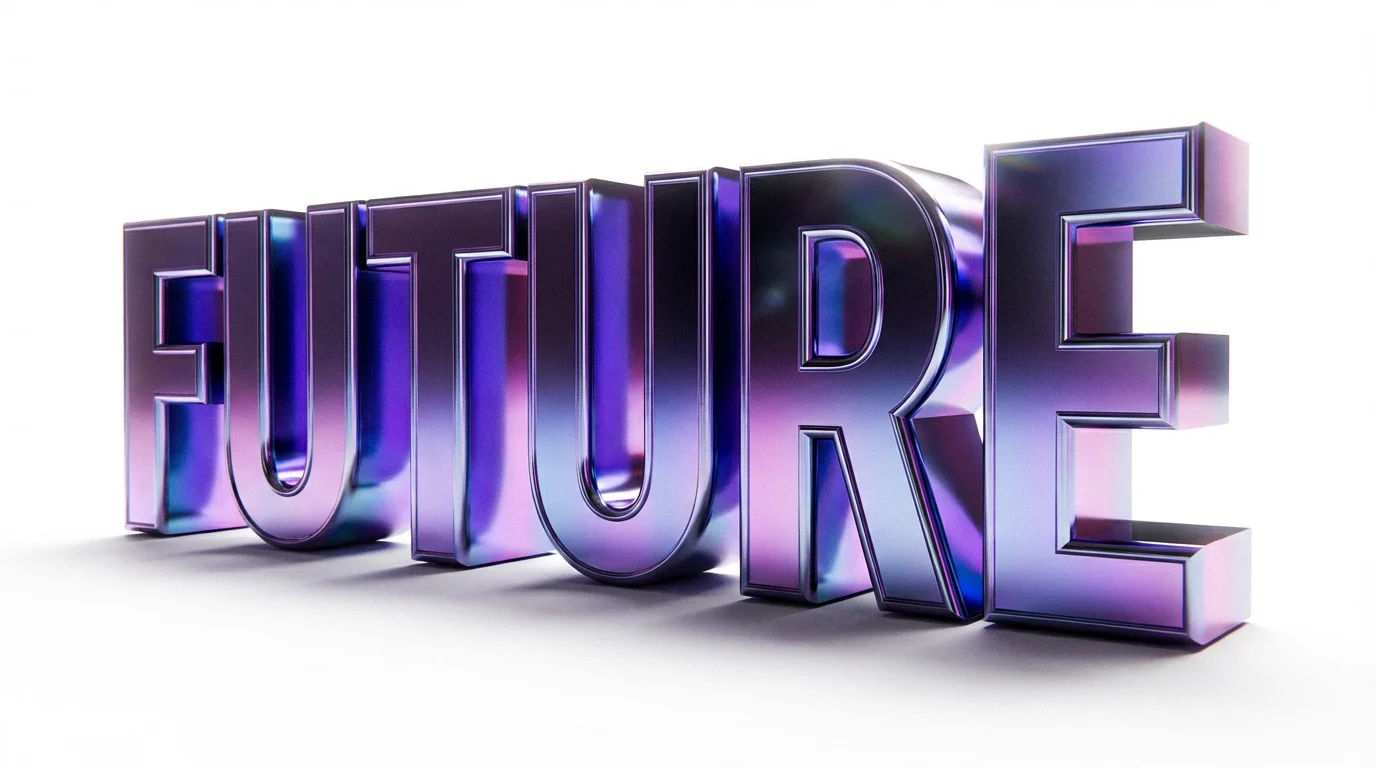
A close-up 3D rendering of the word 'FUTURE' in a shiny, iridescent chrome finish, set against a stark white background to highlight the text's depth and vibrant colors.

Frequently Asked Questions

Pixelcut is loved by over 2 million people

  • My favorite app

    Great app, easy to use. Helps our small business save time and money to create different marketing materials professionally. Thank you.
    Shaelyn D.
  • Best background remover

    I need a good background remover for my work and I've been through them all it feels like. This one is the best by far. It's so easy to use and the results always look amazing. Thank you Pixelcut!
    Kira H.
  • Love it

    It's amazingly easy and gives the perfect results for my bags and accessories. It looks like it was done by a professional photographer.
    Mary J.