My favorite app
Great app, easy to use. Helps our small business save time and money to create different marketing materials professionally. Thank you.
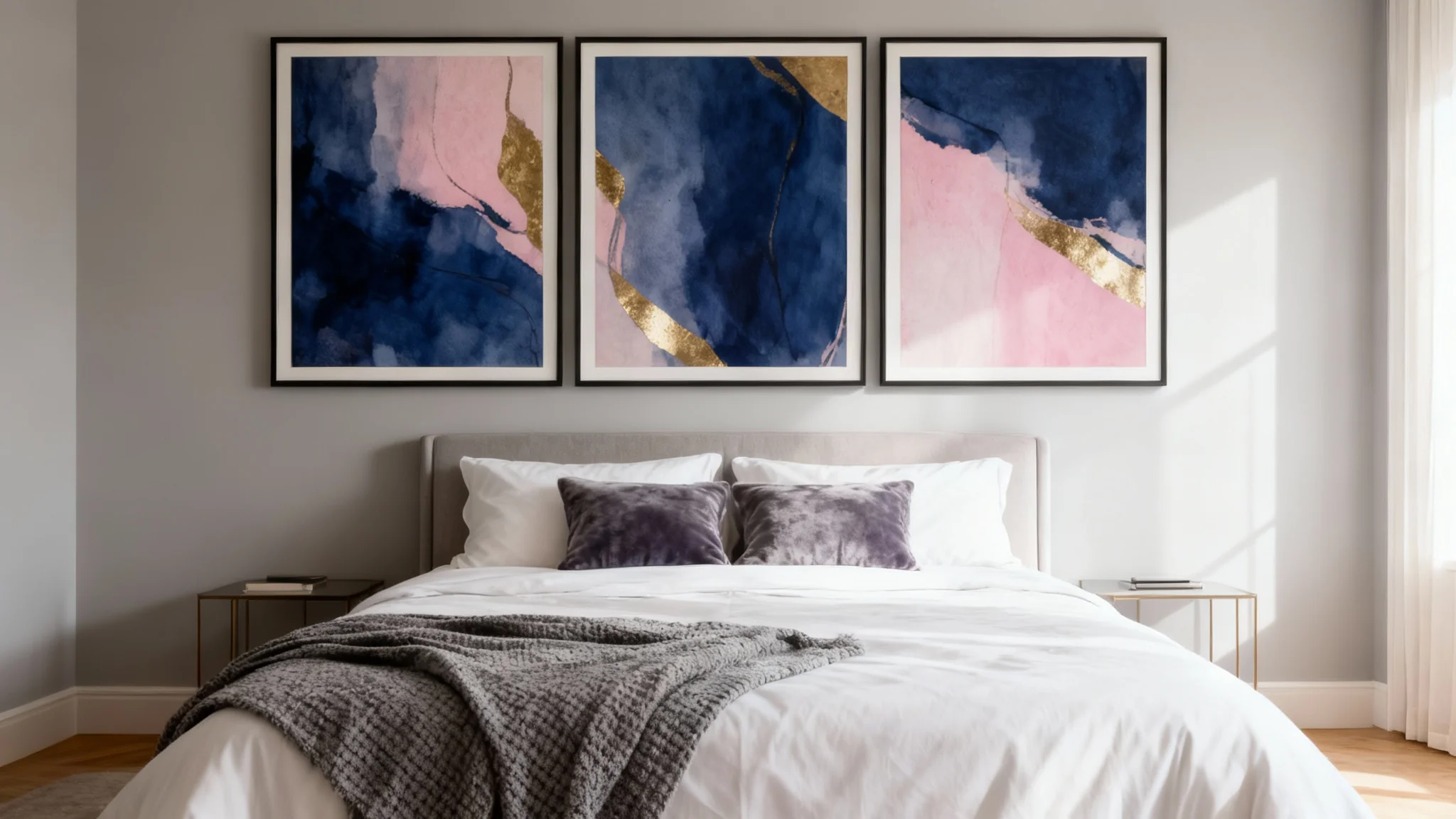
Start by uploading a clear, well-lit photo of your bedroom, making sure the wall space above your bed is visible.
In the prompt box, type a description of the wall art you want to see. Be as specific or general as you like. For example: 'A large abstract canvas with gold leaf'.
Click the generate button. Our AI will place your described artwork onto the wall in your photo, scaled and ready for you to review.
Happy with your new bedroom look? Download the high-resolution image to use as a reference for your decorating project.
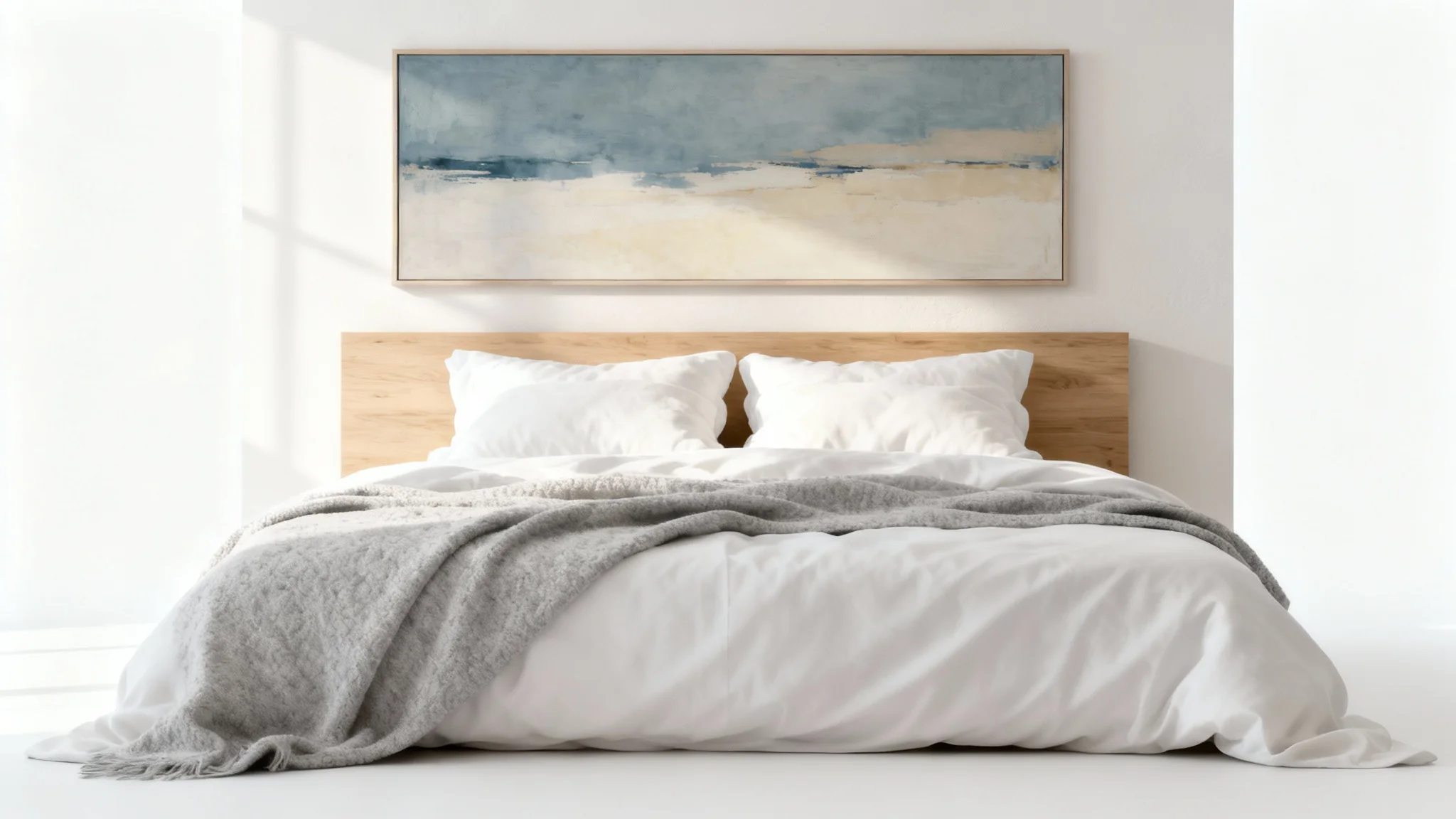
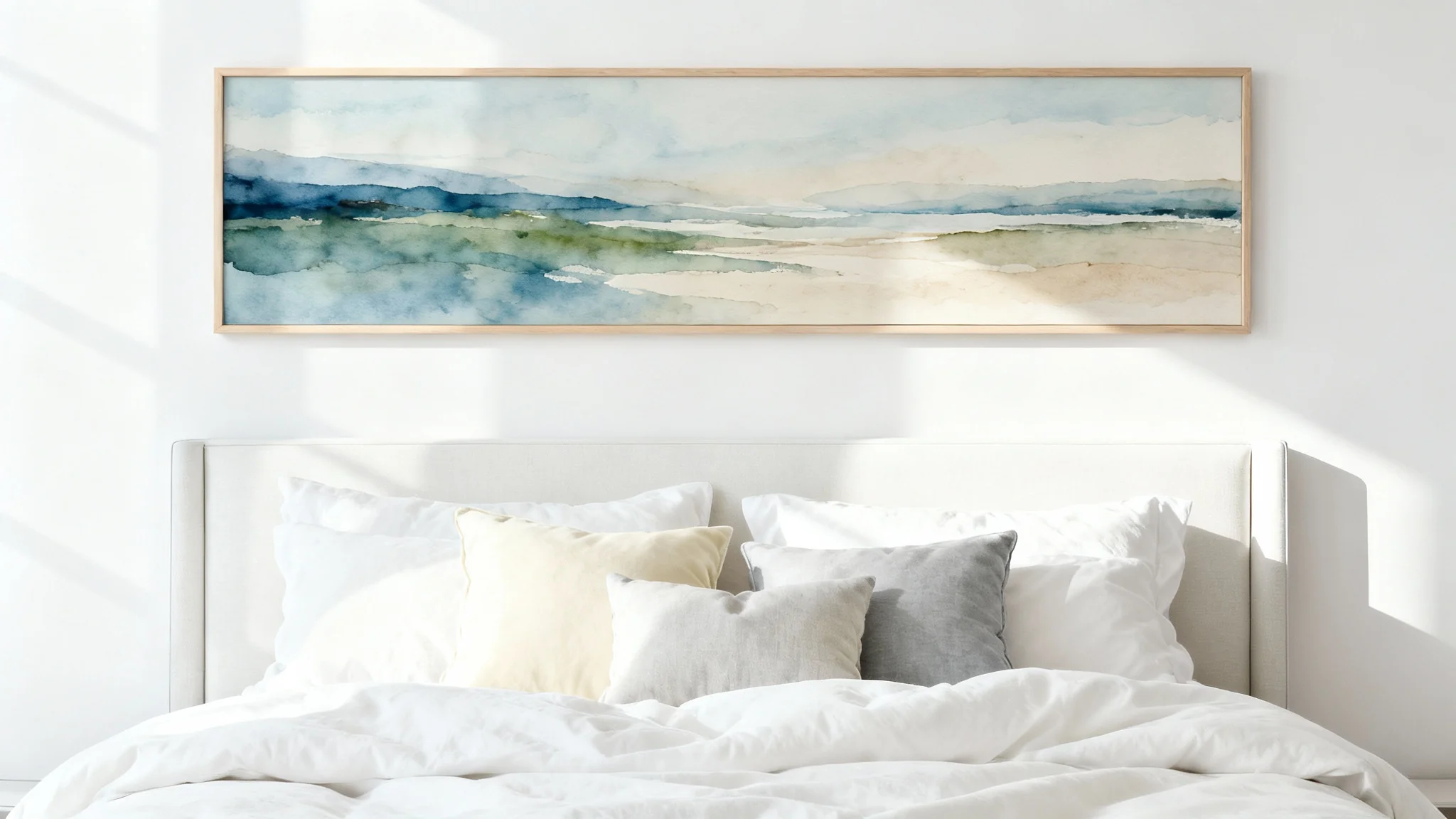

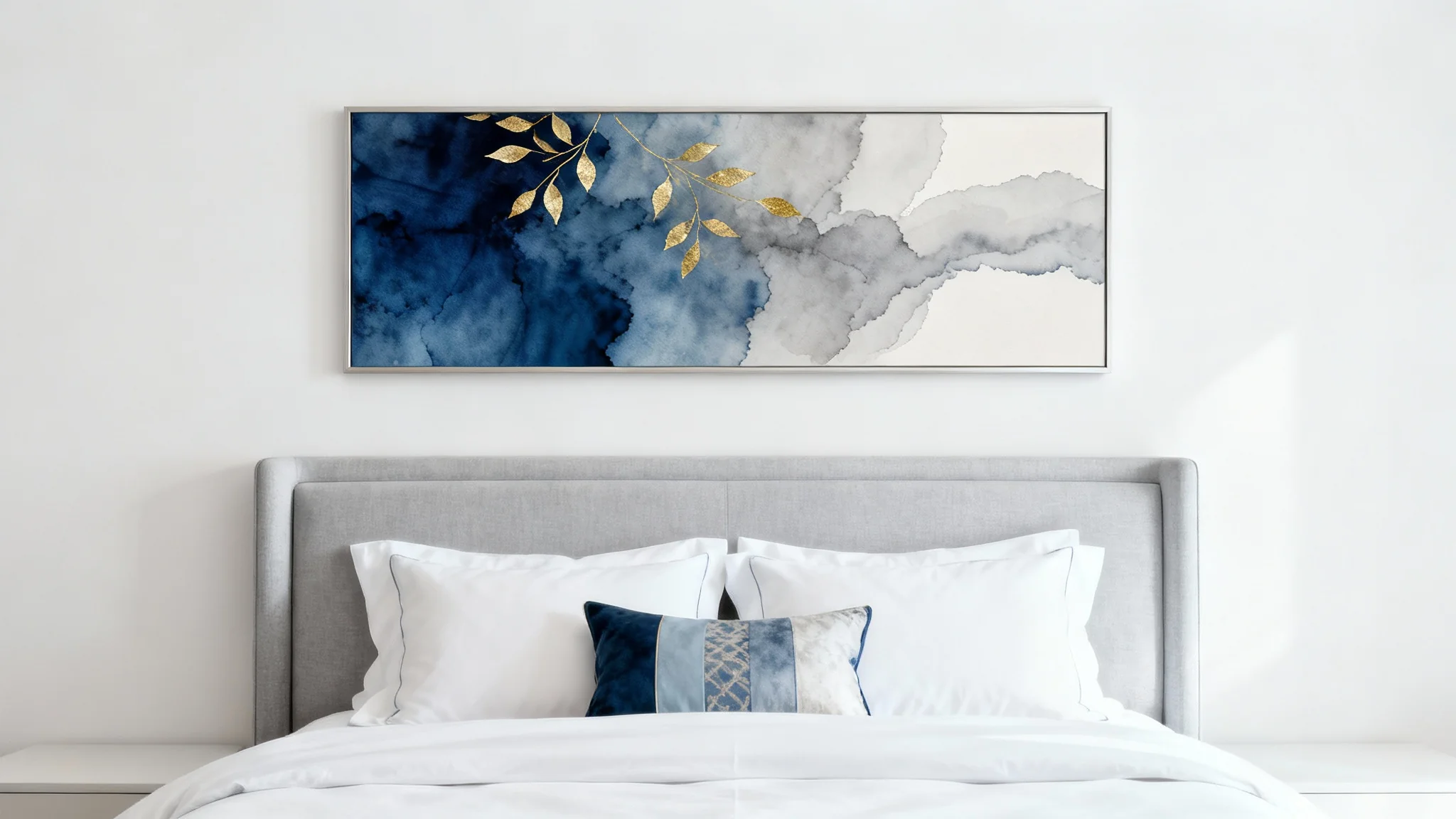
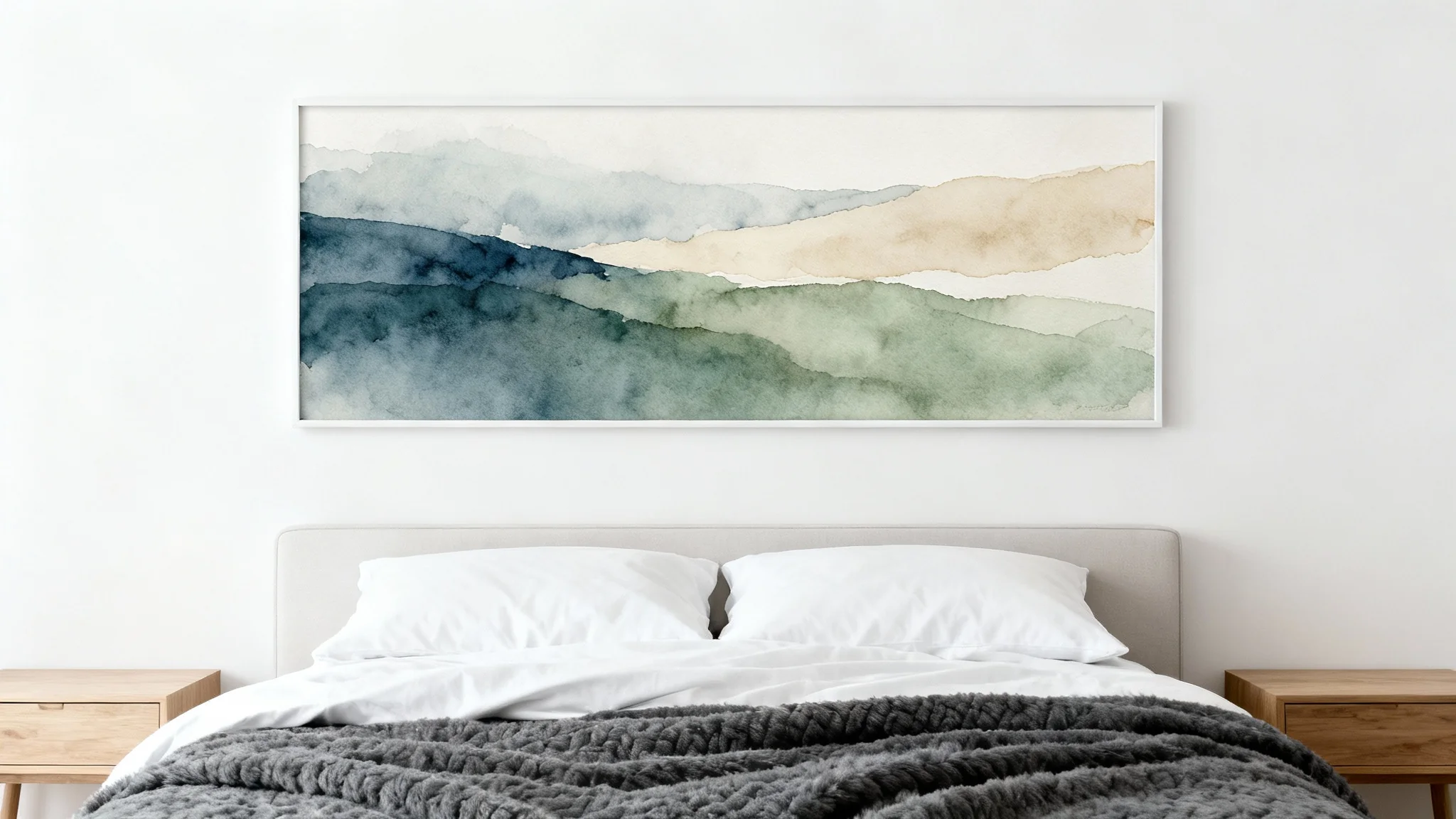











You can easily see what art will look like by uploading a photo of your bedroom. Then, in the text prompt, describe the type of art you want to see, such as 'a modern abstract painting with blue and gold' or 'a set of three black and white botanical prints'. The tool will then generate an image of your room with that artwork placed above the bed.
The best art for above your bed depends on the feeling you want to create. Calming landscapes or abstract art with soft colors can create a relaxing atmosphere. Bold, vibrant pieces can serve as a focal point. Ultimately, choose art that is meaningful and brings you joy.
A general guideline is that artwork should be about two-thirds the width of the headboard to look balanced. Our AI tool helps you visualize this by generating appropriately scaled art for your specific bed size, removing the need for you to measure.
Yes, the primary function of this tool is to allow you to upload a picture of your own room to visualize new wall art. This gives you a realistic preview of how different pieces will look in your personal space.
No problem. You can use descriptive prompts to explore ideas. For example, you could type 'something calming and nature-inspired' or 'a geometric pattern with warm colors' and let the AI provide you with creative options to inspire your decision.
Both can work beautifully. A single large piece can create a strong focal point, while a gallery wall of smaller pieces can add a more personal, collected feel. You can use our tool to experiment with both options to see which you prefer for your space.
Great app, easy to use. Helps our small business save time and money to create different marketing materials professionally. Thank you.
I need a good background remover for my work and I've been through them all it feels like. This one is the best by far. It's so easy to use and the results always look amazing. Thank you Pixelcut!
It's amazingly easy and gives the perfect results for my bags and accessories. It looks like it was done by a professional photographer.