My favorite app
Great app, easy to use. Helps our small business save time and money to create different marketing materials professionally. Thank you.
Start by uploading your school's logo, brand colors, and any specific photos of your campus or students that you wish to feature.
Write a detailed prompt explaining your vision. Include text for headlines, program details, and contact info. For example: 'A modern trifold brochure with our logo, using blue and gold, featuring an image of the library.'
Click the generate button and let the AI bring your description to life. It will compose a unique brochure layout based on your instructions and uploaded assets.
Your high-resolution academic brochure is ready to be downloaded. Use it for your website, email campaigns, or send it to a printer for your next open day.
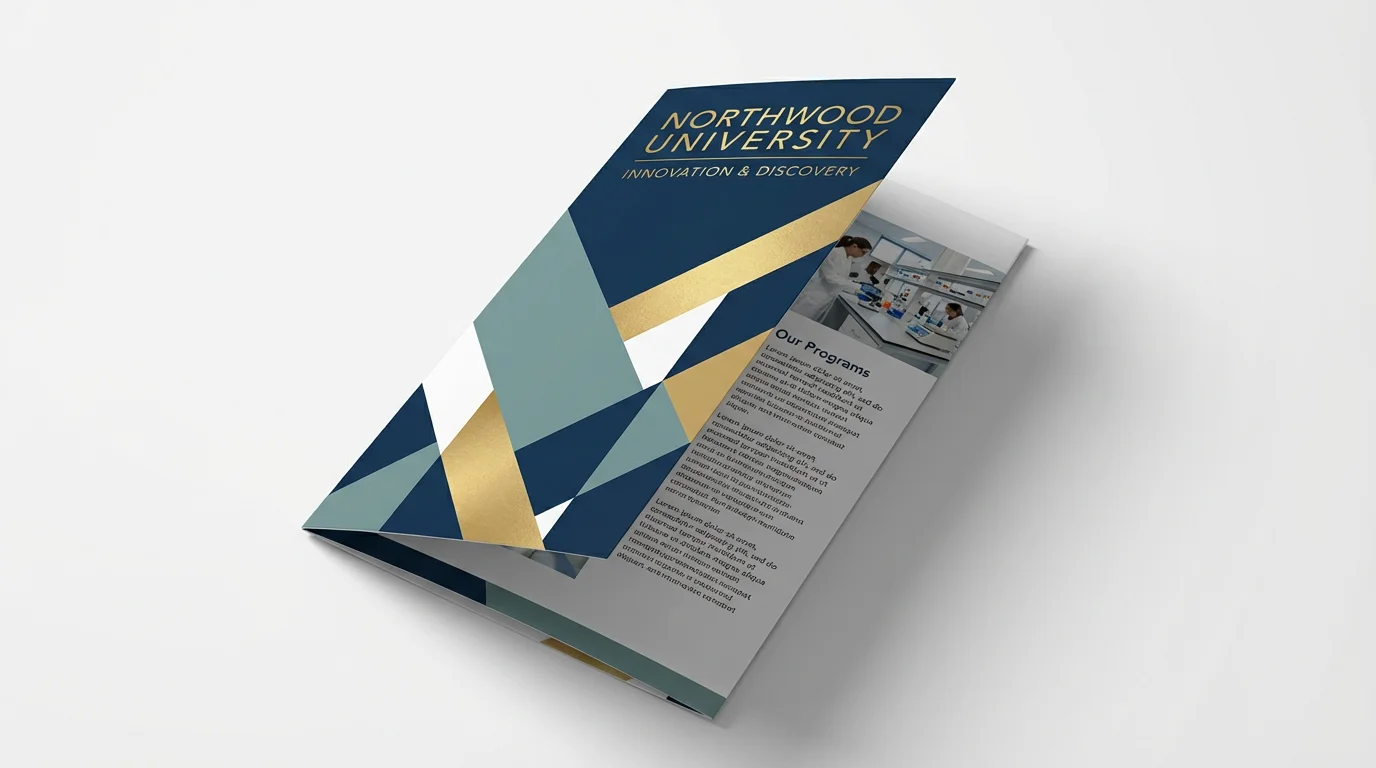
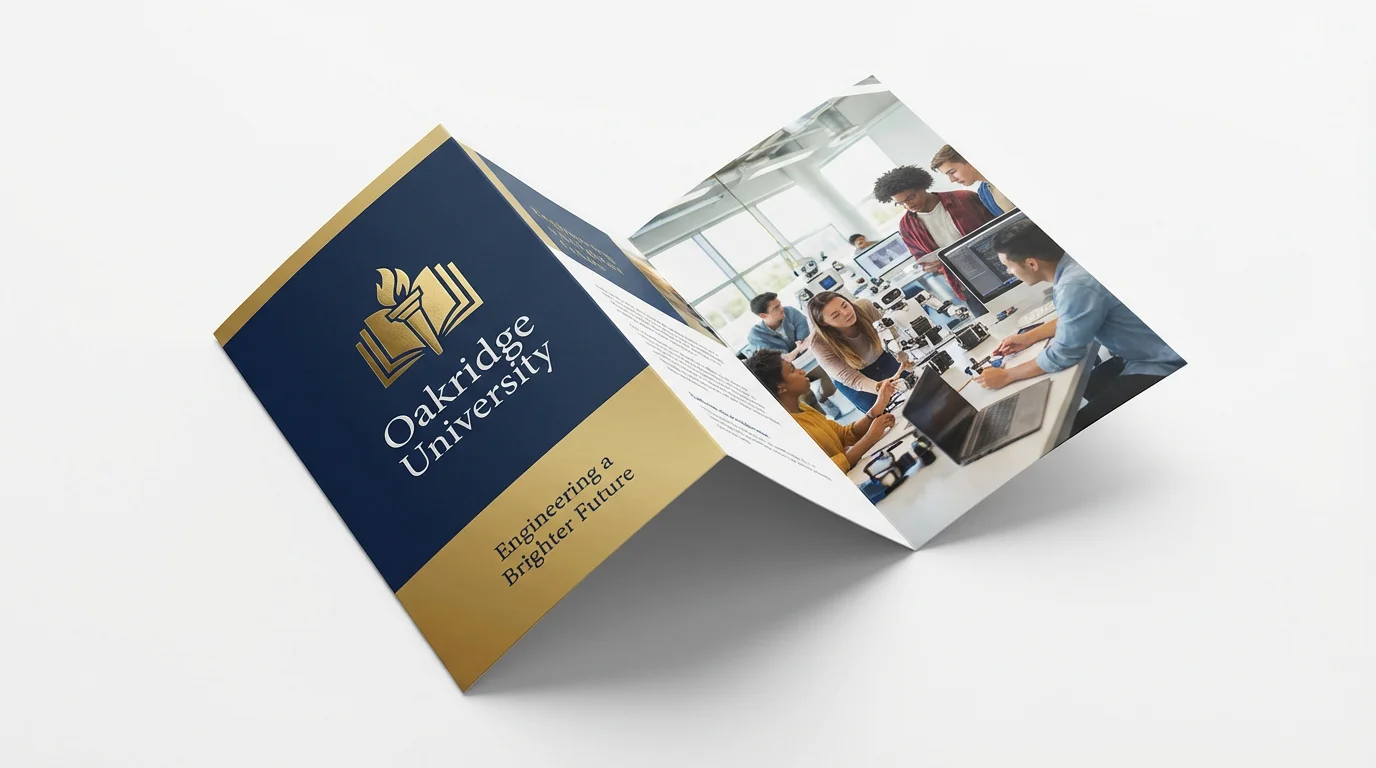
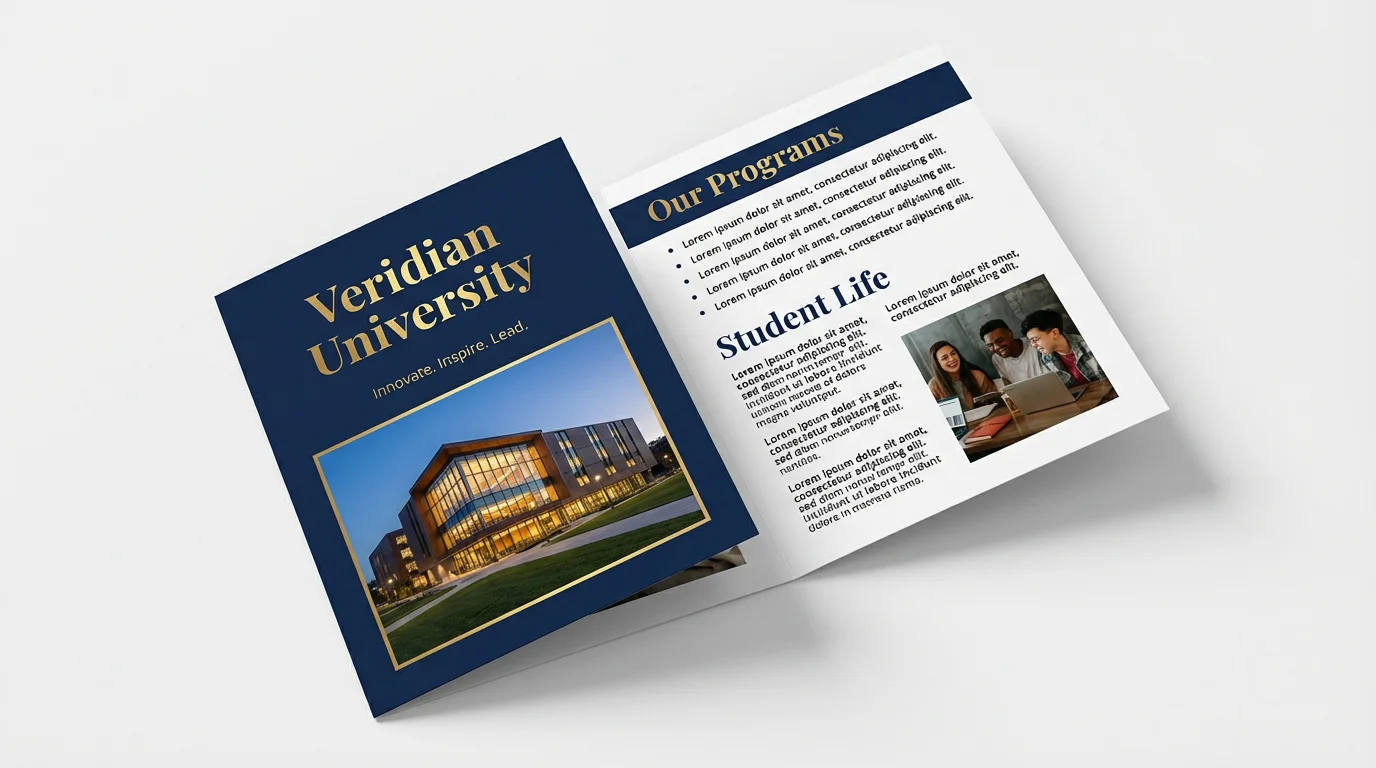
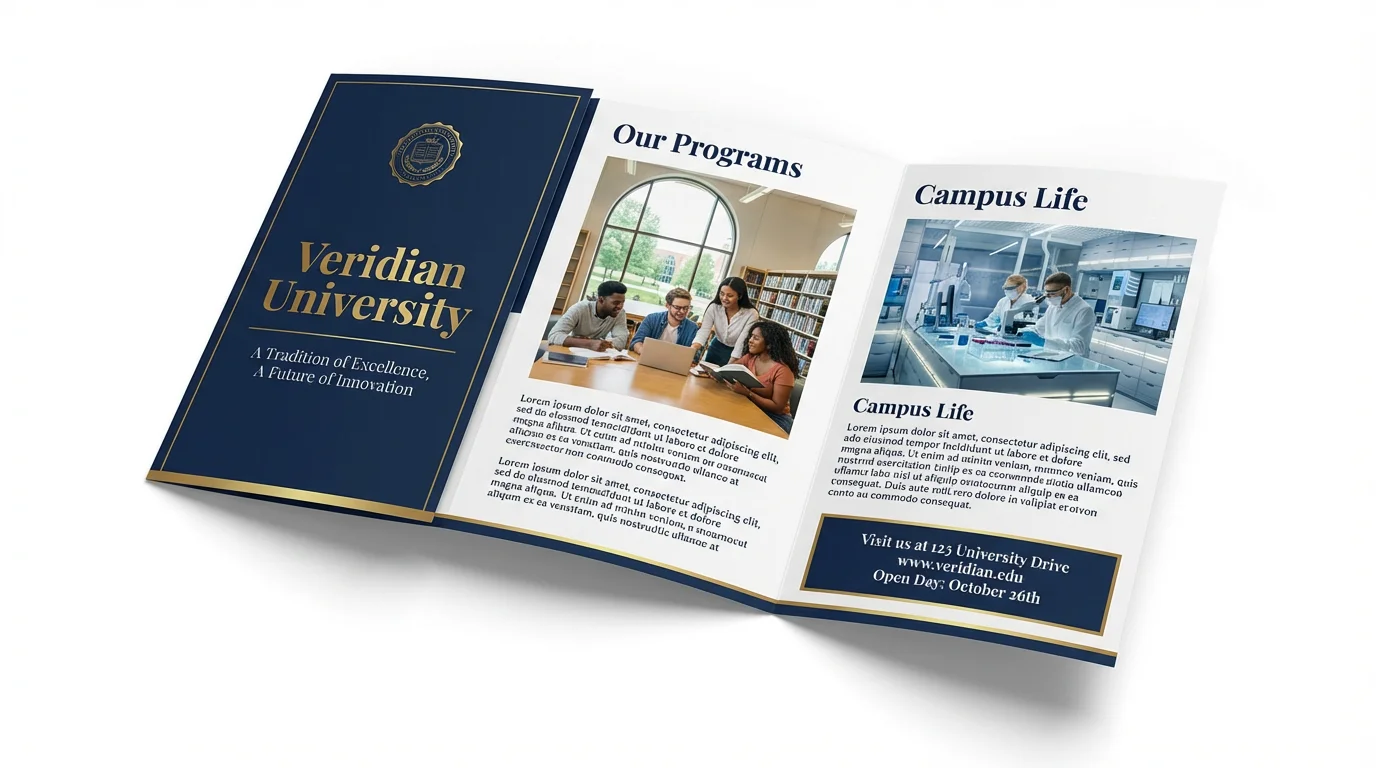
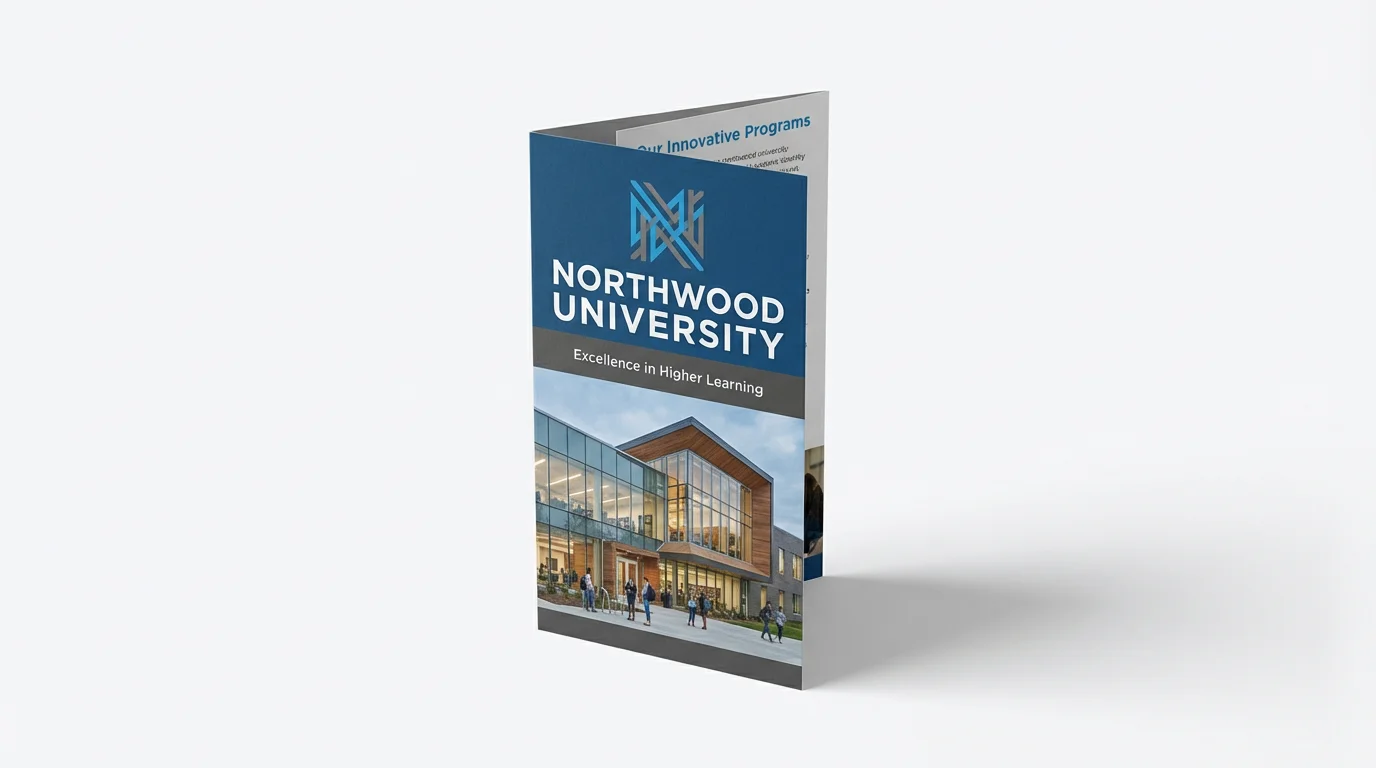
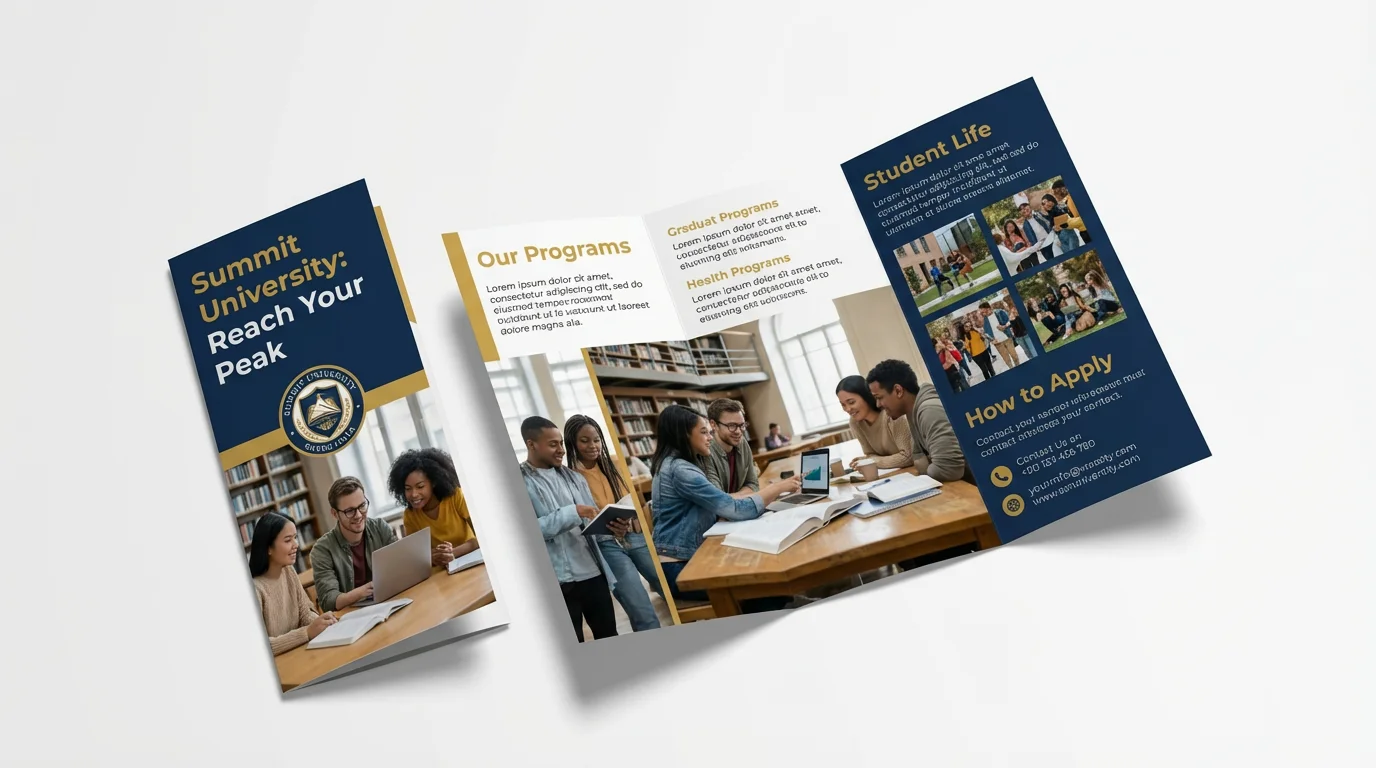
An AI academic brochure generator is a tool that uses artificial intelligence to create custom brochures for educational institutions. You simply describe the layout, content, and style you want, and the AI produces a complete design that you can download and use.
For optimal results, specify the brochure type (e.g., trifold, bifold), color scheme, and the overall style (e.g., modern, traditional). Include the exact text you want for headlines, program descriptions, and contact information. You can also describe the types of images you'd like to see, such as 'a photo of a bustling library' or 'an image of students in a lab'.
Yes, our tool is designed for this purpose. You should upload your university's logo and any specific photos of your campus, students, or facilities that you want to be included in the design. The AI will then incorporate these assets into the final brochure.
If the initial design isn't quite right, you can easily generate a new one. Try adjusting your prompt with more specific details or different instructions. Since the process is so fast, you can explore multiple variations until you find the perfect design for your needs.
Yes, all brochures are generated in high resolution, making them suitable for both professional printing and digital sharing. You can download the final design in formats like JPEG and PNG. Pixelcut PRO users have additional format options.
Absolutely. In your text prompt, you can specify the format you need. For example, you can start your description with 'A trifold brochure for...' or 'A bifold pamphlet that...' to guide the AI in creating the correct layout.
Great app, easy to use. Helps our small business save time and money to create different marketing materials professionally. Thank you.
I need a good background remover for my work and I've been through them all it feels like. This one is the best by far. It's so easy to use and the results always look amazing. Thank you Pixelcut!
It's amazingly easy and gives the perfect results for my bags and accessories. It looks like it was done by a professional photographer.