My favorite app
Great app, easy to use. Helps our small business save time and money to create different marketing materials professionally. Thank you.
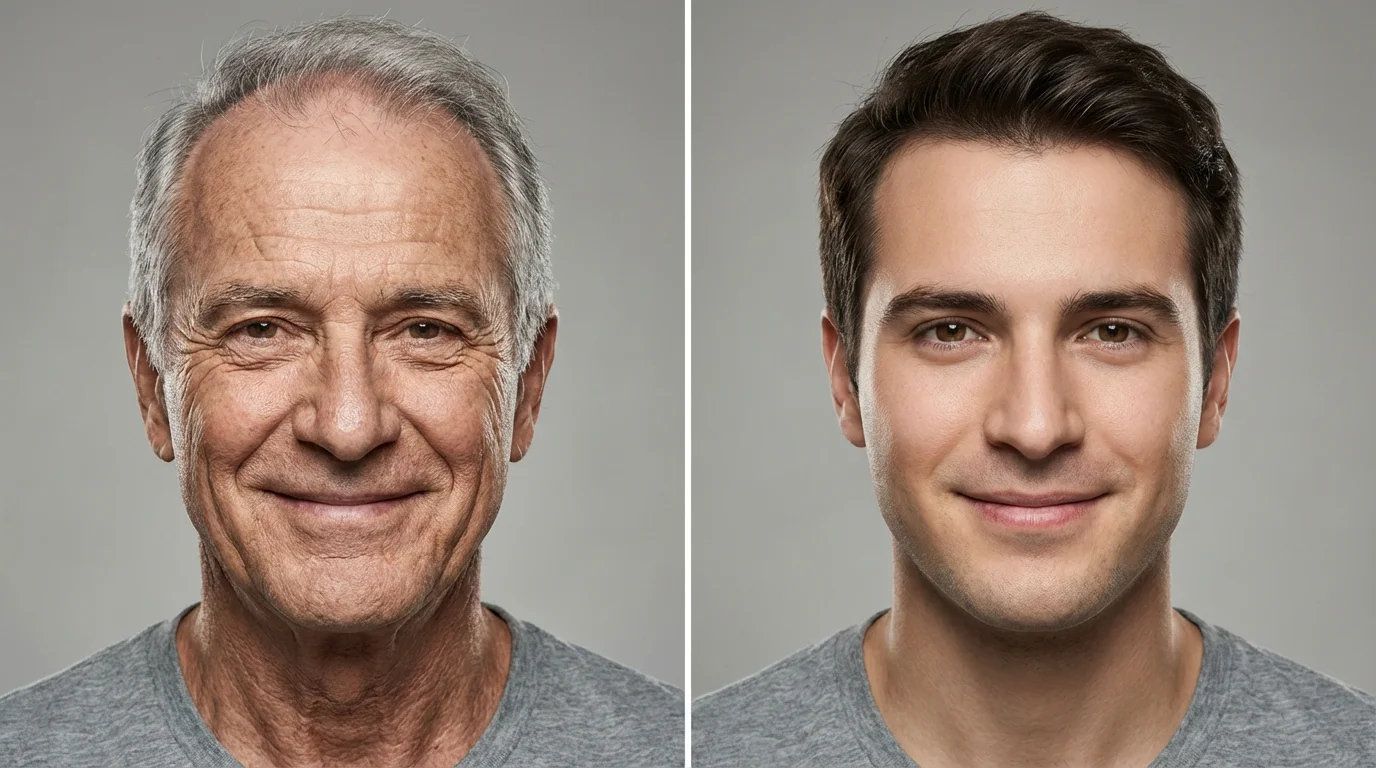
Start by uploading a clear, front-facing portrait. This will be the base image for the AI transformation.
In the text box, describe the age transformation you want. For example, type 'Make me look 65 years old' or 'Change this person into a child'.
Click the generate button and let the AI work its magic. In seconds, you'll see a new version of your photo at the age you described.
Happy with the result? Download your high-resolution, watermark-free image for free. It’s ready to be shared with friends and family.
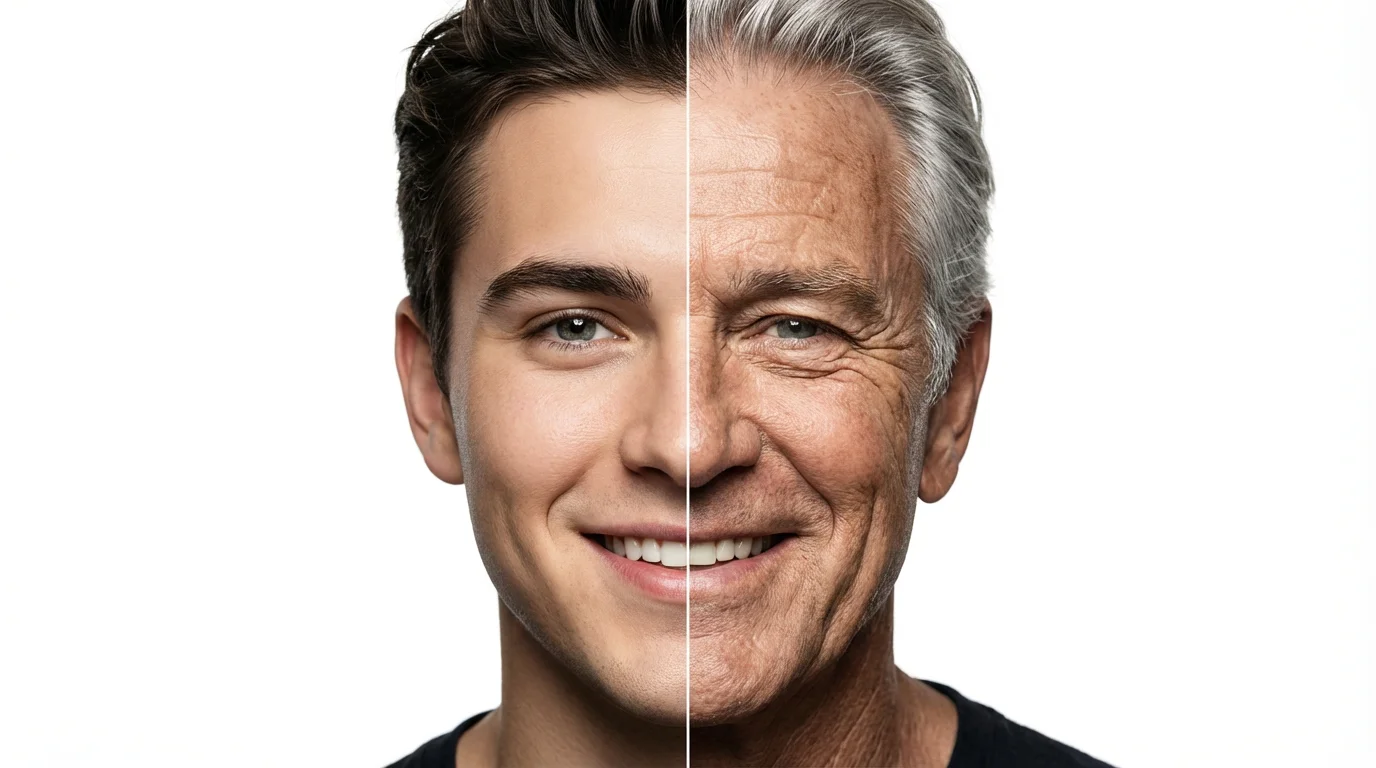
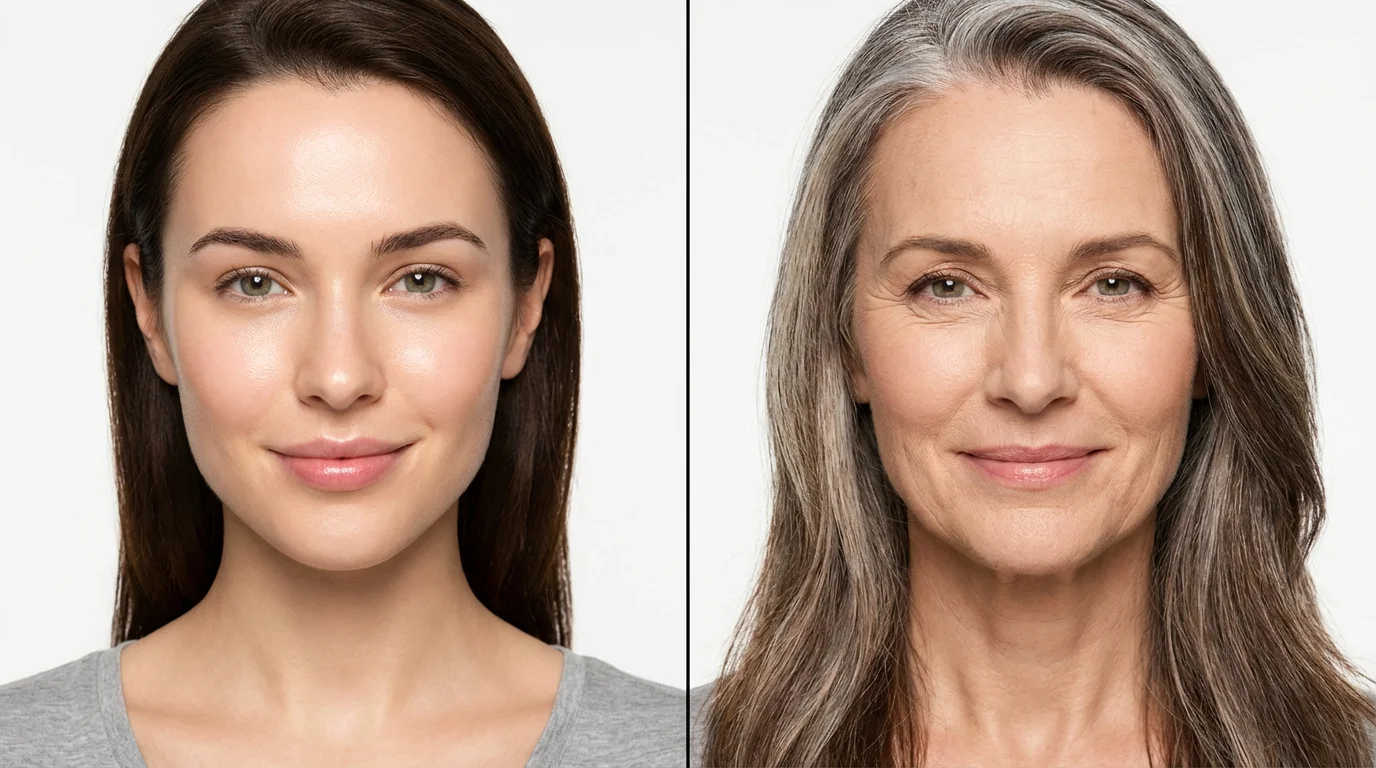
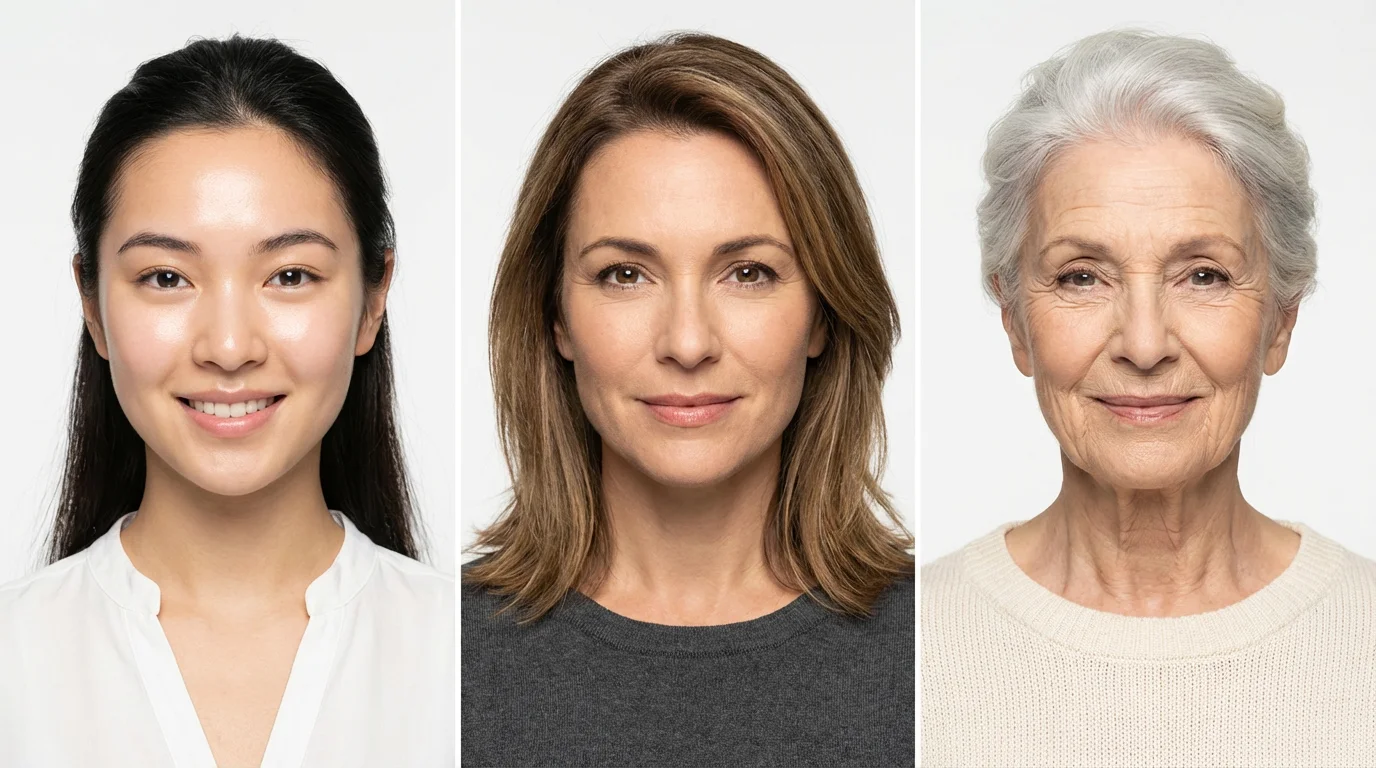
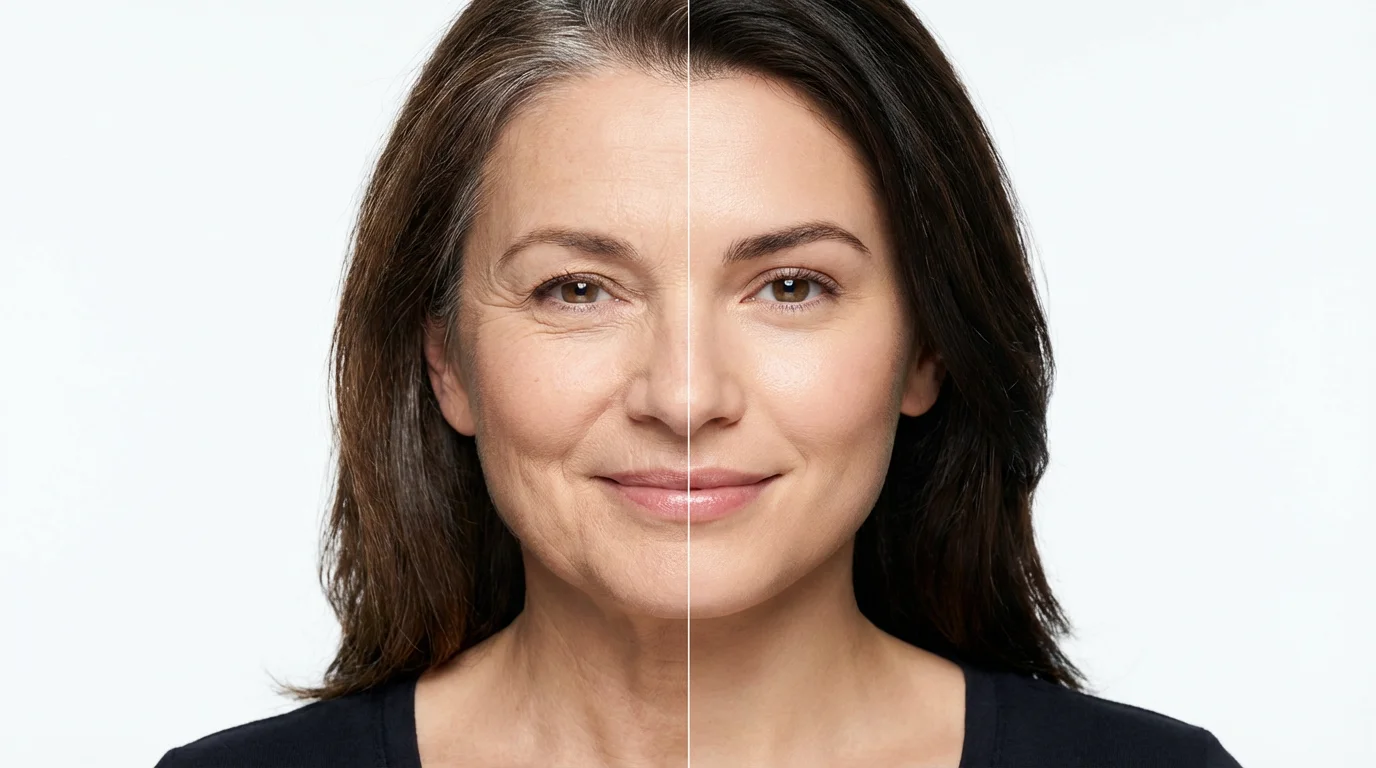
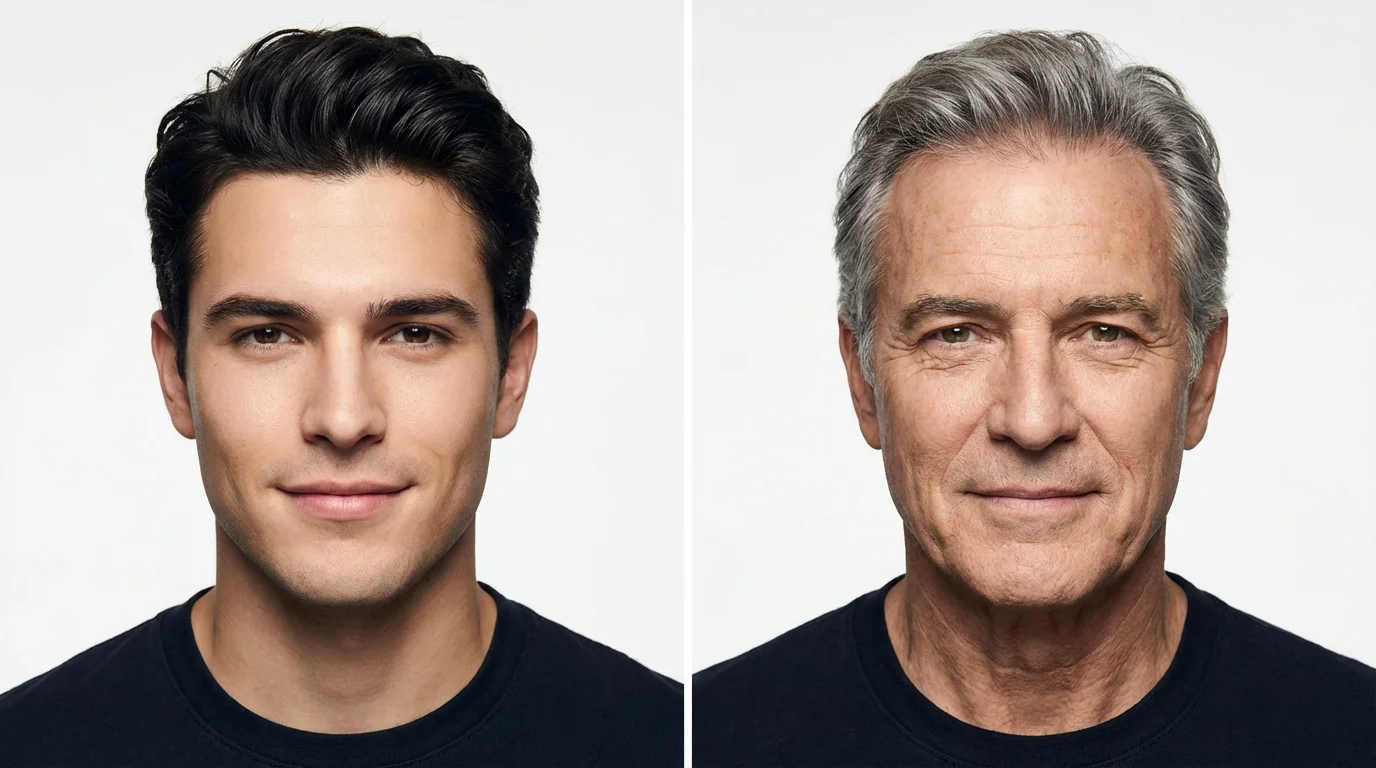
An AI age changer uses advanced algorithms trained on millions of images to simulate the effects of aging or de-aging. When you upload a photo, the AI analyzes your facial features and applies realistic changes like wrinkles, gray hair, or smoother skin to match the age you describe in your prompt.
Yes, our tool can transform your photo to make you appear both older and younger. You can specify a future age to see an older version of yourself or request a younger age to get a glimpse into the past.
For the most realistic transformation, upload a clear, front-facing photo where your facial features are well-lit and easily visible. A neutral expression typically produces more natural-looking results than a big smile or frown.
Yes, the AI age changer is free to try. You can upload your photos and generate age transformations without any initial cost. After using your free credits, you have the option to purchase more.
Our AI is designed to produce highly realistic results by adding natural-looking details like fine lines and changes in skin texture. The technology preserves your core facial identity, so the transformed photo still looks recognizably like you.
Yes, you can guide the AI by specifying the age you want in your text prompt. For example, you can write "Make this person 70 years old" or "Show me this person as a teenager." Providing a specific age helps the AI generate a more accurate result.
Great app, easy to use. Helps our small business save time and money to create different marketing materials professionally. Thank you.
I need a good background remover for my work and I've been through them all it feels like. This one is the best by far. It's so easy to use and the results always look amazing. Thank you Pixelcut!
It's amazingly easy and gives the perfect results for my bags and accessories. It looks like it was done by a professional photographer.