Pixelcut
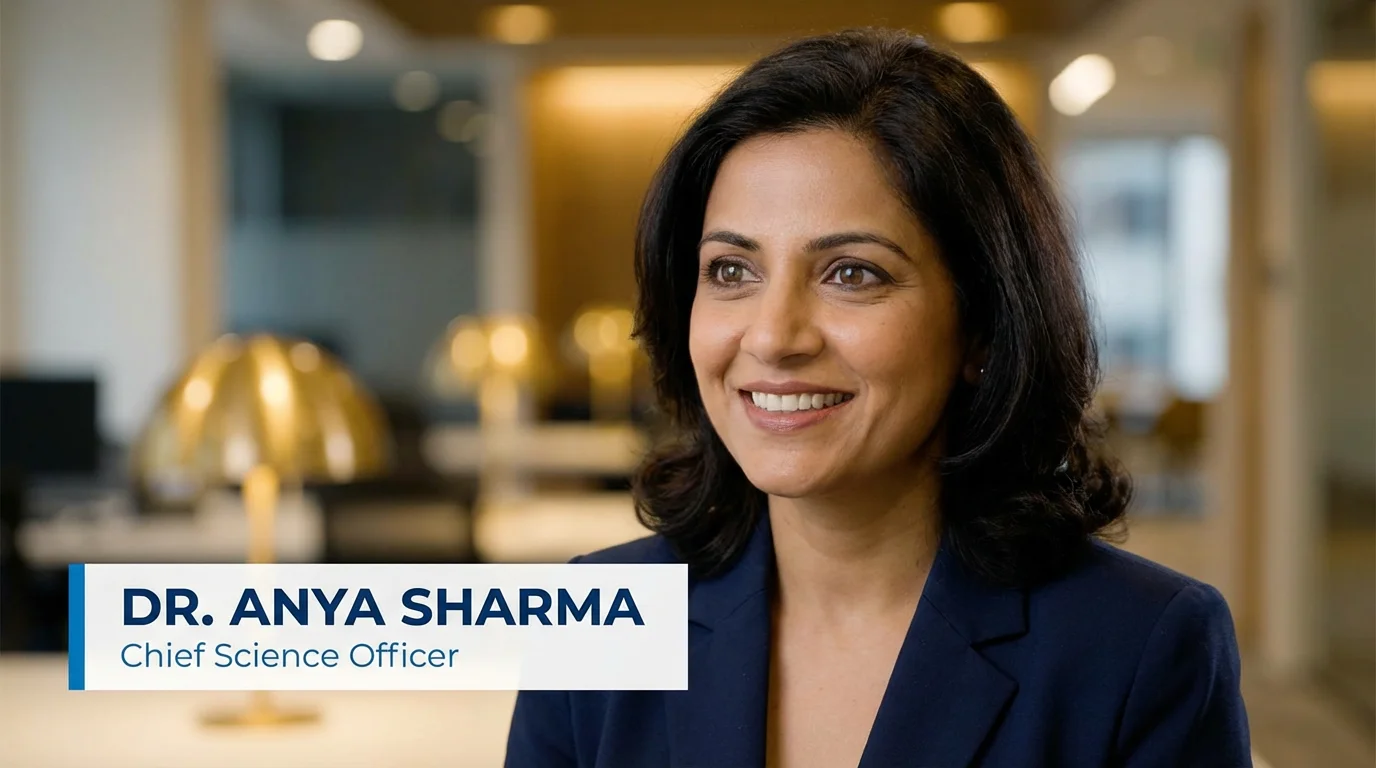
A professional video still showing a woman in an interview, with a clean, modern lower third graphic at the bottom displaying the name 'Dr. Anya Sharma' and title 'Chief Science Officer'.

AI Lower Third Generator

Trusted by 70 million people
171,800 Reviews
Developer API
Available on iPhone & Android

How to Create a Lower Third

  1. 1

    Upload your logo (optional)

    To start, upload your brand logo or any other image you want to include in your design. This step is optional.

  2. 2

    Describe your lower third

    In the text box, describe the lower third you want. Include details like colors, style, and the exact text for names and titles.

  3. 3

    Generate your graphic

    Click the generate button and our AI will create a custom lower third graphic based on your prompt and uploaded image.

  4. 4

    Download your graphic

    Your high-resolution lower third is ready to download as a PNG or JPEG. It's ready to be added to any video project.

Move beyond generic templates and create a lower third that is genuinely yours. With our AI lower third generator, you describe the graphic you envision, and the AI brings it to life. Specify everything from the overall aesthetic, like 'minimalist' or 'broadcast news style', to the finest details, including color palettes and shapes. This prompt-driven approach provides creative freedom, allowing you to produce professional-looking graphics for YouTube channels, live streams, or corporate presentations that perfectly match your brand's unique identity.

Break Free from Templates

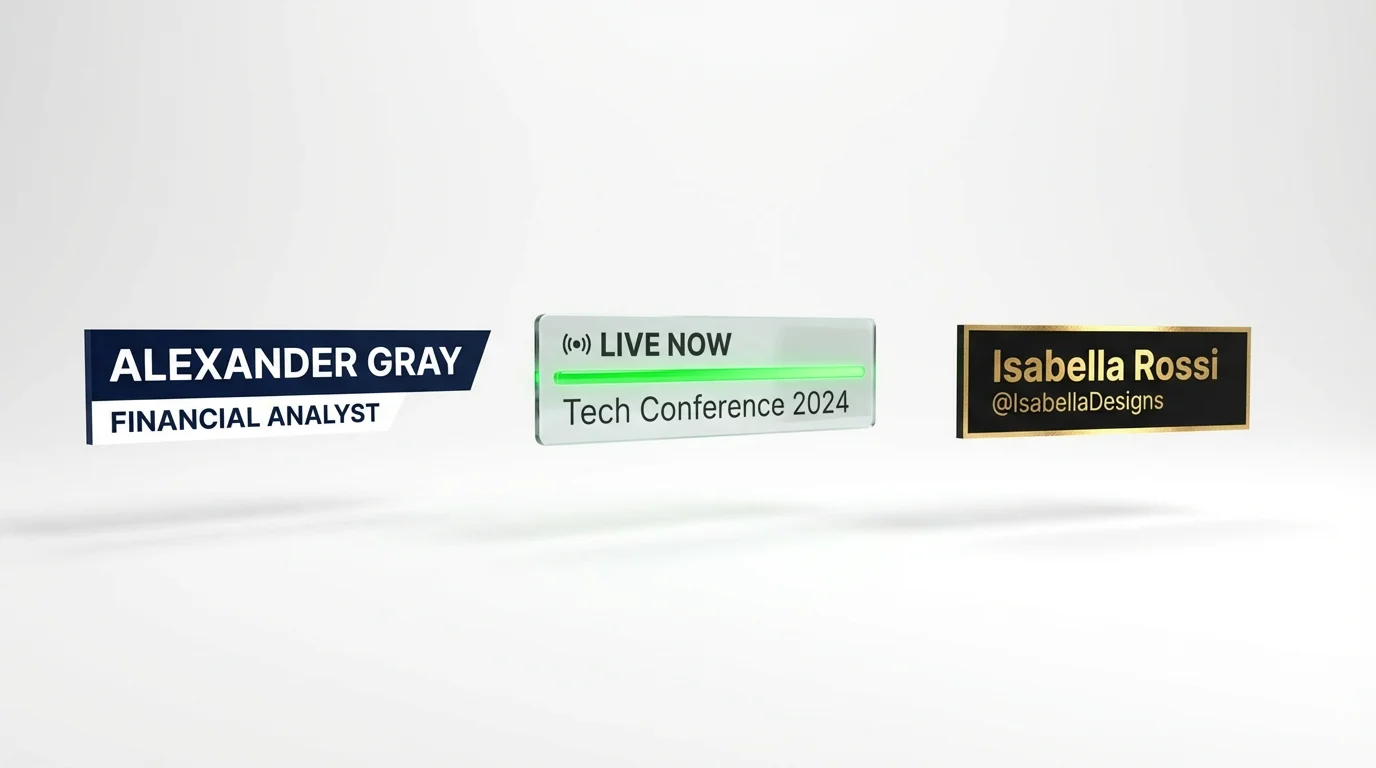
A mockup of three different professional lower third graphics for video. The designs feature fictional names like 'Alexander Gray' and 'Isabella Rossi', and are presented against a clean white background.
Take full command of your lower third's design simply by writing a description. Our AI is built to interpret your instructions and render text accurately on the graphic. Include the specific name, title, or other information you need, such as 'Jane Smith, CEO'. You can guide the AI on the placement of your brand's logo, color schemes, and stylistic elements. Requesting a 'transparent background' is as simple as typing it, ensuring your final graphic can be easily overlaid onto any video project without hassle.

Total Design Control Through Text

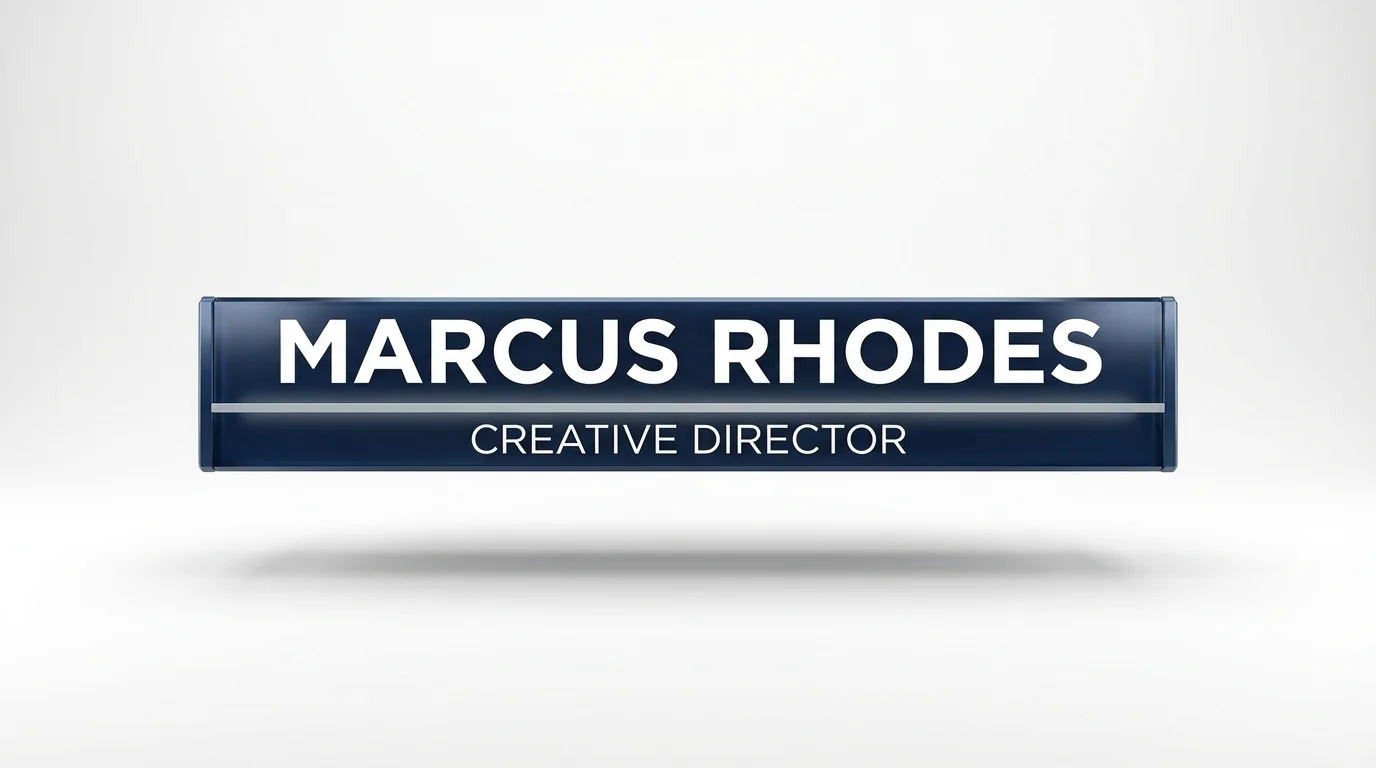
A modern and professional lower third graphic mockup displayed on a white background. The graphic features the name 'Marcus Rhodes' and the title 'Creative Director' in white text on a sleek blue and grey banner.
Generate high-quality, professional lower third graphics that are ready for immediate use in your video editing workflow. Our AI produces crisp, clear images that look sharp in any video format. You can download your creations as PNG or JPEG files, making them compatible with all major video editing software. Because you can specify a transparent background in your prompt, you get a clean asset that can be dropped directly onto your timeline, saving you time and effort in post-production. It's the fastest way to get custom graphics.

Video-Ready Graphics in Seconds

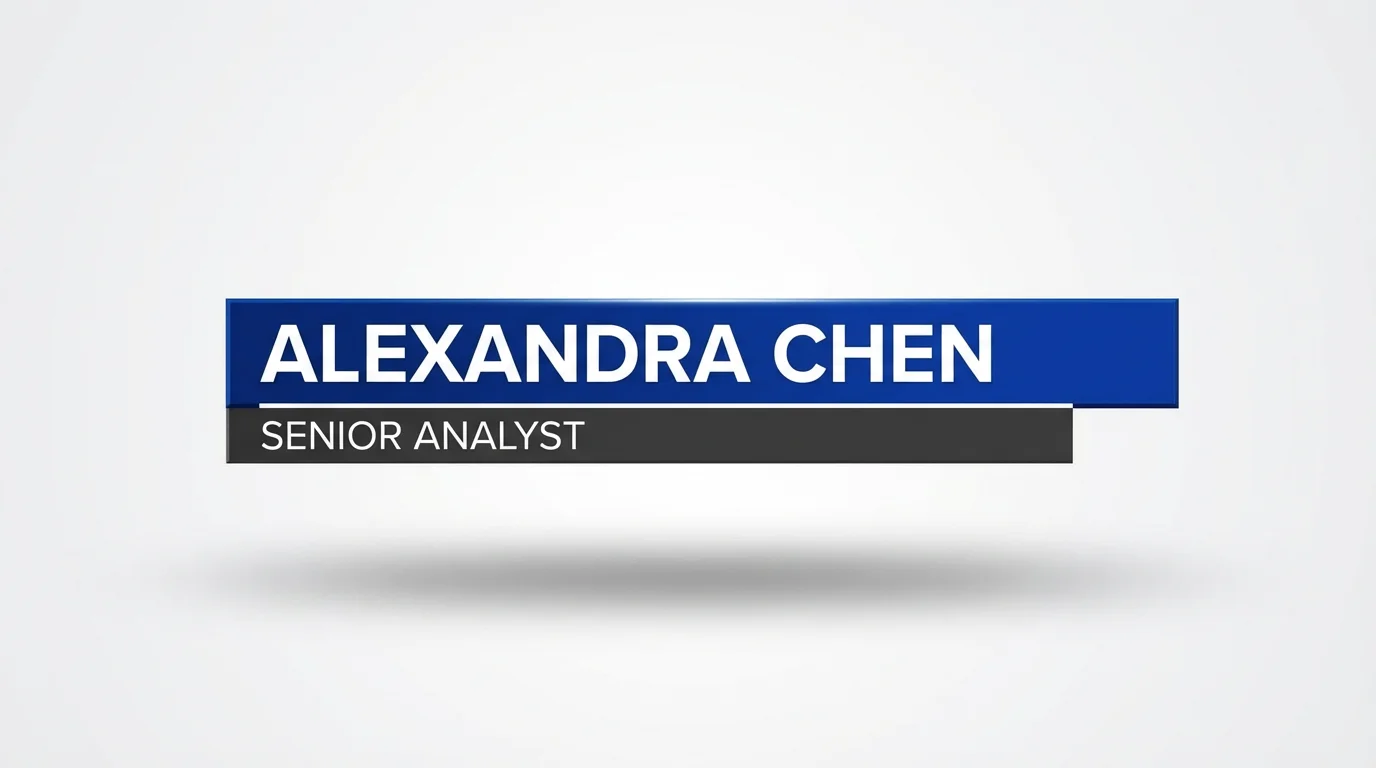
A professional mockup of a modern lower third graphic for a broadcast. The design is clean and features a cobalt blue and charcoal gray color scheme with the fictional name "Alexandra Chen" and title "Senior Analyst" in white text.
It’s Fast: Go from a simple idea to a downloadable graphic in just a few moments. It's Completely Custom: Your description is the blueprint, giving you control over style, text, and color without being confined by templates. AI-Powered Text Rendering: Our AI is designed to incorporate your specified text, like names and titles, directly into the design. Brand-Friendly: Easily upload your logo and instruct the AI to place it within the design for consistent branding. Simple to Use: No design skills are needed. If you can describe it, you can create it.

Why use Pixelcut's AI Lower Third Generator?

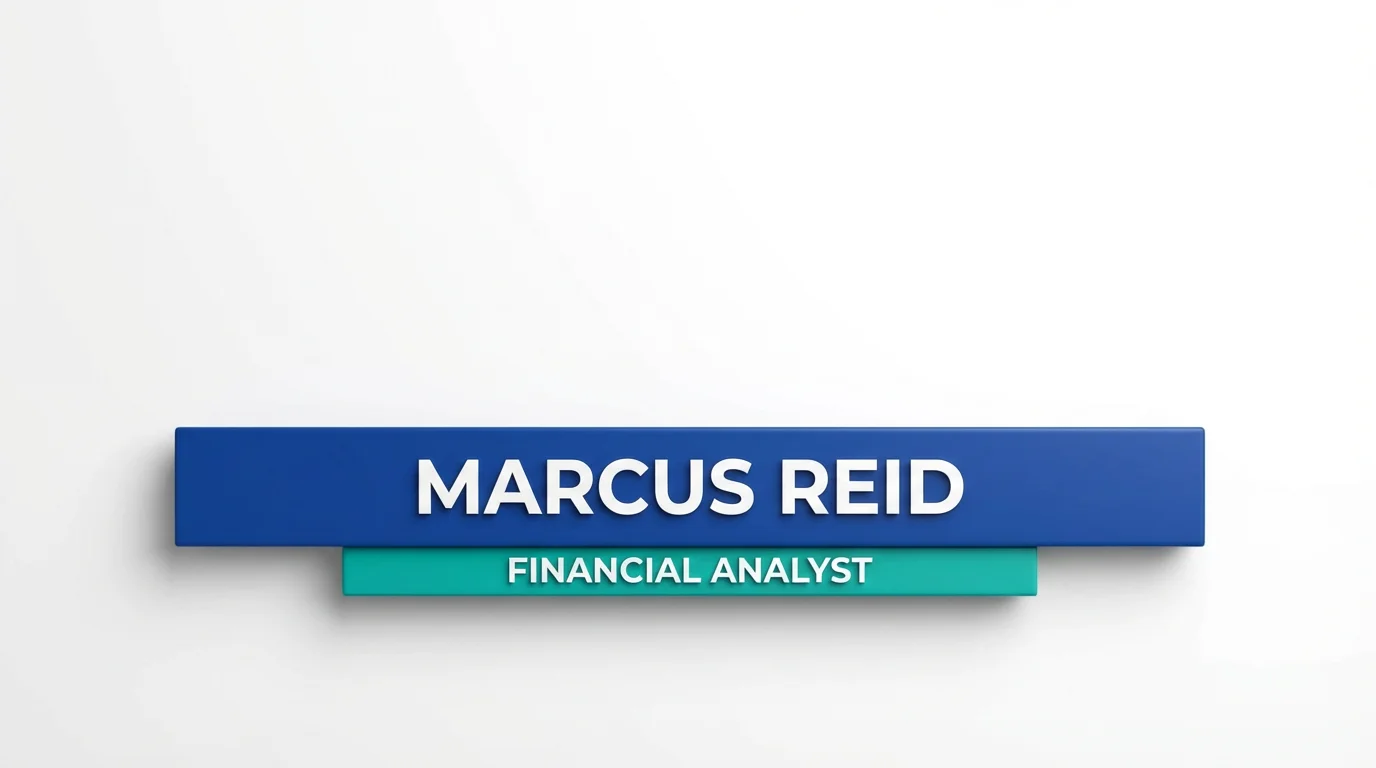
A professional mockup of a modern lower third graphic for a financial analyst named 'Marcus Reid', set against a plain white background. The design features sleek blue and teal bars with clean, white text.
YouTube & Vlogging: Introduce yourself or guests with a custom lower third that matches your channel's branding. Live Streaming: Display usernames, alerts, or topics in real-time for platforms like Twitch and YouTube Live. News & Interviews: Present the names and titles of speakers, journalists, and interview subjects with a professional, broadcast-quality graphic. Corporate & Educational Videos: Add clarity to presentations and training videos by identifying speakers and key topics. Social Media Content: Create eye-catching lower thirds for short-form videos to convey information quickly on platforms like Instagram and TikTok.

Lower Third Generator Use Cases

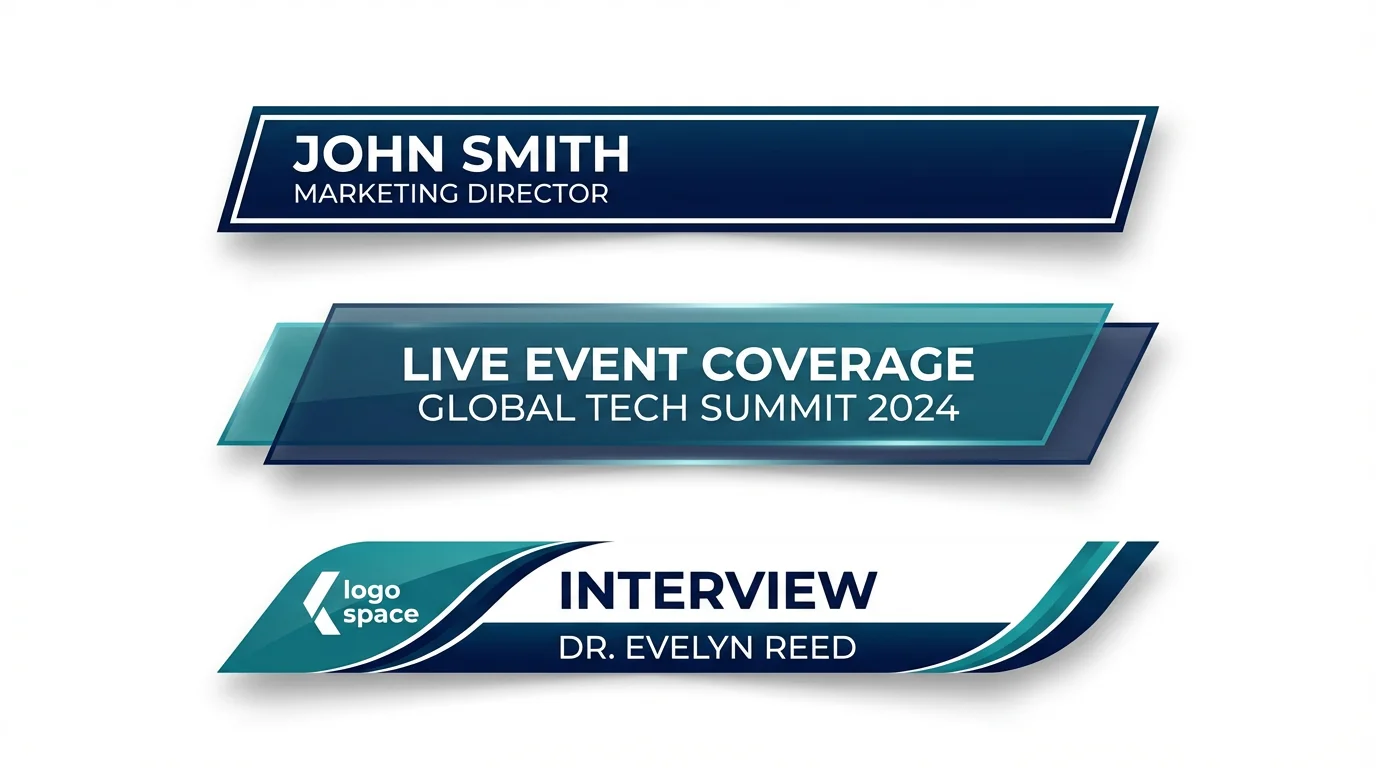
A mockup displaying three variations of a modern lower third graphic template. The designs are in navy blue, white, and teal, with sample text like 'John Smith, Marketing Director' and 'Live Event Coverage', all shown against a clean white background.

Frequently Asked Questions

Pixelcut is loved by over 2 million people

  • My favorite app

    Great app, easy to use. Helps our small business save time and money to create different marketing materials professionally. Thank you.
    Shaelyn D.
  • Best background remover

    I need a good background remover for my work and I've been through them all it feels like. This one is the best by far. It's so easy to use and the results always look amazing. Thank you Pixelcut!
    Kira H.
  • Love it

    It's amazingly easy and gives the perfect results for my bags and accessories. It looks like it was done by a professional photographer.
    Mary J.