My favorite app
Great app, easy to use. Helps our small business save time and money to create different marketing materials professionally. Thank you.
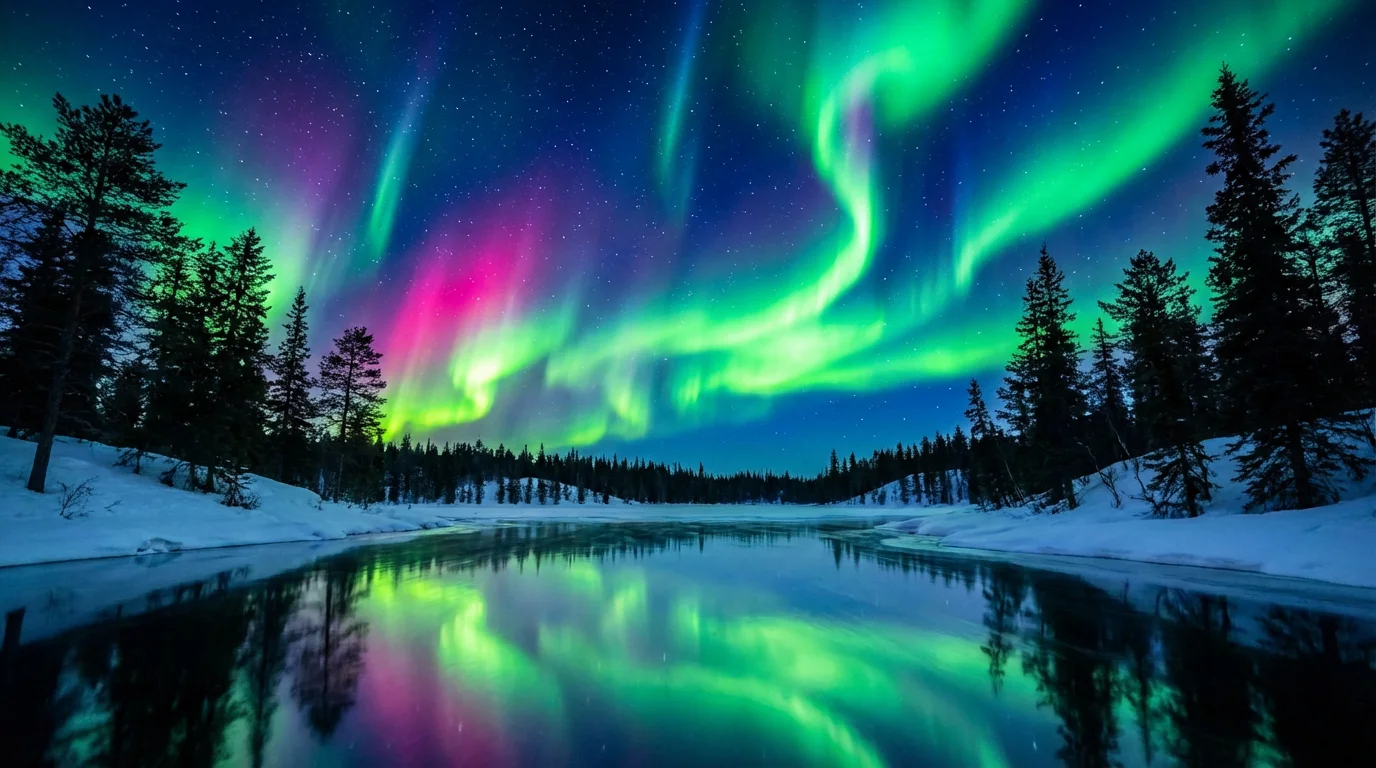
Start by uploading a photo of a landscape or night sky. A darker image with a clear sky will produce the best results.
Describe how you want the northern lights to look and move. For example, type 'add a slow-moving green and blue aurora'.
With one click, our AI will animate your photo, adding the custom aurora borealis effect you described in your prompt.
Your new high-resolution video is ready to be saved. Download your watermark-free animation and share it anywhere.
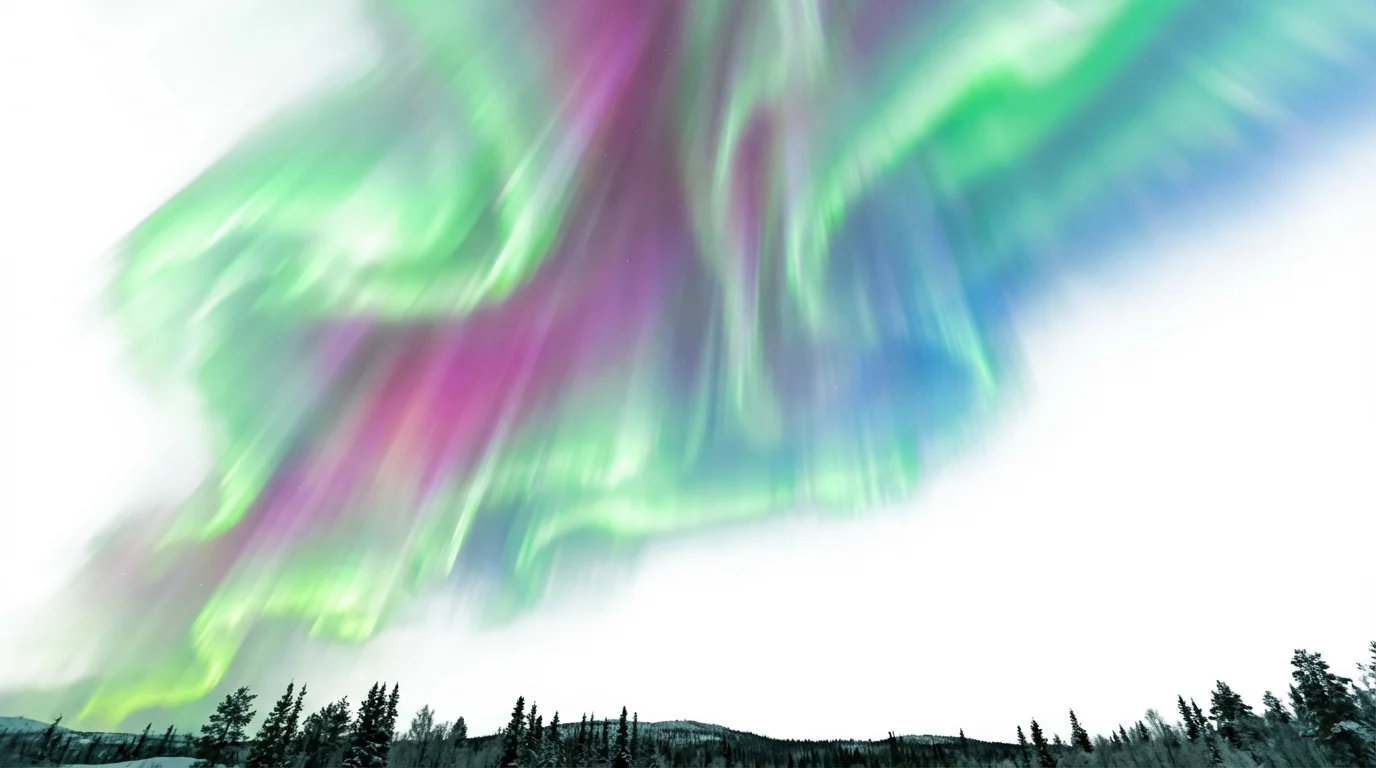
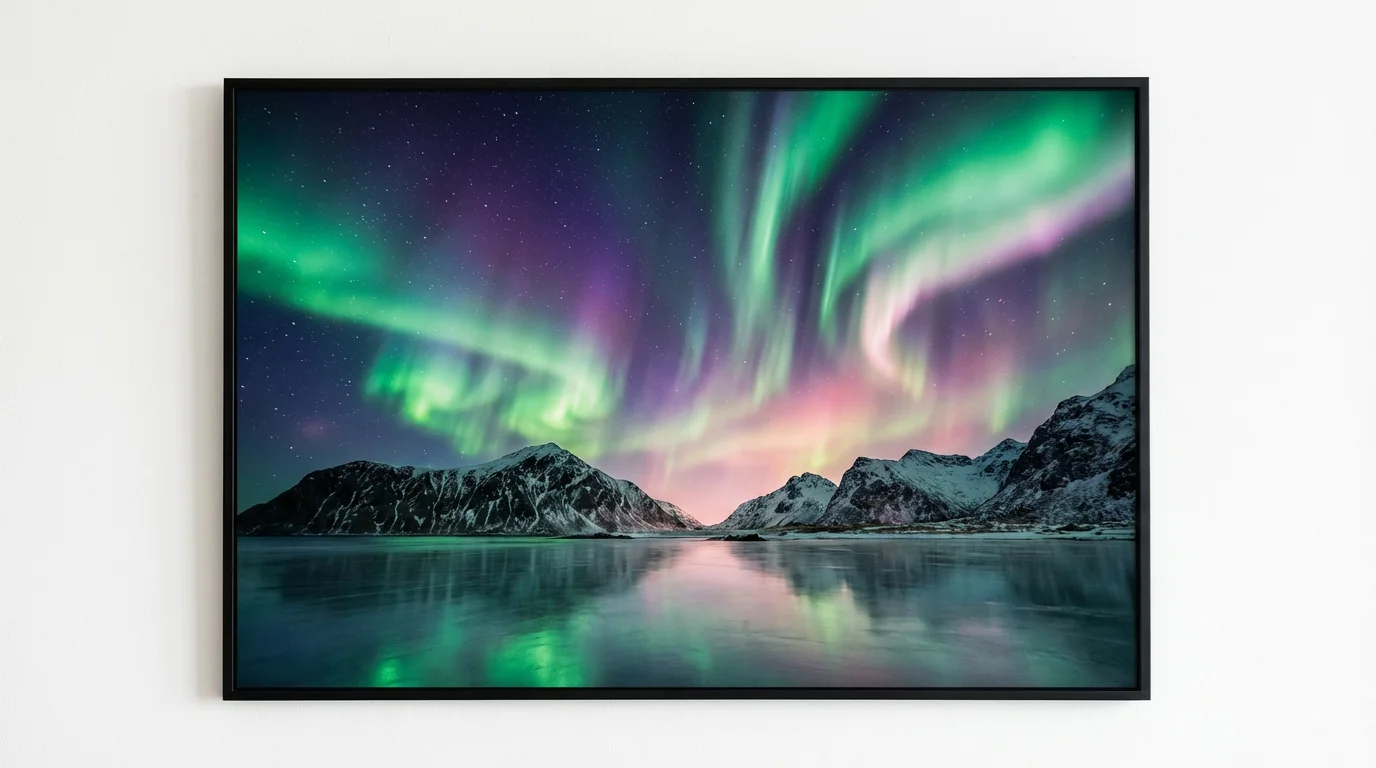
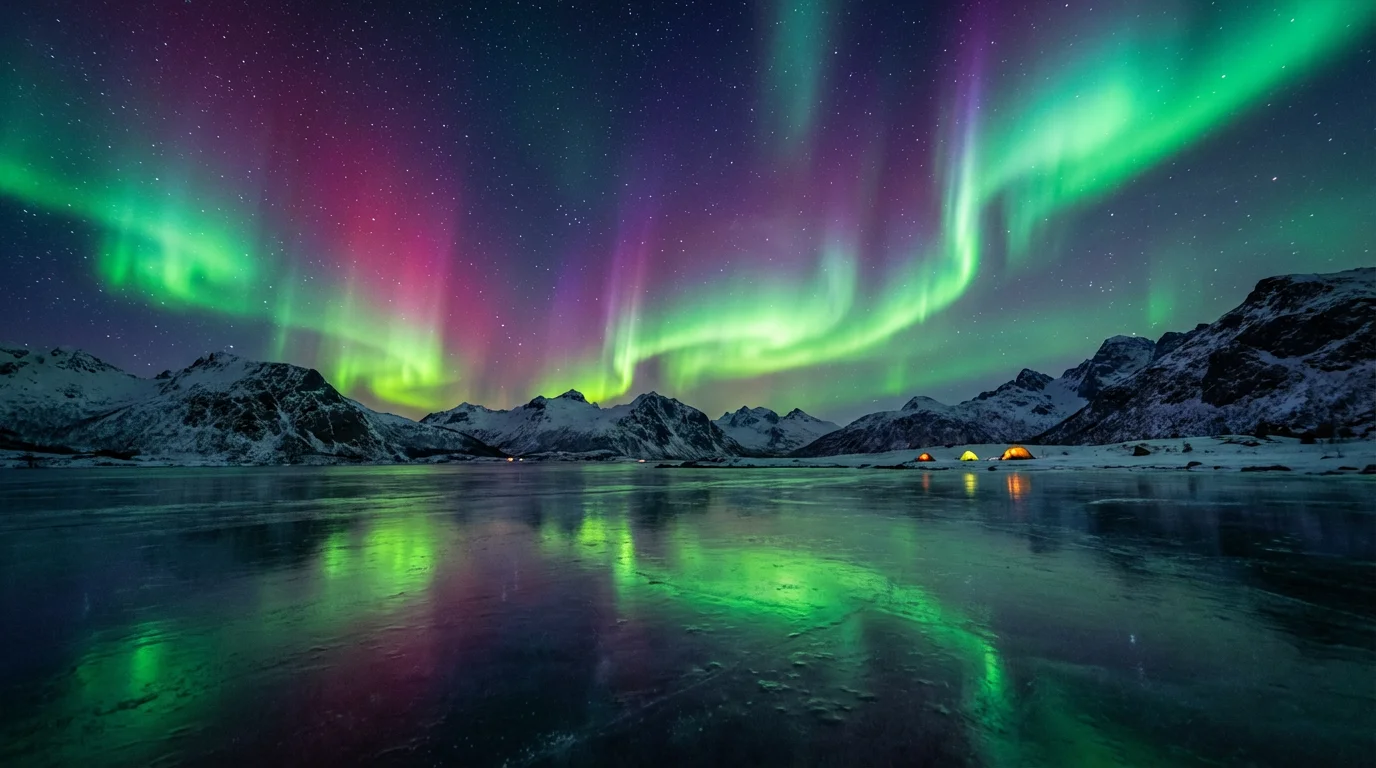
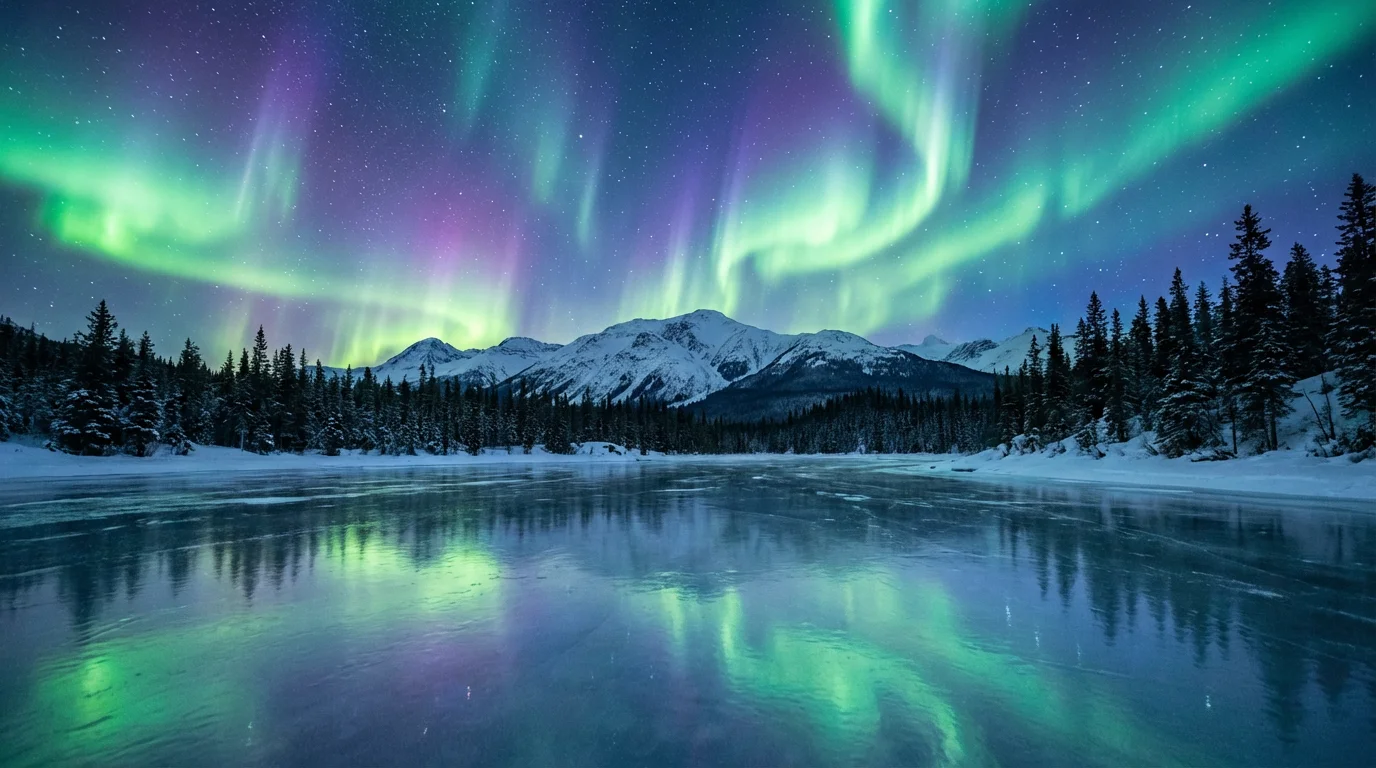
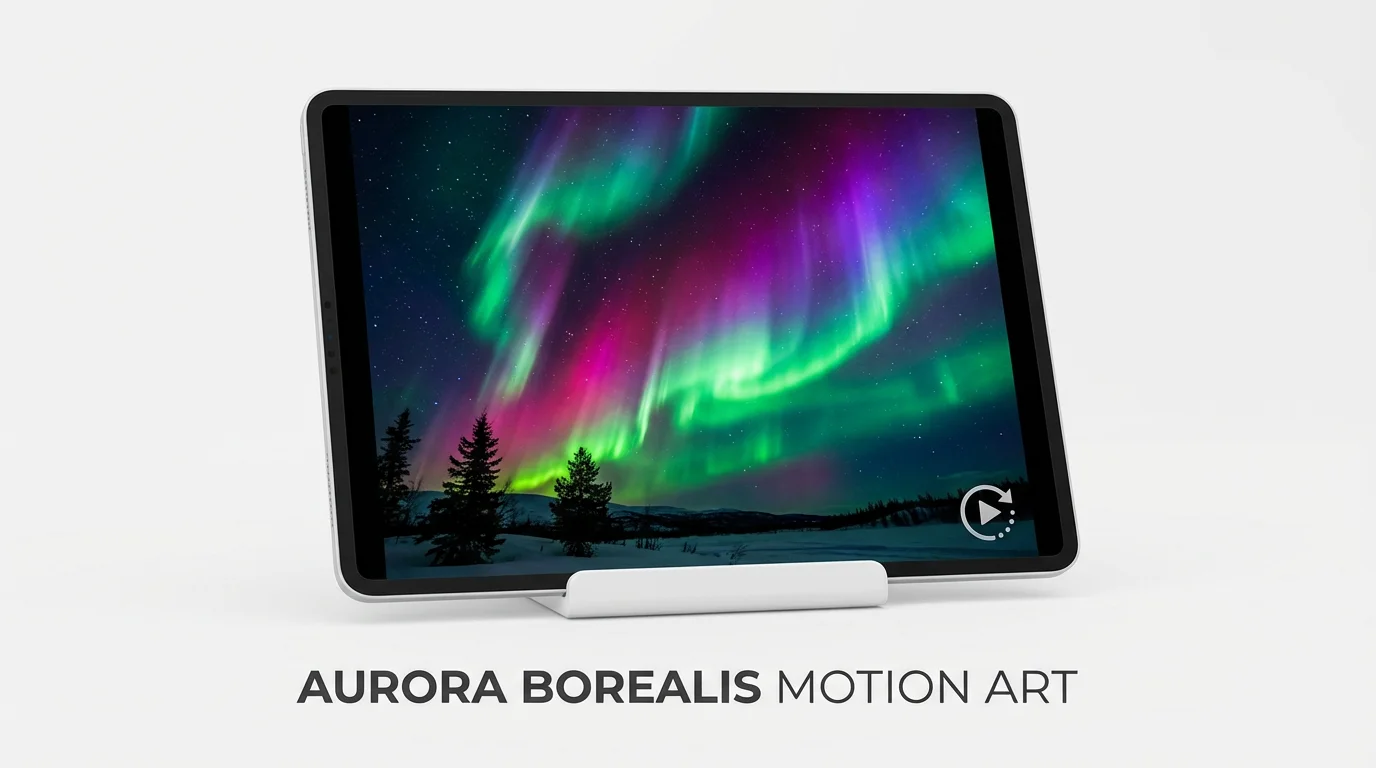
Photos of night scenes or dark landscapes with a clear view of the sky work best. Images with mountains, forests, or lakes can provide a beautiful foreground for the animated aurora in the sky.
Yes, you can specify the colors and describe the desired movement in your text prompt. For example, you can ask for 'swirling green and purple lights' or 'slowly waving blue aurora' to guide the AI's creation.
Yes, the tool generates a video file of your animated photo. You can download this high-resolution video in common formats like MP4, which are easy to share and use in other projects.
No video editing experience is necessary. The process is designed to be simple: upload an image, write a text description of the animation you want, and the AI handles the rest.
For more realistic results, start with a high-quality night photo. In your prompt, use descriptive words for the movement, like 'gentle waving' or 'flickering curtains of light,' to create a more natural-looking effect.
While the tool works best with night sky photos, you can still apply the effect to other images. However, the result may look less natural as the aurora borealis is a nighttime phenomenon. For best results, use photos taken in dark or twilight conditions.
Great app, easy to use. Helps our small business save time and money to create different marketing materials professionally. Thank you.
I need a good background remover for my work and I've been through them all it feels like. This one is the best by far. It's so easy to use and the results always look amazing. Thank you Pixelcut!
It's amazingly easy and gives the perfect results for my bags and accessories. It looks like it was done by a professional photographer.