My favorite app
Great app, easy to use. Helps our small business save time and money to create different marketing materials professionally. Thank you.
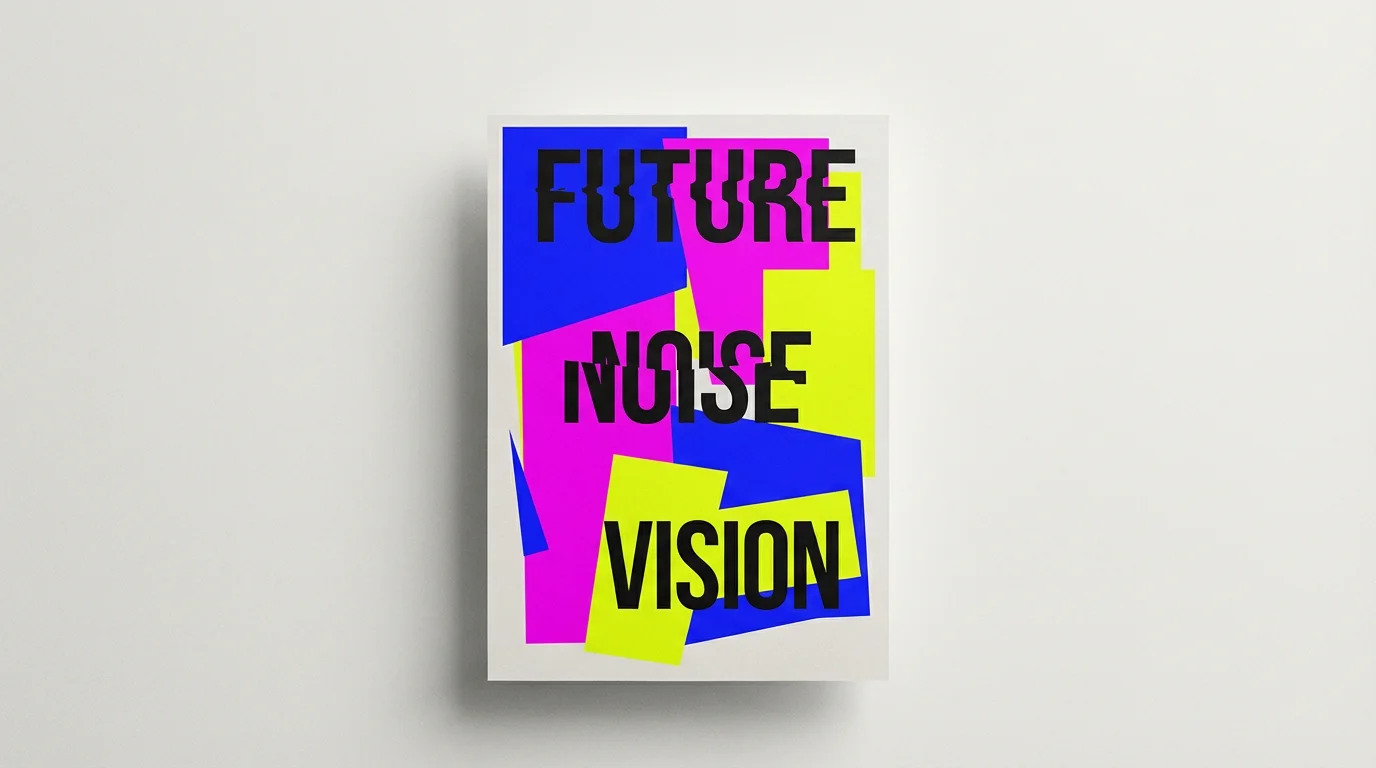
Start by writing a detailed description of your poster. Include art styles, colors, objects, and any text you want to appear. For example: "A Dadaist poster for a jazz festival with chaotic typography and geometric shapes."
Click the generate button and our AI will interpret your prompt to create a unique, avant-garde poster. You can try again with a different prompt to explore new ideas.
Your high-resolution poster is ready to be downloaded for free in JPEG or PNG format. It's watermark-free and ready for you to print, post, or share anywhere you like.
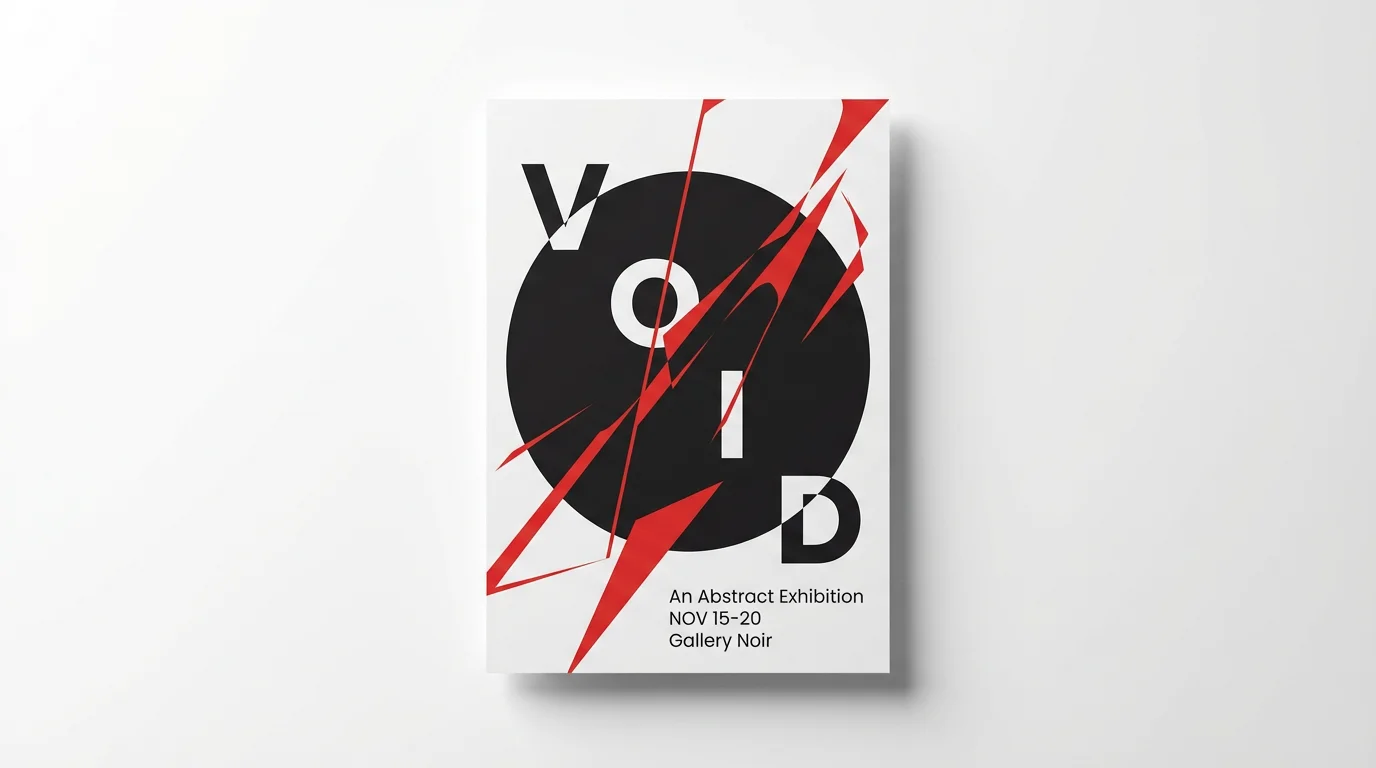
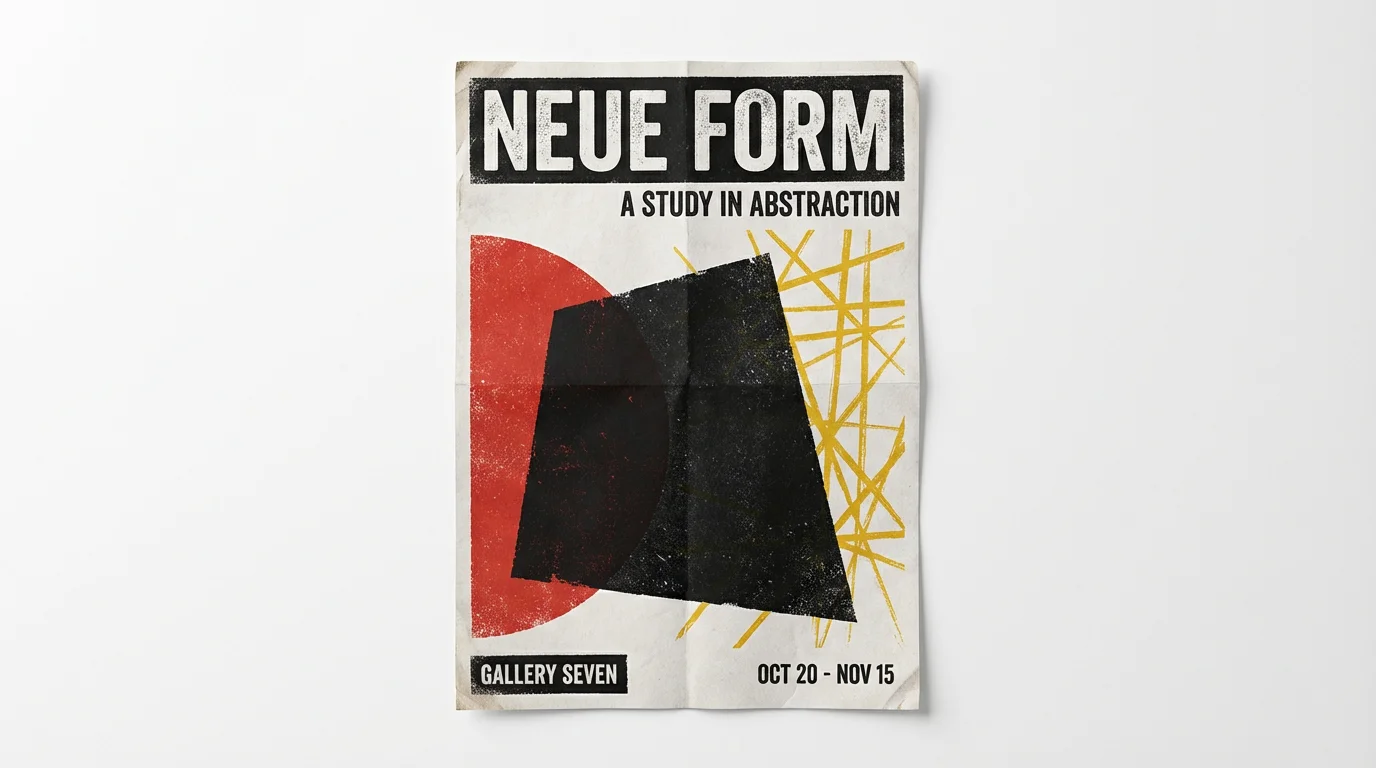
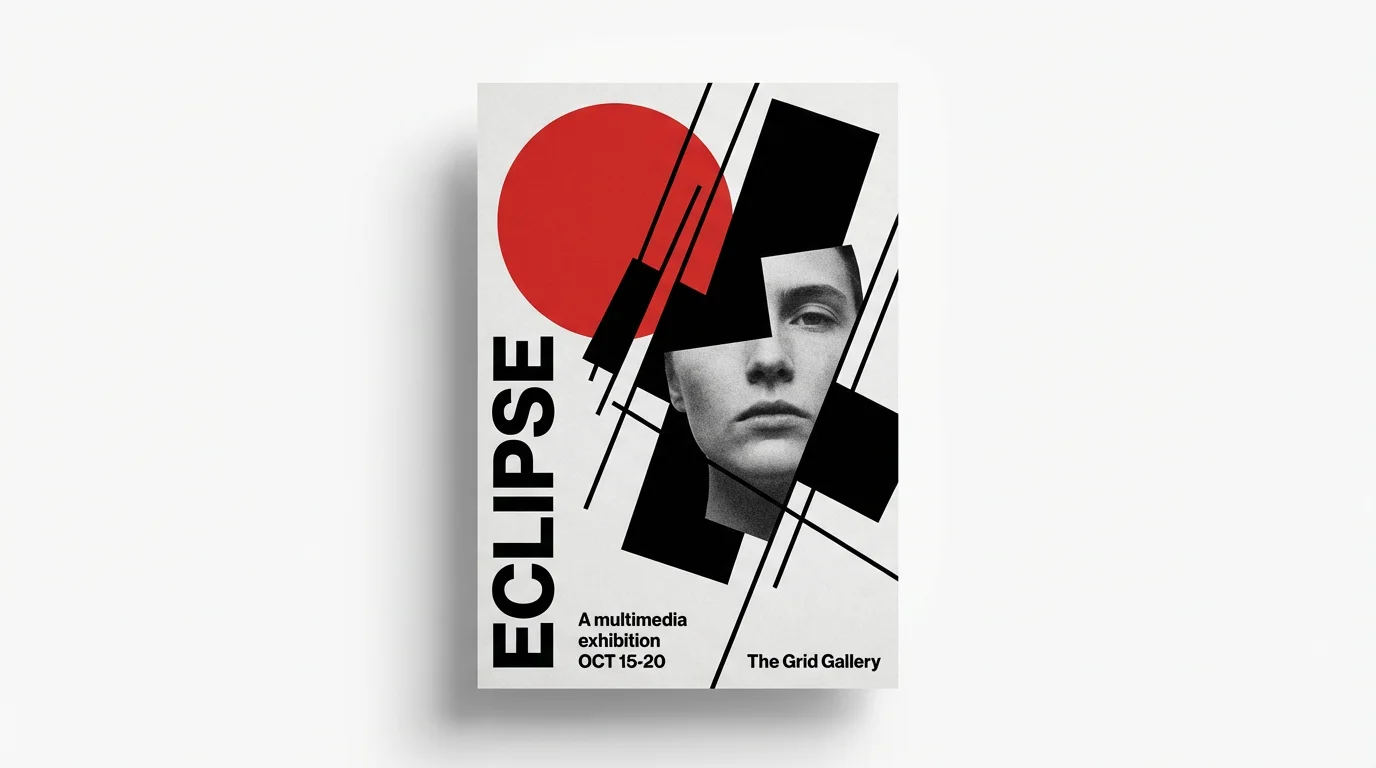
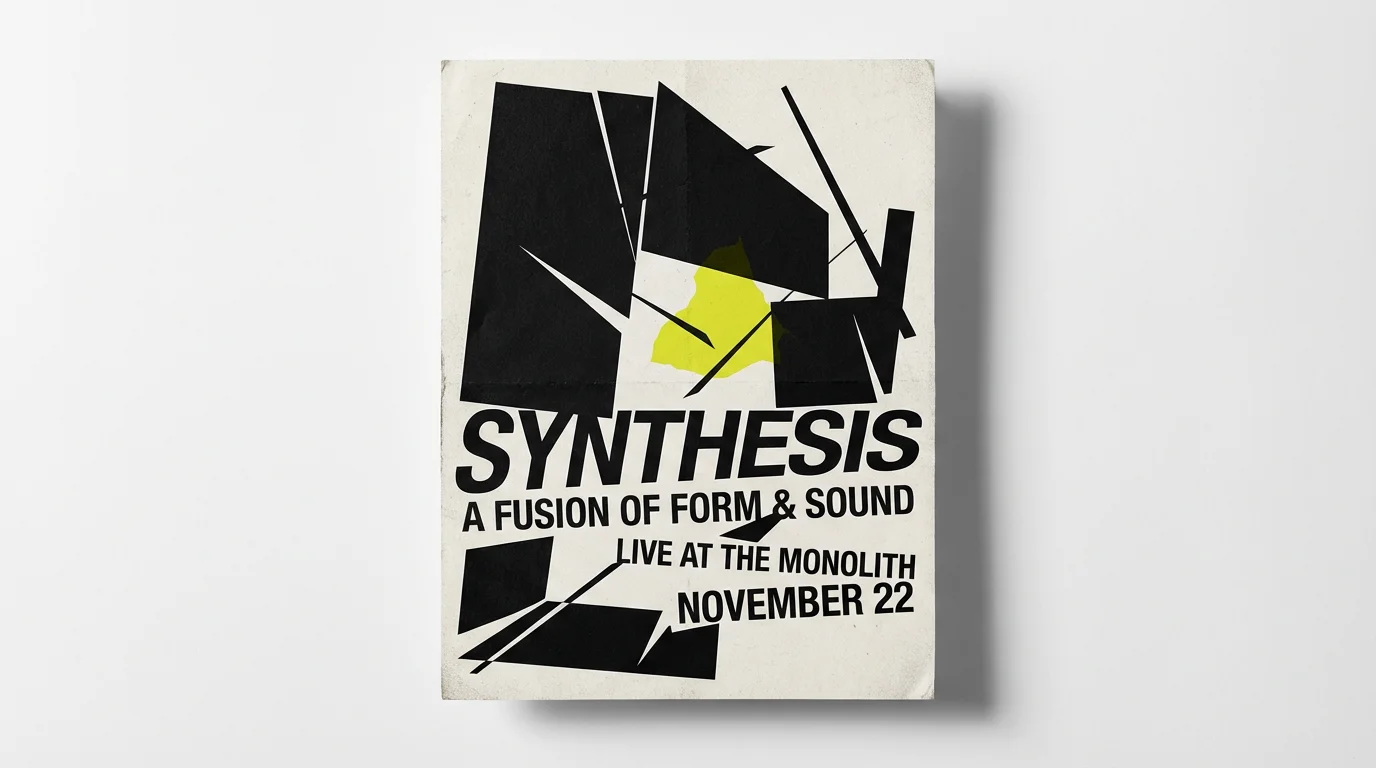
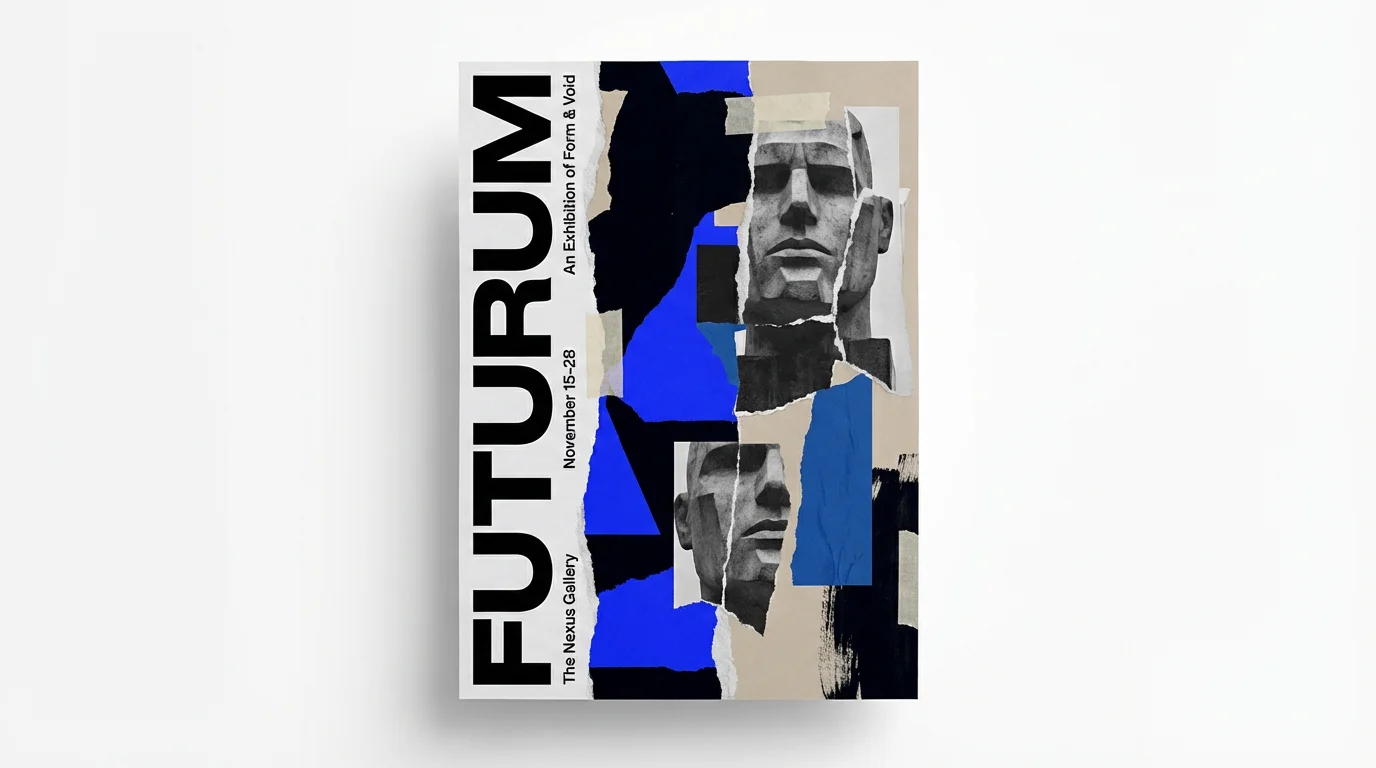
An AI avant-garde poster generator is a tool that uses artificial intelligence to create experimental and artistic posters from text descriptions. You can specify styles, colors, text, and compositions to produce unique designs that challenge traditional norms, much like early 20th-century art movements.
To create a poster with abstract text, include specific instructions in your prompt. For example, you could ask for "scattered, nonsensical text in various fonts" or "typography that overlaps and blends into the background." Mentioning art styles known for this, like Dadaism, can also help the AI understand your goal.
Yes, you can reference specific art styles in your prompt. For best results, mention movements known for their avant-garde graphics, such as Constructivism, Dadaism, or Bauhaus. For example, you could describe "a poster in the style of Russian Constructivism with bold geometric shapes and a limited color palette."
No design experience is required. The tool is designed to be intuitive and accessible to everyone. All you need is an idea. Simply describe the poster you want to create, and the AI will handle the design process for you.
You can use your generated posters for a wide range of personal and commercial projects. This includes promoting events, creating content for social media, designing unique art for print, or building a creative portfolio. The high-resolution downloads are suitable for both digital and physical applications.
To get the best results, be as descriptive as possible in your prompt. Combine elements like color palettes ('retro pastels'), shapes ('overlapping circles and sharp lines'), textures ('gritty, distressed look'), and composition ('asymmetrical and chaotic'). The more detail you provide, the more accurately the AI can interpret your creative vision.
Great app, easy to use. Helps our small business save time and money to create different marketing materials professionally. Thank you.
I need a good background remover for my work and I've been through them all it feels like. This one is the best by far. It's so easy to use and the results always look amazing. Thank you Pixelcut!
It's amazingly easy and gives the perfect results for my bags and accessories. It looks like it was done by a professional photographer.