Pixelcut
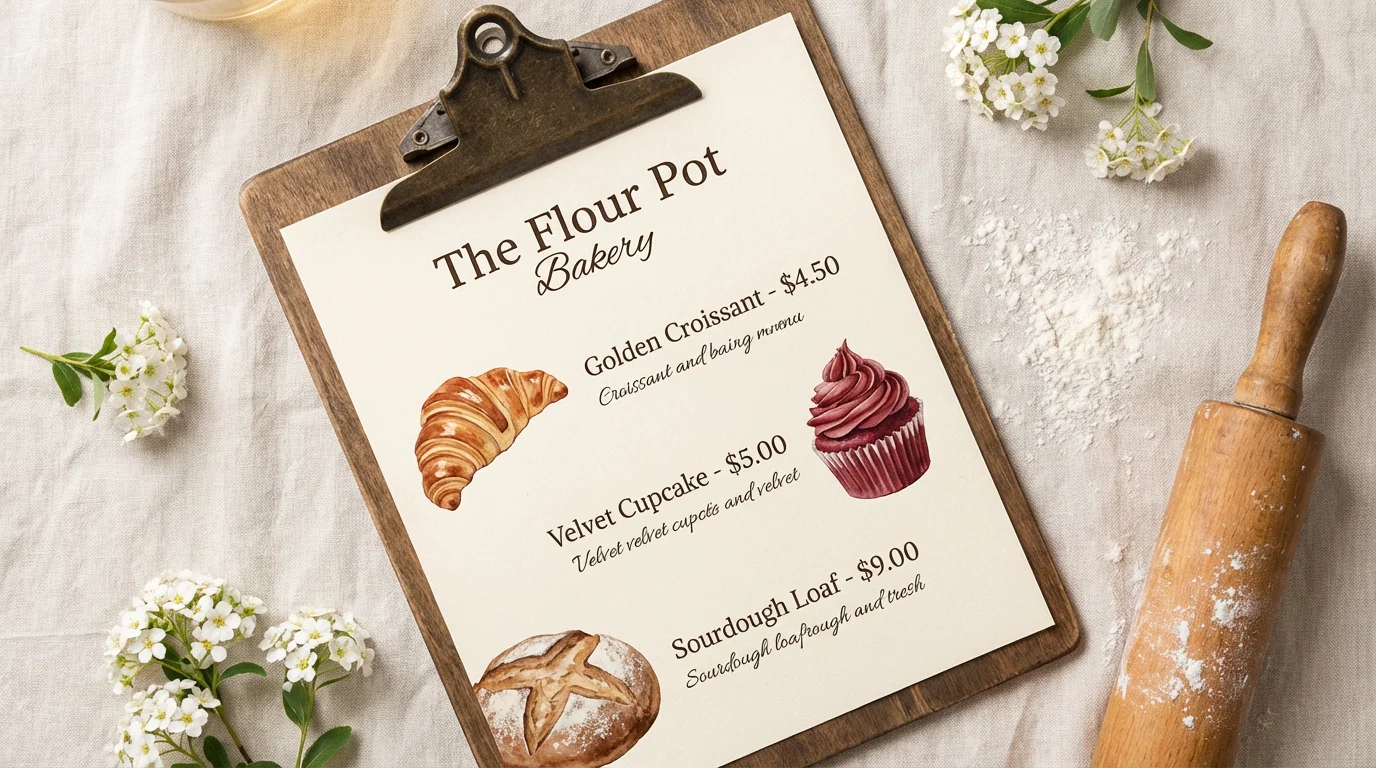
A professionally designed bakery menu for 'The Flour Pot Bakery' displayed on a rustic wooden board, styled with fresh flowers and baking ingredients.

AI Bakery Menu Design Generator

Trusted by 70 million people
171,800 Reviews
Developer API
Available on iPhone & Android

How to Design Your Bakery Menu

  1. 1

    Upload your image

    Start by uploading an image file. This can be your bakery's logo or a photo that captures the style you're aiming for.

  2. 2

    Enter your prompt

    Describe your menu in detail. Include item names, prices, categories, and the overall design aesthetic you want the AI to create.

  3. 3

    Generate your menu

    Click the generate button and our AI will design a unique bakery menu based on your prompt and uploaded image.

  4. 4

    Download your menu

    Your high-resolution bakery menu is ready to be downloaded. Use it for printing or to display on your digital platforms.

Bring your bakery's menu to life in just a few moments. Forget spending hours with complicated software. Simply describe the menu you envision, from the aesthetic to the specific items and prices. Mention if you want a rustic, modern, or playful theme. Our AI takes your words and instantly generates a beautiful menu that captures the essence of your brand. This allows you to focus on what you do best: baking delicious treats, while we handle the design work, turning your concept into a reality effortlessly.

Instant Menu Creation from Your Ideas

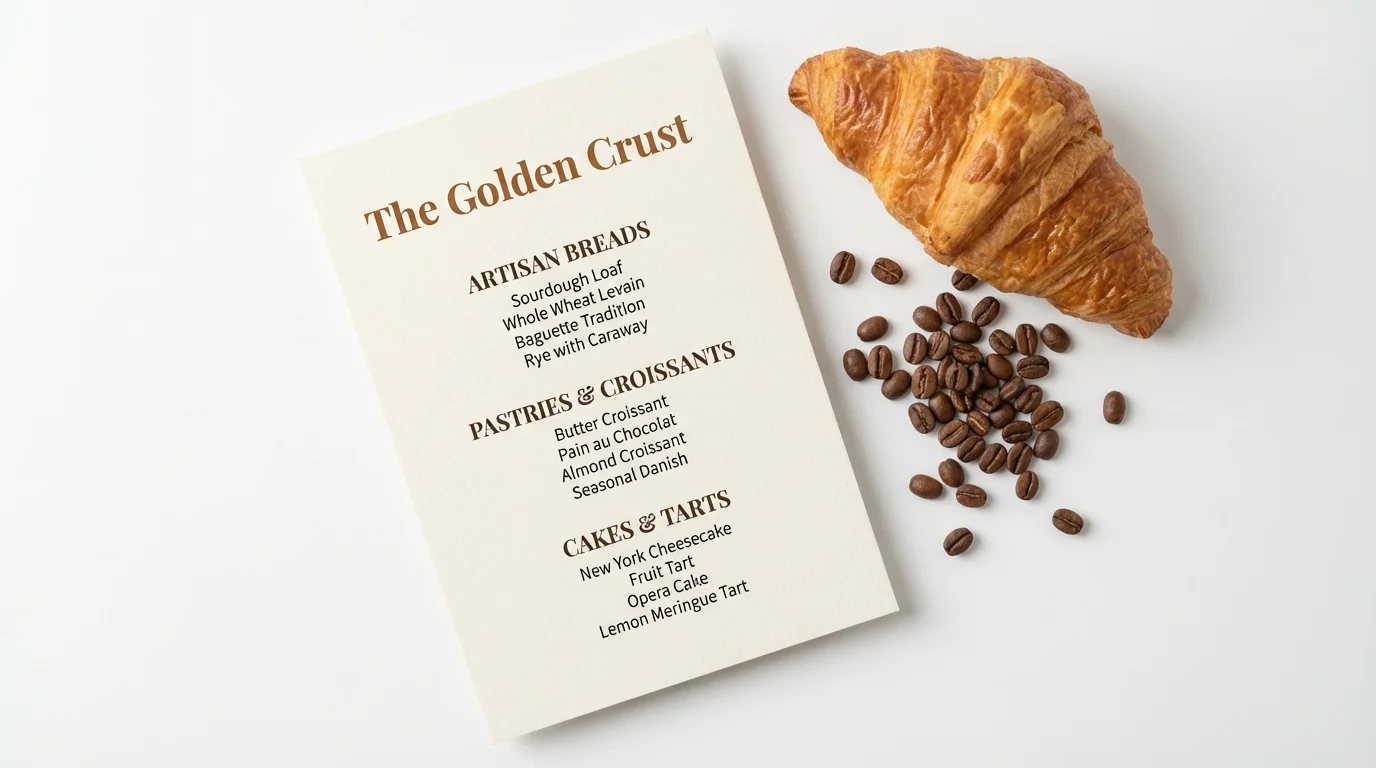
A professionally designed menu for 'The Golden Crust' bakery, shown in a flat lay on a white background with a fresh croissant and coffee beans nearby.
Create a menu that is as unique as your baked goods. Our AI-powered designer goes beyond generic templates, allowing for deep customization. You can upload your logo or an inspiration image to guide the design. Include your complete list of items, prices, and descriptions right in the prompt to have them perfectly integrated. This ensures your menu aligns with your bakery's branding, from the color scheme to the font style, creating a cohesive and professional look that will entice your customers from the first glance.

Menus That Match Your Bakery's Brand

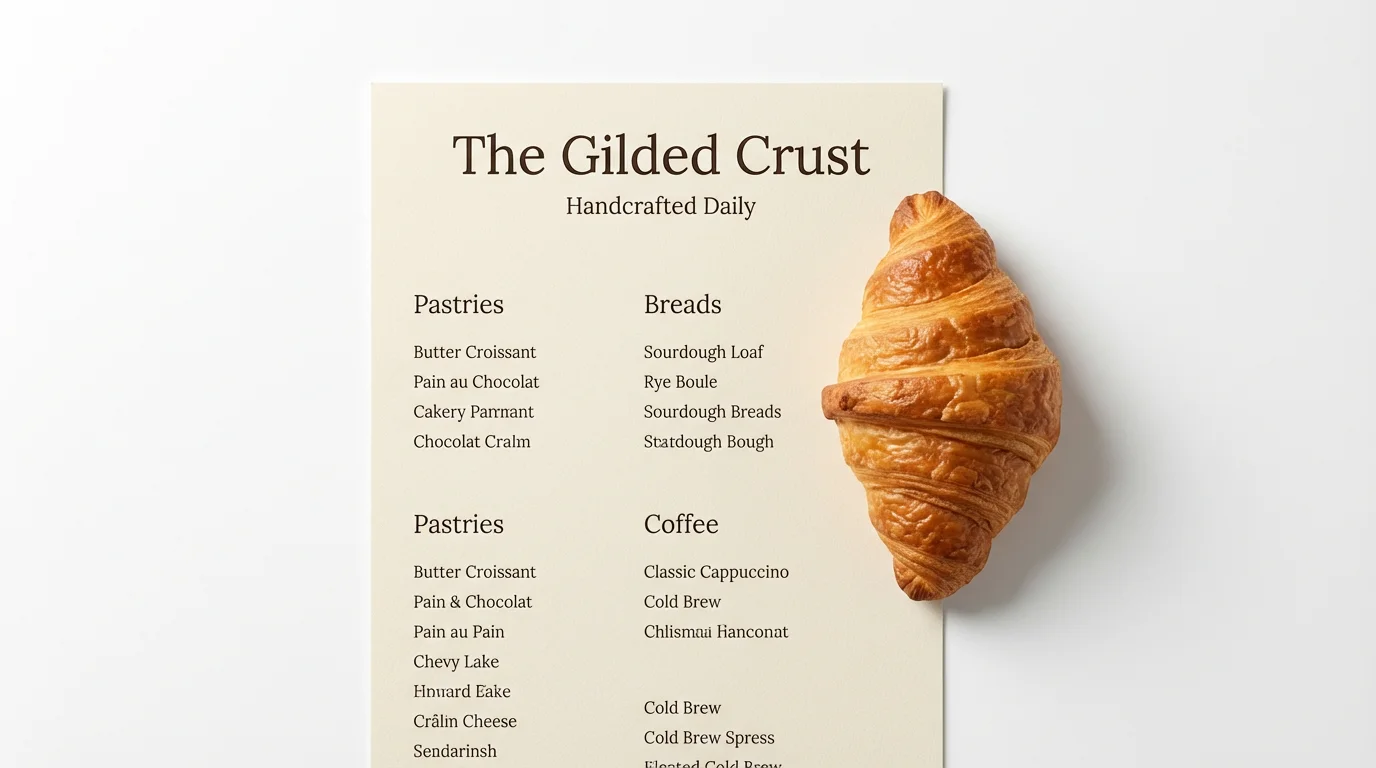
A modern bakery menu for 'The Gilded Crust' laid flat on a white surface, with a single golden croissant placed neatly beside it.
Get a high-resolution menu design that looks sharp and professional, whether you print it for your countertop or display it online. Each design is created with clarity in mind, ensuring your customers can easily read every item and price. The quality is perfect for professional printing, so your physical menus will look crisp and inviting. You can also use the downloaded image on your website, share it on social media, or include it in email newsletters, maintaining a consistent and polished appearance across all platforms.

Professional Print and Digital Menus

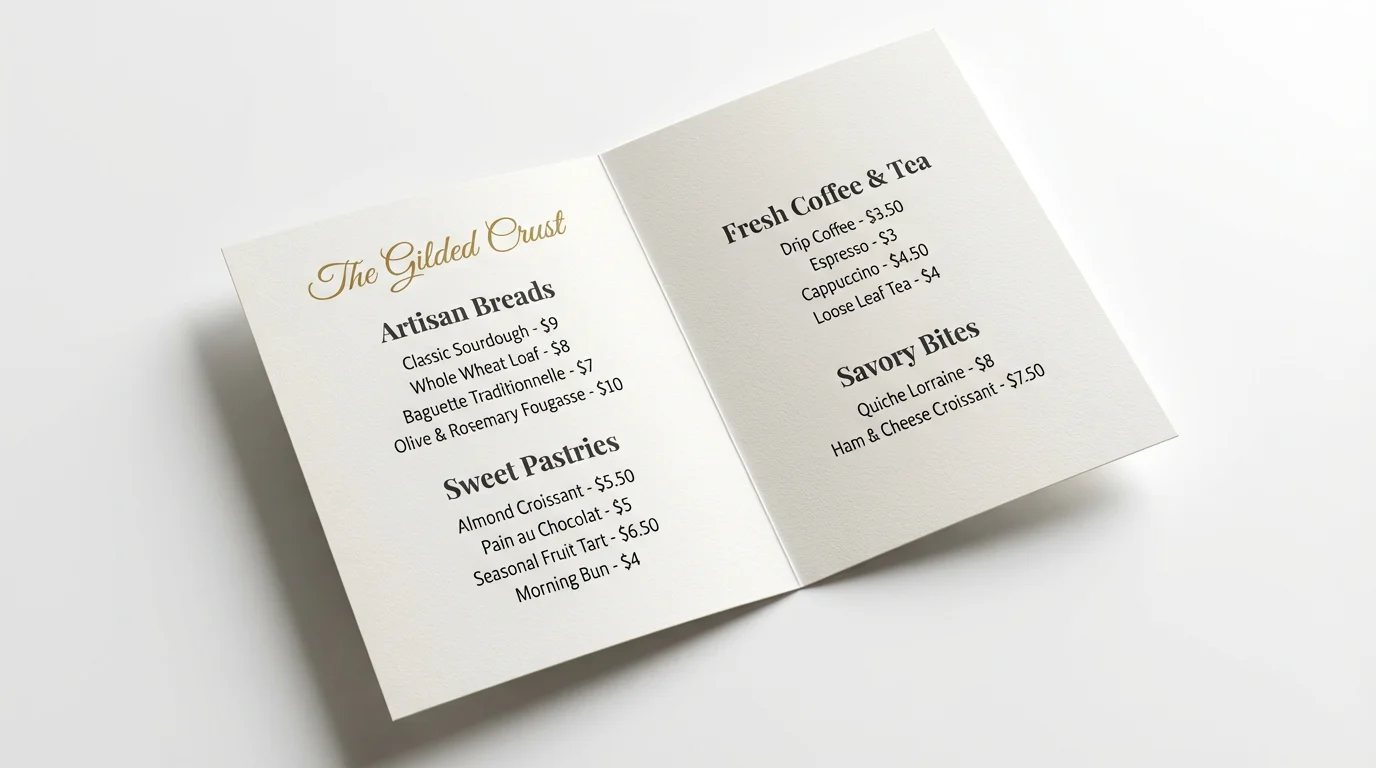
A professionally designed bakery menu for 'The Gilded Crust' shown open on a clean white background, displaying sections for breads, pastries, and coffee.
It’s Fast: Generate a complete menu in seconds, not hours. It's Customizable: Describe your style, add your items, and even upload a logo to create a truly personal menu. AI-Powered: Leverage artificial intelligence to create one-of-a-kind designs that stand out from template-based tools. Easy to Use: No design skills are needed. If you can write a description, you can create a professional menu. Versatile: Download high-resolution files ready for both printing and digital use on your website or social media.

Why use Pixelcut's AI Bakery Menu Designer?

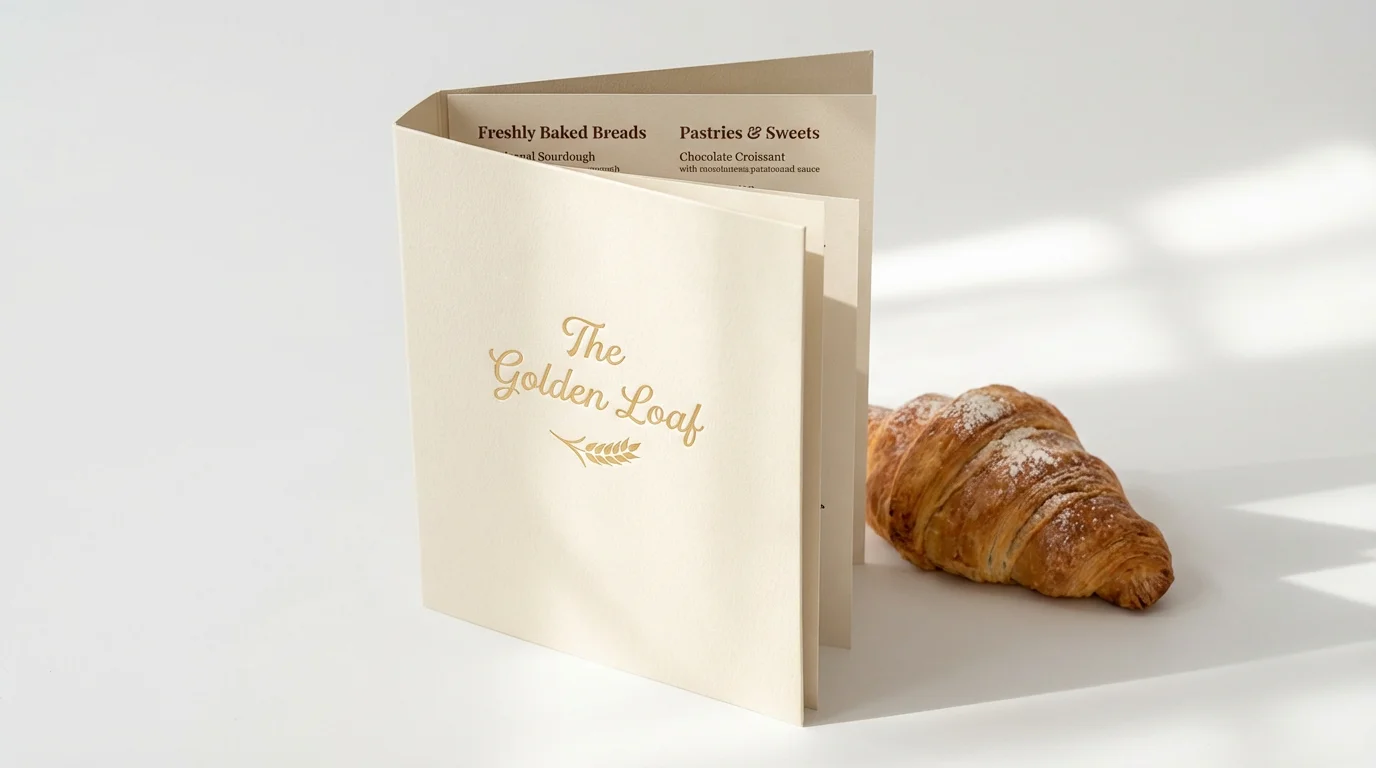
A professionally designed bi-fold bakery menu with the name 'The Golden Loaf' in gold foil, standing open on a white background next to a fresh, flaky croissant.
Daily Specials Board: Quickly design and display your daily or weekly specials to keep your offerings fresh and exciting. Seasonal Menus: Create festive menus for holidays or seasons, featuring special ingredients and themed designs. Cafe and Drink Lists: Design a separate, elegant menu for your coffee, tea, and beverage selection. Catering Menu: Develop a professional and detailed menu to provide to clients for events and large orders. Price List Updates: Easily generate an updated menu whenever you add new items or adjust your prices.

Bakery Menu Designer Use Cases

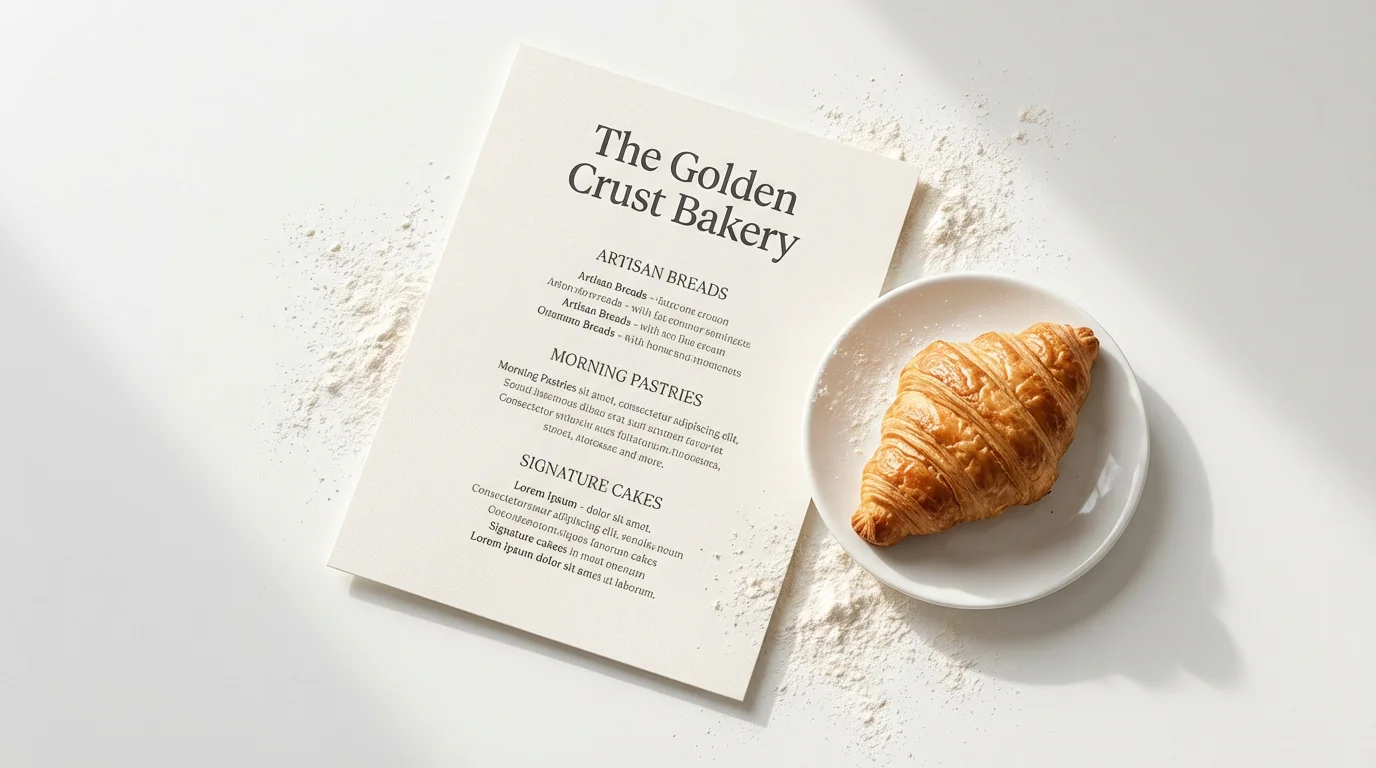
A professional mockup of a bakery menu titled 'The Golden Crust Bakery', displayed on a white background with a fresh croissant on a plate beside it.

Frequently Asked Questions

Pixelcut is loved by over 2 million people

  • My favorite app

    Great app, easy to use. Helps our small business save time and money to create different marketing materials professionally. Thank you.
    Shaelyn D.
  • Best background remover

    I need a good background remover for my work and I've been through them all it feels like. This one is the best by far. It's so easy to use and the results always look amazing. Thank you Pixelcut!
    Kira H.
  • Love it

    It's amazingly easy and gives the perfect results for my bags and accessories. It looks like it was done by a professional photographer.
    Mary J.