My favorite app
Great app, easy to use. Helps our small business save time and money to create different marketing materials professionally. Thank you.
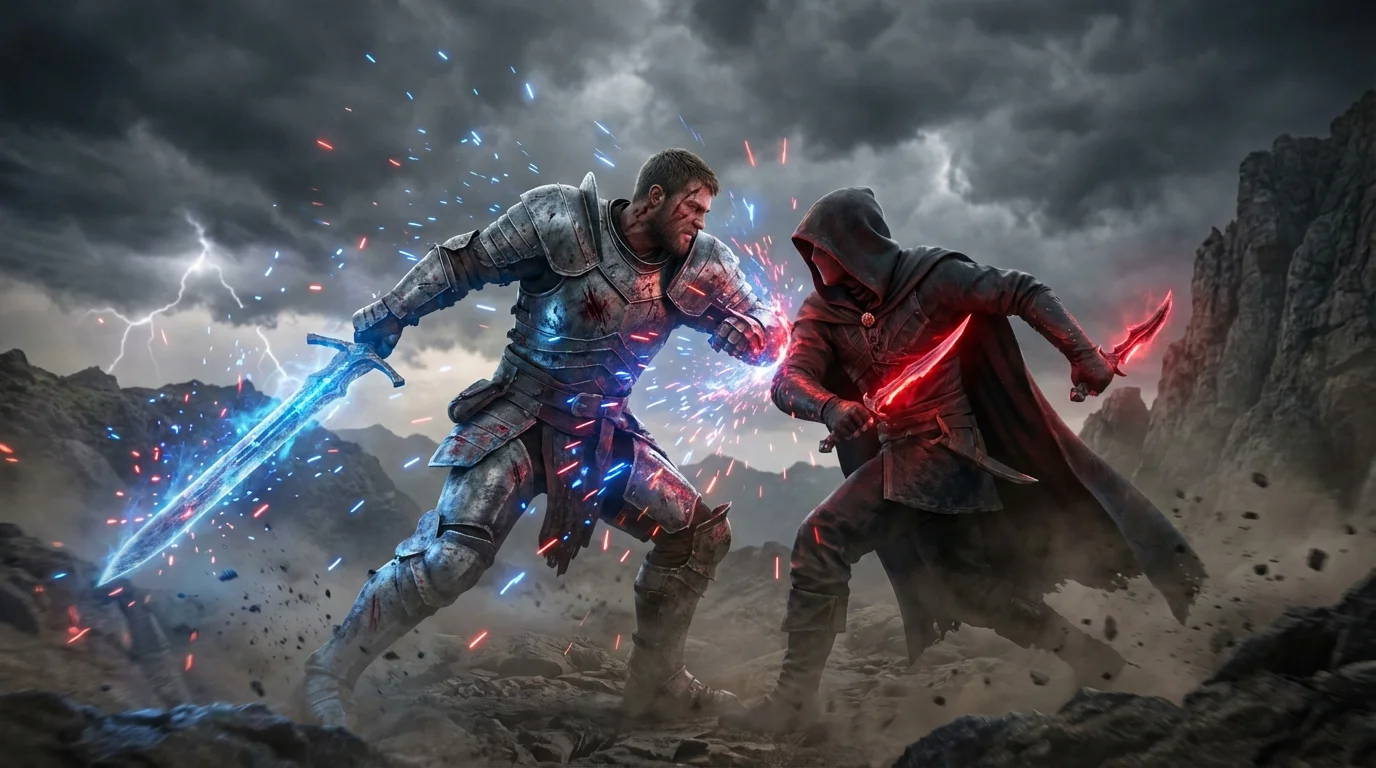
Start with a photo of your character or a background image that you want to transform into a battle scene.
In the text box, describe the scene you want to create. Add characters, define the background, and specify any action or effects.
Click the generate button. Our AI will analyze your image and prompt to compose a unique and epic battle scene for you.
Your high-resolution battle scene is ready to download. Use it for your concept art, book, or personal projects, completely watermark-free.
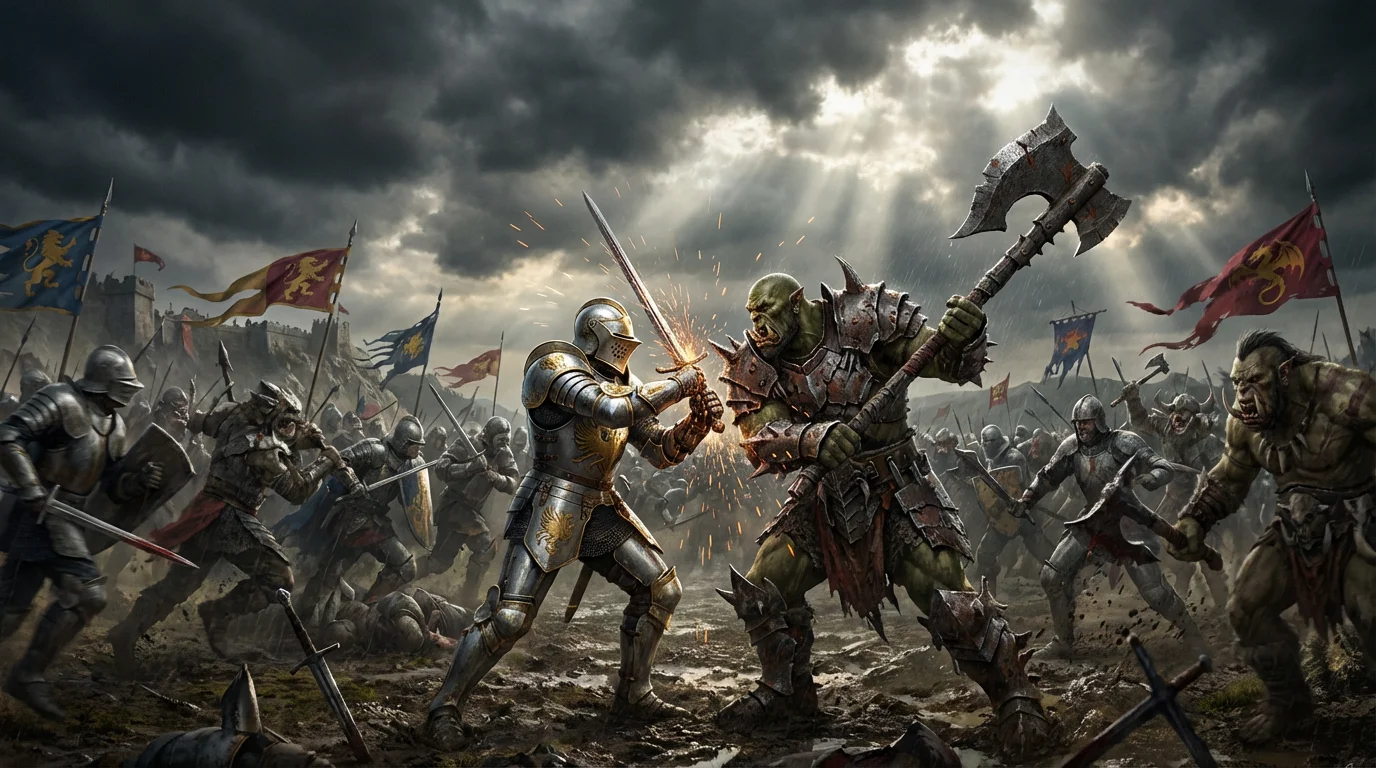
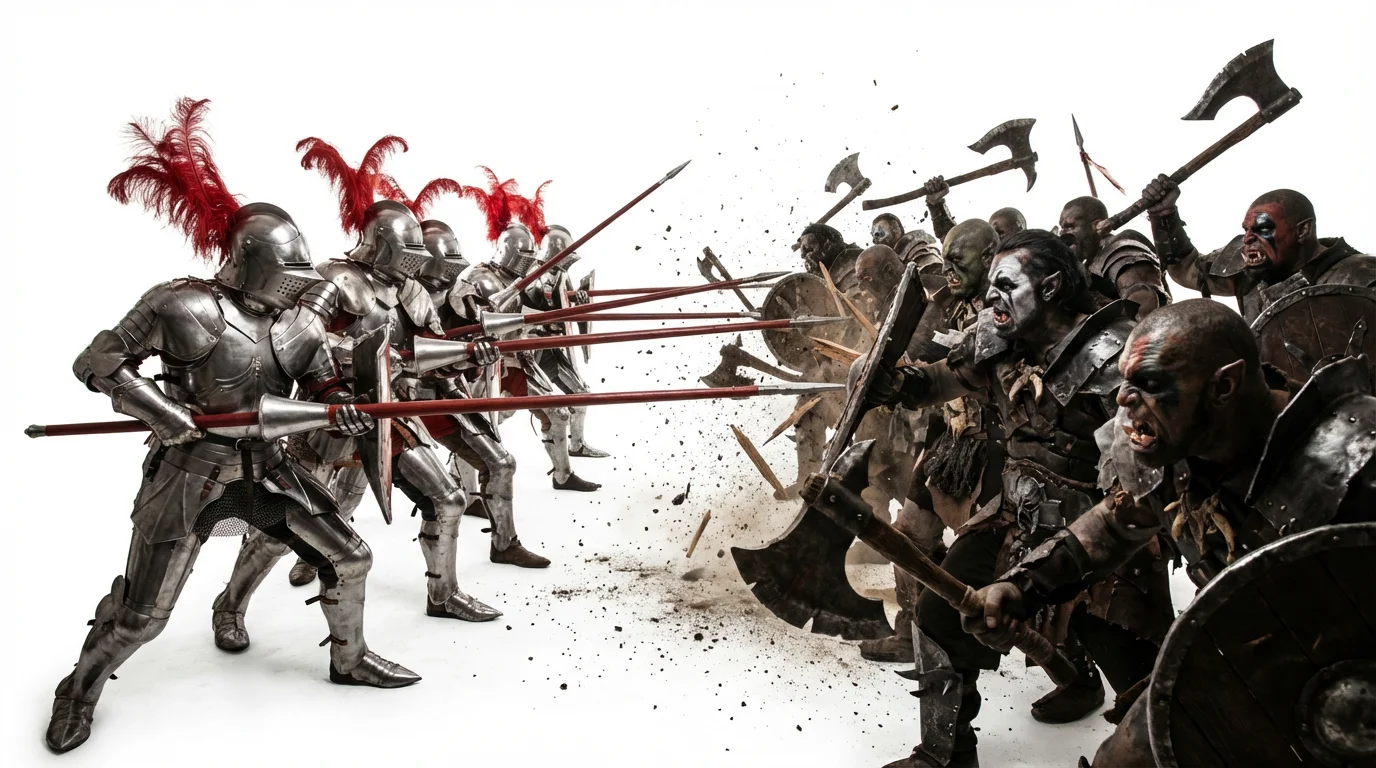
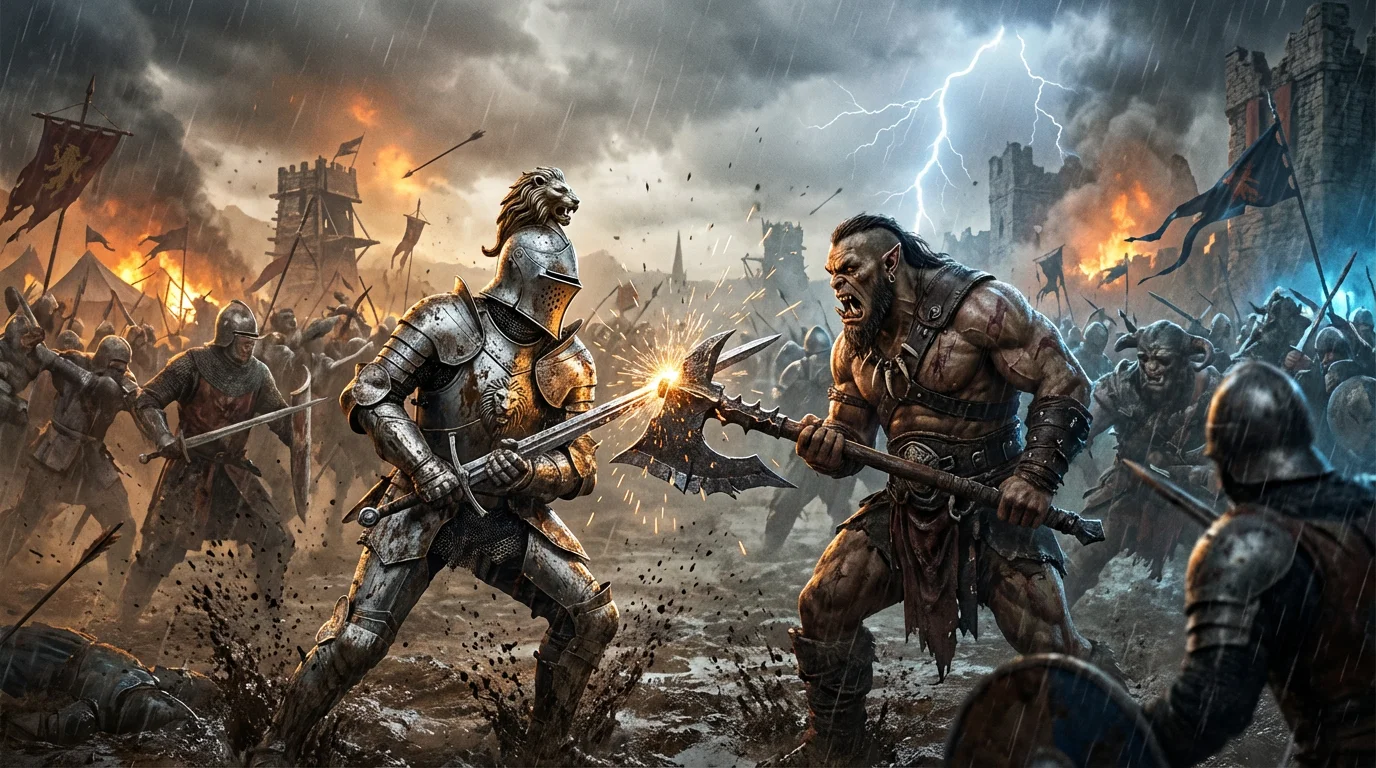
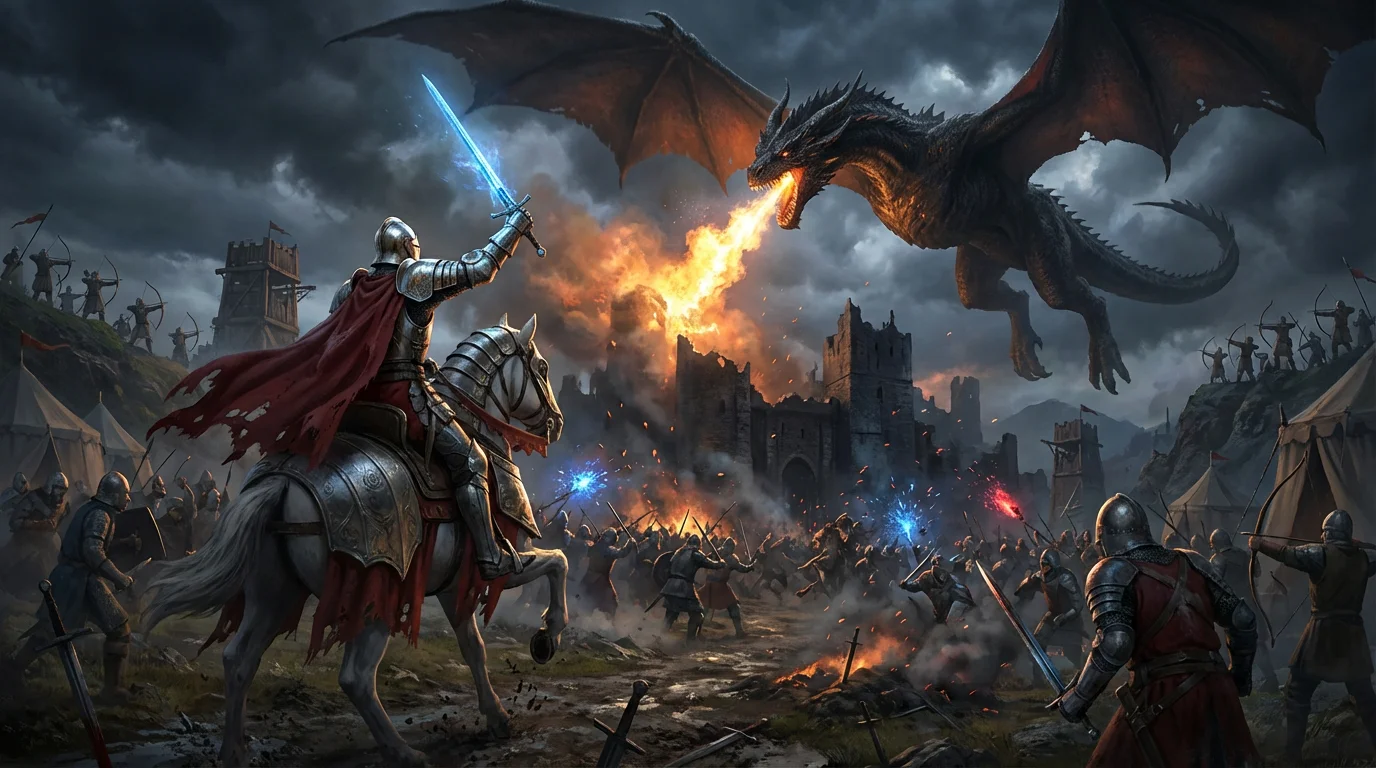
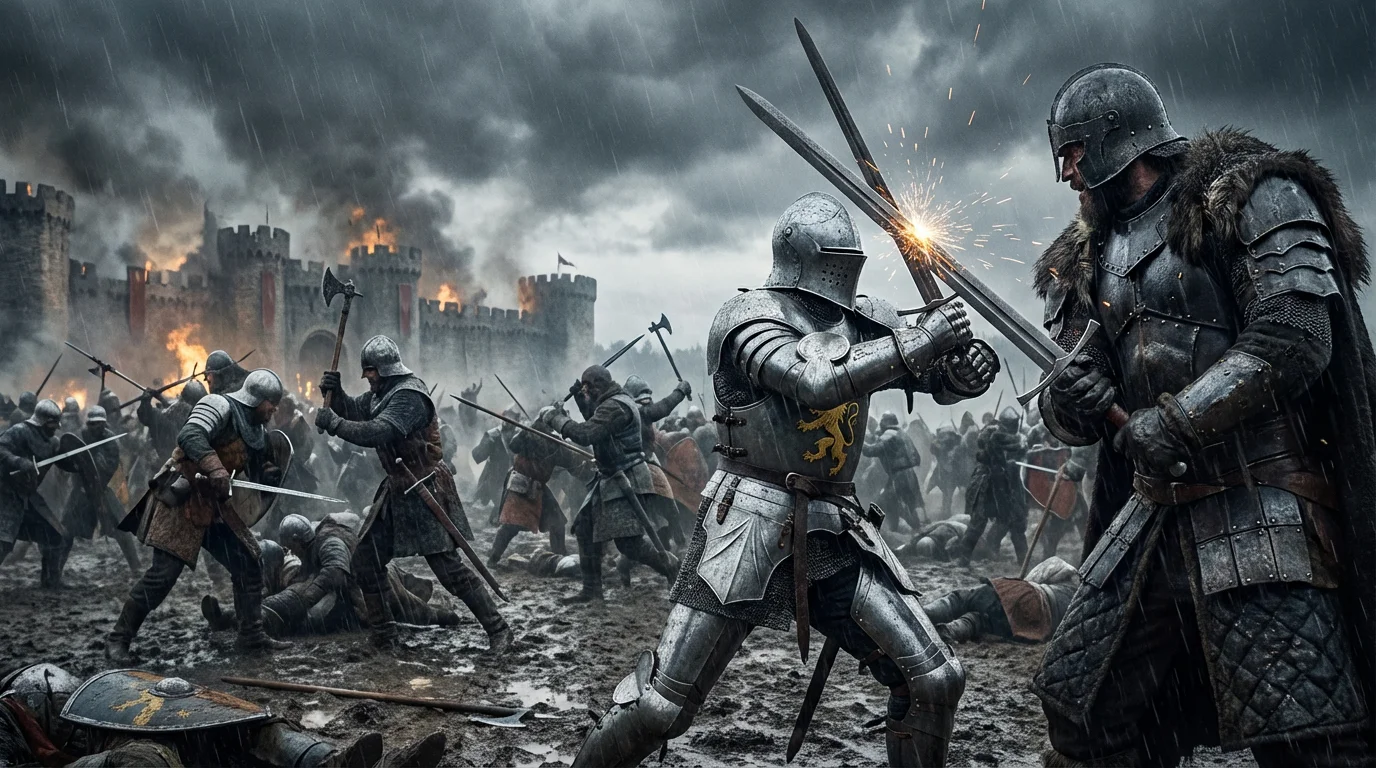
An AI battle scene composition tool uses artificial intelligence to help you build and edit complex battle scenes. You can upload a starting image, such as a character or background, and then use text prompts to add more elements like other fighters, special effects, and new environments to create a complete and dynamic picture.
To add another character, upload your base image. Then, in the text prompt, describe the character you want to add and where you want to place them. For example, you could write, 'Add a knight in silver armor clashing swords with the main character.'
Yes, absolutely. Upload the photo of your character. In your prompt, describe the new background you want to see. For instance, 'Change the background to a desolate, rocky landscape under a stormy sky.' The AI will then generate the new scene around your character.
You can add special effects by describing them in your text prompt. After uploading your image, simply include details like 'make the sword glow with blue energy' or 'add dust and debris swirling around their feet.' The AI will interpret these instructions and add the visual effects to the scene.
For the best results, start with a clear, high-quality image. You can upload an image of a character with a simple or transparent background, which makes it easier for the AI to place them in a new scene. Alternatively, you can upload a background image and use prompts to add characters into it.
Yes, this tool is excellent for concept artists. It allows for rapid iteration and visualization of key scenes, characters, and environments, streamlining the creative process for game development, film, and other media projects.
Great app, easy to use. Helps our small business save time and money to create different marketing materials professionally. Thank you.
I need a good background remover for my work and I've been through them all it feels like. This one is the best by far. It's so easy to use and the results always look amazing. Thank you Pixelcut!
It's amazingly easy and gives the perfect results for my bags and accessories. It looks like it was done by a professional photographer.