Pixelcut
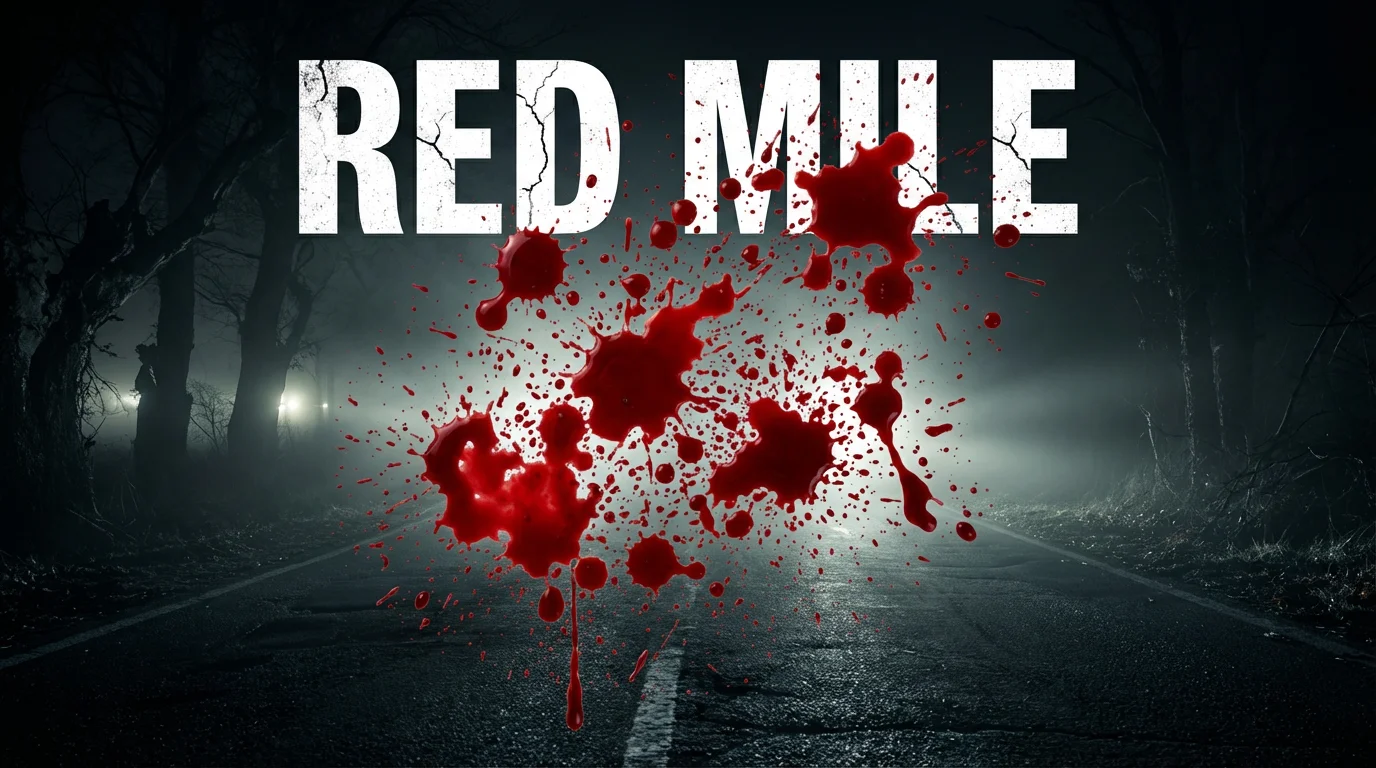
A dramatic horror movie poster for a fictional film titled 'RED MILE', featuring a large, realistic red blood splatter splashed across a dark image of a foggy road at night.

AI Blood Splatter PNG Generator

Trusted by 70 million people
171,800 Reviews
Developer API
Available on iPhone & Android

How to Add a Blood Splatter Effect

  1. 1

    Upload your image

    Start by uploading the photo or design you want to add a blood splatter effect to.

  2. 2

    Describe the effect

    In the text box, describe the blood effect. For example, 'add a fine spray of blood on the right side' or 'chaotic blood splatter with drips.'

  3. 3

    Generate your effect

    Click the generate button and let our AI create the custom blood splatter directly on your image based on your prompt.

  4. 4

    Download your image

    Your image with the added blood effect is ready. Download the high-resolution file for free to use in your horror projects.

Ditch the generic stock images. With our AI tool, you can generate the exact blood splatter effect you need, right onto your image. Describe the look you're going for, whether it's a fine spray, dramatic splashes, or slow drips. The AI interprets your text to create a unique effect that fits your project's mood perfectly. This gives you complete artistic control to produce dynamic and intense visuals for horror-themed graphics or any creative work, without ever leaving your browser.

Create Custom Blood Effects Instantly

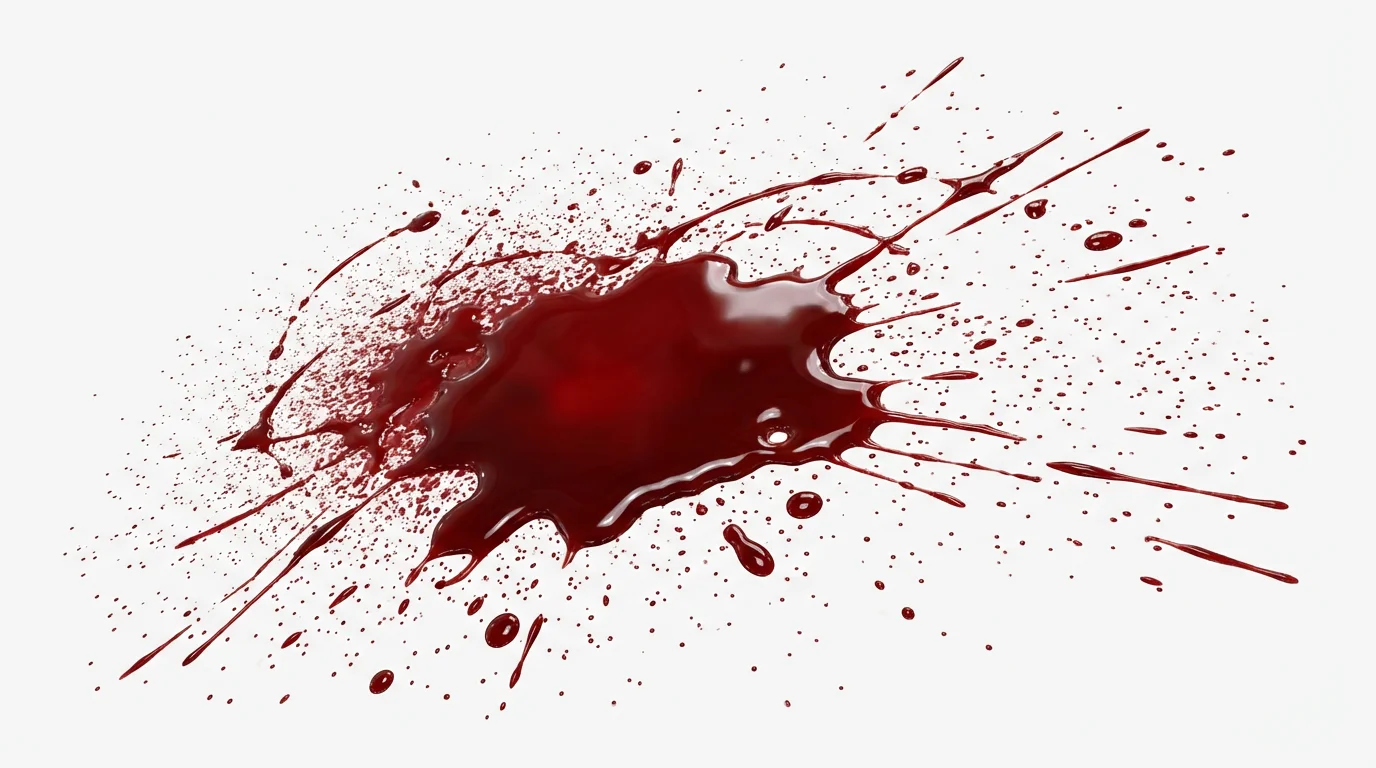
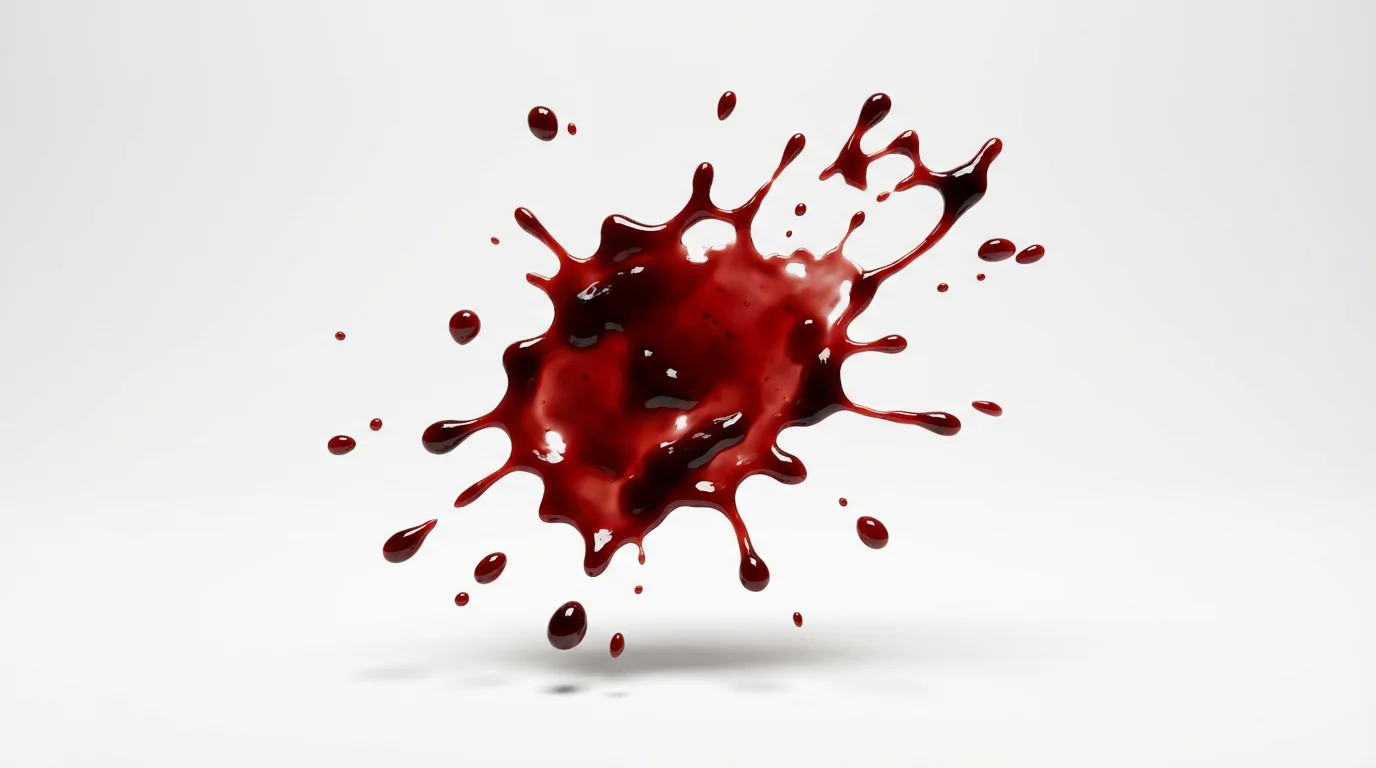
A photorealistic image of a vibrant red blood splatter with various droplets and streaks, isolated on a plain white background, ready for use as a digital asset.
Get clean, professional results every time. Our AI can generate blood splatters on a transparent background, giving you a perfect PNG overlay. This makes it incredibly easy to layer the effect into your designs without any frustrating editing or background removal. Simply upload your base image, tell the AI to add the splatter, and specify a transparent background in your prompt. You'll get a high-resolution, ready-to-use graphic that integrates flawlessly into posters, digital art, or video thumbnails.

Seamless PNGs with Transparent Backgrounds

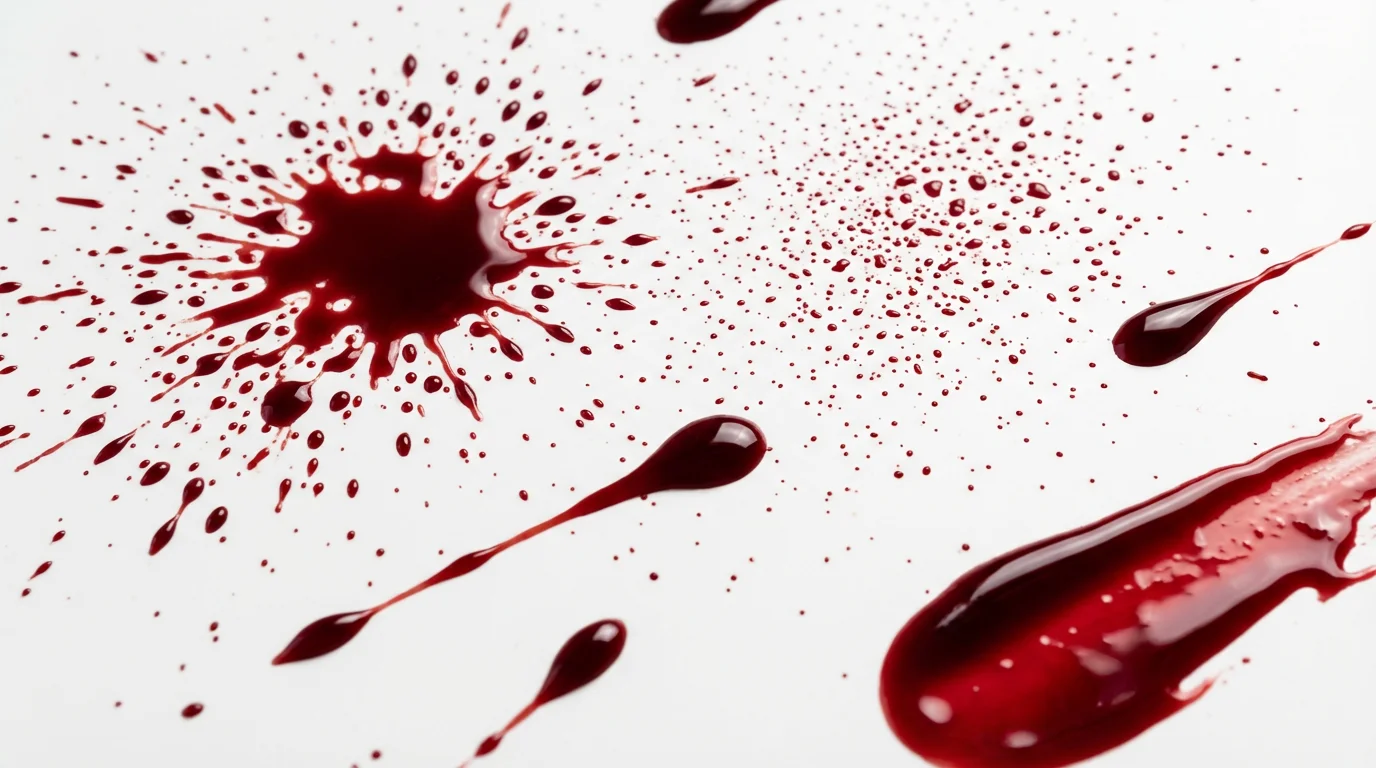
A mockup image displaying a variety of realistic red blood splatters and drips arranged cleanly on a solid white background.
Why spend hours with complicated software and messy brush packs? Pixelcut simplifies the process of adding horror effects to your images. All you need to do is upload your picture and type a simple description of the blood effect you want. The AI handles the complex work of generating and placing the splatter realistically within your scene. It's the fastest way to transform a standard photo into a thrilling visual, ideal for creating compelling content for social media, marketing materials, or personal art projects.

Effortless Editing for Maximum Impact

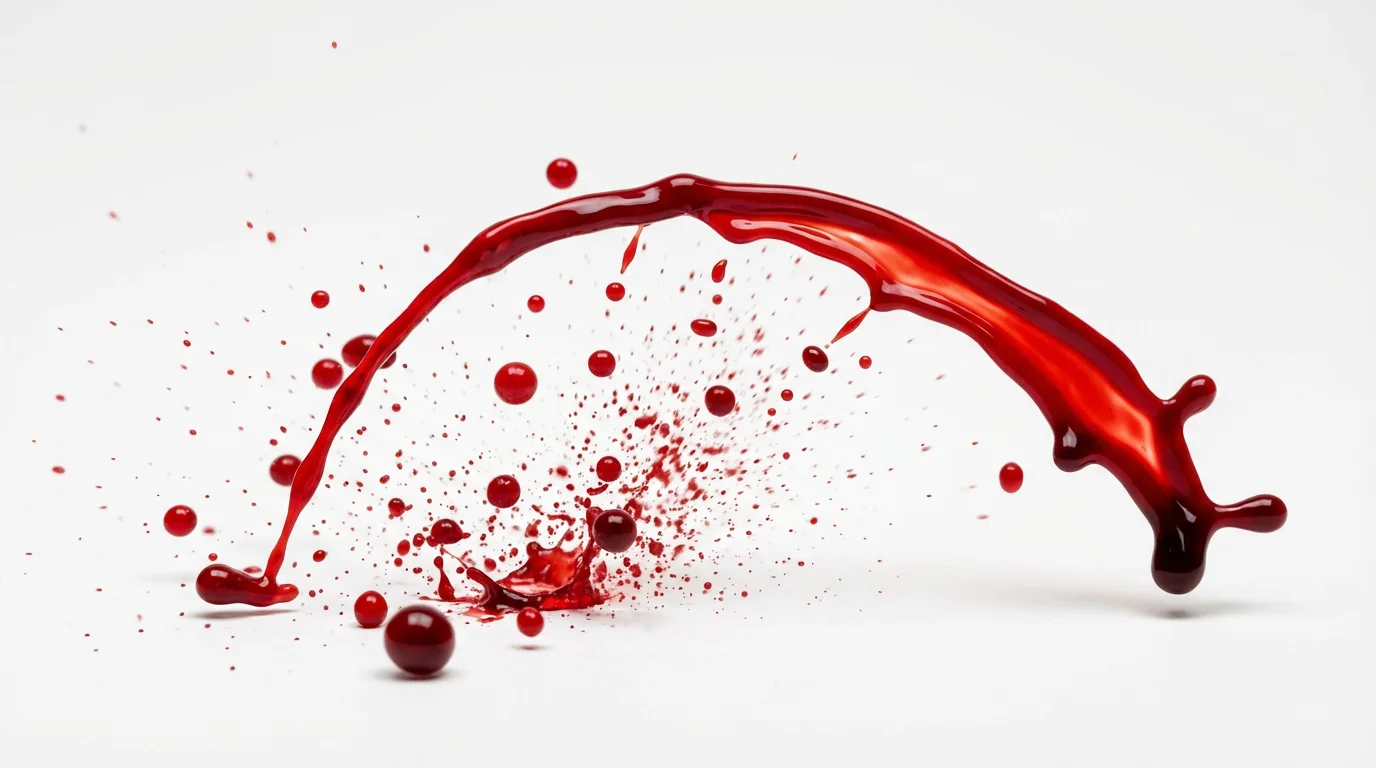
A realistic, high-resolution image of a crimson blood splatter, isolated on a clean white background, showcasing its use as a graphic design element.
It’s Precise: Tell the AI exactly where to add the blood effect on your image. It’s Customizable: From small droplets to large pools, create any style of blood splatter. AI-Powered: Leverage artificial intelligence to generate realistic and stylized horror effects from simple text. Easy to Use: No design skills needed. Just upload your photo and write a prompt to add a blood splatter. Get Transparent PNGs: Ask the AI for a transparent background to create a versatile blood splatter PNG you can use anywhere.

Why use Pixelcut's AI Blood Splatter Effect?

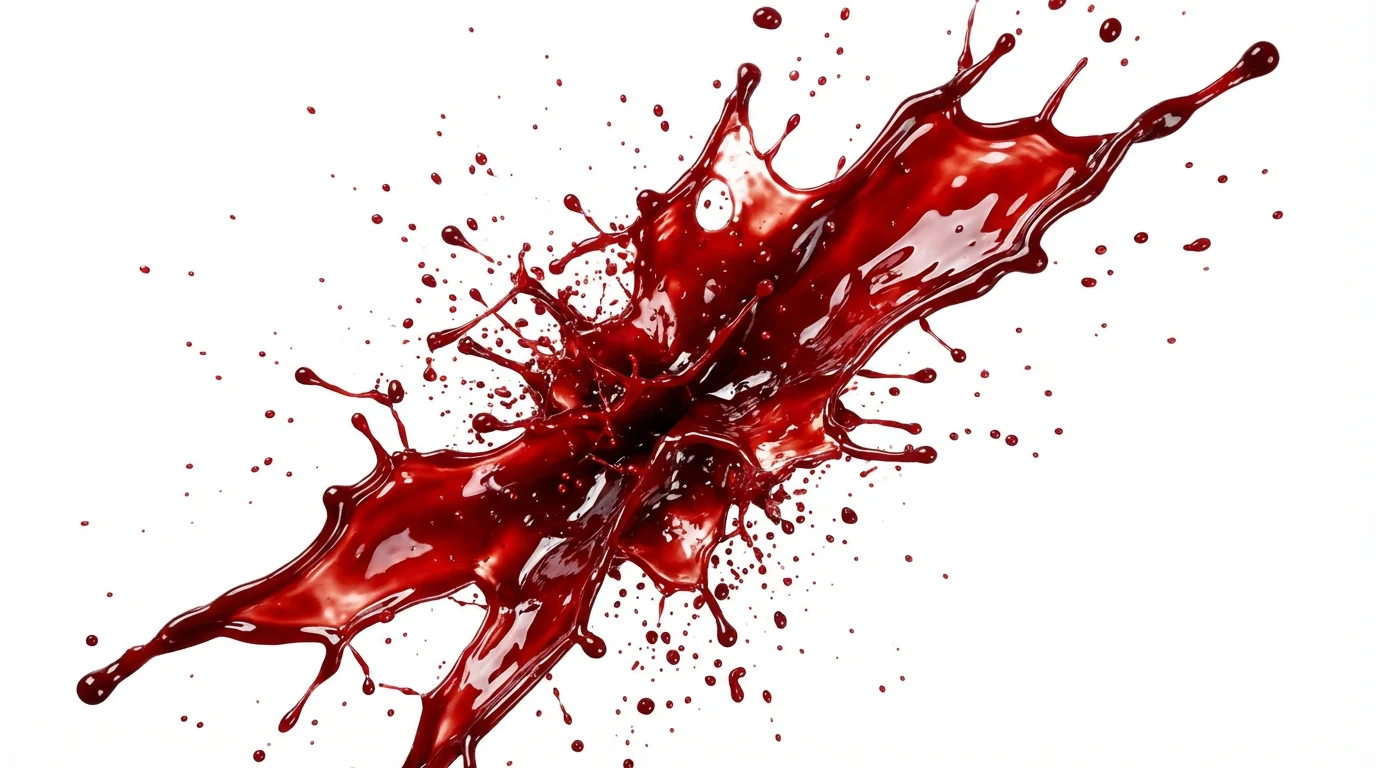
A photorealistic mockup of a single, dynamic blood splatter with deep red drips and splashes, presented as a graphic asset on a clean white background.
Halloween Graphics: Design spooky party invitations, posters, and social media posts. Filmmaking & SFX: Create pre-visualization concepts for special effects makeup or horror scenes. Comic & Graphic Novels: Add gritty, dynamic action effects to your digital illustrations. Album Art: Produce edgy and provocative covers for bands and musical artists. Themed Marketing: Develop eye-catching promotional materials for horror-themed events, games, or escape rooms.

Blood Splatter Effect Use Cases

A realistic digital image of a single red blood splatter with various droplets, shown against a plain white background to highlight it as a downloadable asset.

Frequently Asked Questions

Pixelcut is loved by over 2 million people

  • My favorite app

    Great app, easy to use. Helps our small business save time and money to create different marketing materials professionally. Thank you.
    Shaelyn D.
  • Best background remover

    I need a good background remover for my work and I've been through them all it feels like. This one is the best by far. It's so easy to use and the results always look amazing. Thank you Pixelcut!
    Kira H.
  • Love it

    It's amazingly easy and gives the perfect results for my bags and accessories. It looks like it was done by a professional photographer.
    Mary J.