My favorite app
Great app, easy to use. Helps our small business save time and money to create different marketing materials professionally. Thank you.
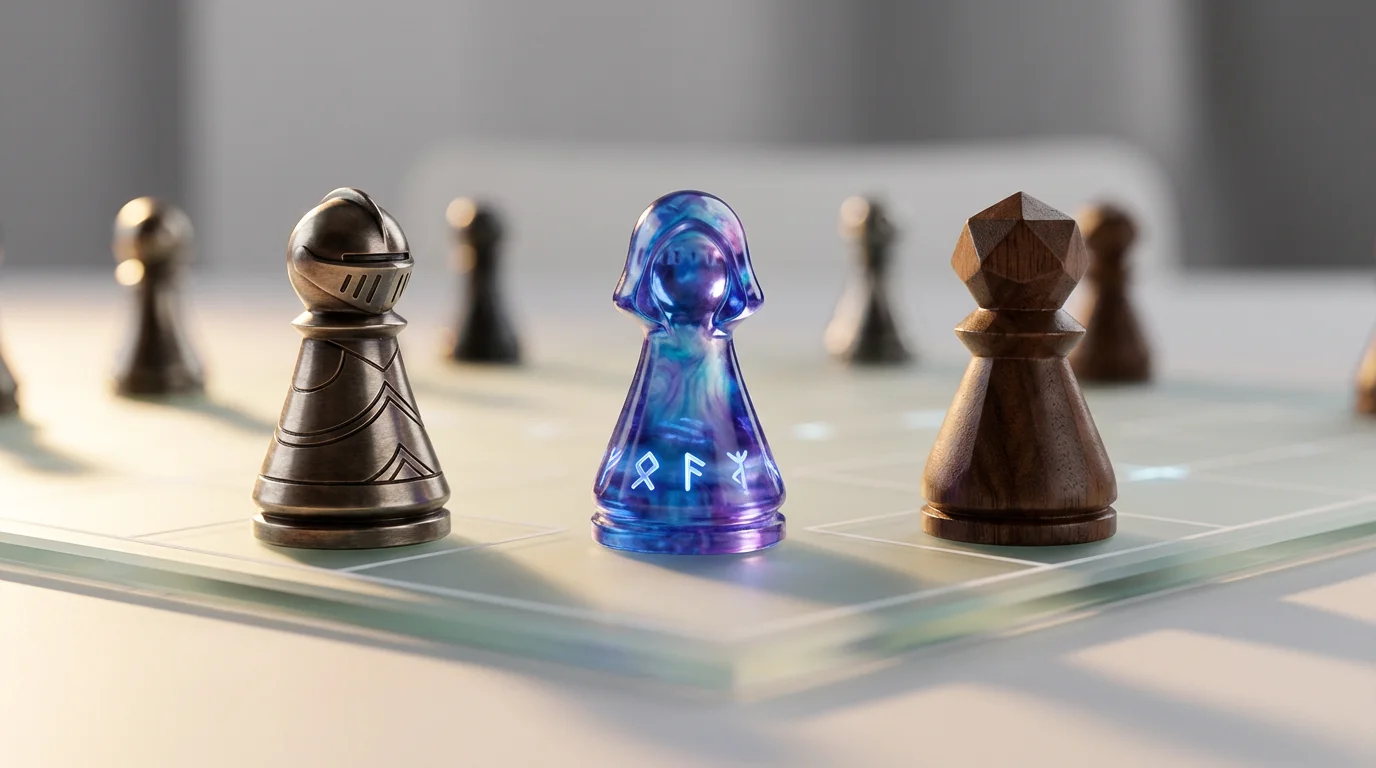
Enter a detailed text prompt describing your ideal board game pawn. Include character traits, materials, and styles for the best results.
Click the generate button and our AI will create a unique visual concept for your game piece based on your description.
Your high-resolution pawn design is ready to be downloaded. Use it to enhance your game prototype, rulebook, or personal collection.
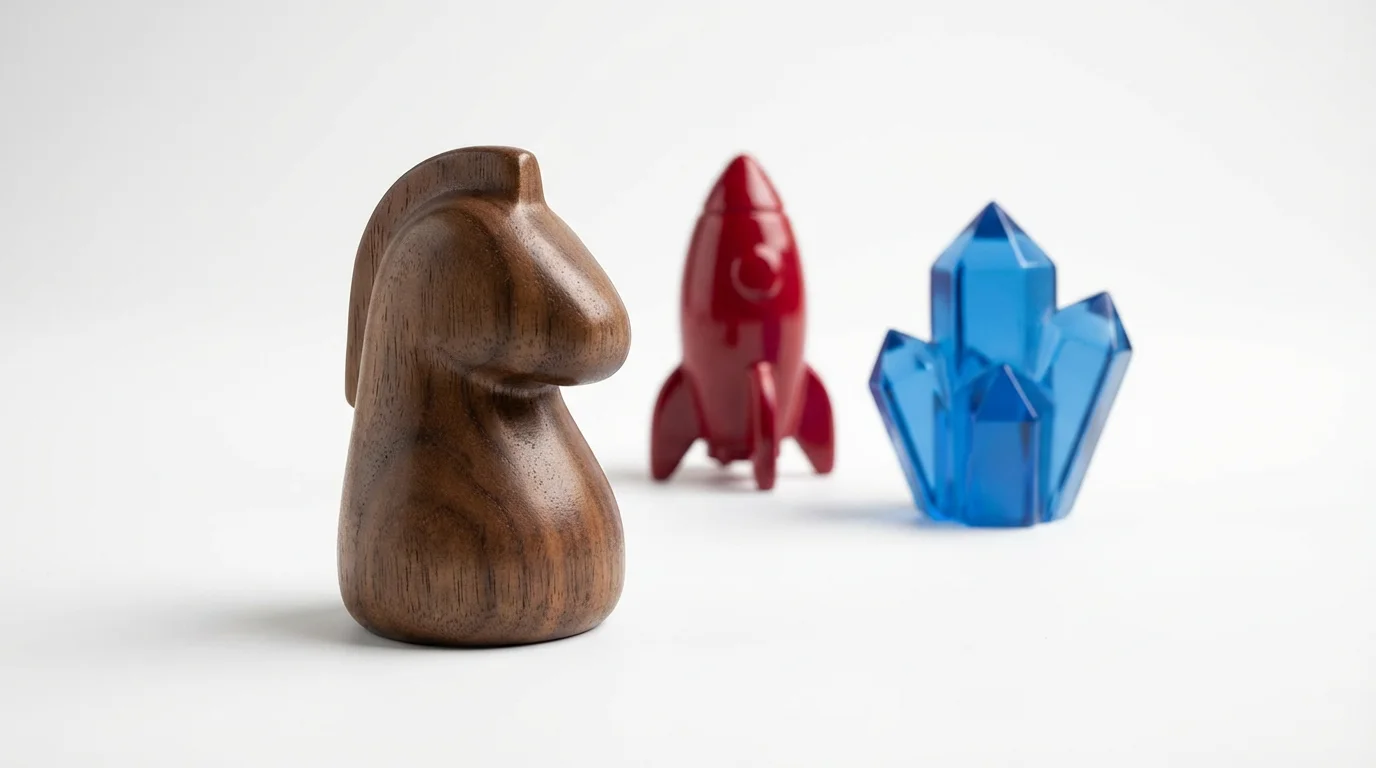
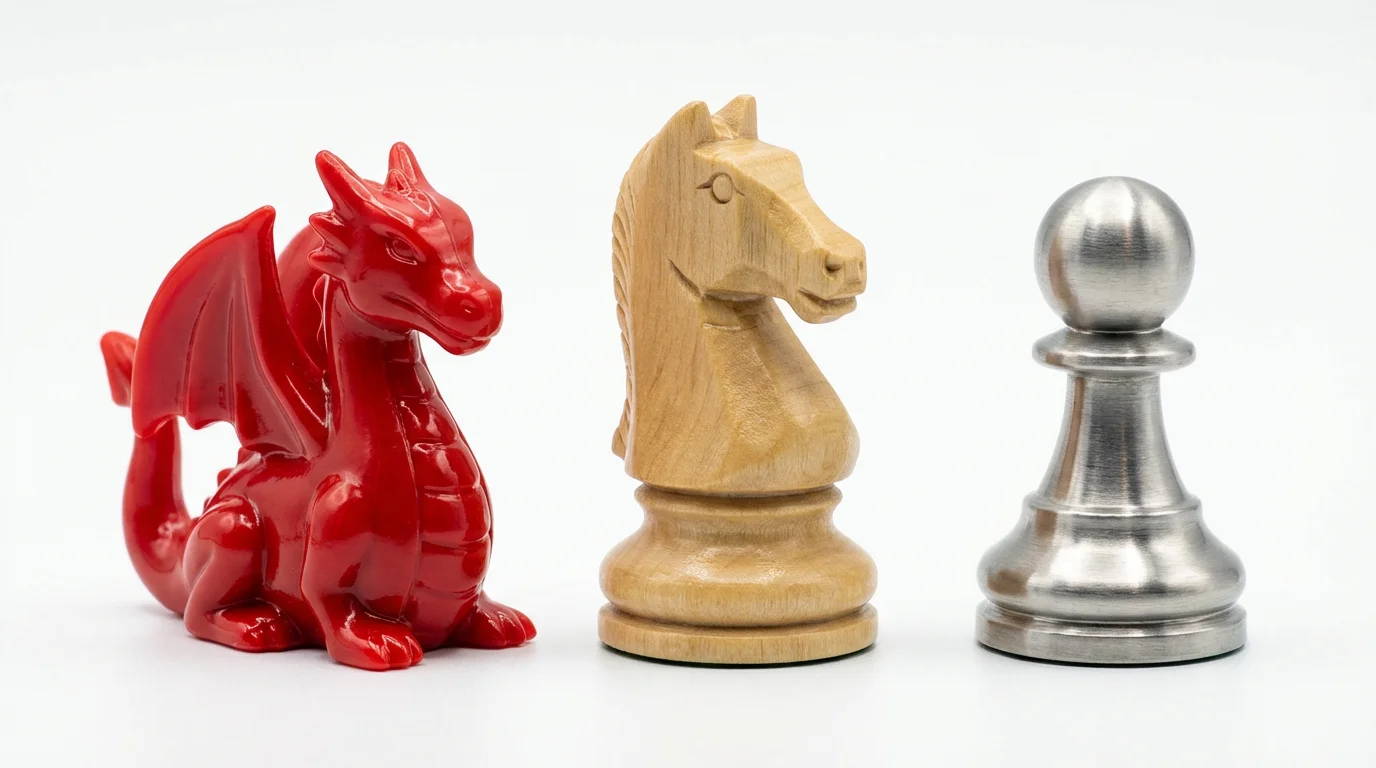
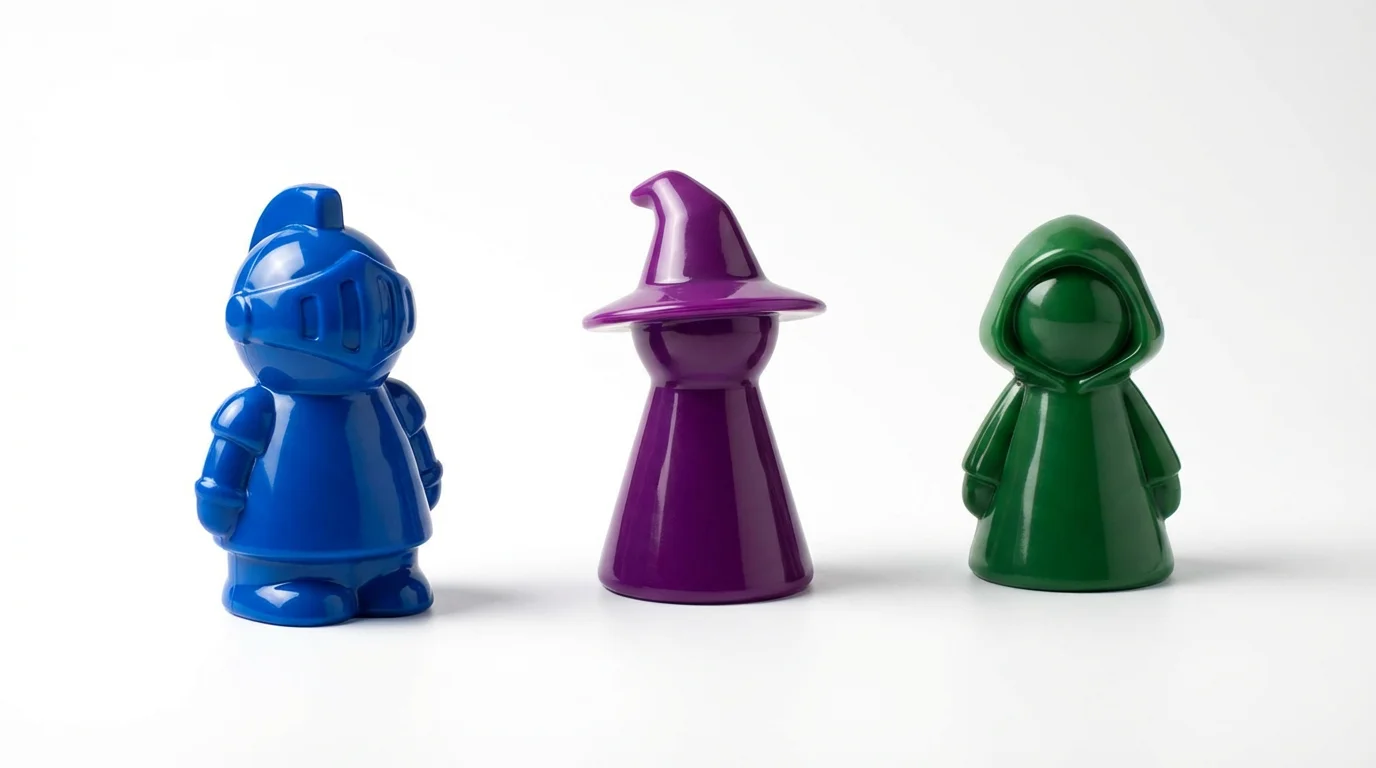
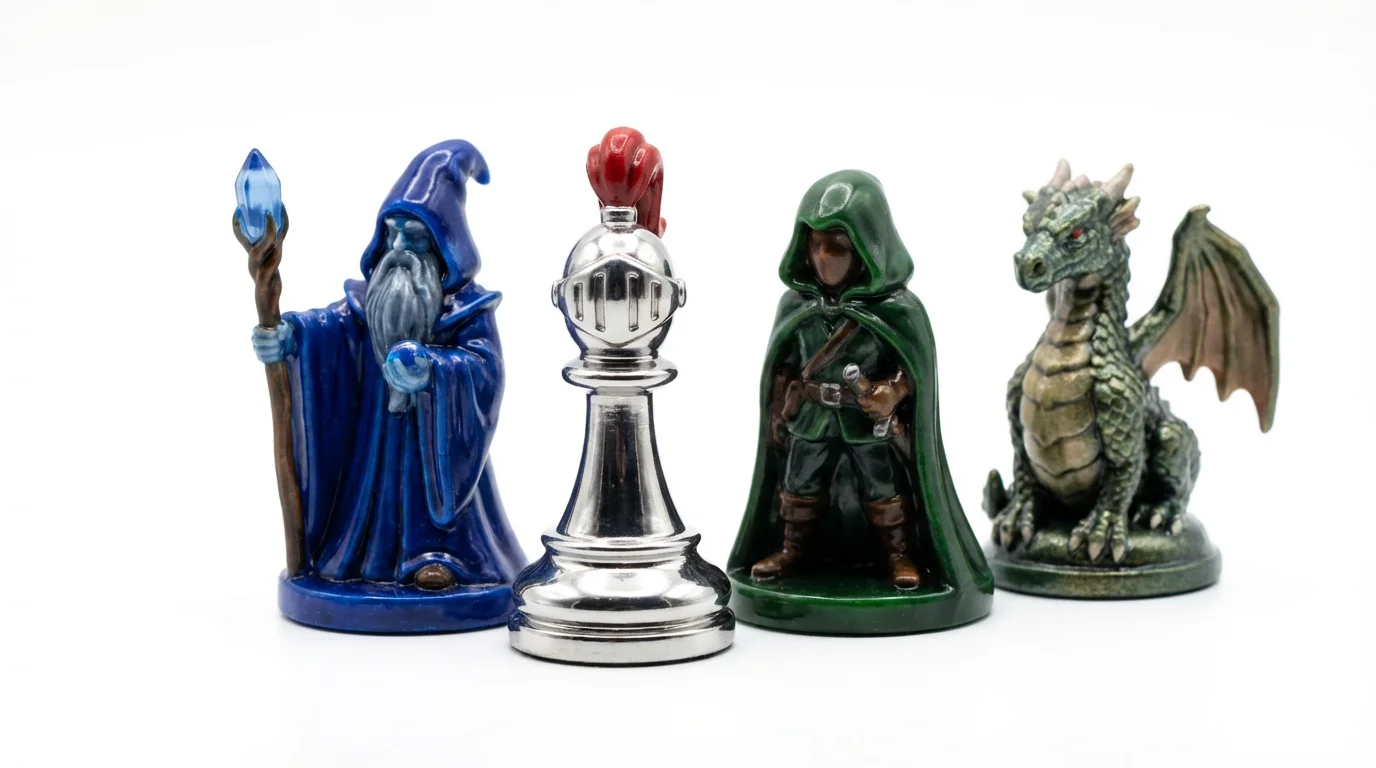
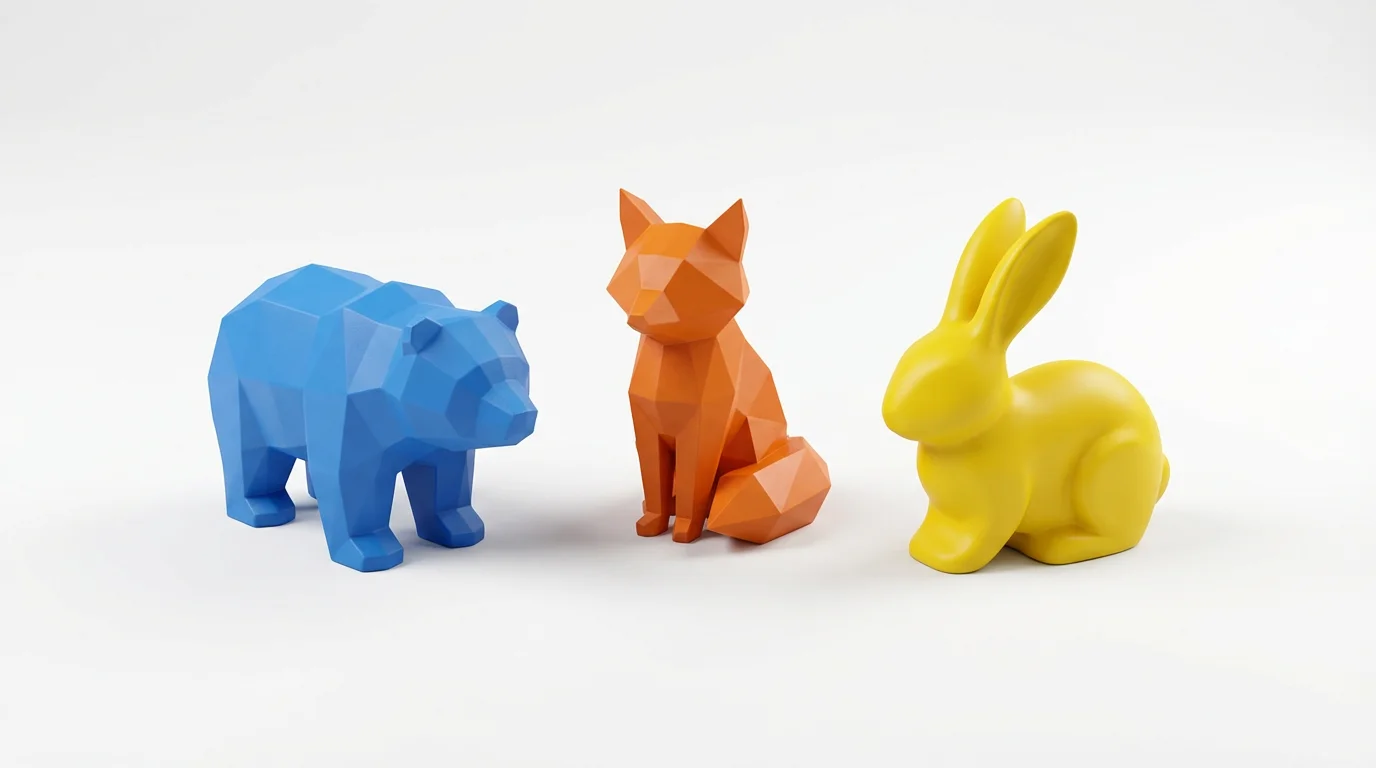
An AI board game pawn designer is a tool that uses artificial intelligence to create visual concepts for game pieces from text descriptions. You can describe the character, style, material (like wood, metal, or plastic), and colors, and the AI will generate an image of what your custom pawn could look like.
Yes, you can generate a cohesive set of game pieces. By using a consistent prompt that describes the shared style, theme, and material, the AI can produce multiple pawn designs that look like they belong in the same game.
For best results, be descriptive. Include details like the character type (e.g., 'alien explorer,' 'fantasy knight,' 'abstract geometric shape'), the desired material ('carved wood,' 'polished chrome,' 'translucent plastic'), the color scheme, and the overall mood ('heroic,' 'menacing,' 'playful').
Absolutely. The generated images are a great way to create high-quality visuals for your prototype. You can use them in your digital mockups, on print-and-play sheets, or as reference art for 3D modeling.
No design experience is necessary. The tool is designed to be user-friendly for everyone, from professional game developers to hobbyists. All you need is your imagination and the ability to describe the pawn you want to create.
Yes, you can upload an image, such as a character sketch or a photo of a style you like, along with your text prompt. The AI will use your image as inspiration to guide the final design of the game pawn.
You can download your generated pawn images for free in PNG and JPEG formats. Pixelcut PRO users have additional options, including SVG and WEBP, and can create images with transparent backgrounds.
Great app, easy to use. Helps our small business save time and money to create different marketing materials professionally. Thank you.
I need a good background remover for my work and I've been through them all it feels like. This one is the best by far. It's so easy to use and the results always look amazing. Thank you Pixelcut!
It's amazingly easy and gives the perfect results for my bags and accessories. It looks like it was done by a professional photographer.