Pixelcut
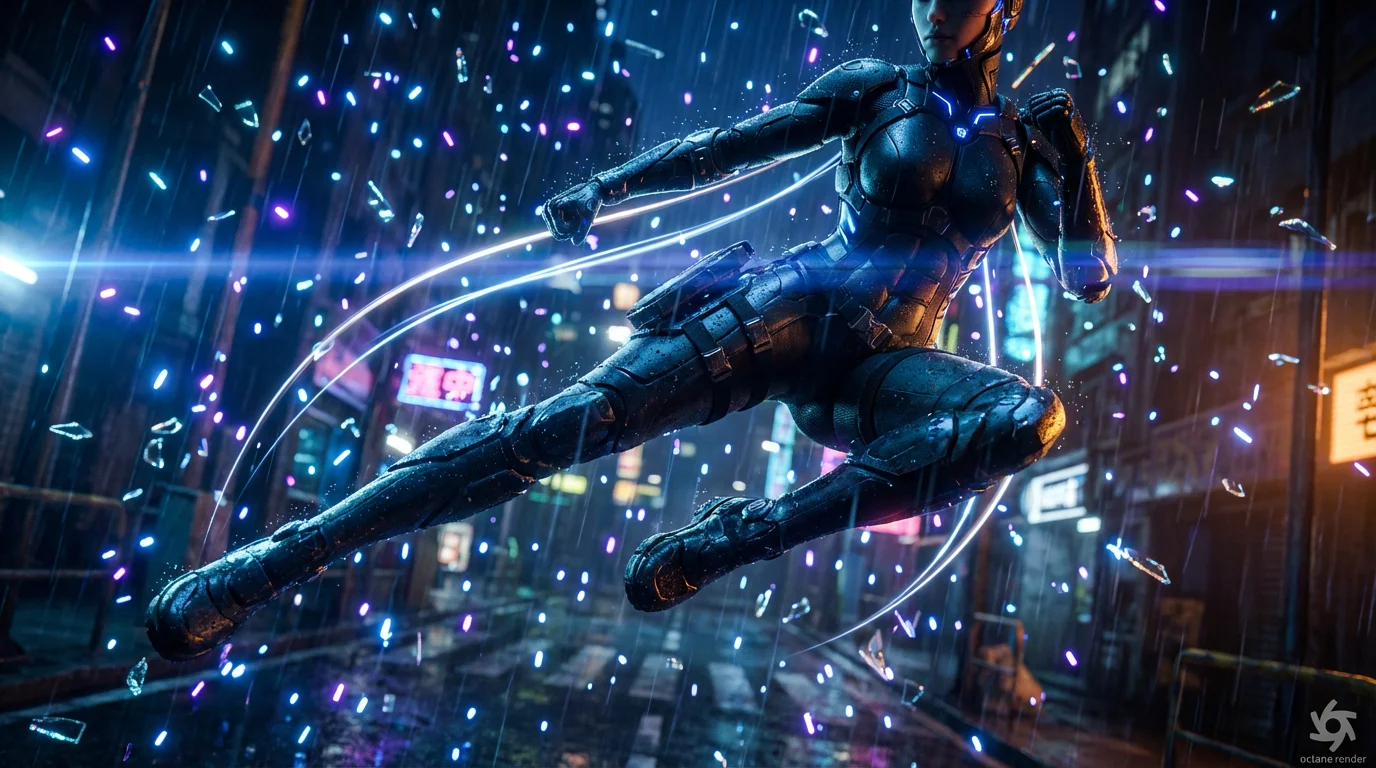
A cinematic render showing the bullet time effect: a female cyborg is frozen in mid-air during a kick, while the camera appears to orbit around her. Motion trails show her movement, and particles of glass and rain are suspended in the air, creating a dramatic slow-motion action scene.

Generate Cinematic Bullet Time Animations with AI

Trusted by 70 million people
171,800 Reviews
Developer API
Available on iPhone & Android

How to create a bullet time animation

  1. 1

    Upload your image

    Start by uploading a clear, high-quality photo. Images with a dynamic subject and a well-defined background produce the most striking results.

  2. 2

    Describe the animation

    In the text box, describe how you want the camera to move. For example, try "Animate a slow-motion 180-degree pan around the person."

  3. 3

    Generate your animation

    Click the generate button and let our AI work its magic. It will analyze your image and prompt to create a custom bullet time video.

  4. 4

    Download your video

    Your cinematic, slow-motion animation is ready. Download the high-resolution video and share it on your favorite platforms.

You no longer need complex camera rigs or expensive software to produce the famous bullet time effect. With our AI tool, you can transform a single static photograph into a breathtaking, cinematic animation. Simply upload a picture with a clear subject, and the AI will generate the missing frames to create a fluid, slow-motion video that looks like it was filmed with high-speed cameras. This makes it easy for anyone to add a touch of Hollywood magic to their visuals, turning a frozen moment into an epic, moving scene.

Create Iconic Slow-Motion Effects From One Image

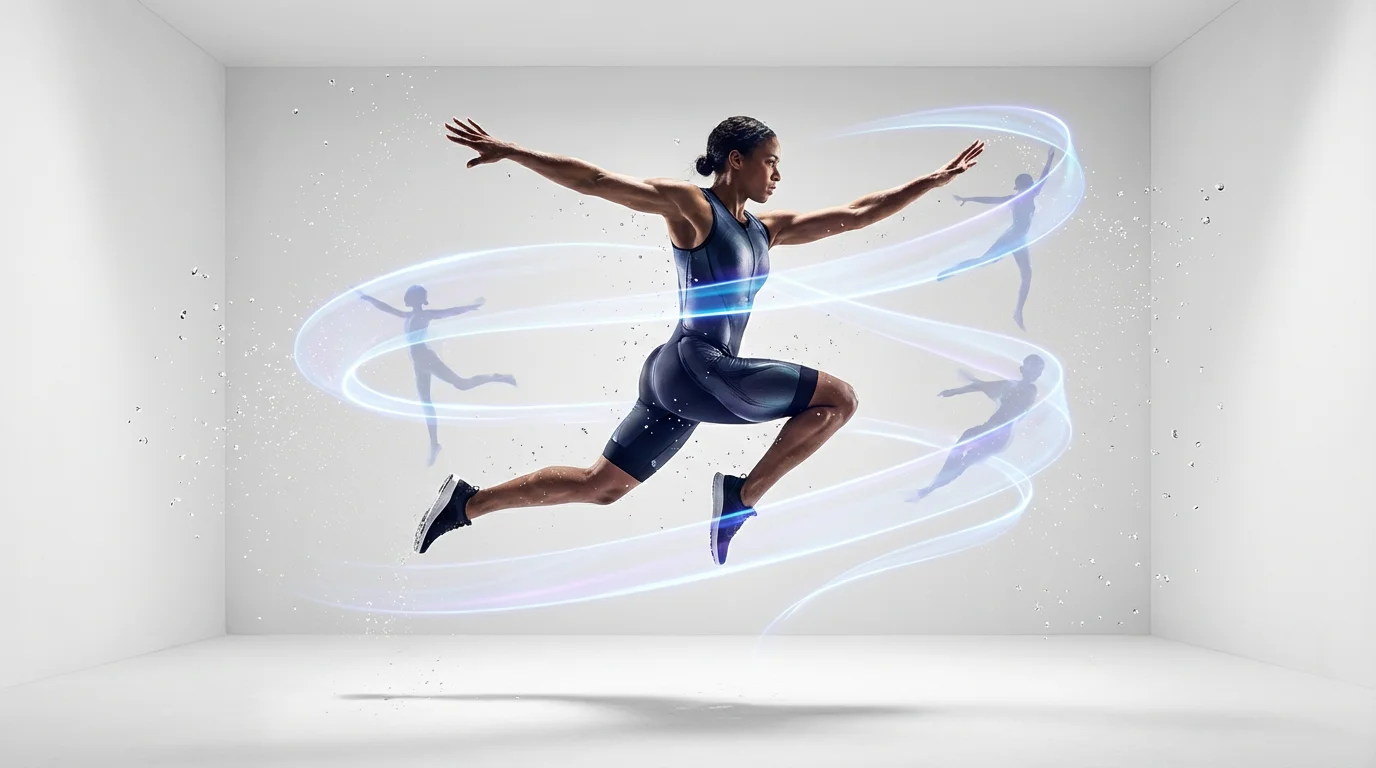
A photorealistic image illustrating the bullet time animation effect, showing an athlete frozen mid-leap against a white background as a streak of light swirls around her, indicating a 360-degree camera motion.
Our AI bullet time animator intelligently separates your subject from its background to create a stunning 3D-like parallax effect. This process adds a sense of depth, making it seem as if the camera is physically moving around a frozen scene. By simulating this dynamic camera movement, the tool gives your static image a new dimension, highlighting the main action while the environment appears suspended in time. The result is a professional-looking video that captures the impossible perspective of the classic bullet time shot.

Add Cinematic Depth and 3D Motion

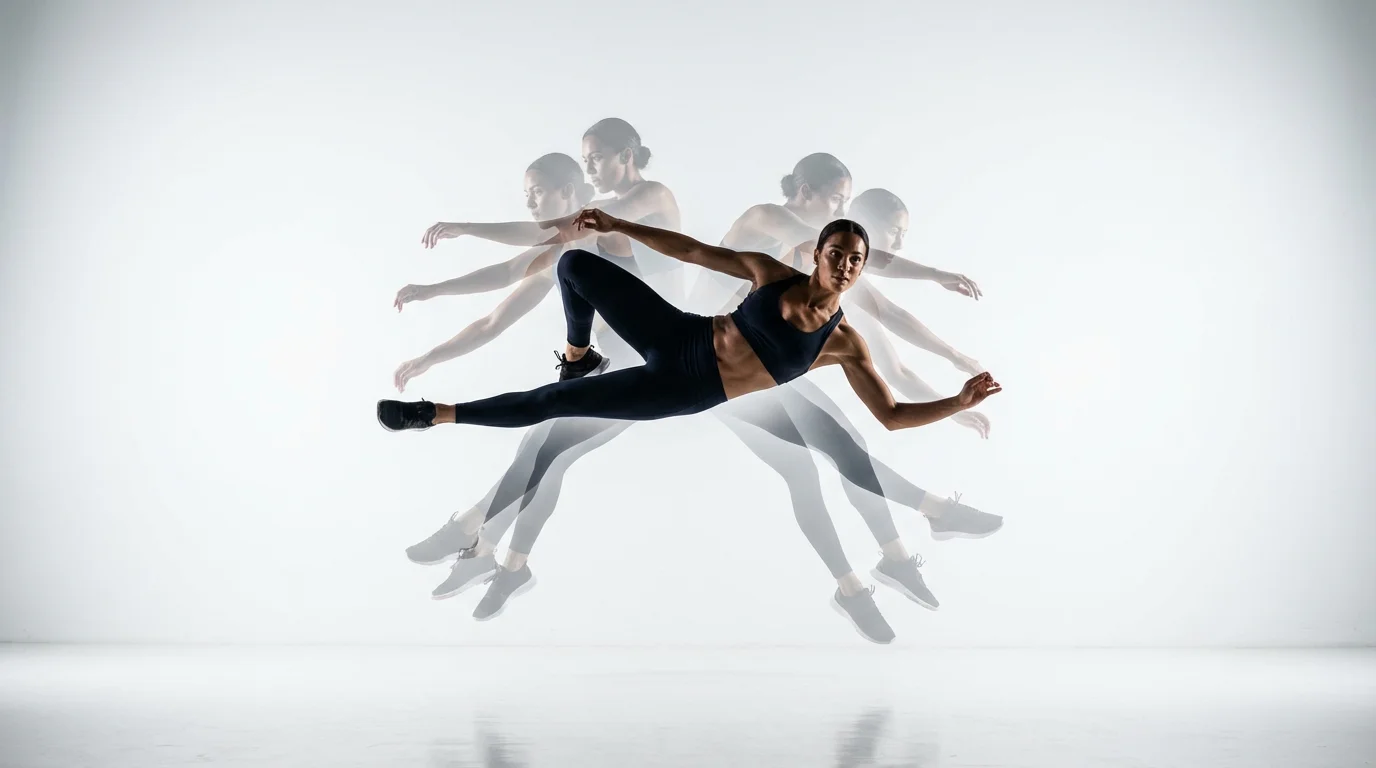
A photorealistic image demonstrating the bullet time effect, featuring a female athlete frozen mid-leap against a white background, with an arc of semi-transparent afterimages showing the camera's motion around her.
Take full creative control over your animation by describing the camera movement you envision. Want a dramatic 180-degree spin around your subject or a slow pan that emphasizes their action pose? Just type it in the prompt box. Our AI interprets your instructions to customize the animation, allowing you to direct the virtual camera with precision. You can experiment with different angles and speeds to get the exact look you want, making each bullet time creation uniquely yours without needing any technical animation skills.

Direct Your Animation with Simple Text Prompts

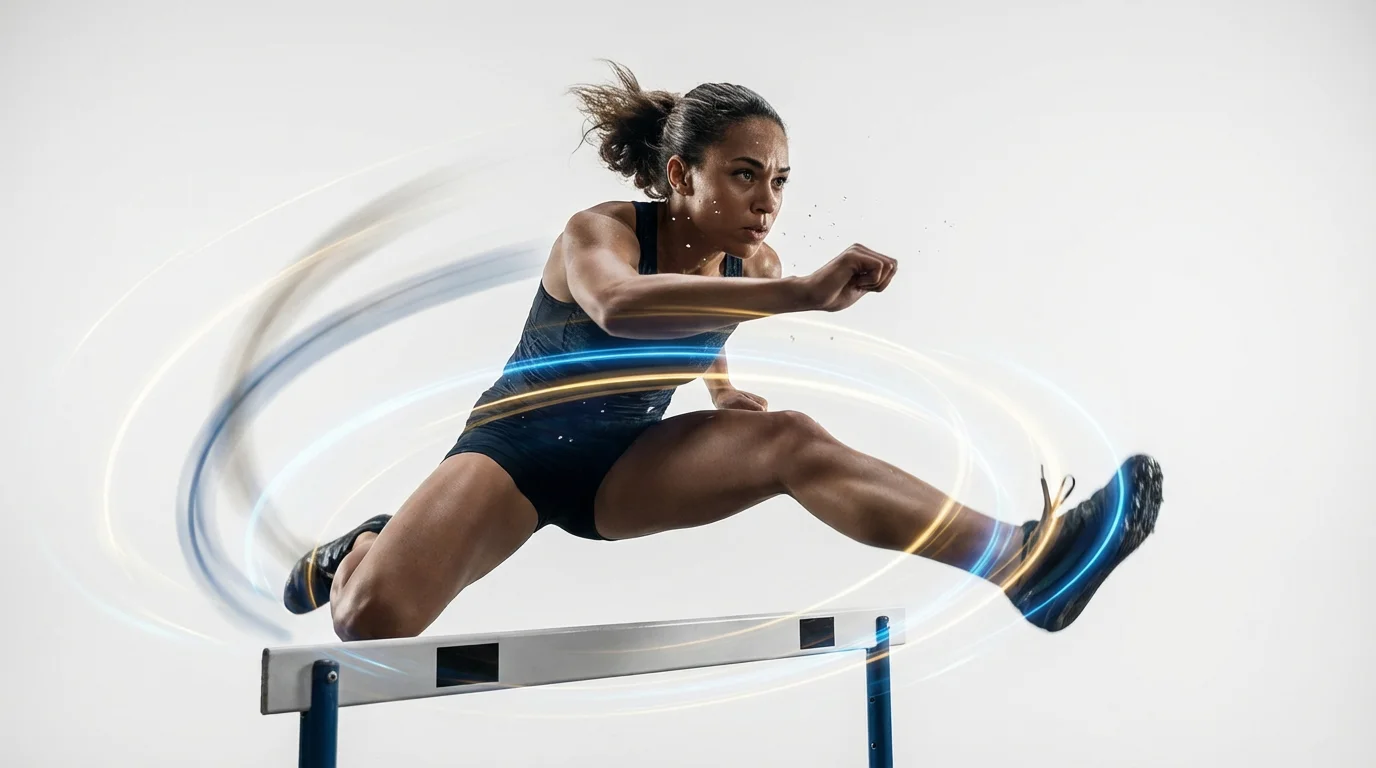
A cinematic shot demonstrating the bullet-time effect, showing a female athlete frozen in time mid-leap over a hurdle, with streaks of light swirling around her to indicate a moving camera perspective, all against a clean white background.
It's Fast: Go from a static photo to a fully rendered animation in just a few moments. It's Easy to Use: Simply upload an image, write a text prompt describing the motion, and let the AI do the rest. AI-Powered: Our tool uses AI to generate new frames and simulate 3D camera movement from a single 2D image. Cinematic Quality: Produce high-resolution, smooth slow-motion videos that are perfect for social media, presentations, or creative projects. No Special Equipment Needed: Forget about needing multiple cameras or complex software; all you need is an image and an idea.

Why use Pixelcut's AI Bullet Time Animation?

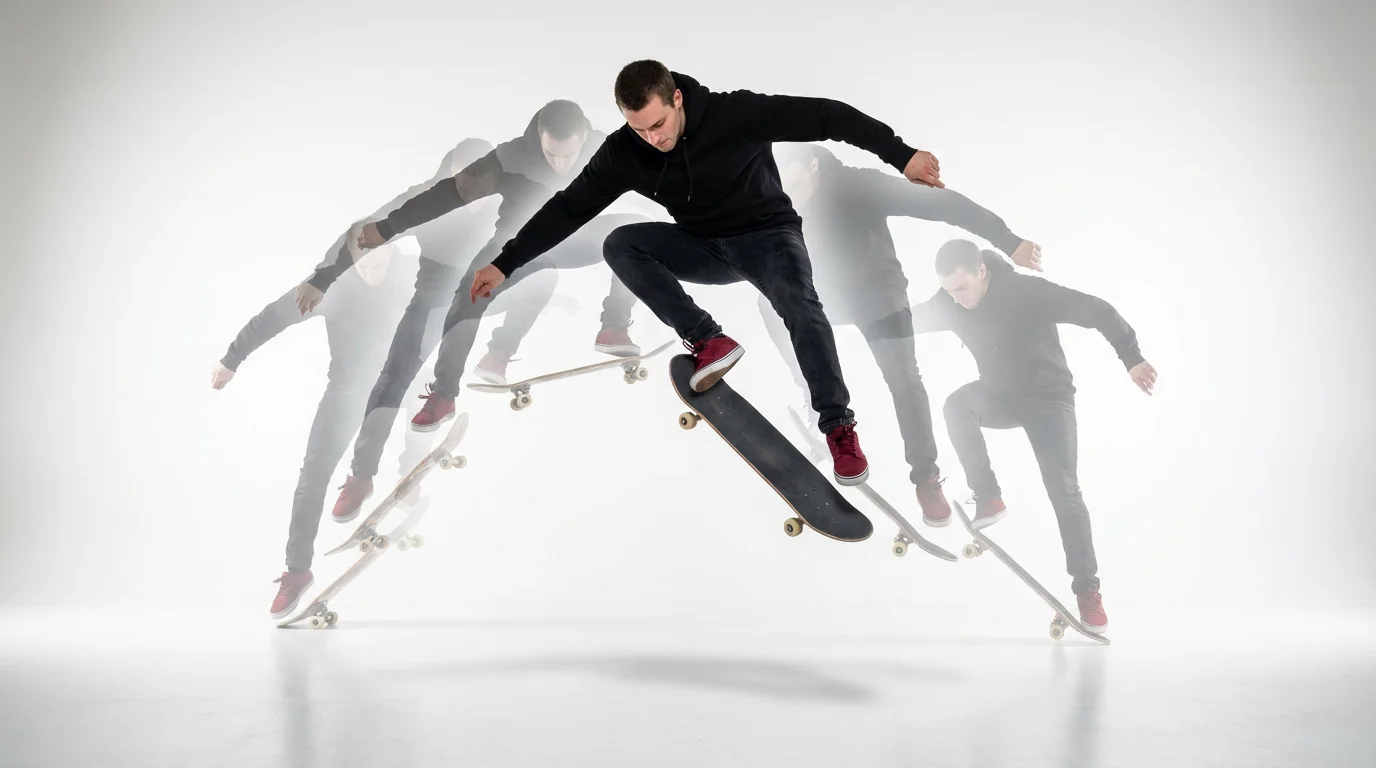
A photorealistic image demonstrating the bullet time effect: a skateboarder is frozen in mid-air doing a trick, with a visible arc of his previous movements trailing behind him, all against a clean white background.
Social Media Content: Create viral-worthy posts for platforms like TikTok and Instagram Reels by turning your photos into eye-catching slow-motion videos. Product Showcases: Highlight your products from every angle with a dramatic 360-degree spin, giving customers a dynamic view. Action Scene Pre-visualization: Block out and visualize intense action sequences for short films or storyboards to perfect your narrative. Sports Highlights: Emphasize an incredible goal or a winning shot by freezing the action and circling the key player for a dramatic replay. Digital Art: Add motion to your character designs or concept art, bringing your creations to life with cinematic flair.

Bullet Time Animation Use Cases

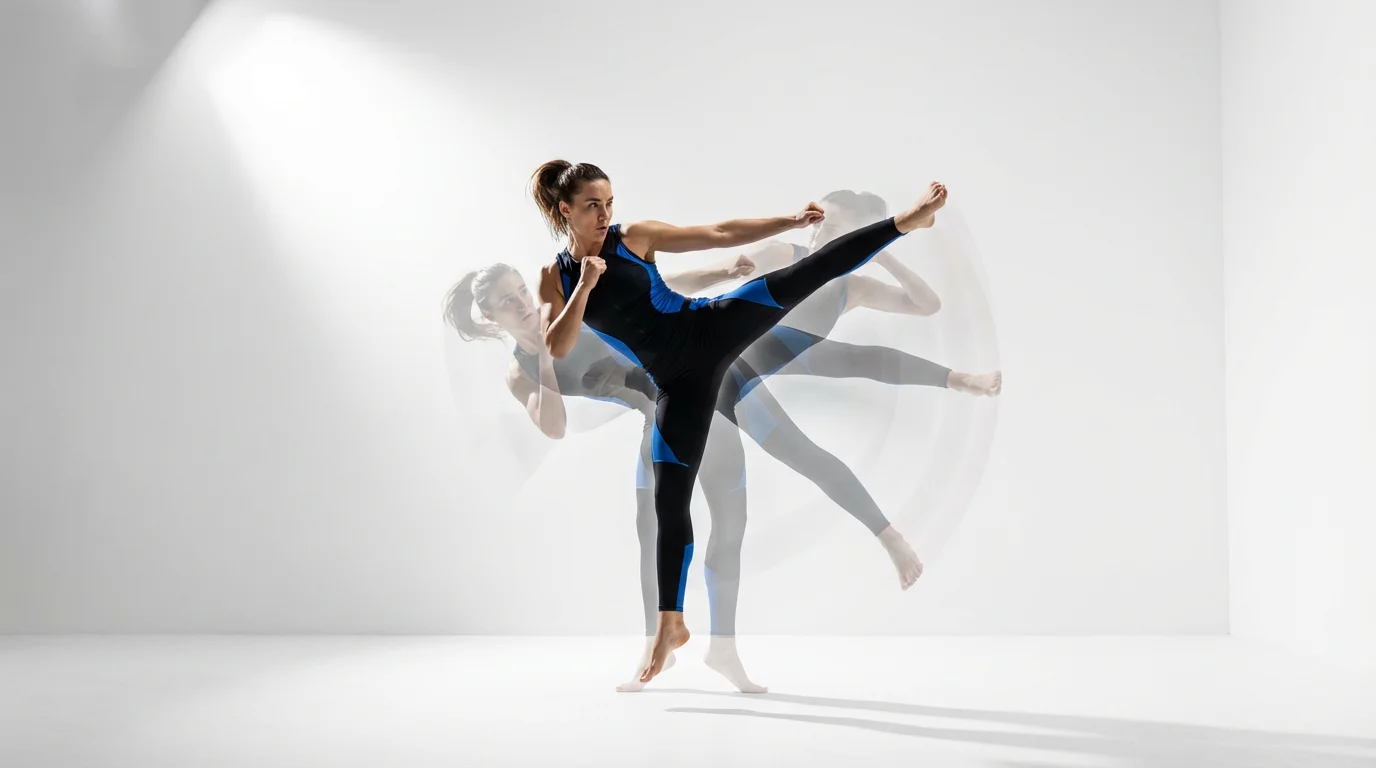
A female athlete frozen in a dynamic mid-air kick, demonstrating the bullet time effect with motion trails circling her against a plain white background.

Frequently Asked Questions

Pixelcut is loved by over 2 million people

  • My favorite app

    Great app, easy to use. Helps our small business save time and money to create different marketing materials professionally. Thank you.
    Shaelyn D.
  • Best background remover

    I need a good background remover for my work and I've been through them all it feels like. This one is the best by far. It's so easy to use and the results always look amazing. Thank you Pixelcut!
    Kira H.
  • Love it

    It's amazingly easy and gives the perfect results for my bags and accessories. It looks like it was done by a professional photographer.
    Mary J.