My favorite app
Great app, easy to use. Helps our small business save time and money to create different marketing materials professionally. Thank you.
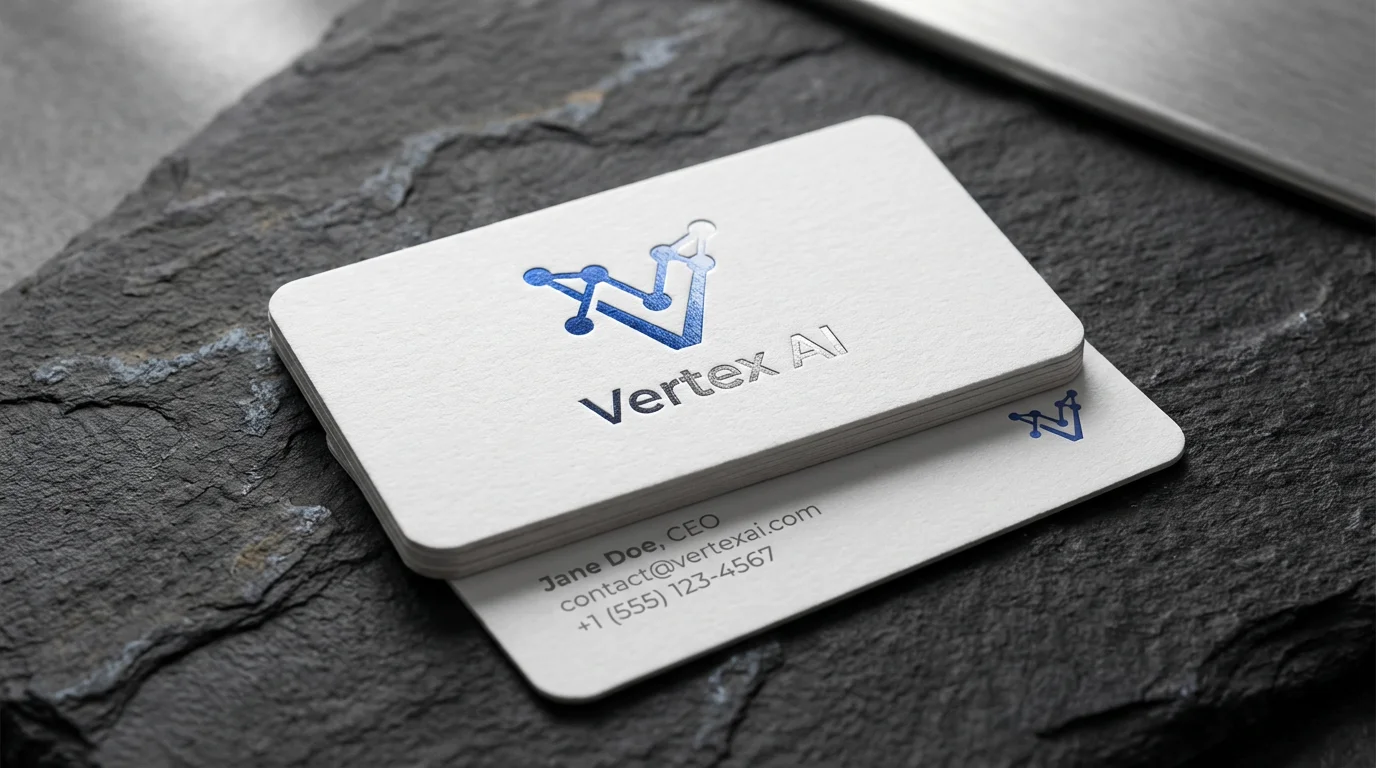
Start by uploading your logo image. A high-resolution PNG with a transparent background works best.
In the prompt box, describe the business card and the scene. Include details like card color, texture, and background.
Click the generate button and our AI will create a realistic mockup of your business card with your logo.
Your high-resolution business card mockup is ready. Download it for free and use it for your presentations or portfolio.
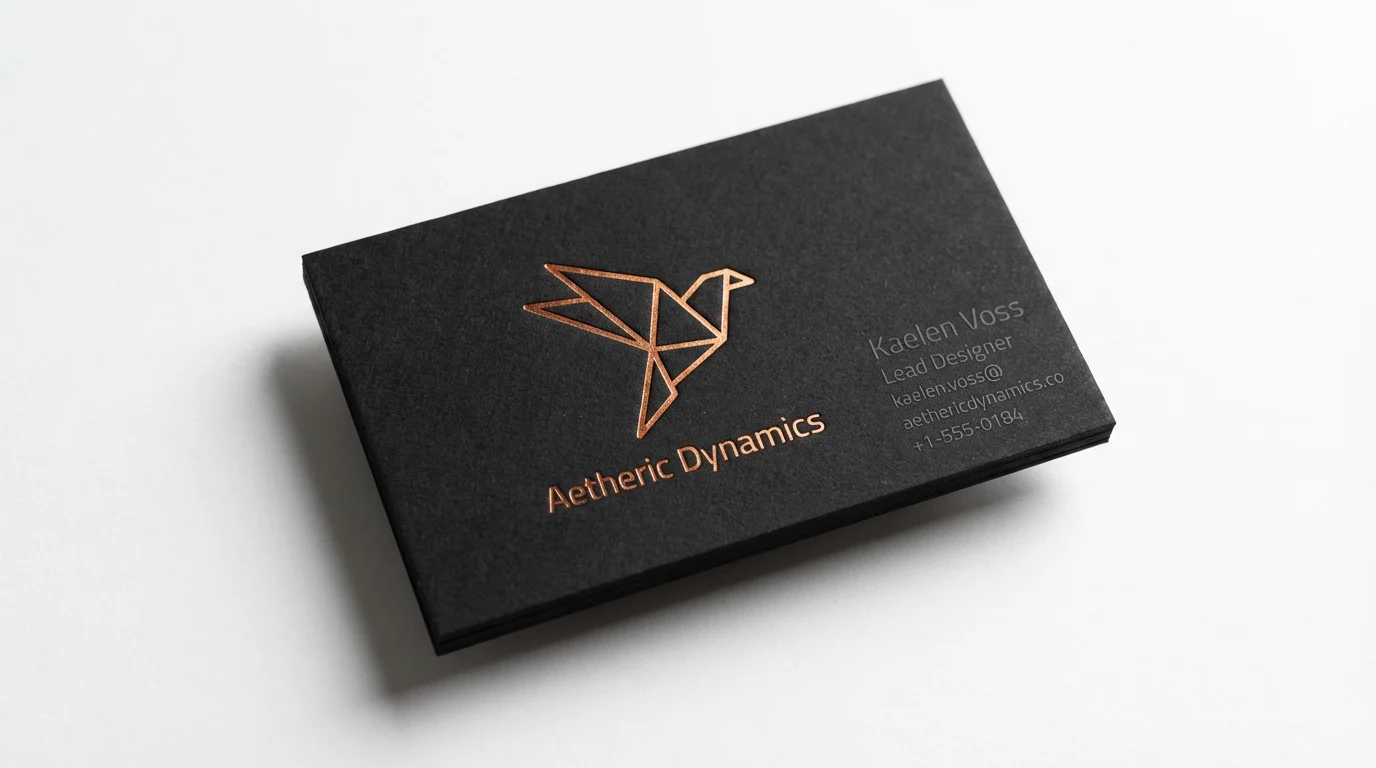
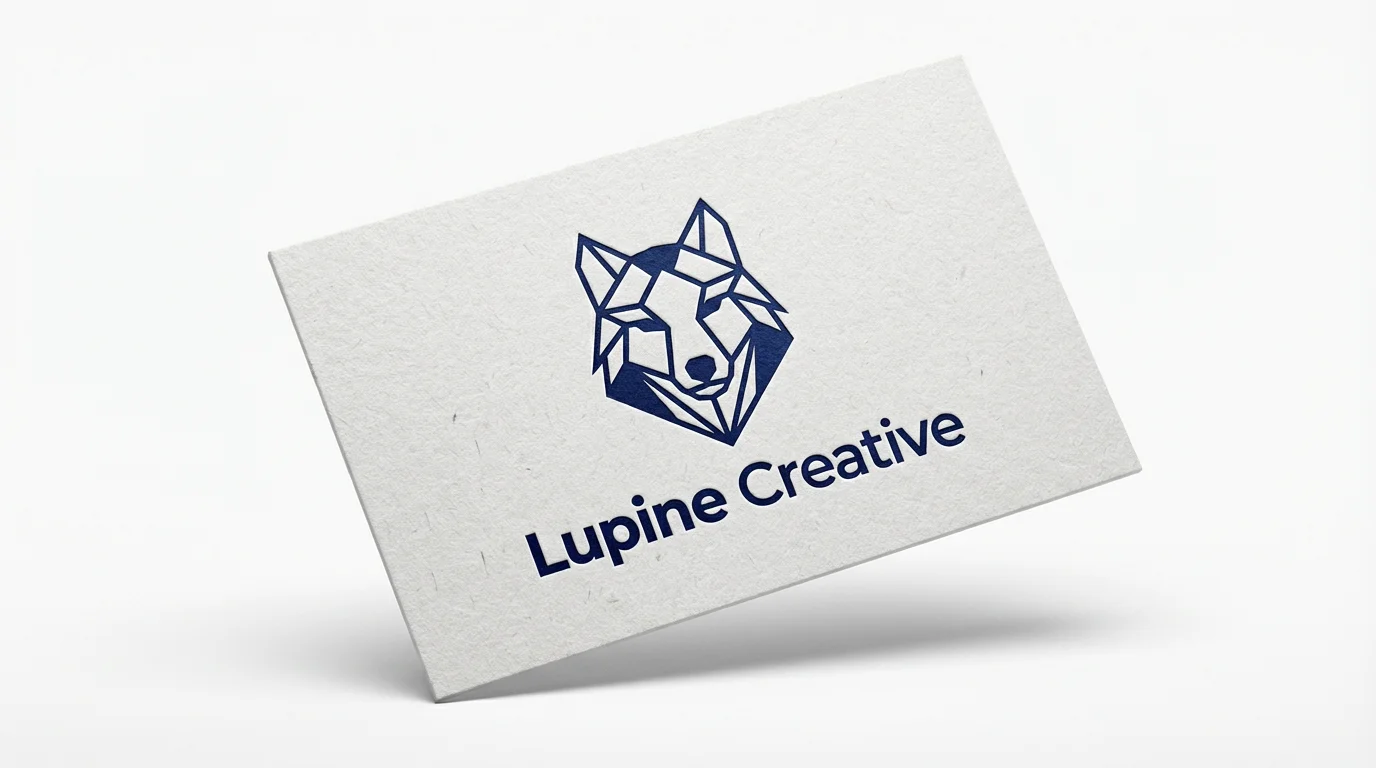
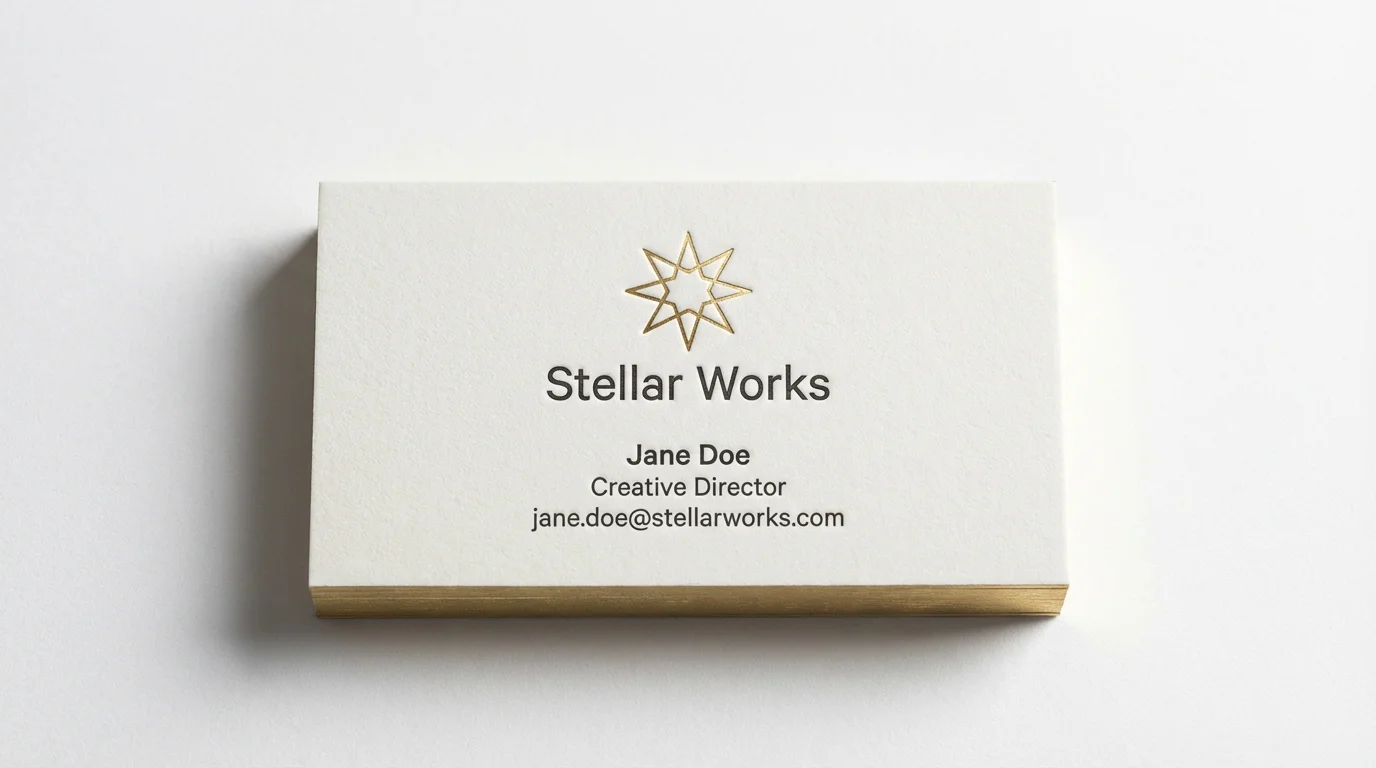
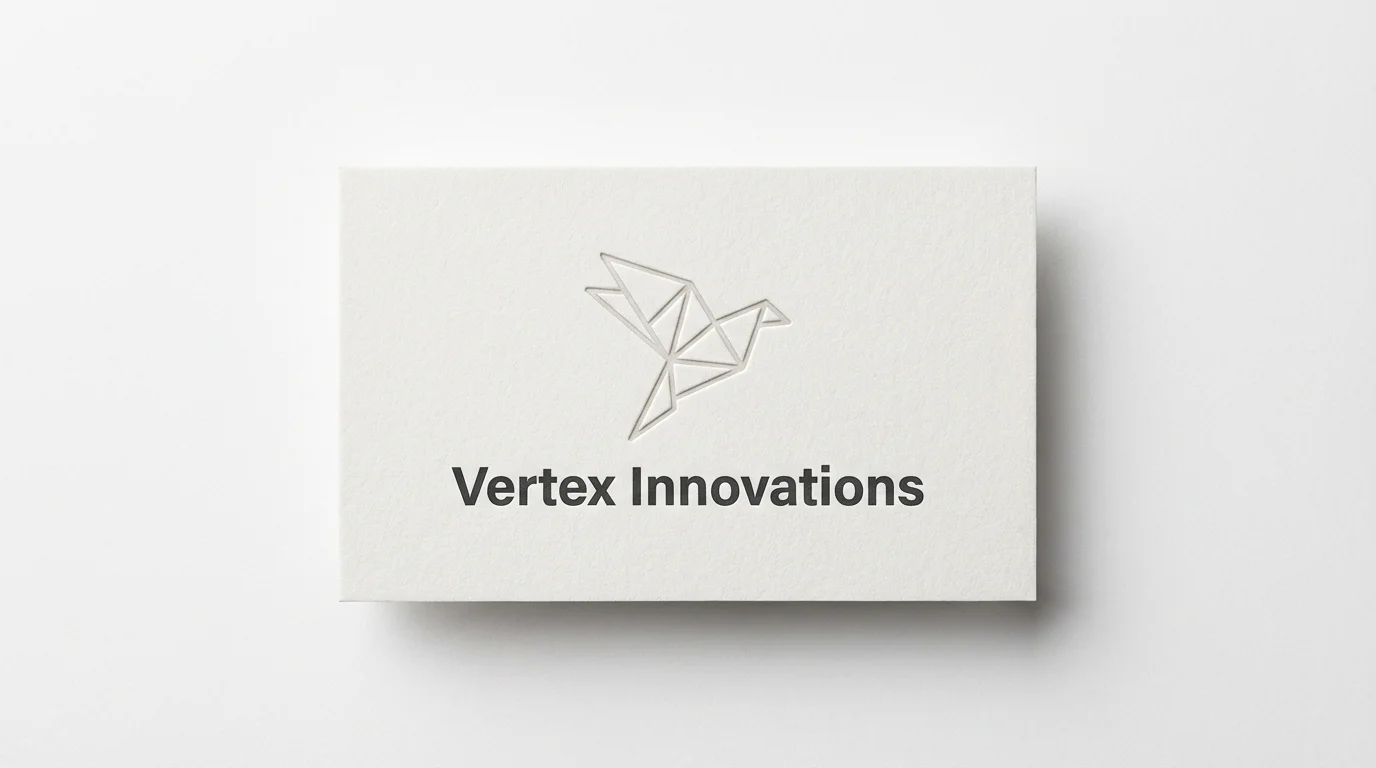
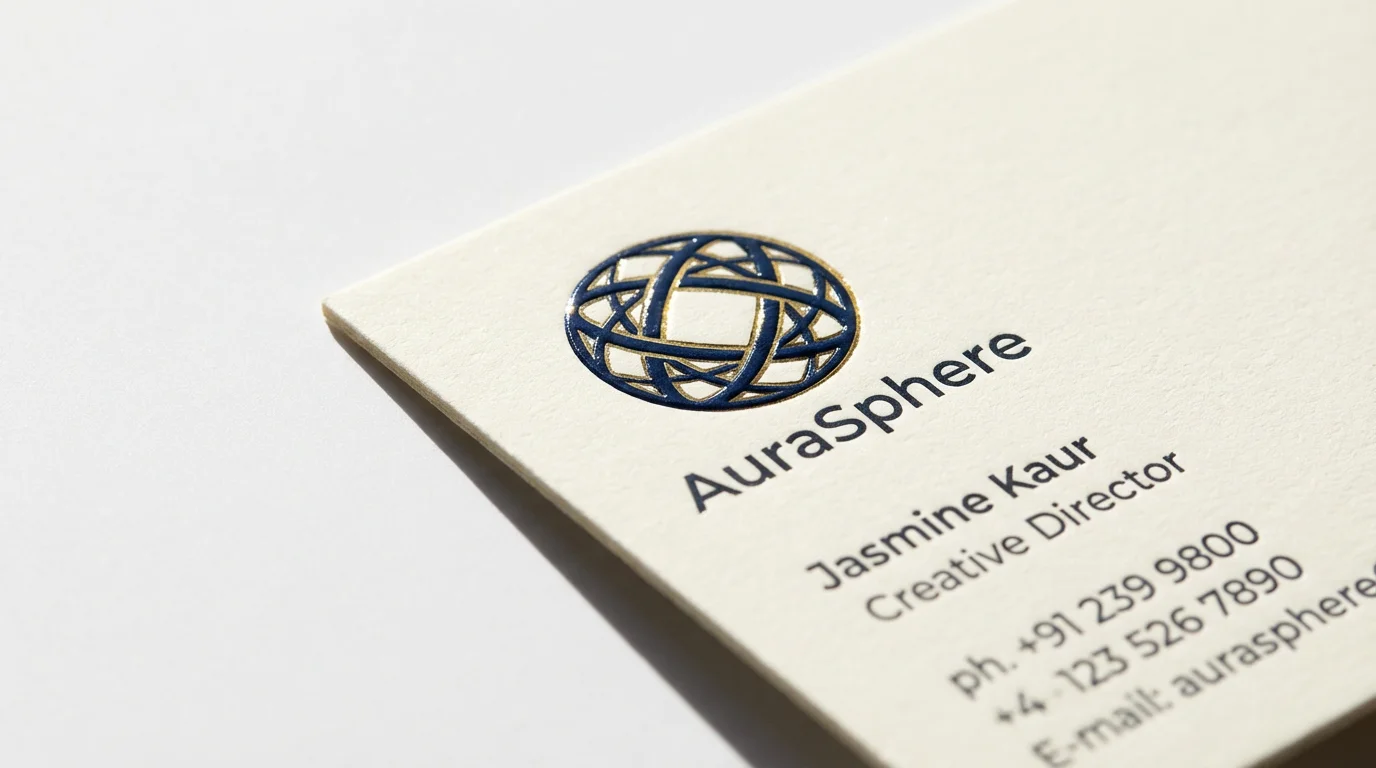
A business card logo mockup is a digital visualization that shows how a logo design will look on a printed business card. It's used by designers and business owners to preview their branding in a realistic setting before finalizing the design.
To create a mockup, upload your logo file. Then, in the text prompt, describe the business card and the background you want to see. For example, you could write 'My logo on a white business card with rounded corners, placed on a wooden desk.' The AI will then generate the image for you.
Yes, you can try the business card logo mockup generator for free. After using your free credits, you have the option to purchase more to continue creating mockups. You can download the generated images in high resolution.
For the best results, it's recommended to upload a high-resolution logo with a transparent background, typically in a PNG format. This allows the AI to place your logo cleanly onto the generated business card.
Yes, you can be descriptive in your prompt to control the final look. Include details like 'matte finish', 'glossy paper', 'embossed text', 'recycled kraft paper', or 'gold foil' to guide the AI in creating a textured and realistic mockup.
You can generate separate mockups for the front and back designs. Simply upload the corresponding logo or design file for each side and describe it in the prompt, for instance, 'front of a business card with a logo' and 'back of a business card with contact details'.
Great app, easy to use. Helps our small business save time and money to create different marketing materials professionally. Thank you.
I need a good background remover for my work and I've been through them all it feels like. This one is the best by far. It's so easy to use and the results always look amazing. Thank you Pixelcut!
It's amazingly easy and gives the perfect results for my bags and accessories. It looks like it was done by a professional photographer.