My favorite app
Great app, easy to use. Helps our small business save time and money to create different marketing materials professionally. Thank you.
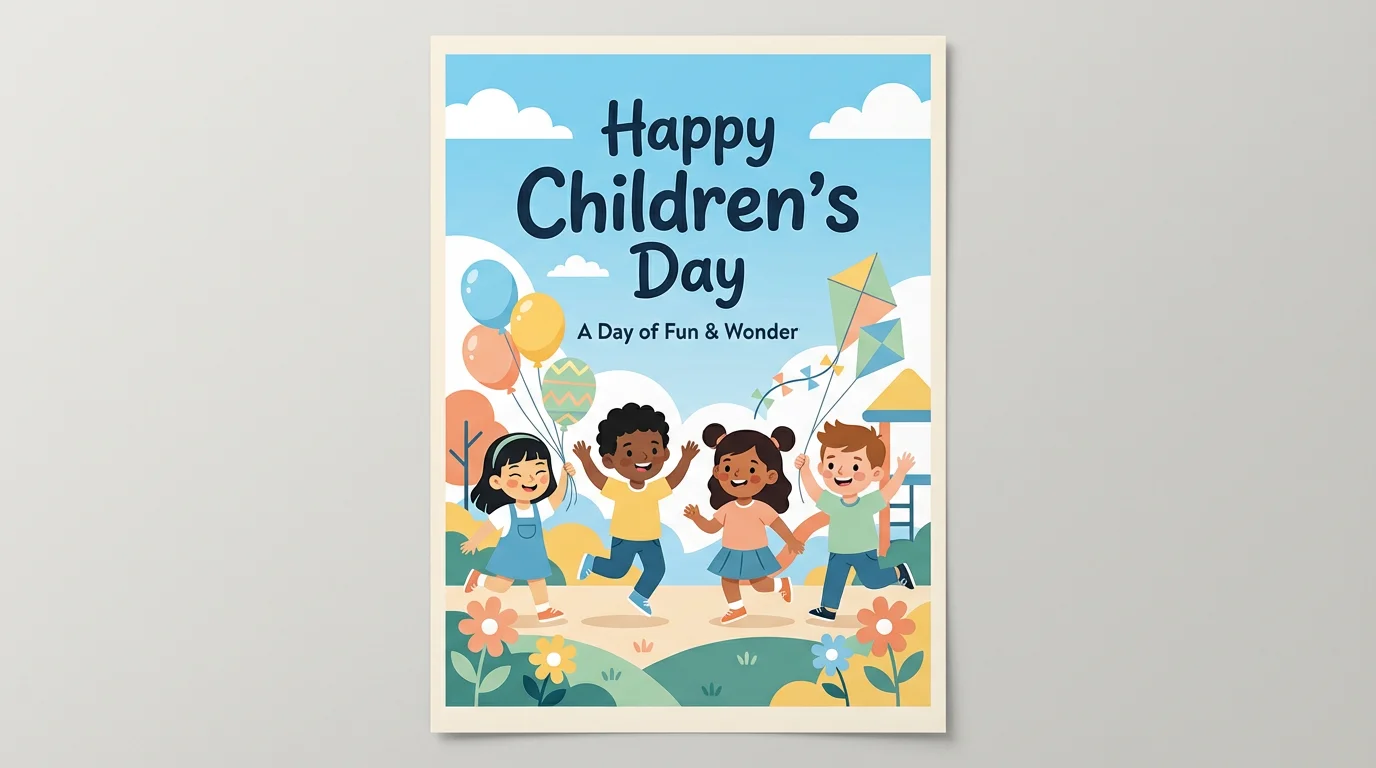
Write a detailed description of the poster you want to create. Include details about the scene, characters, colors, and any text you want to feature.
Click the generate button and our AI will create a unique Children's Day poster based on your prompt. If it's not perfect, adjust your prompt and try again.
Once you have a design you love, download your high-resolution poster for free. It's ready to be printed, shared online, or used in your celebration.
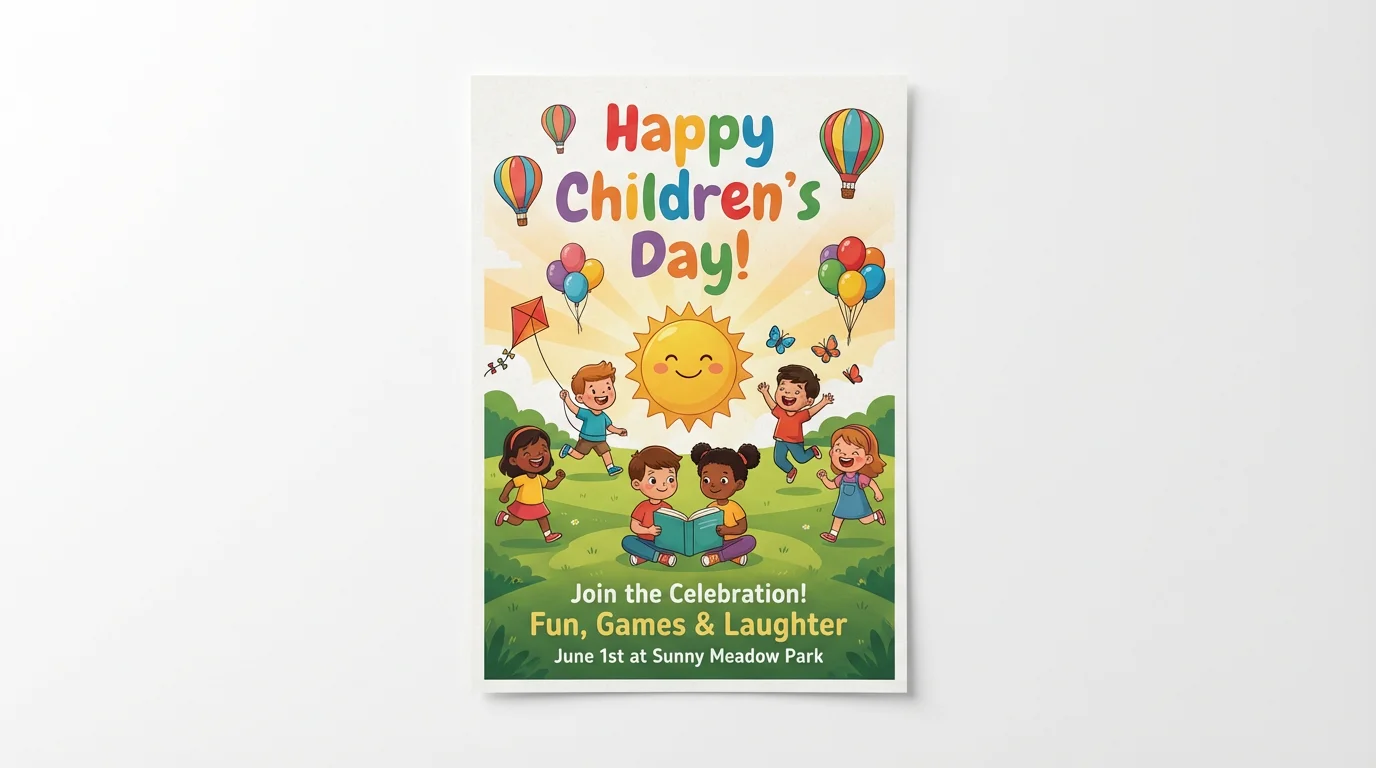
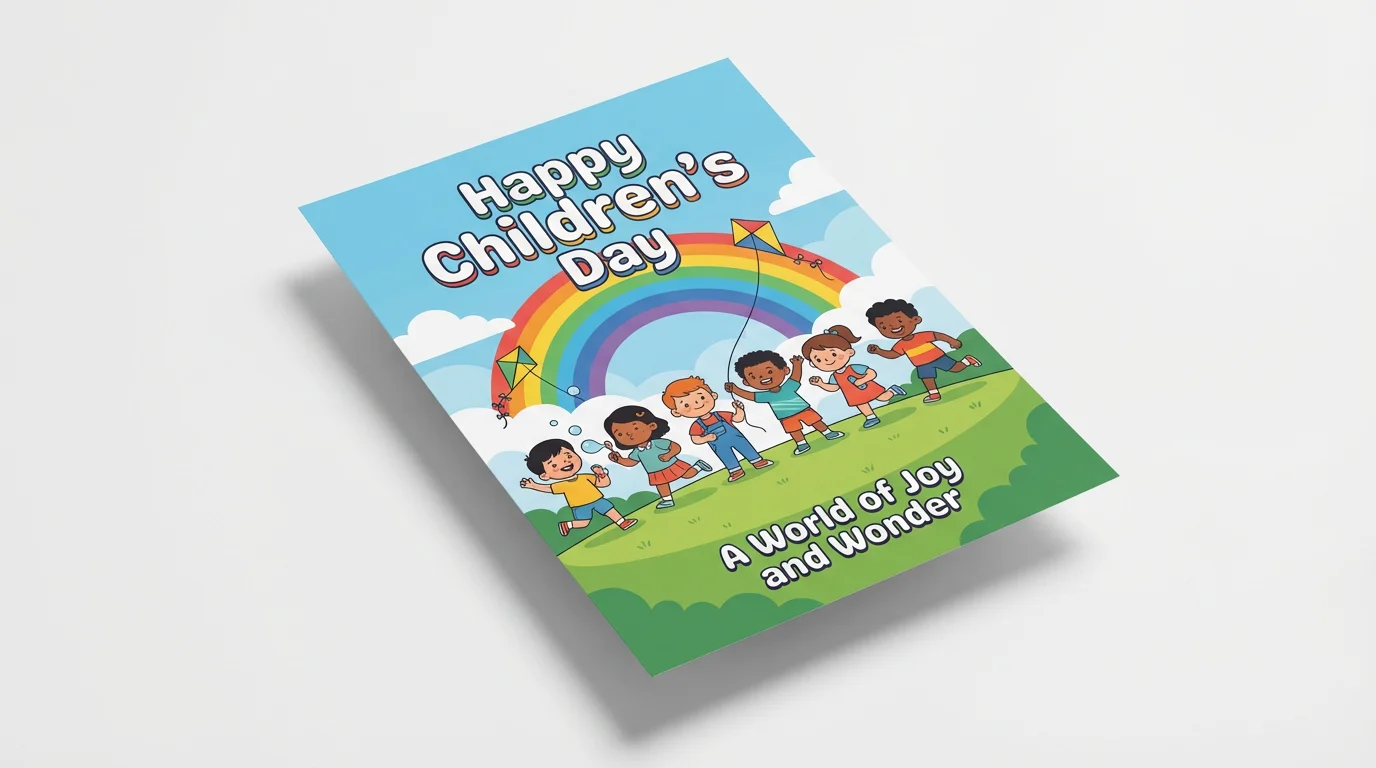
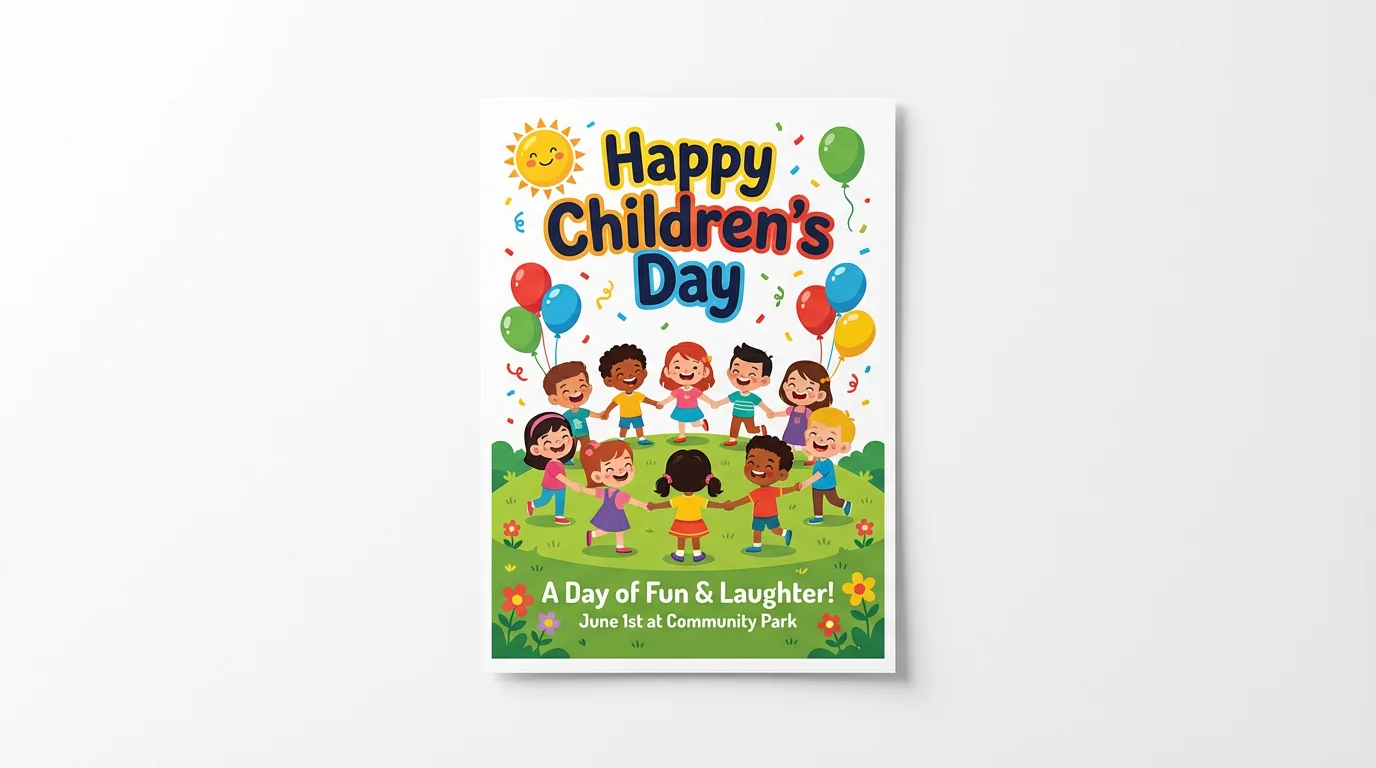
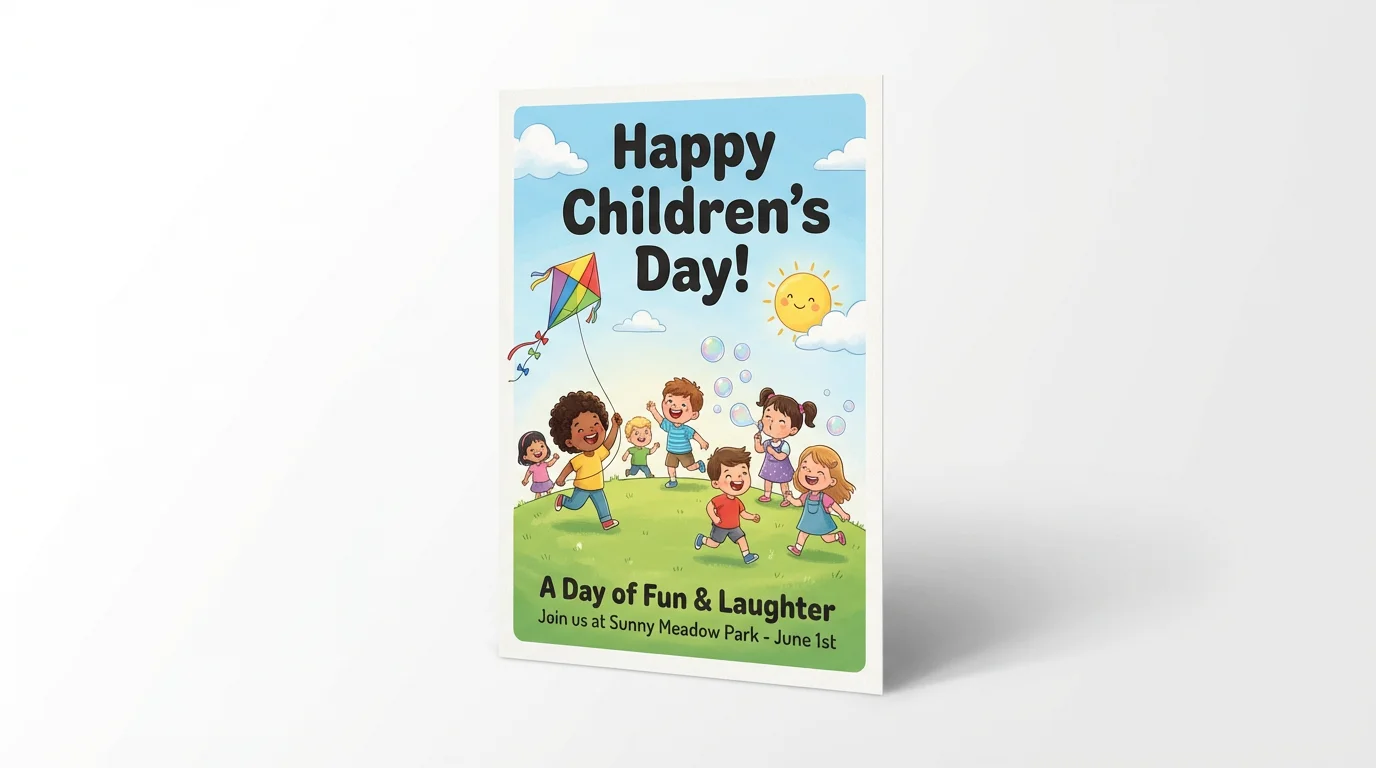
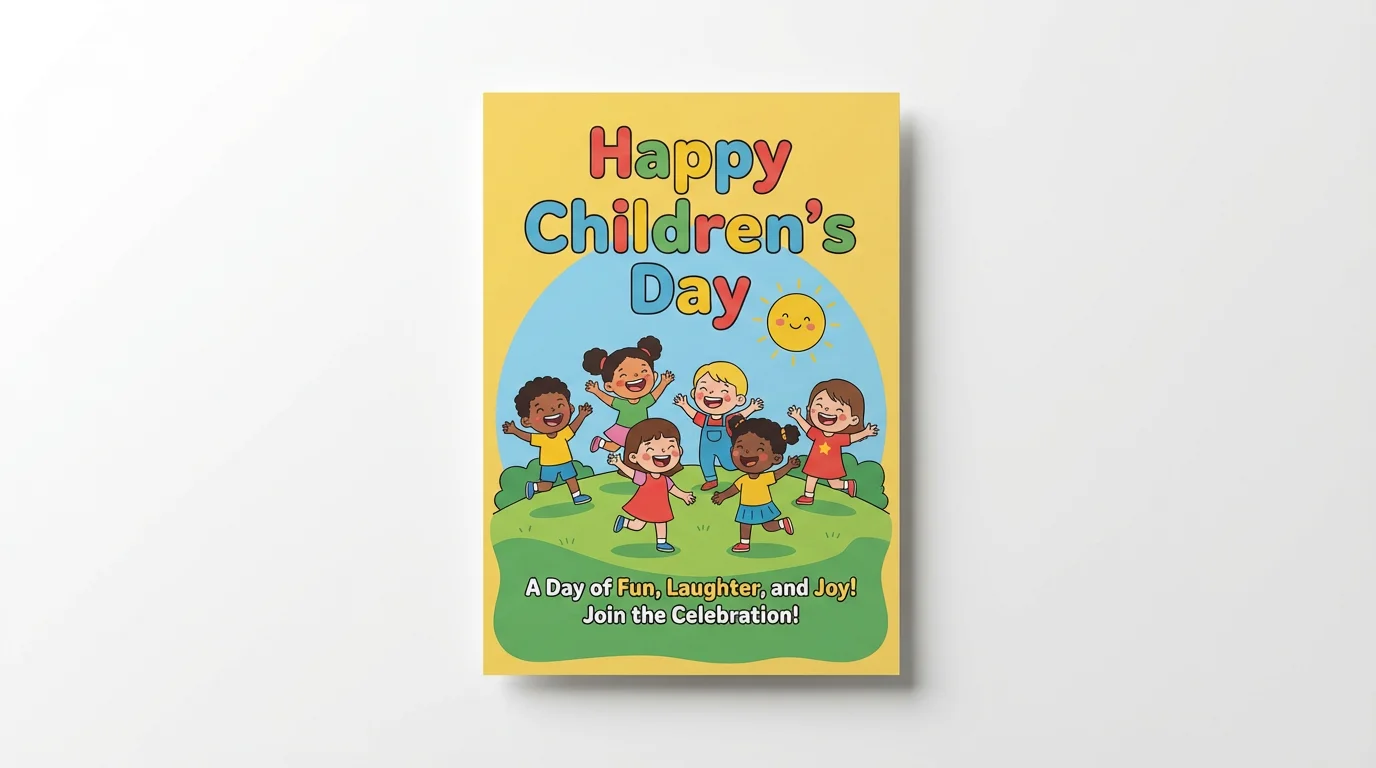
An AI Children's Day poster generator is a tool that uses artificial intelligence to create posters from text descriptions. You can describe the scene, characters, style, and text you want, and the AI will generate a unique poster image for you.
To add text, simply include what you want the poster to say in your prompt. For example, you could write, "A poster of children on a playground with the words 'Celebrate the Joy of Childhood!' at the top."
Yes, you can upload an image to guide the AI. If you have a drawing or a photo you'd like to use as inspiration, upload it before entering your prompt to help the AI create a poster in a similar style or with similar elements.
Yes, you can try creating and downloading posters for free. After using your initial free credits, you have the option to purchase more to continue creating.
You can create a wide variety of styles just by describing them in your prompt. Try using keywords like 'cartoon style,' 'watercolor illustration,' 'vibrant and colorful,' or 'simple and modern' to guide the AI toward your desired look.
Absolutely. The AI poster generator is versatile and can be used to create posters for any holiday, event, or occasion you can imagine. Just change your text prompt to fit the new theme.
Great app, easy to use. Helps our small business save time and money to create different marketing materials professionally. Thank you.
I need a good background remover for my work and I've been through them all it feels like. This one is the best by far. It's so easy to use and the results always look amazing. Thank you Pixelcut!
It's amazingly easy and gives the perfect results for my bags and accessories. It looks like it was done by a professional photographer.