My favorite app
Great app, easy to use. Helps our small business save time and money to create different marketing materials professionally. Thank you.
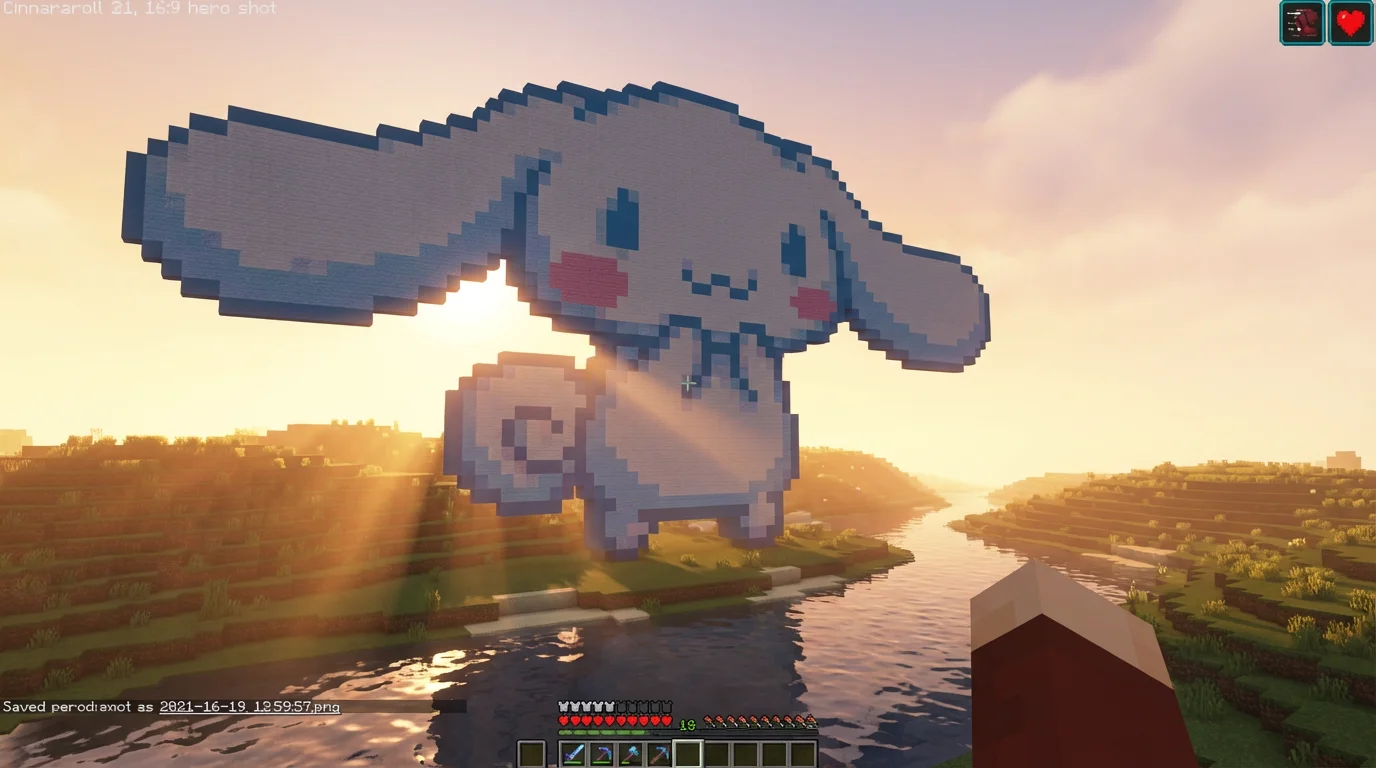
Start by typing a detailed description. Include Cinnamoroll and mention the Minecraft or blocky pixel art style. Add details like background or pose for better results.
Click the generate button and let the AI create your custom Cinnamoroll pixel art. It will interpret your prompt and produce a unique image in seconds.
Your high-resolution, watermark-free pixel art is ready to be saved. Download it and use it as a build guide, a profile picture, or for any other creative project.
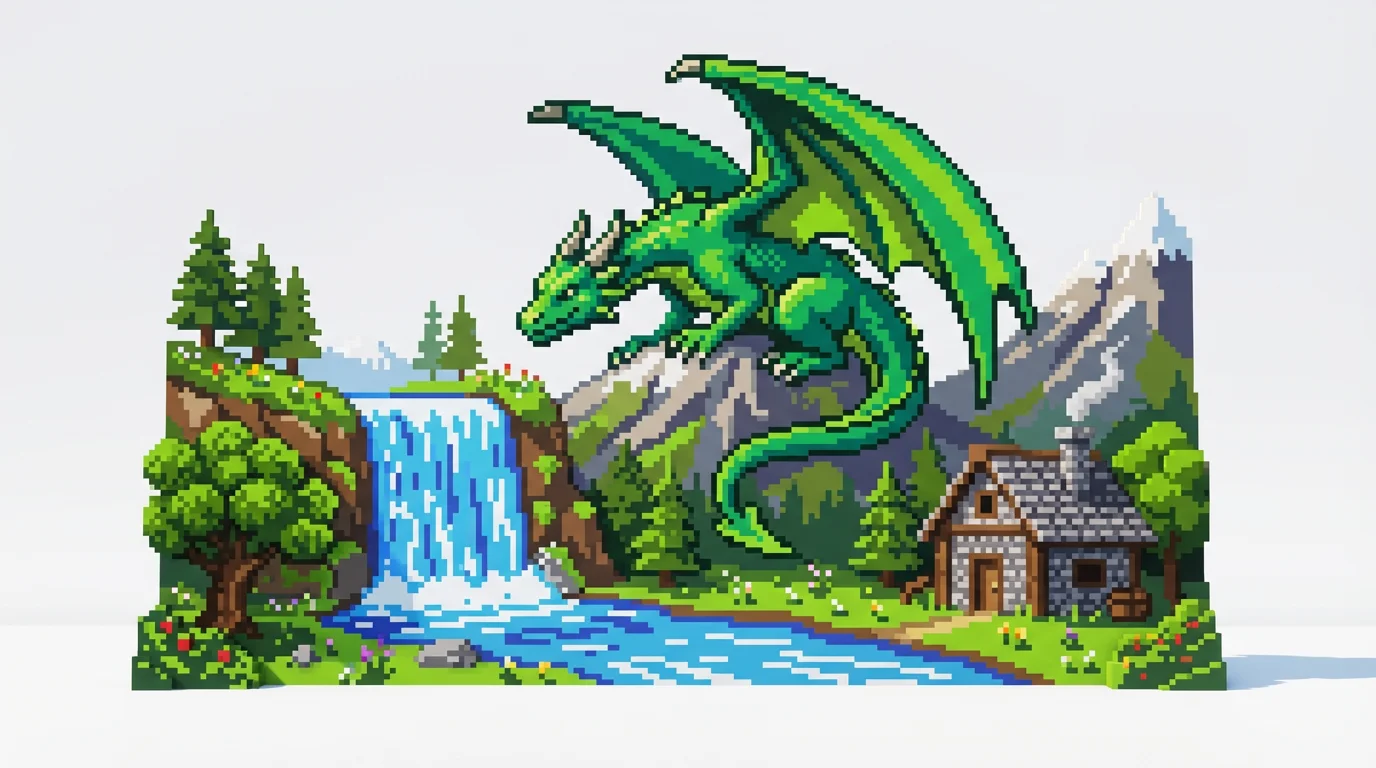
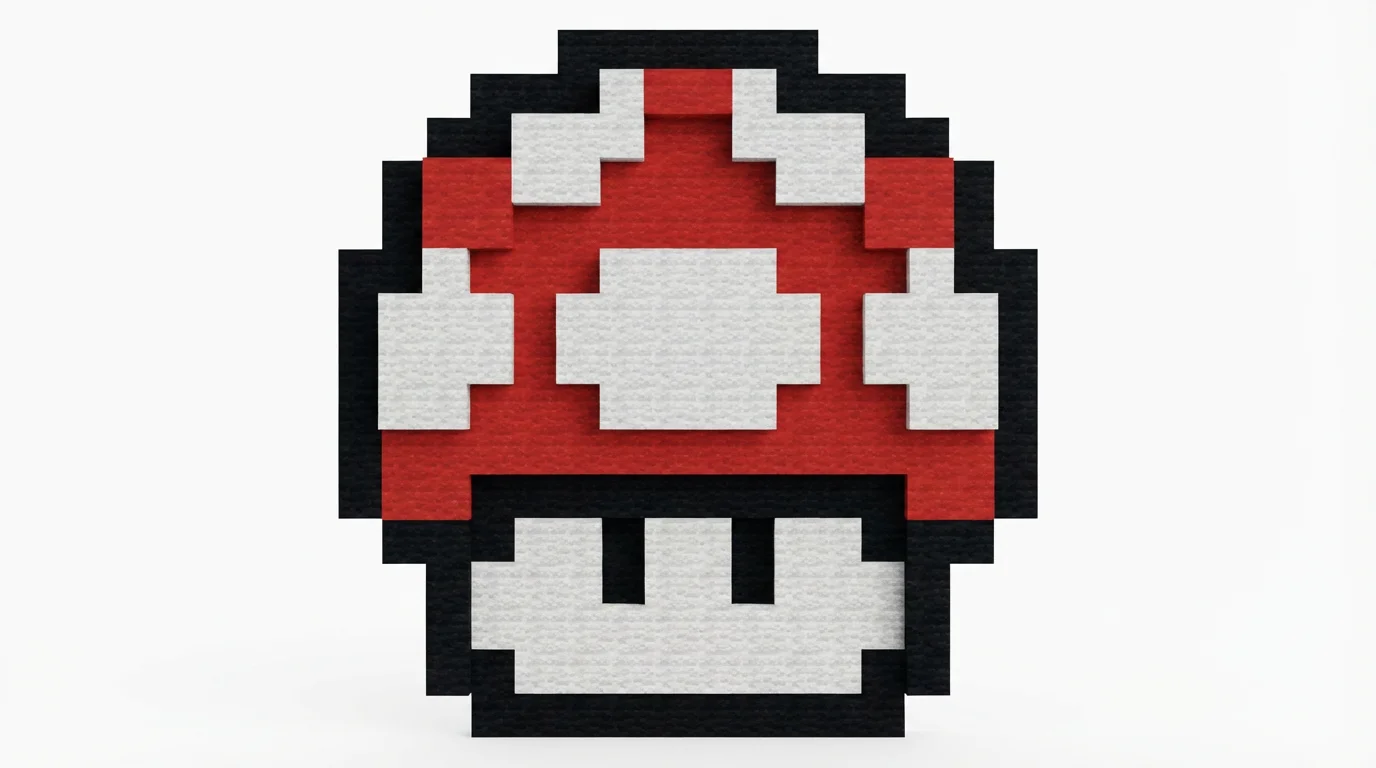
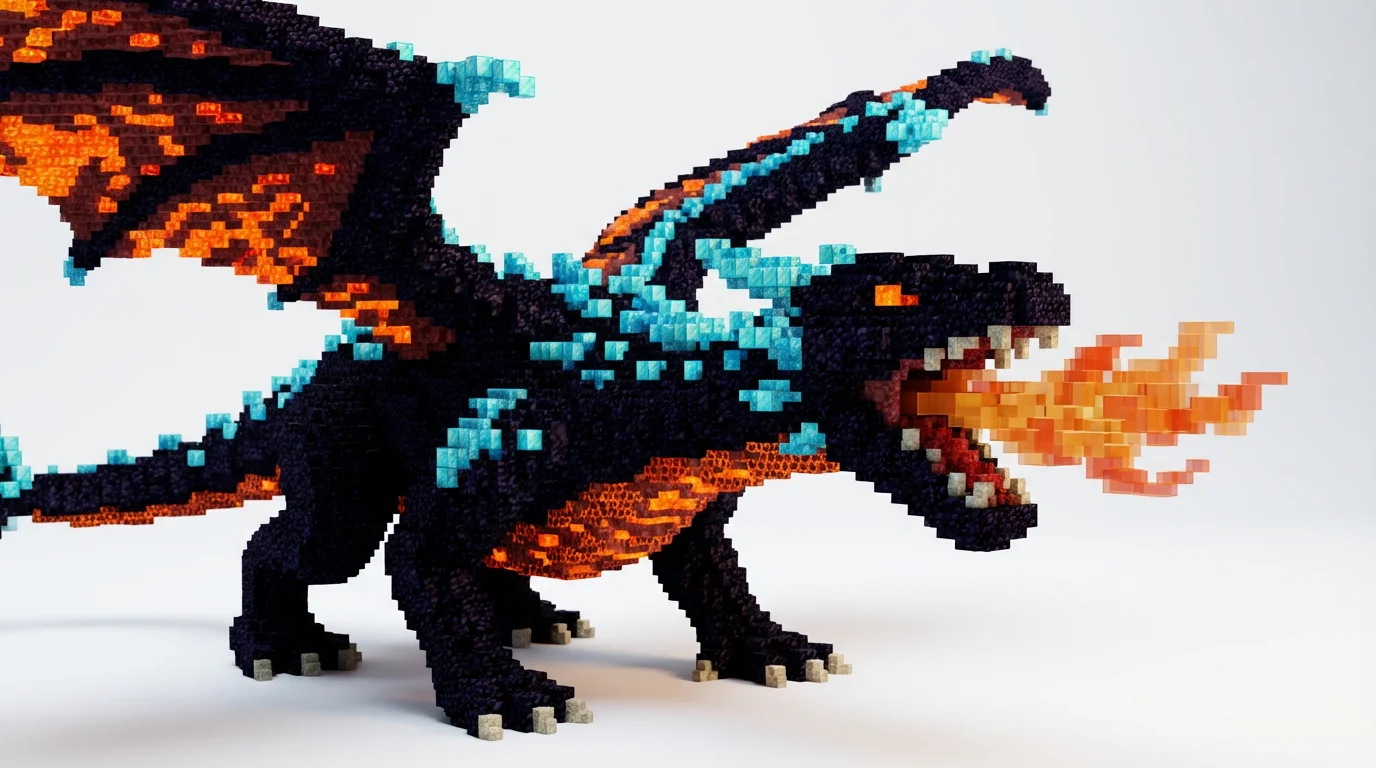
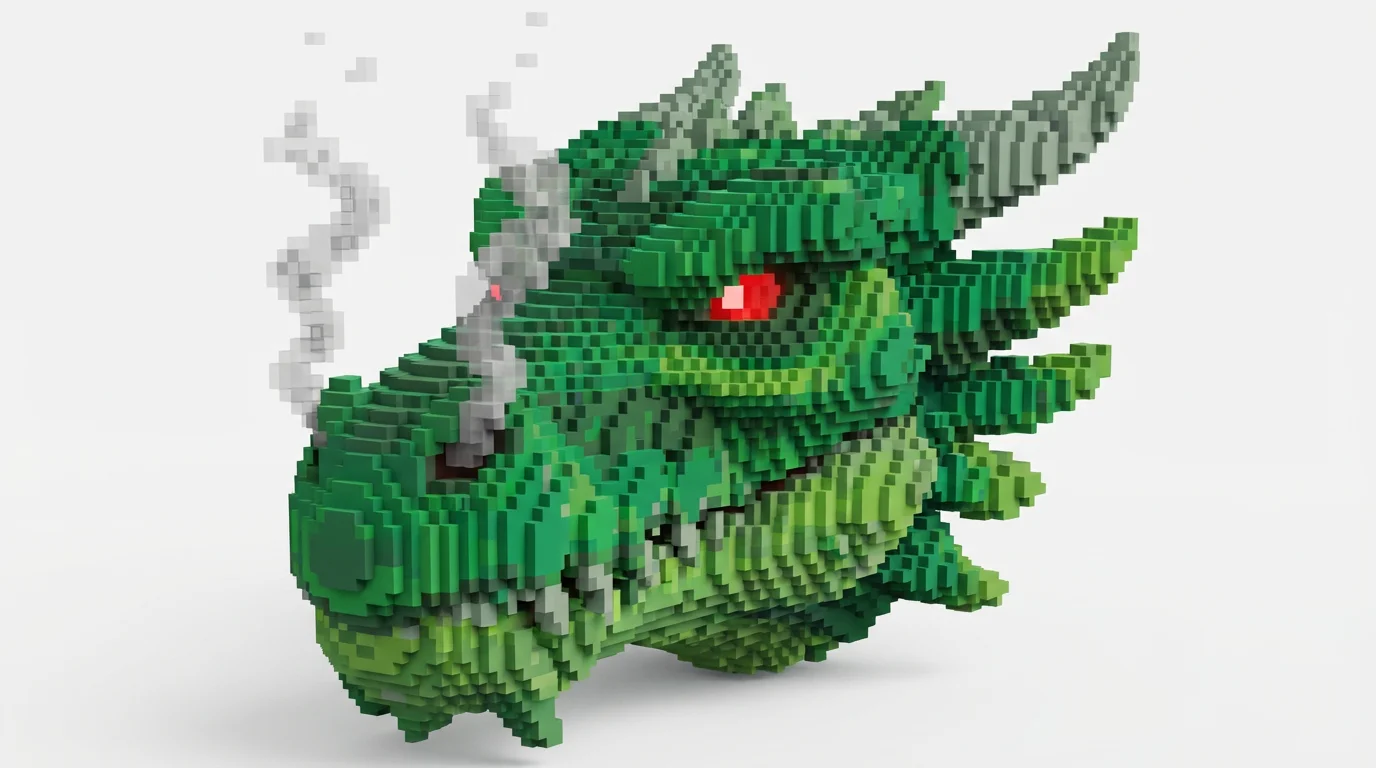
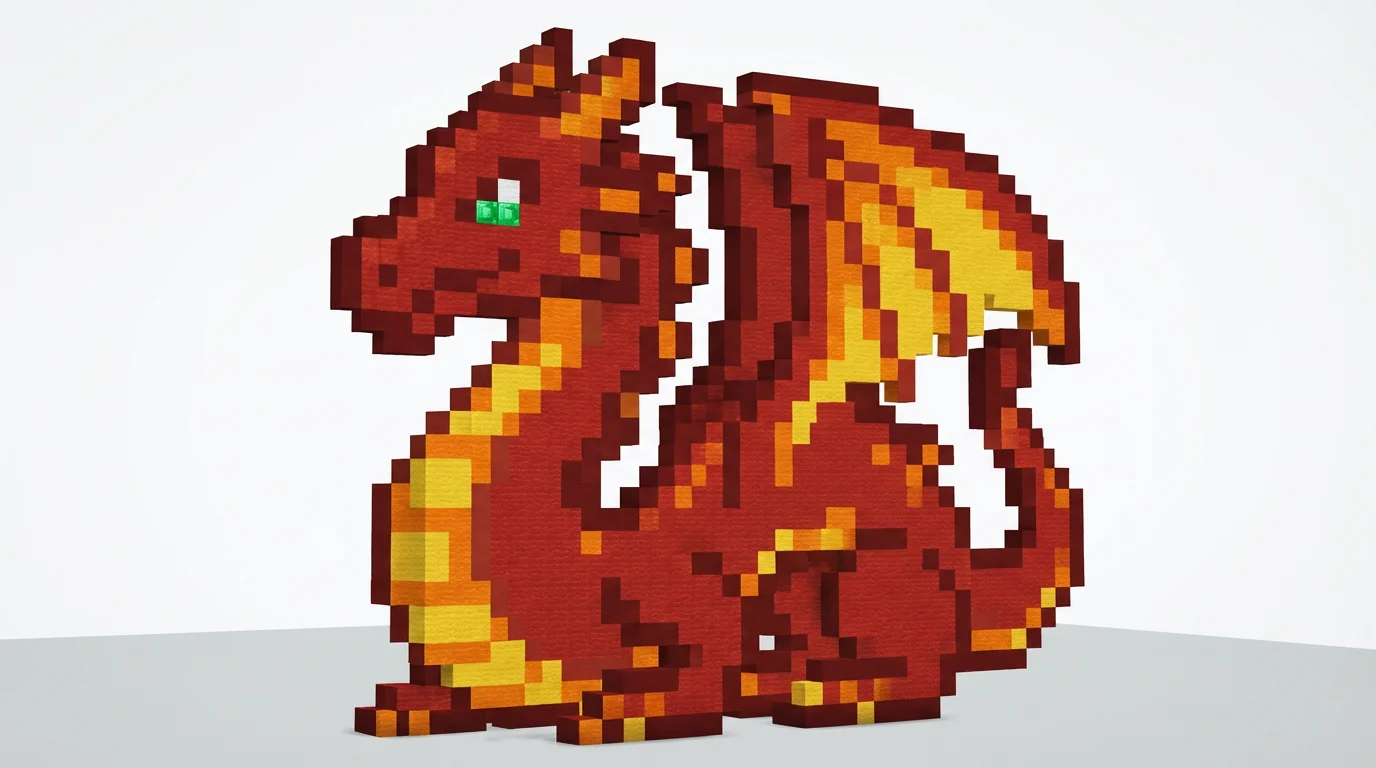
It's a tool that uses AI to automatically create images of the Sanrio character Cinnamoroll in the pixelated, blocky art style of the game Minecraft. You simply provide a text description of the scene you want, and the AI generates the artwork for you.
Just type a prompt into the text box describing your idea. For example, try 'Cinnamoroll flying over a Minecraft village' or 'close-up face of Cinnamoroll in pixel art'. Then, click the generate button. You can also upload a reference image if you have a specific style in mind.
Yes, many users generate pixel art to use as a visual guide or blueprint for their in-game creations. The blocky style of the generated image makes it easier to translate the design into an actual Minecraft build.
Not at all. The tool is designed for everyone, regardless of artistic skill. All you need is an idea. The AI handles all the work of turning your text into a visual piece of art.
You can use your creations for personal and commercial projects. Common uses include custom game textures, social media profile pictures, video thumbnails, server icons, or patterns for physical crafts like bead art.
Yes, you can download your Cinnamoroll pixel art for free in high-resolution PNG and JPEG formats. All downloads are watermark-free.
Great app, easy to use. Helps our small business save time and money to create different marketing materials professionally. Thank you.
I need a good background remover for my work and I've been through them all it feels like. This one is the best by far. It's so easy to use and the results always look amazing. Thank you Pixelcut!
It's amazingly easy and gives the perfect results for my bags and accessories. It looks like it was done by a professional photographer.