My favorite app
Great app, easy to use. Helps our small business save time and money to create different marketing materials professionally. Thank you.
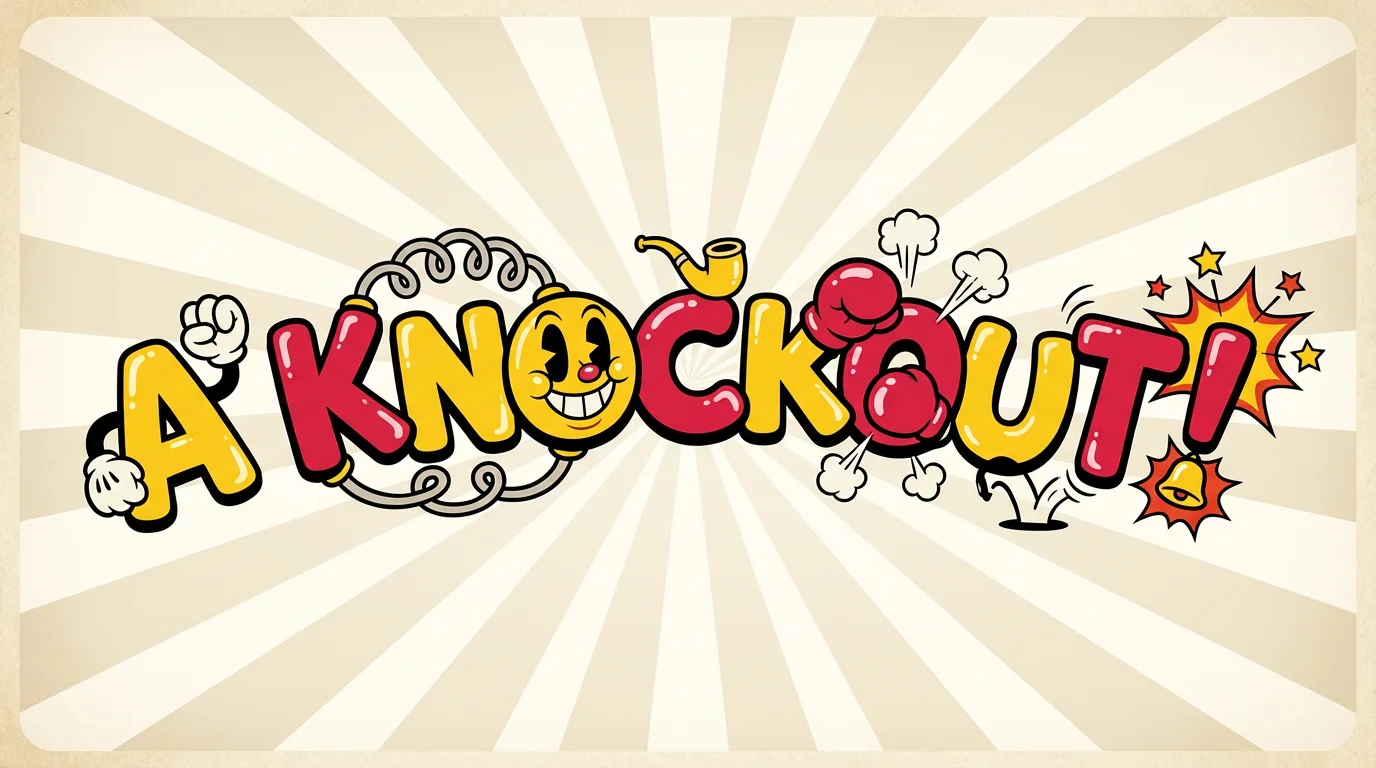
Start by writing a prompt that details the text and style you want. For example: "The title 'Victory!' in a playful 1930s cartoon font."
Click the generate button and let the AI bring your description to life. It will create a unique image based on your prompt in just a few seconds.
Your custom Cuphead-style text is ready. Download the high-resolution, watermark-free image and use it for your project.
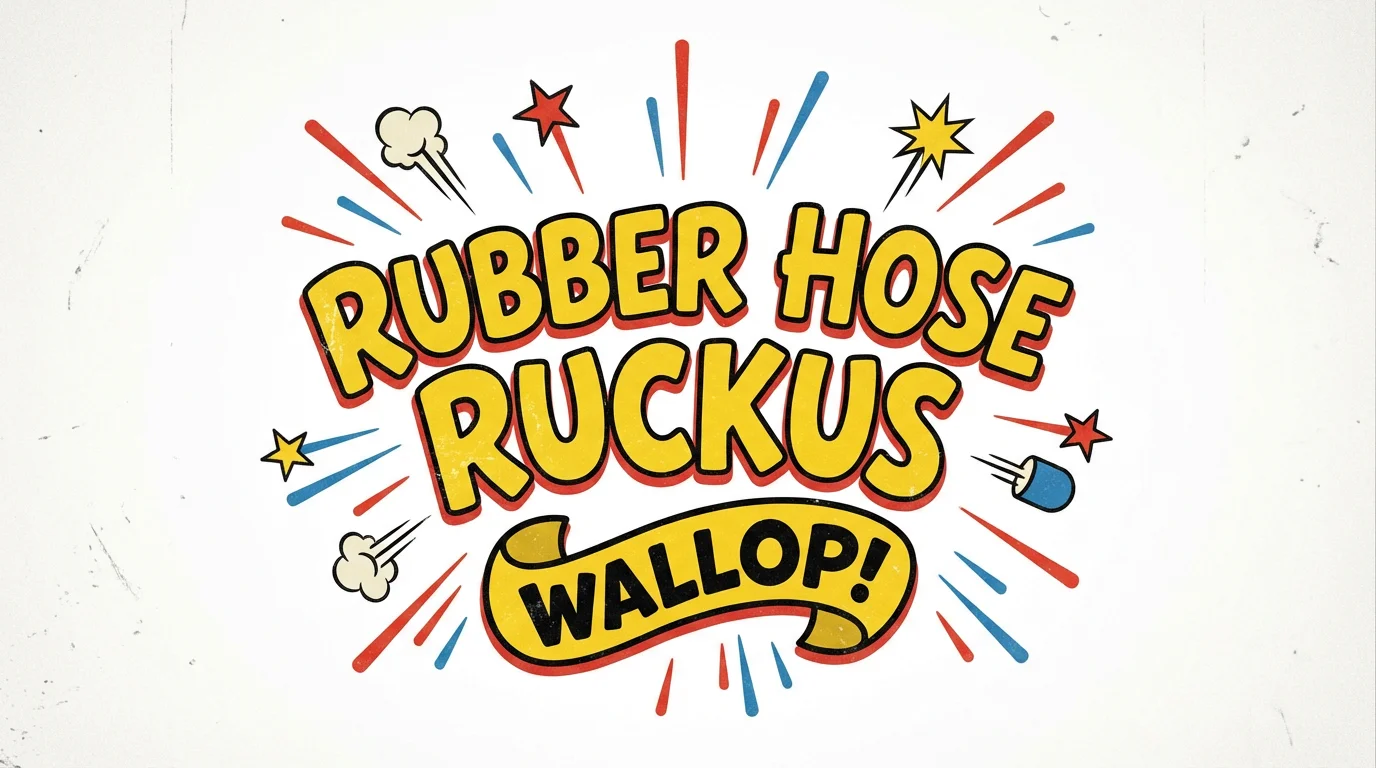
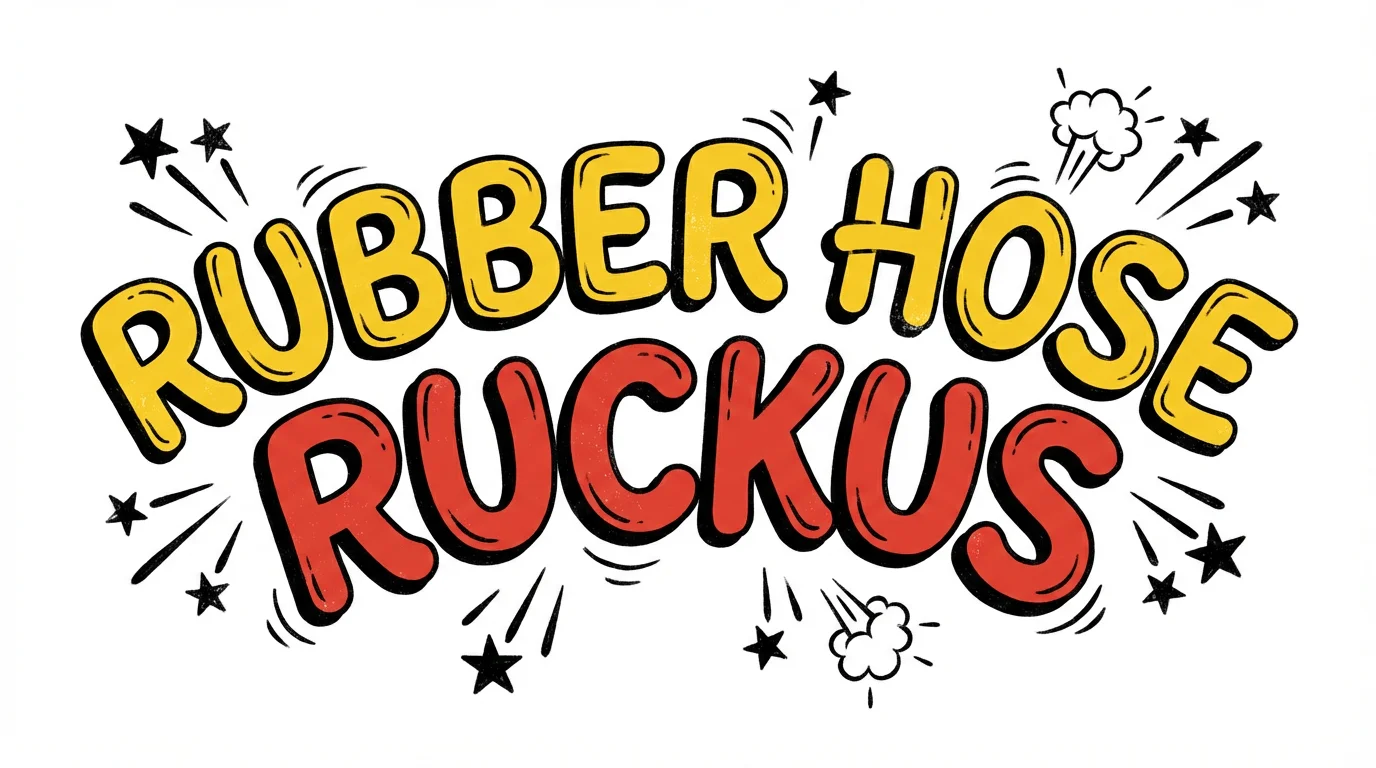
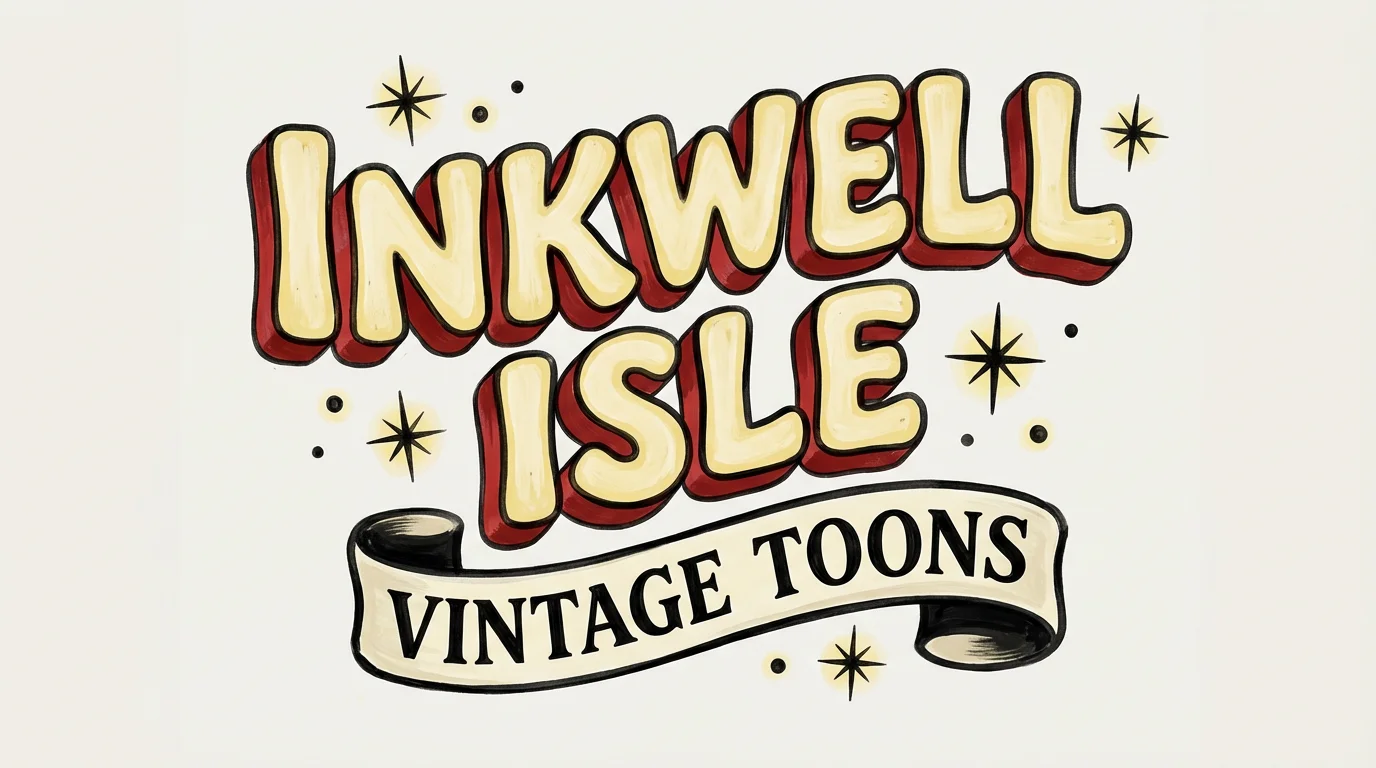
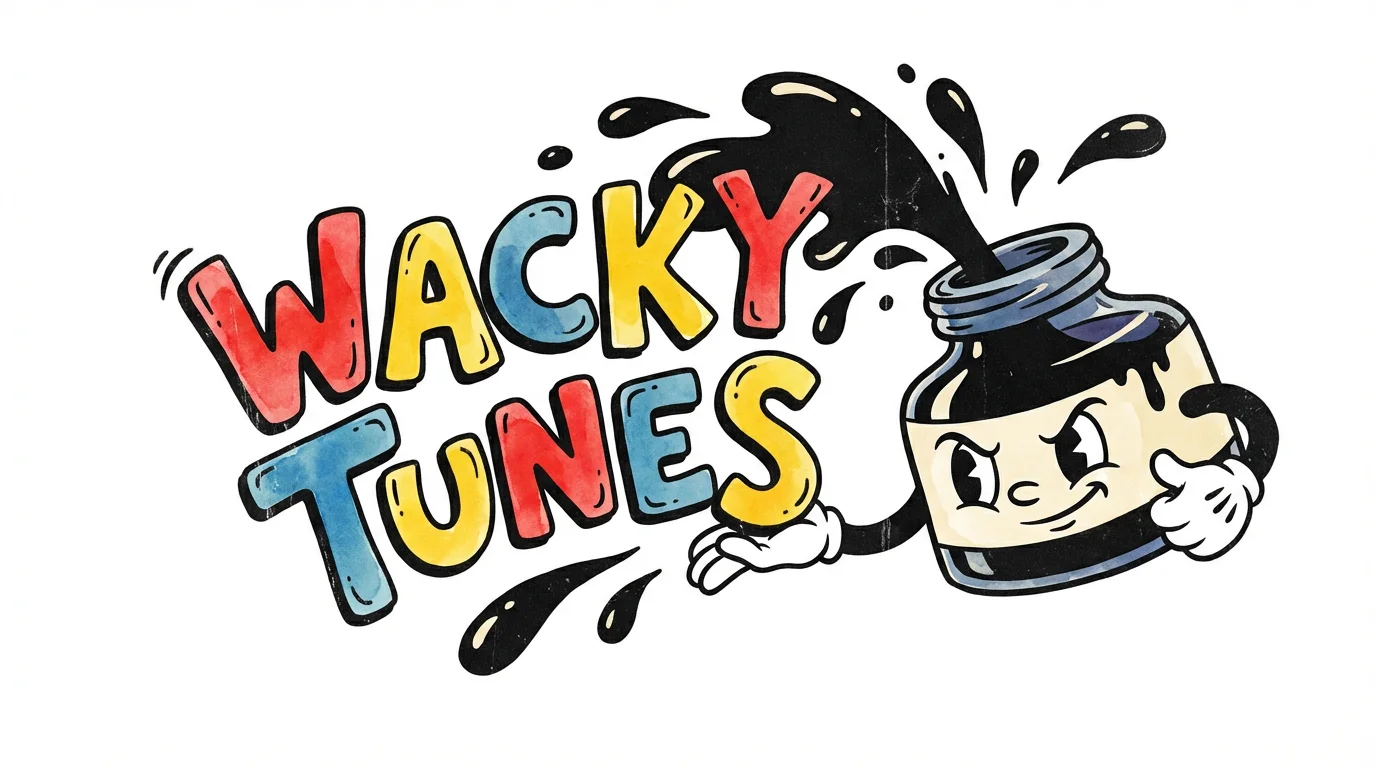
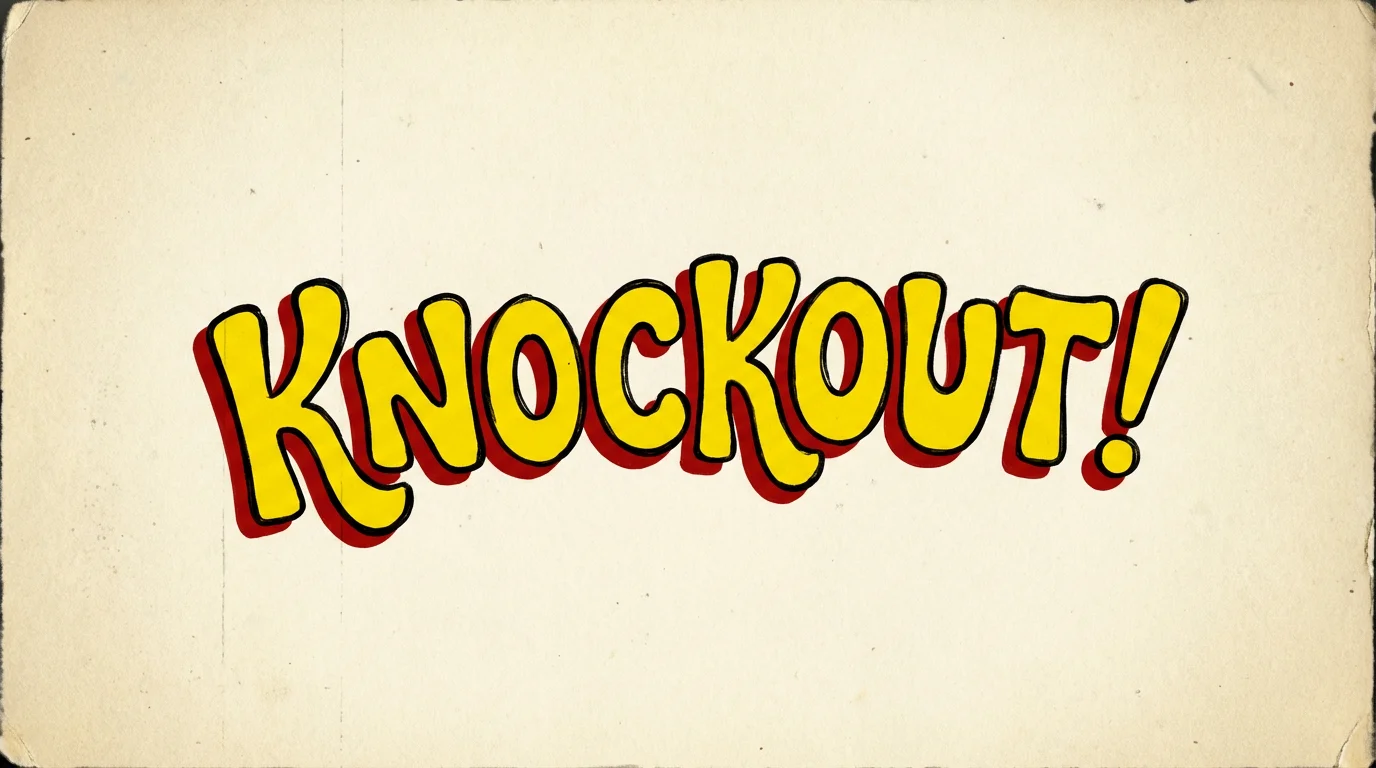
A Cuphead text generator is an AI tool that creates text in the style of 1930s rubber hose animation, similar to the visuals seen in the video game Cuphead. Instead of using a static font, you simply describe the text you want, and the AI generates a custom image based on your description.
To create text in this style, provide a detailed prompt to the AI. Include the text you want to generate, and describe the visual elements. For example, mention 'bouncy letters,' 'glossy finish,' 'thick black outlines,' and specific colors to achieve the iconic look.
Yes, the tool is free to try. You can generate text and download your images for free. After using your initial free credits, you have the option to purchase more to continue creating.
Absolutely. The images you create are watermark-free and can be used for both personal and commercial projects, including YouTube thumbnails, channel art, and in-video graphics.
No, you do not need to download any fonts or software. Our Cuphead text generator is a browser-based tool that works entirely online. All you need is your creativity and a text prompt.
Yes, you can specify colors directly in your text prompt. For example, you could write 'The words 'Game Over' in yellow and red' to guide the AI's color choice for the generated image.
Great app, easy to use. Helps our small business save time and money to create different marketing materials professionally. Thank you.
I need a good background remover for my work and I've been through them all it feels like. This one is the best by far. It's so easy to use and the results always look amazing. Thank you Pixelcut!
It's amazingly easy and gives the perfect results for my bags and accessories. It looks like it was done by a professional photographer.