Pixelcut
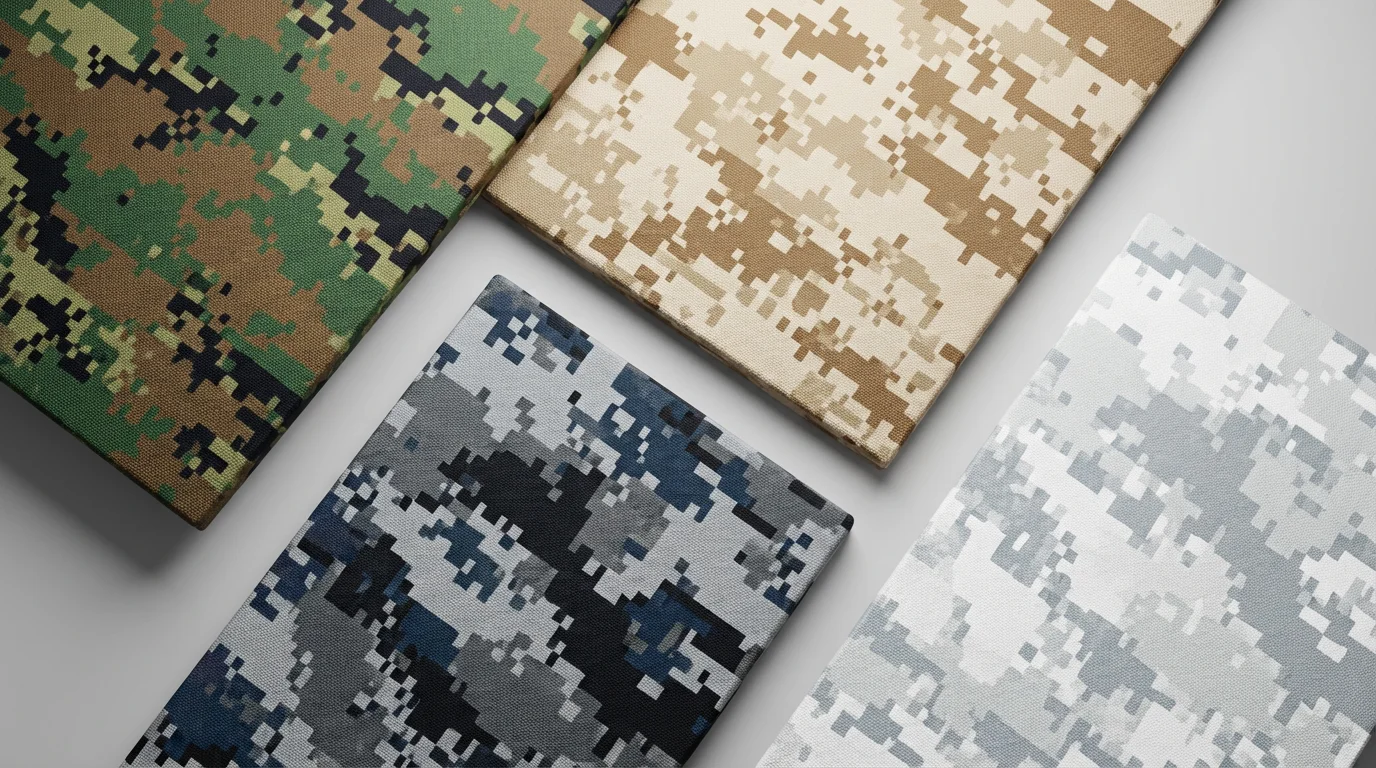
A hero image displaying four different types of digital camouflage patterns—woodland, desert, urban, and arctic—applied to sleek panels arranged against a clean, light gray background, showcasing the output of a texture generator.

AI Digital Camouflage Texture Generator

Trusted by 70 million people
171,800 Reviews
Developer API
Available on iPhone & Android

How to create a digital camouflage texture

  1. 1

    Describe your texture

    Start by typing a detailed description of the digital camouflage you want. Include colors, style, and environment (e.g., 'pixelated desert camo with brown and tan').

  2. 2

    Generate your pattern

    With a single click, the AI will process your prompt and create a custom digital camouflage texture based on your description. Feel free to adjust your prompt and regenerate.

  3. 3

    Download your texture

    Your unique digital camo pattern is ready to download as a high-resolution, watermark-free image, perfect for any personal or commercial project.

Create detailed digital camouflage textures in seconds. Forget complex design software; with our AI tool, you simply describe the pattern you want. Specify colors for different environments like forest, desert, or urban settings, and our generator brings your idea to life. Whether you need a classic pixelated look or something more abstract, you can produce high-quality camo designs effortlessly. This makes it easy for anyone to create unique patterns for their projects without needing any design background or technical skills.

Instantly Generate Custom Camo Patterns

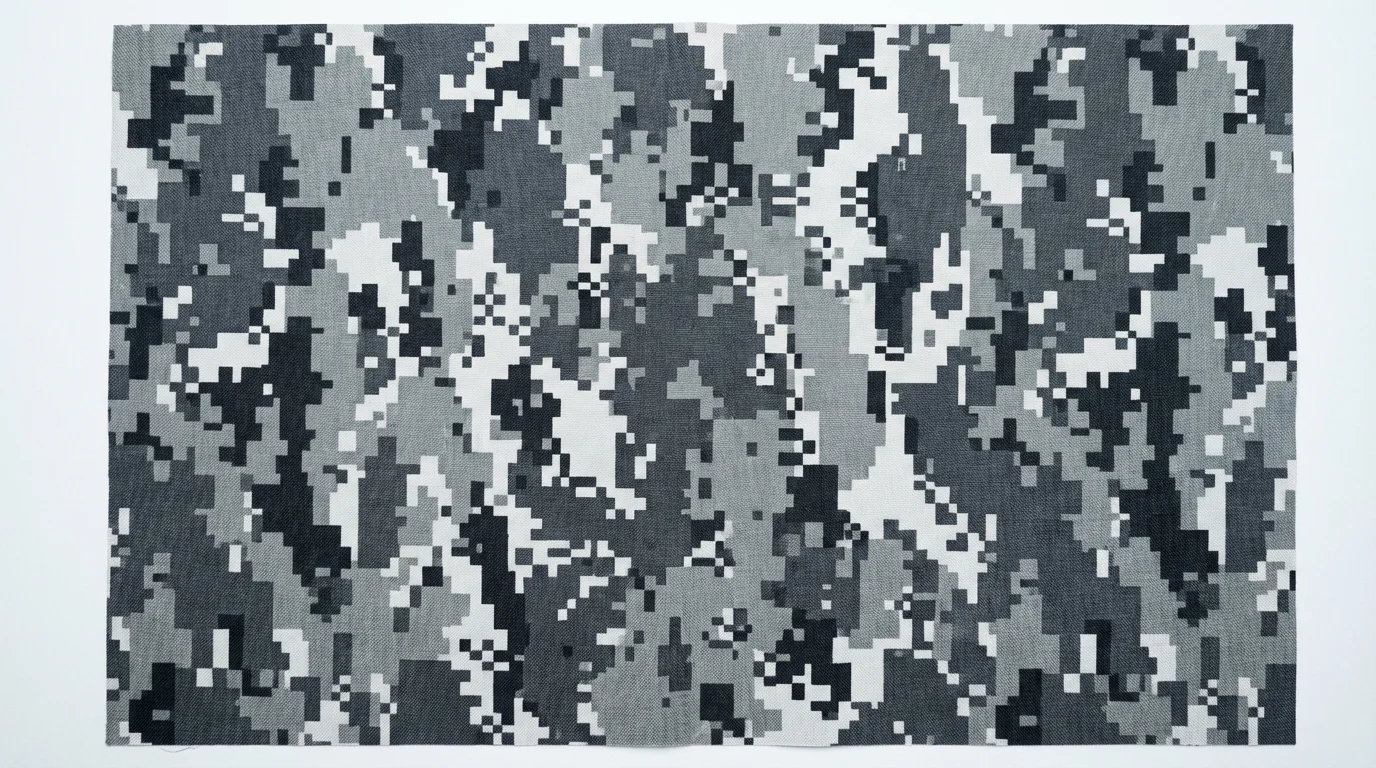
A detailed, top-down image of a digital camouflage texture composed of small pixelated squares in shades of gray, black, and white.
Our digital camouflage generator gives you creative freedom. Through simple text prompts, you can define the color palette, the style of the pixels, and the overall complexity of the texture. Want a pattern with a mix of large and small squares in earthy tones? Just describe it. Need a blue and gray urban camo? Type it in. This level of control allows you to generate textures that are perfectly tailored to your specific needs, ensuring the final design matches your vision for apparel, gear, or digital projects.

Total Control Over Your Design

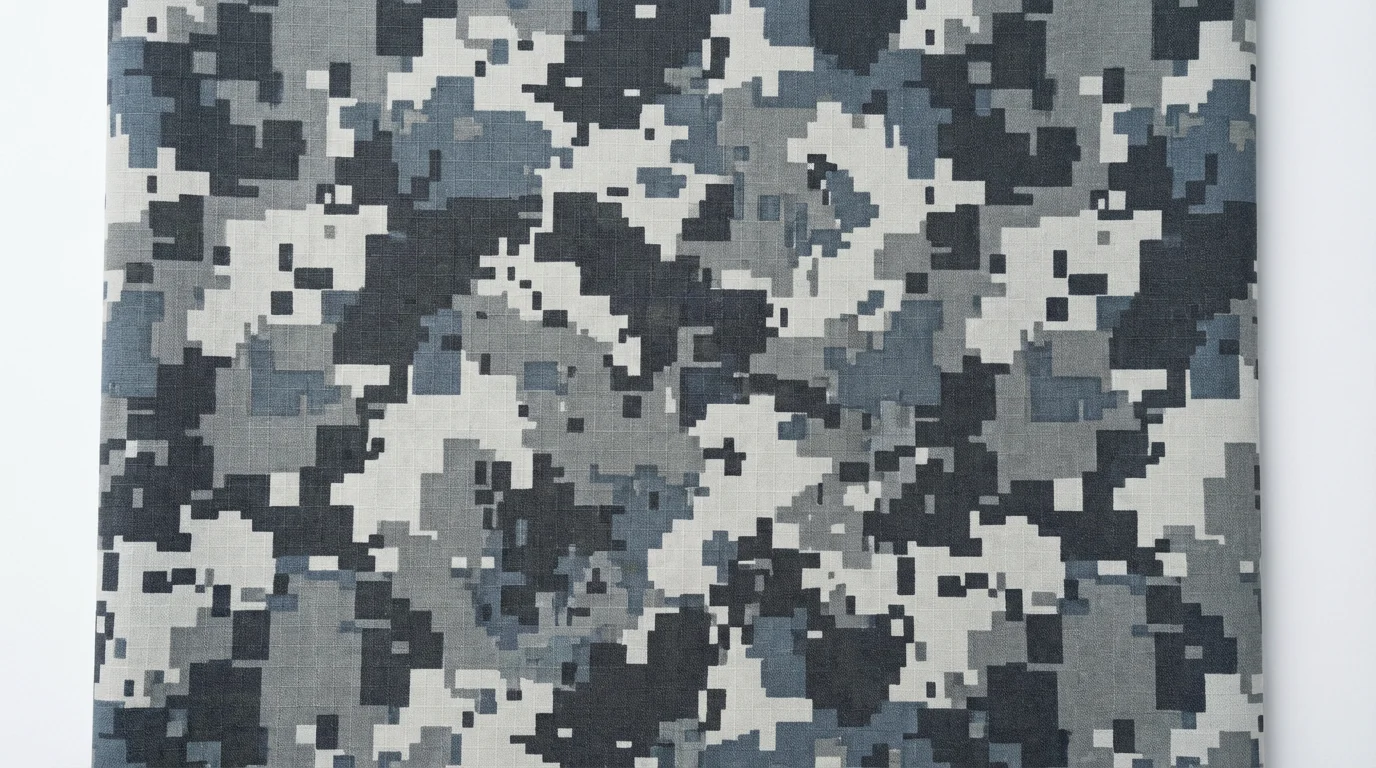
A close-up, top-down view of a digital camouflage pattern featuring pixelated blocks in shades of grey, charcoal, and blue on a white background.
Generate high-resolution, seamless digital camouflage textures that are ready for any project. By including 'seamless' or 'repeating pattern' in your prompt, you can create designs that tile perfectly without any visible edges. This is ideal for 3D model texturing, website backgrounds, fabric printing, and game development. The crisp, clear output ensures your patterns look professional whether they are used in digital media or printed on physical products. Download your final designs and apply them directly to your work.

Seamless Textures for Any Application

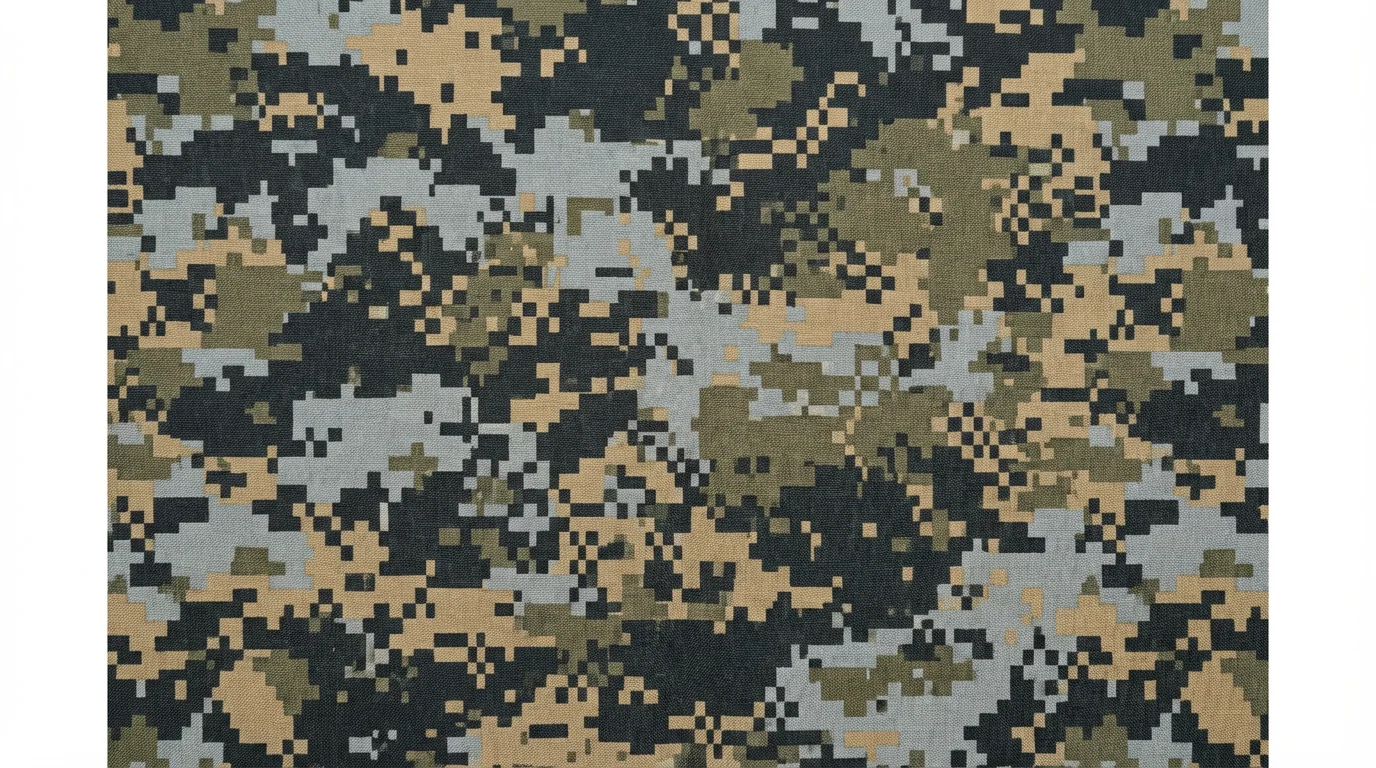
A detailed, top-down view of a modern digital camouflage texture, featuring a pattern of small, square pixels in shades of gray, olive green, and tan.
It’s Fast: Go from a text description to a complete camo pattern in moments. It’s Customizable: Your words guide the AI, allowing you to specify colors, pixel styles, and environments to create a personalized pattern. AI-Powered: Use artificial intelligence to generate intricate and unique digital patterns that would be difficult to create by hand. It's Easy to Use: No advanced software is needed. If you can describe it, you can create it. Versatile: Download high-resolution textures perfect for gaming, fashion, or graphic design.

Why use Pixelcut's AI Digital Camouflage Texture Generator?

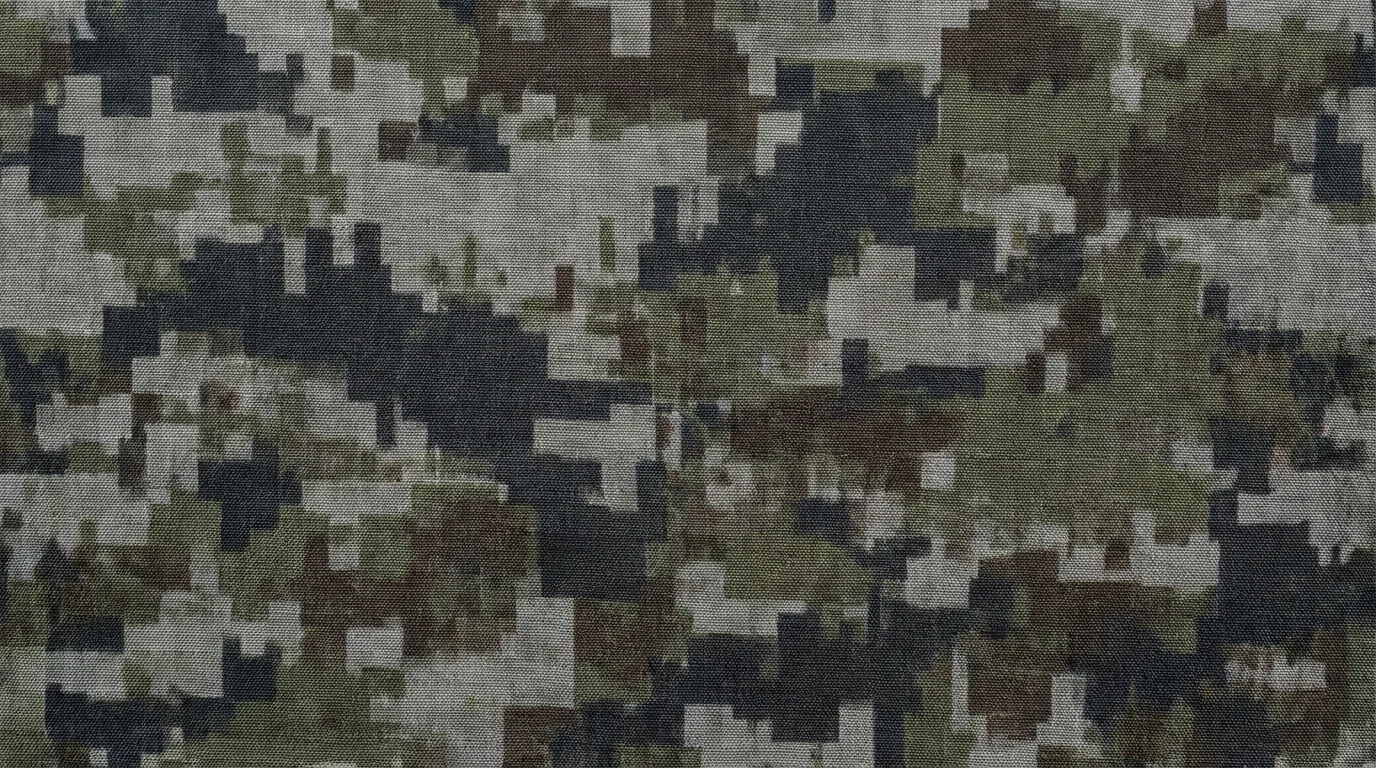
A close-up view of a digital camouflage pattern featuring pixelated blocks of gray, charcoal, olive green, and brown in a modern, geometric arrangement.
Video Game Assets: Design custom skins and environmental textures for your game, matching the aesthetic of different worlds. Fashion and Apparel: Create unique digital camo designs for streetwear, athletic apparel, and accessories. Product Design: Develop concept visuals for tactical gear, vehicle wraps, or electronics skins. Digital Art and Graphics: Use generated patterns as backgrounds for websites, posters, or social media content. 3D Modeling: Apply seamless textures to 3D models for realistic or stylized looks.

Digital Camouflage Texture Use Cases

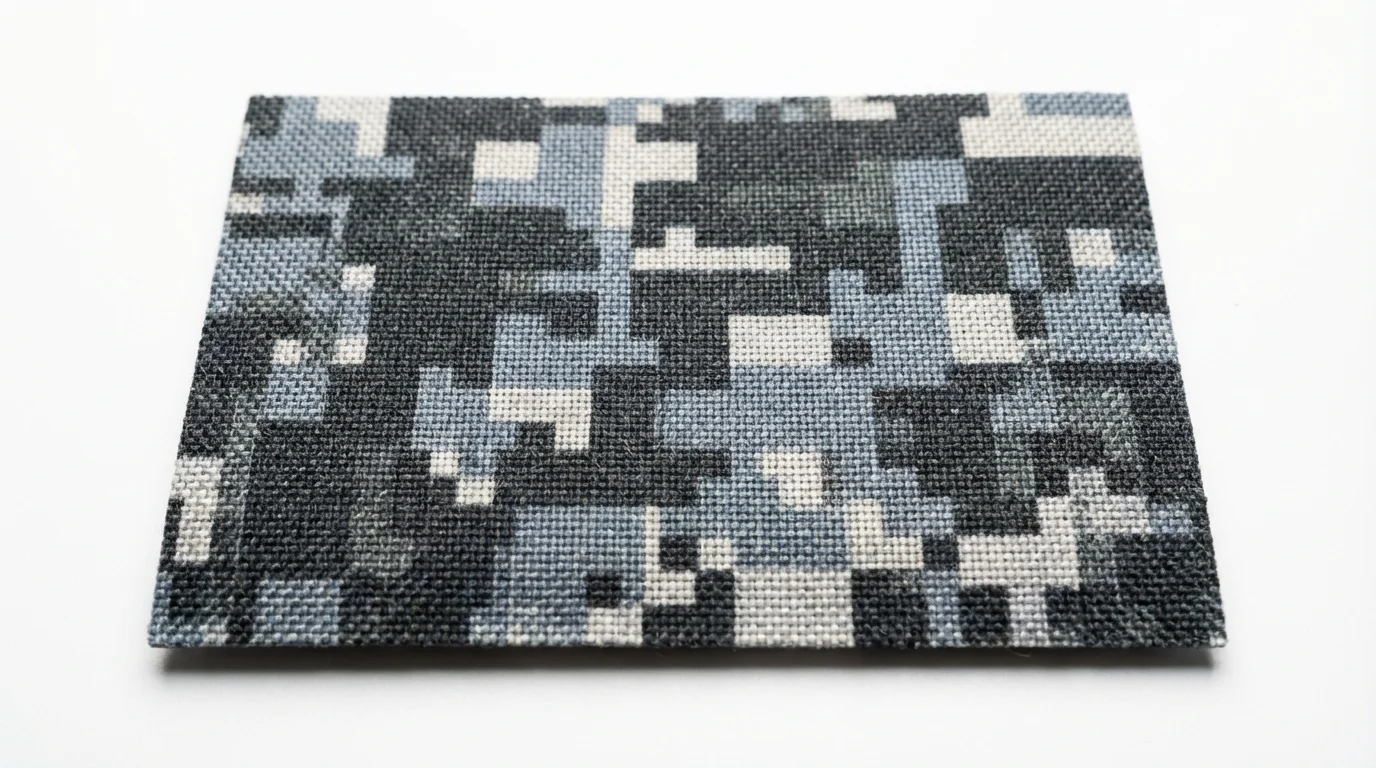
A close-up of a digital camouflage texture sample, featuring a pattern of pixelated squares in shades of gray and slate blue, presented on a clean white background.

Frequently Asked Questions

Pixelcut is loved by over 2 million people

  • My favorite app

    Great app, easy to use. Helps our small business save time and money to create different marketing materials professionally. Thank you.
    Shaelyn D.
  • Best background remover

    I need a good background remover for my work and I've been through them all it feels like. This one is the best by far. It's so easy to use and the results always look amazing. Thank you Pixelcut!
    Kira H.
  • Love it

    It's amazingly easy and gives the perfect results for my bags and accessories. It looks like it was done by a professional photographer.
    Mary J.