Pixelcut
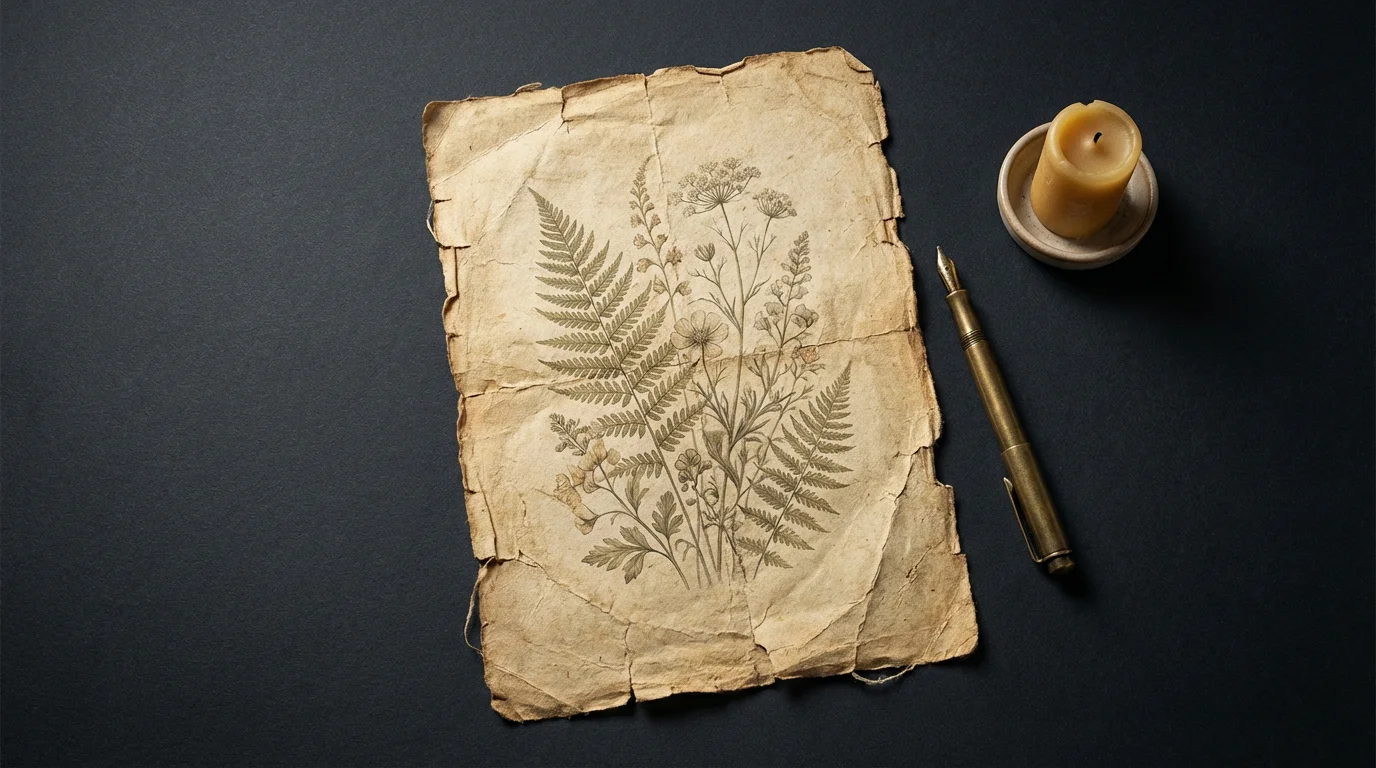
An elegantly styled flat lay of a sheet of distressed vintage paper on a dark background, featuring a faded botanical drawing, an antique pen, and a brass candle holder.

AI Distressed Paper Texture Generator

Trusted by 70 million people
171,800 Reviews
Developer API
Available on iPhone & Android

How to Create a Distressed Paper Texture

  1. 1

    Describe your texture

    Start by typing a detailed description of the distressed paper you want. For example: 'A sheet of old, yellowed paper with dark, frayed edges and a single coffee cup stain'.

  2. 2

    Generate your texture

    Click the generate button and let the AI bring your description to life. It will create a unique paper texture based on your prompt in just a few seconds.

  3. 3

    Download and use

    Your custom distressed paper texture is ready. Download the high-resolution image and use it as a background, overlay, or in any of your creative projects.

Stop searching for the right stock image and start creating the exact texture you need. Our AI tool lets you specify every detail of your distressed paper. Describe the paper type, such as parchment, kraft, or newsprint. Add details like water stains, coffee rings, torn corners, or frayed edges to craft a truly unique background. Whether you need a subtly aged letter or a heavily damaged grunge map, you can generate a high-resolution texture that perfectly matches your creative vision in just a few moments.

Generate Your Perfect Vintage Look

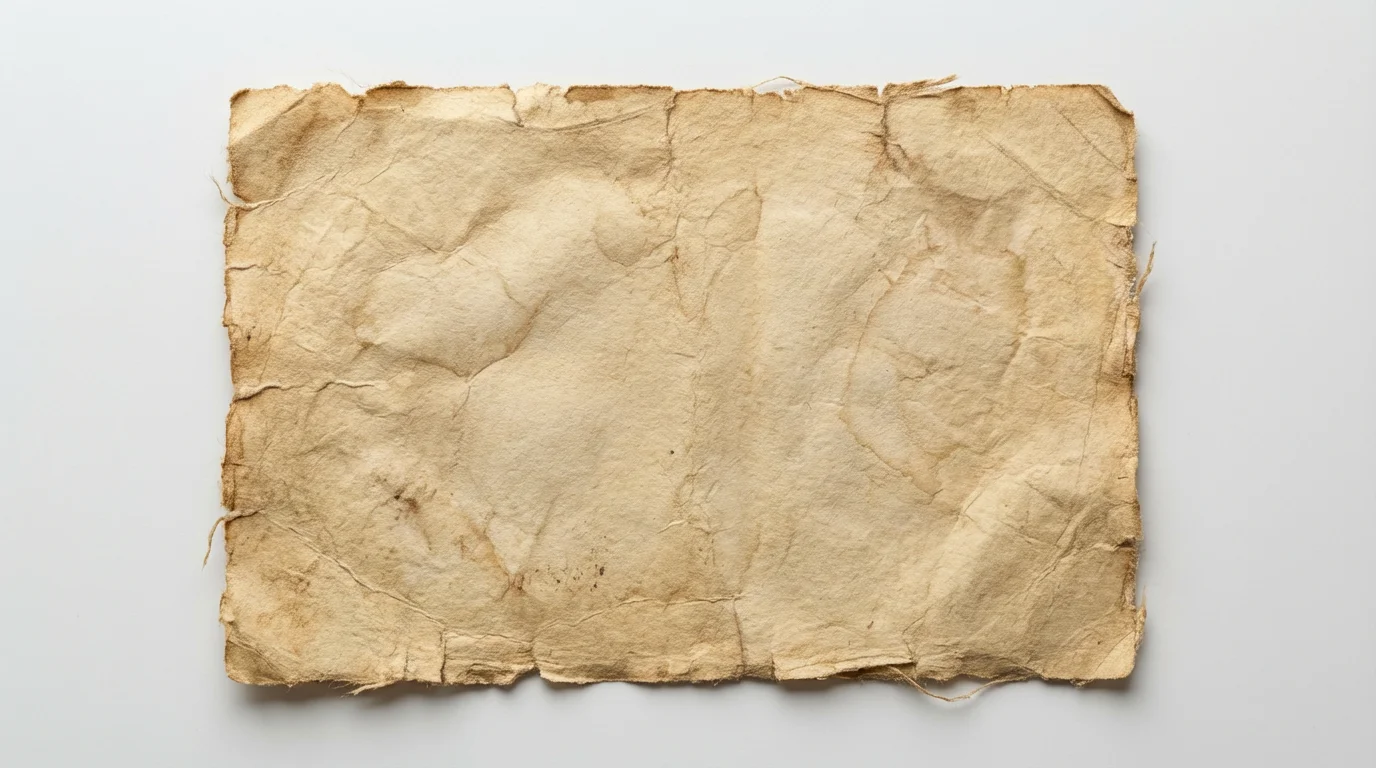
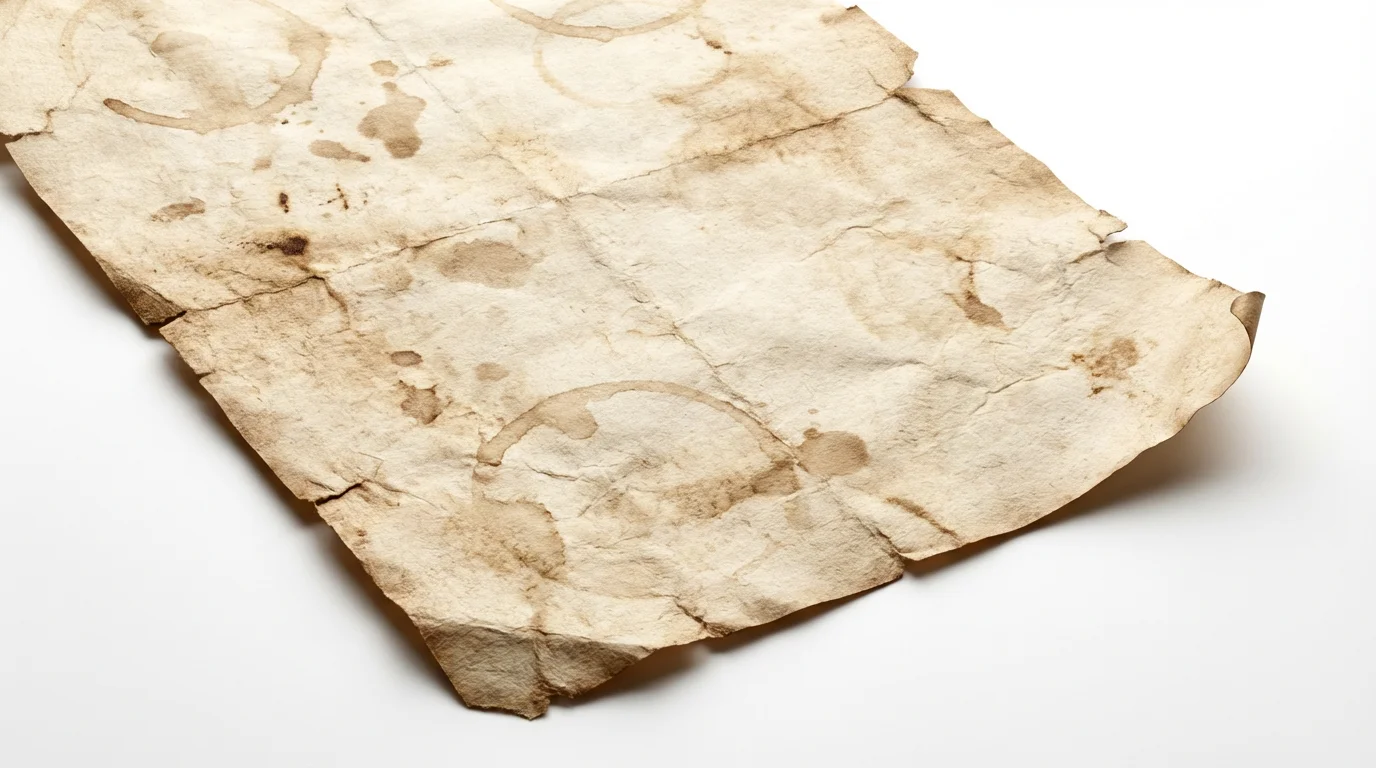
A high-resolution mockup of a single sheet of distressed, yellowed paper with frayed edges and light stains, presented flat against a clean white background.
Give your designs a tangible, nostalgic quality with AI-generated textures. A distressed paper background can add a sense of history and realism that makes your work stand out. Use these textures as overlays on photos to create a vintage feel, or as backgrounds for invitations, posters, and digital art. The subtle imperfections, from creases to discoloration, add a layer of visual interest that a flat color cannot replicate, making your designs feel more dynamic and engaging.

Add Authentic Depth and Character

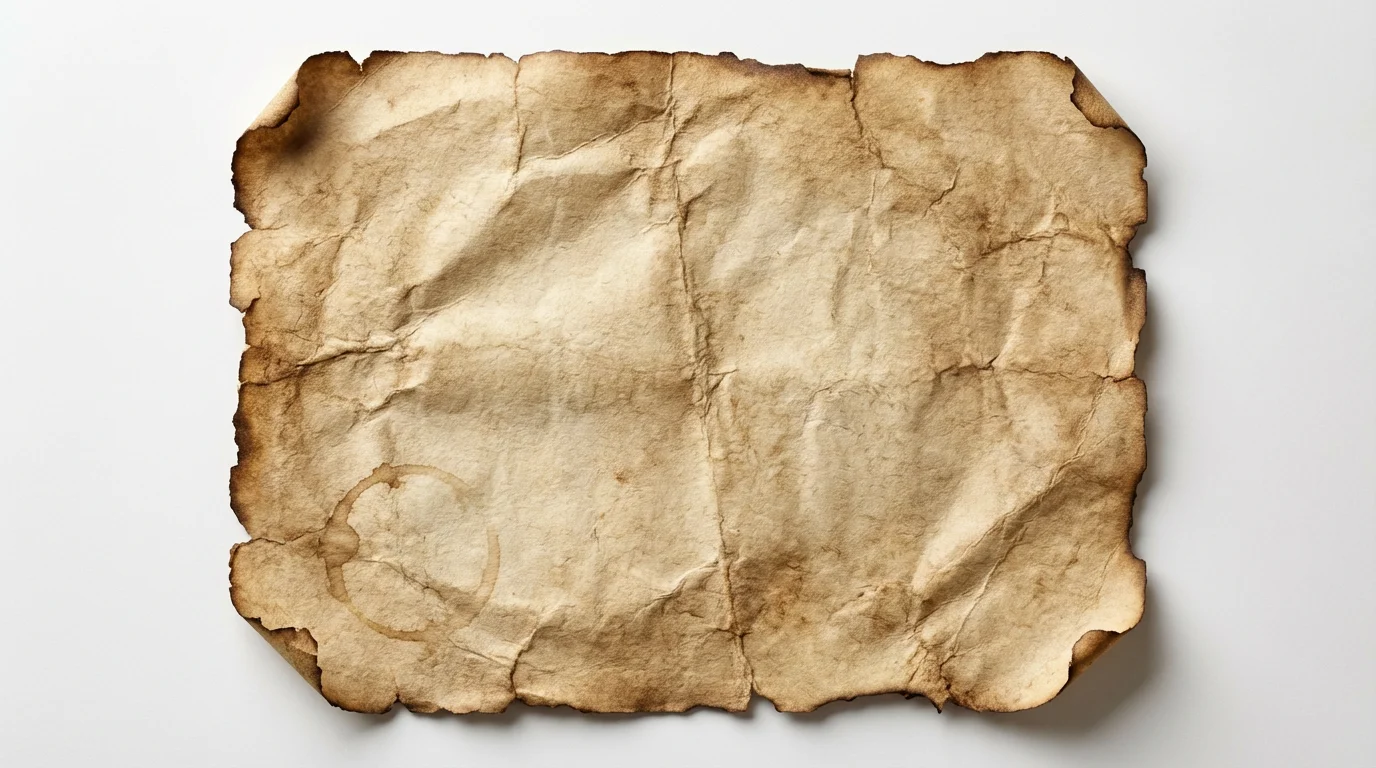
A flat lay image of a single sheet of old, distressed paper with a wrinkled texture, coffee stain, and torn edges, displayed on a plain white background.
Finding the perfect distressed paper texture can be time-consuming. Our AI generator makes the process fast and intuitive. Instead of manually creating textures with coffee and sandpaper or browsing endless libraries, you can simply type a description and get a result in seconds. This allows you to experiment with different looks quickly, from lightly crinkled to heavily weathered, saving you valuable time that can be better spent on the rest of your design. All generated textures are ready for immediate use.

Streamline Your Creative Workflow

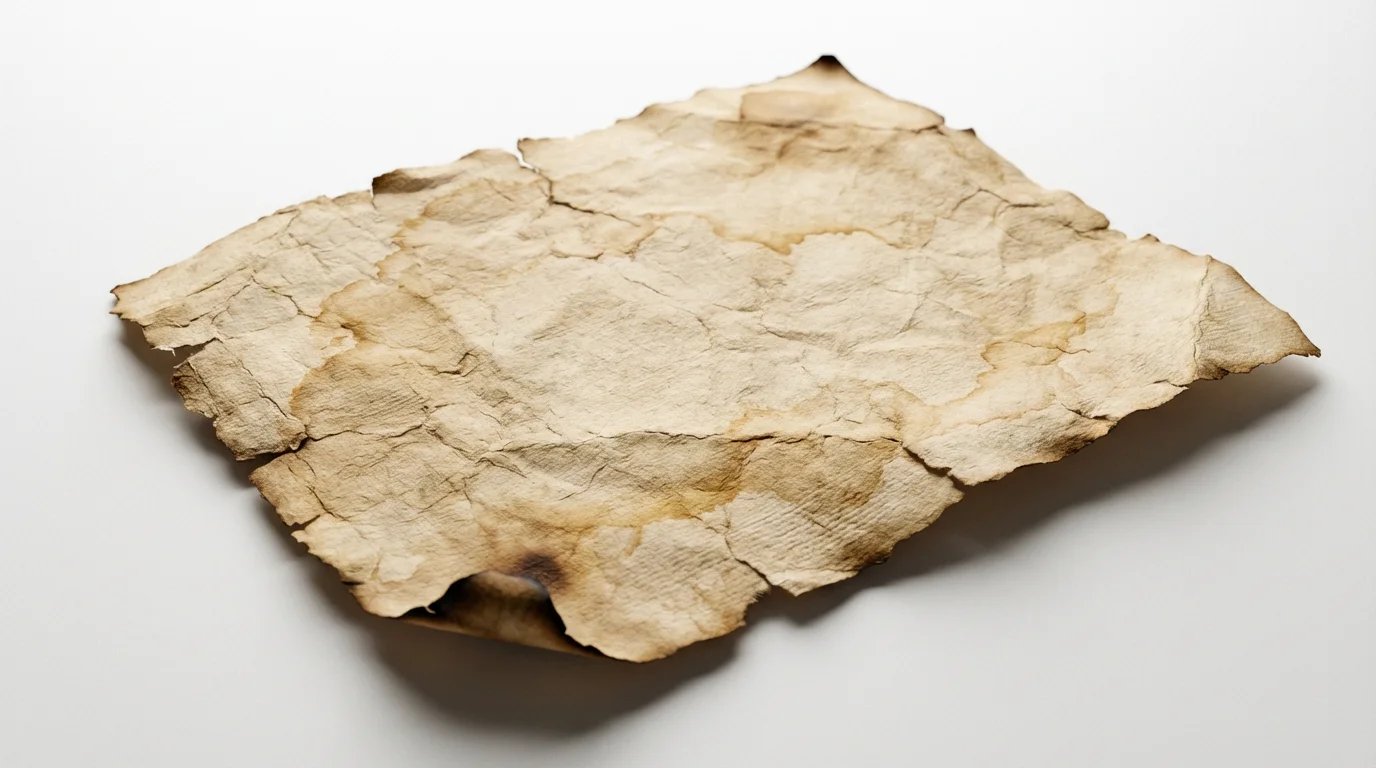
A close-up, top-down view of a single sheet of distressed, antique-style paper on a white background, featuring frayed edges, deep wrinkles, and sepia-colored stains.
It’s Fast: Go from a simple idea to a fully-rendered texture in seconds. It’s Customizable: You have full control. Describe folds, tears, stains, and paper type to create a one-of-a-kind texture. AI-Powered: Leverage artificial intelligence to create complex and realistic paper effects that look authentic. Easy to Use: No design skills are required. If you can describe it, you can create it. Anyone can produce high-quality textures. Use Anywhere: Download high-resolution textures for websites, print, social media, or any creative project.

Why use Pixelcut's AI Distressed Paper Texture Generator?

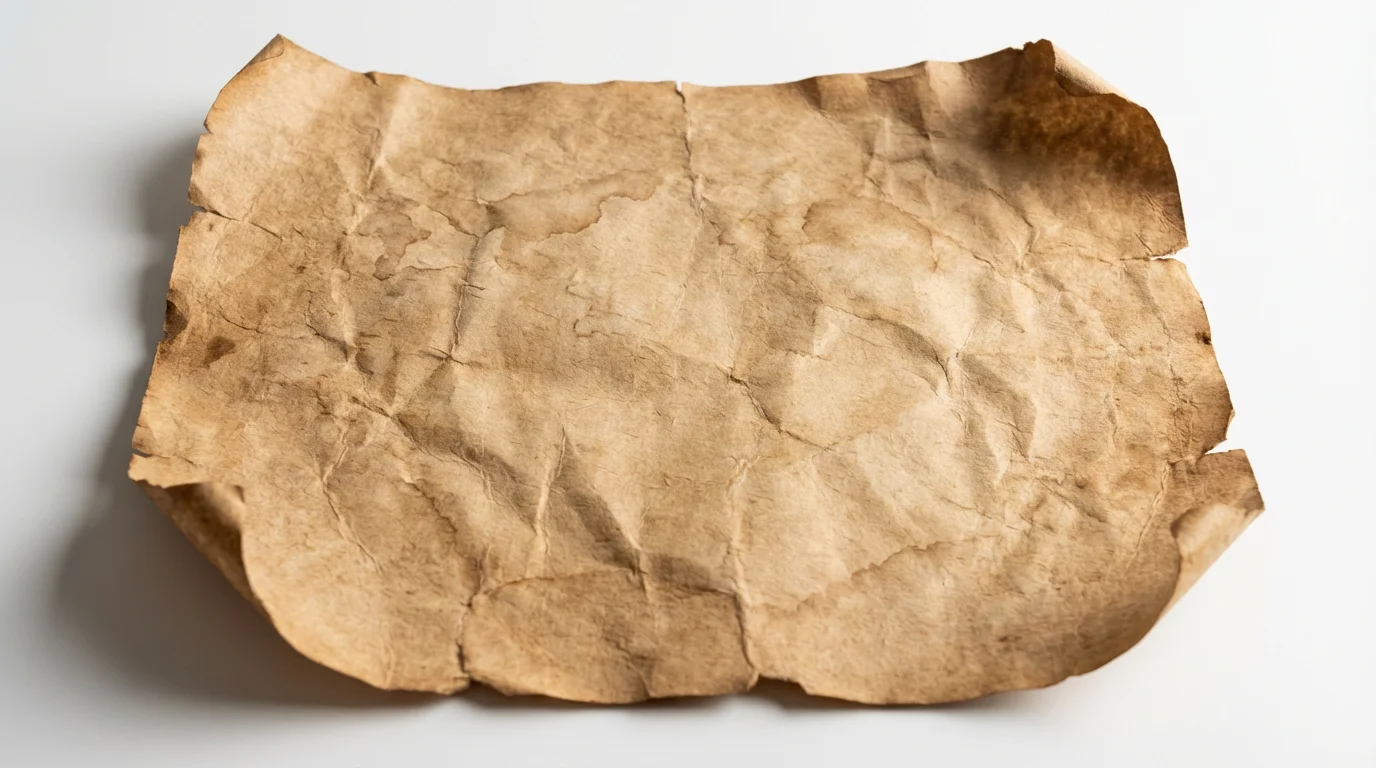
A photorealistic mockup of a single sheet of aged, distressed paper with torn edges, creases, and stains, displayed on a clean white background.
Digital Scrapbooking: Create beautiful, vintage-inspired scrapbook pages with authentic-looking paper backgrounds. Event Invitations: Design unique wedding or party invitations with a rustic, aged paper effect. Website & Blog Backgrounds: Give your website a distinctive, tactile feel that enhances readability and style. Artistic Photo Overlays: Apply textures to your photographs to give them a nostalgic, film-like, or grungy appearance. Marketing Materials: Make your posters, flyers, and social media posts more eye-catching with a rich, textured backdrop.

Distressed Paper Texture Use Cases

A detailed close-up of a single sheet of distressed, antique paper with torn edges and yellowed stains, set against a plain white background.

Frequently Asked Questions

Pixelcut is loved by over 2 million people

  • My favorite app

    Great app, easy to use. Helps our small business save time and money to create different marketing materials professionally. Thank you.
    Shaelyn D.
  • Best background remover

    I need a good background remover for my work and I've been through them all it feels like. This one is the best by far. It's so easy to use and the results always look amazing. Thank you Pixelcut!
    Kira H.
  • Love it

    It's amazingly easy and gives the perfect results for my bags and accessories. It looks like it was done by a professional photographer.
    Mary J.