My favorite app
Great app, easy to use. Helps our small business save time and money to create different marketing materials professionally. Thank you.

Start by writing a clear description of the character you imagine. Include details about their style, clothing, hair, and expression for the best results.
Click the generate button and let the AI create a unique character based on your prompt. If it’s not quite right, you can adjust your prompt and try again.
Once you have a character you love, download the high-resolution image for free. It’s ready to be featured in your next explainer video, presentation, or social media post.
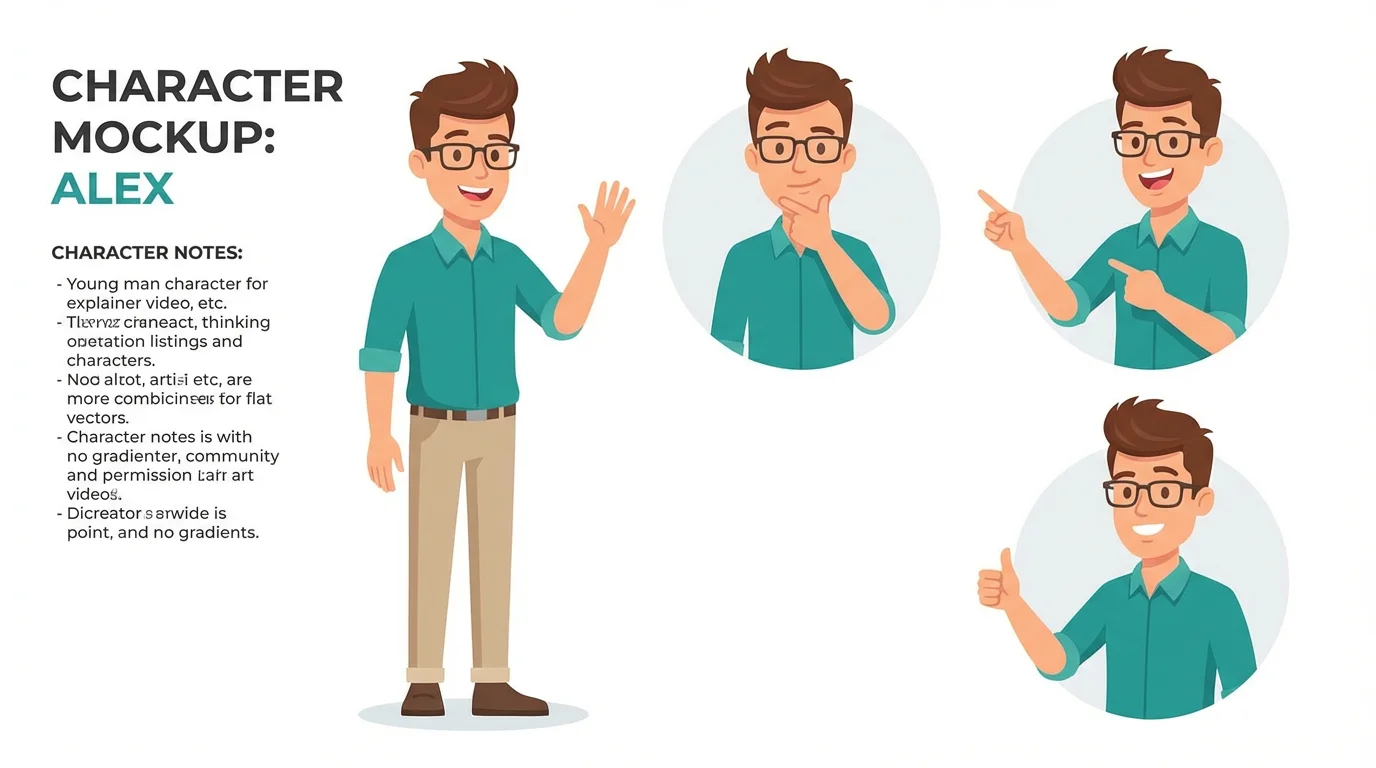
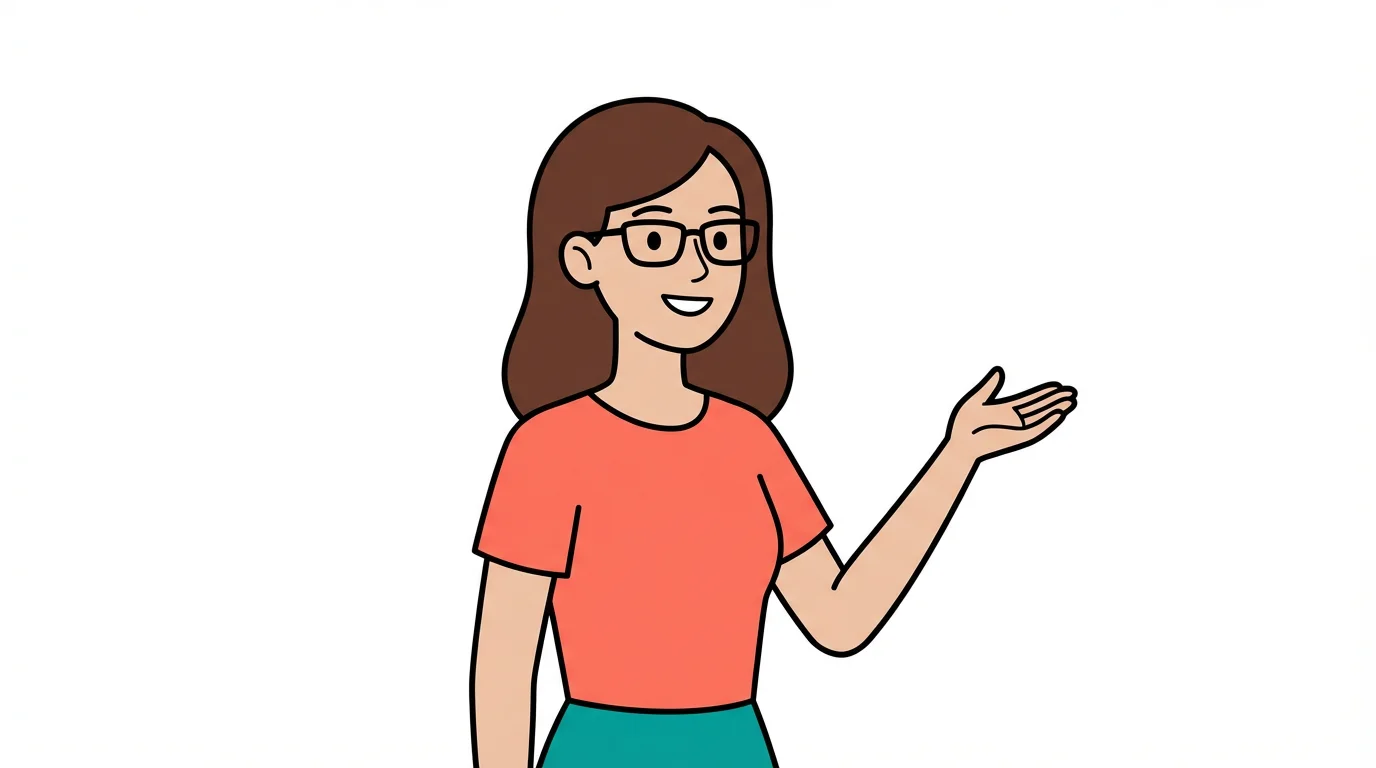
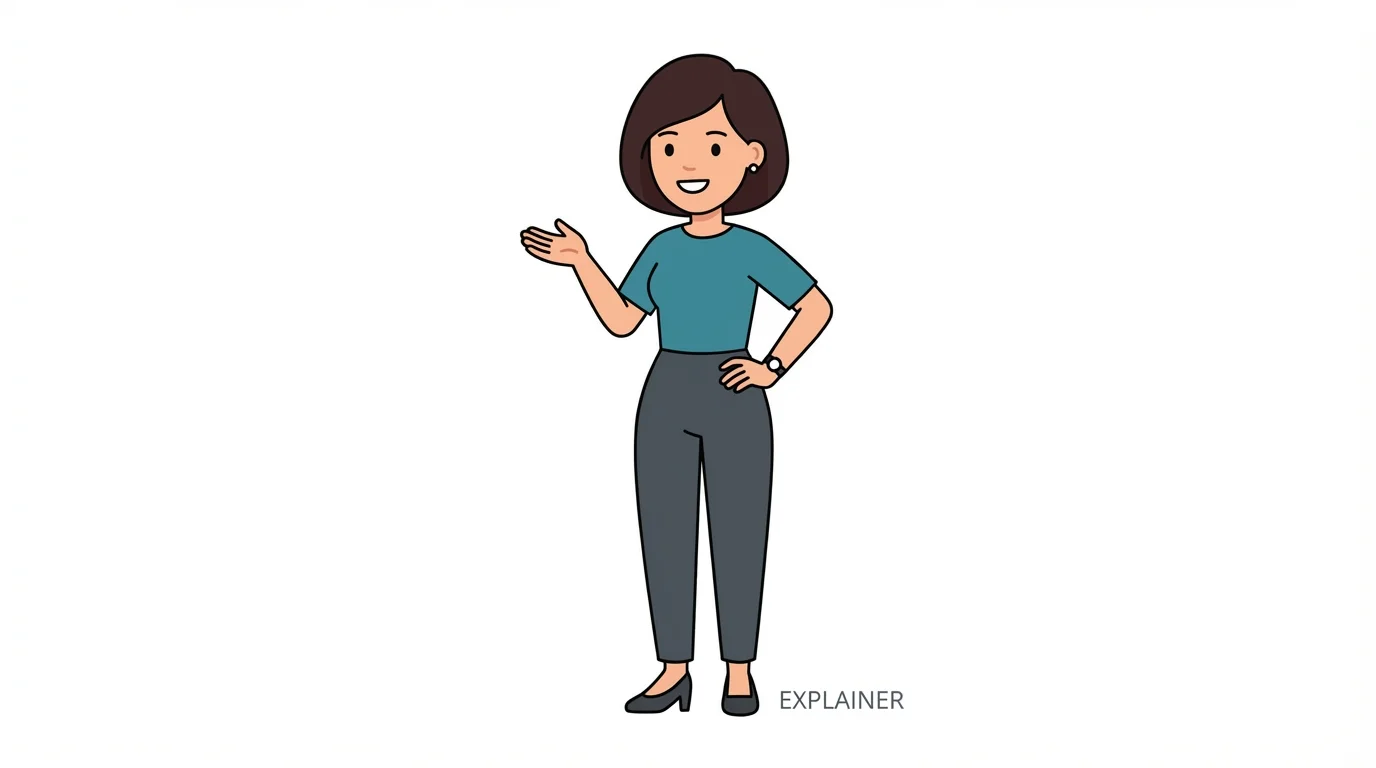
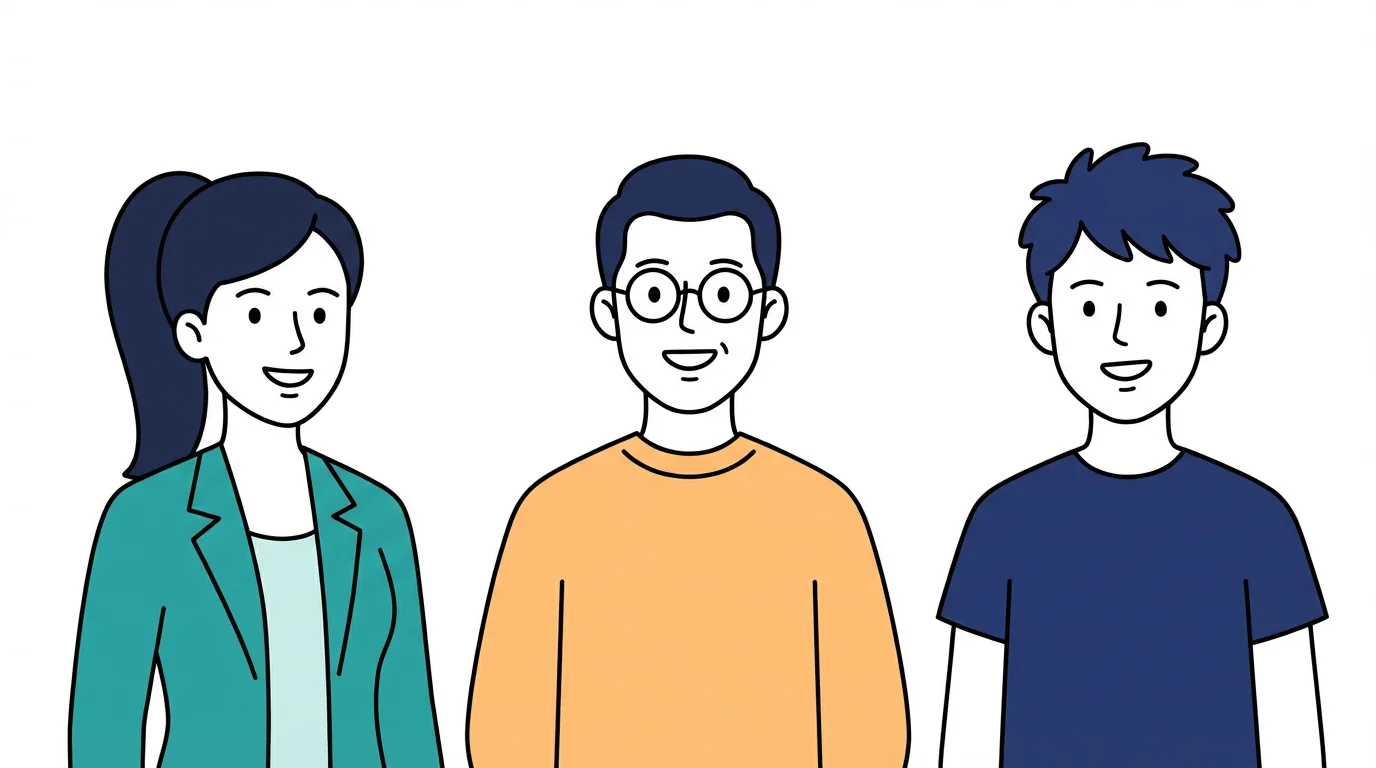
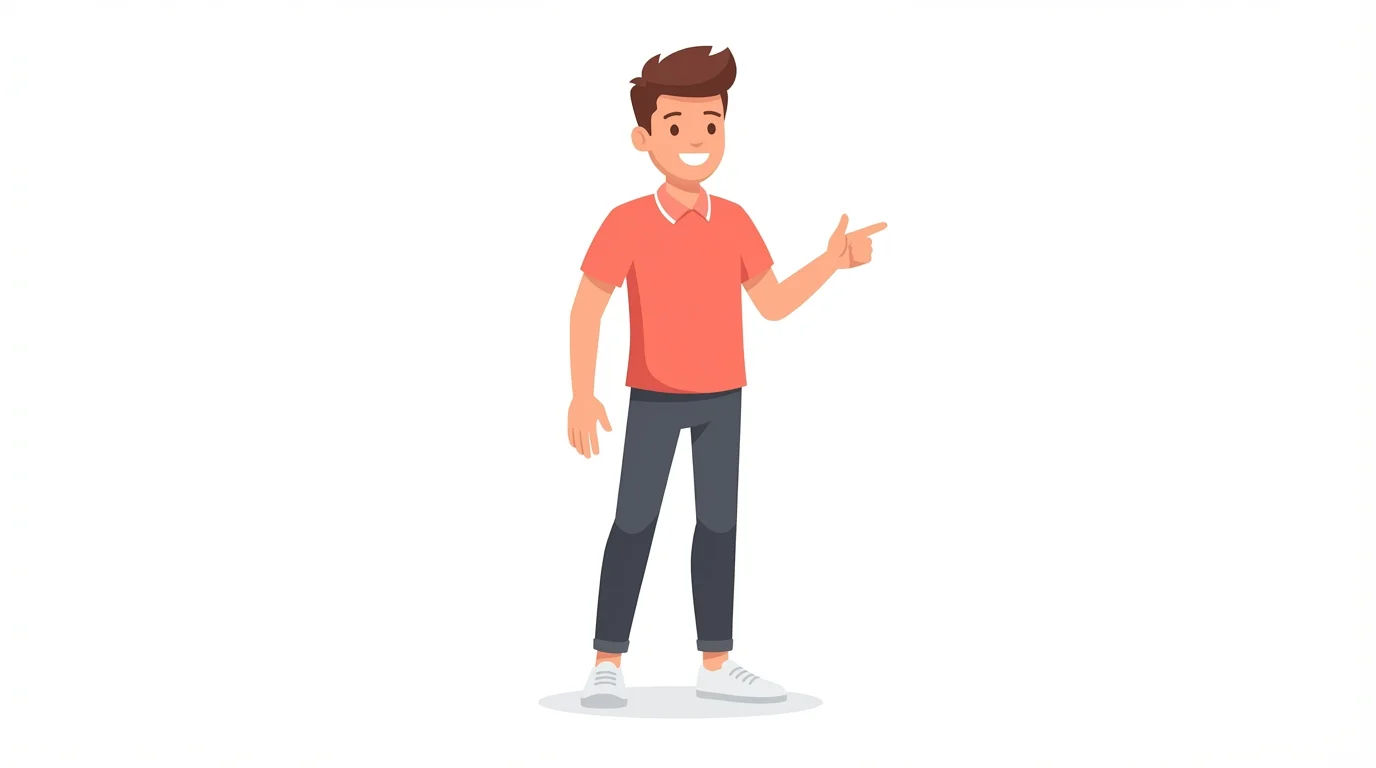
An AI explainer video character generator is a tool that uses artificial intelligence to create a visual representation of a character based on your text descriptions. You can specify the character's style, clothing, expression, and more to generate a unique image for your videos.
To match your brand, be specific in your text prompt. Include details like 'wearing a blue and yellow shirt,' 'in a modern flat art style,' or 'a professional-looking character with glasses.' The more descriptive you are, the closer the AI will get to your vision.
Yes. You can generate variations of your character by slightly changing your prompt. For example, you can ask for 'a character smiling' and then generate another version by changing the prompt to 'a character looking thoughtful' to get different expressions for your video scenes.
Yes, you can use the characters you generate for both personal and commercial projects. All downloaded images are high-resolution and do not contain a watermark.
You can create characters in a wide range of art styles. Try including phrases like '2D cartoon character,' 'anime style character,' '3D animated movie style,' or 'flat design character' in your prompt to guide the AI toward your desired aesthetic.
No design skills are necessary. The tool is designed to be intuitive and user-friendly. All you need is an idea, which you can describe in the text prompt to generate your character.
After generating your character image, you can use Pixelcut's video tools to animate it. Simply upload the character image and use a text prompt to describe how you want it to move, adding motion to bring your character to life.
Great app, easy to use. Helps our small business save time and money to create different marketing materials professionally. Thank you.
I need a good background remover for my work and I've been through them all it feels like. This one is the best by far. It's so easy to use and the results always look amazing. Thank you Pixelcut!
It's amazingly easy and gives the perfect results for my bags and accessories. It looks like it was done by a professional photographer.