My favorite app
Great app, easy to use. Helps our small business save time and money to create different marketing materials professionally. Thank you.
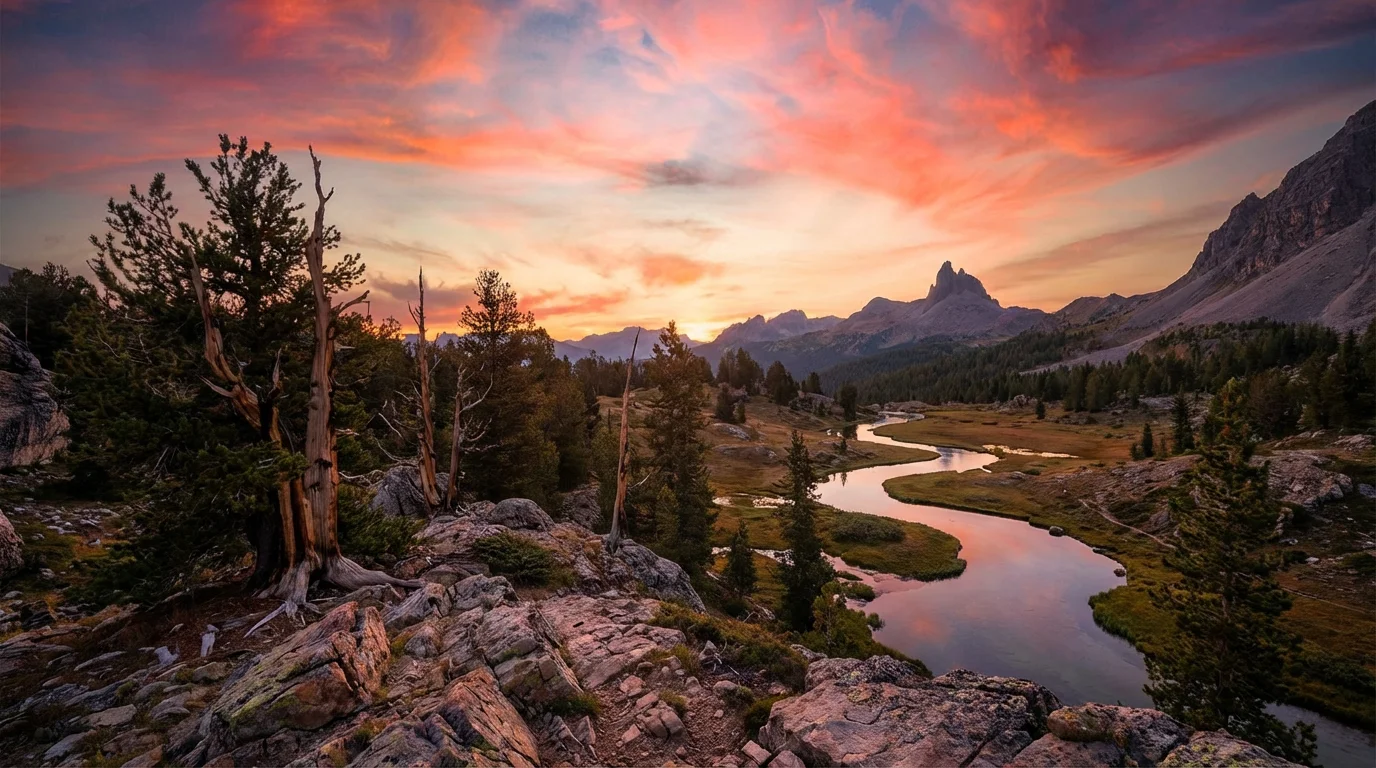
Start by uploading the photos you want to blend. For best results, use multiple bracketed shots of the same scene: one underexposed, one normal, and one overexposed.
In the chat box, tell the AI how to blend the images. For example, 'Blend these images to create one photo with a balanced exposure,' or 'Use the sky from the dark image and the foreground from the bright one.'
The AI will process your request, automatically aligning the images and merging the best-exposed parts of each into a single, cohesive photograph.
Your high-resolution, perfectly balanced photo is ready to download for free in JPEG or PNG format. Use it for your portfolio, real estate listings, or social media.
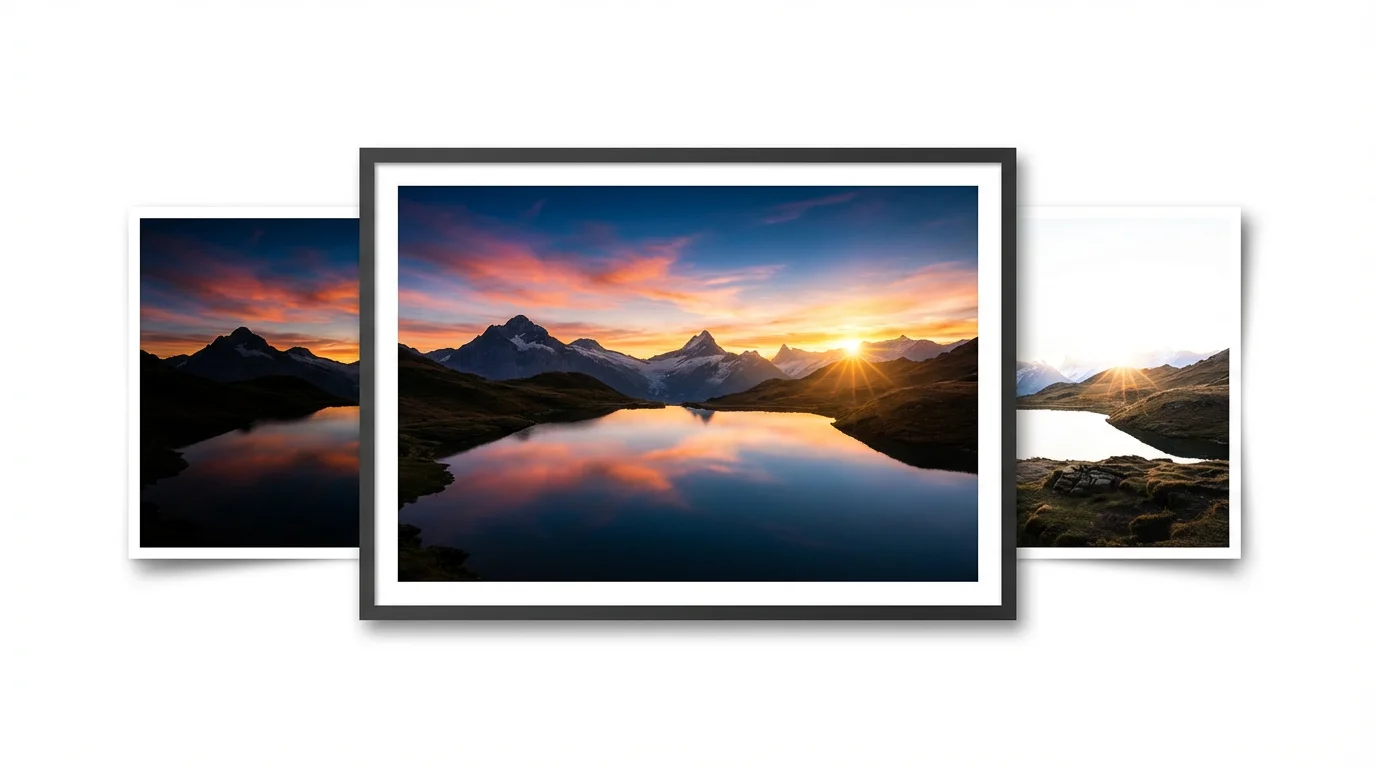
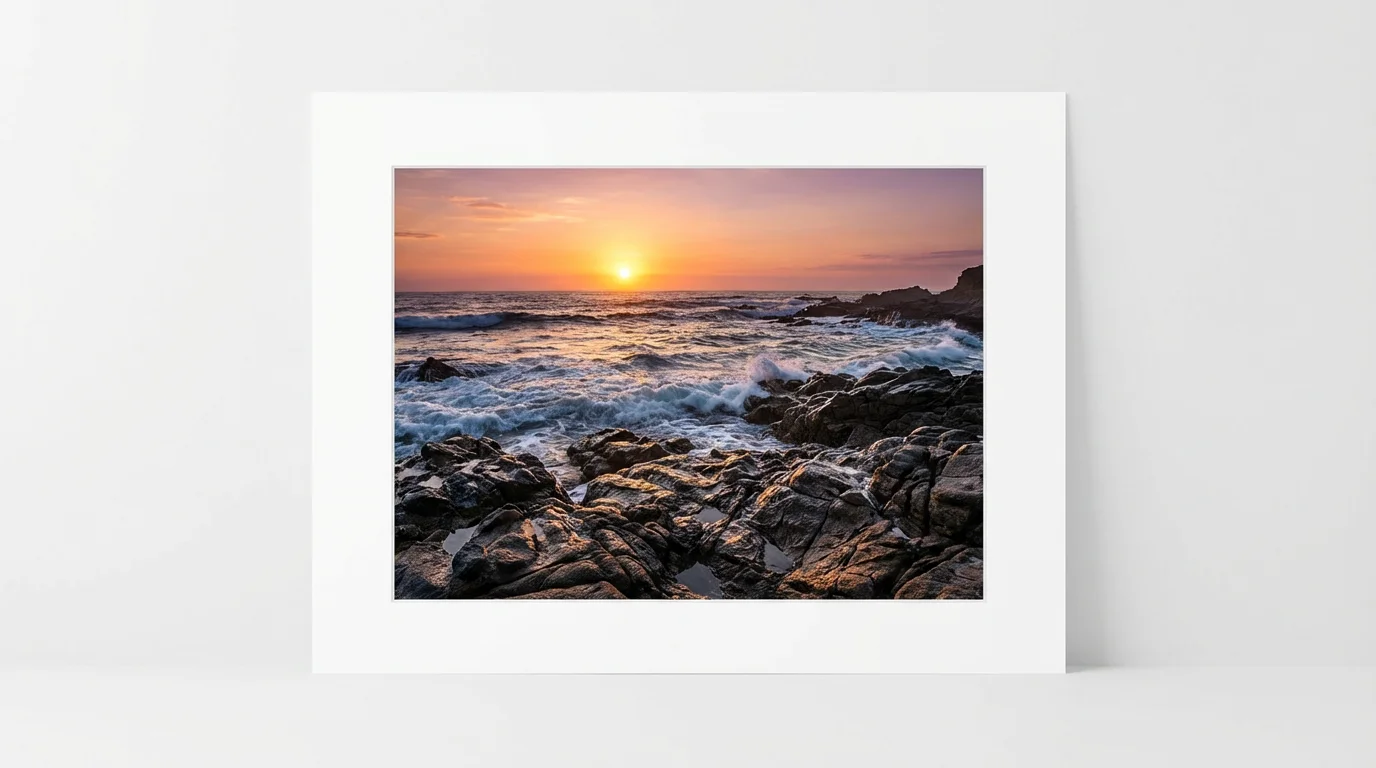
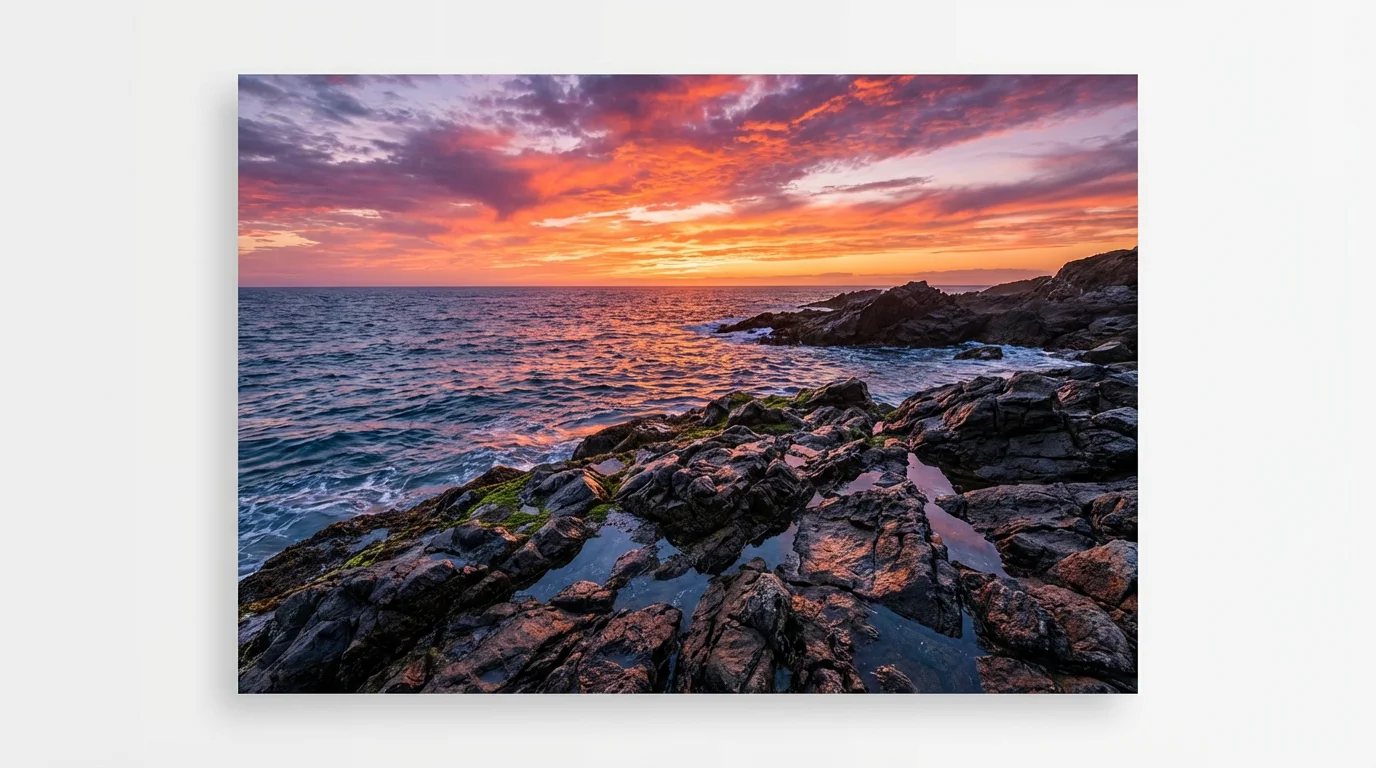
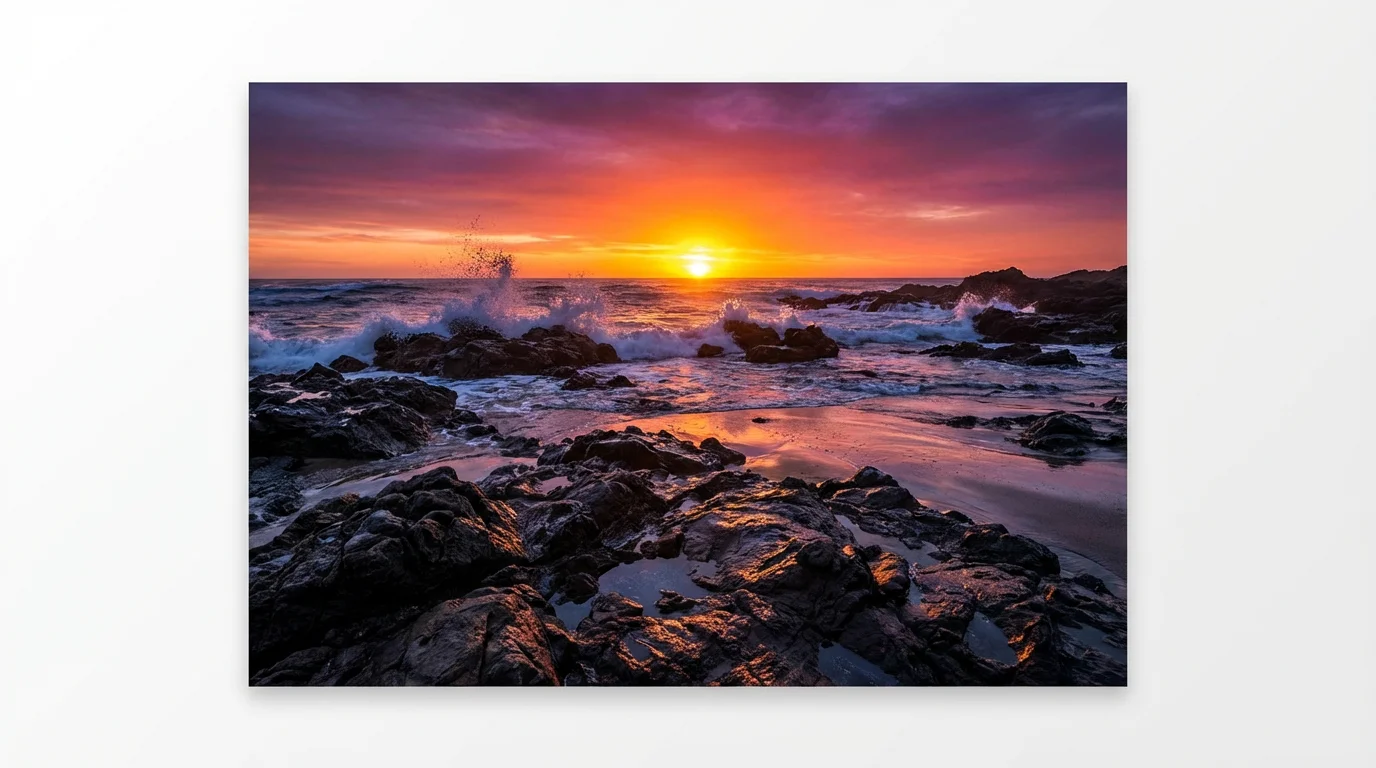
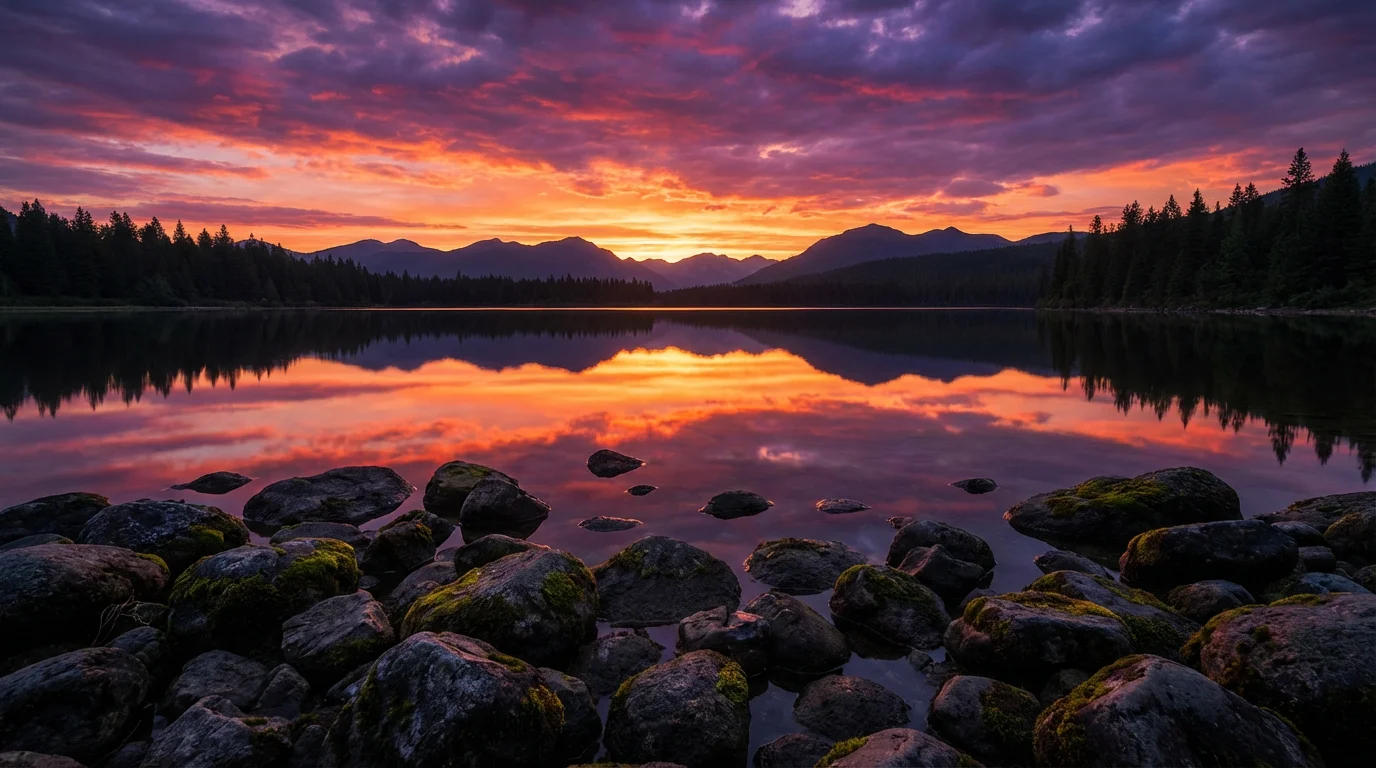
AI exposure blending is a technique that uses artificial intelligence to combine multiple photos taken at different exposure levels into one perfectly lit image. It can also be used to correct the lighting in a single image that has both very bright and very dark areas, like a dark foreground with an overexposed sky.
Traditional HDR software often requires manual adjustments for things like tone mapping and deghosting, which can be complex. AI exposure blending simplifies this by allowing you to use conversational text prompts to guide the process. It's designed to create natural-looking results quickly without a steep learning curve.
For the best results with high-contrast scenes, uploading multiple bracketed exposures (e.g., one dark, one medium, one bright) is ideal. However, you can also upload a single photo with uneven lighting and use a text prompt to ask the AI to correct the shadows and highlights for you.
Exposure blending is perfect for any high-contrast scene where a single shot can't capture all the detail. This includes landscape photography at sunrise or sunset, interior real estate shots with bright windows, and backlit portraits.
Yes. For scenes with a very wide dynamic range, you can upload a series of three, five, or even more bracketed images. The AI will analyze all the provided photos to create the best possible blend, taking the optimal details from each shot.
Yes, the goal of Pixelcut's AI exposure blending is to produce natural-looking photos. It avoids the artificial, overly detailed, or halo-like effects that are sometimes associated with older HDR software, resulting in an image that looks clean and realistic.
Great app, easy to use. Helps our small business save time and money to create different marketing materials professionally. Thank you.
I need a good background remover for my work and I've been through them all it feels like. This one is the best by far. It's so easy to use and the results always look amazing. Thank you Pixelcut!
It's amazingly easy and gives the perfect results for my bags and accessories. It looks like it was done by a professional photographer.