My favorite app
Great app, easy to use. Helps our small business save time and money to create different marketing materials professionally. Thank you.
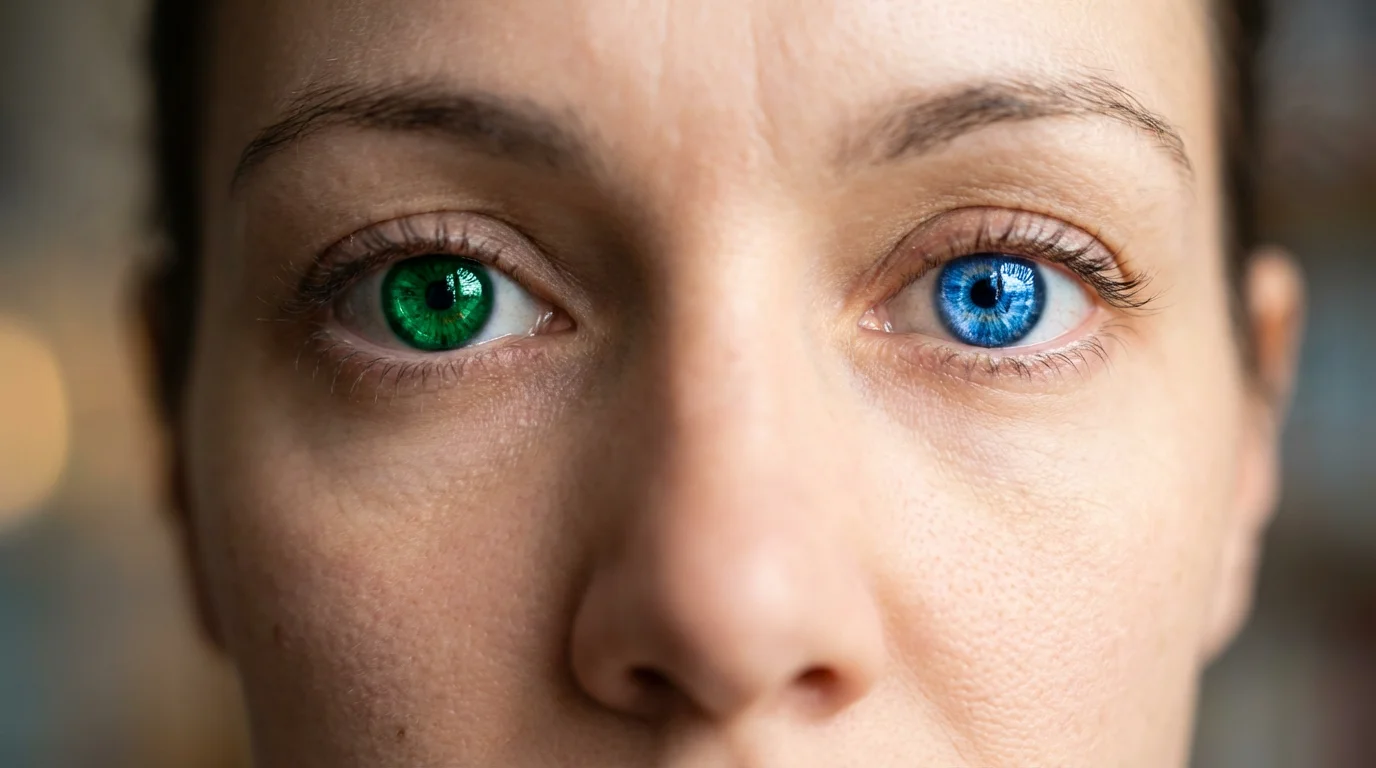
Start by uploading a clear, well-lit photo of a face. High-resolution images where the eyes are visible work best.
In the prompt box, type the eye color you want to see. Be descriptive, like 'bright green eyes' or 'deep blue'.
Click the generate button and our AI will automatically detect the eyes and change the color according to your prompt.
Your new photo is ready! Download the high-resolution image and share your new look on social media or with friends.
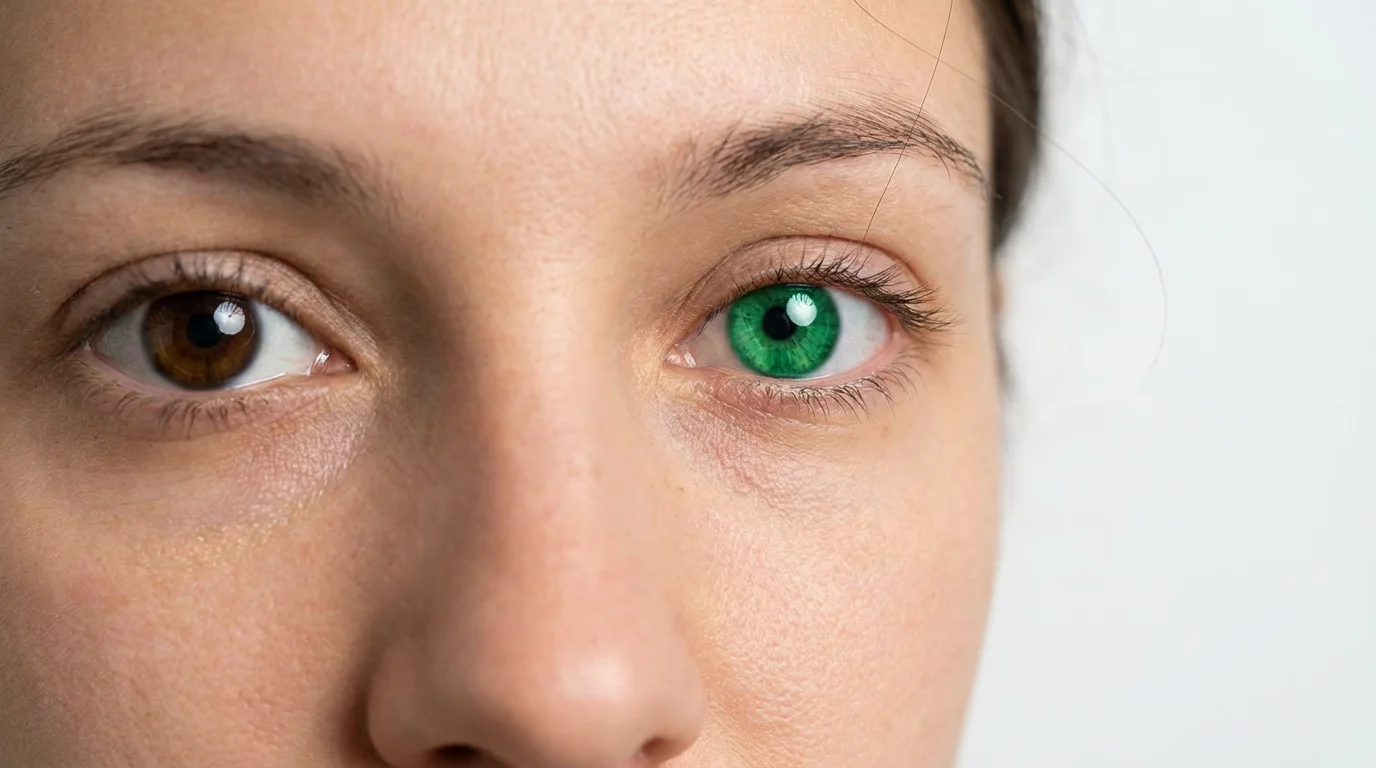
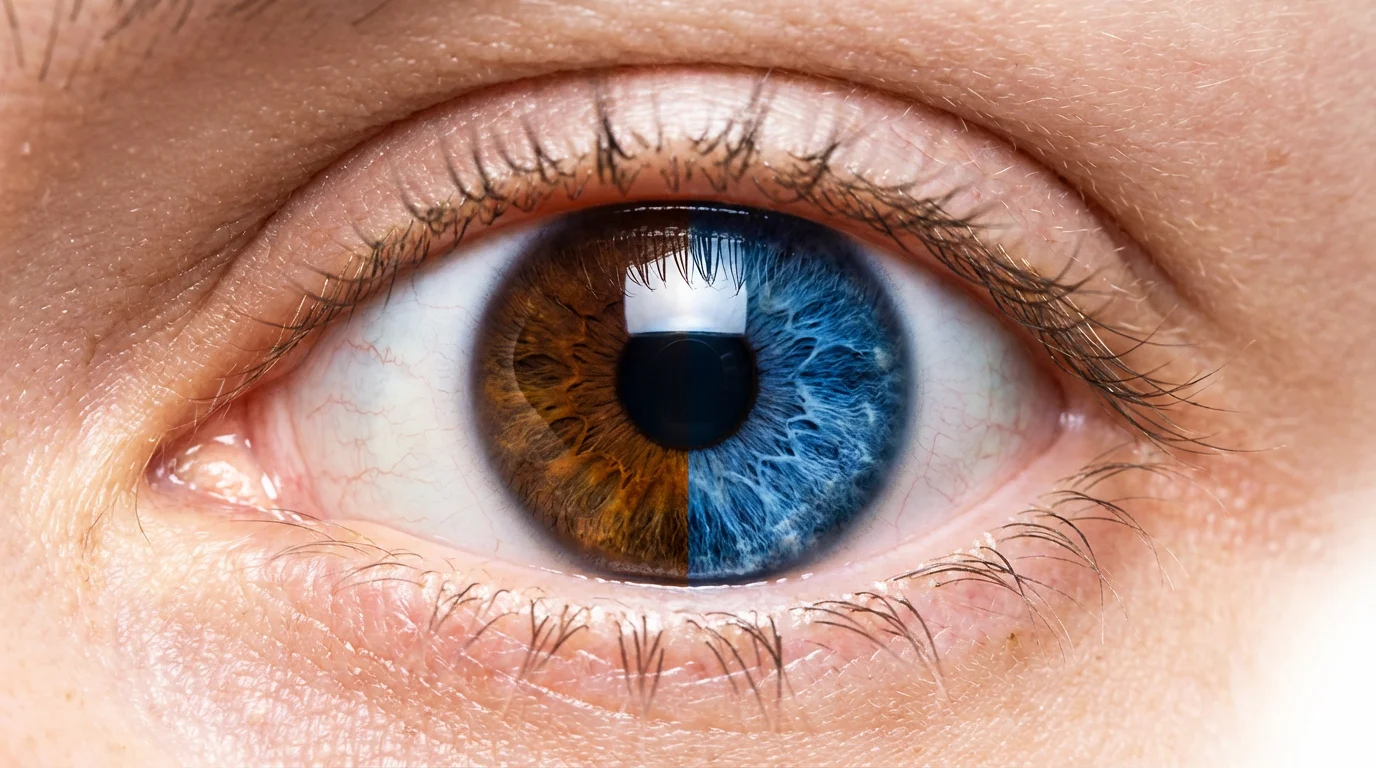
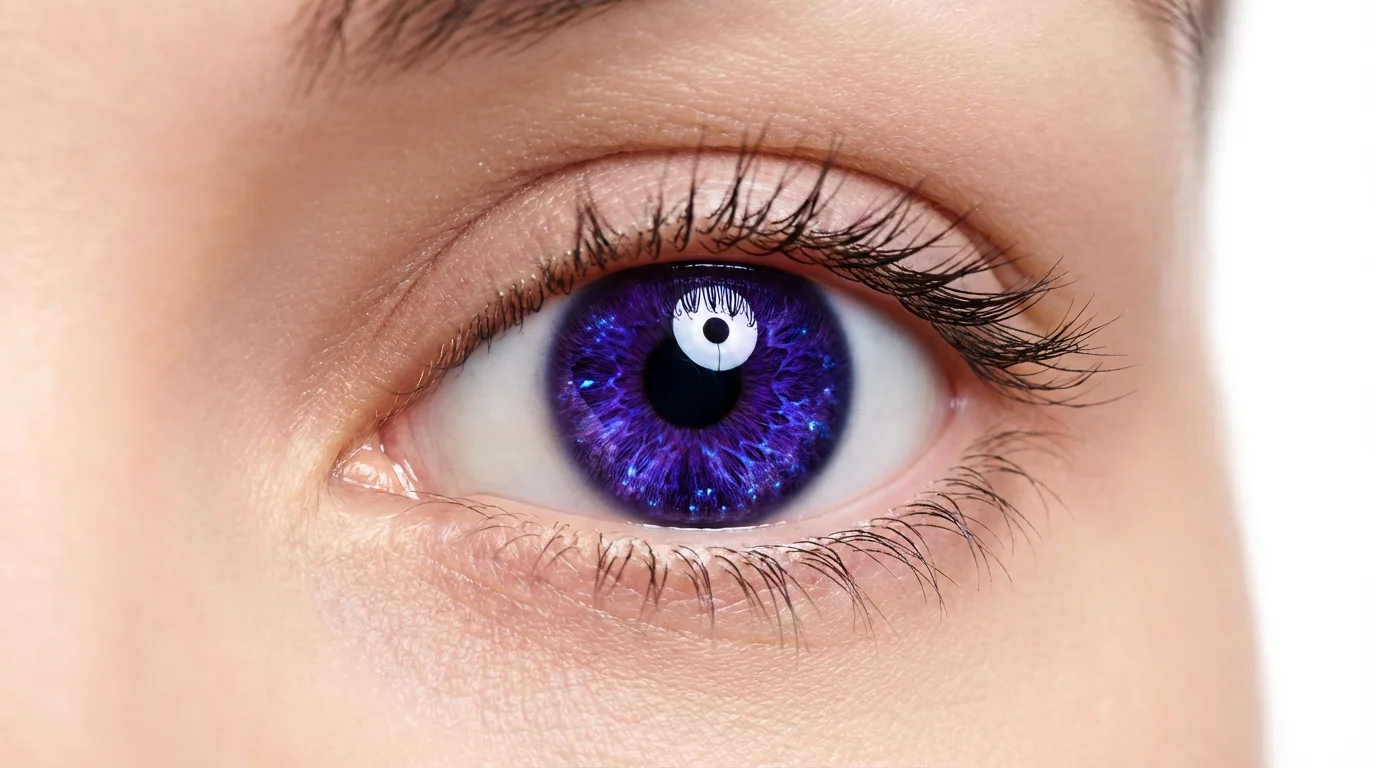
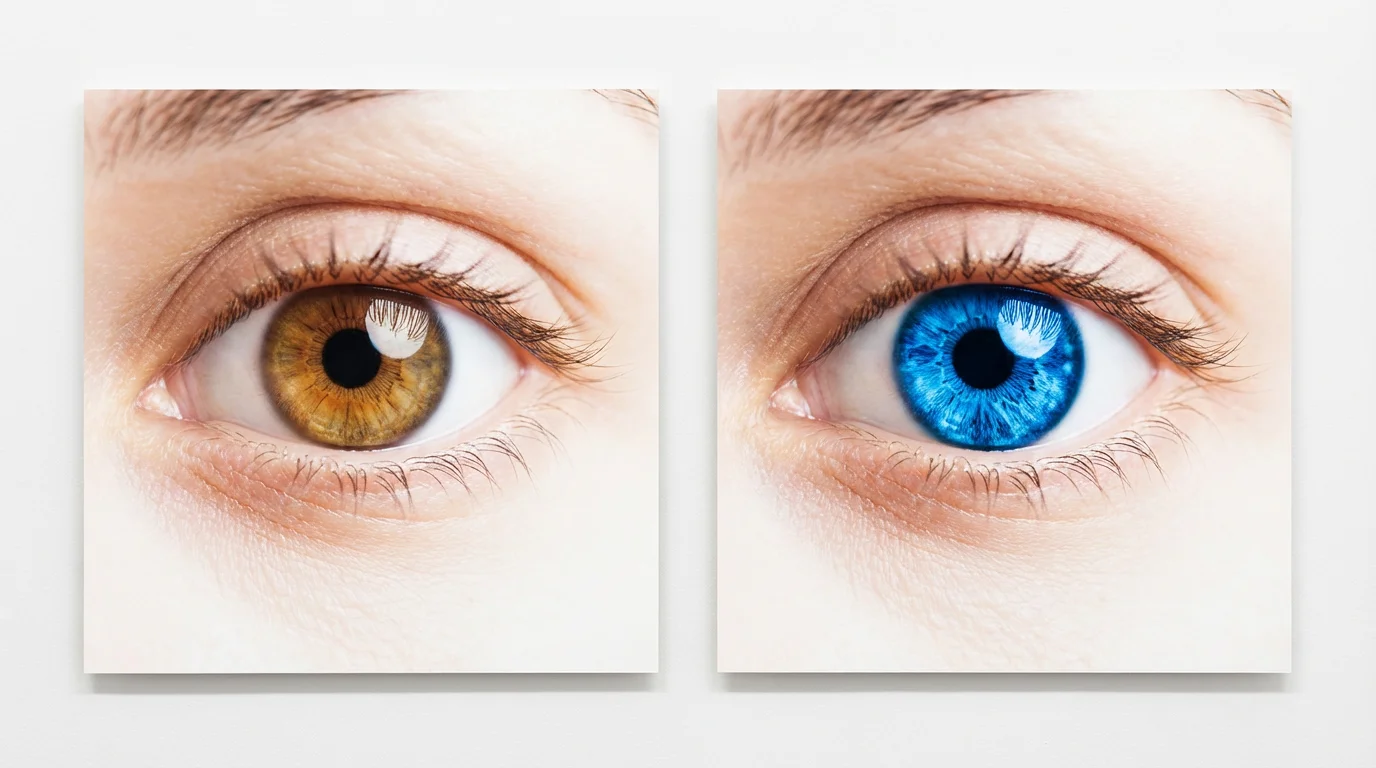
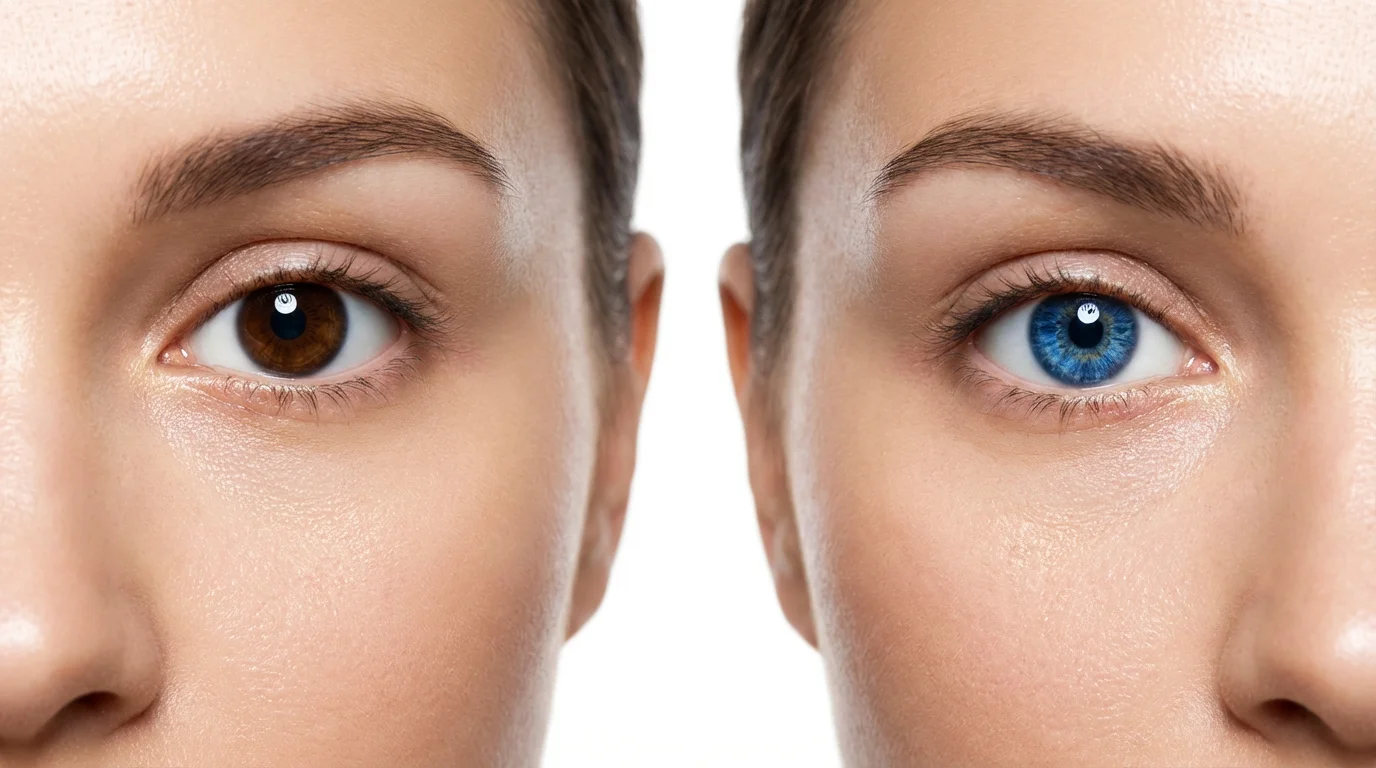
Yes, you can! In your text prompt, you can specify different colors for each eye. For example, you could write 'make the left eye sapphire blue and the right eye emerald green'.
For the best and most realistic results, we recommend using a clear, high-resolution photo where the eyes are well-lit and clearly visible. While the tool may work on other images, image quality directly impacts the quality of the edit.
Our AI is designed to create highly realistic changes. It preserves the natural details of the iris, including patterns, highlights, and shadows, to ensure the new color blends seamlessly and looks natural.
Yes, our AI eye color changer can work on photos of animals as well. You can have fun experimenting with different eye colors for your pets in your pictures.
Not at all. Our tool is designed for everyone, regardless of technical skill. All you have to do is upload your photo and type in what you want, making the process quick and easy.
Absolutely! You're not limited to natural eye colors. Feel free to get creative and try out fantasy shades like violet, red, gold, or any other color you can imagine.
Great app, easy to use. Helps our small business save time and money to create different marketing materials professionally. Thank you.
I need a good background remover for my work and I've been through them all it feels like. This one is the best by far. It's so easy to use and the results always look amazing. Thank you Pixelcut!
It's amazingly easy and gives the perfect results for my bags and accessories. It looks like it was done by a professional photographer.