My favorite app
Great app, easy to use. Helps our small business save time and money to create different marketing materials professionally. Thank you.
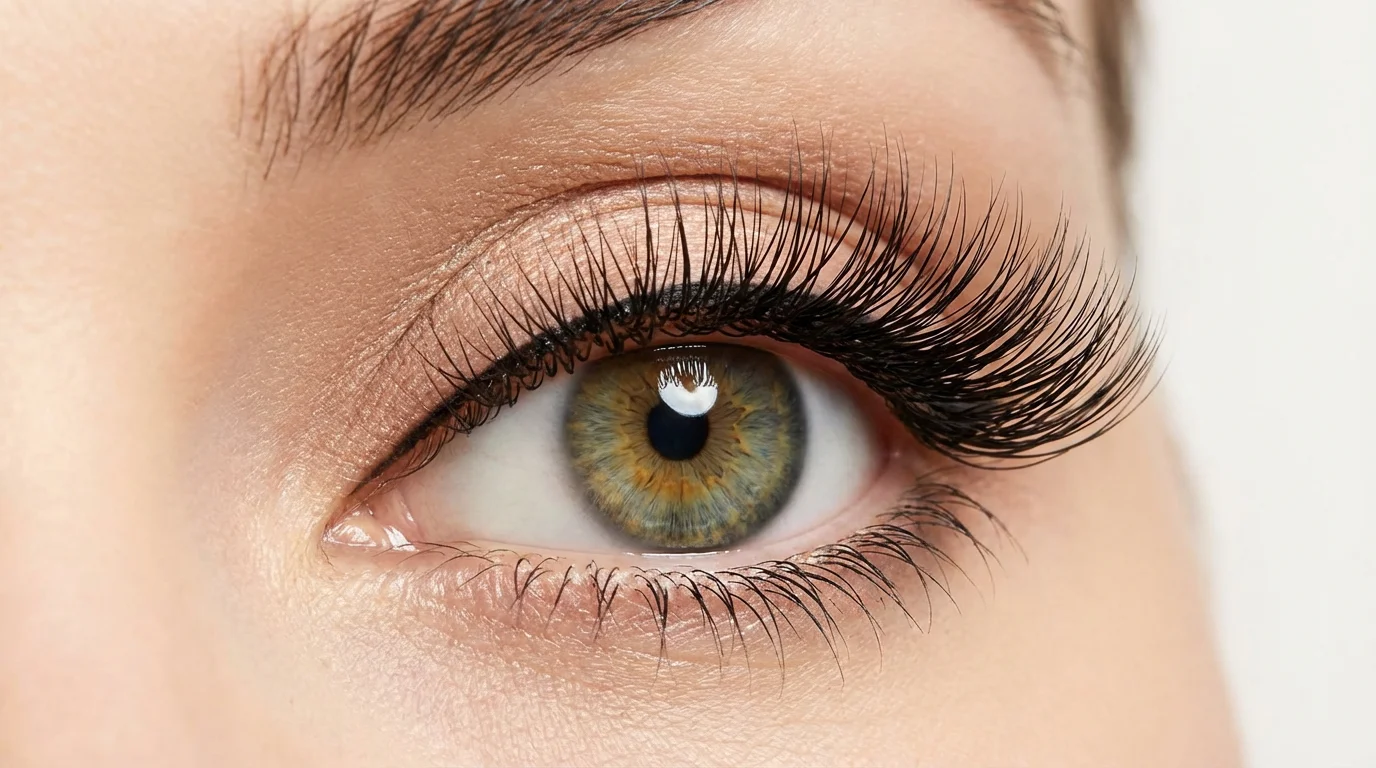
Select a clear selfie or portrait from your device. For best results, use a photo where the eyes are open and easy to see.
In the text box, describe the eyelashes you want to create. For example, 'add long, voluminous false lashes' or 'add short, natural-looking lashes'.
Click the generate button and let our AI apply the custom eyelashes to your photo in just a few seconds.
Your enhanced photo is ready to save. Download the high-resolution image for free and share your new look online or with friends.
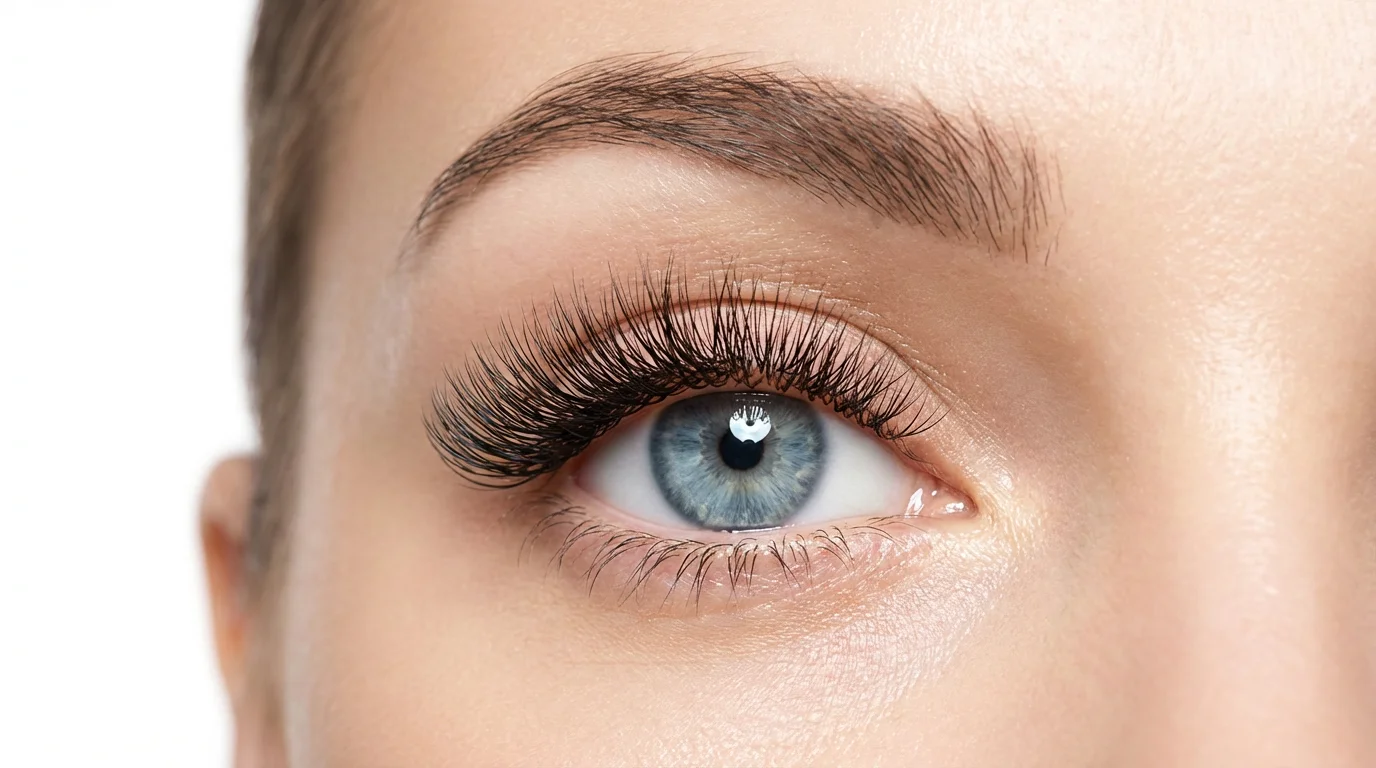
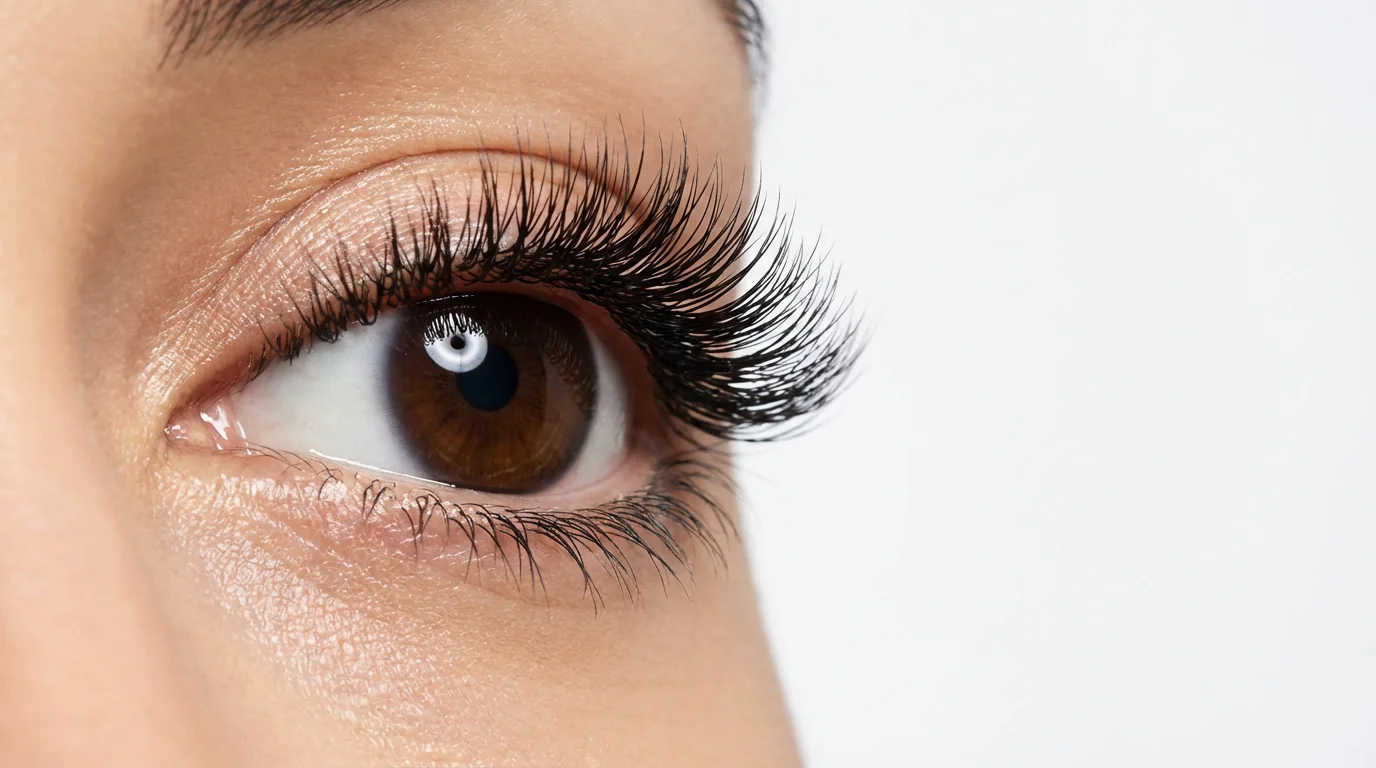
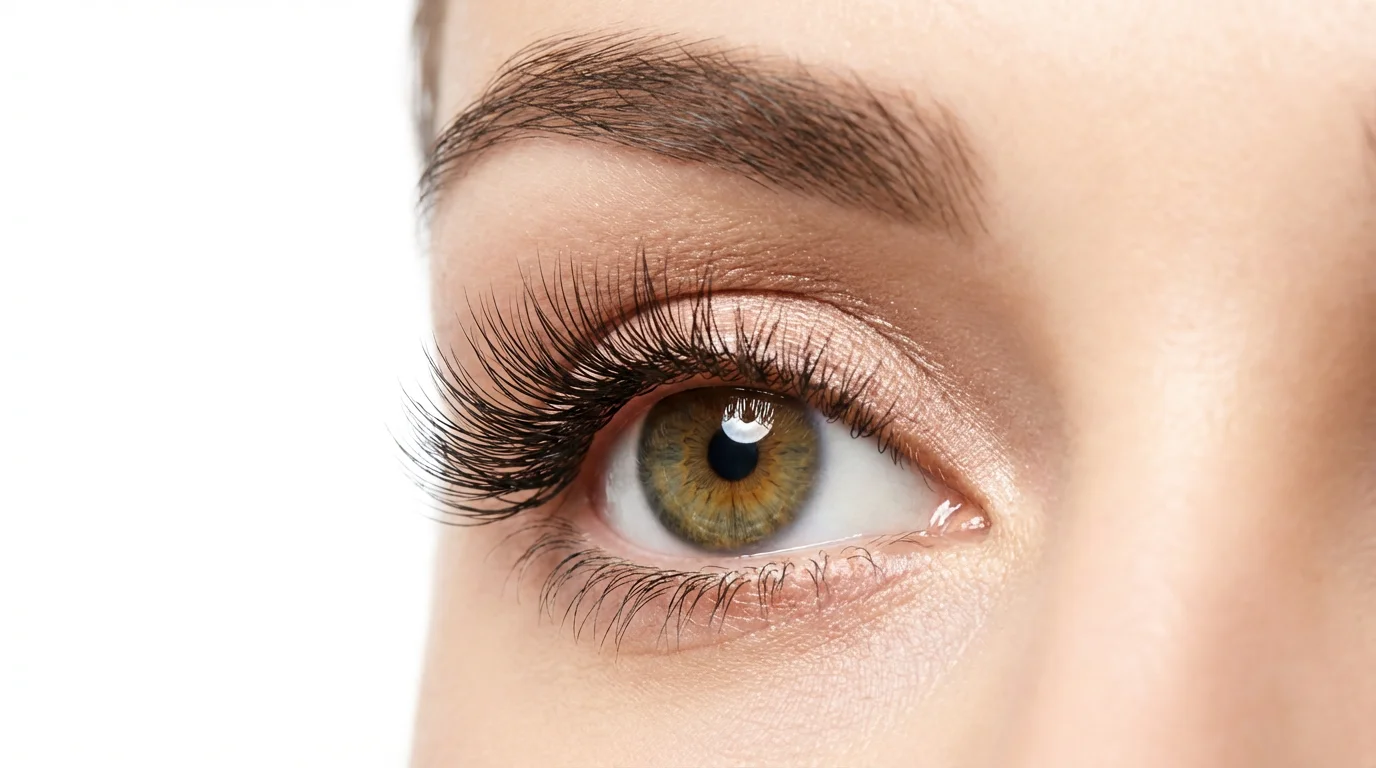
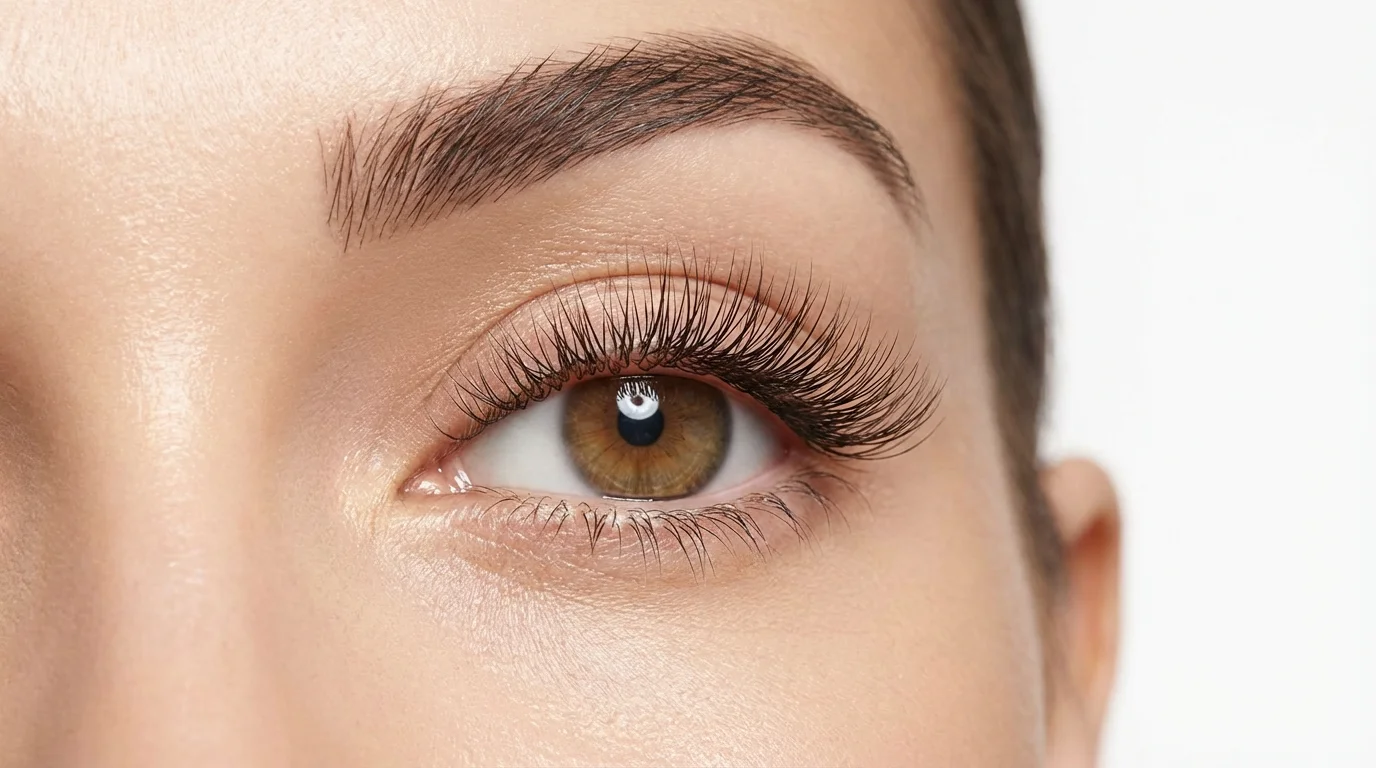
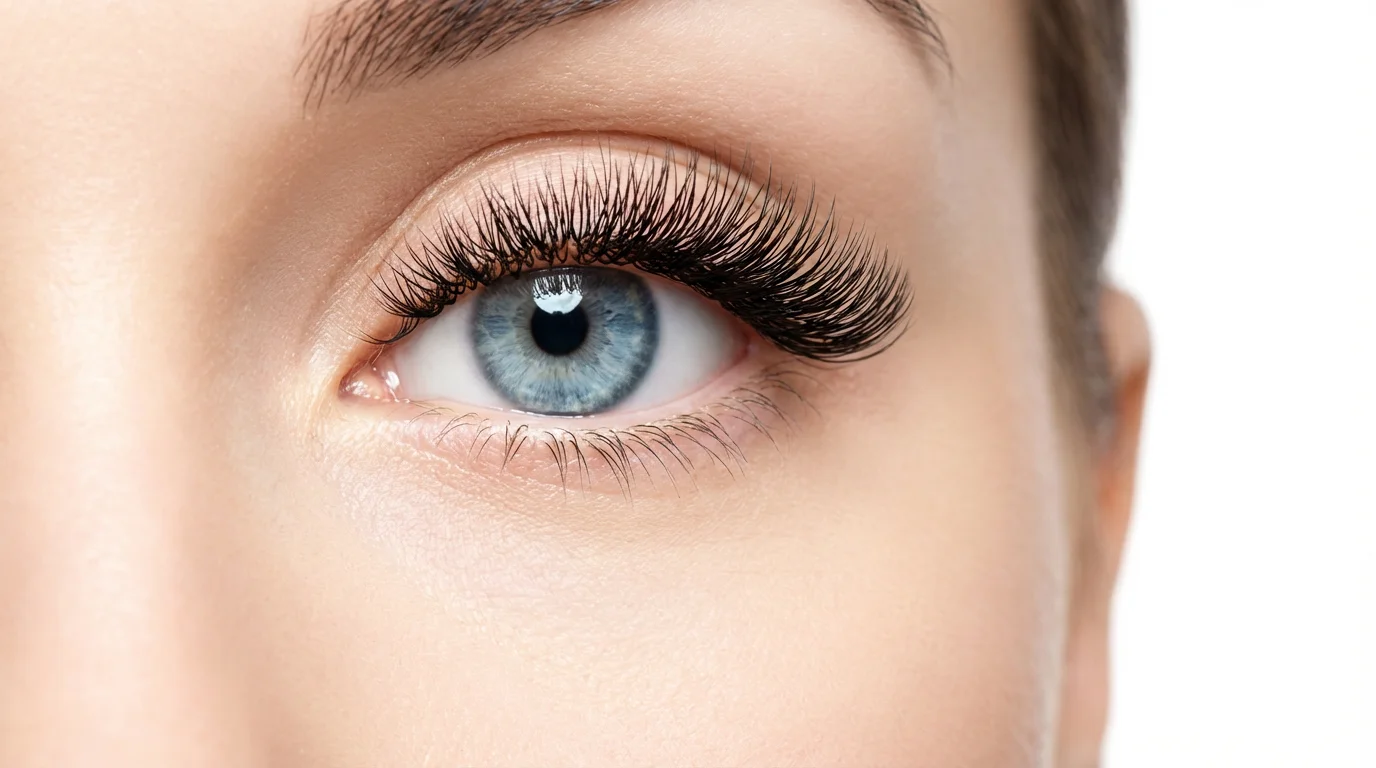
You can add eyelashes to a photo for free using Pixelcut's AI eyelash editor. Simply upload a clear photo of yourself, enter a text prompt describing the style of eyelashes you desire, and the AI will generate them onto your picture.
Yes, our AI-powered editor is designed to blend the eyelashes seamlessly with your original photo, creating a realistic and natural look. The technology analyzes your photo to match the lighting and perspective for a believable result.
Absolutely. You have full control through your text description. You can specify the length, volume, curl, and style, such as 'natural, wispy lashes' or 'dramatic, cat-eye extensions'. The more descriptive you are, the closer the result will be to your vision.
Not at all. The tool is designed for simplicity and speed. If you can upload a photo and type a description, you have all the skills needed to enhance your photos with beautiful eyelashes.
Yes, our tool is web-based and fully compatible with both desktop and mobile devices, making it easy to enhance your photos anytime, anywhere, directly from your browser.
For the best results, use a clear, front-facing photo where your eyes are clearly visible. Good lighting will also help the AI to apply the lashes more realistically.
Great app, easy to use. Helps our small business save time and money to create different marketing materials professionally. Thank you.
I need a good background remover for my work and I've been through them all it feels like. This one is the best by far. It's so easy to use and the results always look amazing. Thank you Pixelcut!
It's amazingly easy and gives the perfect results for my bags and accessories. It looks like it was done by a professional photographer.