Pixelcut
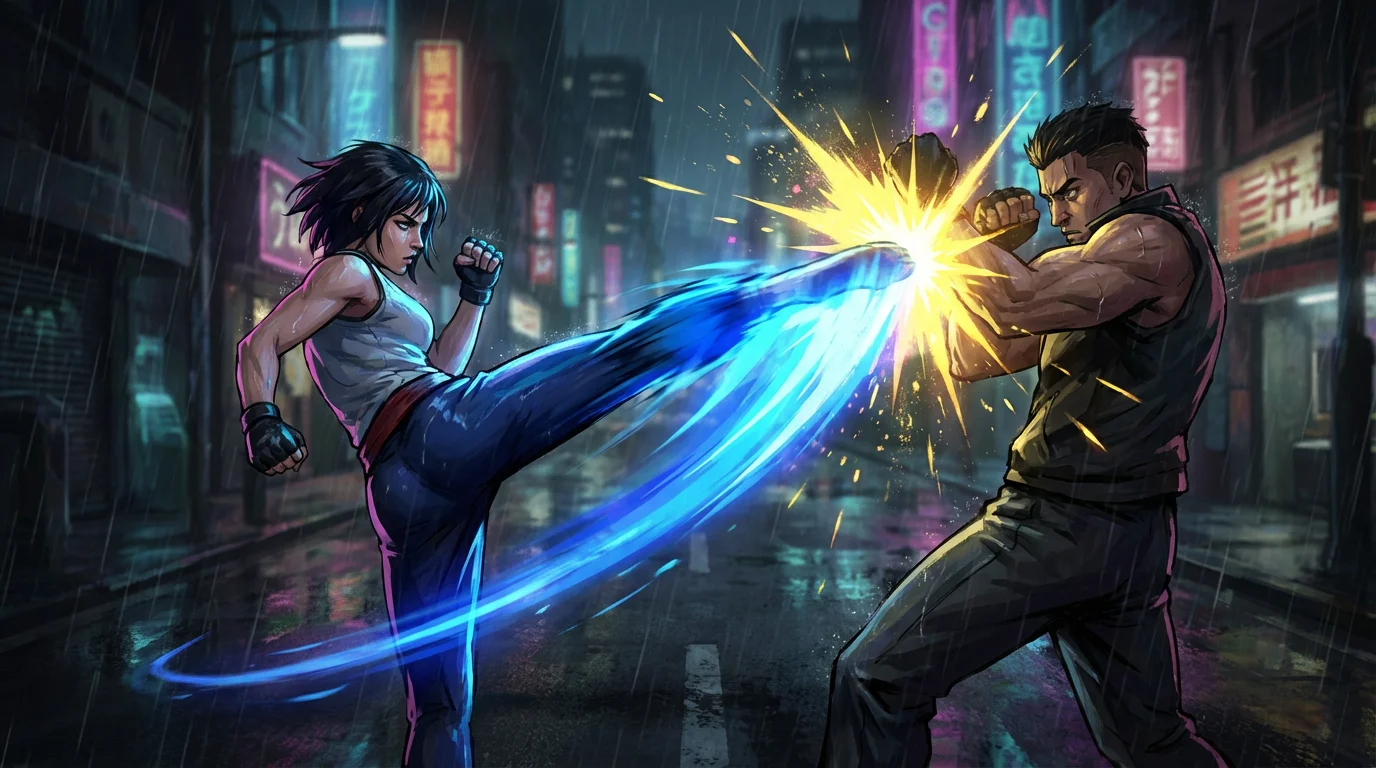
A finished animation still of a dynamic fight scene between two martial artists, showing a spinning kick meeting a block with a burst of energy and light, set in a rainy city at night.

AI Fight Choreography Animation Generator

Trusted by 70 million people
171,800 Reviews
Developer API
Available on iPhone & Android

How to Animate Your Fight Scene

  1. 1

    Upload Your Fight Scene Image

    Start by uploading a drawing, render, or photo that you want to animate. A clear image with distinct characters works best.

  2. 2

    Describe the Action

    In the text box, write a prompt detailing the fight. For example: 'The character on the right throws a fast punch, the left character dodges it.'

  3. 3

    Generate Your Animation

    With one click, our AI will process your image and prompt to create a dynamic video of your fight choreography.

  4. 4

    Download Your Video

    Your animated fight sequence is ready. Download the high-resolution, watermark-free video and share it in your project or on social media.

Bypass the steep learning curve of traditional animation software. With Pixelcut, you can transform a single image of a fight into a fully animated clip in just a few moments. Whether you have a comic book panel, a piece of concept art, or a still from a film, our AI can interpret the scene and generate fluid motion. There is no need to manually set keyframes or rig characters. Describe the movements and watch as your static image bursts into a dynamic action sequence, saving you hours of work.

Create Action Sequences Instantly

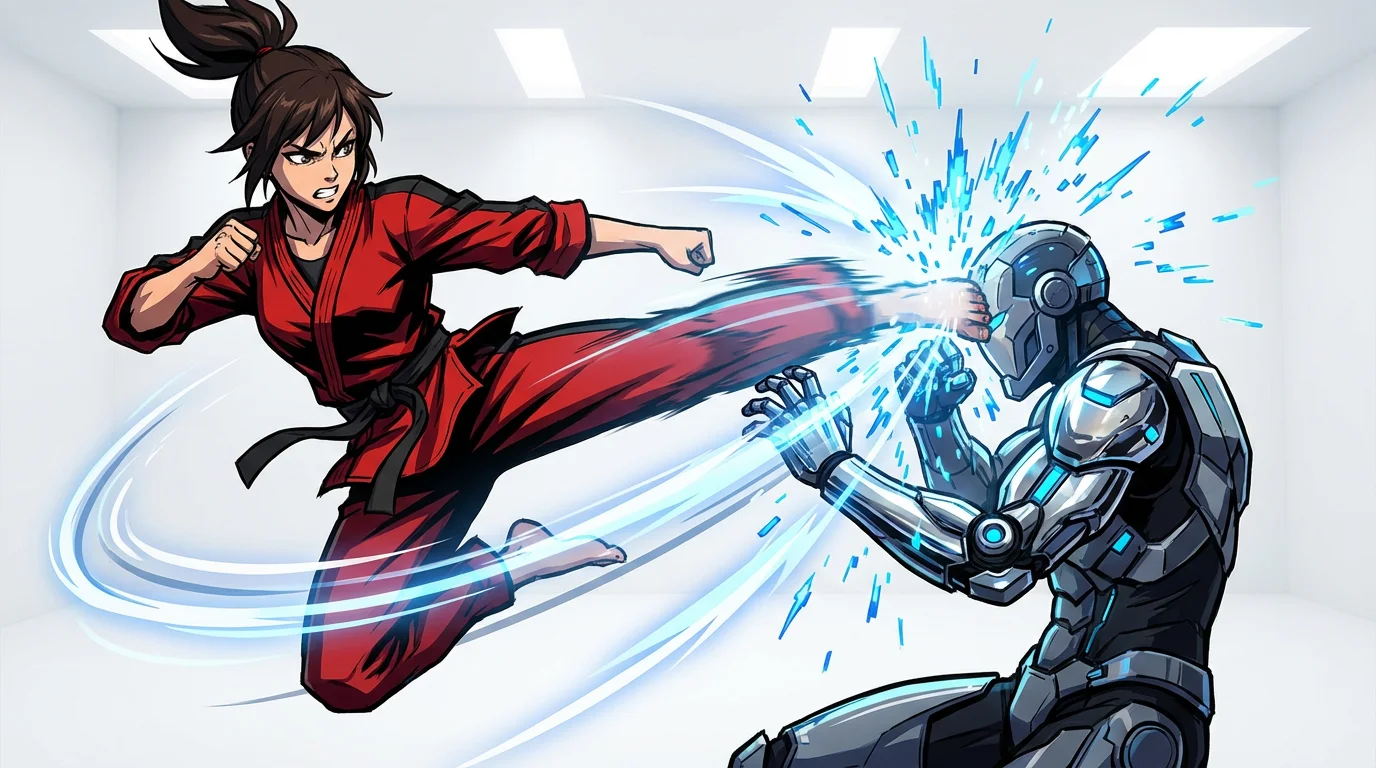
An animated scene showing two characters in a dynamic fight. A female martial artist in a red gi performs a high kick against a futuristic cyborg, with motion lines and sparks illustrating the impact, all set against a clean white background.
You are the director of your action scene. Our AI animator gives you precise control over the choreography through simple text instructions. Specify who throws the first punch, how a character dodges, or the impact of a powerful kick. You can guide the AI to create realistic combat movements like punches, kicks, and dodges. Describe the desired style, whether it's a gritty street brawl or a stylized martial arts duel, and our tool will generate a fight animation tailored to your creative vision.

Direct Every Punch and Kick

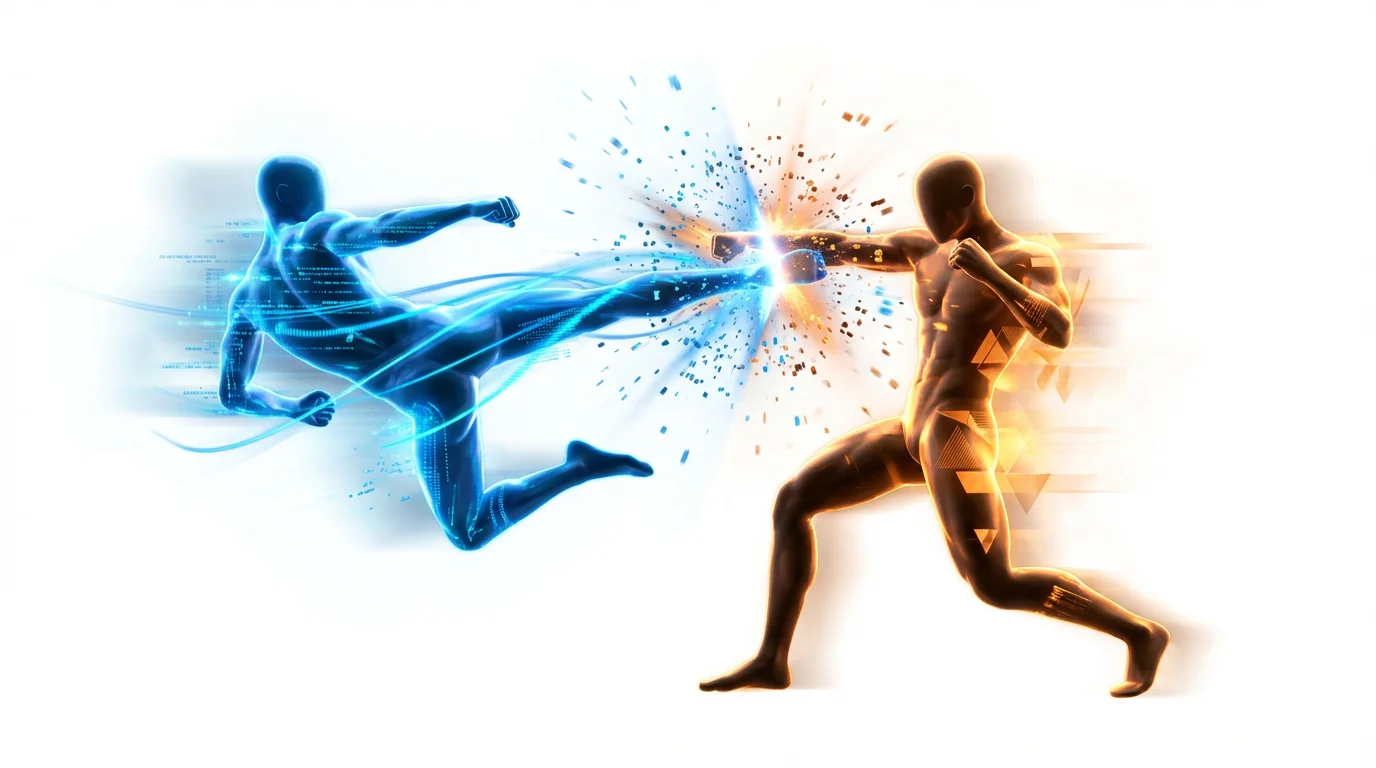
A 3D render of a fight choreography animation, showing two stylized figures clashing mid-air with blue and orange energy effects against a plain white background, illustrating dynamic combat.
Our fight choreography animator is a powerful tool for storytellers and creators. Game developers can quickly prototype attack animations and special moves. Comic artists can bring their most dramatic panels to life, adding a new dimension to their digital comics. Filmmakers and storyboard artists can create animatics to pre-visualize complex fight sequences, helping to refine choreography and camera angles before production. It’s an efficient way to test ideas and communicate your vision to a team.

Visualize Combat for Any Project

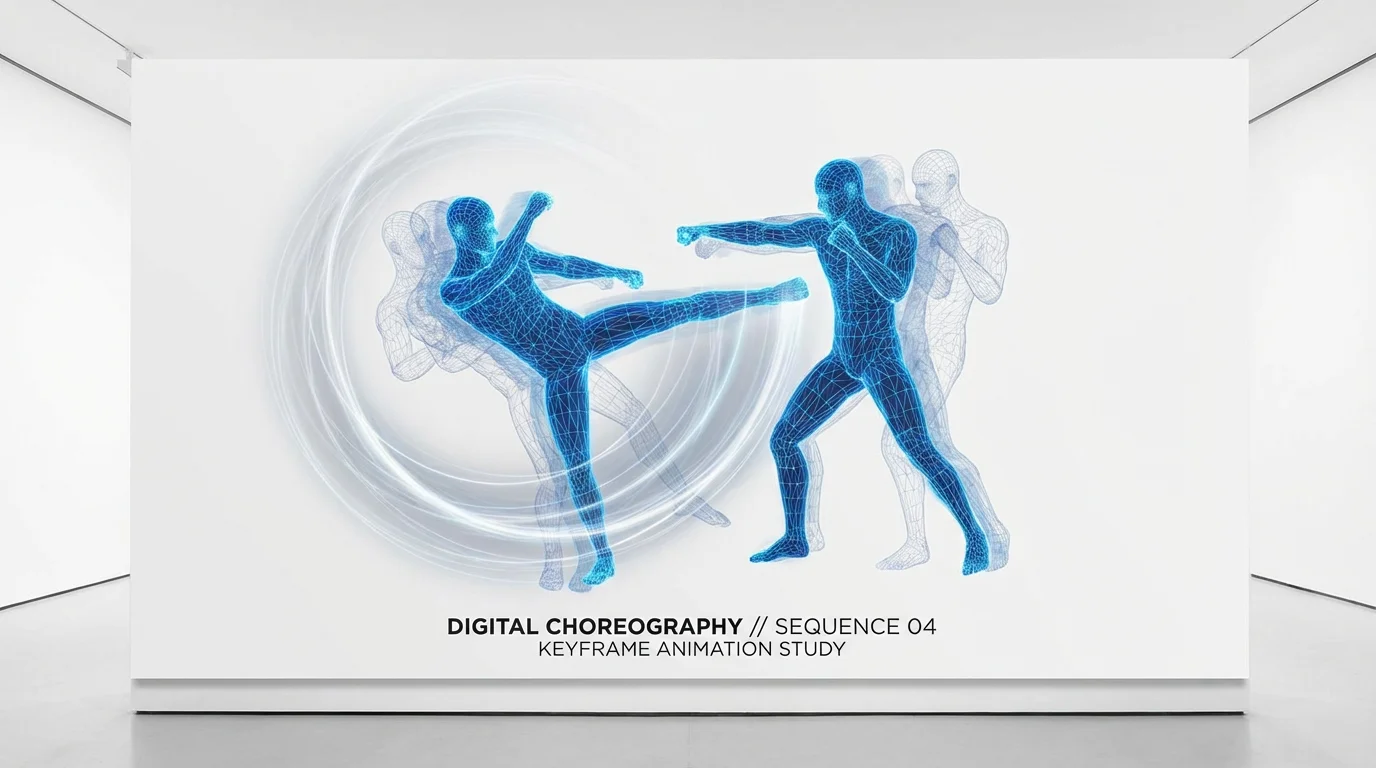
Two glowing blue wireframe figures captured in a dynamic martial arts pose on a stark white background, visualizing the process of fight choreography for animation.
It’s Fast: Go from a static image to an animated fight sequence in seconds. It’s Director-Focused: Use text prompts to control the characters' movements, reactions, and impacts. AI-Powered: Let artificial intelligence handle the complex process of animating fluid and believable combat. Easy to Use: Simply upload your image, describe the desired action, and generate your video clip. Versatile Application: Perfect for creating social media content, game prototypes, storyboard animatics, and bringing comic art to life.

Why use Pixelcut's AI Fight Choreography Animation?

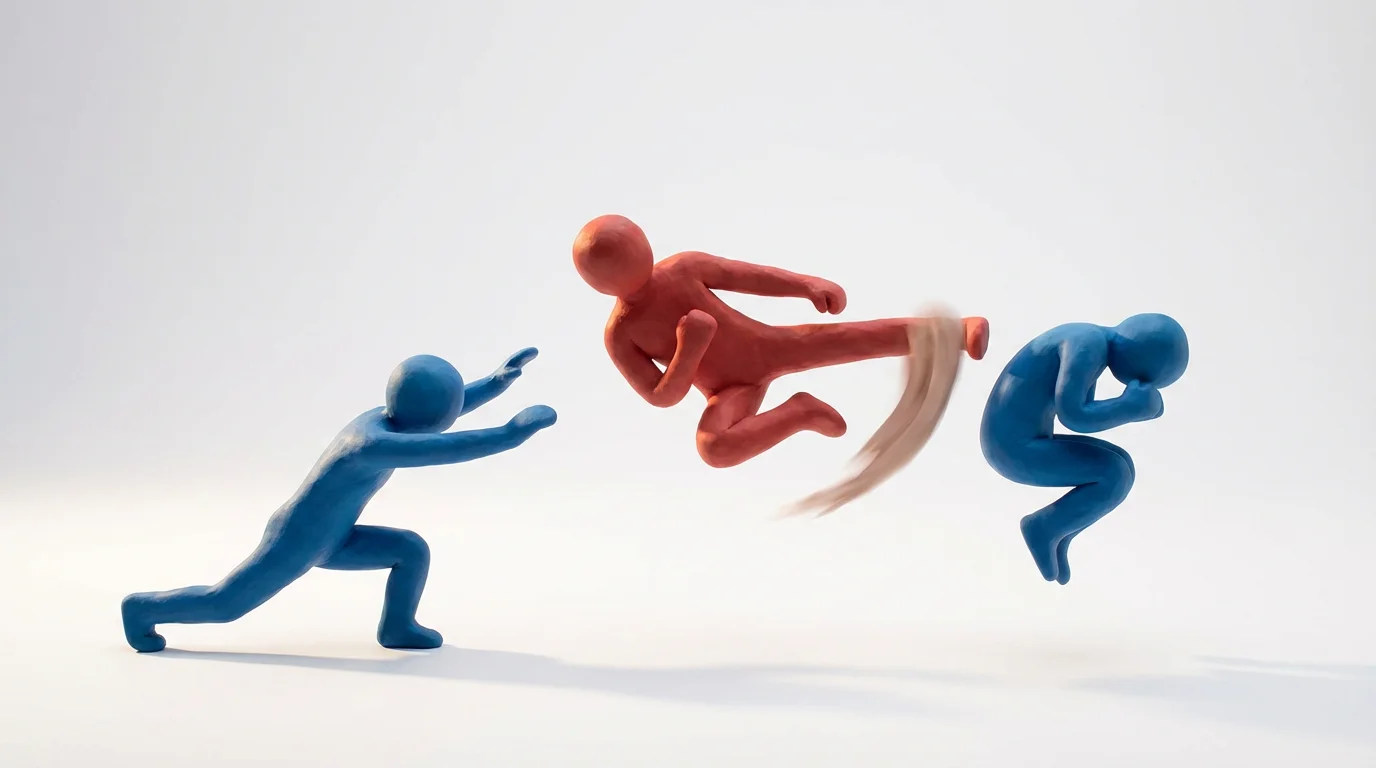
A stop-motion style animation of two clay figures, one red and one blue, frozen in the middle of a dynamic fight choreography sequence against a plain white background.
Digital Comics: Add motion to key panels to create engaging, animated versions of your comic books or webtoons. Game Development: Quickly prototype character attack moves, combos, and finishing maneuvers for your video game. Storyboard Animatics: Transform static storyboard frames into animated sequences to better plan out film or TV show action scenes. Social Media Content: Create eye-catching, shareable action clips for platforms like Instagram, TikTok, and YouTube to wow your audience. Concept Art Visualization: Animate characters from concept art to demonstrate their movement and fighting style.

Fight Choreography Animation Use Cases

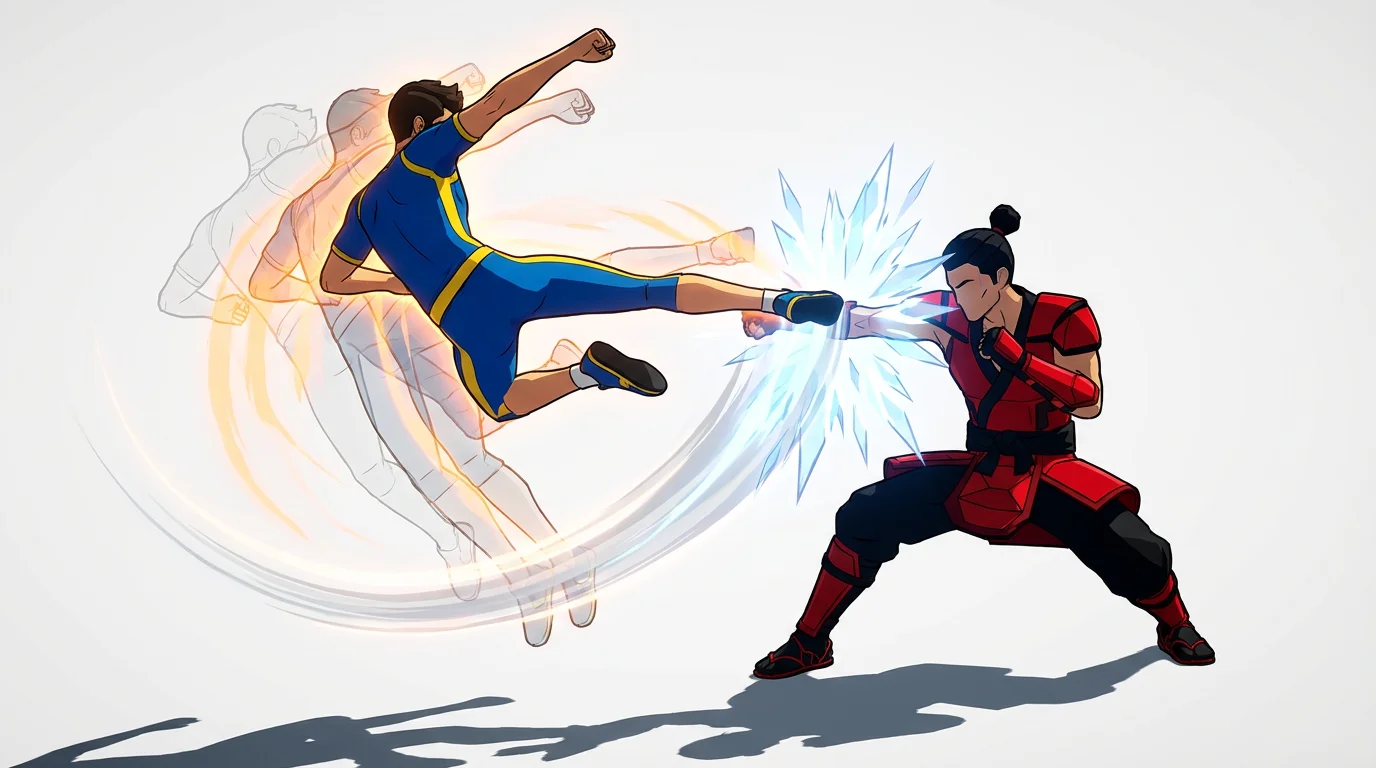
An animated mockup of fight choreography, showing two stylized figures in a dynamic combat pose against a white background. One character delivers a high kick, with motion trails illustrating the movement.

Frequently Asked Questions

Pixelcut is loved by over 2 million people

  • My favorite app

    Great app, easy to use. Helps our small business save time and money to create different marketing materials professionally. Thank you.
    Shaelyn D.
  • Best background remover

    I need a good background remover for my work and I've been through them all it feels like. This one is the best by far. It's so easy to use and the results always look amazing. Thank you Pixelcut!
    Kira H.
  • Love it

    It's amazingly easy and gives the perfect results for my bags and accessories. It looks like it was done by a professional photographer.
    Mary J.