My favorite app
Great app, easy to use. Helps our small business save time and money to create different marketing materials professionally. Thank you.

Choose the photo you want to edit. An image with distinct objects will give you the best starting point.
In the text box, tell the AI which object to lift. For example, 'Make the teacup and the book float above the table.'
Click the generate button. The AI will process your request and create a new image with the levitation effect applied.
Your surreal, gravity-defying photo is ready. Download it for free and share it on social media, your website, or in your portfolio.

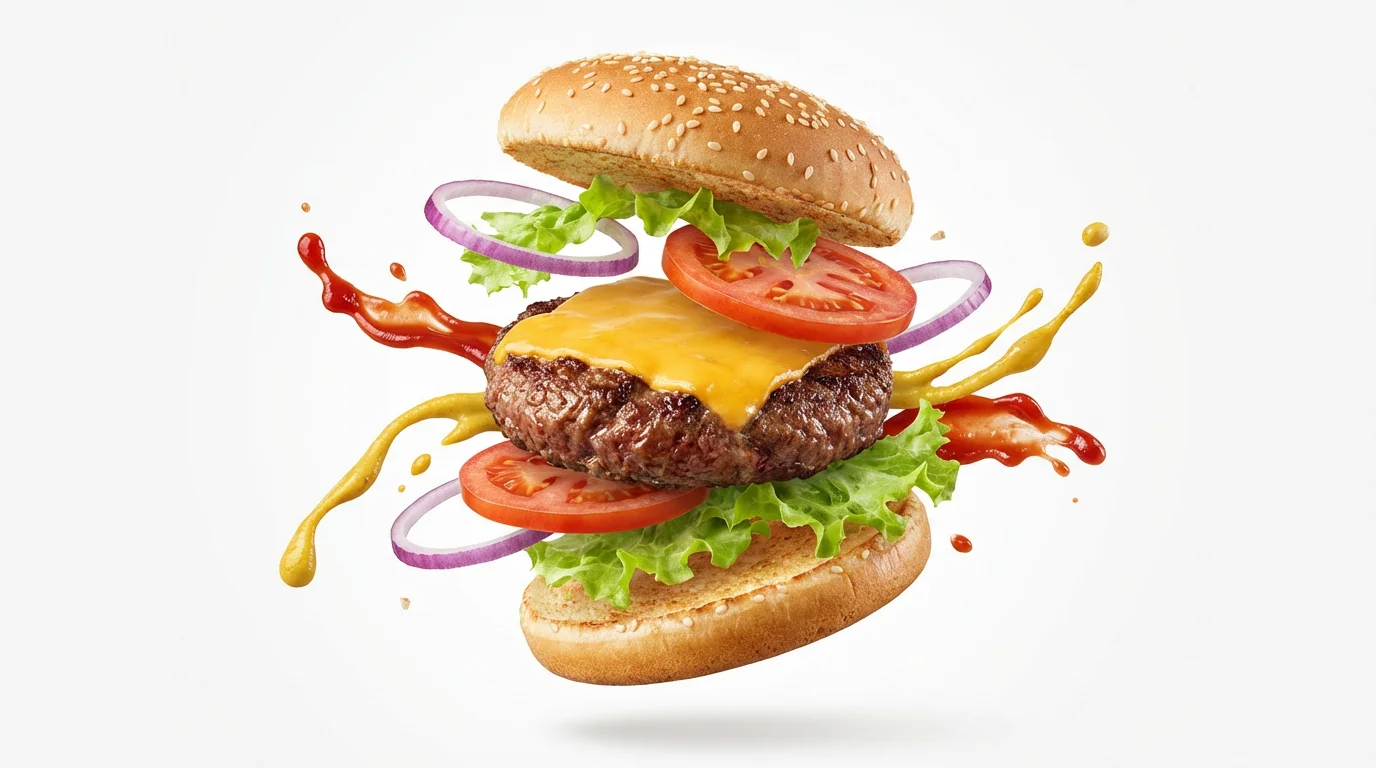

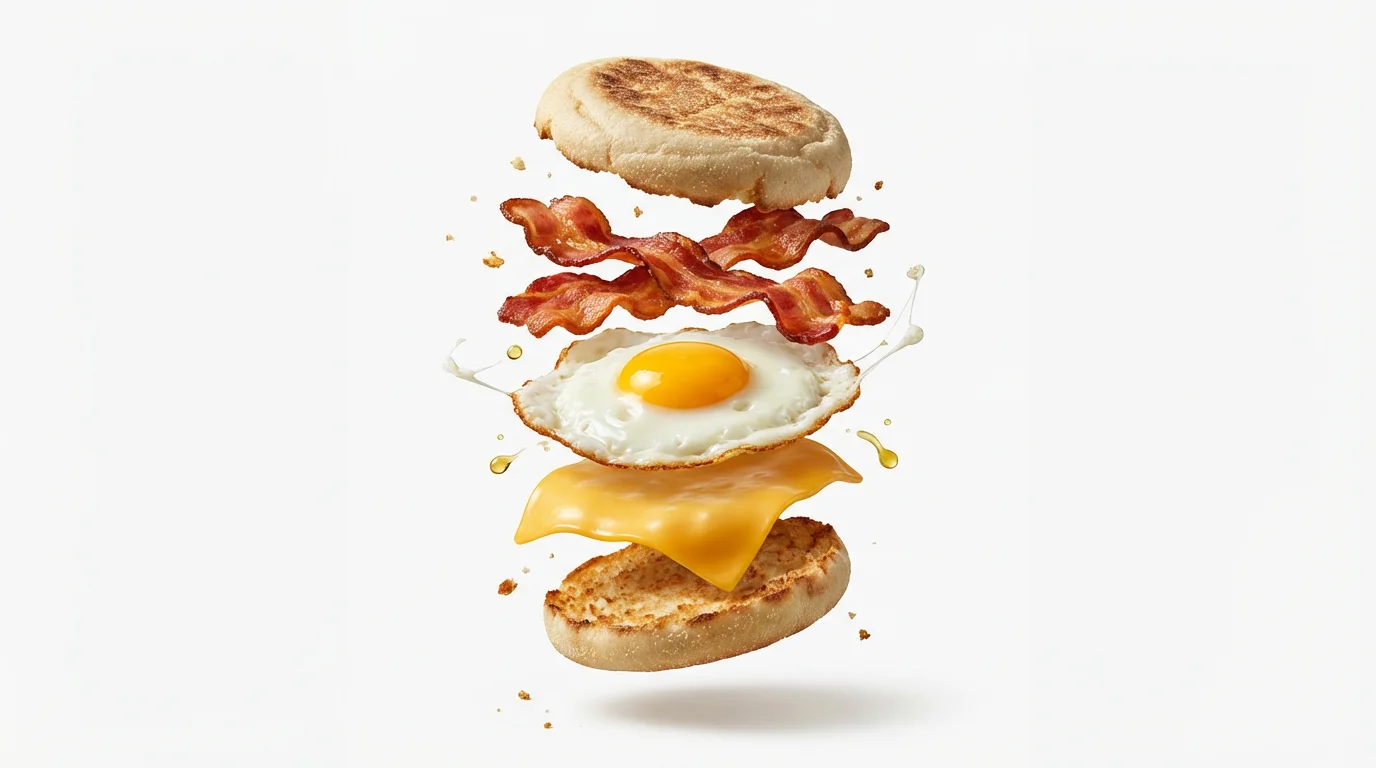
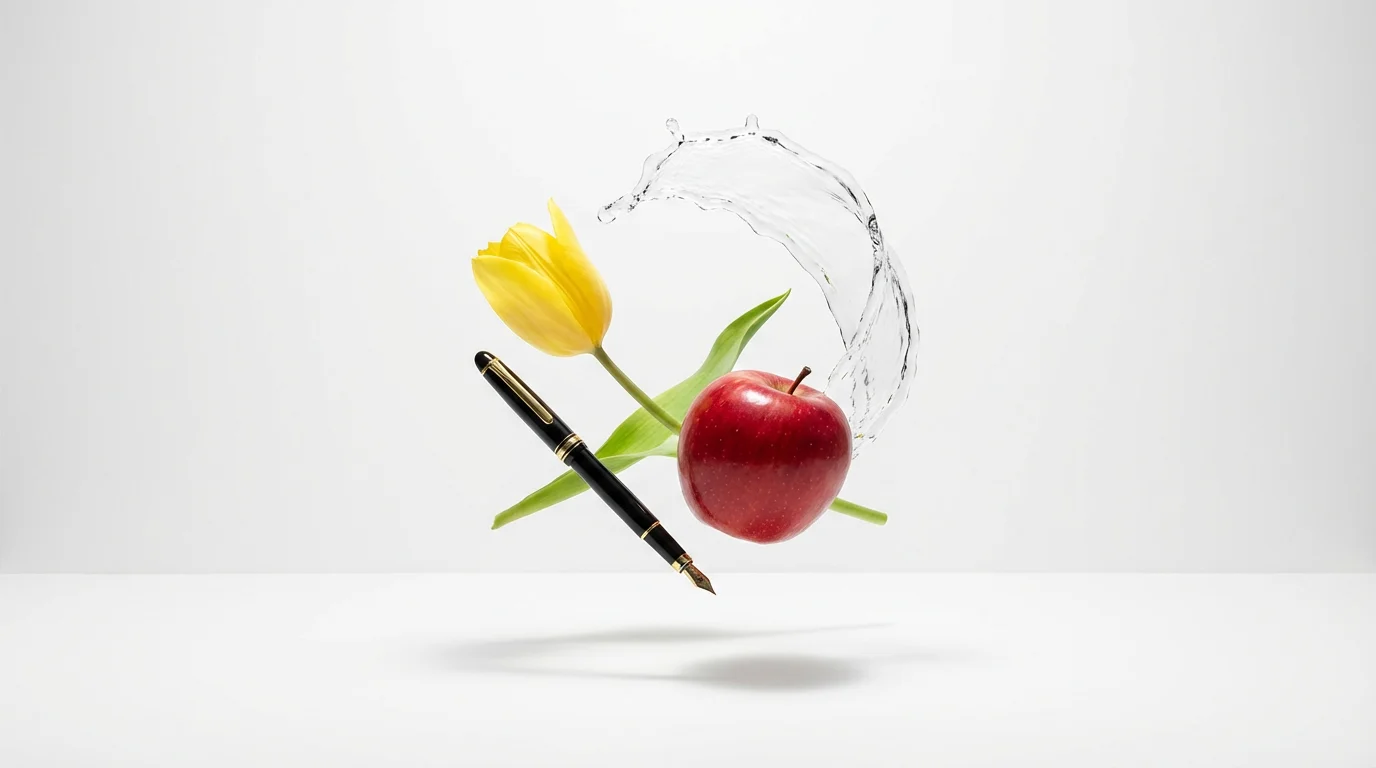
Floating object or levitation photography is a style of photo editing where objects in an image are made to look as if they are defying gravity and floating in mid-air. It's used to create surreal, magical, and eye-catching effects.
With Pixelcut's AI photo editor, you can create the floating object effect for free. Simply upload your photo, use the text prompt to describe which object you want to float, and the AI will generate the image for you.
Not at all. Traditionally, this effect required advanced skills in software like Photoshop. With our AI tool, all you need to do is upload your picture and type a simple instruction. The AI handles the complex editing for you.
The AI analyzes the lighting in your original photo. When it makes an object float, it calculates where the light is coming from and generates a new, soft shadow on the background or surfaces below, which makes the effect appear much more believable.
Yes, you have full control. In your text prompt, be specific about which item or items you want to levitate. For example, you could say, 'Make the red apple on the table float' to isolate a specific object.
Photos with clearly defined objects and a relatively simple background work very well. This allows the AI to easily identify and manipulate the items you want to make float. However, you can experiment with any image.
Great app, easy to use. Helps our small business save time and money to create different marketing materials professionally. Thank you.
I need a good background remover for my work and I've been through them all it feels like. This one is the best by far. It's so easy to use and the results always look amazing. Thank you Pixelcut!
It's amazingly easy and gives the perfect results for my bags and accessories. It looks like it was done by a professional photographer.