My favorite app
Great app, easy to use. Helps our small business save time and money to create different marketing materials professionally. Thank you.
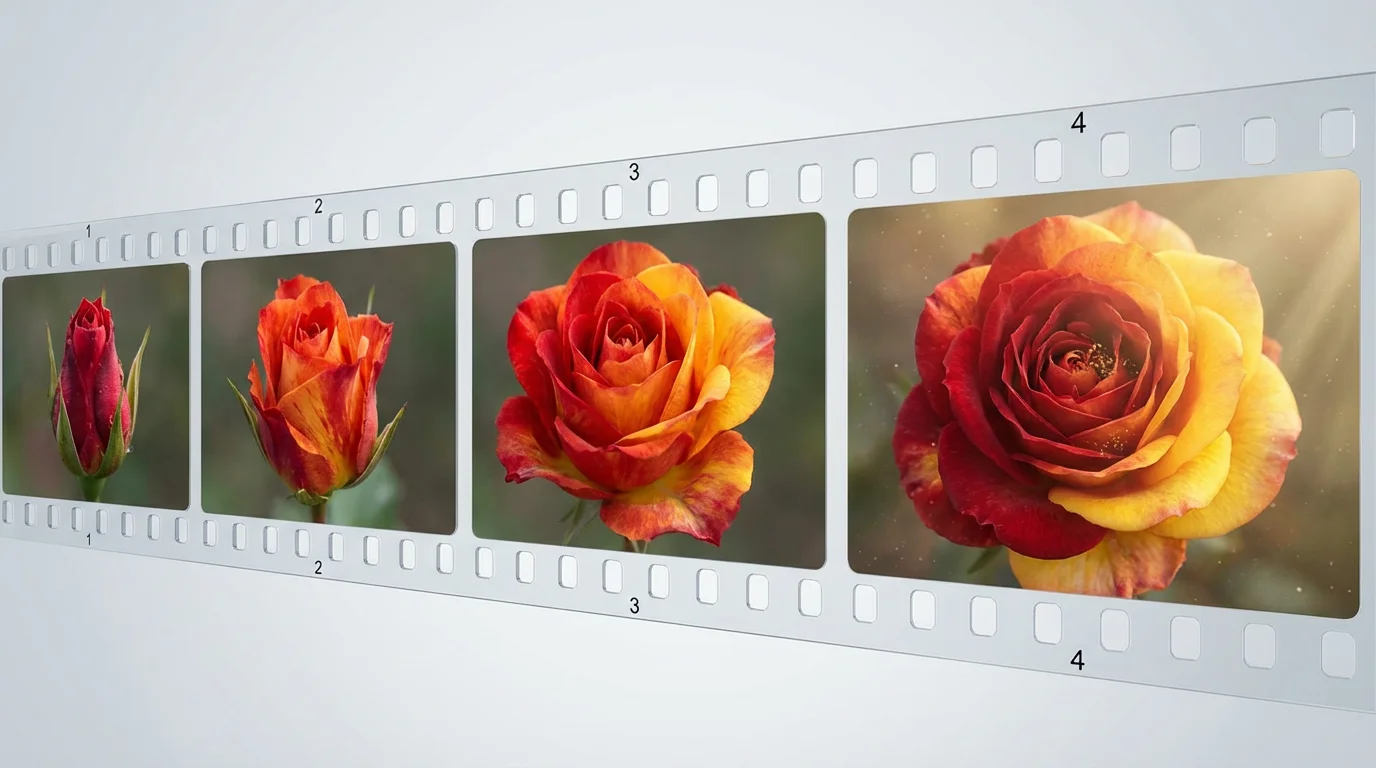
Start by uploading an image of a flower. A photo of a bud or a partially open flower is a great starting point for a blooming effect.
In the text prompt, explain how you want the flower to move. For example, 'Animate this peony bud opening into a full bloom.'
Click the generate button and let the AI bring your photo to life, transforming it into a beautiful, seamless blooming video.
Your high-resolution flower animation is ready. Download it as a watermark-free video to share on social media, your website, or anywhere else.
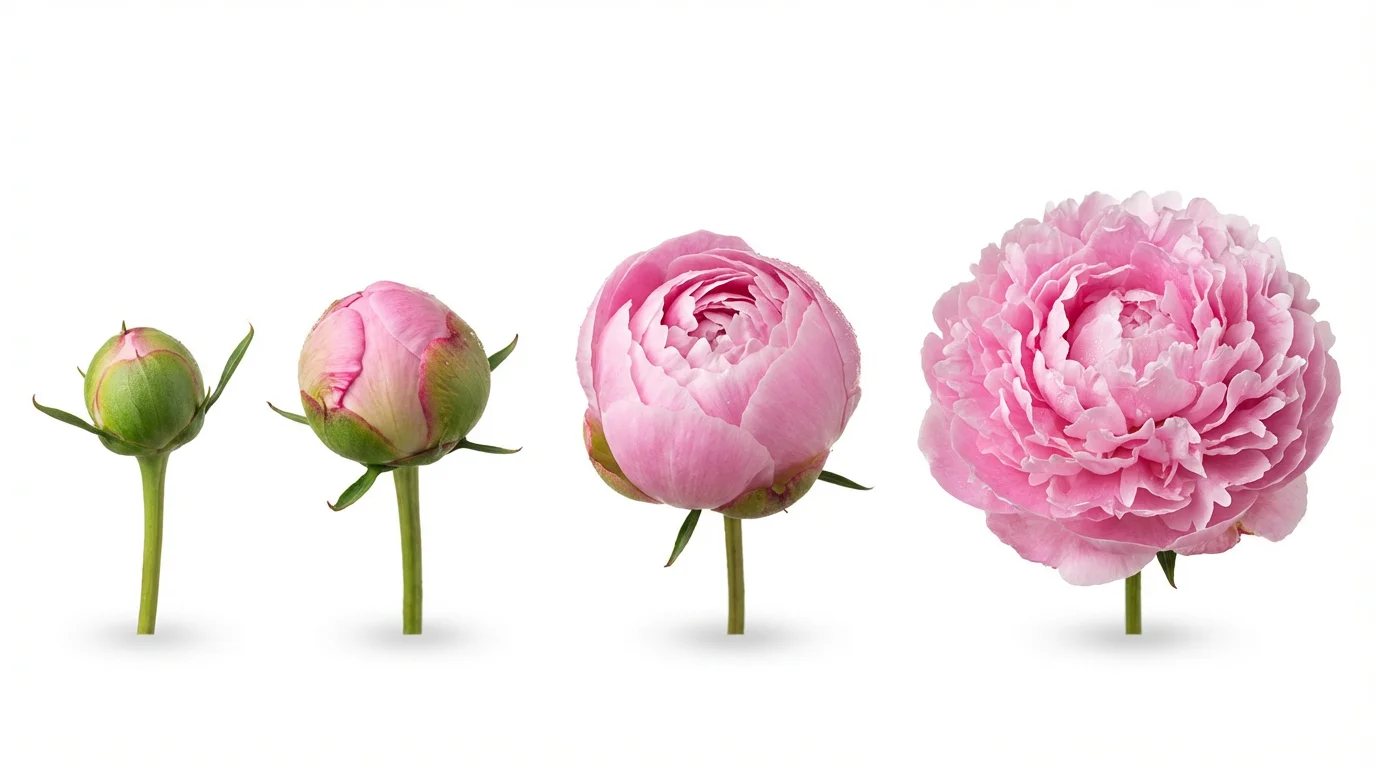
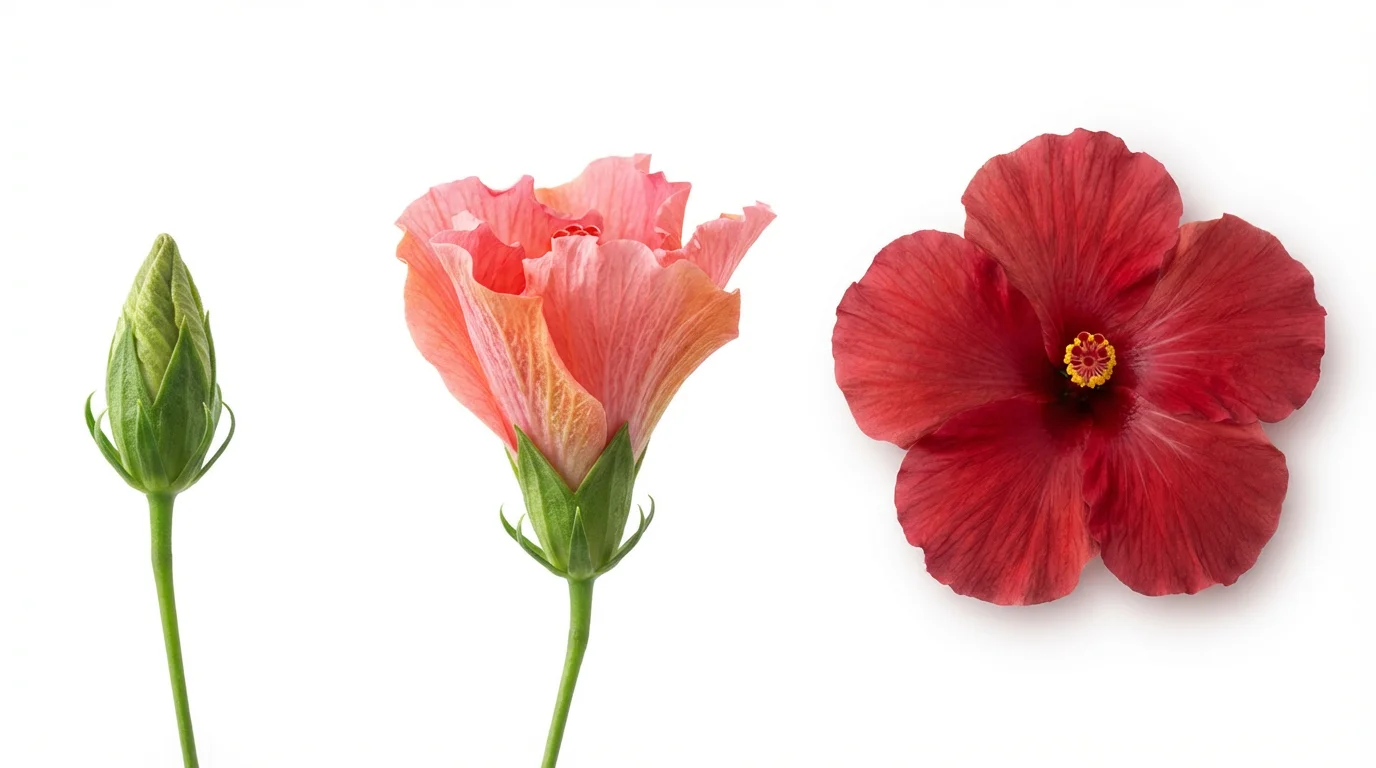
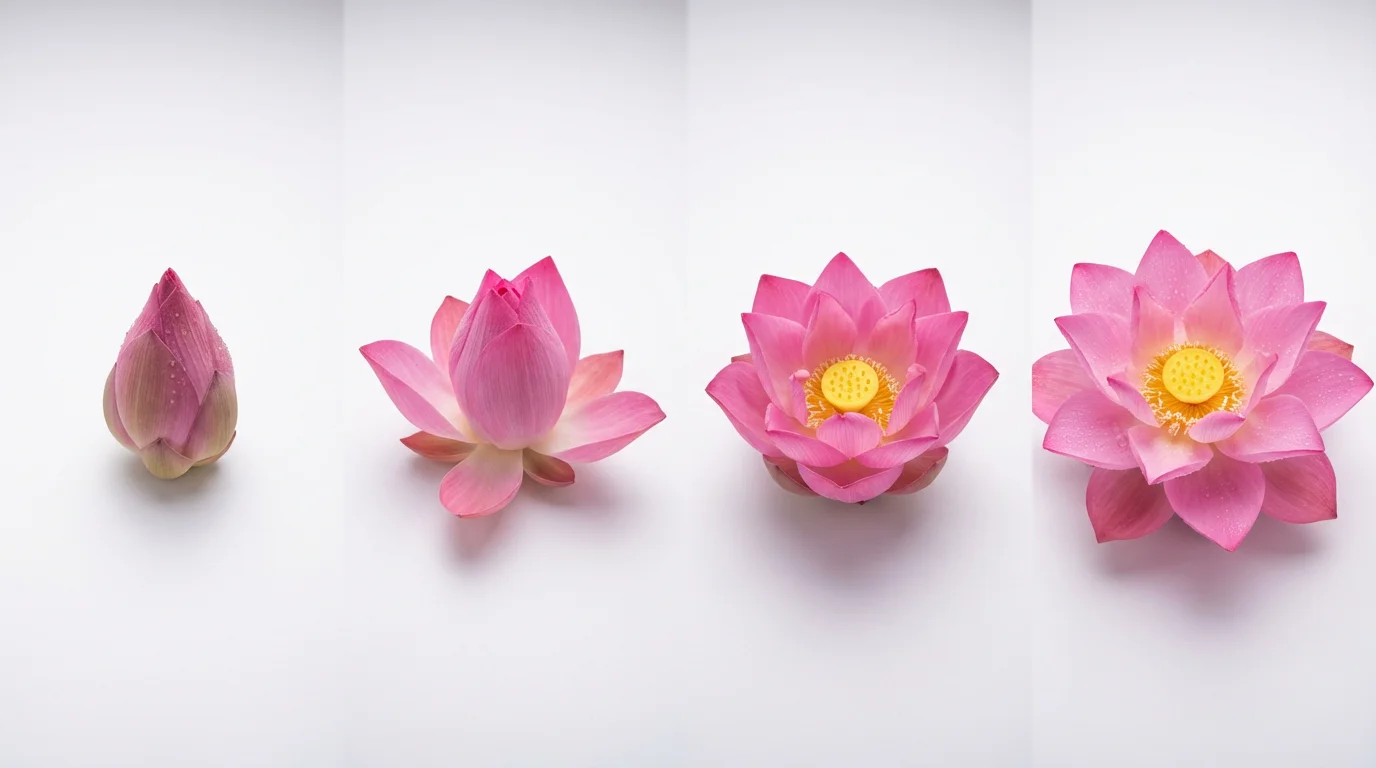
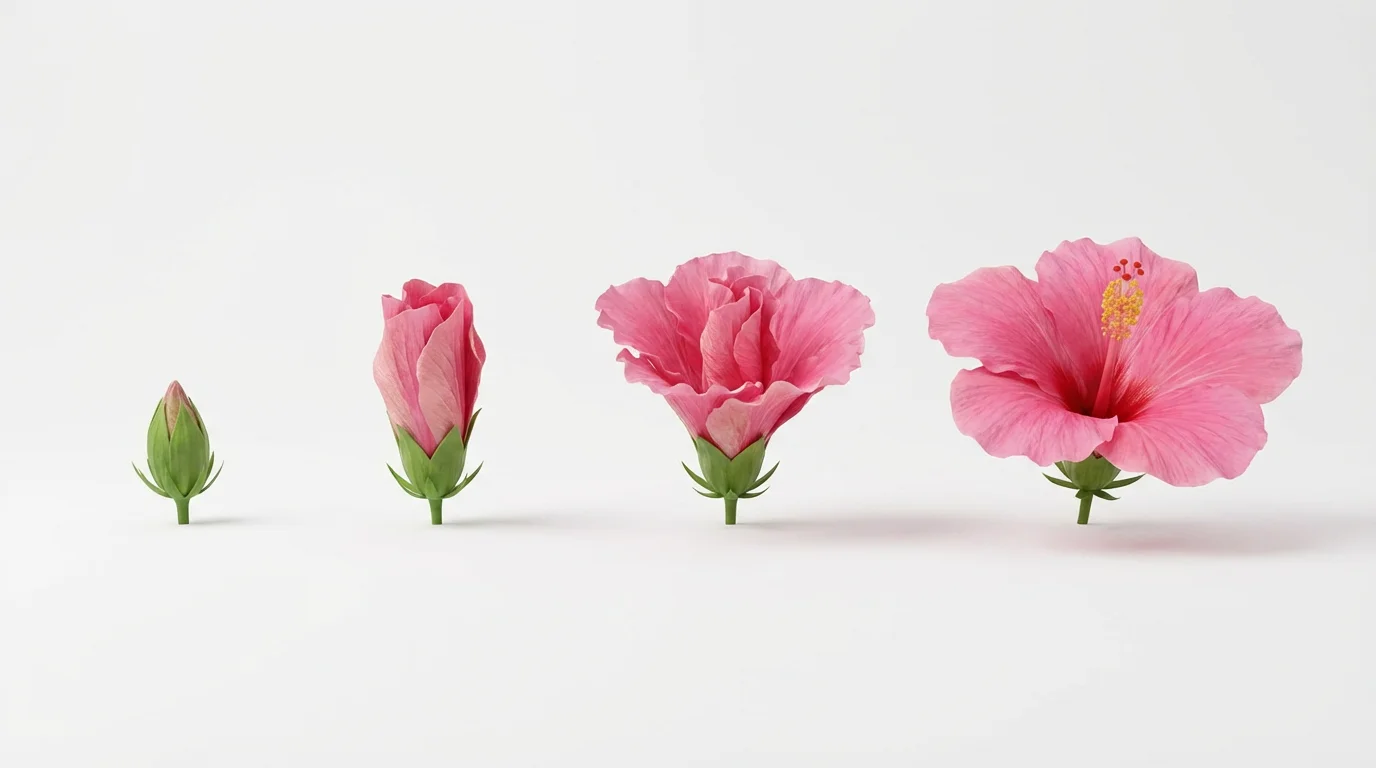
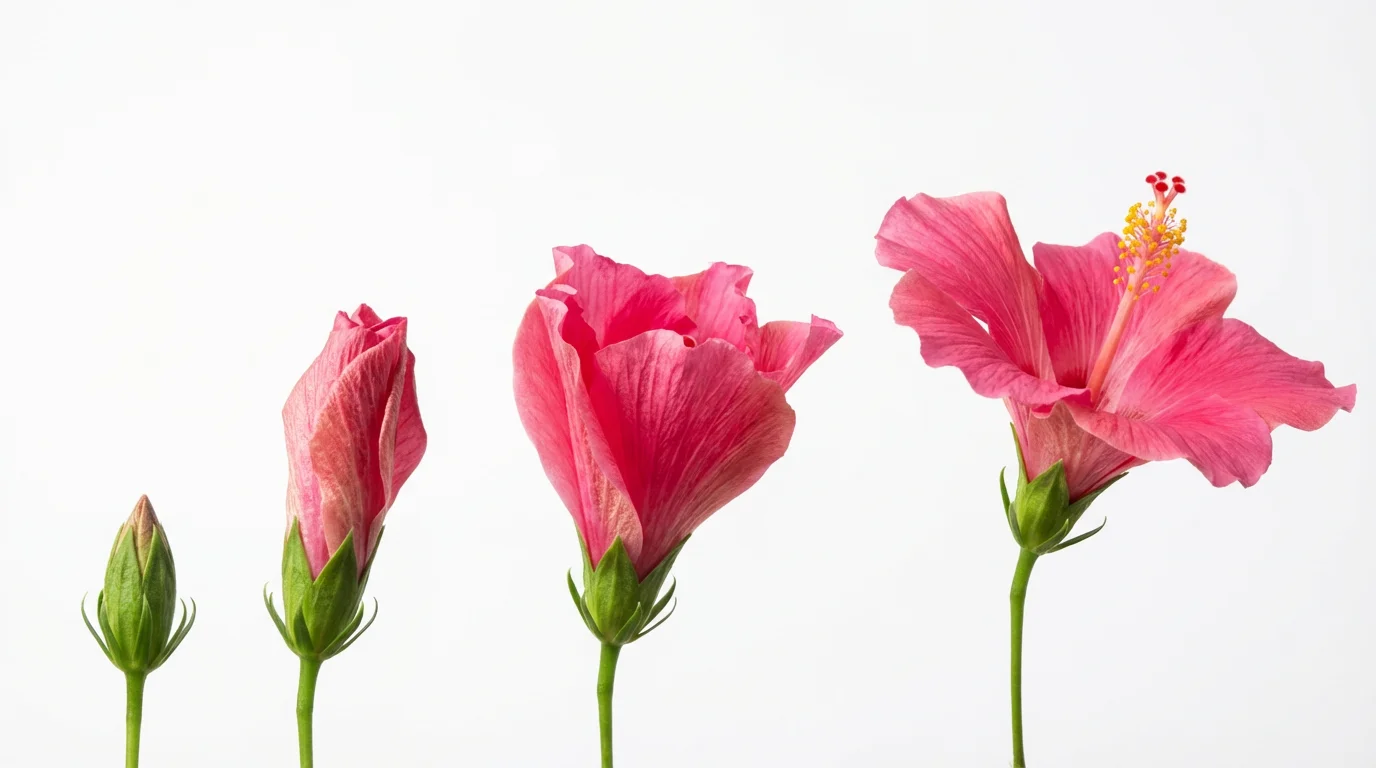
To create a flower blooming animation, you simply need to upload a photo of a flower. Then, write a text prompt describing how you want it to animate. For instance, you could say, 'Make this tulip bloom slowly' or 'Create a fast time-lapse of this daisy opening'. The AI will then generate a video based on your image and instructions.
For best results, upload a clear, high-quality photo of a flower. Images of buds or partially bloomed flowers work exceptionally well, as they provide a natural starting point for the blooming animation. The tool works with formats like PNG and JPEG.
Yes, you can control the speed through your text prompt. Include words like 'slowly,' 'gracefully,' 'quickly,' or 'fast time-lapse' in your description to influence the pacing of the animation and achieve your desired effect.
No, you do not need any special skills. The tool is designed to be user-friendly. If you can upload a picture and type a sentence, you can create a beautiful flower animation. The AI handles all the complex parts of the animation process.
Yes, all animations you create and download are watermark-free and can be used for both personal and commercial projects. You can download your videos in PNG or JPEG formats for free.
You can still create beautiful animations with a fully bloomed flower! Try using prompts to add subtle movements, such as 'make the petals sway gently in the wind' or 'add a soft shimmering light effect to the flower'.
Great app, easy to use. Helps our small business save time and money to create different marketing materials professionally. Thank you.
I need a good background remover for my work and I've been through them all it feels like. This one is the best by far. It's so easy to use and the results always look amazing. Thank you Pixelcut!
It's amazingly easy and gives the perfect results for my bags and accessories. It looks like it was done by a professional photographer.