Pixelcut
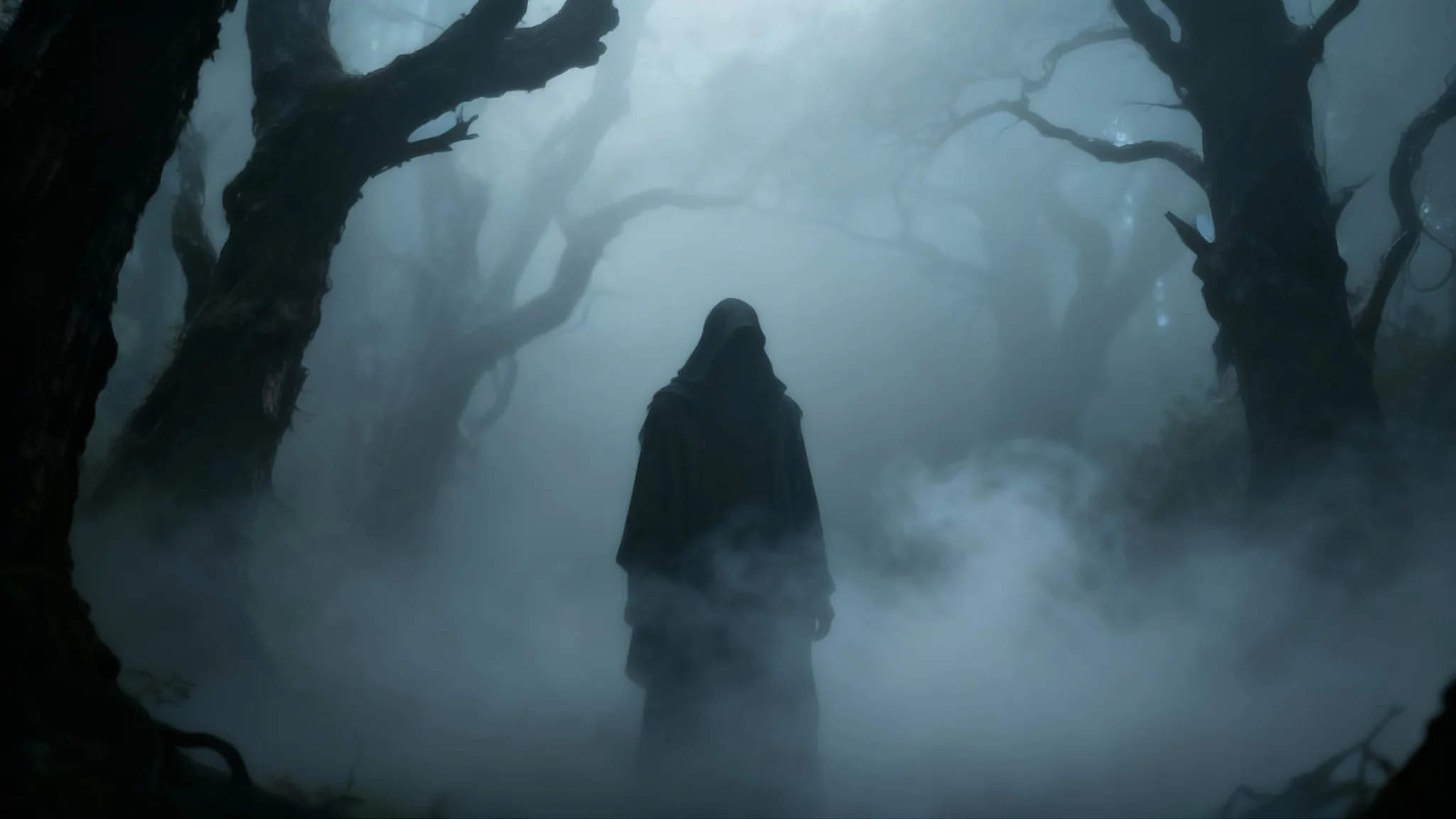
An atmospheric photo of a dark forest after a fog overlay effect has been applied, showing a mysterious figure standing amidst dense, swirling mist and silhouetted trees.

Free AI Fog Overlay Generator

Trusted by 70 million people
171,800 Reviews
Developer API
Available on iPhone & Android

How to Add a Fog Overlay to Your Photo

  1. 1

    Upload your photo

    Start by uploading the image you want to add a fog effect to. This can be a landscape, portrait, or any other picture.

  2. 2

    Describe the fog effect

    In the text box, describe the kind of fog you want. Try being specific, like 'add a thin layer of mist on the ground'.

  3. 3

    Generate your overlay

    Click the generate button and our AI will add a custom fog overlay to your image based on your description.

  4. 4

    Download your image

    Your new atmospheric photo is ready. Download the high-resolution PNG image, watermark-free and ready to share.

Instantly transform the mood of any photograph. With our AI fog overlay tool, you can add a layer of mystery, drama, or tranquility in mere seconds. Forget about complicated editing software and searching for the right overlay file. Simply upload your image, describe the atmosphere you want to create, and watch as our AI generates a custom fog effect. It is the easiest way to make your landscape photos more dramatic, your portraits more evocative, or your digital art more immersive and compelling.

Instantly Create Atmosphere

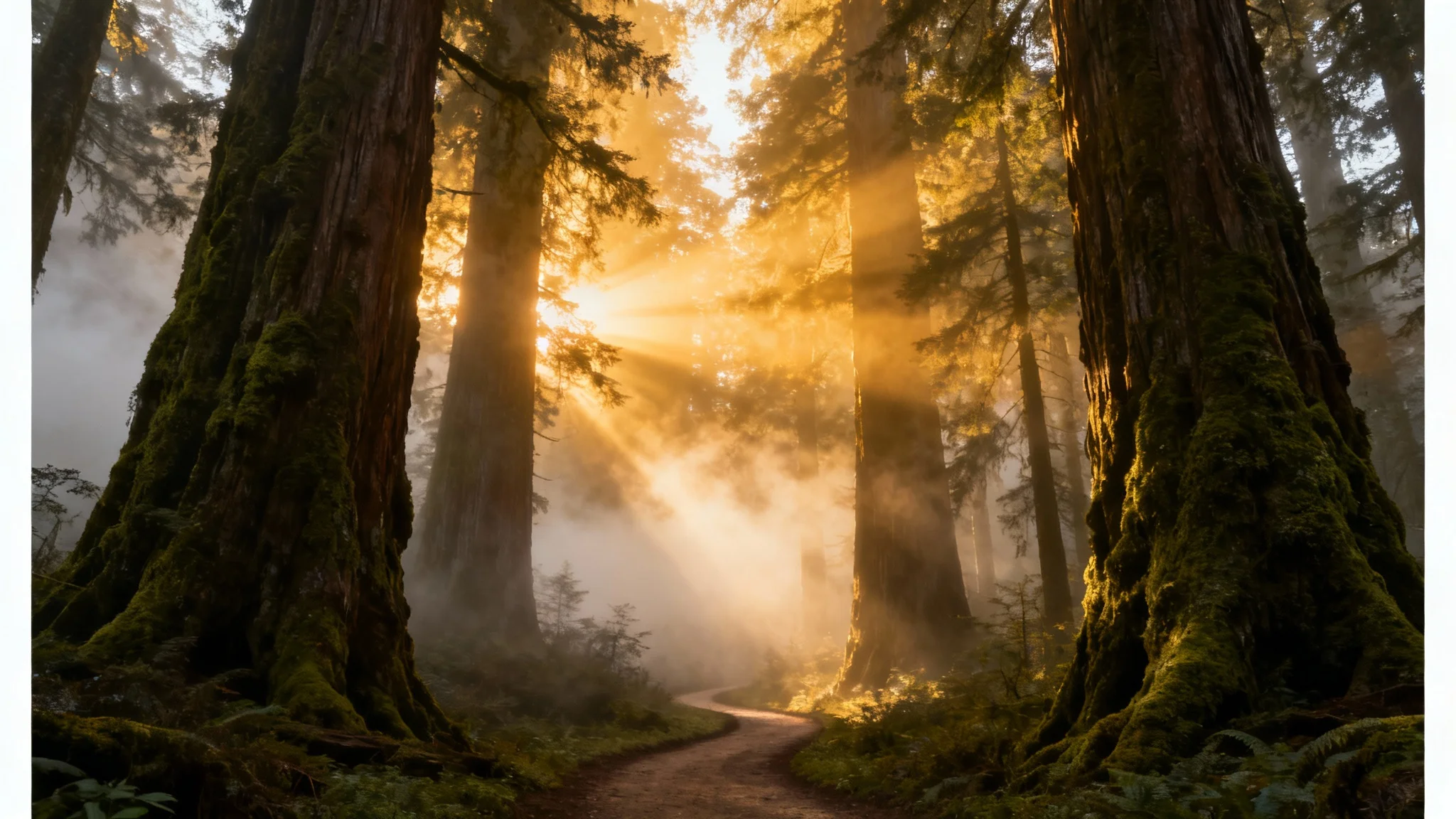
A photorealistic image of a dense, ancient forest shrouded in thick, mystical fog, with dramatic golden sunbeams piercing through the trees, demonstrating a fog overlay effect.
Gain complete creative control over your atmospheric effects. Instead of using static, one size fits all overlays, you can tell our AI exactly what you envision. Want a light mist clinging to the mountaintops? Or thick, eerie fog rolling through a dark forest? Just describe it. You can specify the fog's density, location, and character in a simple text prompt. This level of customization allows you to create a unique mood that perfectly complements your original image, ensuring a one of a kind result every single time.

Describe Your Perfect Mist

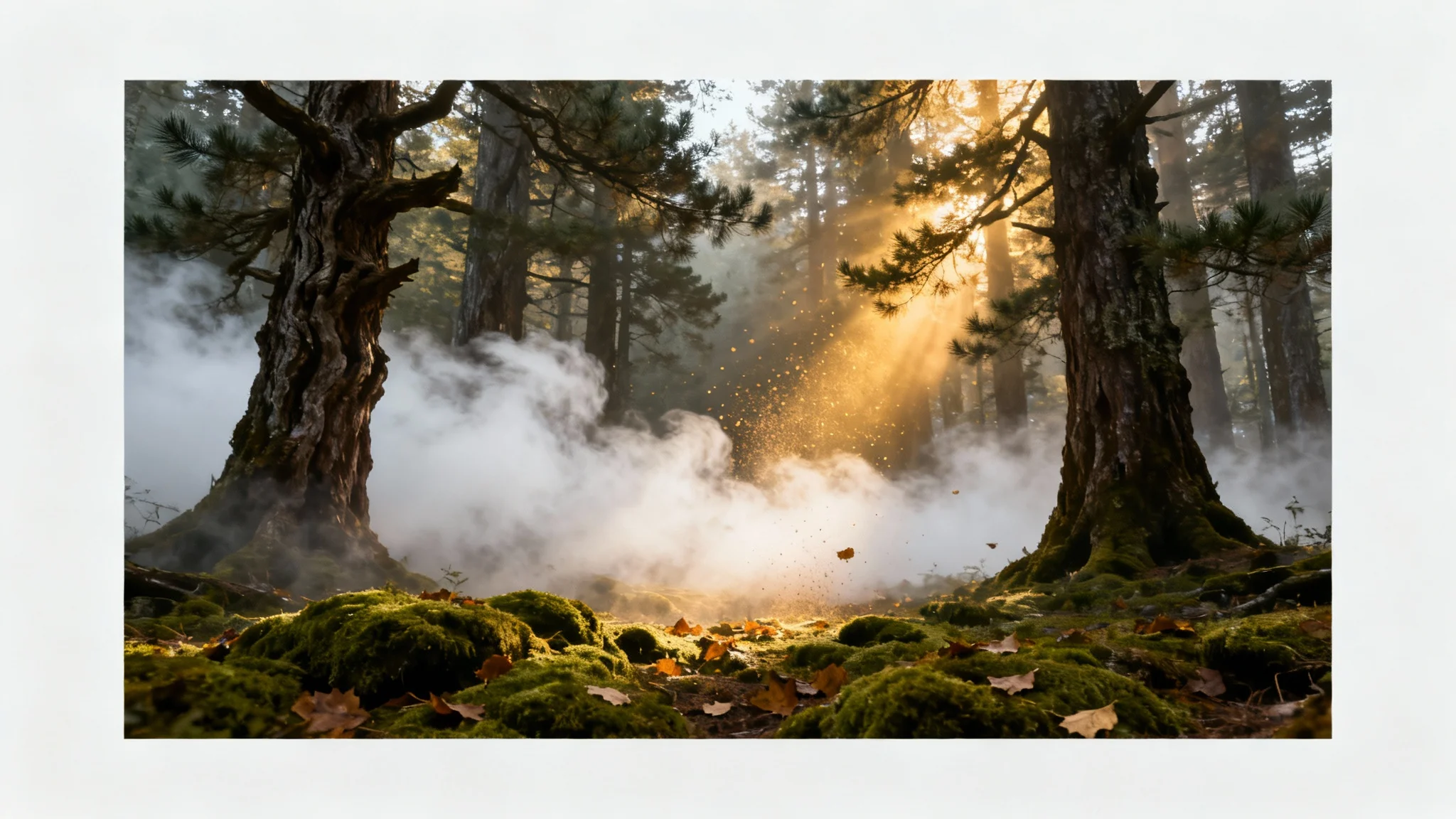
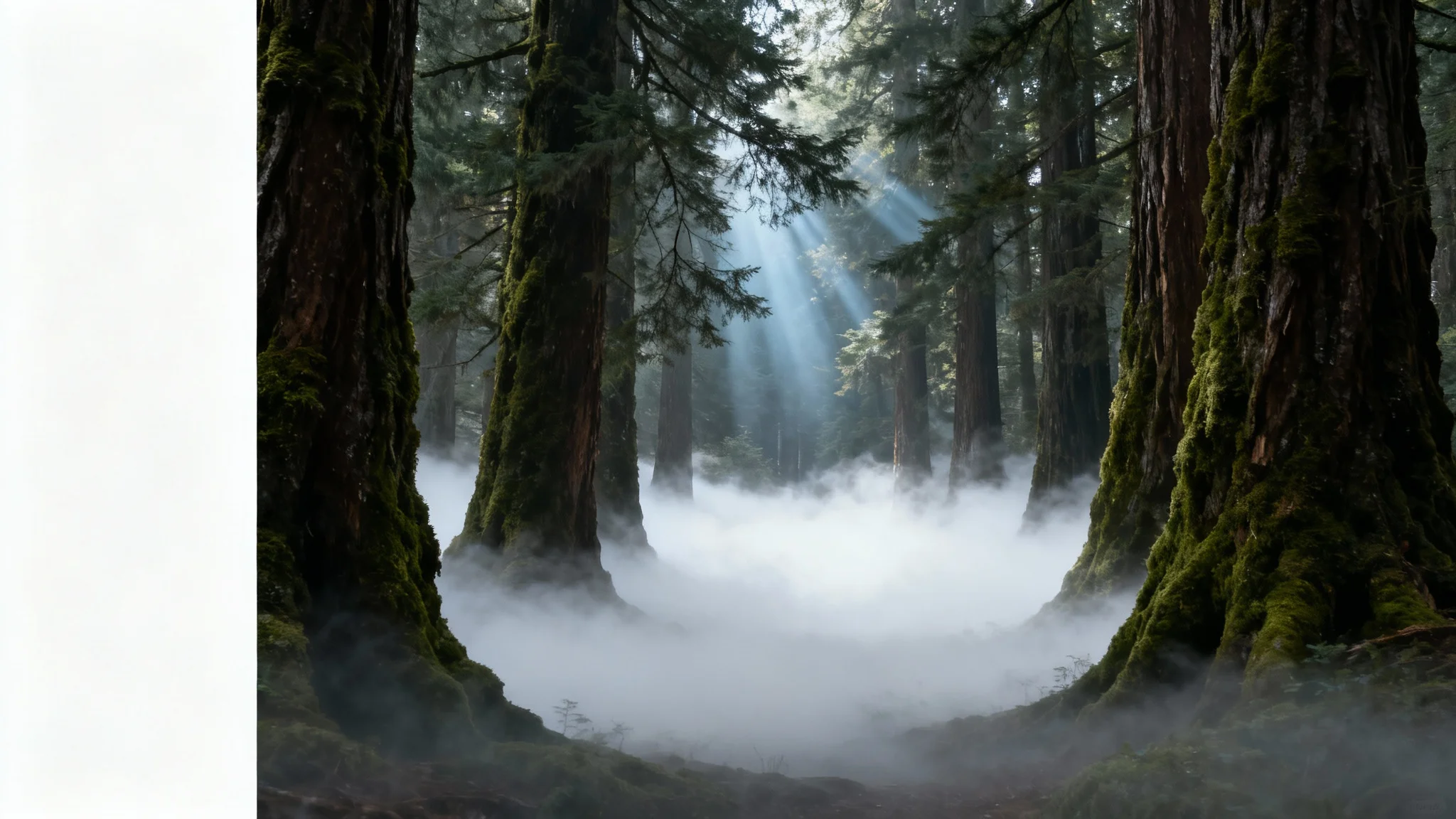
A photorealistic mockup of a forest scene enhanced with a fog overlay, showing thick fog rolling between tall trees as sunbeams pierce through, all isolated on a white background.
Our AI does not just place a filter over your image; it intelligently integrates the fog for a truly believable effect. The tool analyzes the lighting, shadows, and depth of your original photo to blend the mist and fog naturally within the scene. This means the fog will realistically wrap around objects, settle in valleys, and catch the light just as it would in the real world. The result is a professional-grade atmospheric enhancement that looks like it was captured directly by the camera.

Generate Realistic Fog Effects

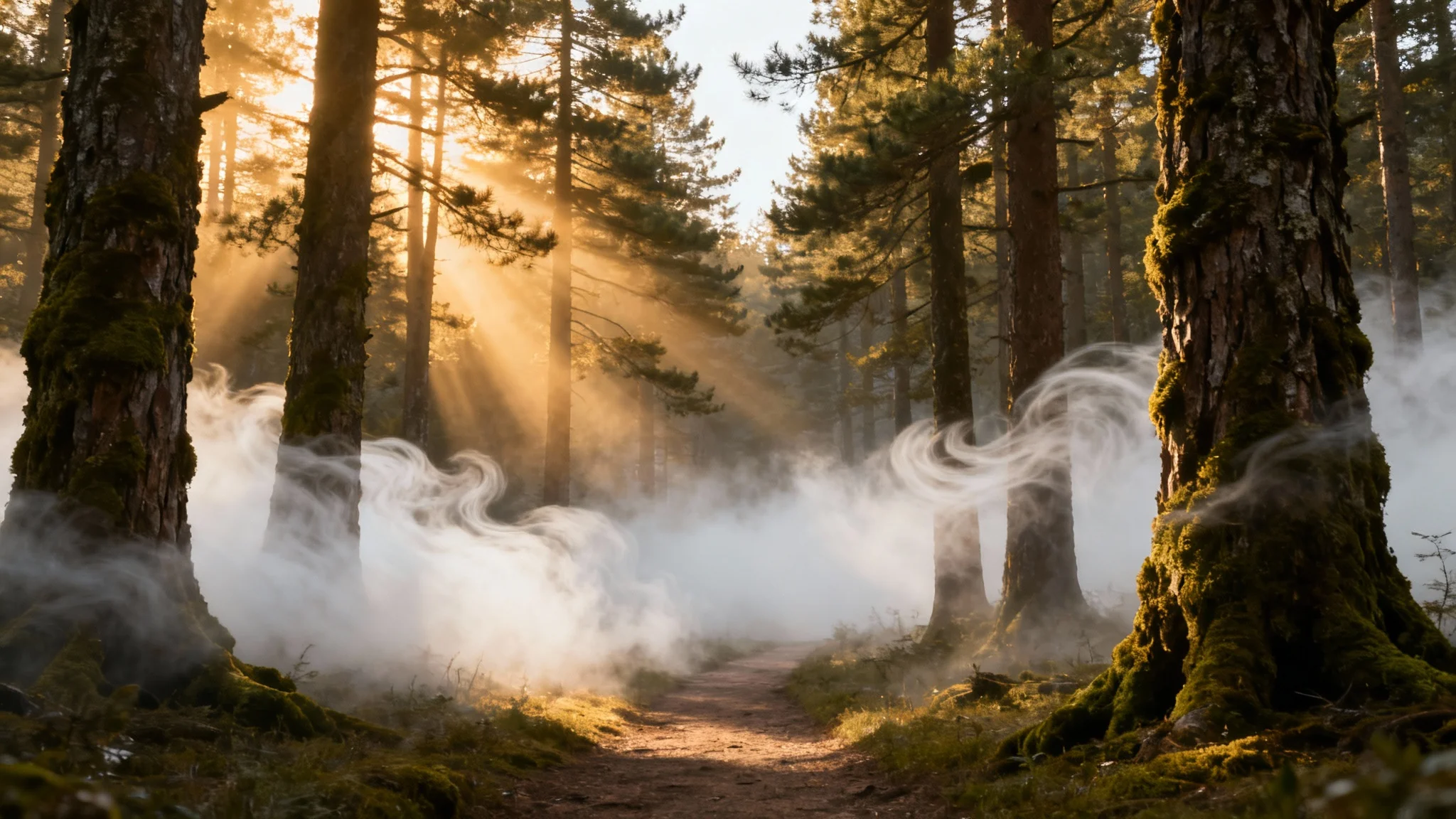
An enchanted forest at sunrise, with golden light rays cutting through a thick layer of fog on the forest floor, showcasing a fog overlay effect.
It’s Fast: Go from a plain photo to an atmospheric masterpiece in seconds. It’s Customizable: Your words are your tools. Describe the type of fog, from light mist to dense haze, to get the perfect look. AI-Powered: The AI intelligently adds fog that respects the lighting and objects in your photo for realistic results. Easy to Use: No sliders, no layers. Just upload your photo and type a description to add a fog effect. Use It Anywhere: Download your high-resolution, watermark-free image to use in any personal or commercial project.

Why use Pixelcut's AI Fog Overlay?

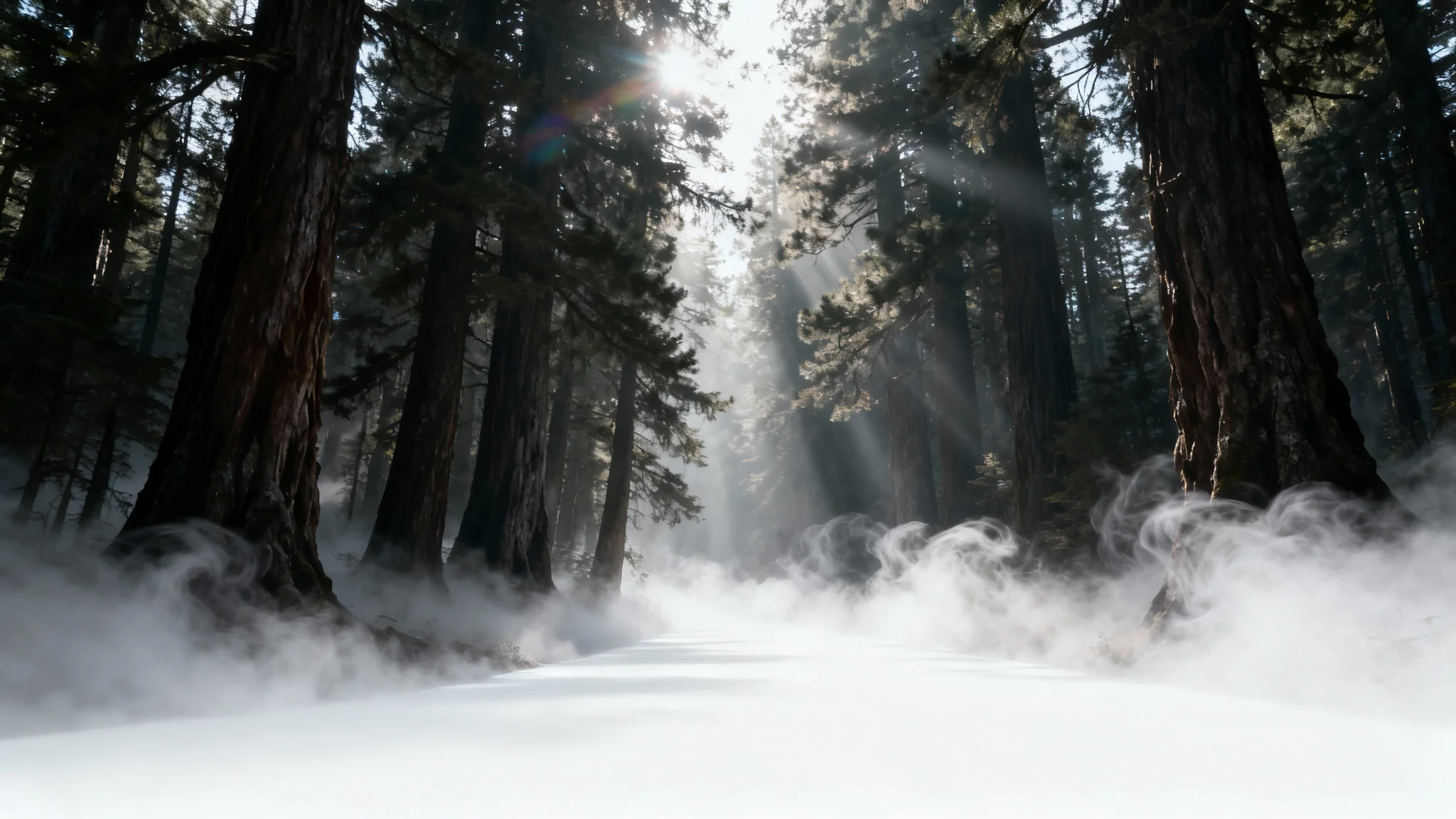
A photorealistic image of a dense forest path enveloped in thick, white fog, with sunbeams piercing through the trees, demonstrating a fog overlay effect.
Landscape Photography: Add drama and depth to your landscape shots, turning a simple scene into a moody vista. Portrait Photography: Create an ethereal or mysterious mood for outdoor portraits. Fantasy & Art Composites: Easily blend elements in your digital art with atmospheric fog for a cohesive look. Spooky Season Photos: Give your photos a spooky, eerie feeling perfect for Halloween or themed projects. Product Photography: Make your products stand out by placing them in an atmospheric scene with a touch of mist.

Fog Overlay Use Cases

An atmospheric photo of a dense forest with thick fog rolling across the ground and light rays filtering through the trees, demonstrating a fog overlay effect.

Frequently Asked Questions

Pixelcut is loved by over 2 million people

  • My favorite app

    Great app, easy to use. Helps our small business save time and money to create different marketing materials professionally. Thank you.
    Shaelyn D.
  • Best background remover

    I need a good background remover for my work and I've been through them all it feels like. This one is the best by far. It's so easy to use and the results always look amazing. Thank you Pixelcut!
    Kira H.
  • Love it

    It's amazingly easy and gives the perfect results for my bags and accessories. It looks like it was done by a professional photographer.
    Mary J.