My favorite app
Great app, easy to use. Helps our small business save time and money to create different marketing materials professionally. Thank you.

Begin by uploading the image you want to process. This can be any photo or graphic you wish to analyze or edit in the frequency domain.
In the text box, describe the operation you want to perform. For example, type 'apply a low pass filter to reduce noise' or 'show me the frequency spectrum'.
Our AI will interpret your prompt, apply the requested Fourier processing to your image, and generate a new visual result in just a few moments.
Your processed image is ready to be saved. Download it as a high-resolution, watermark-free PNG file, perfect for analysis, reports, or creative projects.
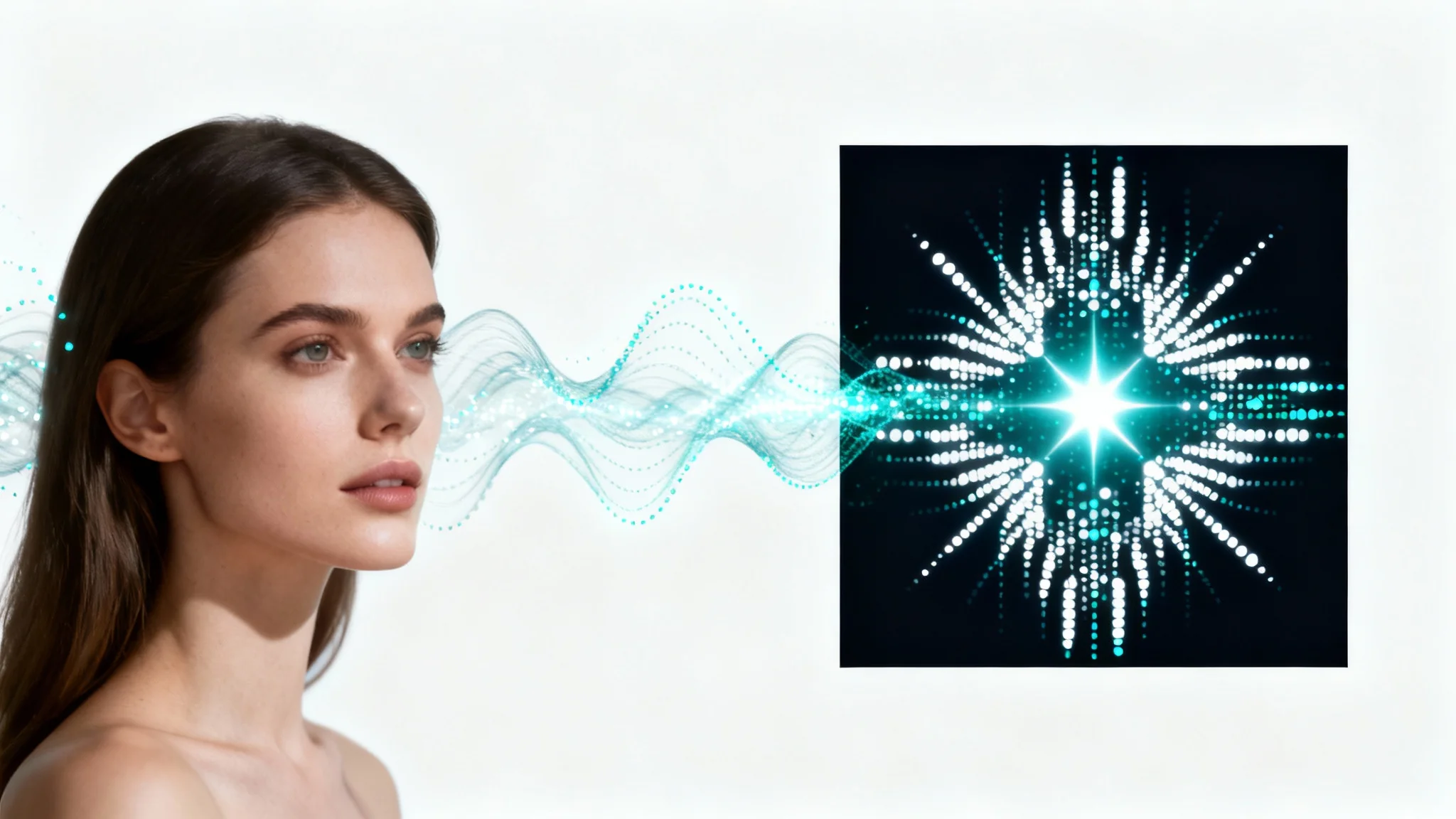

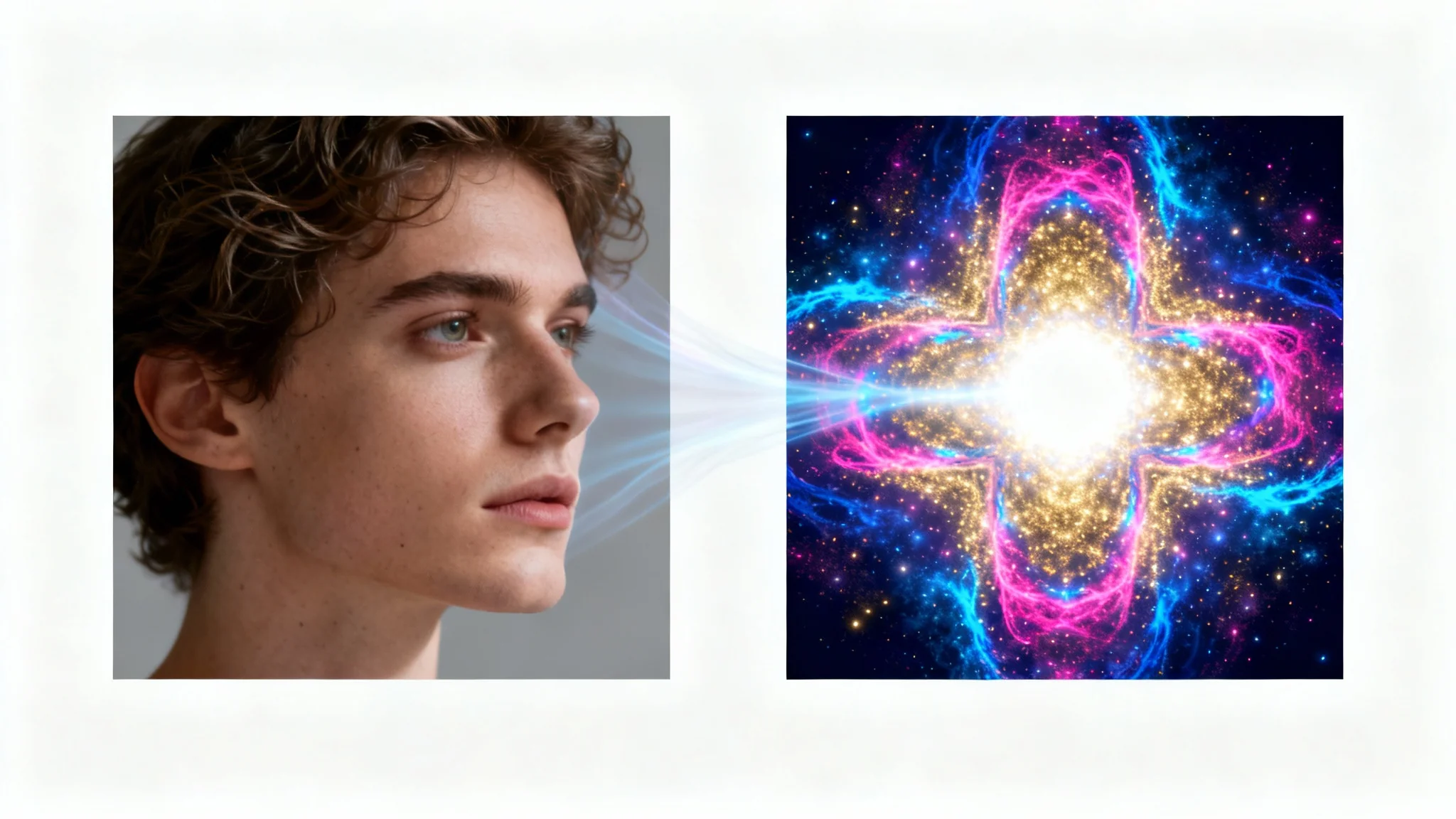
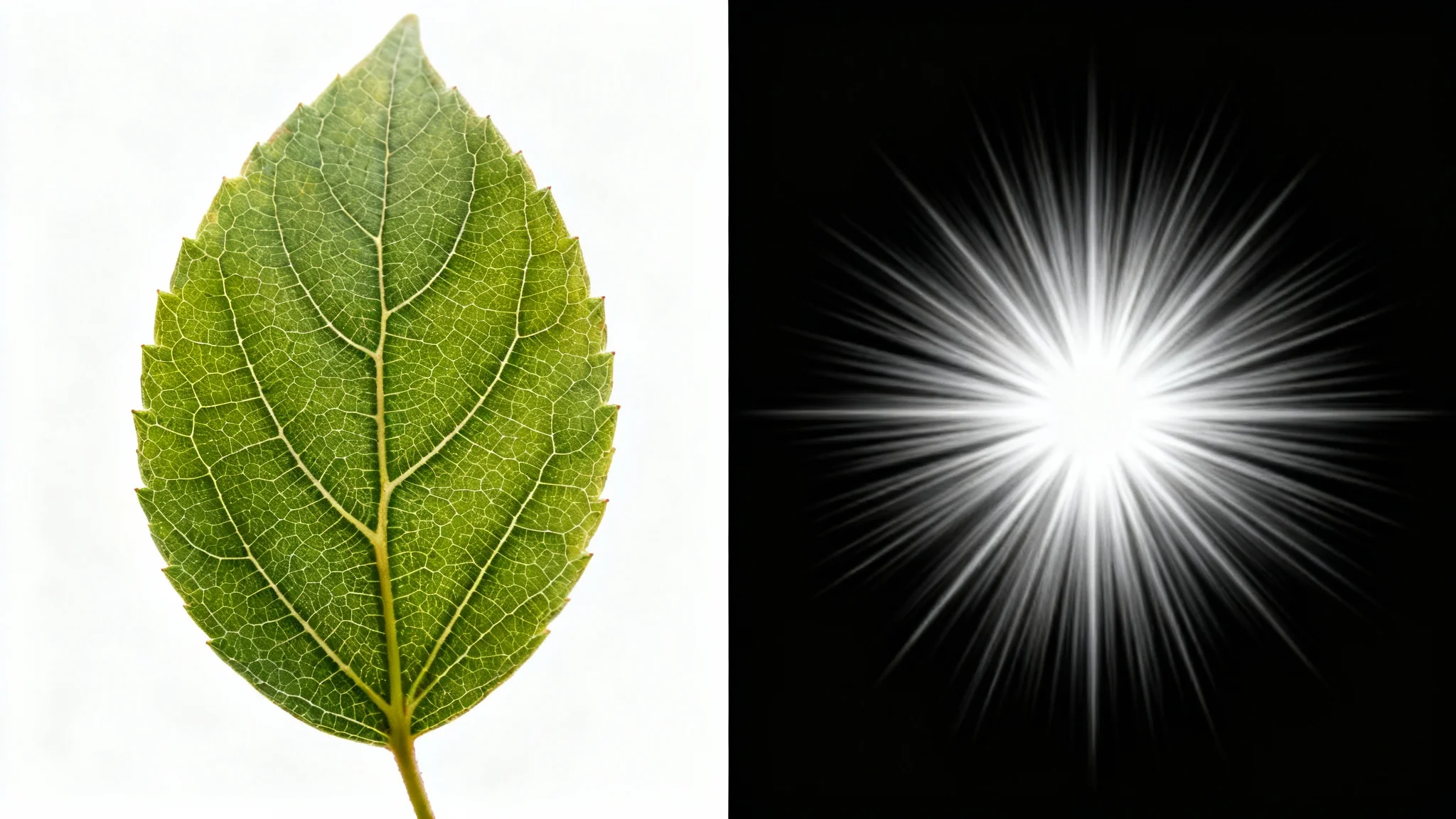
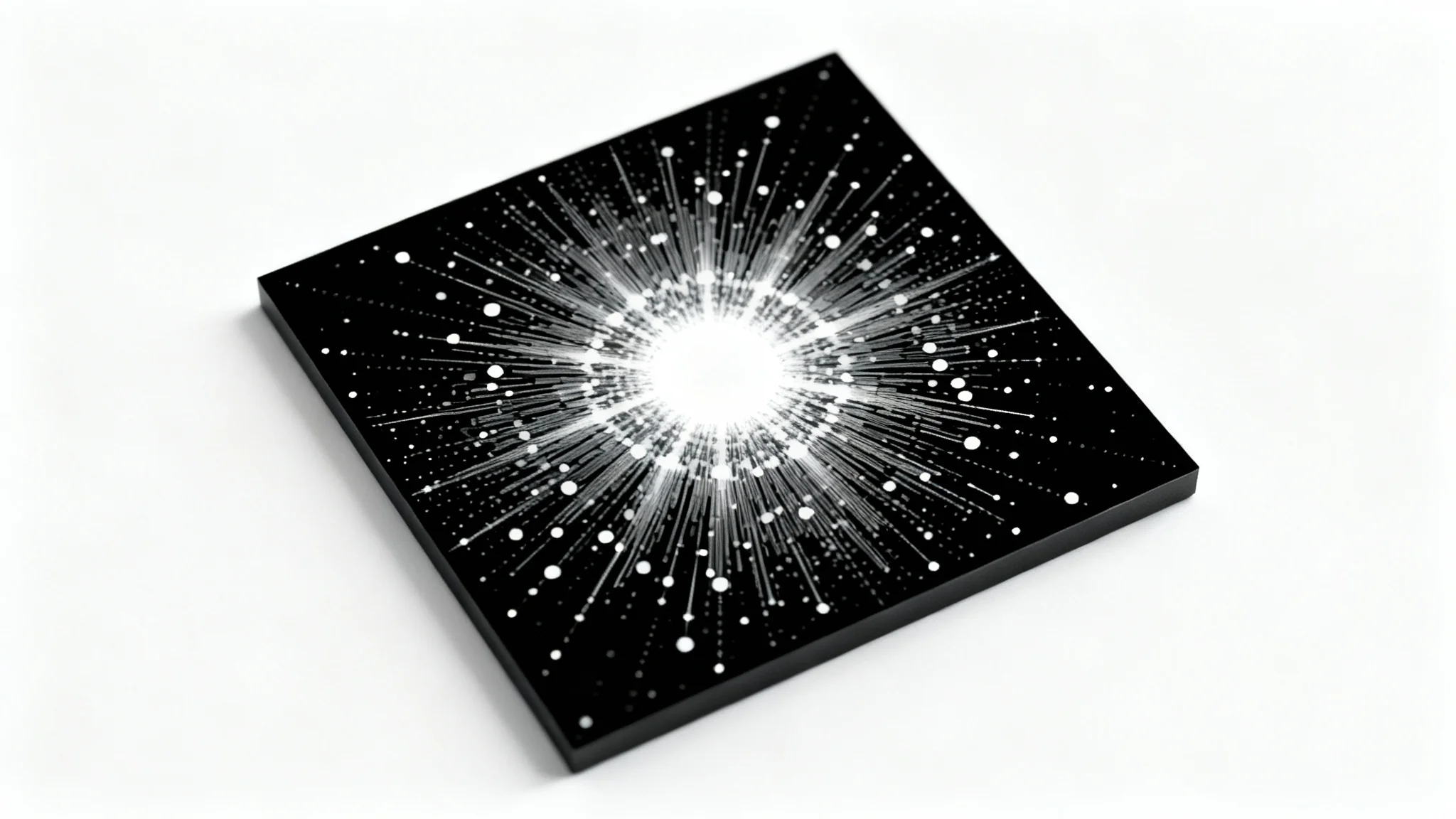











Fourier image processing is a technique that transforms an image from its normal spatial domain (pixels) into its frequency domain. This allows you to see the image based on its frequency components, where low frequencies represent smooth areas and high frequencies represent sharp details or edges.
With our tool, you just need to upload your image and ask the AI to 'show the Fourier transform' or 'display the frequency spectrum.' The tool will generate a visual representation of your image's frequency components, typically with low frequencies in the center and high frequencies at the edges.
A high pass filter allows high frequencies to pass through while blocking low frequencies. In image processing, this has the effect of sharpening the image by enhancing edges, fine details, and textures.
A low pass filter does the opposite of a high pass filter: it allows low frequencies to pass through and blocks high frequencies. This is often used for smoothing an image, blurring it, or reducing high-frequency noise.
Certain types of noise, especially periodic noise like lines or patterns, appear as distinct and bright spots in an image's frequency domain. By creating a filter to remove these specific frequency spots and then transforming the image back to the spatial domain, you can effectively remove the noise while preserving the rest of the image.
Yes, absolutely. Our AI-powered tool is designed to make complex Fourier analysis accessible to everyone. Instead of needing to understand the underlying mathematics or code, you can use simple text commands to experiment with and learn about frequency domain filtering.
The spatial domain is the normal way we see an image: a grid of pixels with different brightness and color values. The frequency domain represents the image based on how quickly these pixel values change. Slow changes correspond to low frequencies (e.g., a clear sky), while rapid changes correspond to high frequencies (e.g., the texture of fabric).
Great app, easy to use. Helps our small business save time and money to create different marketing materials professionally. Thank you.
I need a good background remover for my work and I've been through them all it feels like. This one is the best by far. It's so easy to use and the results always look amazing. Thank you Pixelcut!
It's amazingly easy and gives the perfect results for my bags and accessories. It looks like it was done by a professional photographer.