My favorite app
Great app, easy to use. Helps our small business save time and money to create different marketing materials professionally. Thank you.
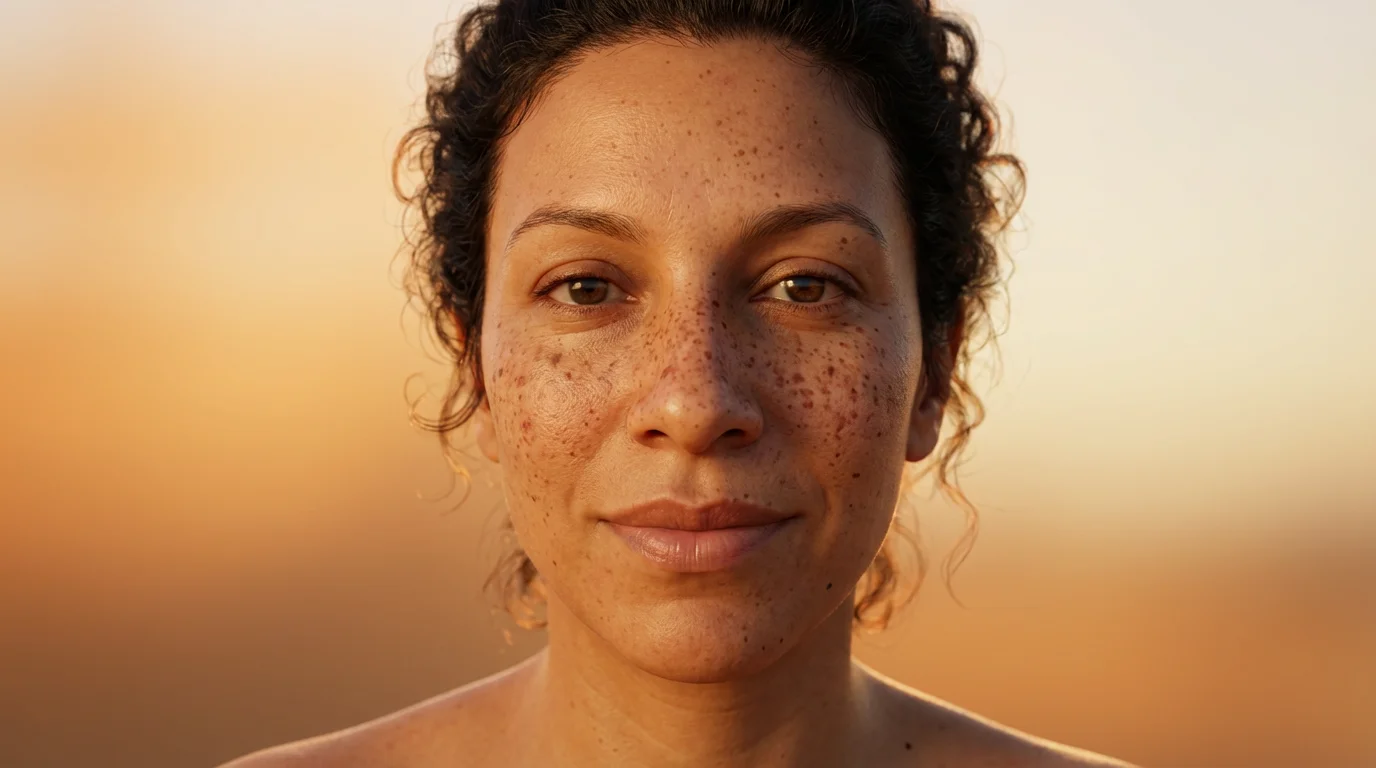
Choose the portrait or selfie you want to edit. Upload the image file to get started.
Describe the freckles you want to add. For example, 'add a few light brown freckles on my nose and cheeks.'
Click the generate button and our AI will add realistic, natural-looking freckles to your photo based on your prompt.
Your new photo is ready. Download your high-resolution image for free and share your new look.
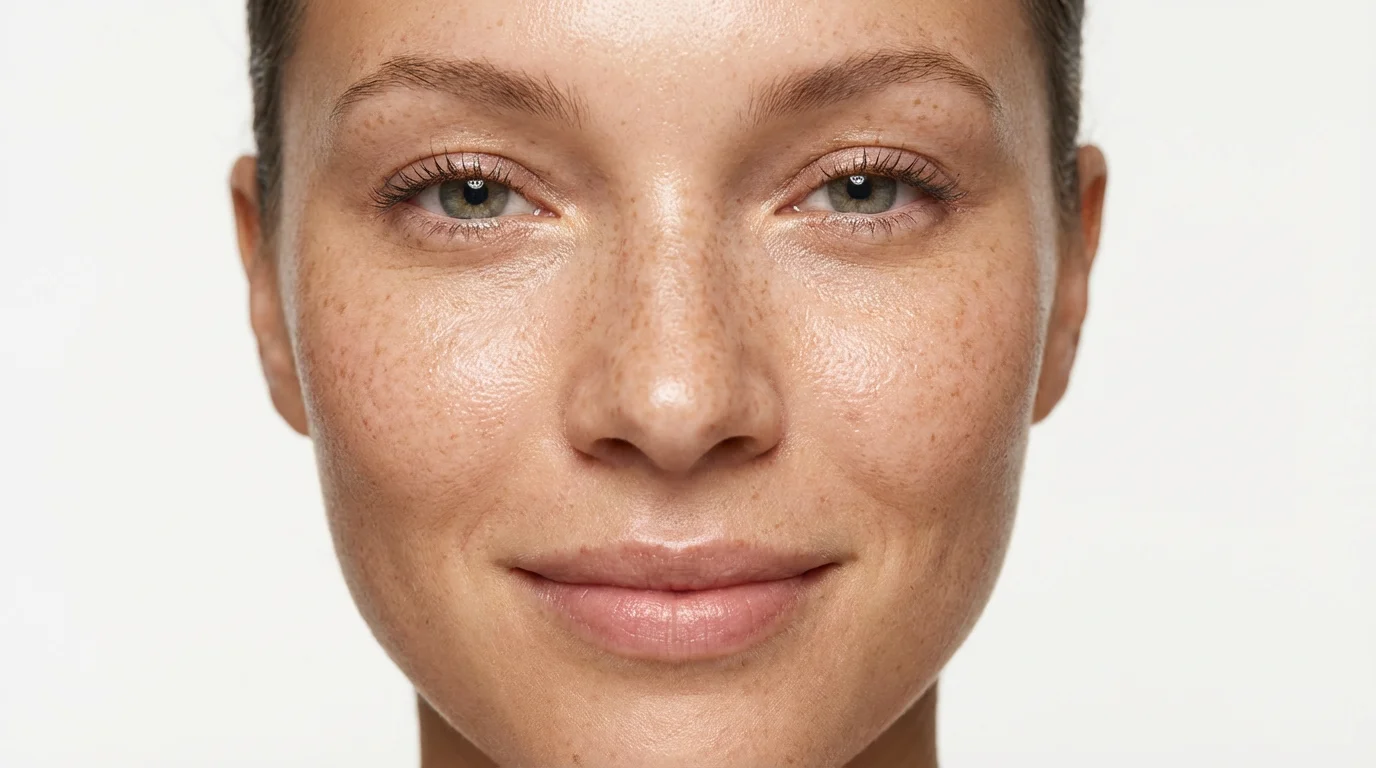
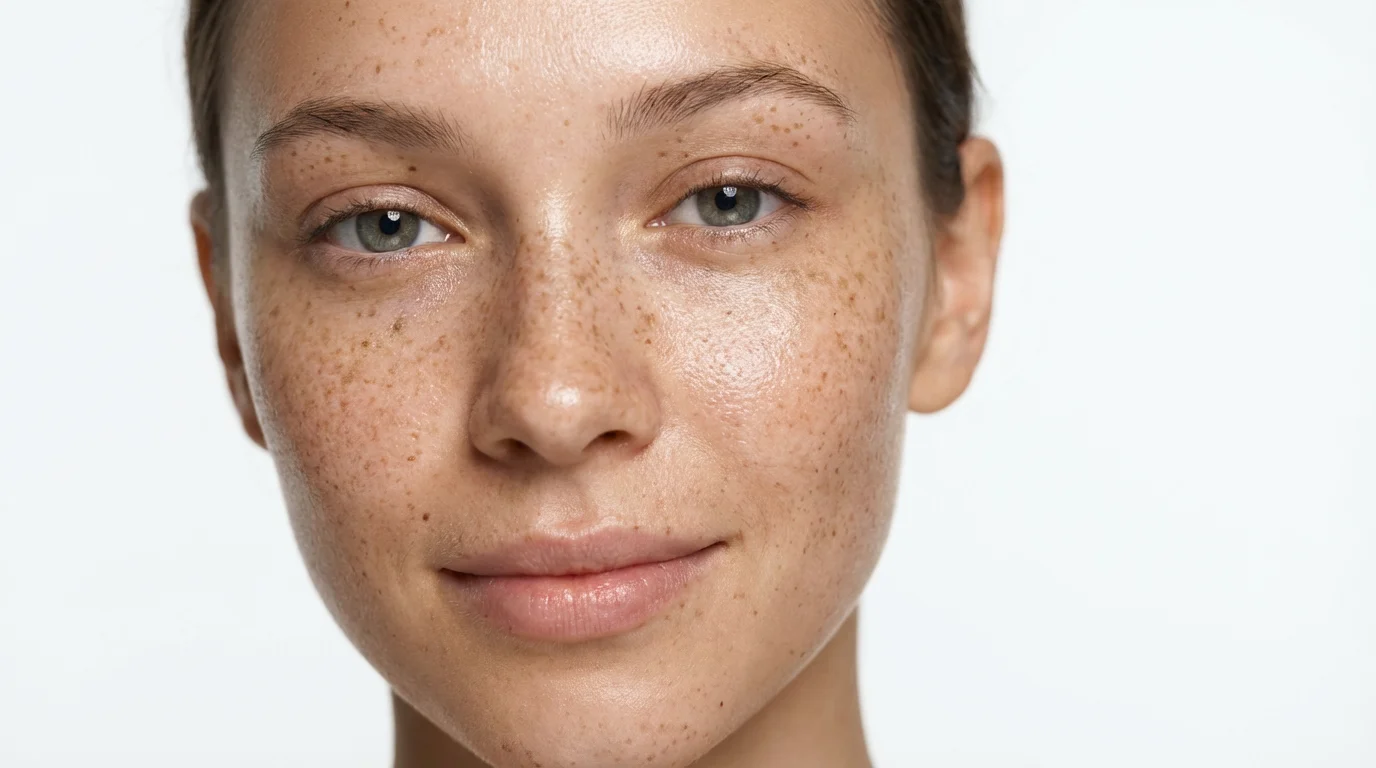
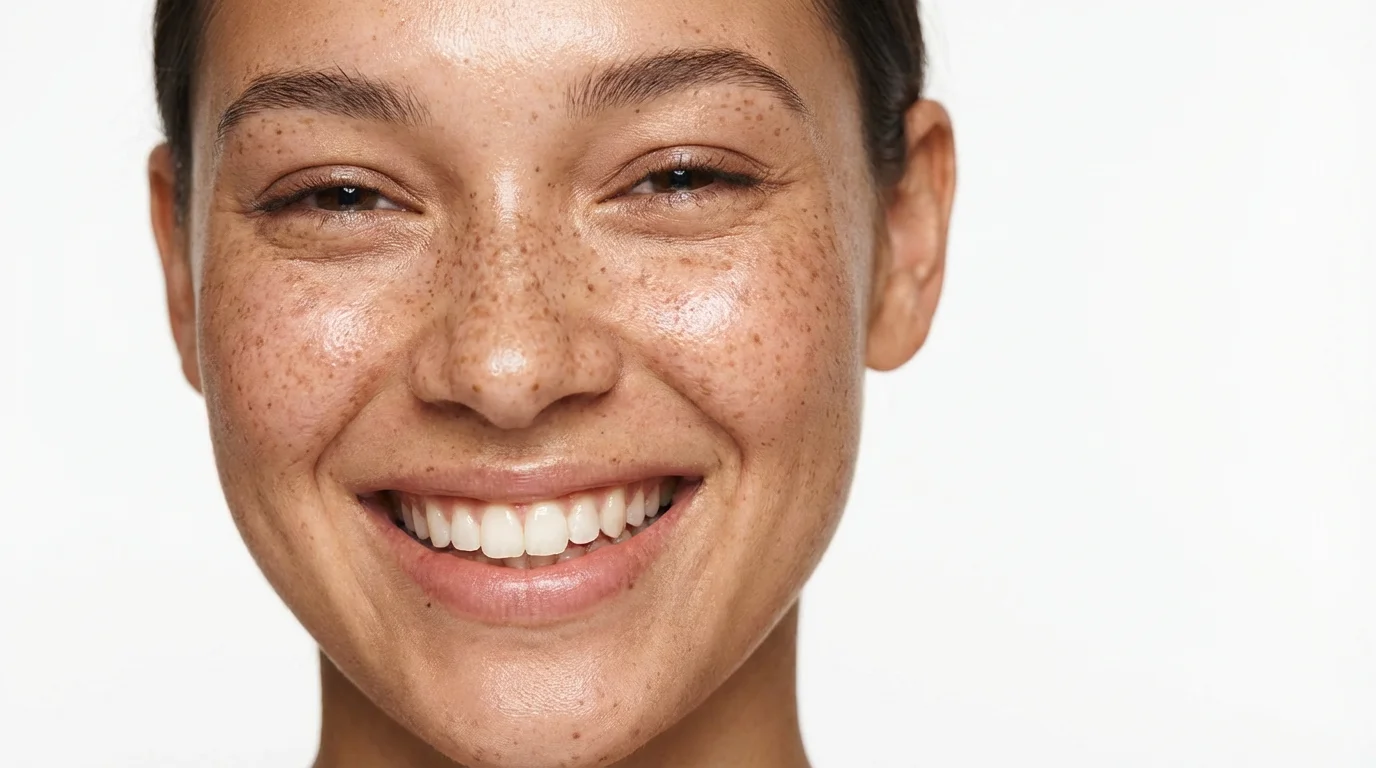
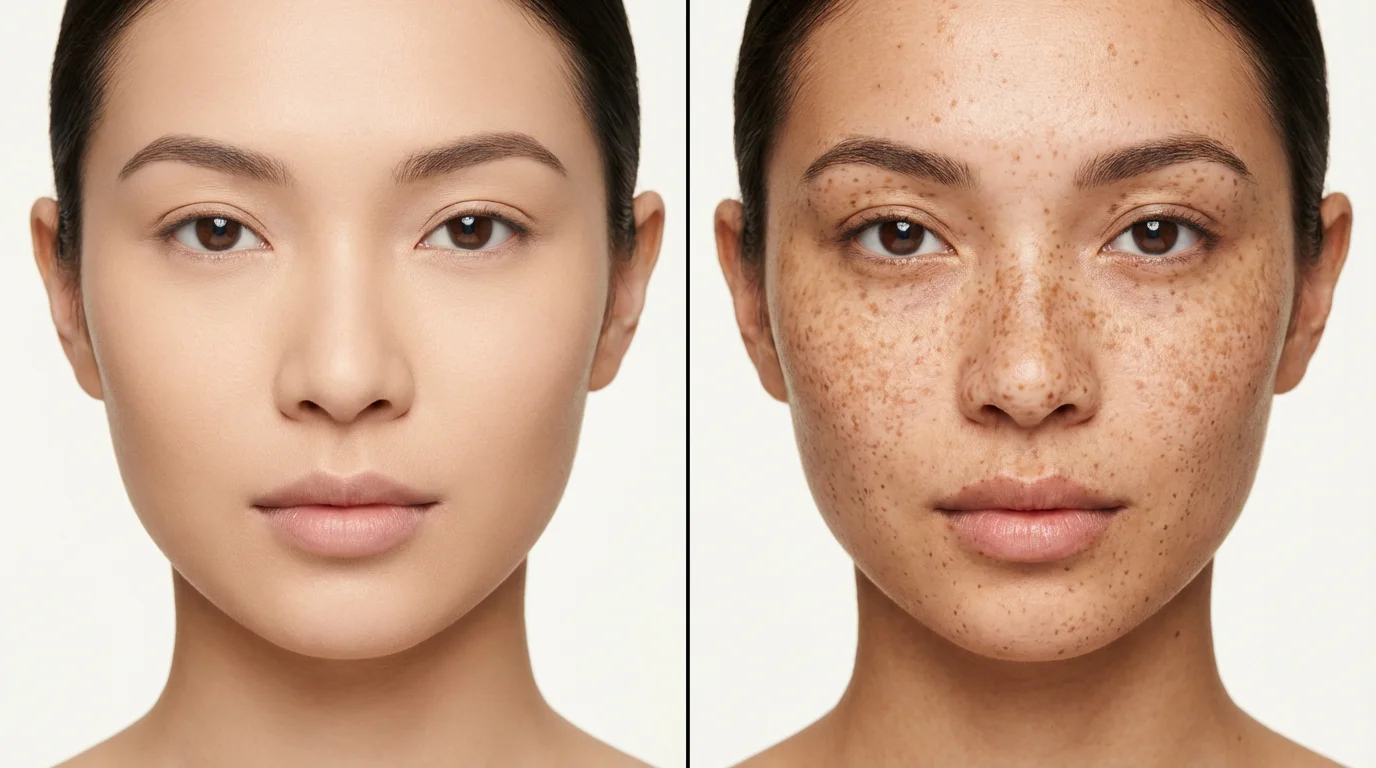
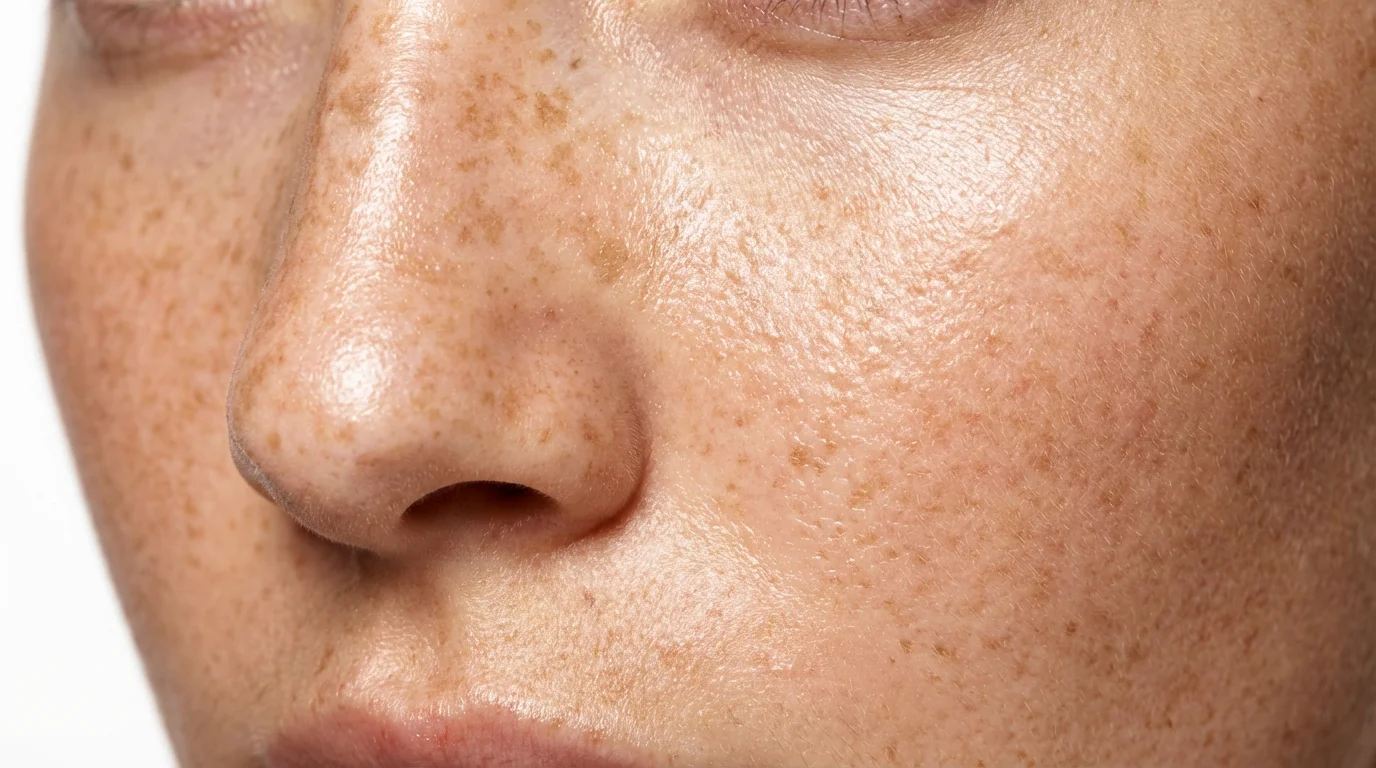
You can use Pixelcut's AI freckle editor. Simply upload your photo, describe the type of freckles you want in the text prompt, and the AI will generate them onto your image. You can then download the high-resolution picture for free.
Yes, our AI is designed to create highly realistic freckles. It considers the lighting, shadows, and skin tone of your original photo to ensure the freckles blend in naturally for an authentic look.
Absolutely. In your text prompt, you can specify exactly where you want the freckles to appear. For example, you can ask to 'add freckles only on the bridge of the nose' or 'place a sparse constellation of freckles across the shoulders.'
The freckle editor works best with clear, well-lit portraits and selfies where the face or skin is clearly visible. This allows the AI to accurately place the freckles for the most natural result.
Yes, you can customize the color and size through your text description. Try prompts like 'add tiny, light brown freckles' or 'add larger, reddish-brown freckles' to control the appearance and match your desired aesthetic.
While it adds freckles like a filter, it's more advanced. Instead of applying a static overlay, our AI generates unique freckles directly onto your photo based on your specific instructions, offering much more customization and realism than a standard filter.
Great app, easy to use. Helps our small business save time and money to create different marketing materials professionally. Thank you.
I need a good background remover for my work and I've been through them all it feels like. This one is the best by far. It's so easy to use and the results always look amazing. Thank you Pixelcut!
It's amazingly easy and gives the perfect results for my bags and accessories. It looks like it was done by a professional photographer.