My favorite app
Great app, easy to use. Helps our small business save time and money to create different marketing materials professionally. Thank you.
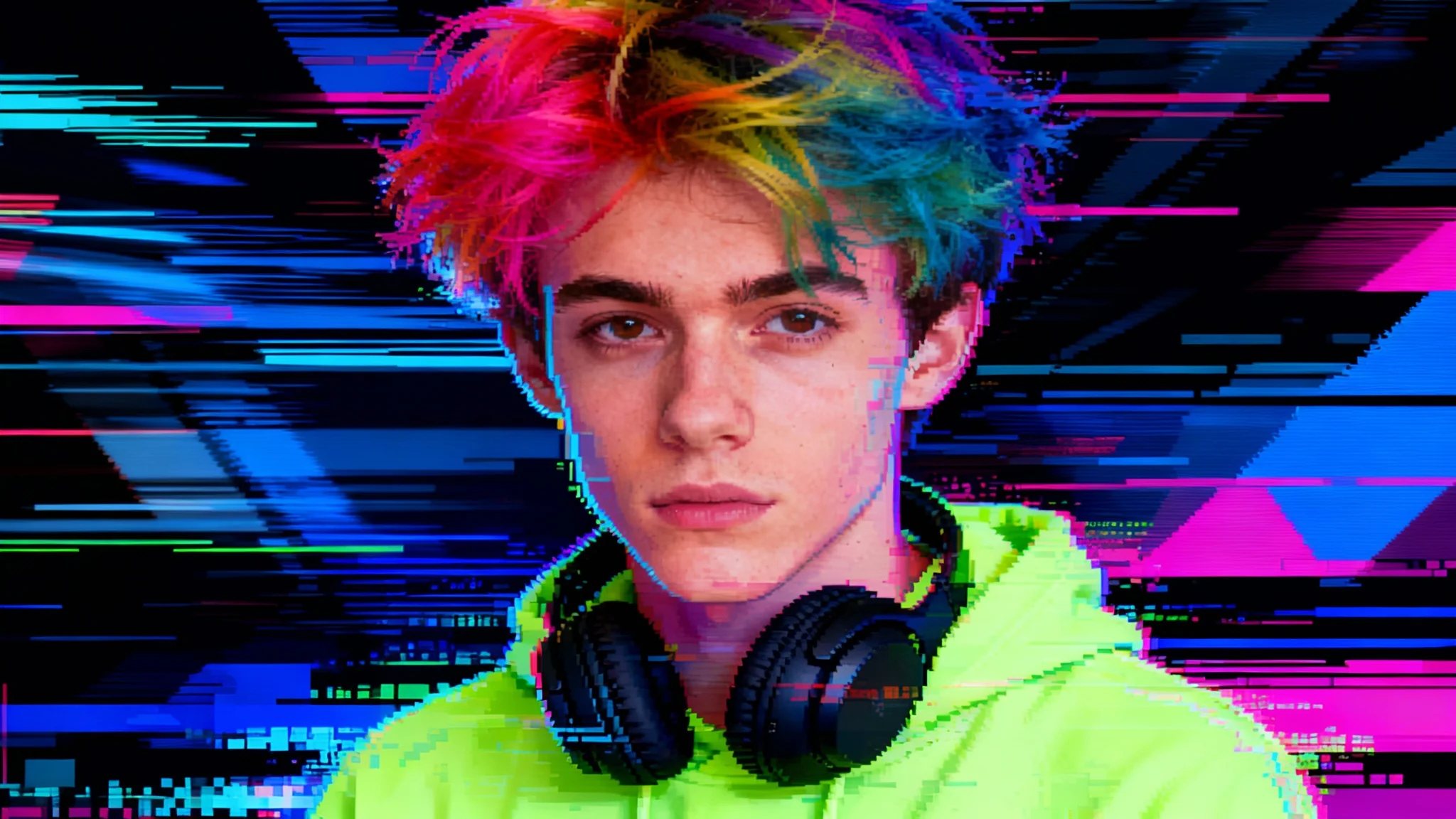
Start by selecting and uploading the portrait you want to transform into a piece of glitch art.
In the text prompt, describe the style of glitch you want. Mention effects like 'color bleed', 'pixelation', 'datamosh', or 'scan lines'.
Click the generate button and our AI will process your image and prompt to create a unique piece of glitch art in seconds.
Your new high-resolution glitch portrait is ready. Download the watermark-free PNG file to share or print.
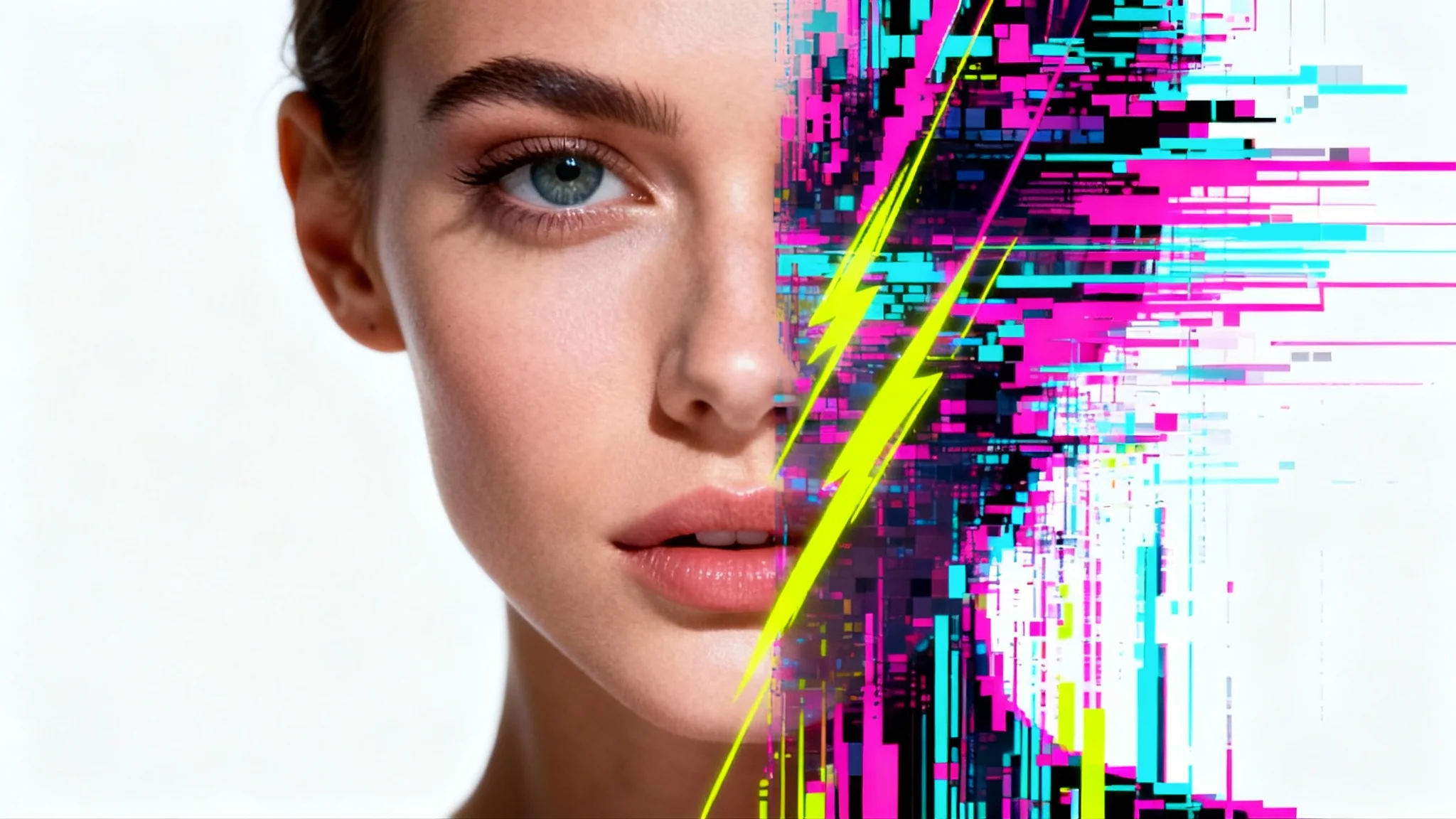
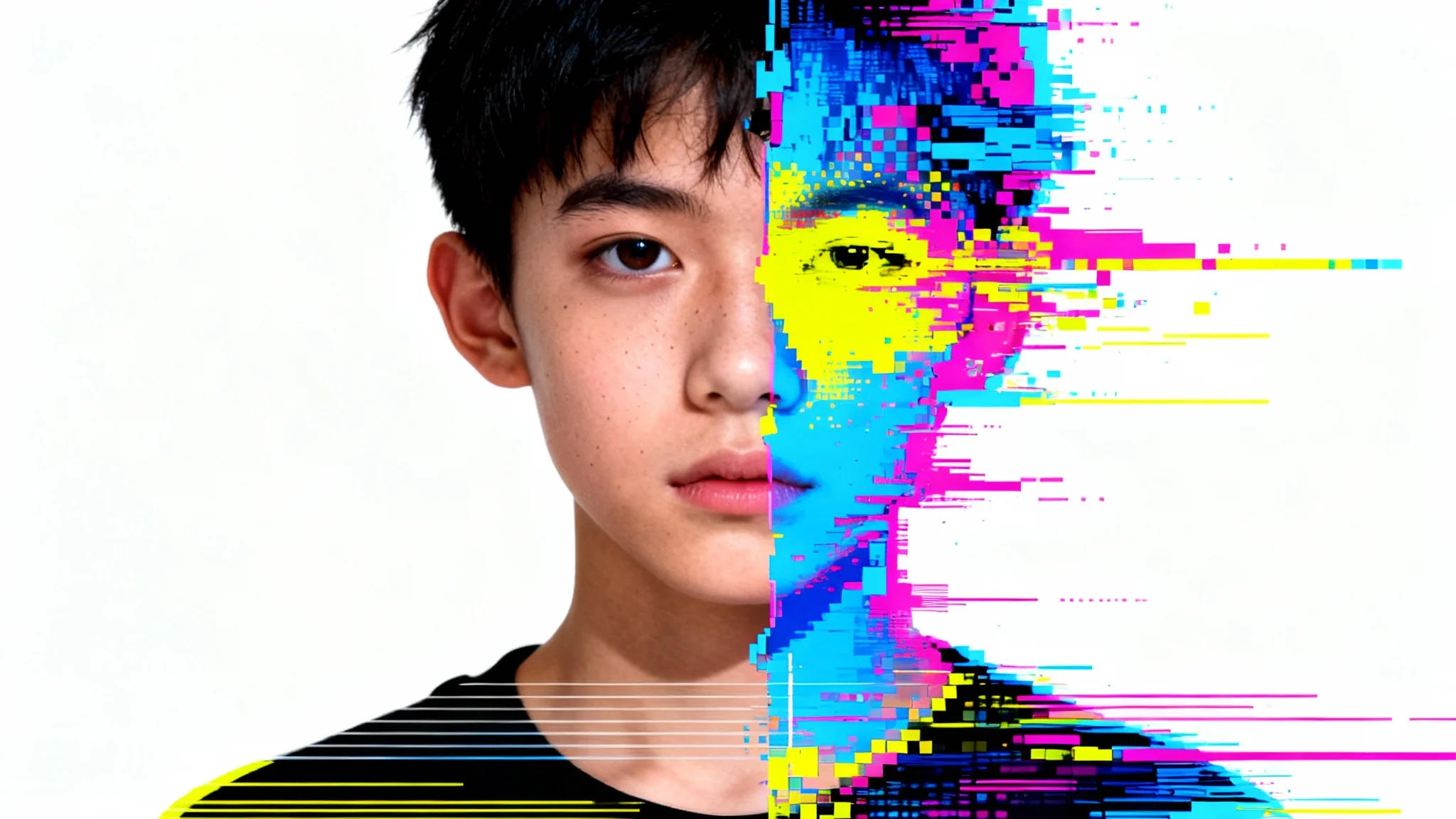

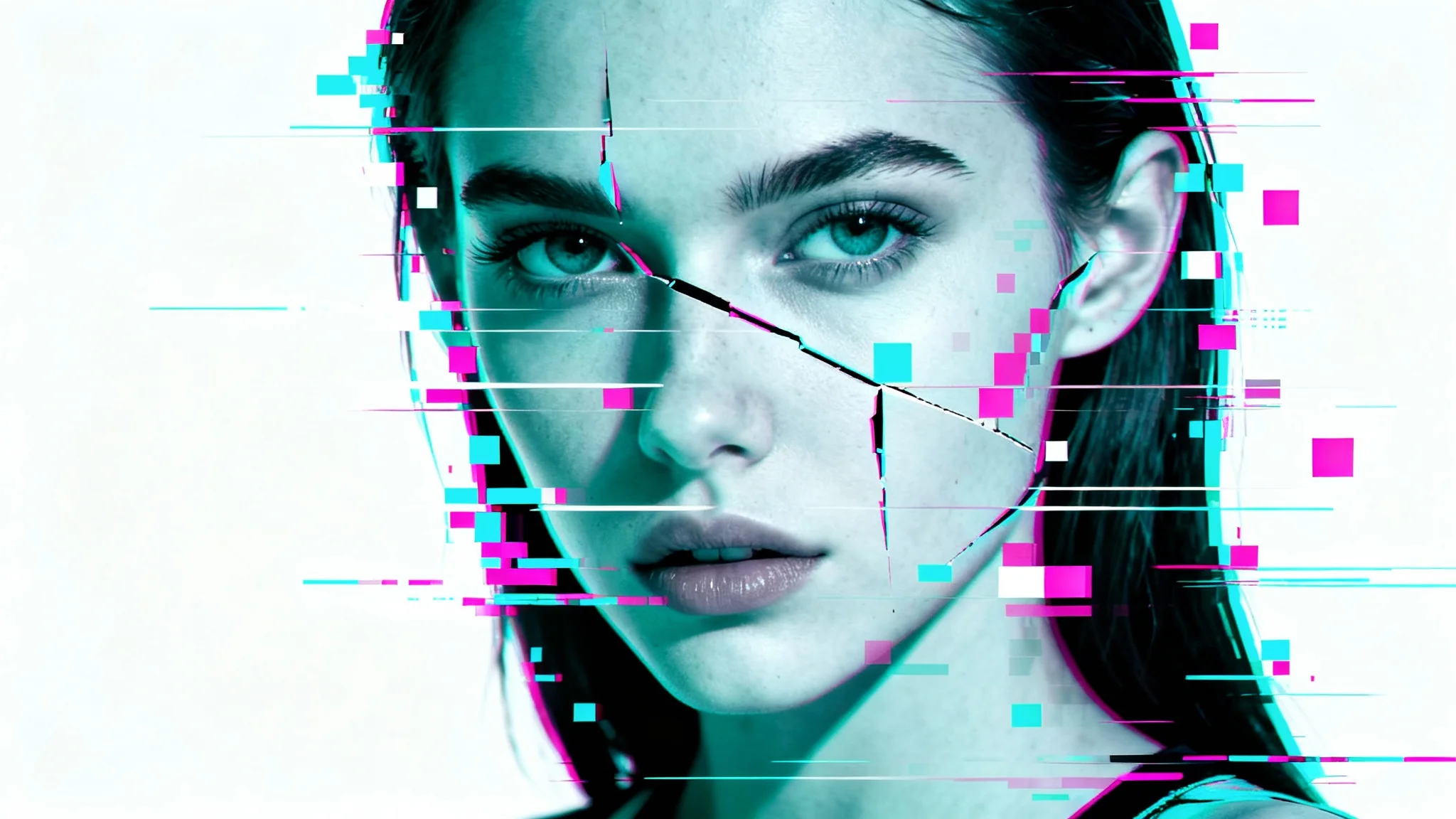
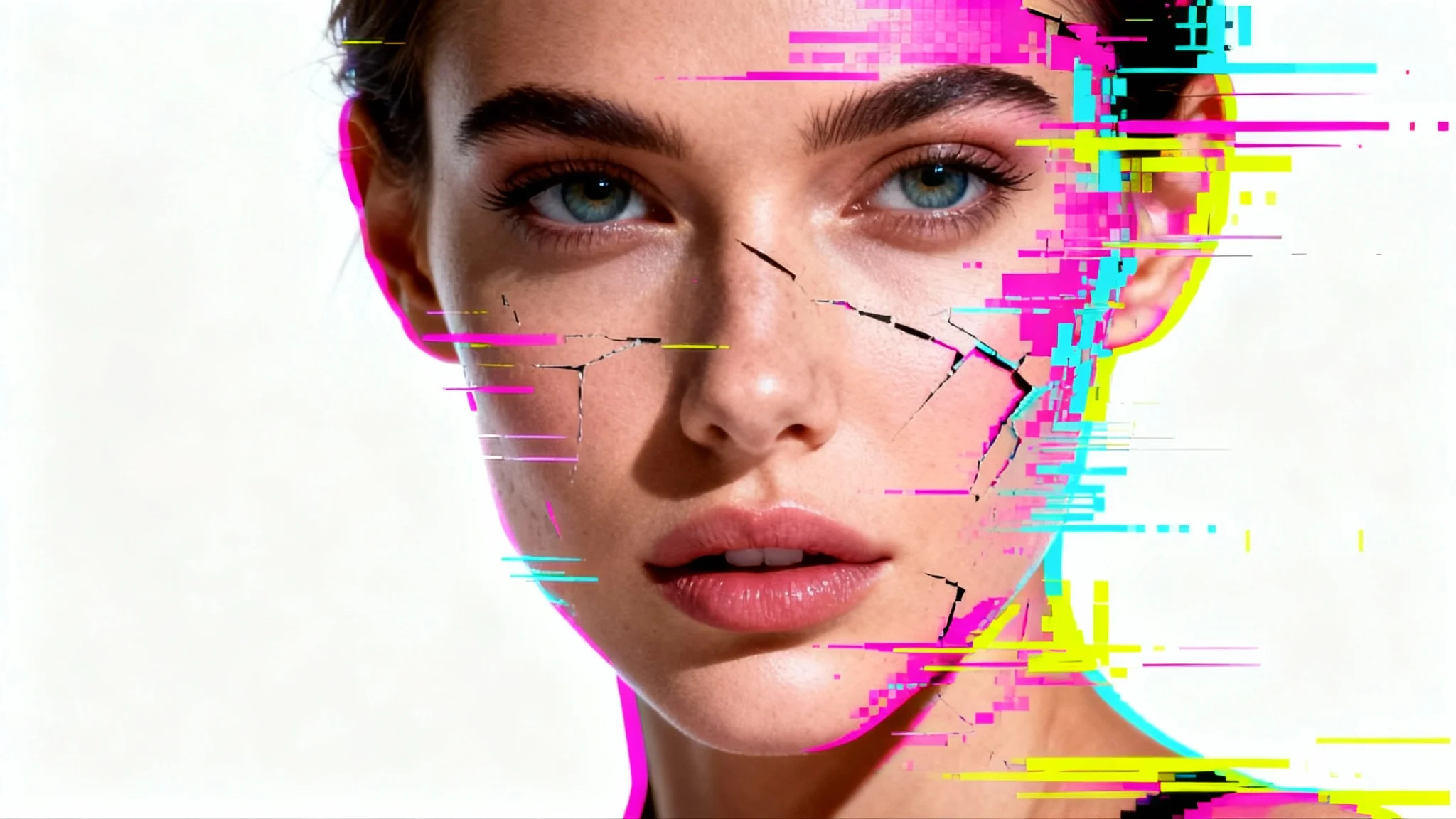











A glitch portrait effect is an artistic style that intentionally simulates digital errors on a photo of a person. These effects can include pixelation, color splitting (RGB shift), scan lines, and other distortions to create a futuristic or retro-tech aesthetic.
Simply upload your portrait, then type a text description of the glitch effect you want. For instance, you could ask for 'VHS static with neon pink and blue color bleeds' or 'heavy pixelation across the eyes'. The AI will then apply your described effect to the image.
Yes, you can control the intensity through your text prompt. Use words like 'subtle glitch' or 'light scan lines' for a minimal effect, or 'heavy digital distortion' and 'chaotic pixel sorting' for a more intense transformation. The more descriptive you are, the more control you have over the final result.
Portraits with a clear subject and a simple background often produce striking results because the distortion stands out more. However, our AI can apply a glitch effect to any uploaded photo, so feel free to experiment with different types of images.
Yes, it is far more advanced. Instead of applying a uniform, preset filter, our AI generates a unique effect based on your specific text description. This gives you significantly more creative freedom to create a one-of-a-kind image that matches your vision.
Absolutely. The glitch effect is a key element of the cyberpunk aesthetic. You can use prompts that include terms like 'neon lighting,' 'futuristic cityscape in the background,' 'holographic elements,' and 'digital noise' to create a compelling cyberpunk portrait.
Yes, you can include instructions in your prompt to add text-based elements to your image. Try describing what you want to see, such as 'add floating digital numbers' or 'overlay with random computer code symbols' to enhance the glitchy theme.
Great app, easy to use. Helps our small business save time and money to create different marketing materials professionally. Thank you.
I need a good background remover for my work and I've been through them all it feels like. This one is the best by far. It's so easy to use and the results always look amazing. Thank you Pixelcut!
It's amazingly easy and gives the perfect results for my bags and accessories. It looks like it was done by a professional photographer.