My favorite app
Great app, easy to use. Helps our small business save time and money to create different marketing materials professionally. Thank you.
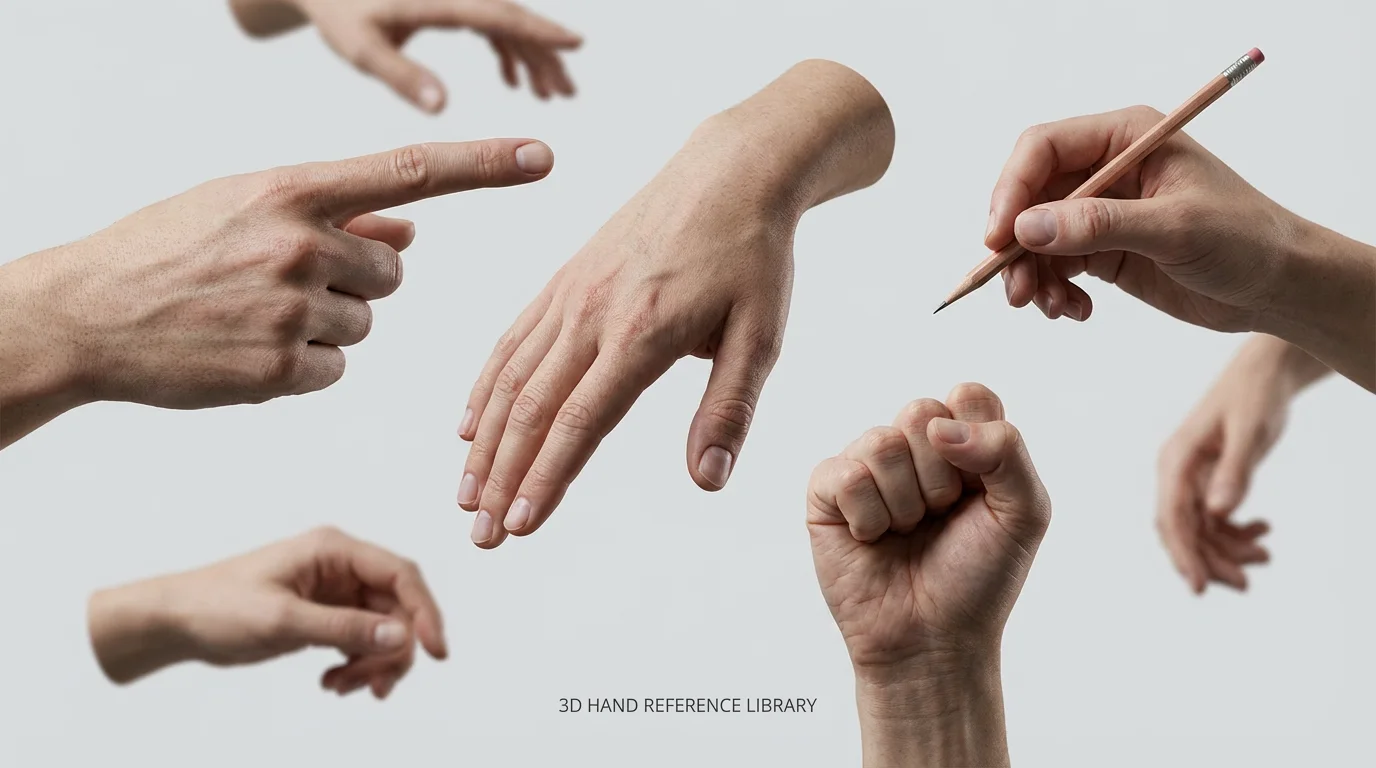
Enter a detailed text prompt describing the hand reference you need. Include the gesture, angle, and any other important details.
Click the generate button and our AI will create a unique hand pose image based on your description in just a few seconds.
Your high-resolution reference image is ready to download for free. Use it to practice your drawing, for a project, or for any creative need.
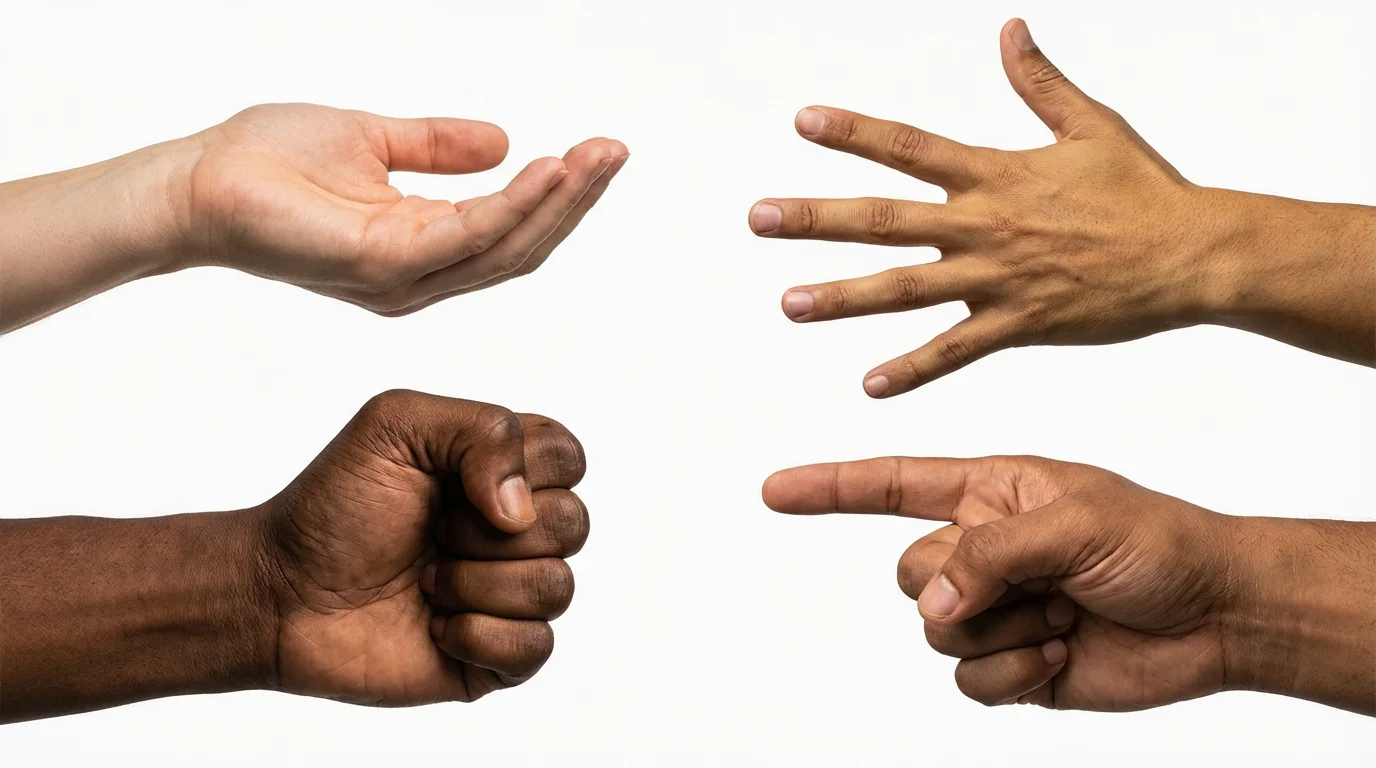
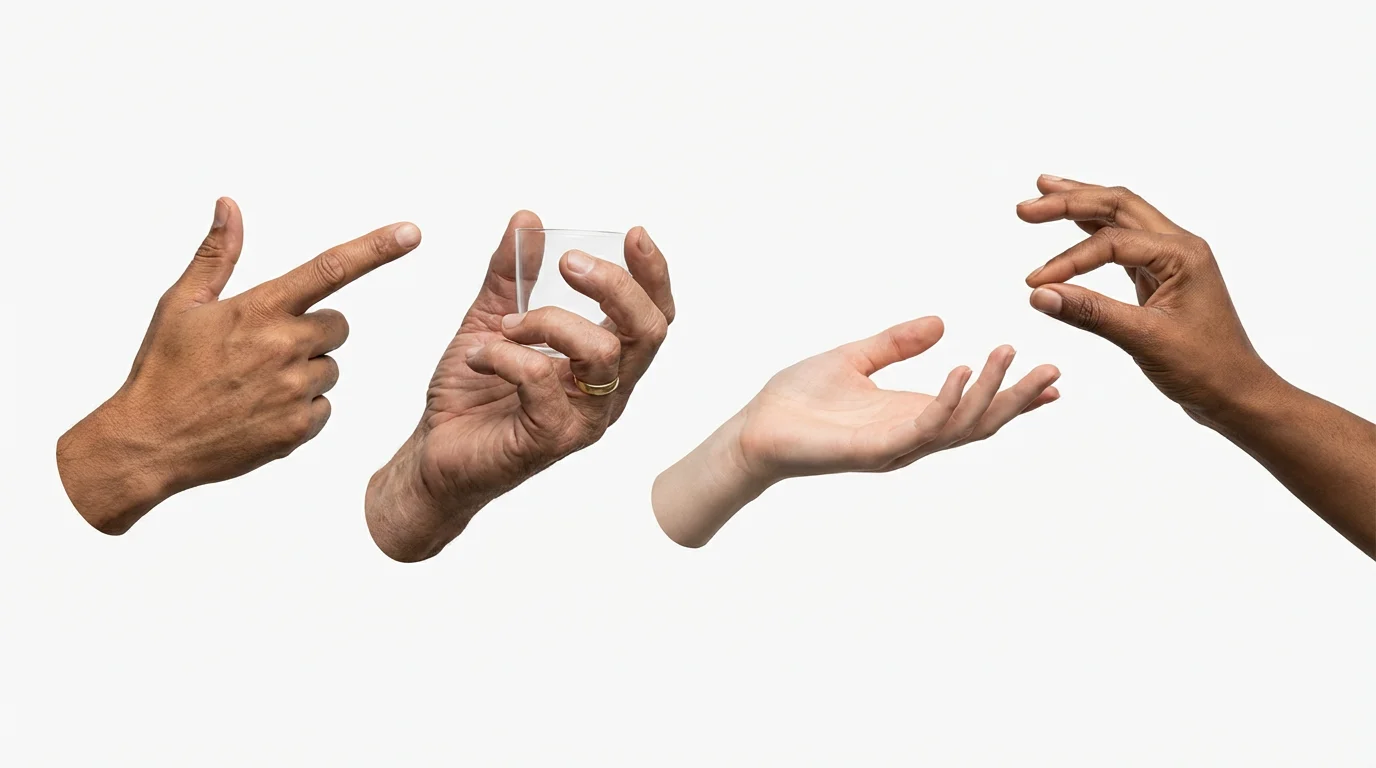
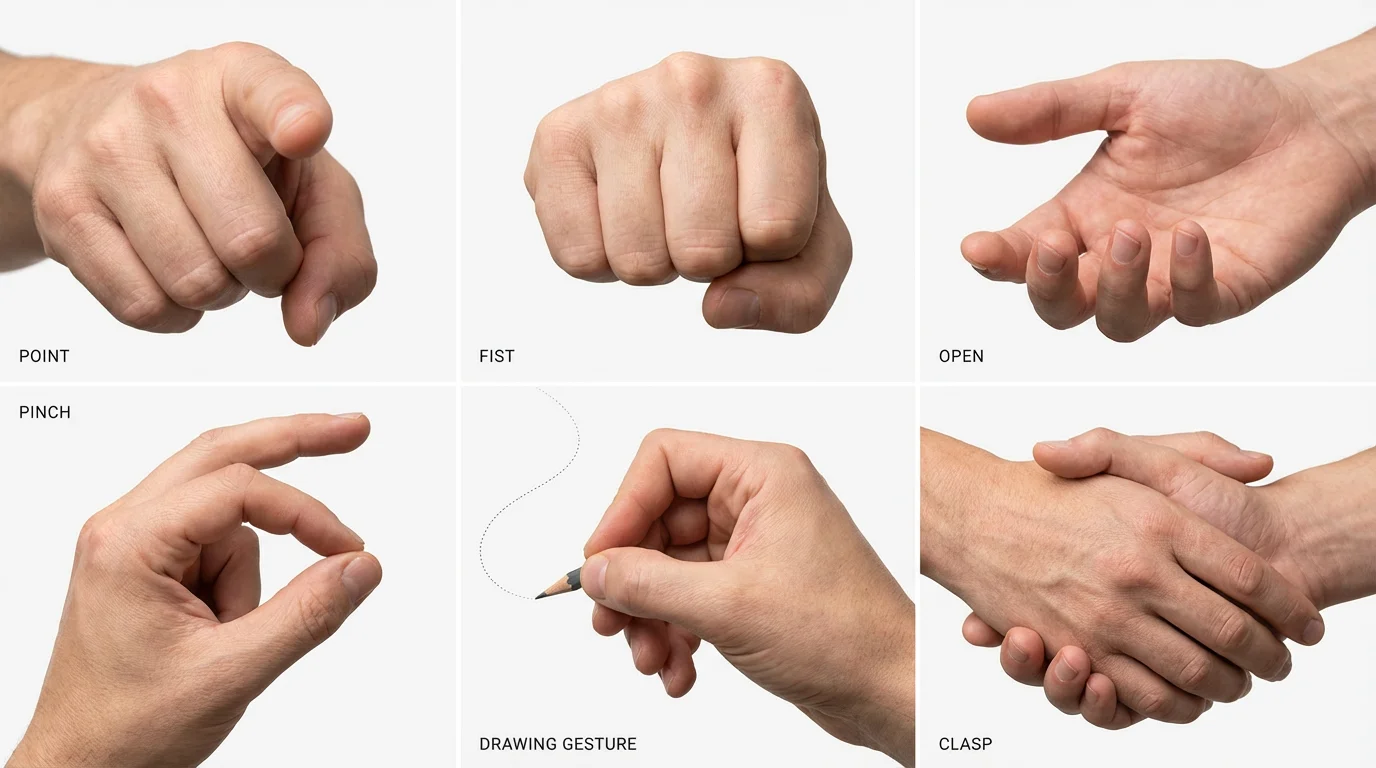
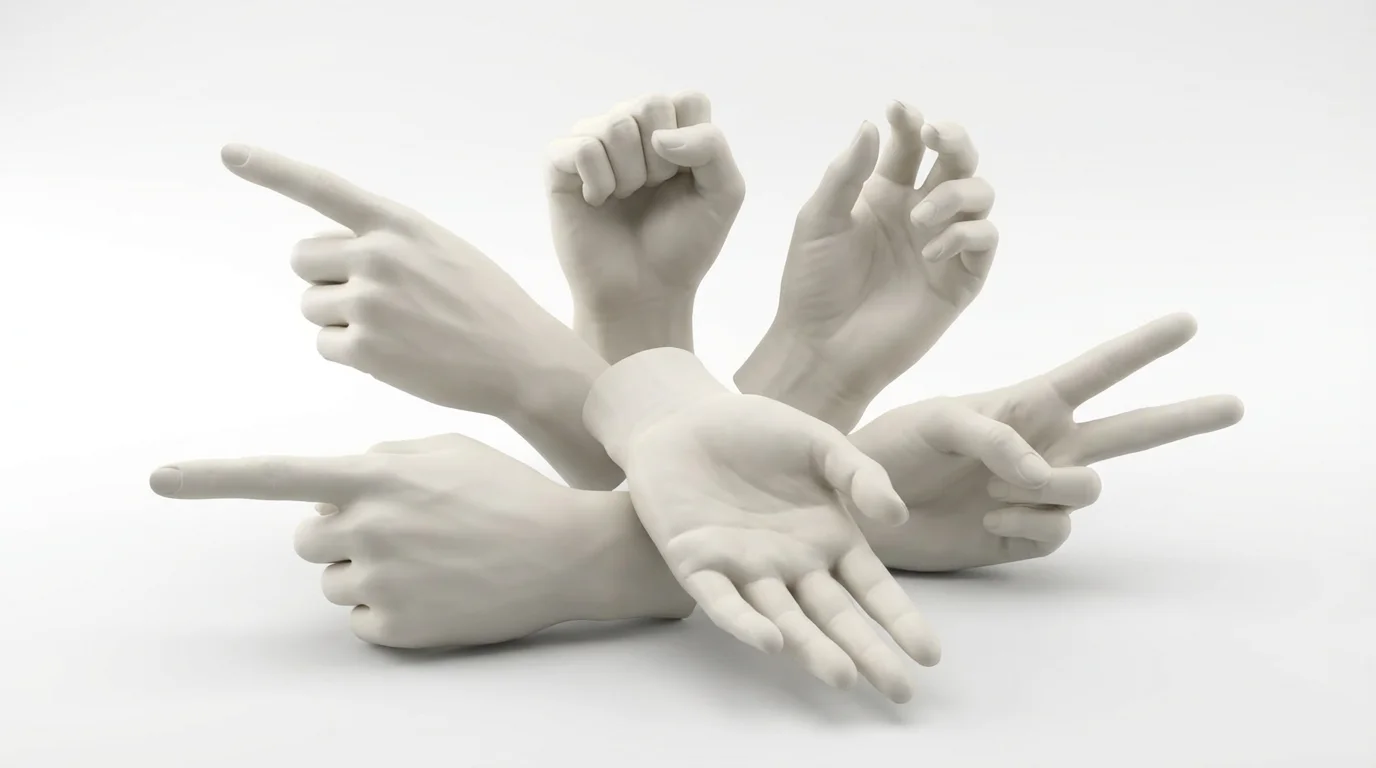
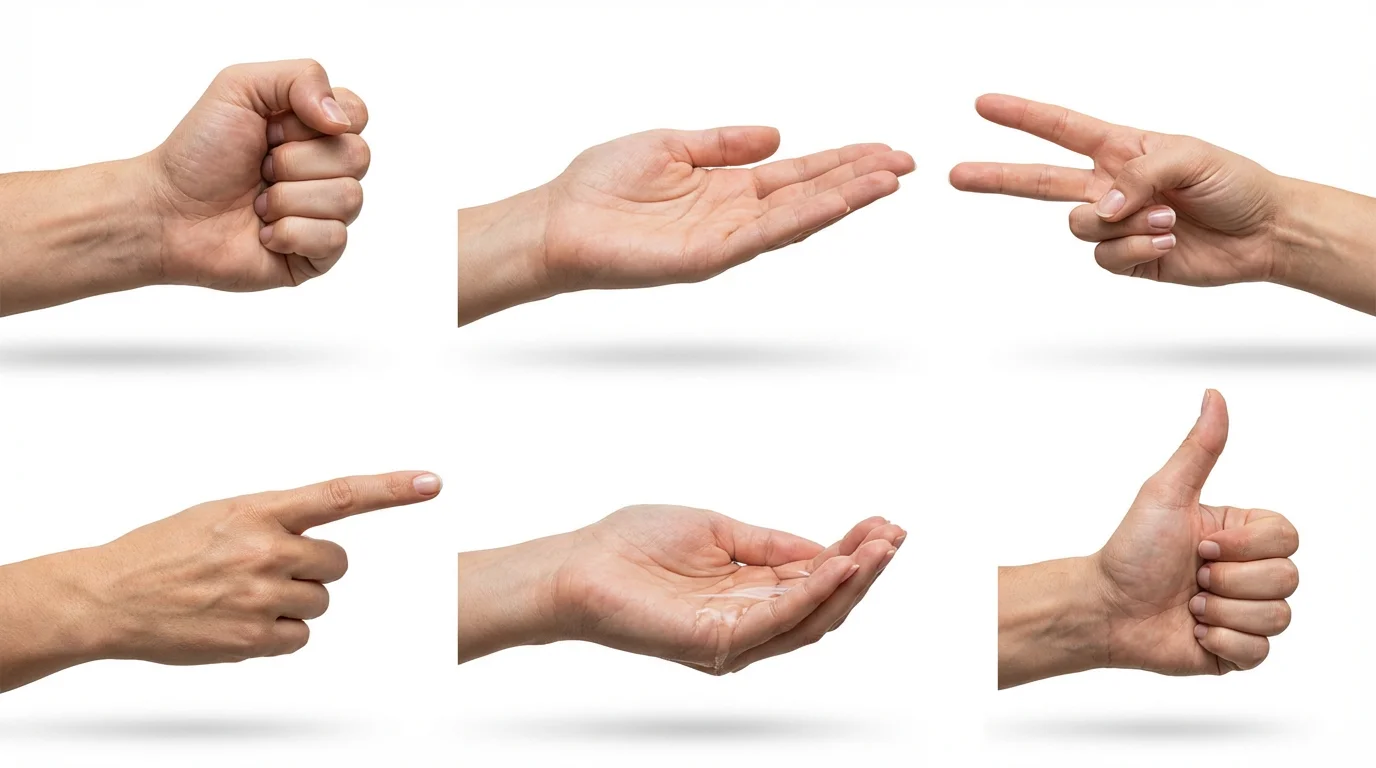
An AI hand pose reference generator is a tool that uses artificial intelligence to create images of hands from text descriptions. Artists and designers can type in details like the gesture, angle, lighting, and any objects involved to get a custom reference image for their work.
By providing an endless variety of anatomically-based references. You can generate specific poses to study challenging angles, foreshortening, and lighting, which helps you build a stronger understanding of hand structure and improves your drawing accuracy over time.
Yes. You can include lighting descriptions in your prompt. For example, you could ask for "dramatic side lighting," "soft, diffused light," or "a hand illuminated by a candle" to get a reference that matches your scene's mood.
Absolutely. Simply describe the object the hand is holding in your prompt, such as "a hand holding a smartphone" or "a hand gripping a baseball bat." The AI will generate a reference image that includes the object.
The AI is trained on a vast amount of data to create poses that are realistic and anatomically plausible. While they are excellent references for artists, they are AI interpretations and should be used as a guide for your artistic studies.
Yes, the tool is free to try. You can generate and download hand reference images for free. After using your initial free credits, you have the option to purchase more to continue creating.
Yes. While the tool excels at realism, you can guide the AI to create stylized hands by including stylistic keywords in your prompt. For example, try adding terms like "anime style," "cartoon hands," or even describe alien or monster hands.
Great app, easy to use. Helps our small business save time and money to create different marketing materials professionally. Thank you.
I need a good background remover for my work and I've been through them all it feels like. This one is the best by far. It's so easy to use and the results always look amazing. Thank you Pixelcut!
It's amazingly easy and gives the perfect results for my bags and accessories. It looks like it was done by a professional photographer.