Pixelcut
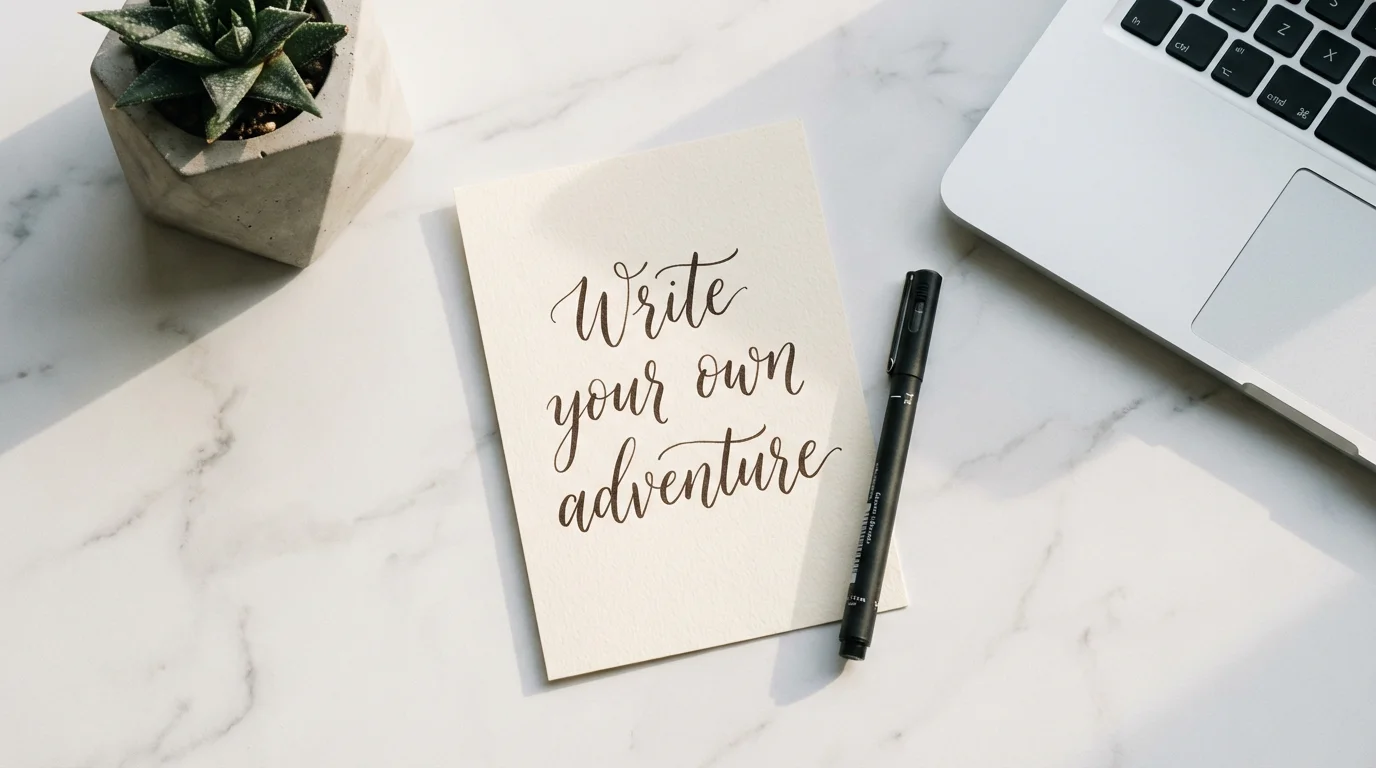
A top-down view of a white marble desk with a card in the center that reads 'Write your own adventure' in a beautiful cursive handwriting style. A pen, a laptop corner, and a small plant are next to the card, creating a clean, modern aesthetic.

AI Handwriting Effect Generator

Trusted by 70 million people
171,800 Reviews
Developer API
Available on iPhone & Android

How to Create a Handwriting Effect

  1. 1

    Enter Your Prompt

    Type the text you want to appear and describe the handwriting style. For example, 'A thank you note in messy cursive on a sticky note'.

  2. 2

    Generate Your Handwriting

    Click the generate button. Our AI will process your request and create a unique image of your handwritten text in just a few seconds.

  3. 3

    Download Your Image

    Your custom handwriting image is ready to download as a high-resolution file. It is watermark-free and can be used for your digital projects.

Instantly create a custom handwritten look without needing special fonts or complex design software. Simply describe the visual you want, and let the AI bring it to life. Ask for elegant cursive, a casual print style, or even a bold marker script. Our generator produces a unique image of your text, saving you the time you would have spent searching for the perfect font. This approach gives you a truly one-of-a-kind graphic that perfectly matches the personality and tone you're aiming for in your project.

Instant Handwritten Text Images

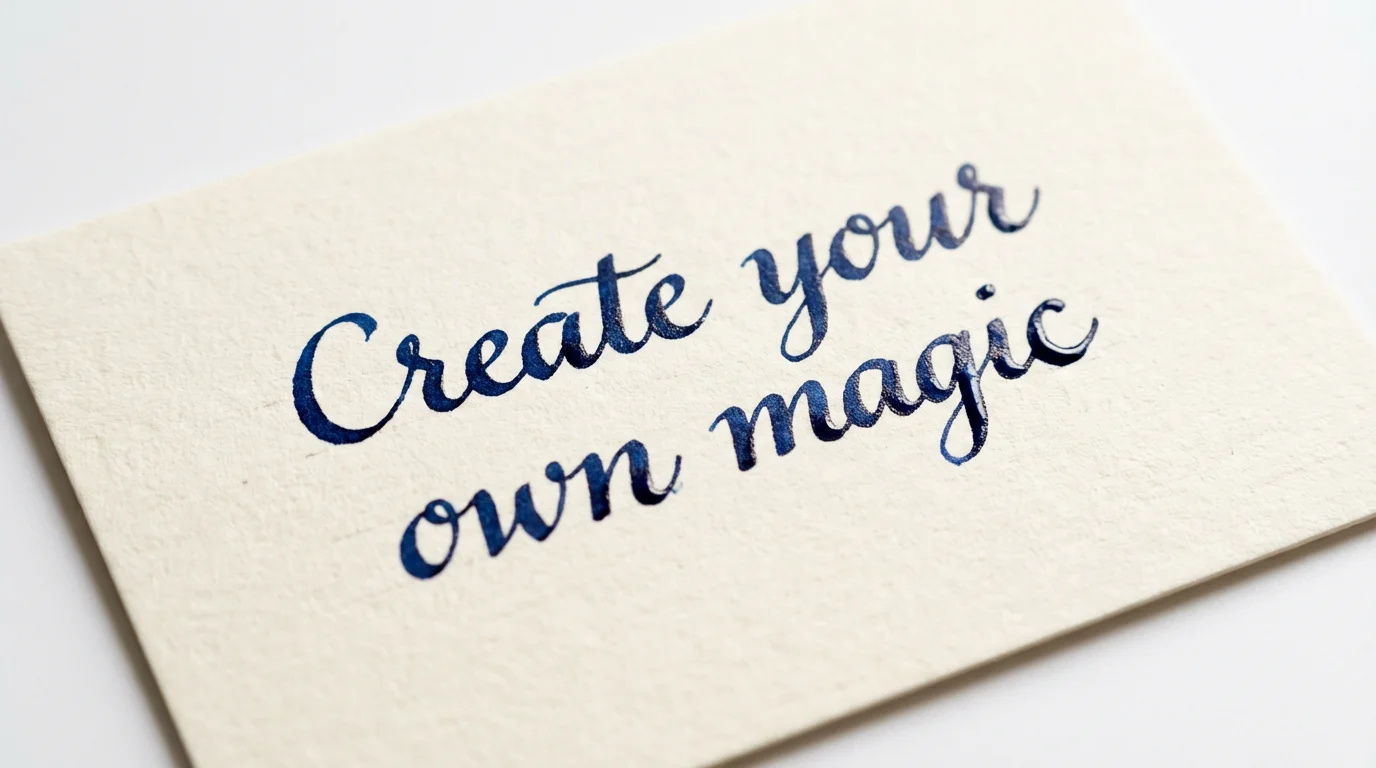
An elegant, handwritten note on textured cream paper with the words 'Create your own magic' written in beautiful dark blue calligraphy, set against a clean white background.
Go beyond standard font packs with complete creative freedom. You can dictate every detail of the handwriting through your text prompt. Specify the writing style, like 'bubbly print' or 'sharp cursive'. Describe the writing tool, such as an 'ink pen', 'fine-point marker', or 'chalk'. You can even set the scene by defining the background, like 'on a sticky note', 'a foggy window', or 'a classroom blackboard'. This allows for a level of personalized detail that simple generators cannot match.

Full Creative Control Over Your Style

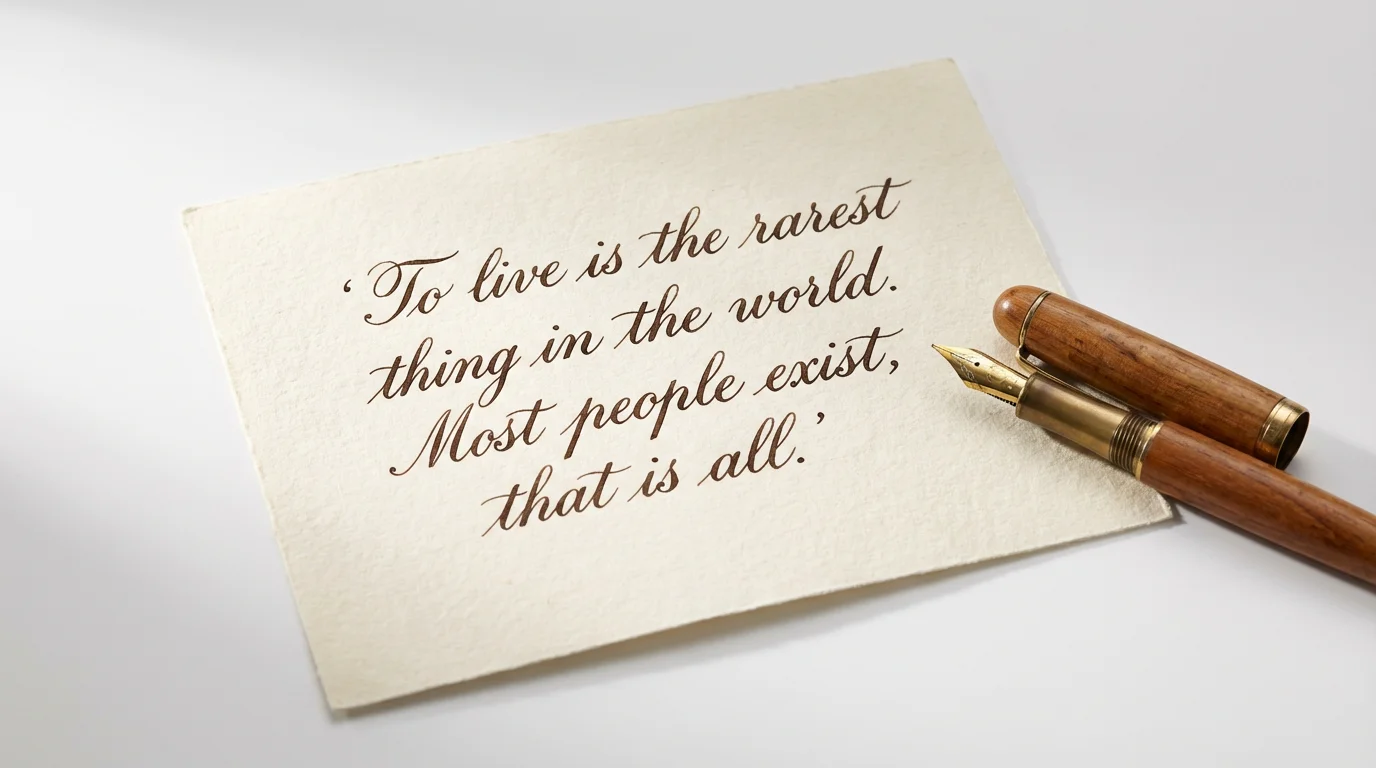
A photorealistic image of a handwritten note on cream-colored paper against a white background. The note, written in elegant cursive, reads, 'To live is the rarest thing in the world. Most people exist, that is all.' A fountain pen lies next to it.
Our AI handwriting effect generator creates visuals that capture the natural imperfections of real penmanship. Unlike static fonts that can appear repetitive and sterile, our tool introduces subtle variations each time you generate an image, making the result feel more organic and authentic. This is perfect for adding a personal touch to digital greeting cards, creating unique quote graphics for your blog, or designing social media content that stands out with a warm, human element that feels genuine.

Generate Genuinely Authentic Handwriting

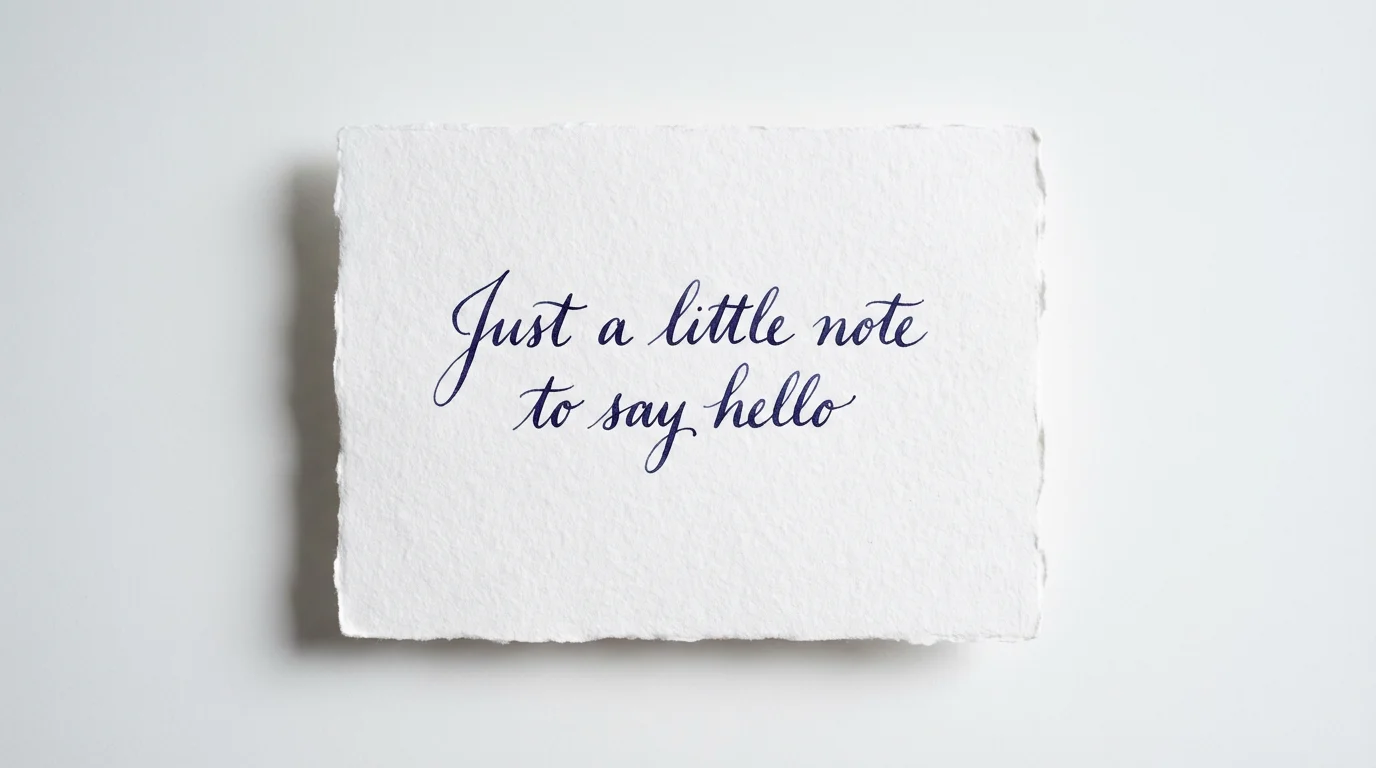
A mockup showing a piece of paper on a white background with the text 'Just a little note to say hello' written in an elegant, realistic handwriting effect.
It’s Fast: Go from an idea to a finished image in seconds. It’s Simple: No need to browse fonts; just describe the style you want. AI-Powered: Our tool generates a unique image with realistic variations, not just a standard font. Easy to Use: If you can describe it, you can create it. Anyone can produce beautiful handwritten text. Use It Anywhere: Download your high-resolution, watermark-free image and use it for personal or commercial projects, from digital cards to marketing materials.

Why use Pixelcut's AI Handwriting Effect Generator?

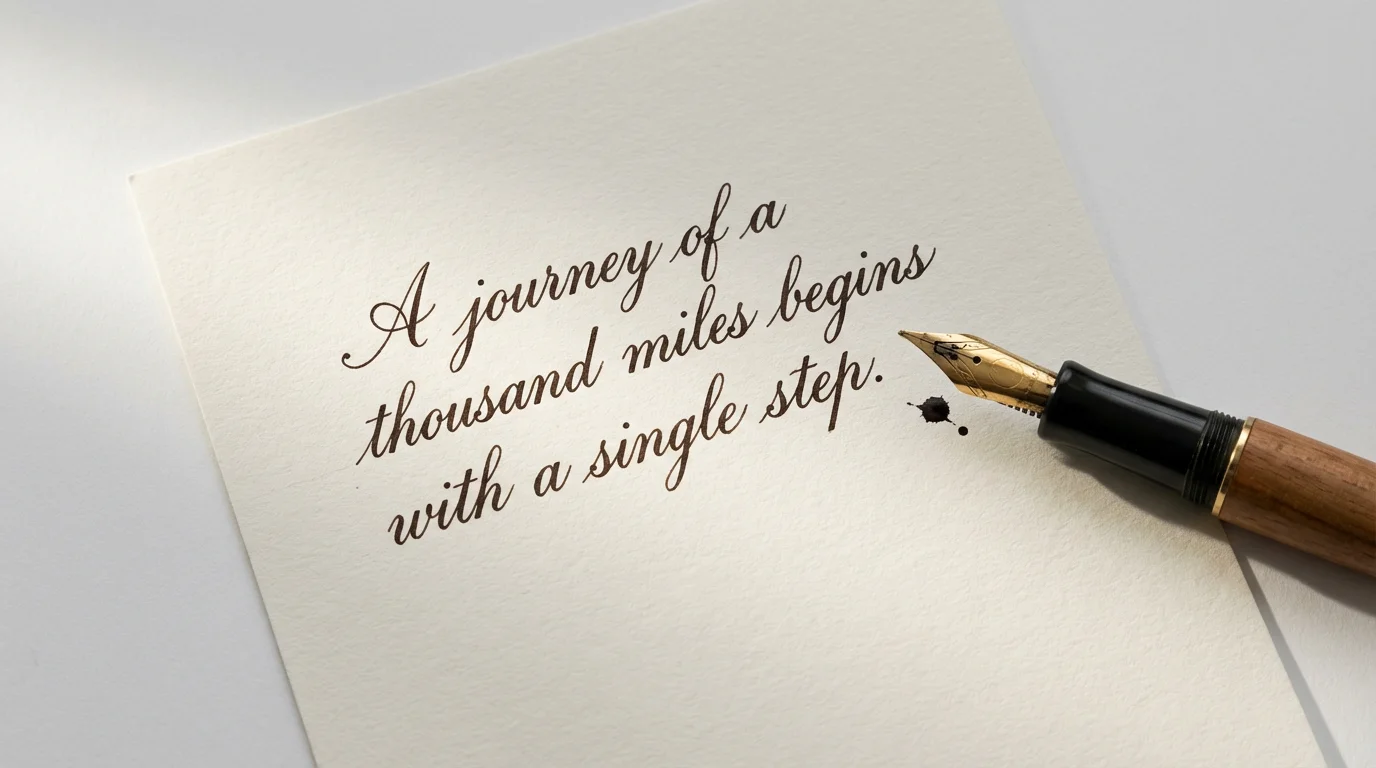
A flat lay image showing a piece of paper with elegant handwriting that reads 'A journey of a thousand miles begins with a single step.', next to a fountain pen, demonstrating a handwriting effect.
Digital Communications: Add a personal touch to emails or thank-you notes with a custom handwritten sign-off. Social Media Content: Create eye-catching quote graphics, story posts, or announcements that feel authentic and engaging. Marketing Materials: Design unique text elements for promotional images, ads, or website banners. Event Invitations: Craft beautiful, personalized text for digital wedding invitations, party announcements, or greeting cards. Creative Projects: Generate text for scrapbooking, journaling, or any design work.

Handwriting Effect Use Cases

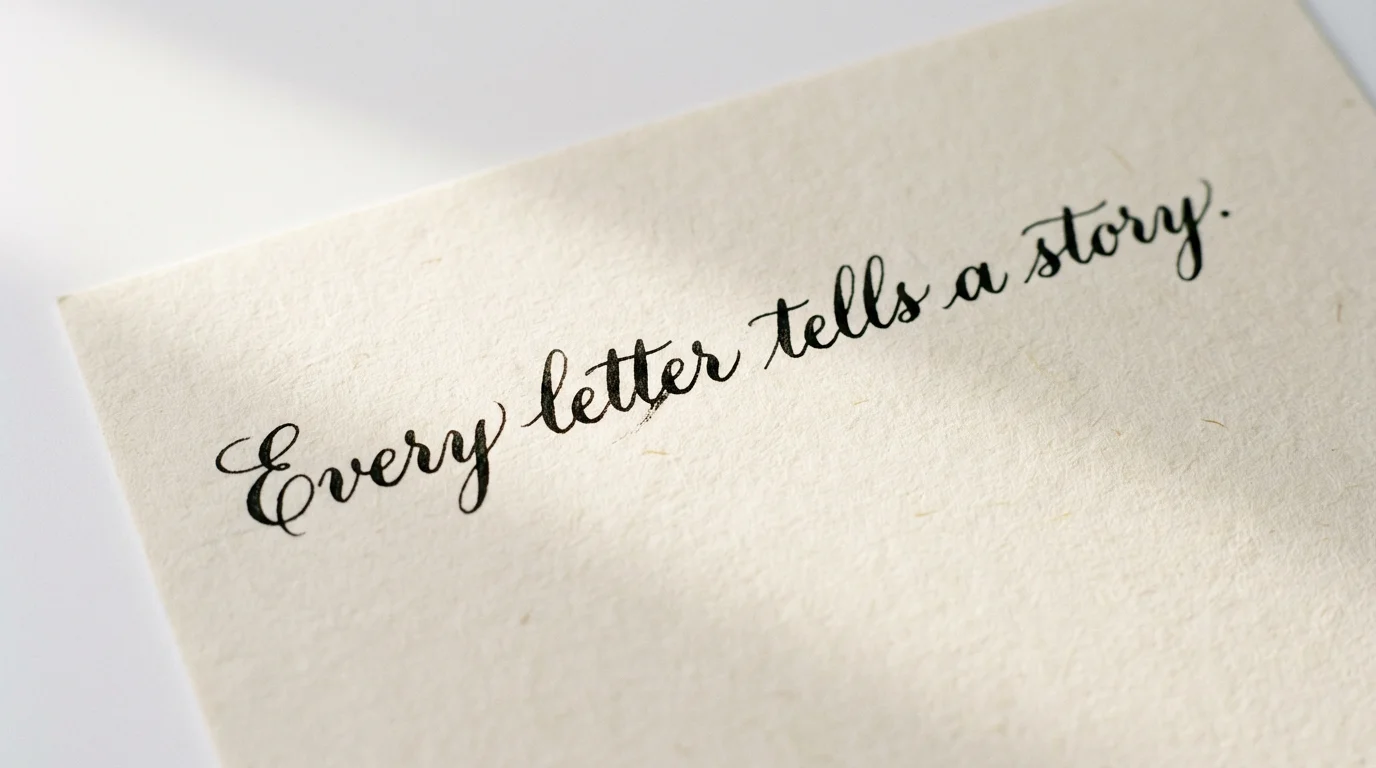
A close-up image of a handwritten note on cream paper against a white background. The note, written in elegant black cursive ink, says 'Every letter tells a story,' demonstrating a handwriting effect.

Frequently Asked Questions

Pixelcut is loved by over 2 million people

  • My favorite app

    Great app, easy to use. Helps our small business save time and money to create different marketing materials professionally. Thank you.
    Shaelyn D.
  • Best background remover

    I need a good background remover for my work and I've been through them all it feels like. This one is the best by far. It's so easy to use and the results always look amazing. Thank you Pixelcut!
    Kira H.
  • Love it

    It's amazingly easy and gives the perfect results for my bags and accessories. It looks like it was done by a professional photographer.
    Mary J.