Pixelcut
A demonstration of a hex color extractor tool, showing a photo of a colorful toucan next to a five-color palette with hex codes derived from the bird and its surroundings.

AI Hex Color Extractor from Image

Trusted by 70 million people
171,800 Reviews
Developer API
Available on iPhone & Android

How to Extract Hex Codes from an Image

  1. 1

    Upload your image

    Choose the photo, logo, or design file you want to analyze. The tool supports common image formats.

  2. 2

    Enter your prompt

    Tell the AI what you need. For example, type 'extract the colors from the sunset' to get a palette.

  3. 3

    Generate hex codes

    With one click, the AI will process your image and present the colors along with their exact hex codes.

  4. 4

    Use your new colors

    Your color palette is ready. Copy the hex codes and use them in your website's CSS, design software, or any other project.

Stop guessing which colors to use and start creating with confidence. Our AI tool lets you upload any image and instantly pulls the exact hex codes. Whether it’s a photograph, a piece of digital art, or a brand logo, you get precise color data in seconds. This streamlines your workflow, allowing you to move from inspiration to execution without delay. Perfect for designers who need to match brand colors or artists looking to capture the mood of a specific photo for their next digital creation.

Instant Color Identification from Any Image

A conceptual mockup for a hex color extractor, showing a macro photo of a colorful chameleon's eye on the left and a corresponding palette of four circular color swatches with their hex codes on the right.
Turn your favorite images into stunning, workable color schemes. Our hex color extractor doesn't just pull a single color; it can generate a full palette that reflects the harmony of the original image. This is ideal for UI/UX designers building an app interface, marketers creating a consistent social media feed, or interior designers planning a room's aesthetic. Use any visual as your starting point and let our AI build a balanced and attractive palette that you can apply directly to your work.

Create Cohesive Color Palettes

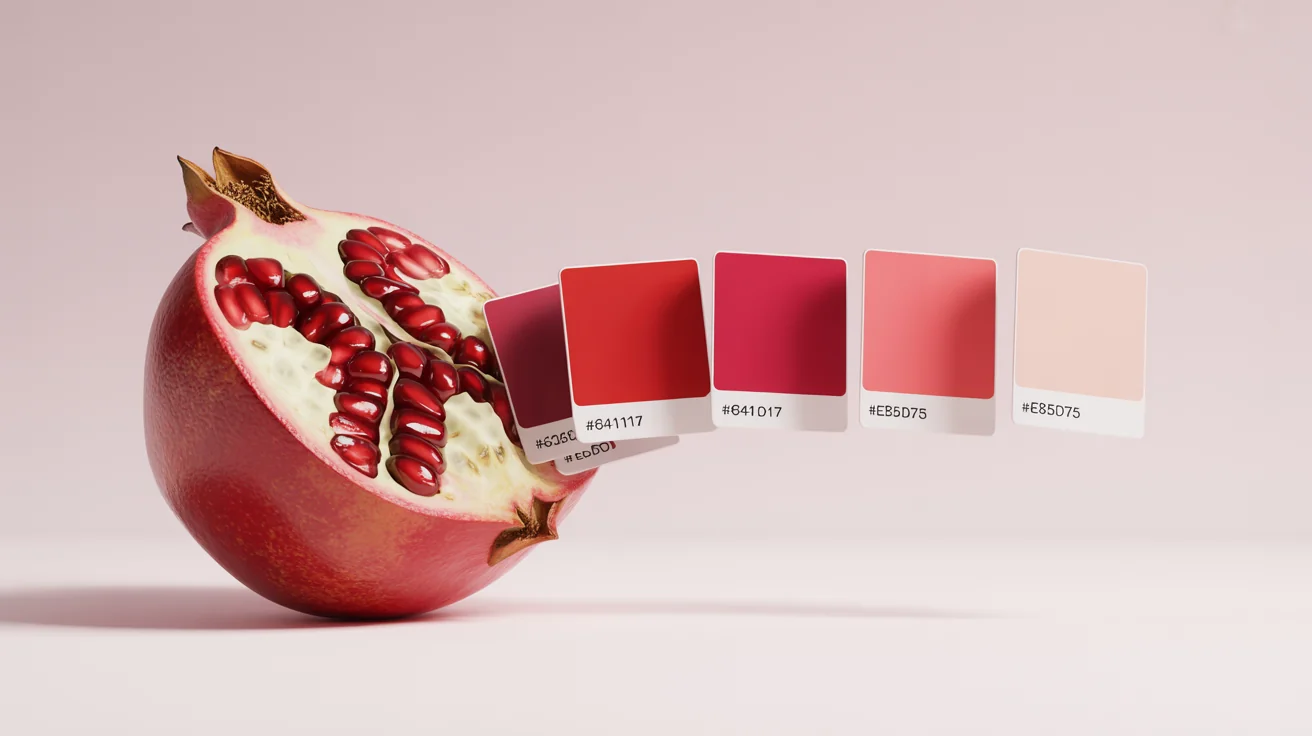
A photorealistic image of a split-open pomegranate on a white background, with a palette of color swatches ranging from deep red to pink floating beside it, each with a hex code, illustrating a hex color extractor.
Bridge the gap between visual inspiration and digital implementation. For web developers and digital designers, color accuracy is key. Our tool provides the exact six-digit hex codes that you can copy and paste directly into your CSS, HTML, or design software. This removes any margin for error, ensuring the colors you see in your inspiration image are the exact colors that appear on your website or app. It's an essential utility for maintaining brand consistency and achieving a professional, polished look across all digital platforms.

Precision for Developers and Designers

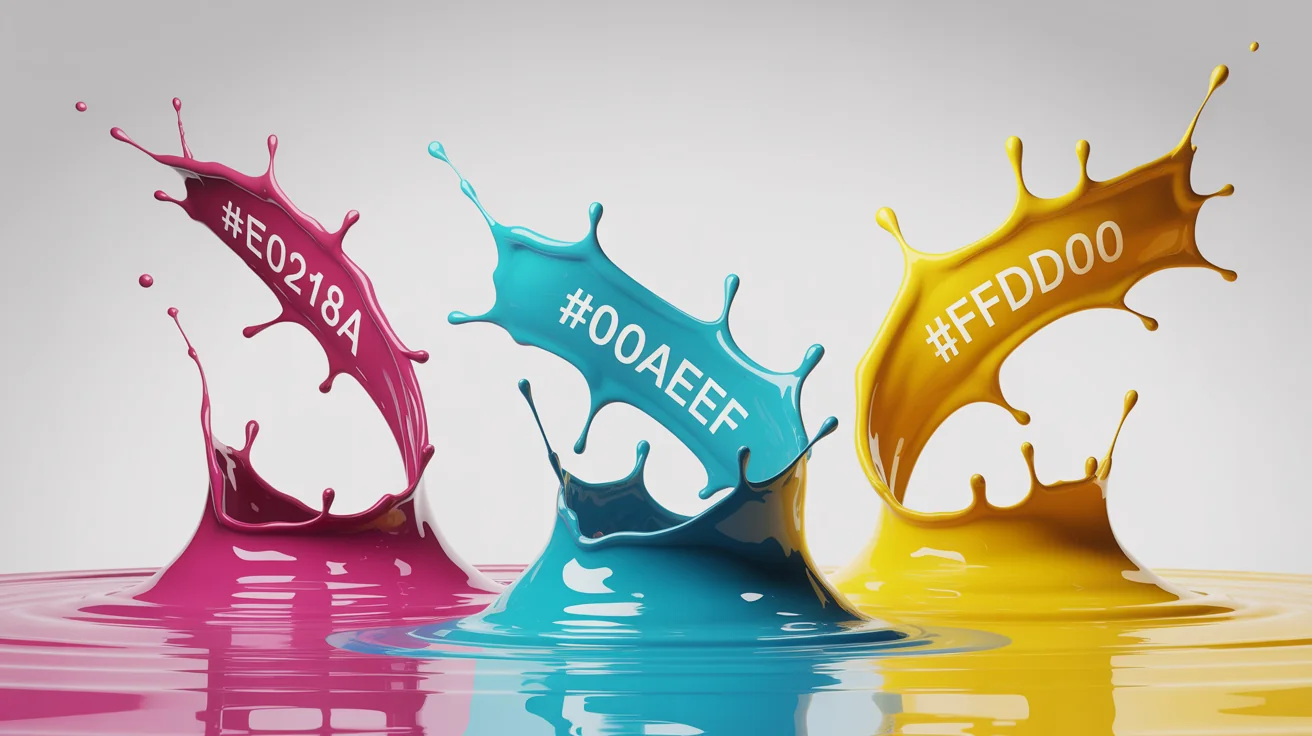
An abstract image representing a hex color extractor. Three dynamic splashes of liquid paint, magenta, cyan, and yellow, are frozen in mid-air against a white background. Next to each color splash floats its corresponding hex code.
It’s Fast: Go from image to hex codes in just a few seconds. It’s Precise: Get the exact hex values for perfect color matching in any project. AI-Powered: Our tool intelligently analyzes your image to identify the most relevant and harmonious colors. Easy to Use: The process is simple. Upload an image, give a simple command, and get your colors. Universal Application: Whether for web development, graphic design, or digital art, the extracted color codes are ready for immediate use in any software.

Why use Pixelcut's AI Hex Color Extractor?

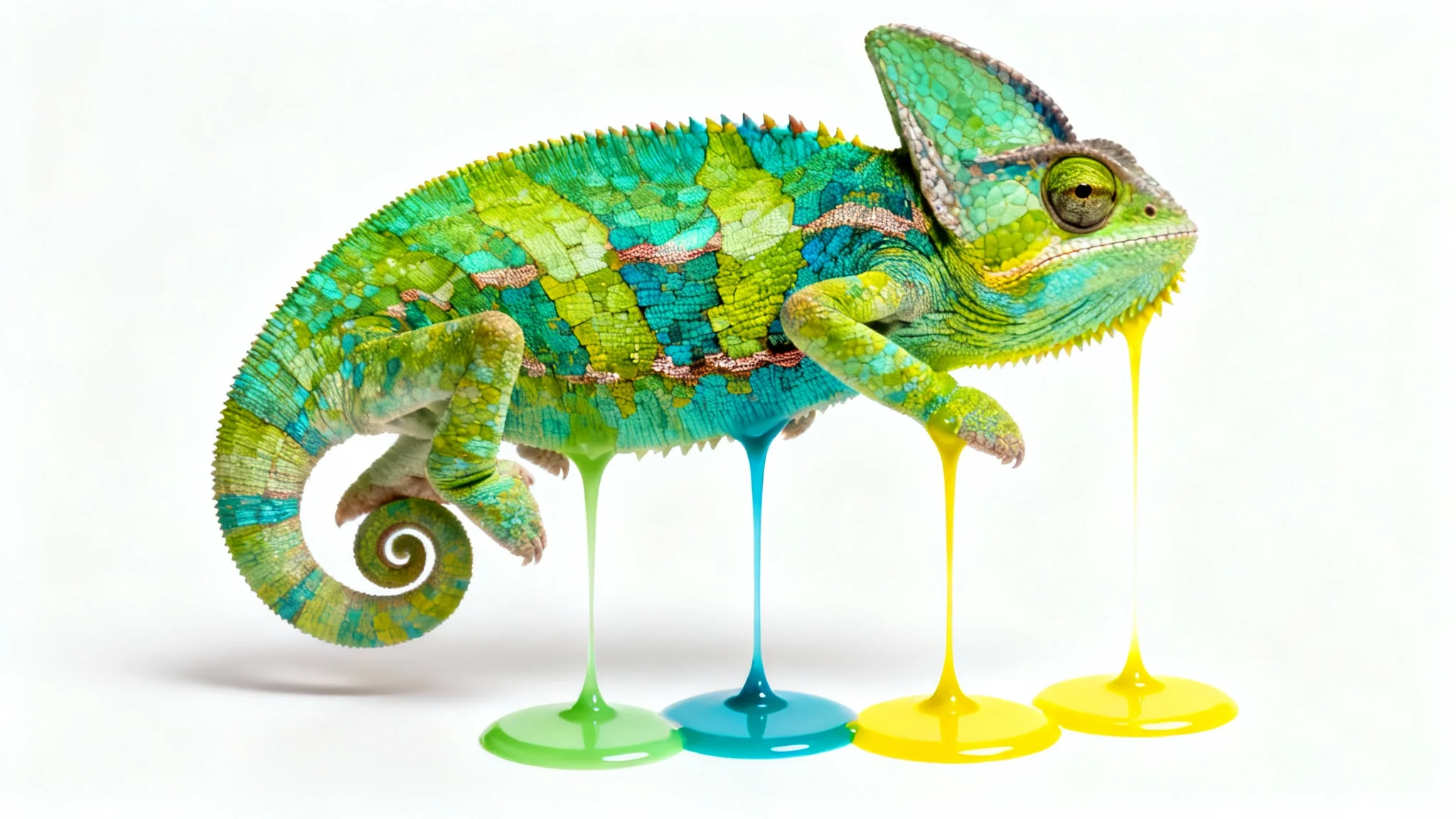
An ultra-realistic image of a colorful chameleon on a white background. Streams of color are being pulled from its skin, forming perfect circular color swatches to its side, visually representing a hex color extractor.
Web & App Development: Ensure absolute color consistency by grabbing hex codes from design mockups for your CSS. Graphic Design: Create beautiful and cohesive marketing materials, logos, and social media graphics based on inspirational images. Brand Management: Maintain brand integrity by accurately identifying and documenting official brand colors from logos and style guides. Digital Artistry: Build a custom color palette for your illustrations or digital paintings by sampling colors from photographs and other artwork.

Hex Color Extractor Use Cases

A colorful chameleon on a white background, with streams of primary colors like blue, green, yellow, and orange flowing from its body into circular color swatches, representing a hex color extractor.

Frequently Asked Questions

Pixelcut is loved by over 2 million people

  • My favorite app

    Great app, easy to use. Helps our small business save time and money to create different marketing materials professionally. Thank you.
    Shaelyn D.
  • Best background remover

    I need a good background remover for my work and I've been through them all it feels like. This one is the best by far. It's so easy to use and the results always look amazing. Thank you Pixelcut!
    Kira H.
  • Love it

    It's amazingly easy and gives the perfect results for my bags and accessories. It looks like it was done by a professional photographer.
    Mary J.