My favorite app
Great app, easy to use. Helps our small business save time and money to create different marketing materials professionally. Thank you.
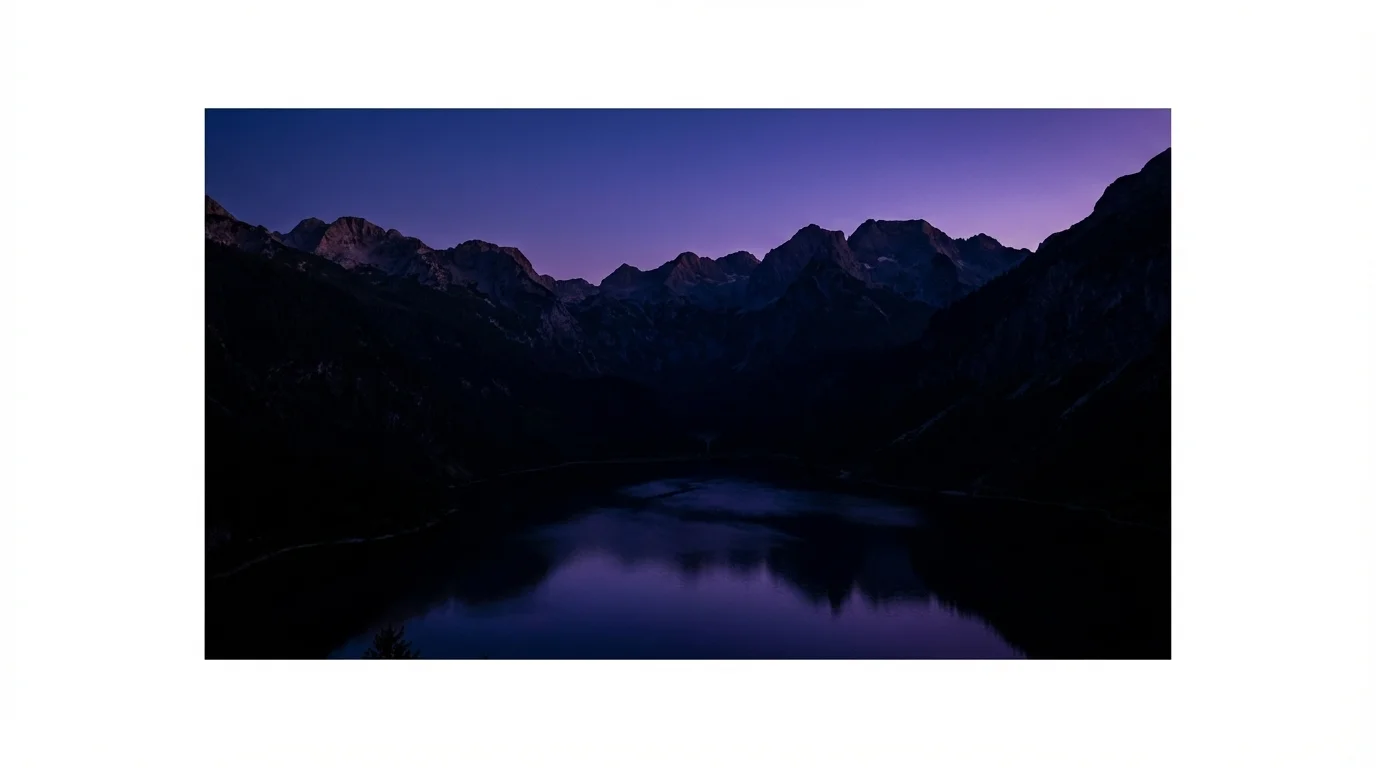
Start by uploading the photo you want to darken. You can drag and drop it directly onto the page or browse your files.
In the text box, describe how you'd like to change the brightness. Be specific, like 'make this photo look like it was taken on a cloudy day'.
Click the generate button and our AI will process your image and prompt to create a perfectly darkened version for you in seconds.
Your edited, high-resolution photo is ready to be downloaded. Save it to your device and use it wherever you like, watermark-free.
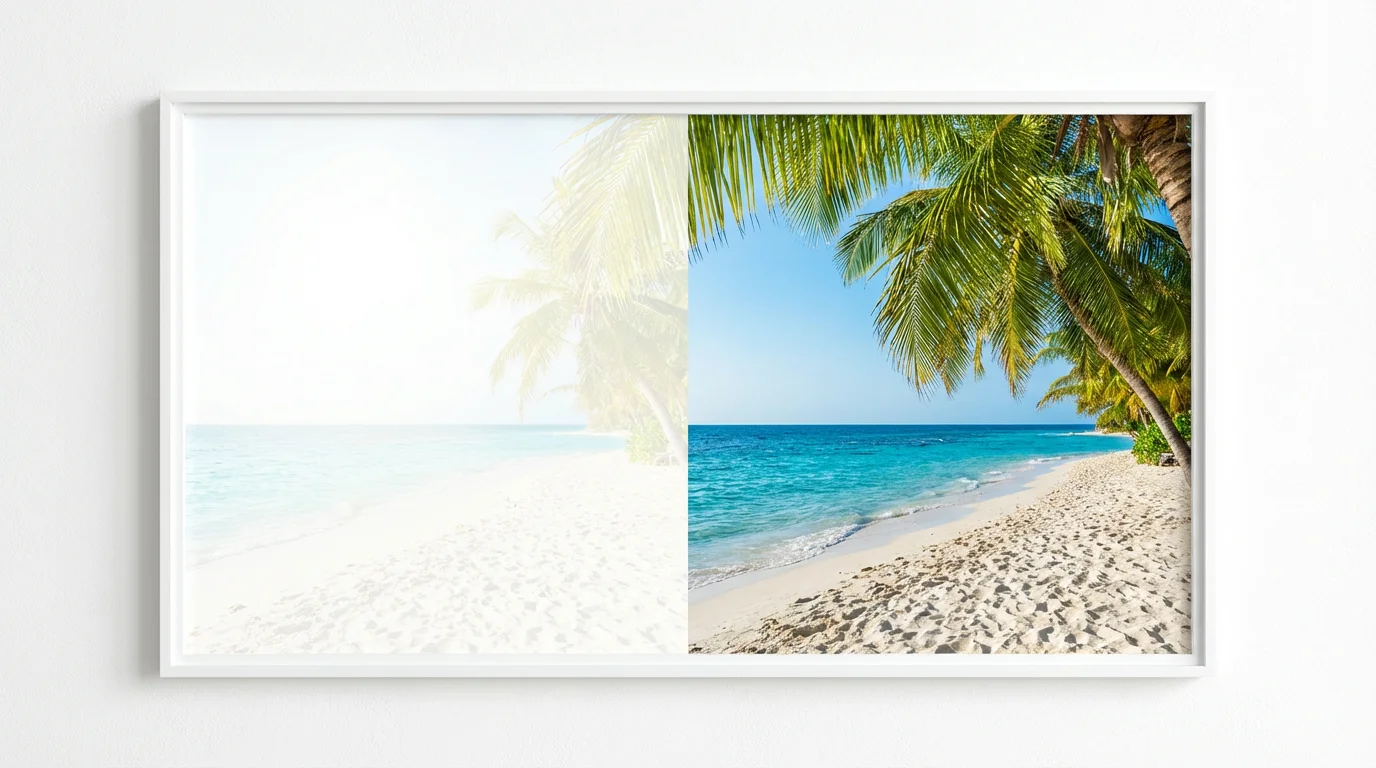
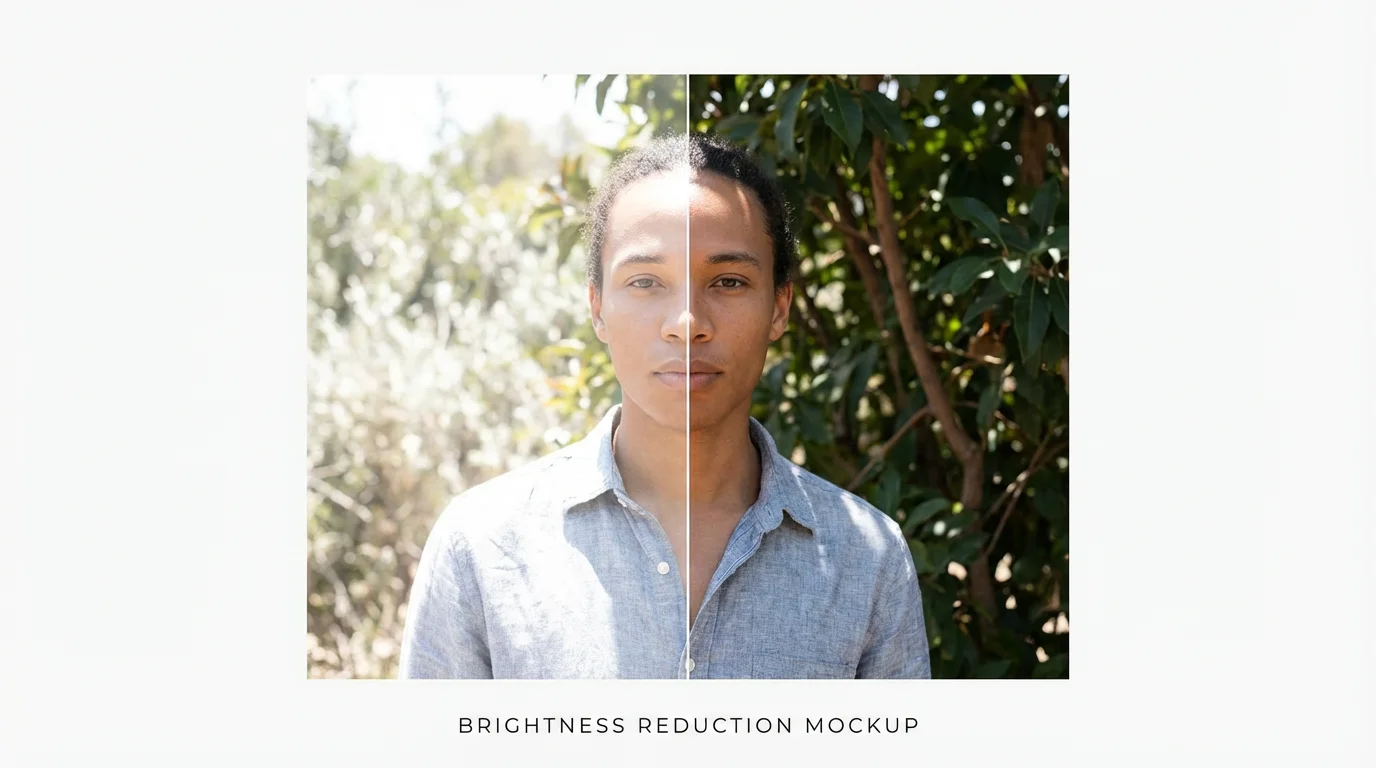
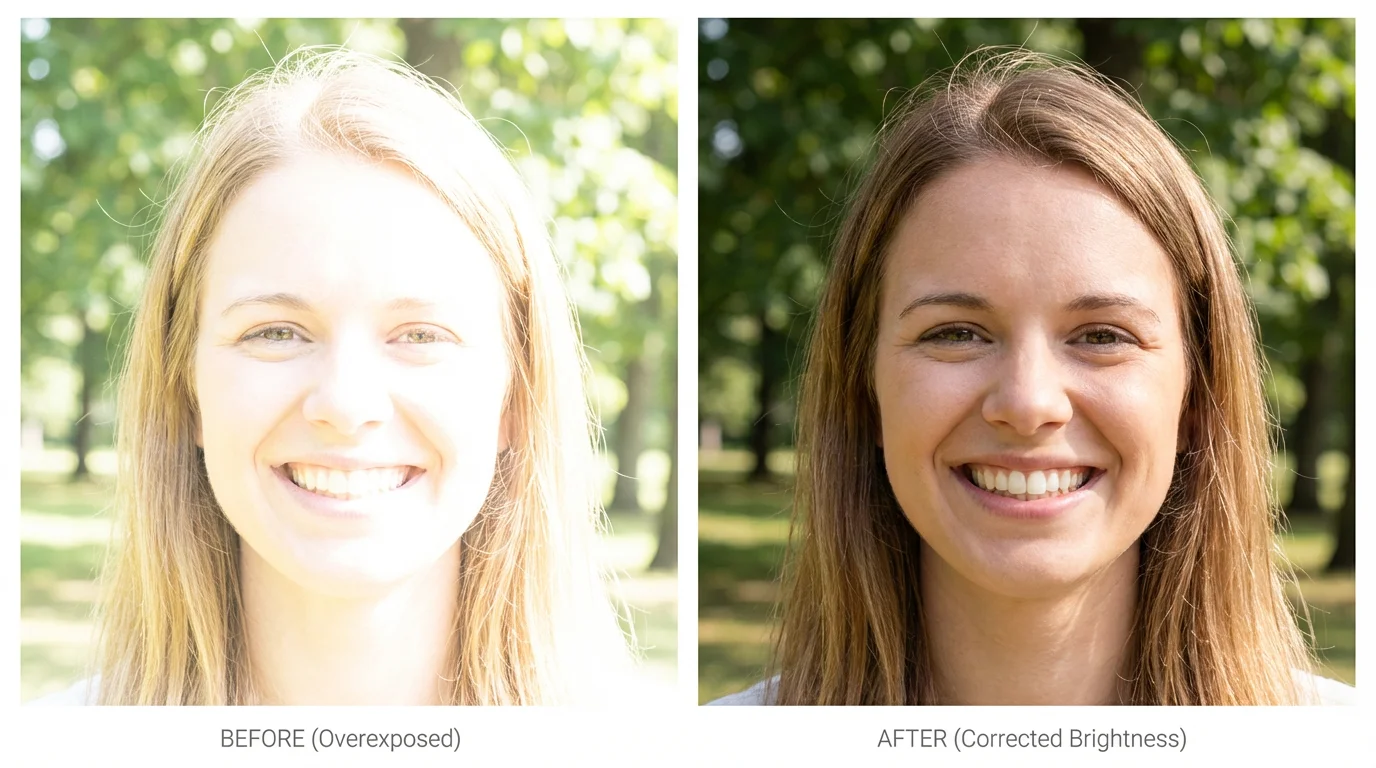
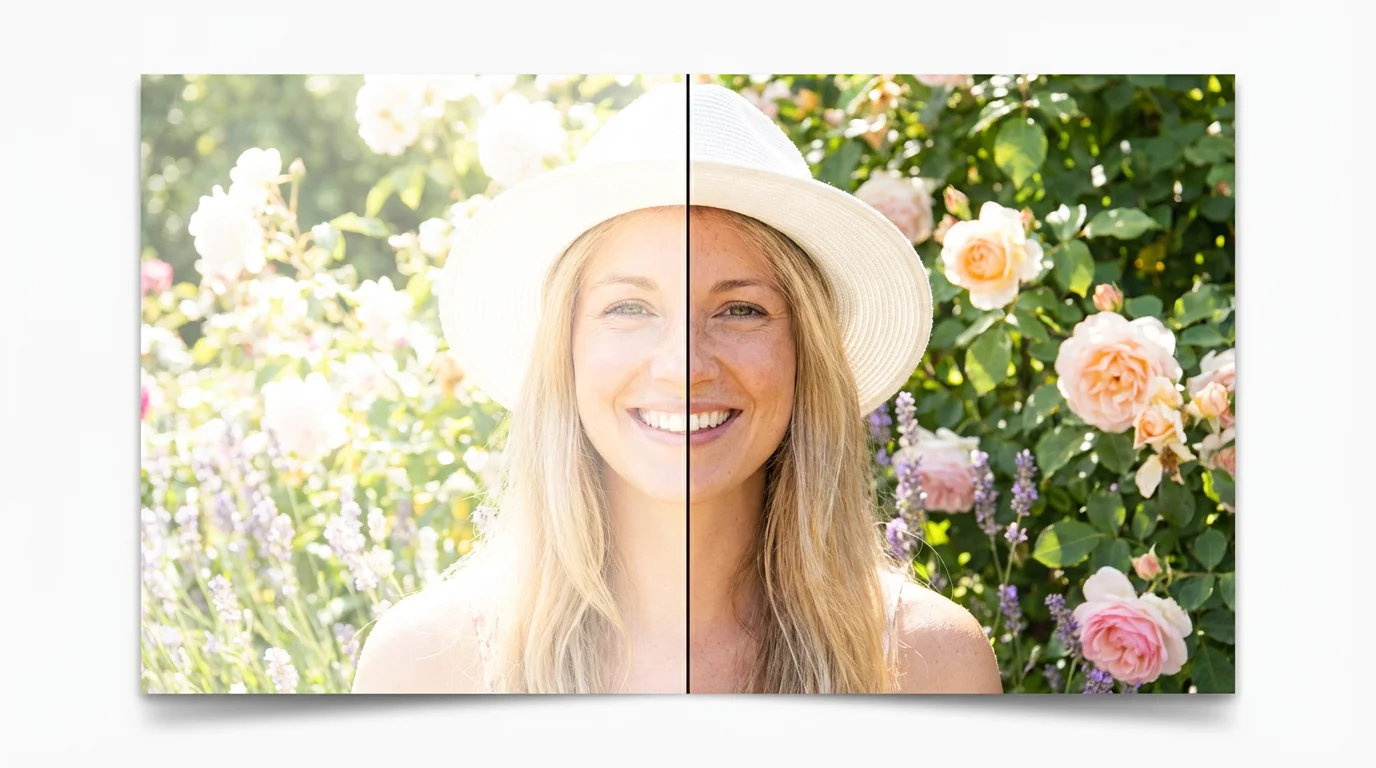
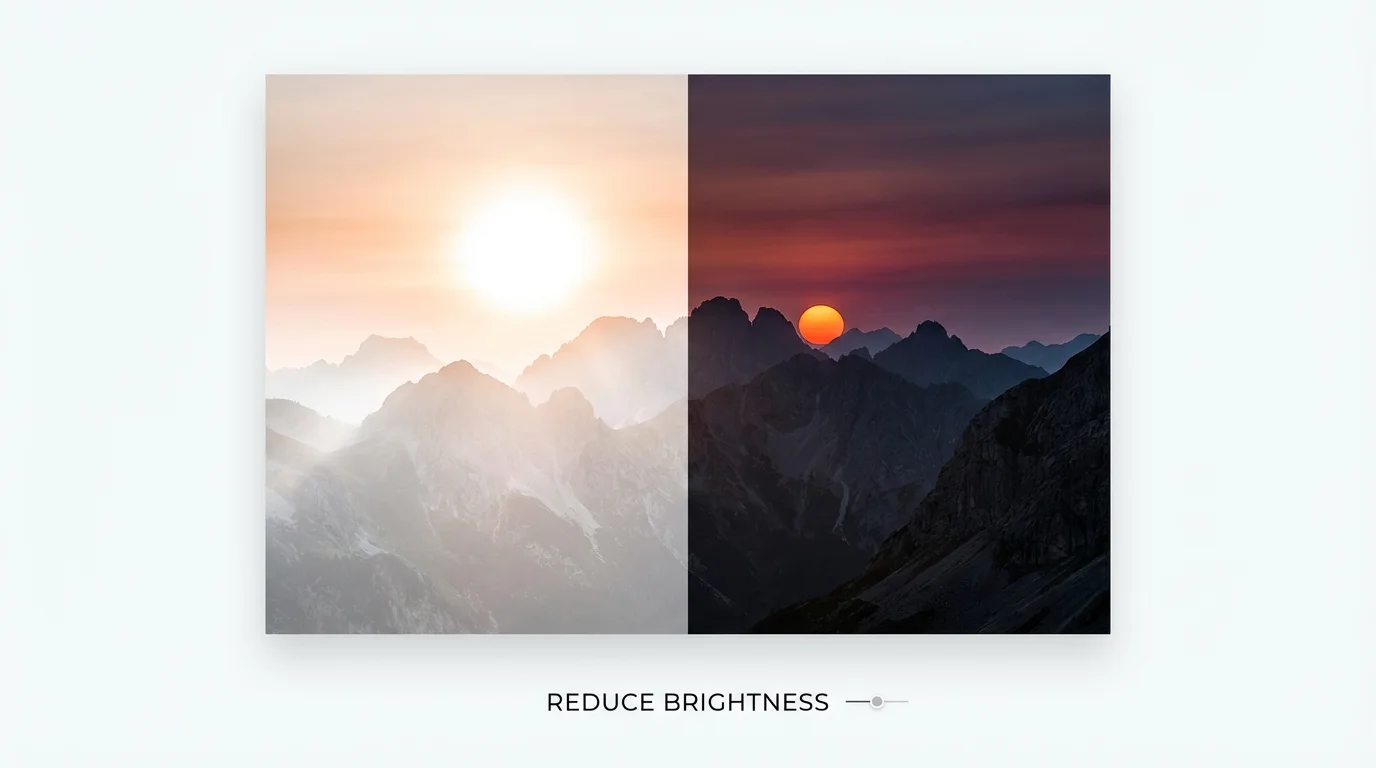
You can easily darken an overexposed photo with Pixelcut. Upload the image you want to edit, then provide a simple text prompt like 'reduce the brightness' or 'fix the overexposed sky'. The AI will then generate a new, darker version of your image for you to download.
While both affect the lightness of an image, they work differently. Brightness adjustment tends to affect all pixels uniformly. Exposure adjustment more closely simulates how a camera captures light, often preserving more detail in the highlights and shadows. Our AI tool intelligently manages these properties for you based on your text description to achieve a natural result.
Yes, you can specify what part of the image you want to darken in your prompt. For example, you could say, 'darken the background to make the subject stand out' or 'reduce the brightness of the sky'. The AI will interpret your instructions to make selective adjustments.
No, Pixelcut's AI is designed to preserve image details. Unlike basic tools that can make dark areas look flat or 'crushed', our tool intelligently reduces light while maintaining the texture and quality of your original photo, ensuring a high-resolution, professional result.
Yes, you can try our AI image brightness reducer for free. After using your initial free credits, you have the option to purchase more to continue editing images. All downloads are high-resolution and do not have a watermark.
You can upload and edit a wide variety of image formats, including JPEG and PNG. This tool is useful for many types of photos, from portraits and landscapes taken in harsh light to product shots and real estate photos that need lighting correction.
Great app, easy to use. Helps our small business save time and money to create different marketing materials professionally. Thank you.
I need a good background remover for my work and I've been through them all it feels like. This one is the best by far. It's so easy to use and the results always look amazing. Thank you Pixelcut!
It's amazingly easy and gives the perfect results for my bags and accessories. It looks like it was done by a professional photographer.