My favorite app
Great app, easy to use. Helps our small business save time and money to create different marketing materials professionally. Thank you.
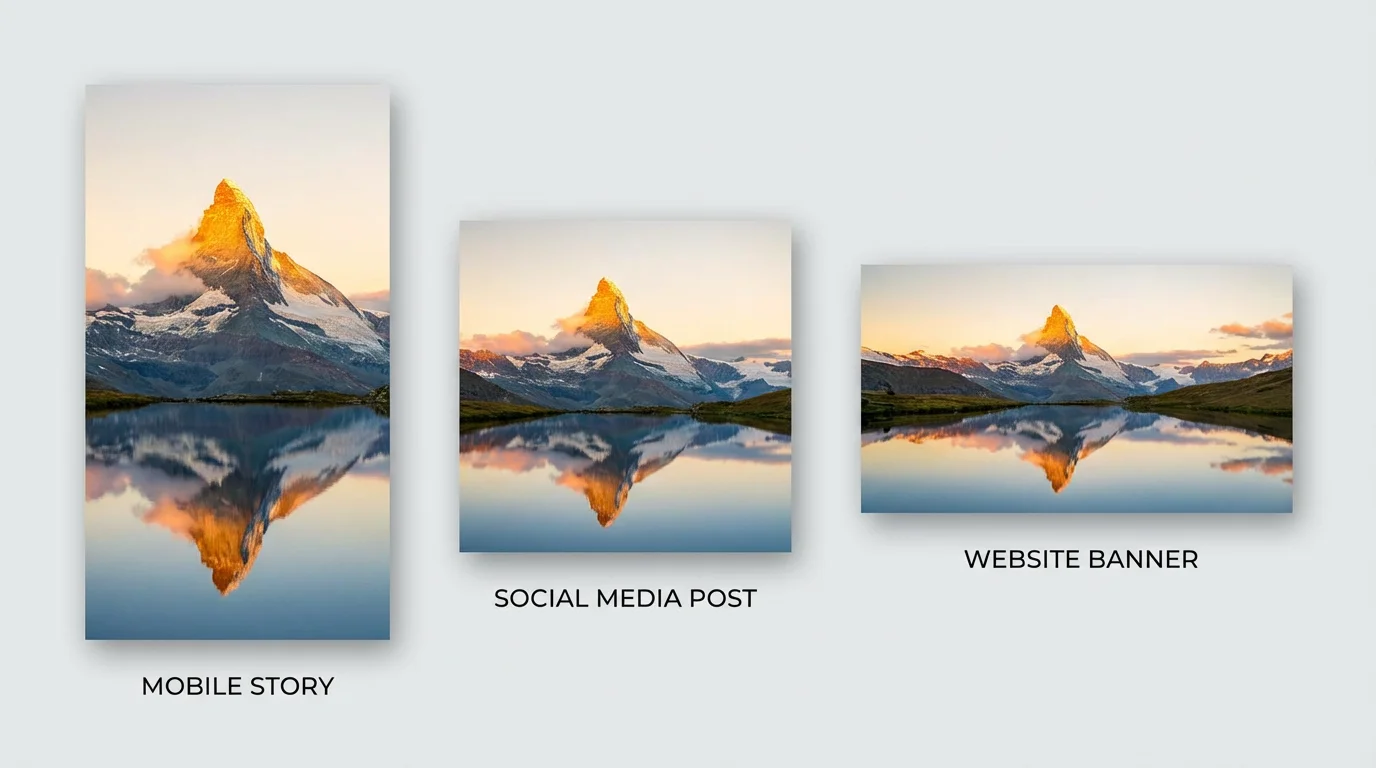
Begin by selecting and uploading the photo you want to resize from your computer or device.
In the prompt box, tell the AI how to resize your image. For example, type "Resize this image to 1920x1080 for a YouTube thumbnail."
Click the generate button and let the AI instantly adjust your image to the perfect 1920x1080 dimensions while keeping the subject in focus.
Your custom, high-resolution image is ready to download. Save it and use it for your wallpaper, thumbnail, or presentation.
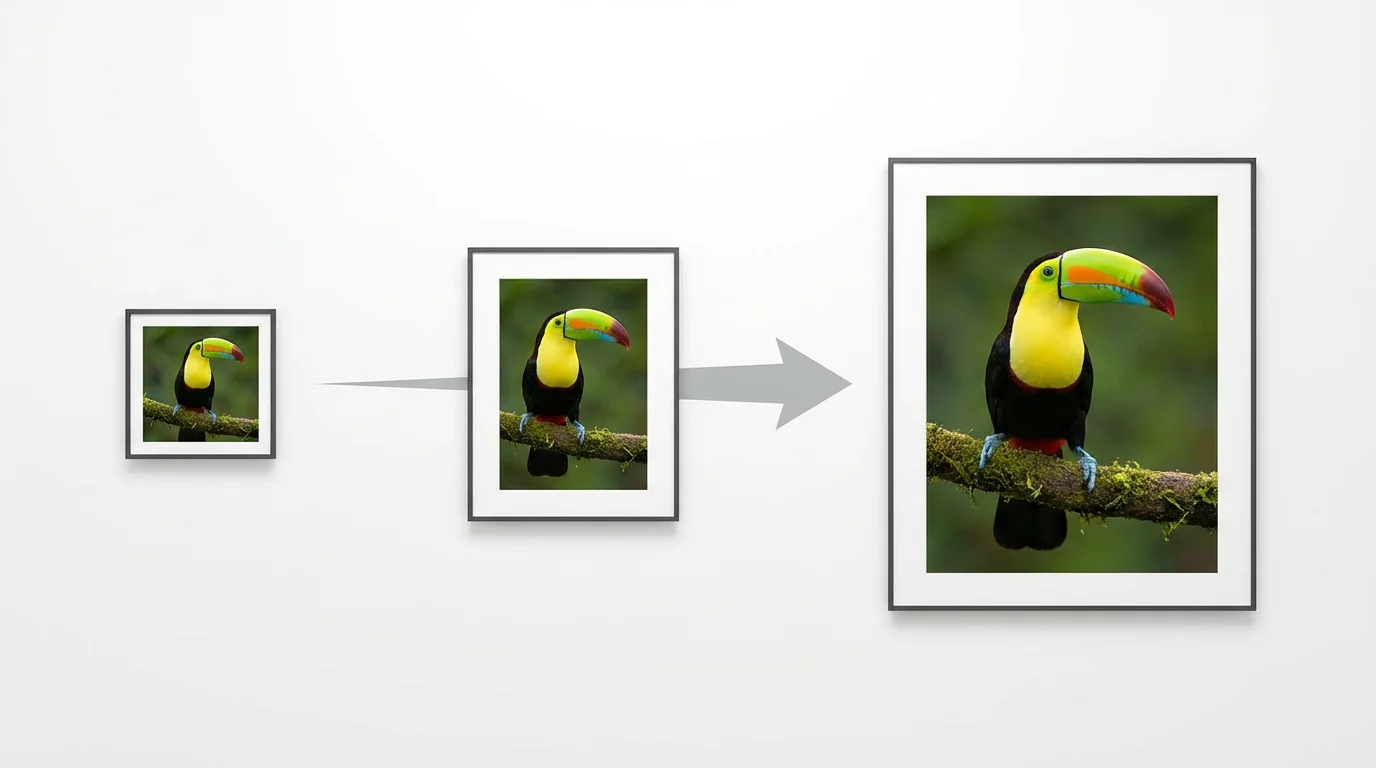
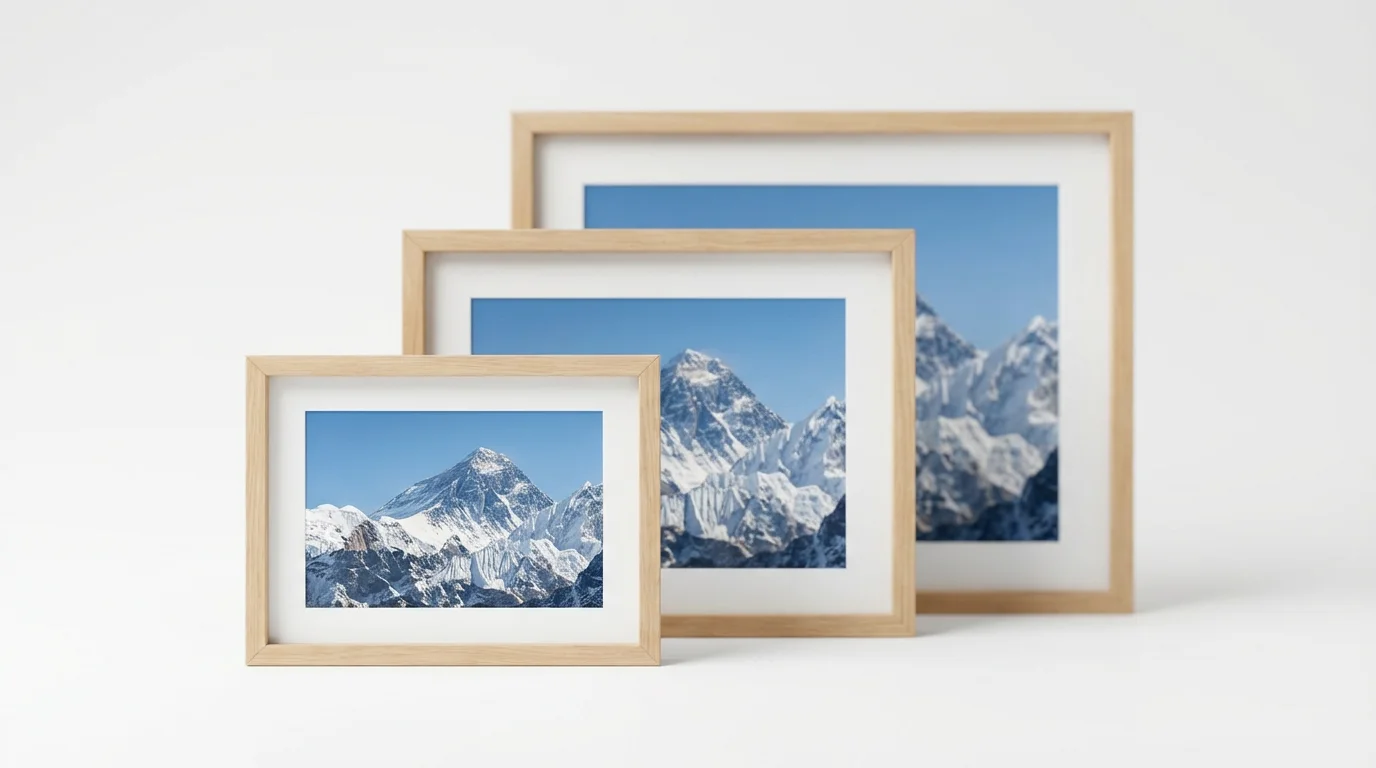
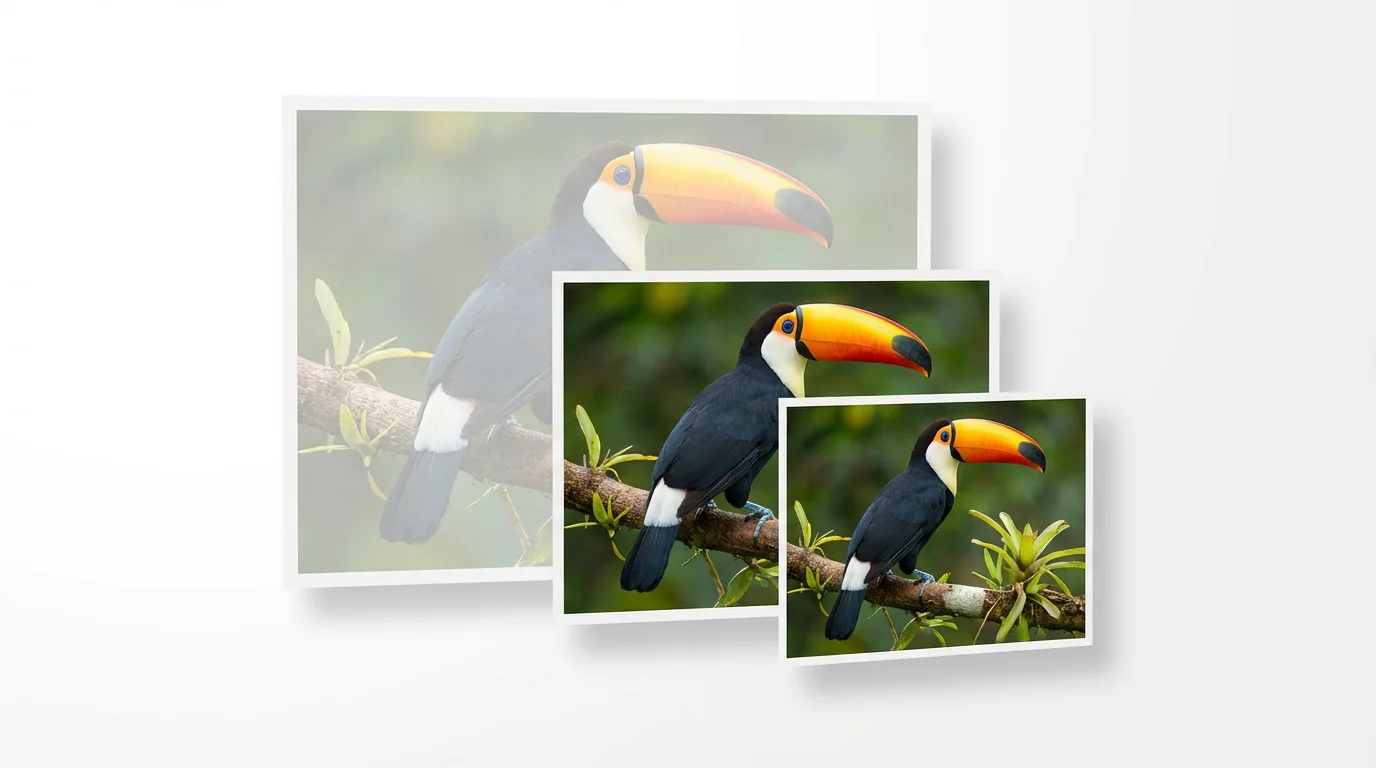
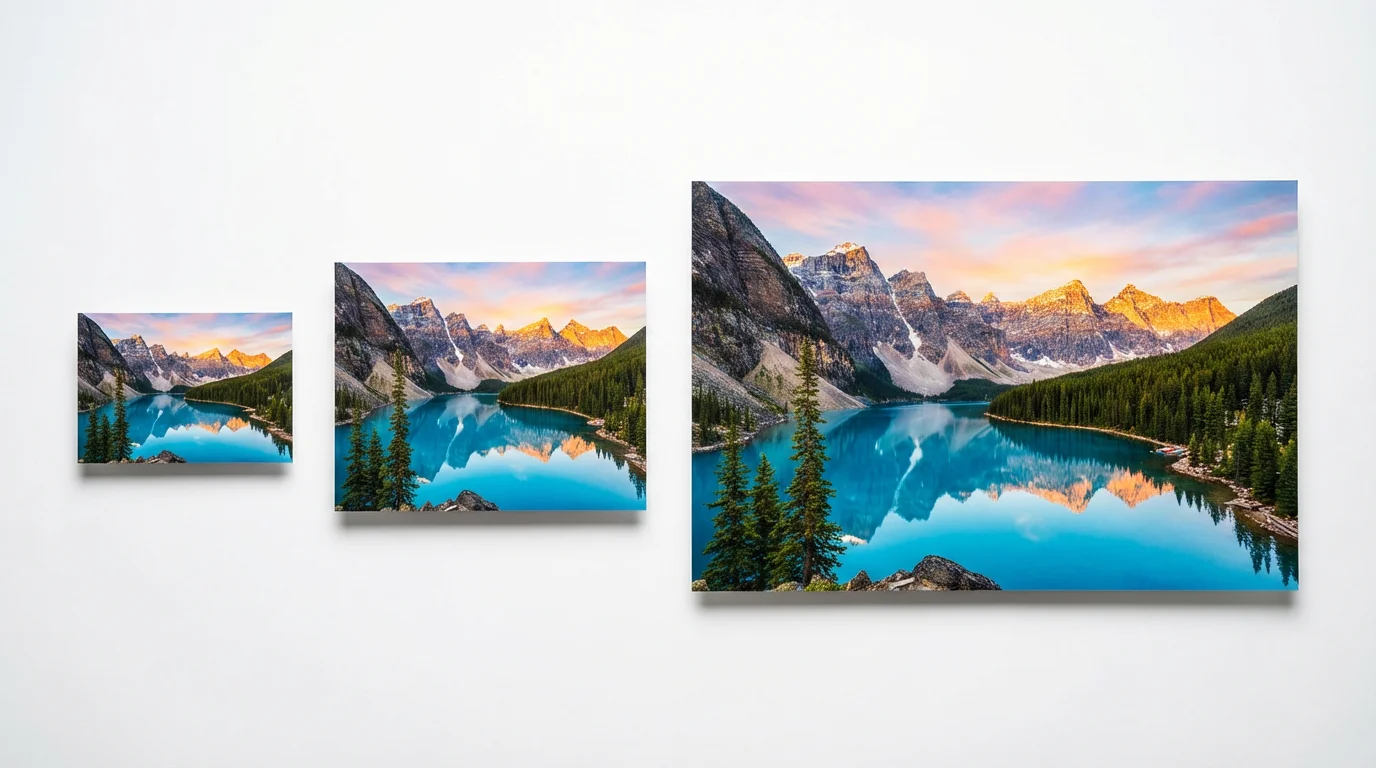
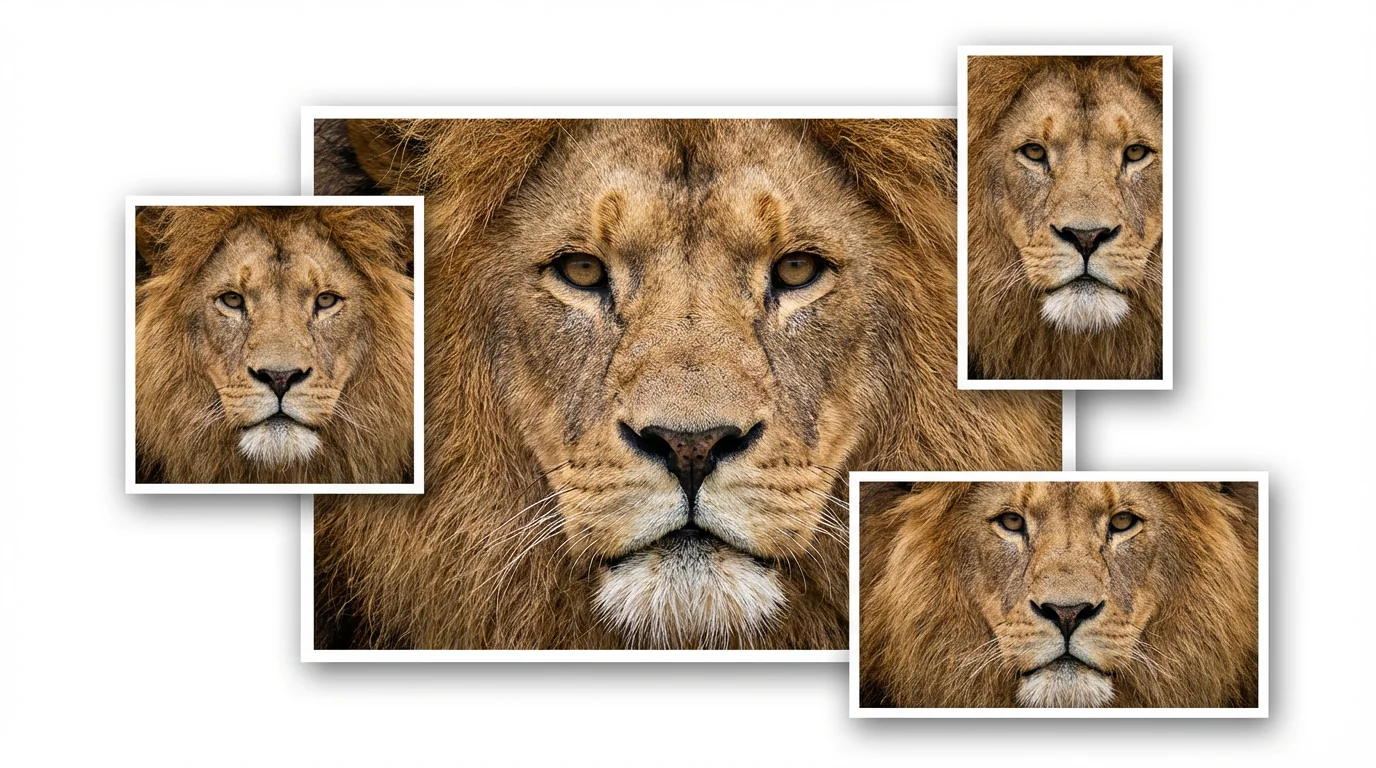
A 1920x1080 resolution, also known as Full HD, means the image is 1920 pixels wide and 1080 pixels tall. This creates a 16:9 aspect ratio, which is the standard for most modern monitors, TVs, and online video platforms.
Pixelcut's AI resizer uses advanced algorithms to resize your photo while preserving its original sharpness. Unlike basic tools that can make an image blurry, our AI intelligently scales your picture to maintain clarity, giving you a high-quality result.
Yes. Our AI tool is ideal for this. Instead of simply stretching or cropping your vertical image, you can instruct the AI to creatively expand the background to fill the horizontal space, keeping your original subject intact and creating a natural-looking 1920x1080 image.
Yes, you can try resizing your images for free with Pixelcut. After using your initial free credits, you have the option to purchase more to continue creating.
You can download your resized 1920x1080 image for free in standard formats like JPG and PNG. If you need other formats like WEBP or want to specify compression settings for PNG files, you can subscribe to Pixelcut Pro.
No, all images you create and download with Pixelcut's AI resizer are completely watermark-free, so you can use them for any project right away.
Great app, easy to use. Helps our small business save time and money to create different marketing materials professionally. Thank you.
I need a good background remover for my work and I've been through them all it feels like. This one is the best by far. It's so easy to use and the results always look amazing. Thank you Pixelcut!
It's amazingly easy and gives the perfect results for my bags and accessories. It looks like it was done by a professional photographer.