My favorite app
Great app, easy to use. Helps our small business save time and money to create different marketing materials professionally. Thank you.
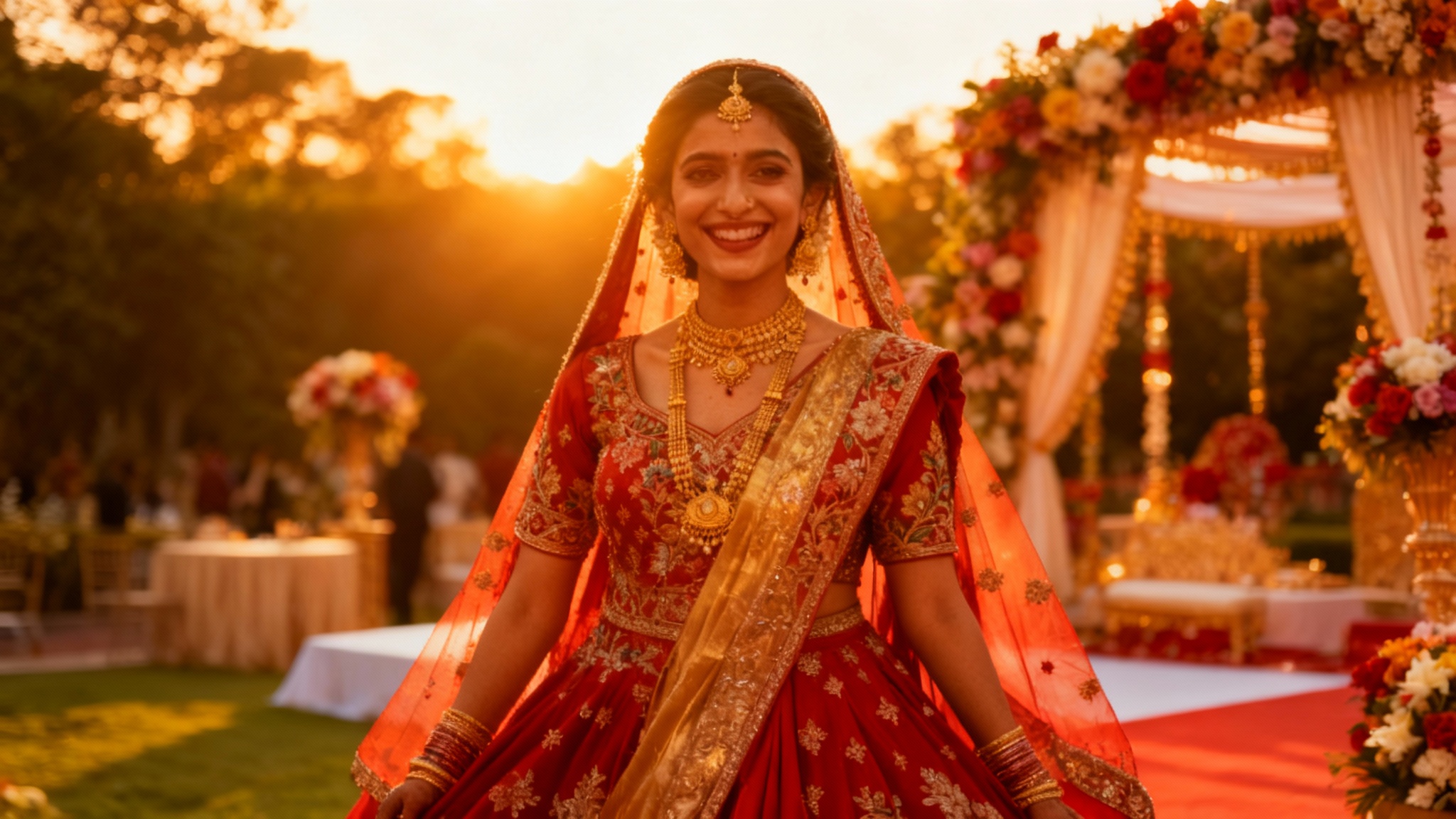
Start by selecting the Indian wedding photograph you want to color grade. Choose an image directly from your device to upload.
In the prompt box, write a description of the look you want. For example, "Apply a warm, romantic color grade with soft highlights" or "Create a vibrant and colorful look."
Click the generate button and let the AI apply your custom color grade. It will analyze your photo and prompt to create the perfect mood in seconds.
Your beautifully color-graded wedding photo is ready. Download the high-resolution PNG image to share online or add to your wedding album.
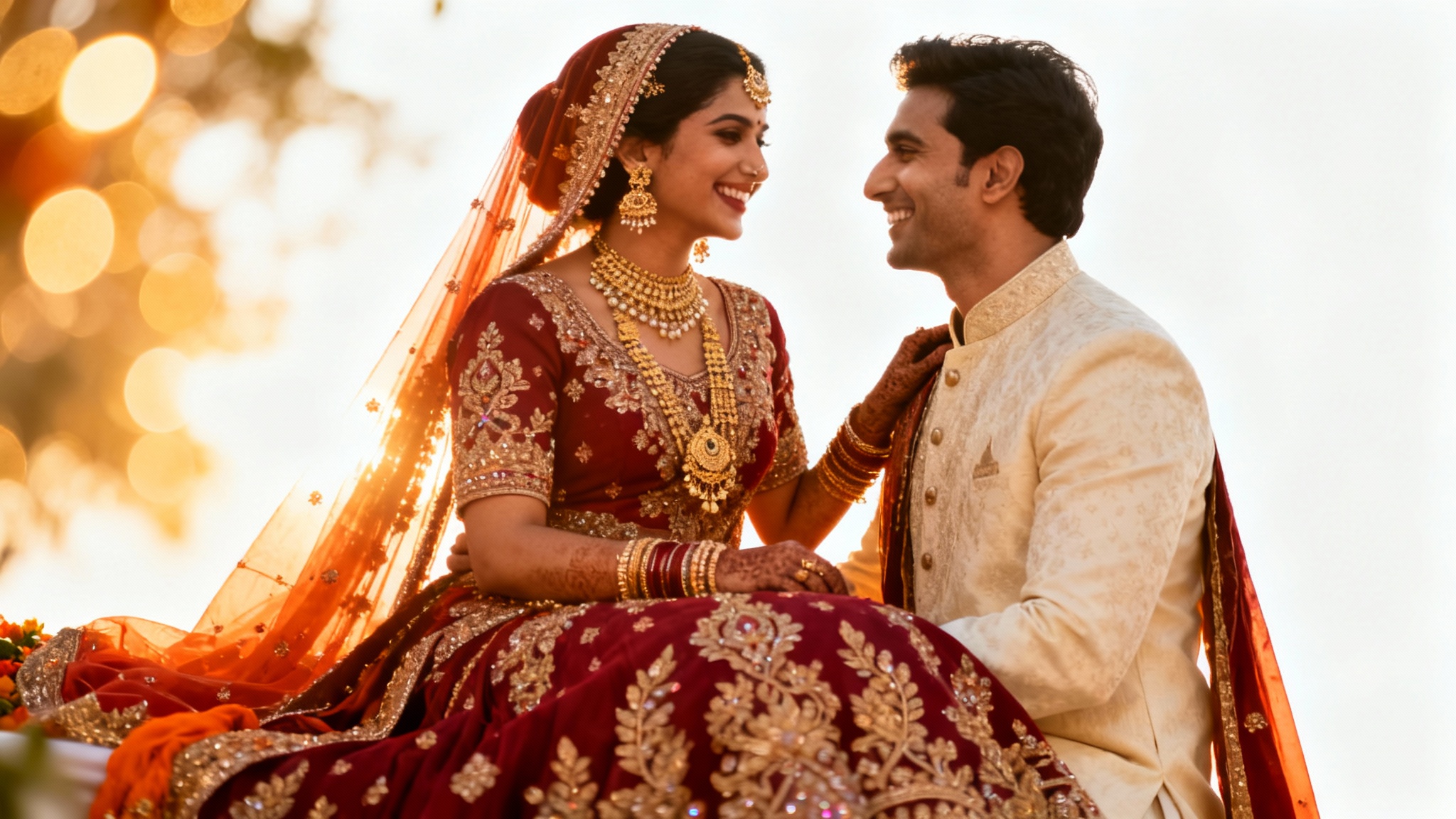
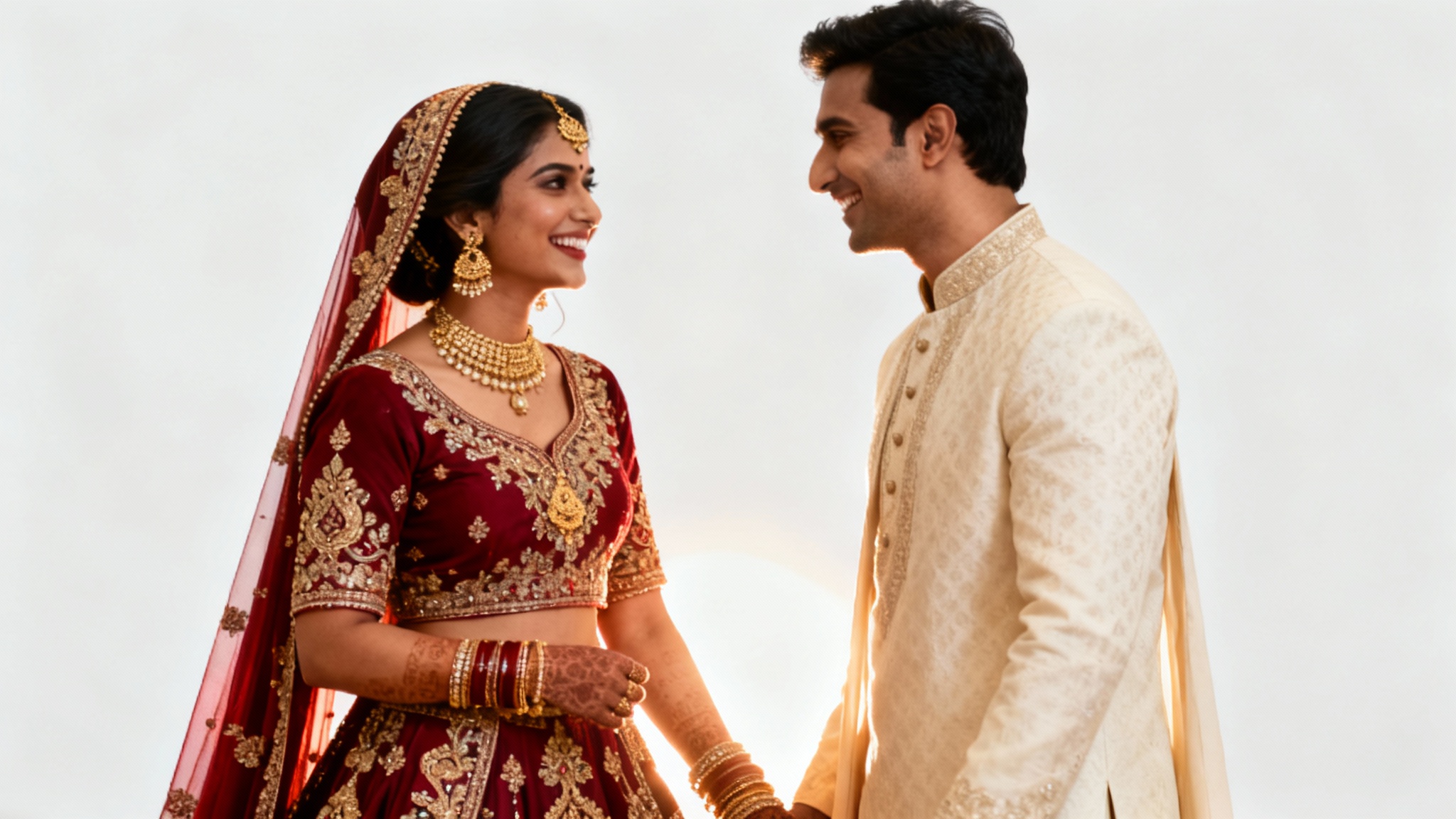
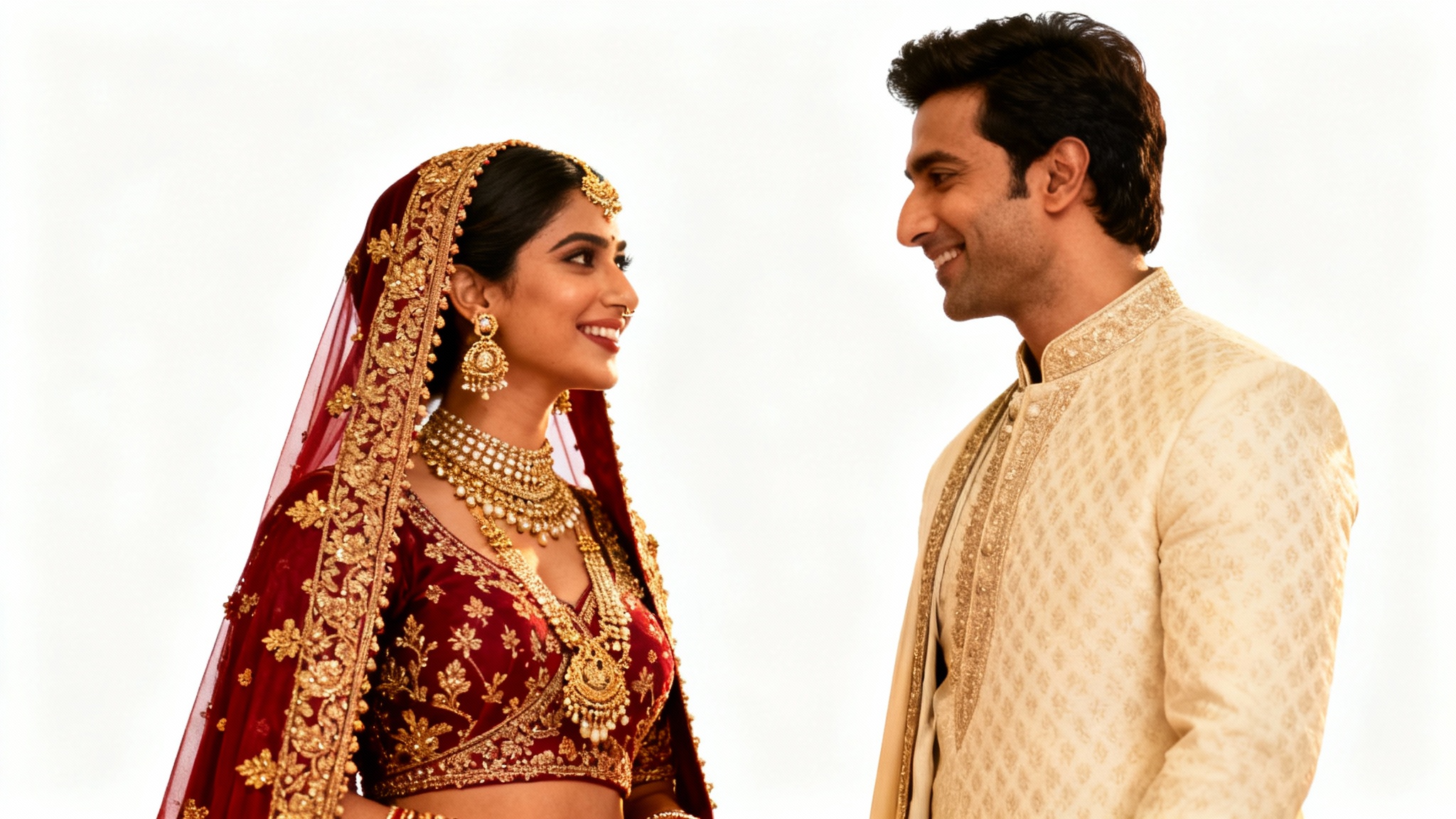
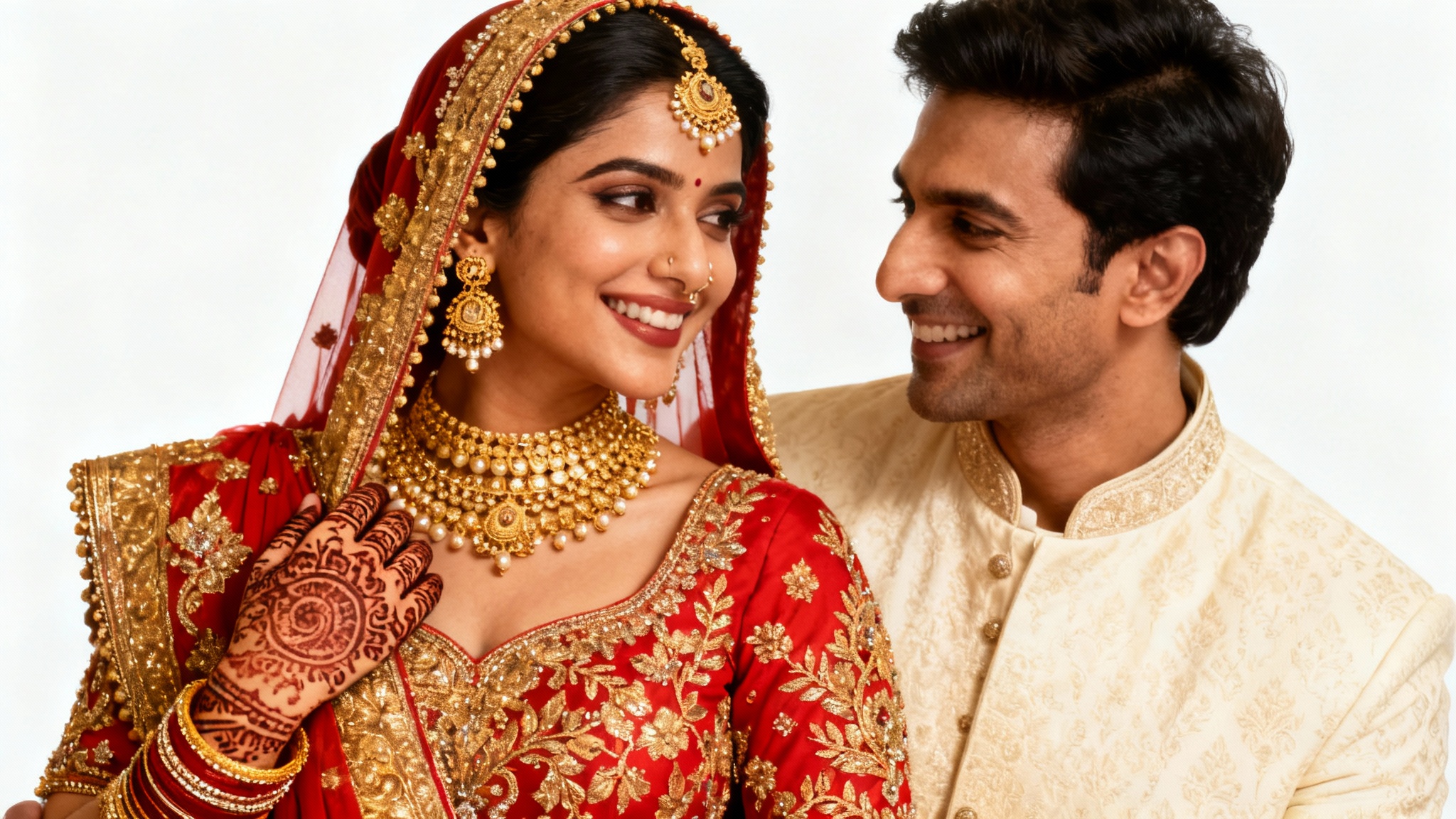
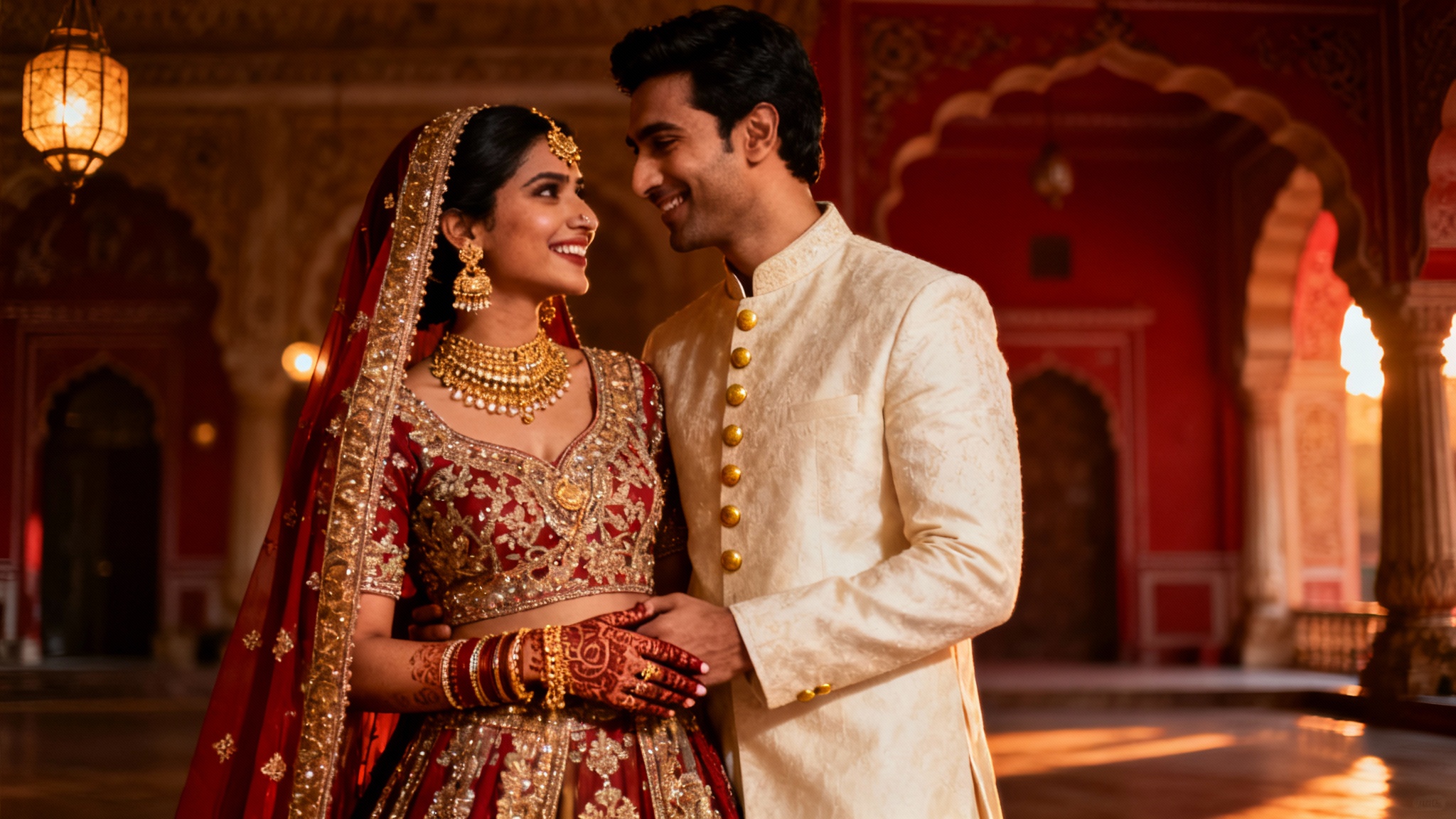
AI color grading is a process that uses artificial intelligence to automatically apply color adjustments to your photos based on a text description. Instead of manually changing settings like saturation, contrast, and tones, you can simply describe the style you want, like "warm and golden" or "cinematic and moody," and the AI will edit the photo for you.
To make colors more vibrant, upload your image and use a prompt that specifically asks for it. For example, you could write, "Enhance the vibrant colors in this photo, especially the reds and golds, while keeping the skin tones natural." The AI will then boost the richness of the colors in the attire and decor.
Yes, absolutely. To get a cinematic look, use descriptive words in your prompt such as "cinematic wedding photo," "add a film-like quality with soft grain," or "create a dramatic, moody atmosphere." The AI will interpret these instructions to adjust the colors, shadows, and highlights for a movie-like feel.
Our AI is designed to prioritize natural-looking skin tones. However, to be specific, you can include "keep skin tones natural and warm" or "ensure the bride's skin looks radiant and not orange" in your prompt. This helps guide the AI to make subtle, flattering adjustments.
No, you don't need any prior experience. The tool is designed to be user-friendly for everyone. All you need to do is upload your photo and type a description of how you want it to look. It's the easiest way to achieve professional-level color grading without learning complex software like Lightroom or Photoshop.
Yes, it's perfect for all wedding events. For a Haldi ceremony, you could ask the AI to "enhance the vibrant yellows and create a joyful, bright atmosphere." For a Sangeet, you might request a "dramatic and colorful look with deep contrast" to match the evening's energy. You can tailor the prompt for each specific event.
Great app, easy to use. Helps our small business save time and money to create different marketing materials professionally. Thank you.
I need a good background remover for my work and I've been through them all it feels like. This one is the best by far. It's so easy to use and the results always look amazing. Thank you Pixelcut!
It's amazingly easy and gives the perfect results for my bags and accessories. It looks like it was done by a professional photographer.