My favorite app
Great app, easy to use. Helps our small business save time and money to create different marketing materials professionally. Thank you.

Start by uploading an image of the logo you wish to edit. A clear, high-quality image works best.
In the text box, describe how you want to change the font. For example, 'Change the text to a thin, cursive font and make it gold.'
Click the generate button and our AI will apply the new font style to your logo based on your description.
Your updated logo is ready. Download it for free as a high-resolution PNG or JPEG file to use right away.
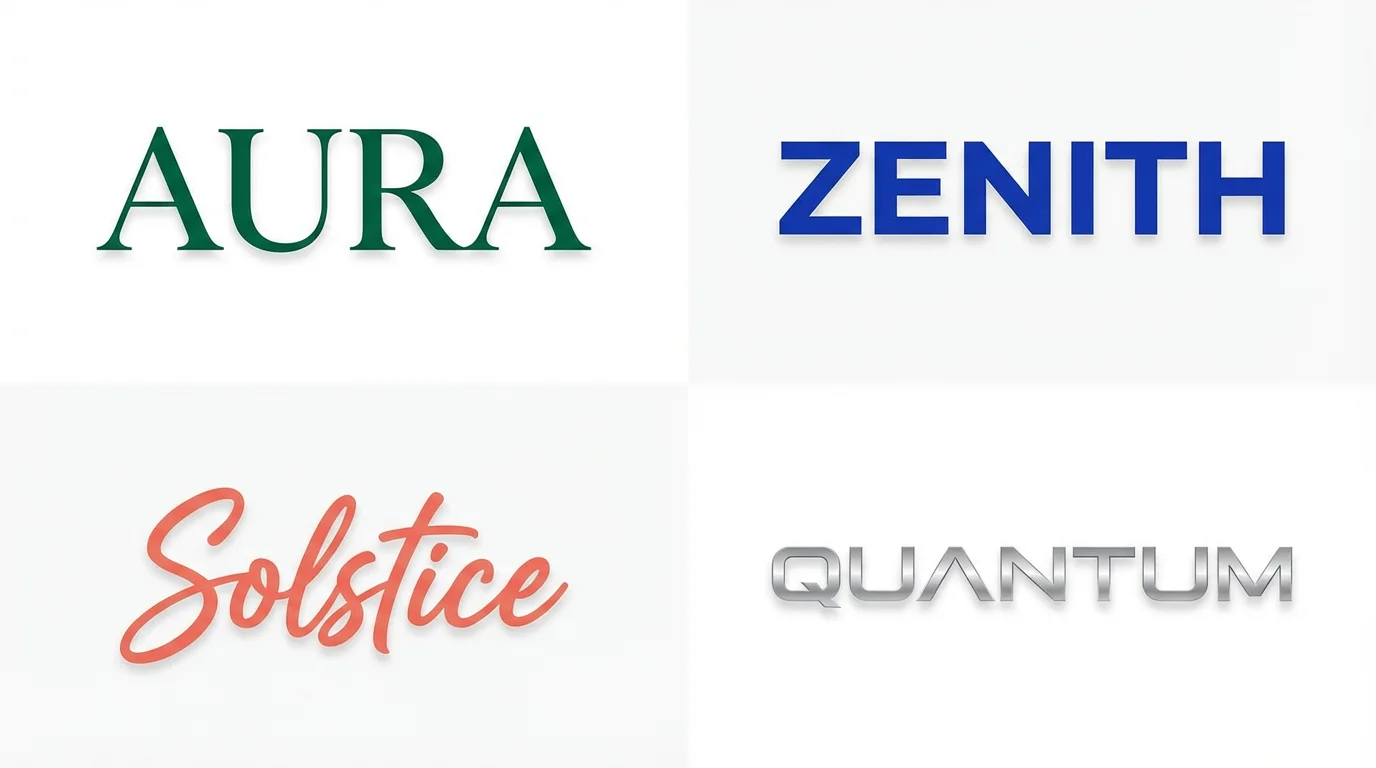
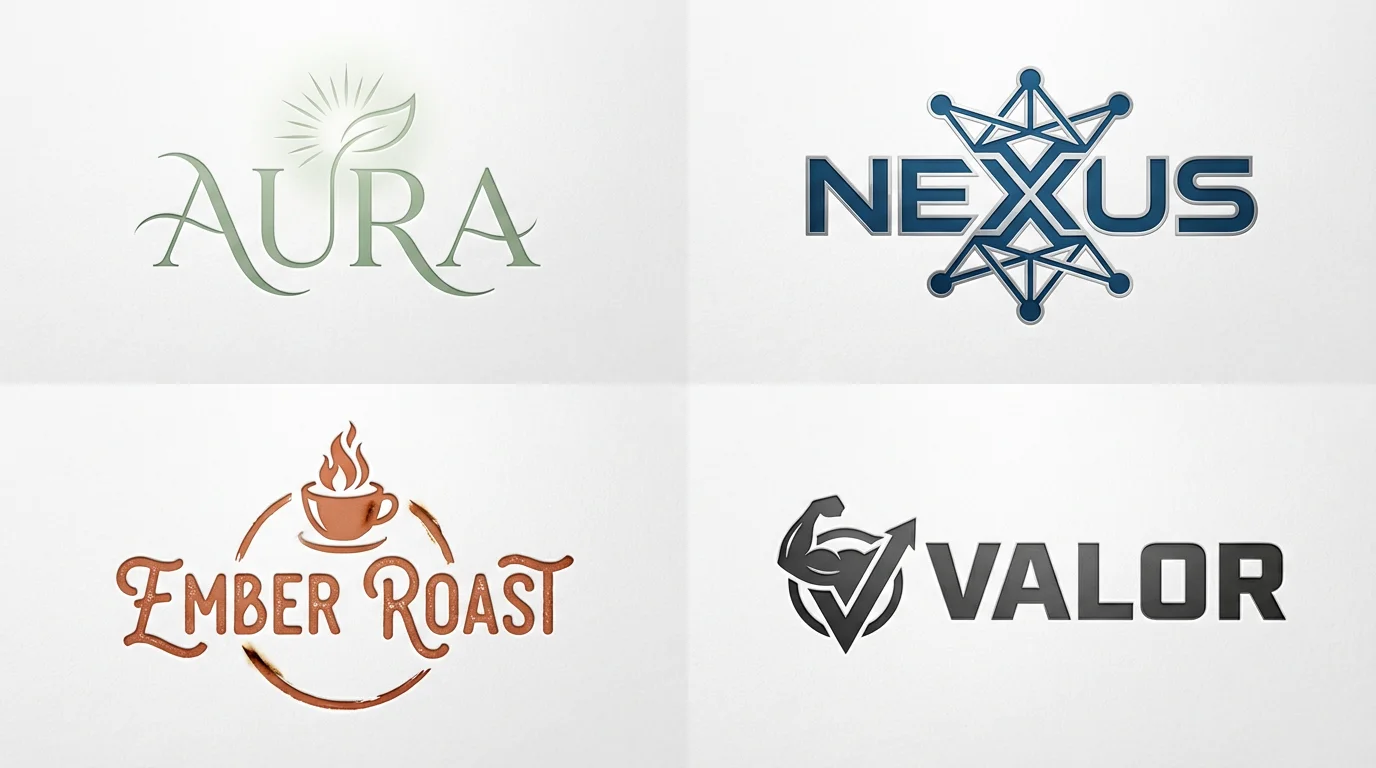
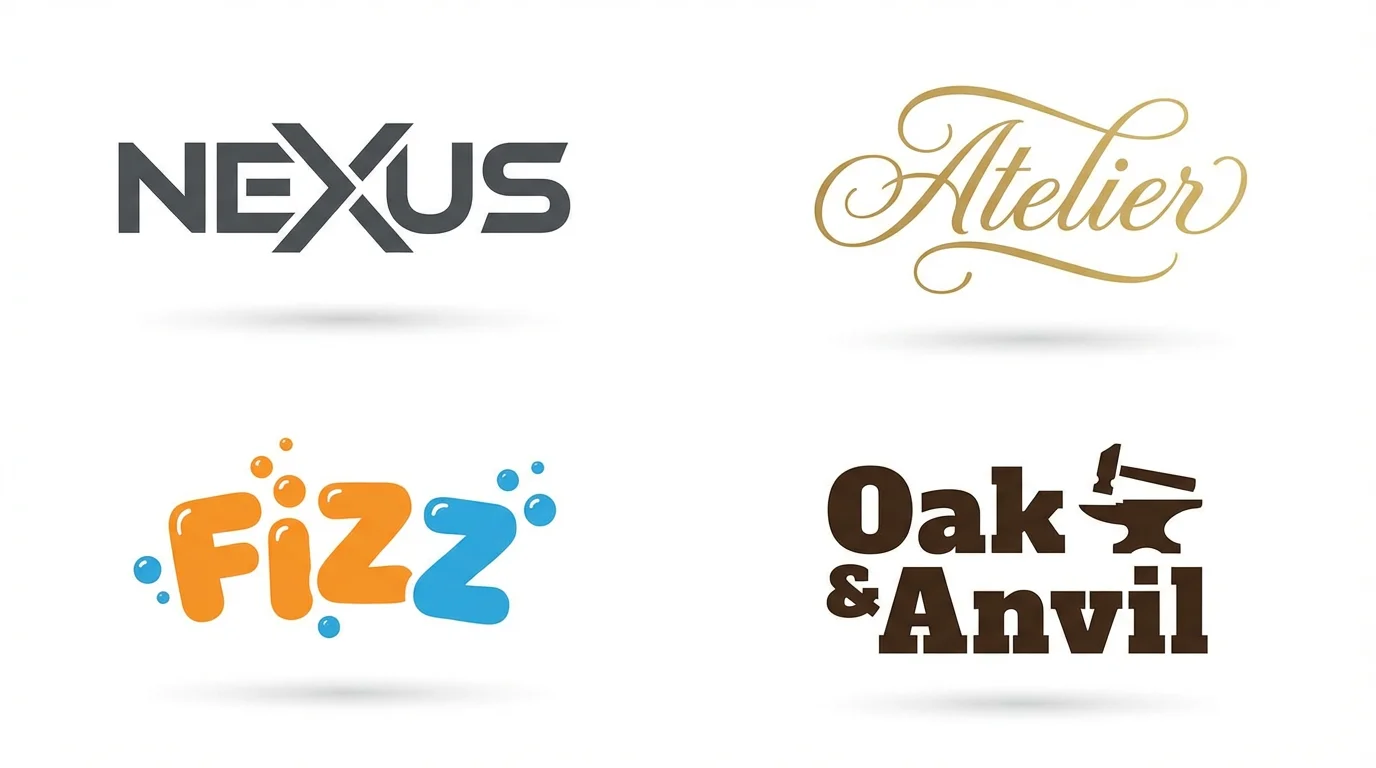
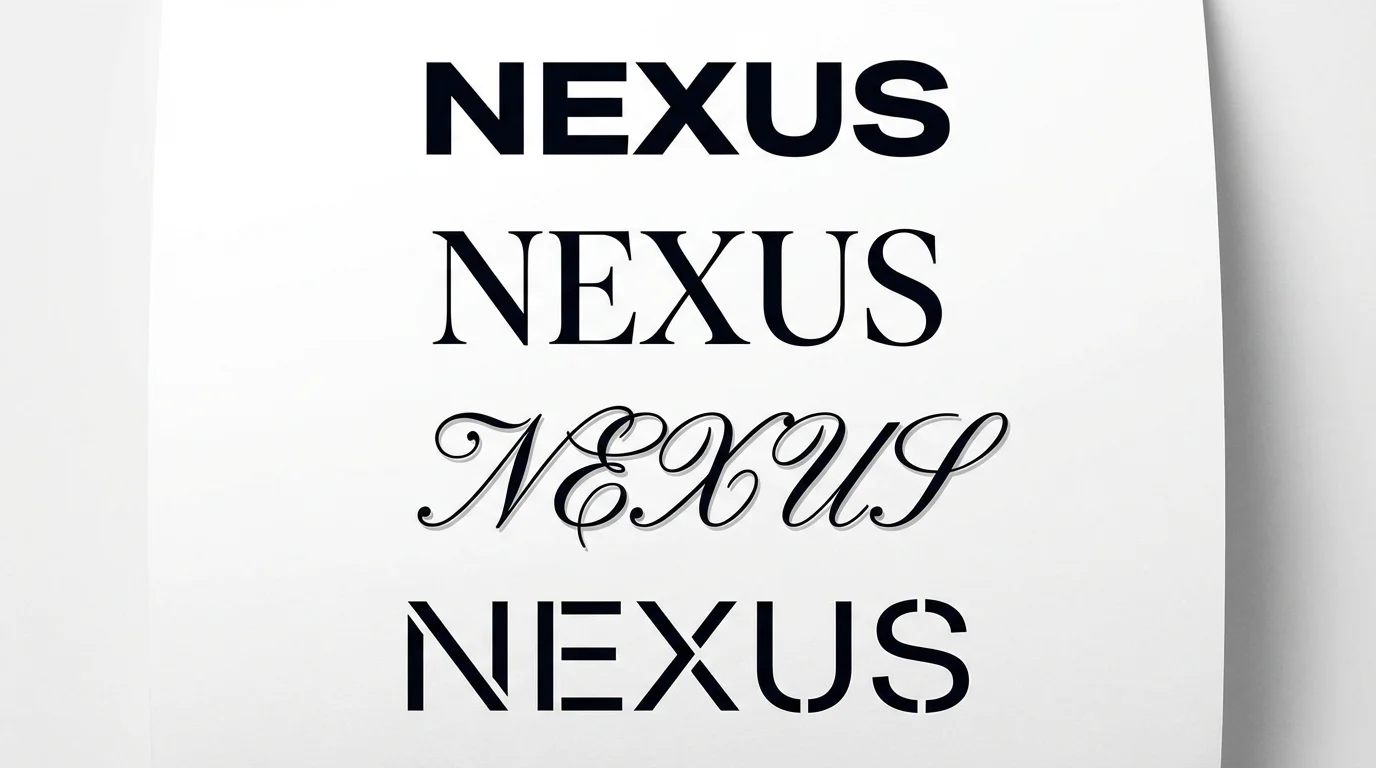
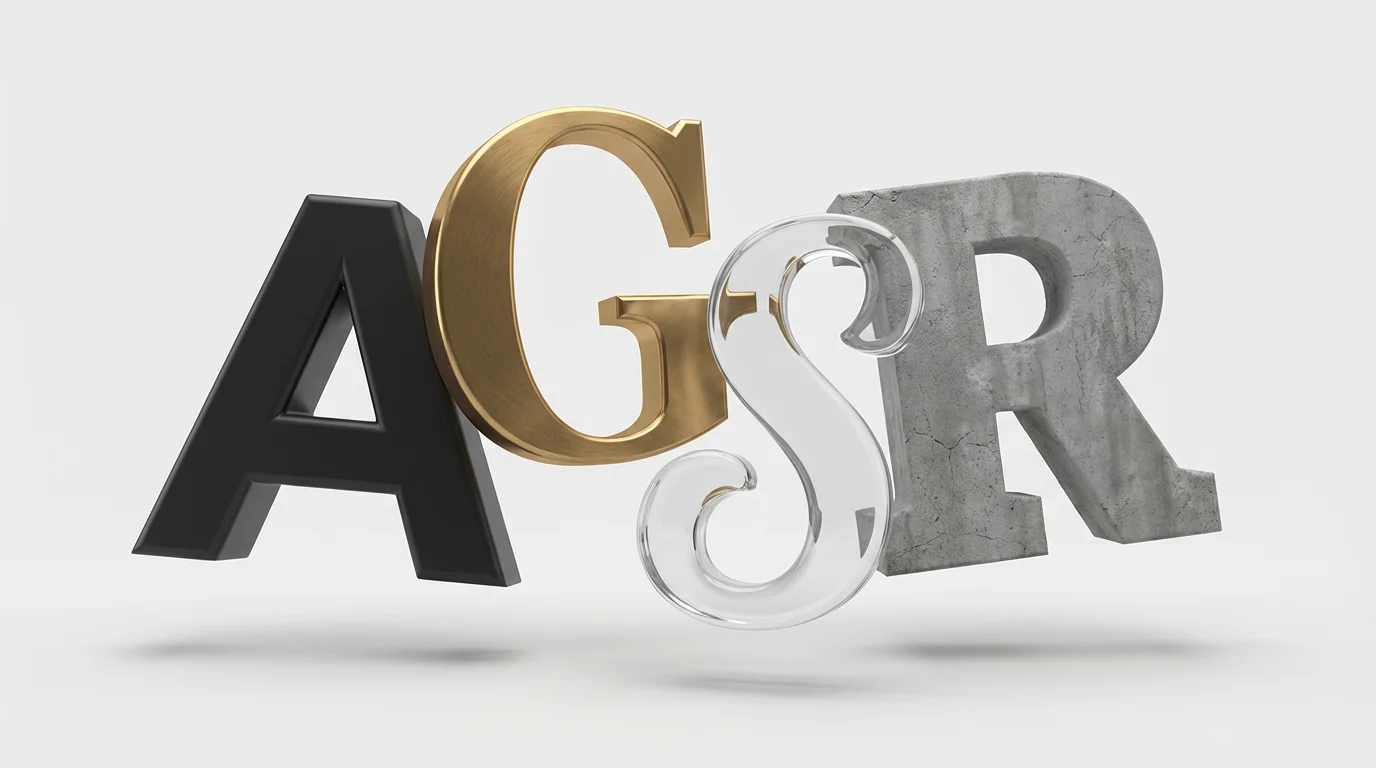
To change the font on your logo, simply upload the image file of your logo. Then, in the text prompt box, describe the changes you want to make. For example, you could type 'change the font to a classic serif style' or 'make the text bold and red'.
No, you don't need to know any font names. You can describe the style you're looking for, such as 'handwritten and elegant,' 'futuristic and blocky,' or 'playful and rounded.' The AI will interpret your description to generate options.
Yes. In your text prompt, you can specify color changes, weight adjustments like bolding, and other style modifications. Describe everything you want to change about the font, and the AI will apply it to your logo.
Pixelcut's AI logo font editor is free to try. You can experiment with different font styles for your logo. After your free credits are used, you can purchase more to continue creating designs.
You can download your newly edited logo for free in standard formats like PNG and JPEG. For users with a Pixelcut PRO subscription, additional formats such as WEBP and SVG are available.
Yes, you can generate a logo with a transparent background. Simply include 'with a transparent background' in your prompt when describing the font changes for your logo.
Great app, easy to use. Helps our small business save time and money to create different marketing materials professionally. Thank you.
I need a good background remover for my work and I've been through them all it feels like. This one is the best by far. It's so easy to use and the results always look amazing. Thank you Pixelcut!
It's amazingly easy and gives the perfect results for my bags and accessories. It looks like it was done by a professional photographer.