My favorite app
Great app, easy to use. Helps our small business save time and money to create different marketing materials professionally. Thank you.
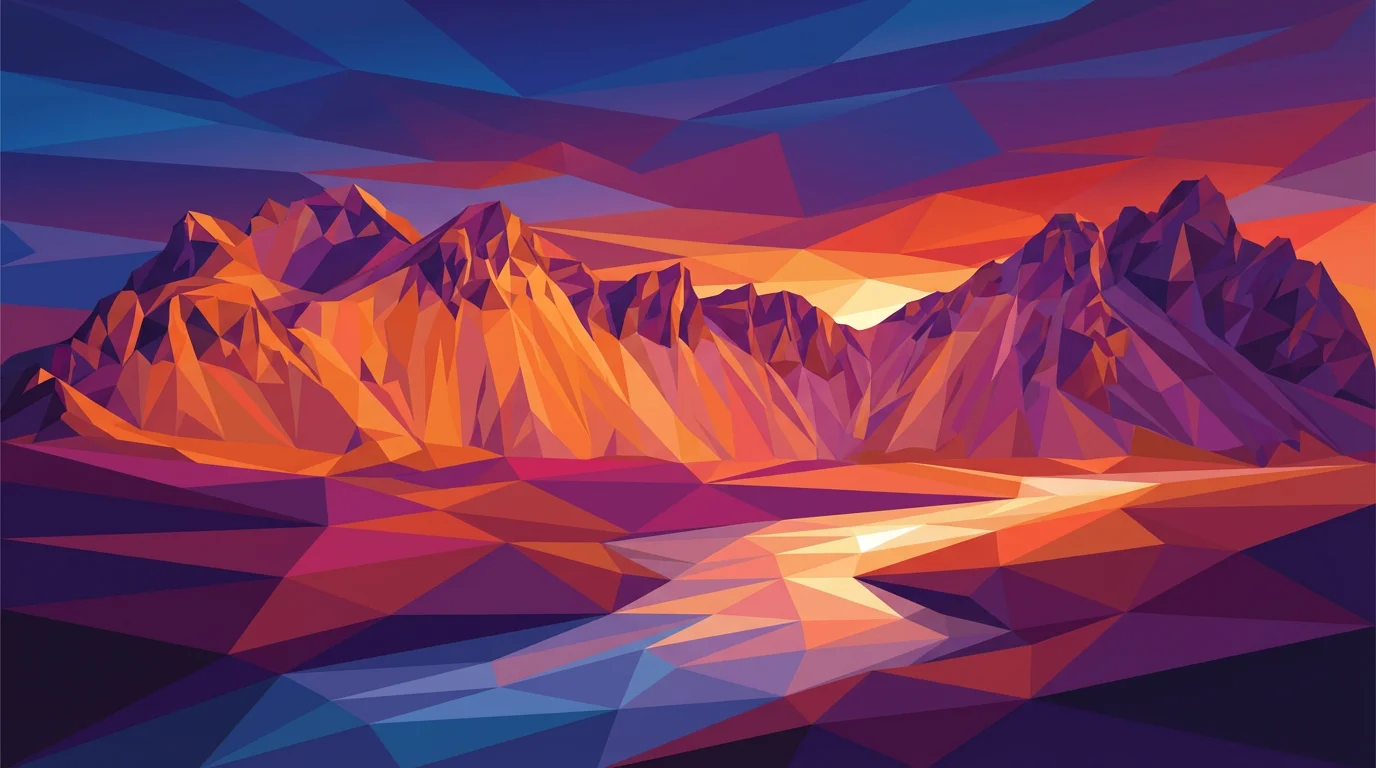
Start by typing a prompt. Describe the colors, scene, or mood you want. For example, 'low poly abstract waves in shades of teal and white'.
Click the generate button. Our AI will interpret your text and create a unique low poly background for you in just a few moments.
Your high-resolution low poly background is ready. Download it as a PNG or JPG and use it for your project, wallpaper, or website.
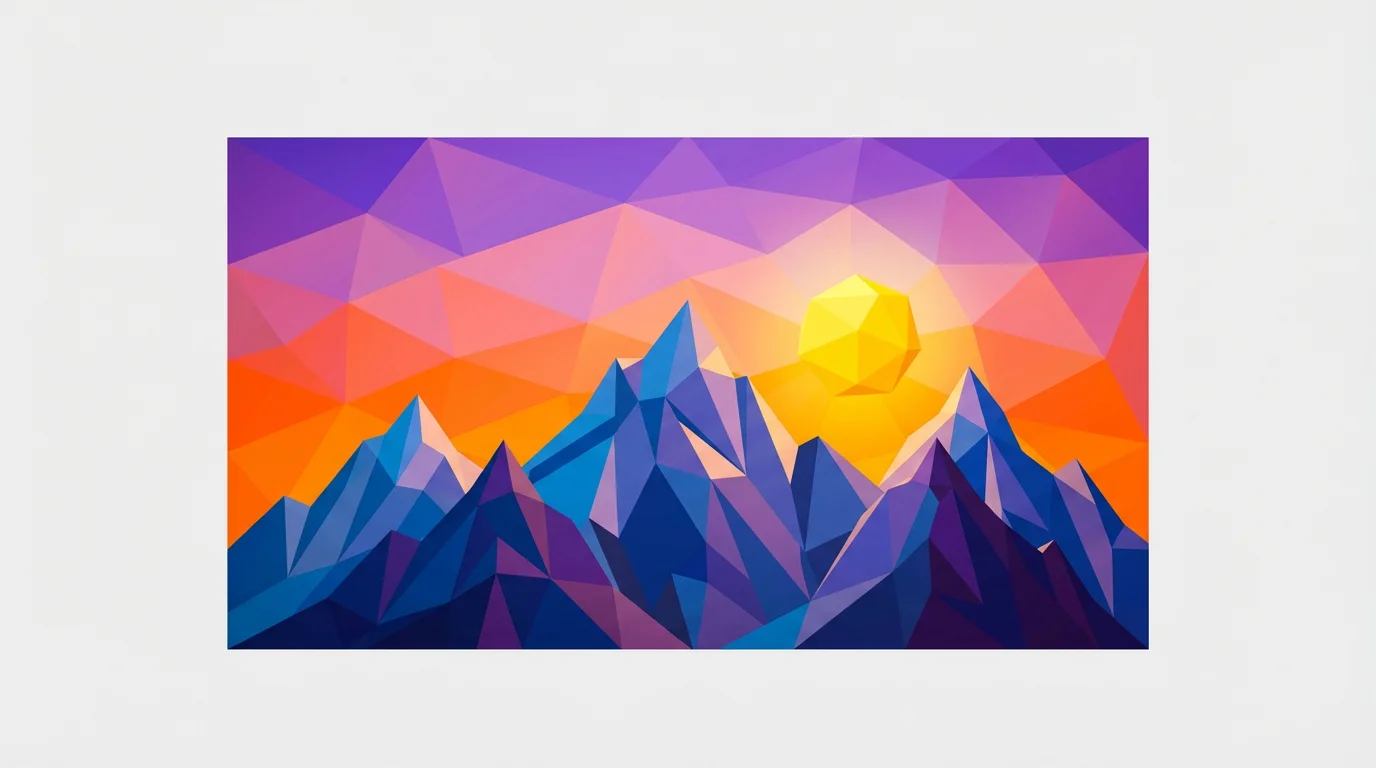
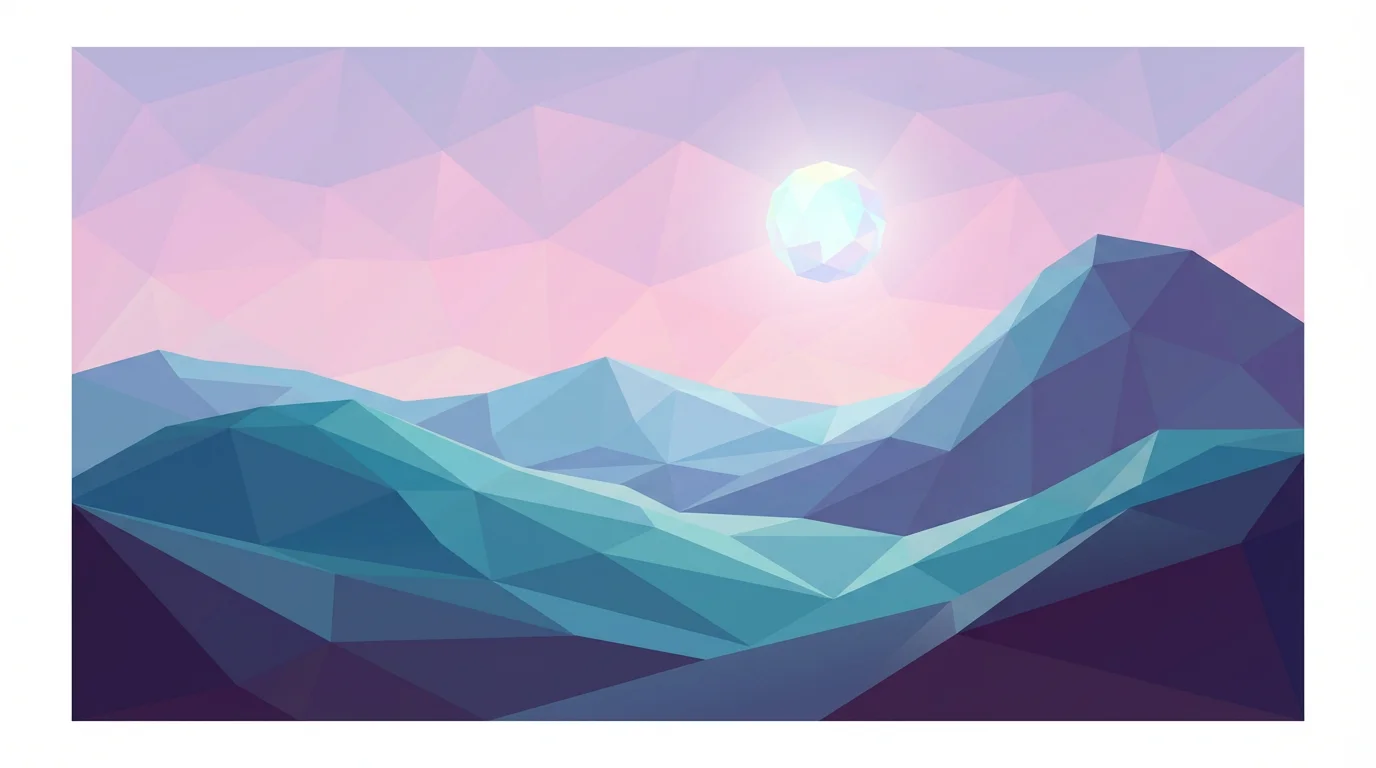
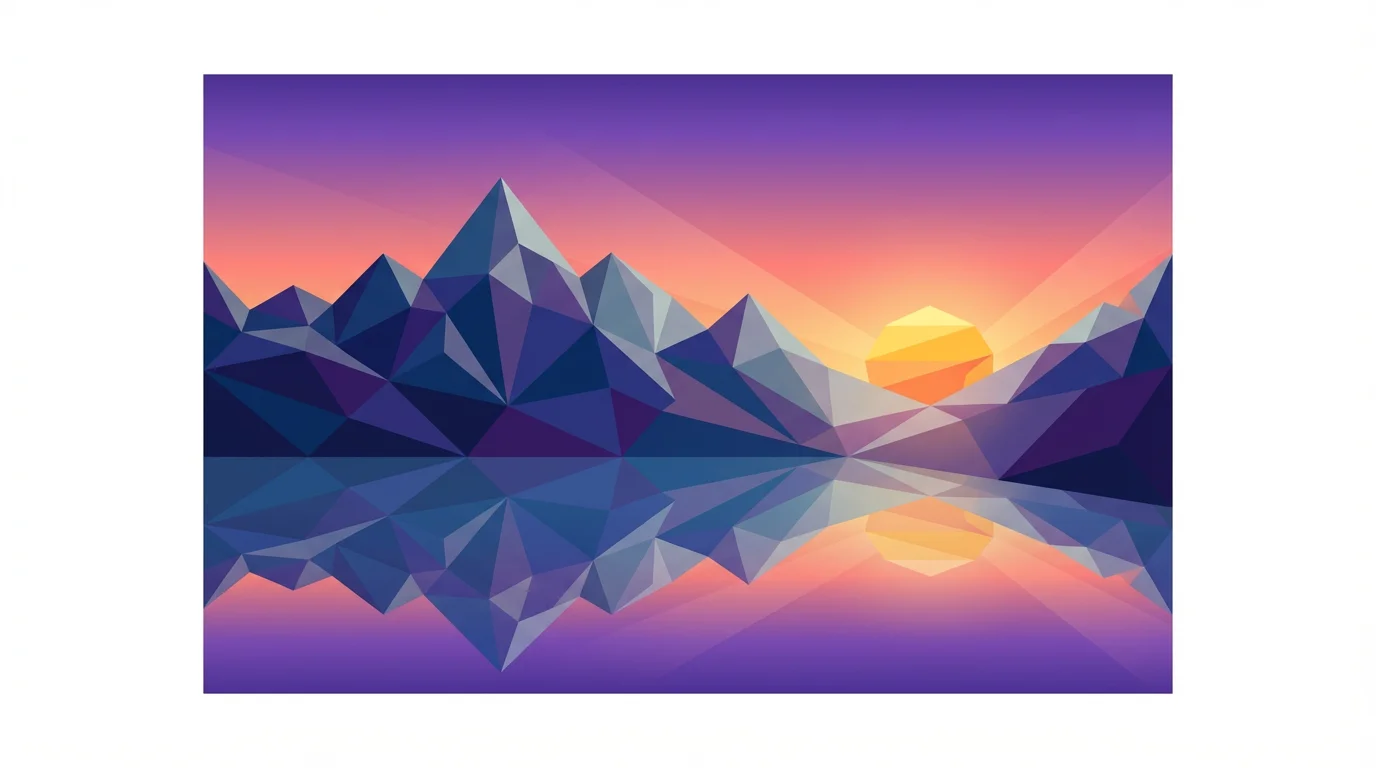
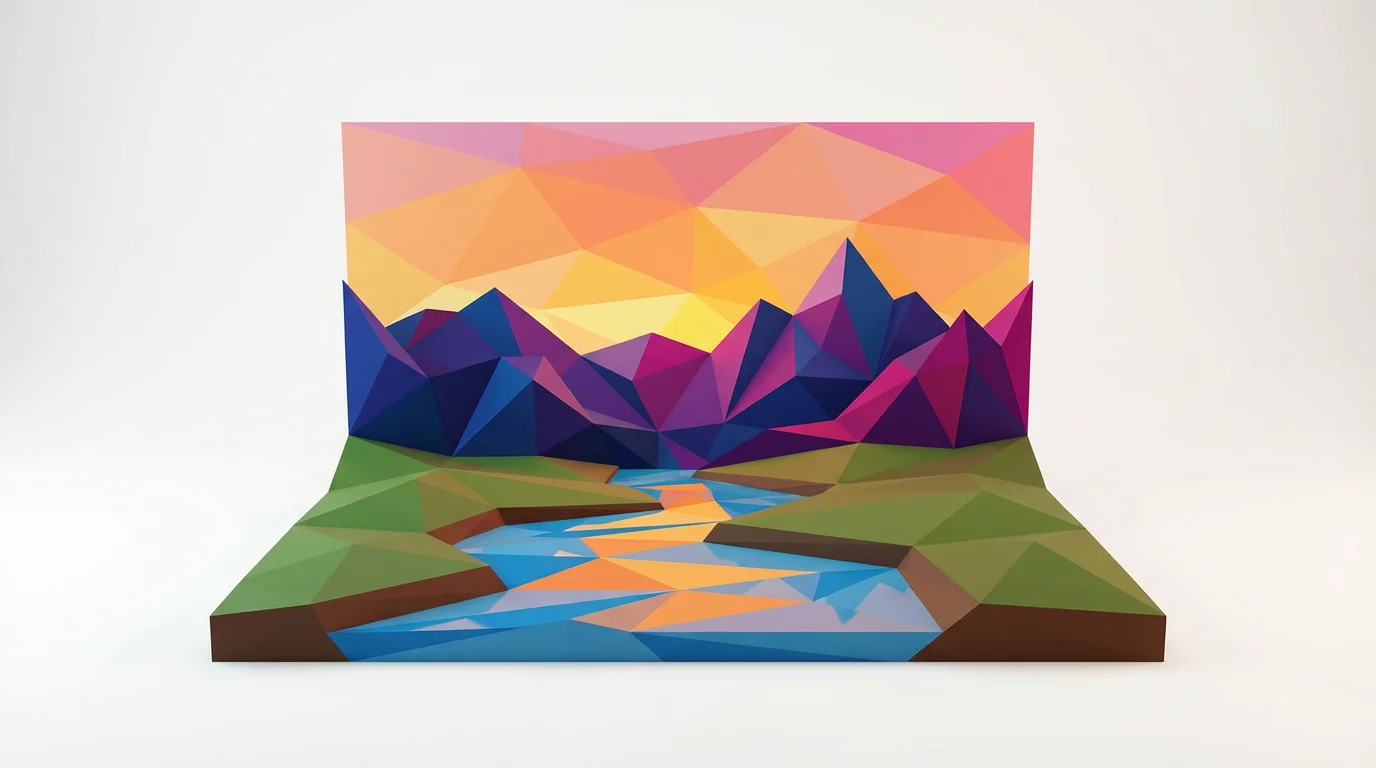
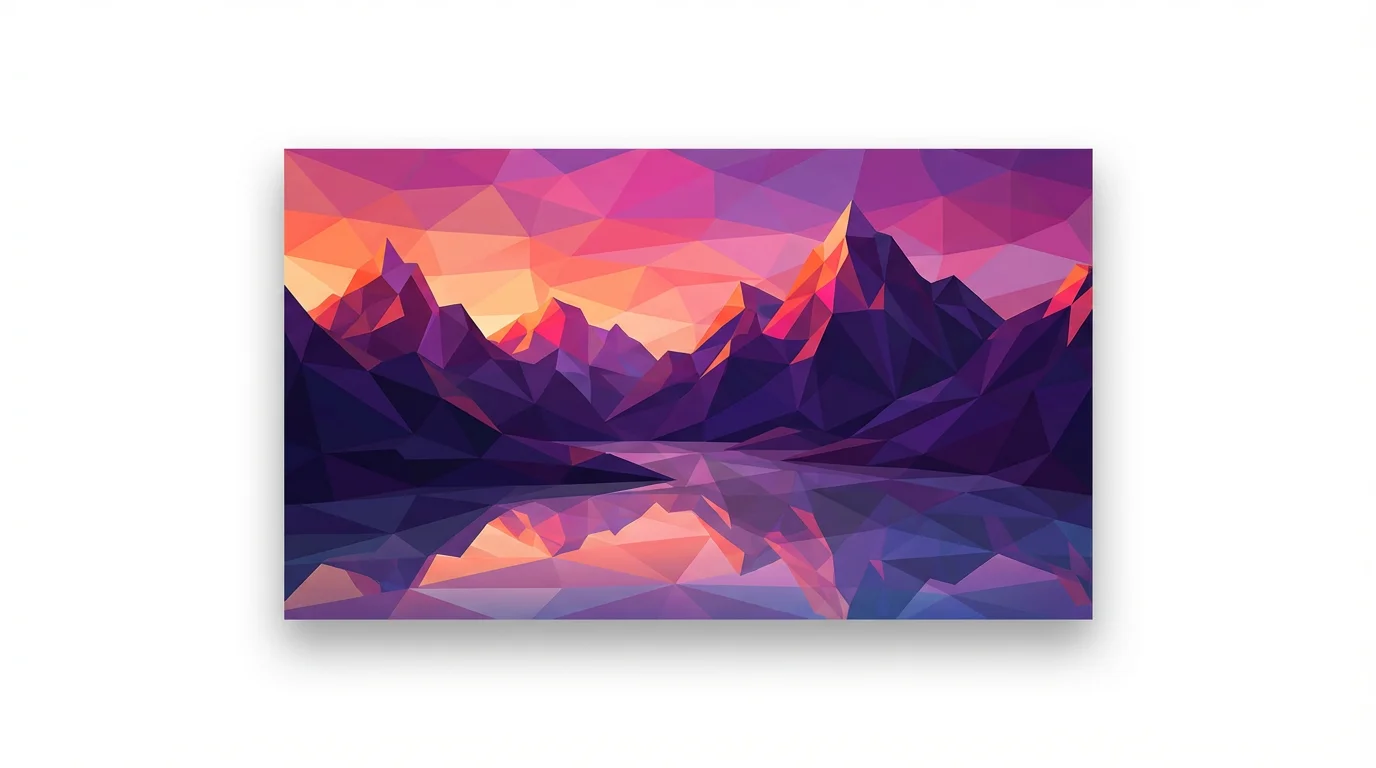
A low poly background is a style of digital art that uses a small number of polygons, typically triangles, to create an abstract, geometric, or faceted image. This minimalist aesthetic originated from early 3D video games but is now a popular design trend for its clean and modern look.
Simply type a text prompt describing the background you want. You can specify colors, objects, or a general theme, such as 'low poly forest at dawn' or 'abstract blue and gold triangles.' The AI will then generate a unique image based on your description.
Low poly backgrounds are very versatile. You can use them as desktop or mobile wallpapers, for website headers, presentation slides, social media graphics, video game assets, or as a texture in other design projects.
Yes, you have full control over the color palette. Include the colors you want in your text prompt, for example, 'a low poly background with a gradient from deep blue to purple' to guide the AI's color selection.
Yes, you can try the tool for free. After using your initial free credits, you have the option to purchase more to continue creating. All downloaded images are high-resolution and can be used for personal or commercial projects.
You can download your generated low poly backgrounds for free in PNG and JPEG formats. If you have a Pixelcut PRO subscription, you can also download them as SVG or WEBP files.
Great app, easy to use. Helps our small business save time and money to create different marketing materials professionally. Thank you.
I need a good background remover for my work and I've been through them all it feels like. This one is the best by far. It's so easy to use and the results always look amazing. Thank you Pixelcut!
It's amazingly easy and gives the perfect results for my bags and accessories. It looks like it was done by a professional photographer.