My favorite app
Great app, easy to use. Helps our small business save time and money to create different marketing materials professionally. Thank you.
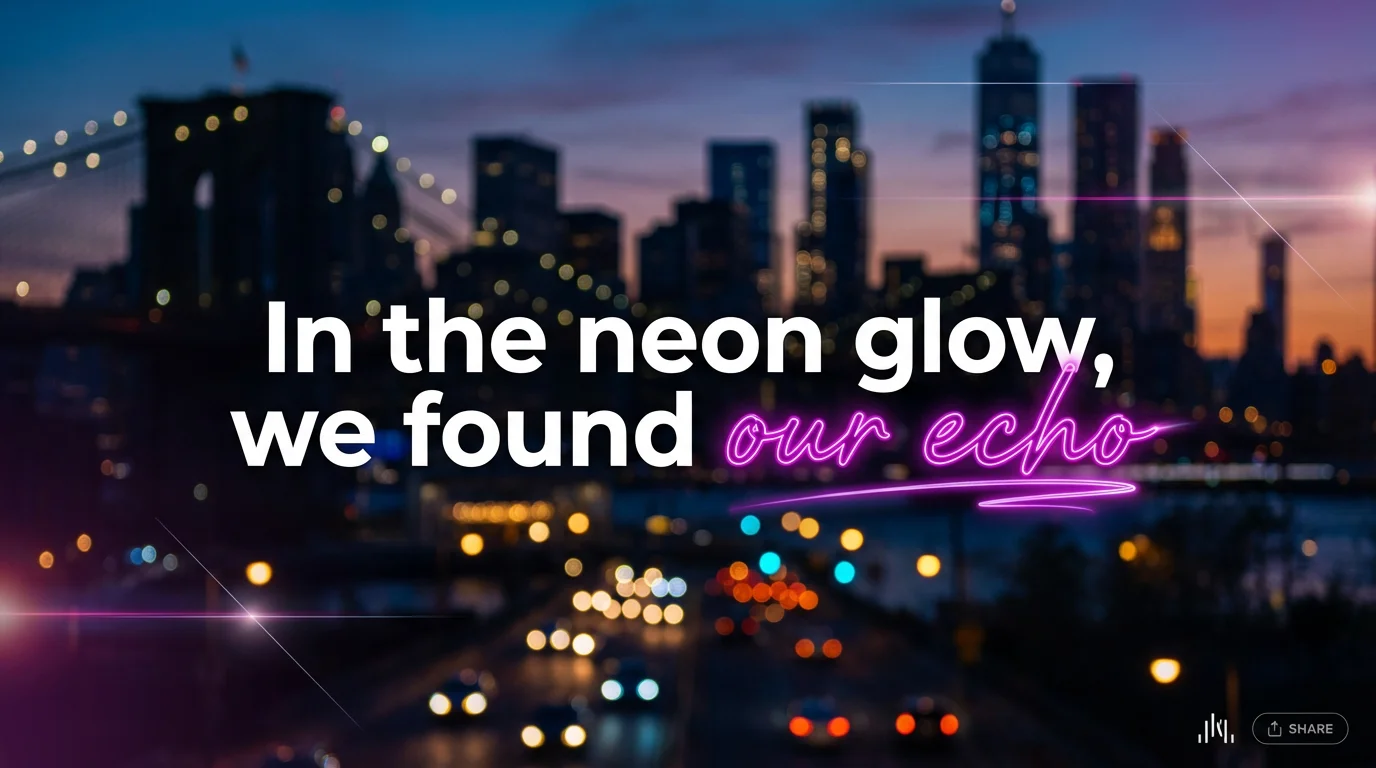
In the prompt box, type the lyrics and describe the graphic you want to create. Be specific about colors, fonts, and the overall mood.
Click the generate button and let the AI interpret your prompt. It will create a unique piece of lyric art for you in just a few seconds.
Your custom lyric design is ready. You can download it as a high-resolution PNG or JPEG file, perfect for sharing or printing.
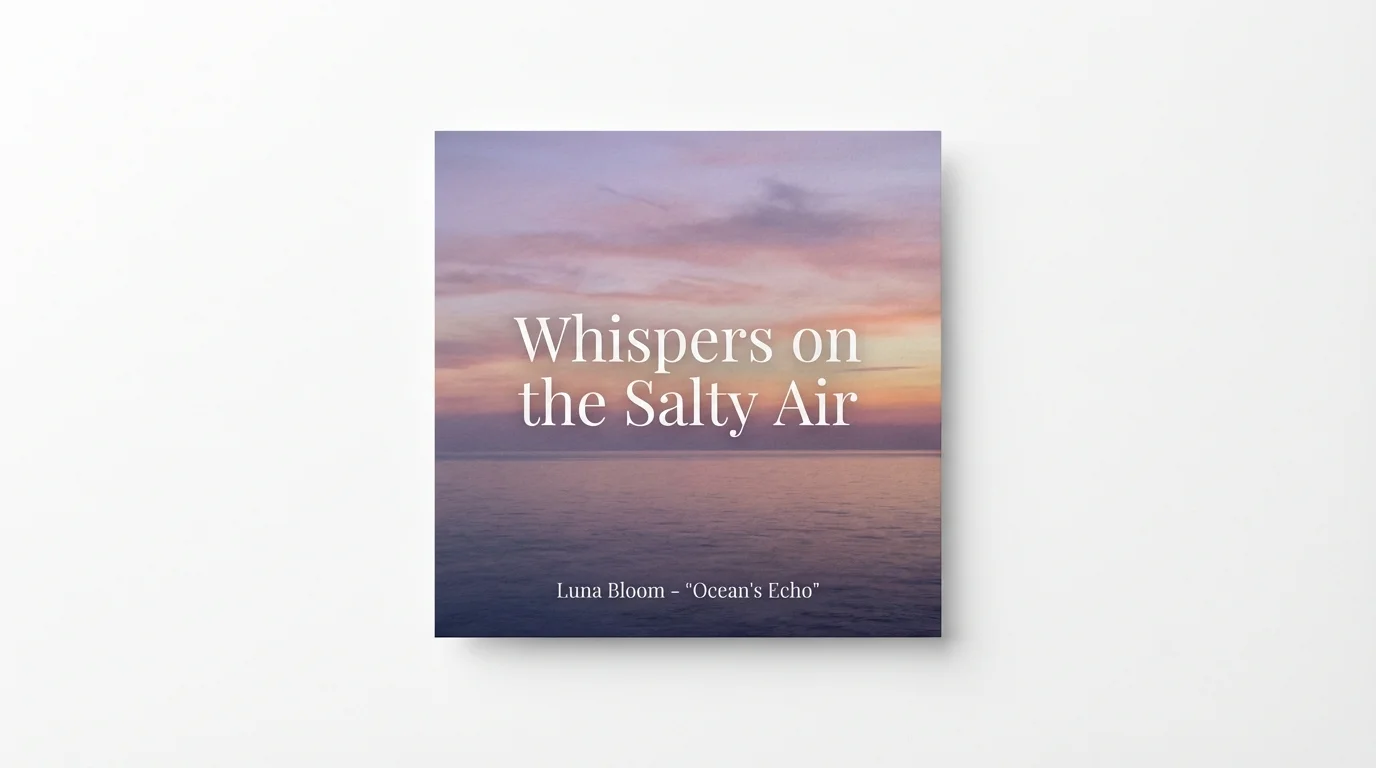
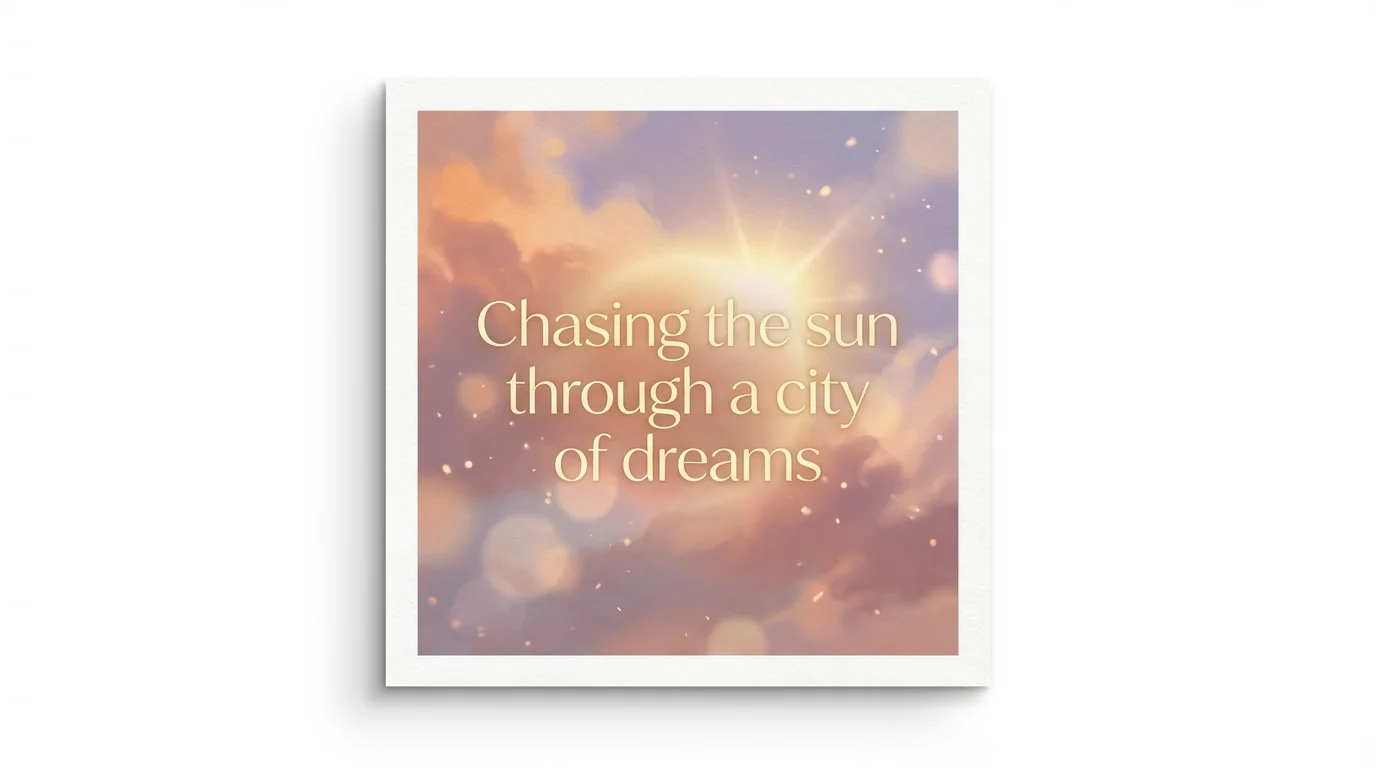
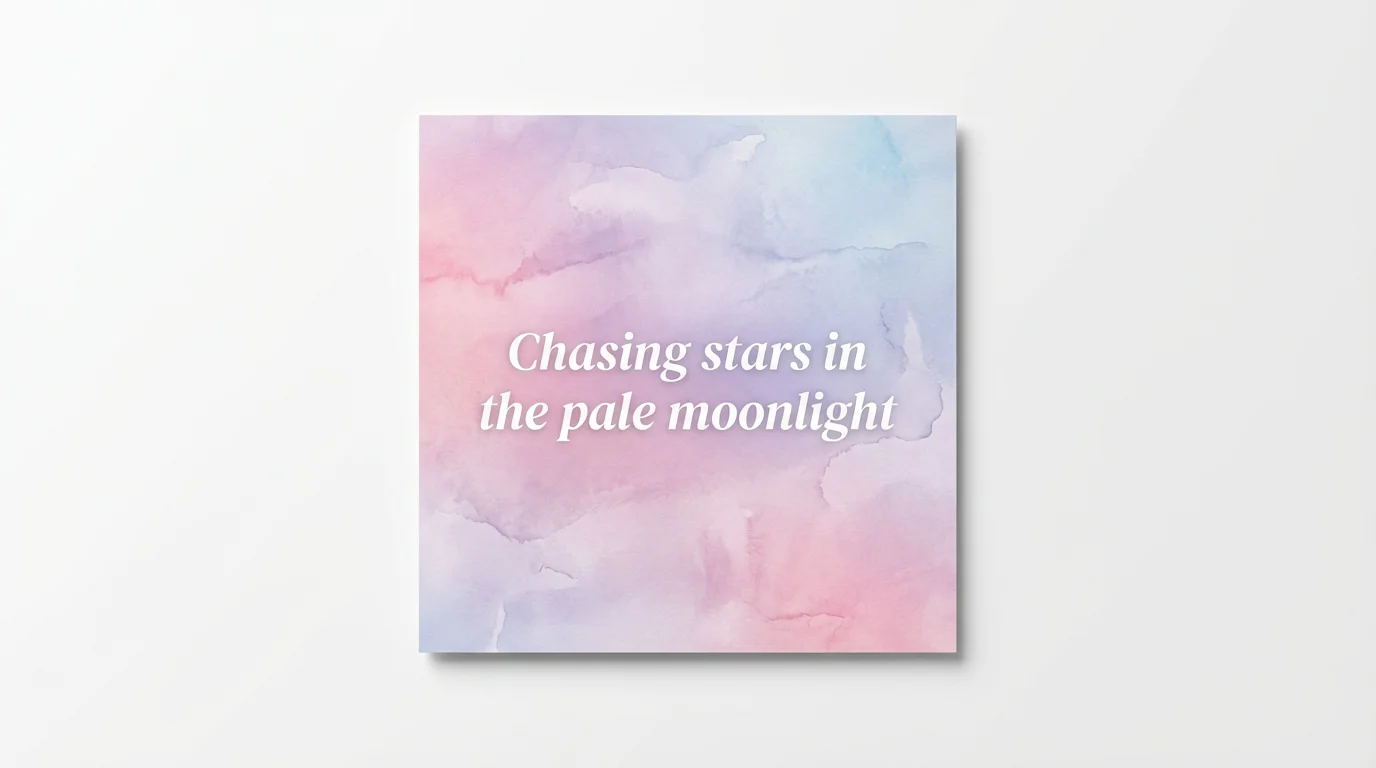
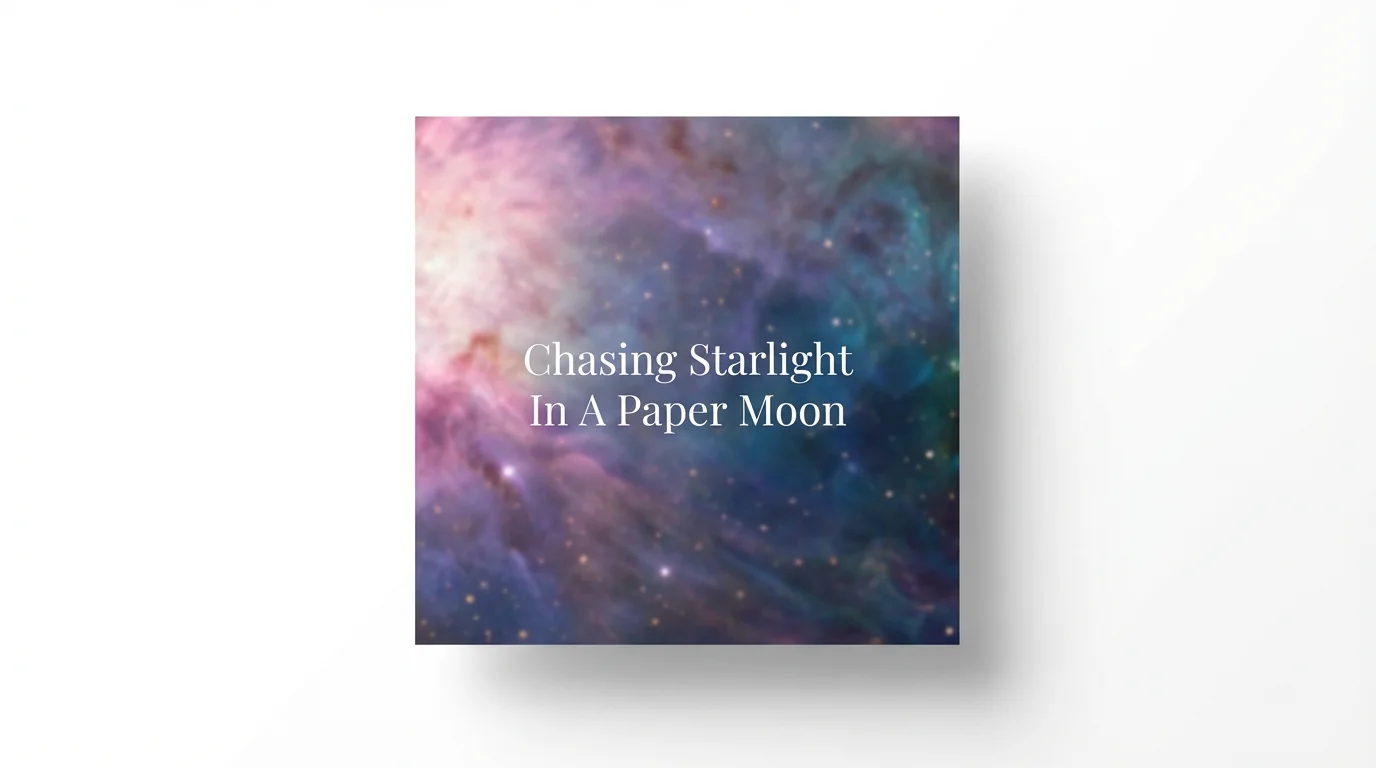
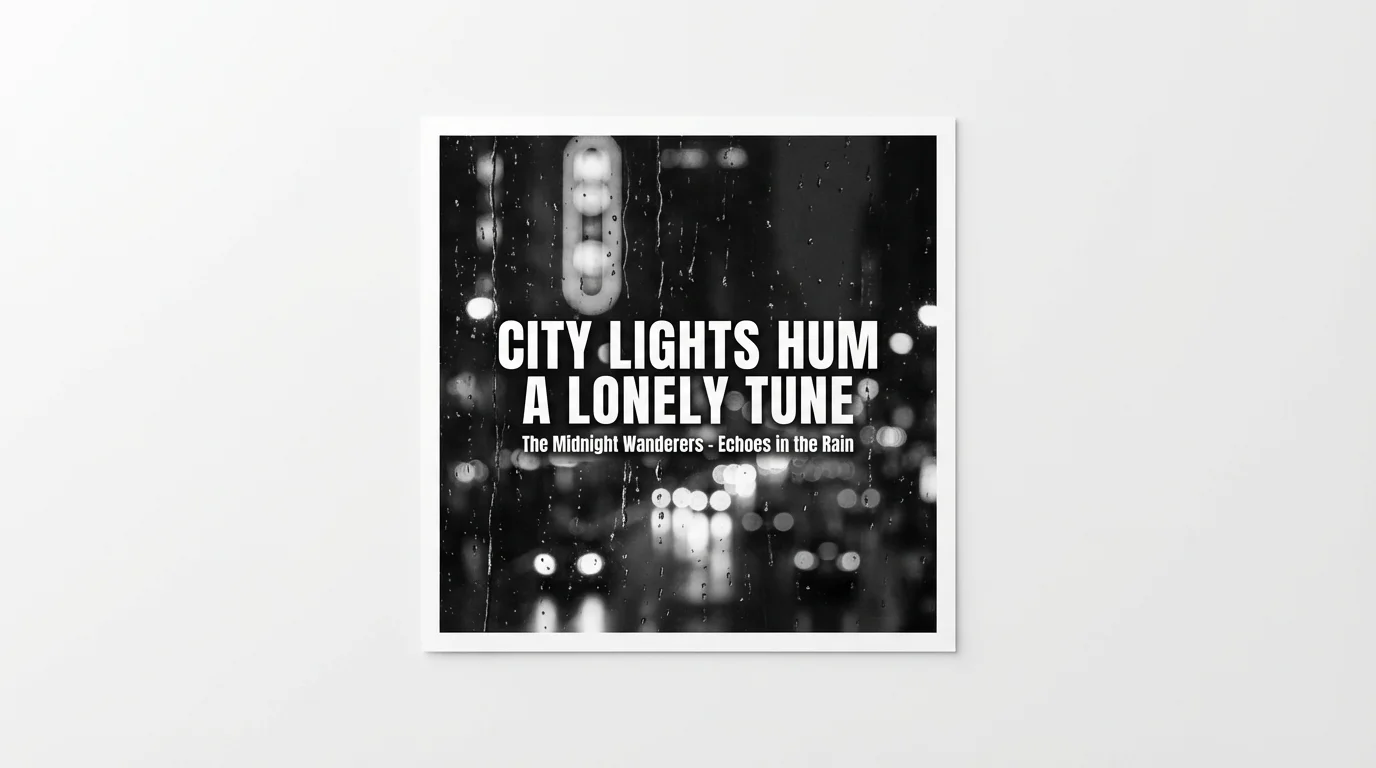
An AI lyrics graphic design generator is a tool that uses artificial intelligence to create visual art from text. You just need to type in the song lyrics and describe the style, colors, and imagery you want, and the AI will generate a unique graphic for you.
Simply type a detailed prompt that includes the lyrics you want to feature. Also describe the visual elements, such as the background color, font style, and overall mood. The AI will then generate a design based on your description.
Yes, you have full control over the creative direction. In your text prompt, you can specify details like 'use a cursive font,' 'make the background a sunset gradient,' or 'highlight this word in yellow' to guide the AI.
Yes, you can try the tool for free. The generated images are high-resolution and do not have watermarks, making them ready to be used for your personal or commercial projects.
Yes, while the primary input is your text description, you also have the option to upload an image. This can help guide the AI's style and composition if you have a specific visual reference in mind.
A good prompt is descriptive. Include the lyrics, the desired style (e.g., vintage, modern, abstract), the color scheme, the font type, and any objects or motifs you want to see, like musical notes or flowers.
Great app, easy to use. Helps our small business save time and money to create different marketing materials professionally. Thank you.
I need a good background remover for my work and I've been through them all it feels like. This one is the best by far. It's so easy to use and the results always look amazing. Thank you Pixelcut!
It's amazingly easy and gives the perfect results for my bags and accessories. It looks like it was done by a professional photographer.