Pixelcut
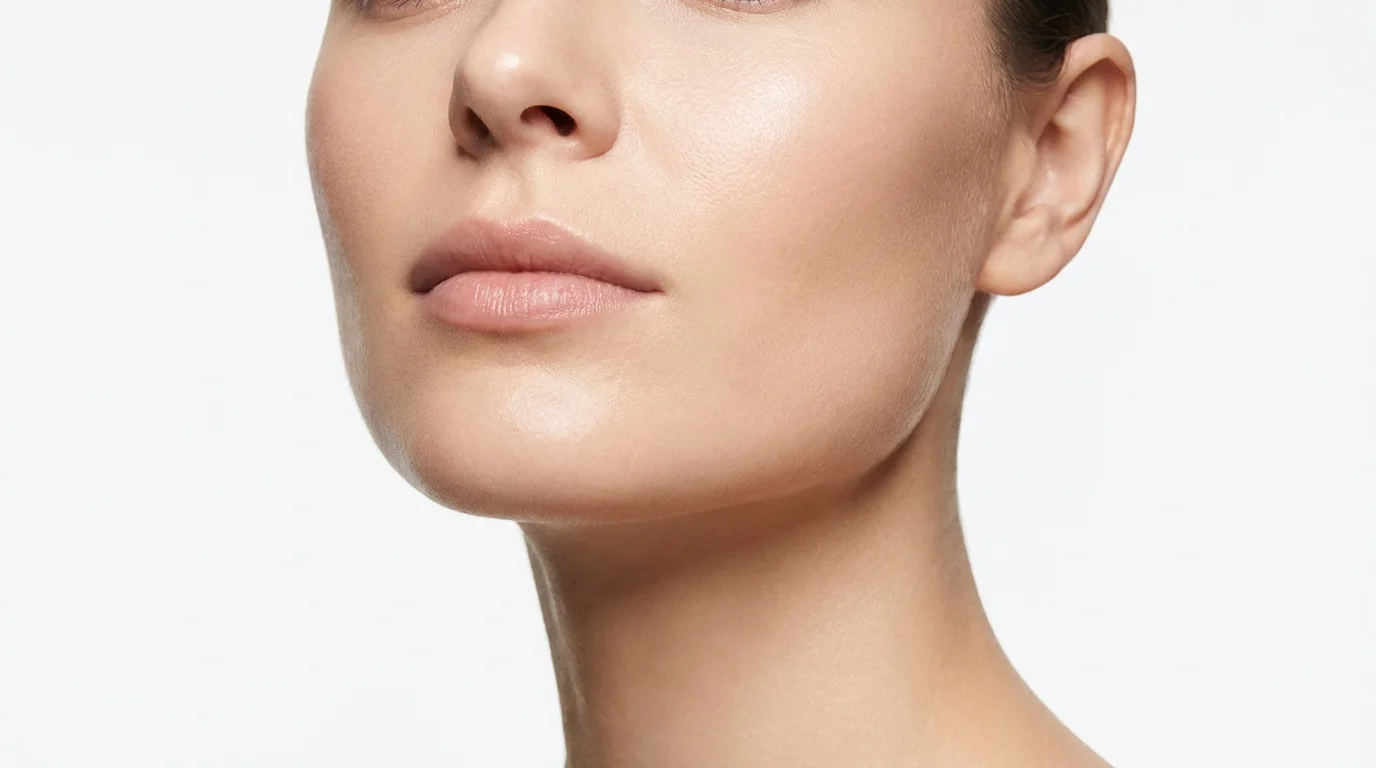
A close-up portrait of a woman smiling, her face appearing elegantly slim and contoured as the result of a digital enhancement tool.

Make Your Face Slimmer with AI

Trusted by 70 million people
171,800 Reviews
Developer API
Available on iPhone & Android

How to Make Your Face Look Slimmer in Photos

  1. 1

    Upload your photo

    Start by uploading a portrait or selfie. Choose a clear, well-lit image for the best results.

  2. 2

    Describe your edit

    In the text box, tell the AI what you want to change. For example, type 'make my face look slimmer' or 'define my cheekbones'.

  3. 3

    Generate your new photo

    Click the generate button and let the AI apply the edits. It will create a new version of your photo with the requested changes.

  4. 4

    Download and share

    Your enhanced, high-resolution photo is ready. Download it for free and share it on social media, use it for a headshot, or add it to any project.

Refine your portraits and selfies with subtle, realistic adjustments. Our AI-powered tool allows you to slim your face, enhance your cheekbones, and define your jawline without creating distortion. Simply upload your photo and provide a text prompt describing the changes you want. The AI intelligently interprets your instructions to produce a result that looks both flattering and authentic. Forget complicated sliders and manual tools; achieve a professionally edited look through simple conversation.

Achieve Natural-Looking Facial Contouring

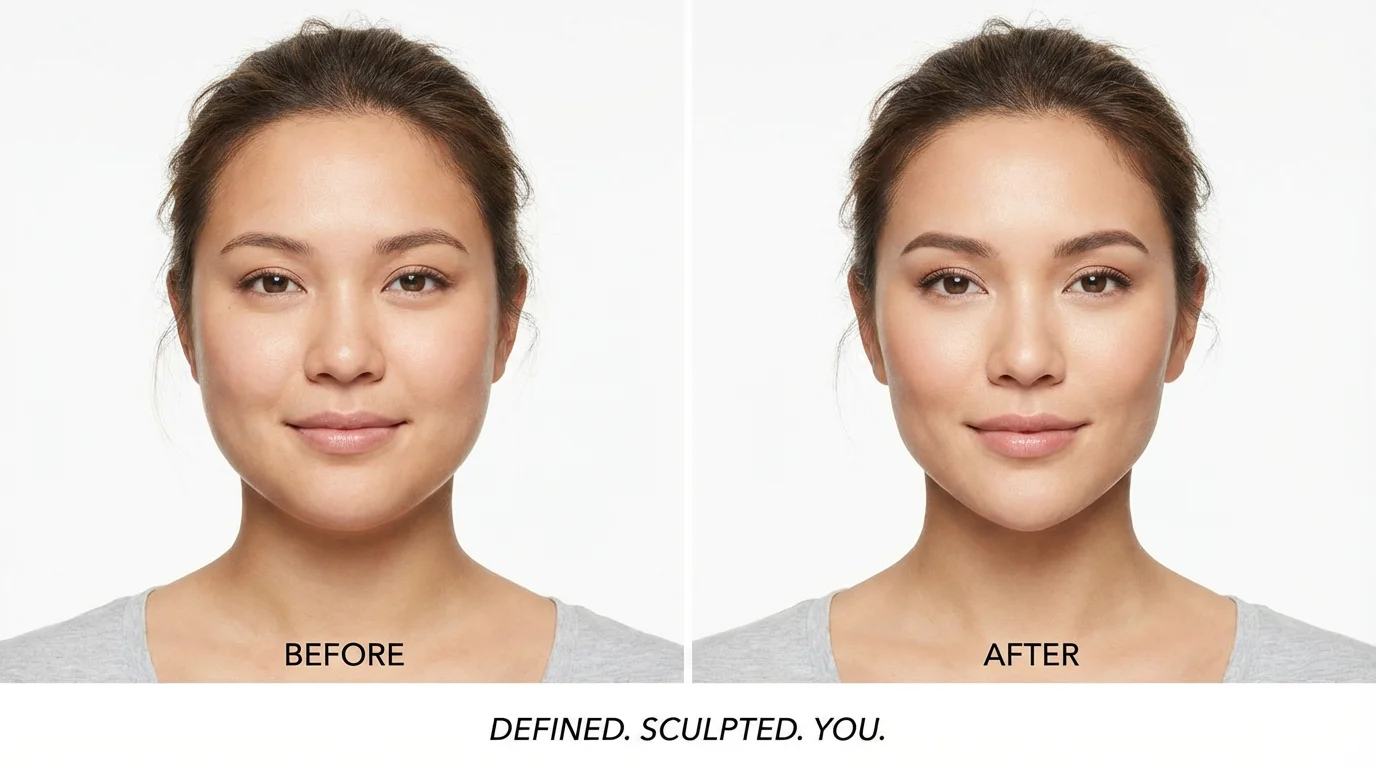
A before-and-after split image demonstrating a face slimming effect. The left side shows a woman with a rounder face, and the right side shows the same woman with a visibly slimmer, more defined facial structure.
Turn any photo into your favorite shot in seconds. Whether it’s a selfie taken from a tricky angle or a group photo where you want to stand out, our AI face slimmer gives you the power to make quick enhancements. Stop worrying about unflattering lighting or camera positions. With a simple prompt, you can adjust your facial contours to look your best every time. Get the confidence to share your photos knowing you look exactly how you want.

Instant Edits for Picture-Perfect Confidence

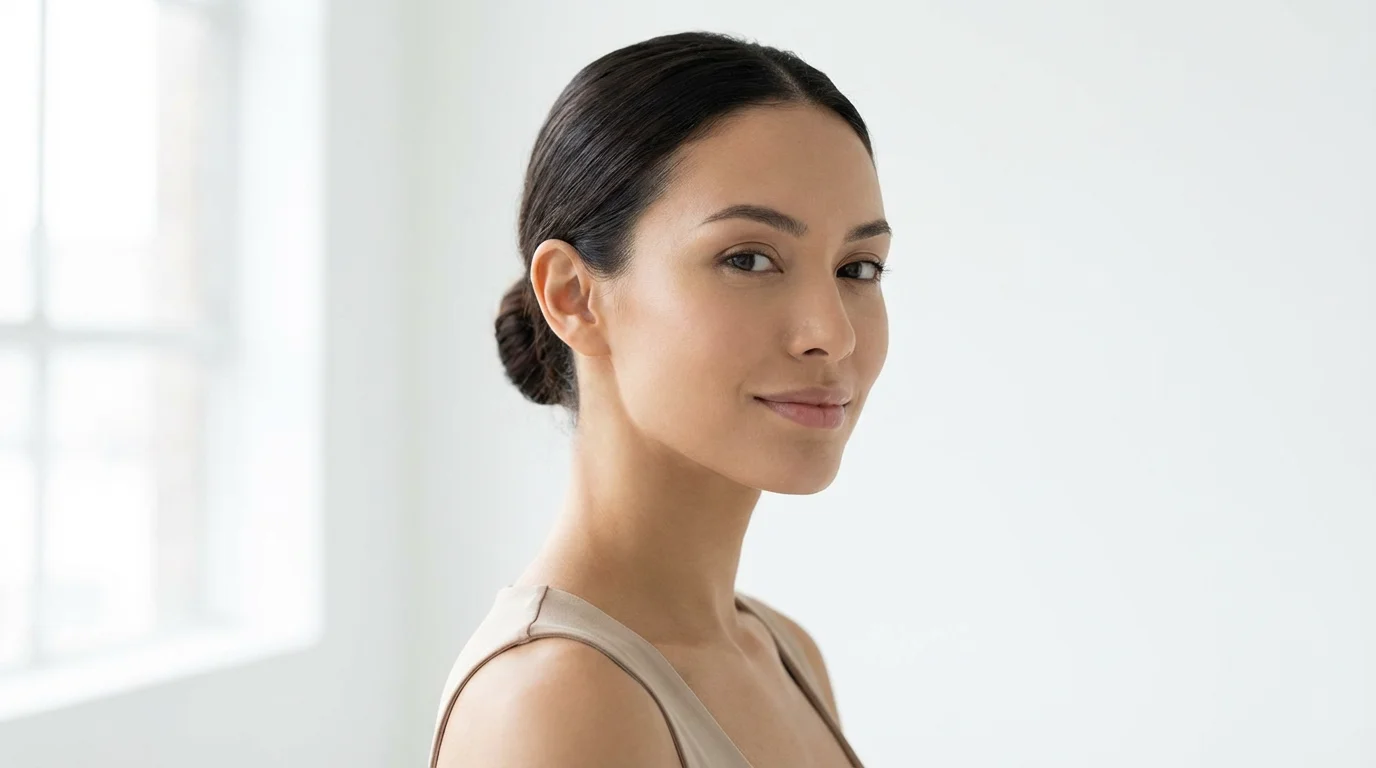
A close-up beauty shot of a woman with a very slim and defined face and jawline, posing against a clean white background.
Download your edited photos in stunning high resolution, perfect for everything from your social media profile to professional headshots. Unlike other editors that can reduce image quality, our tool ensures your final picture is crisp, clear, and ready for any platform. You can download your watermark-free images in PNG or JPEG format for free. The enhanced details and natural finish will make your portraits look like they were professionally retouched, maintaining their quality and sharpness.

High-Resolution Results for Any Use

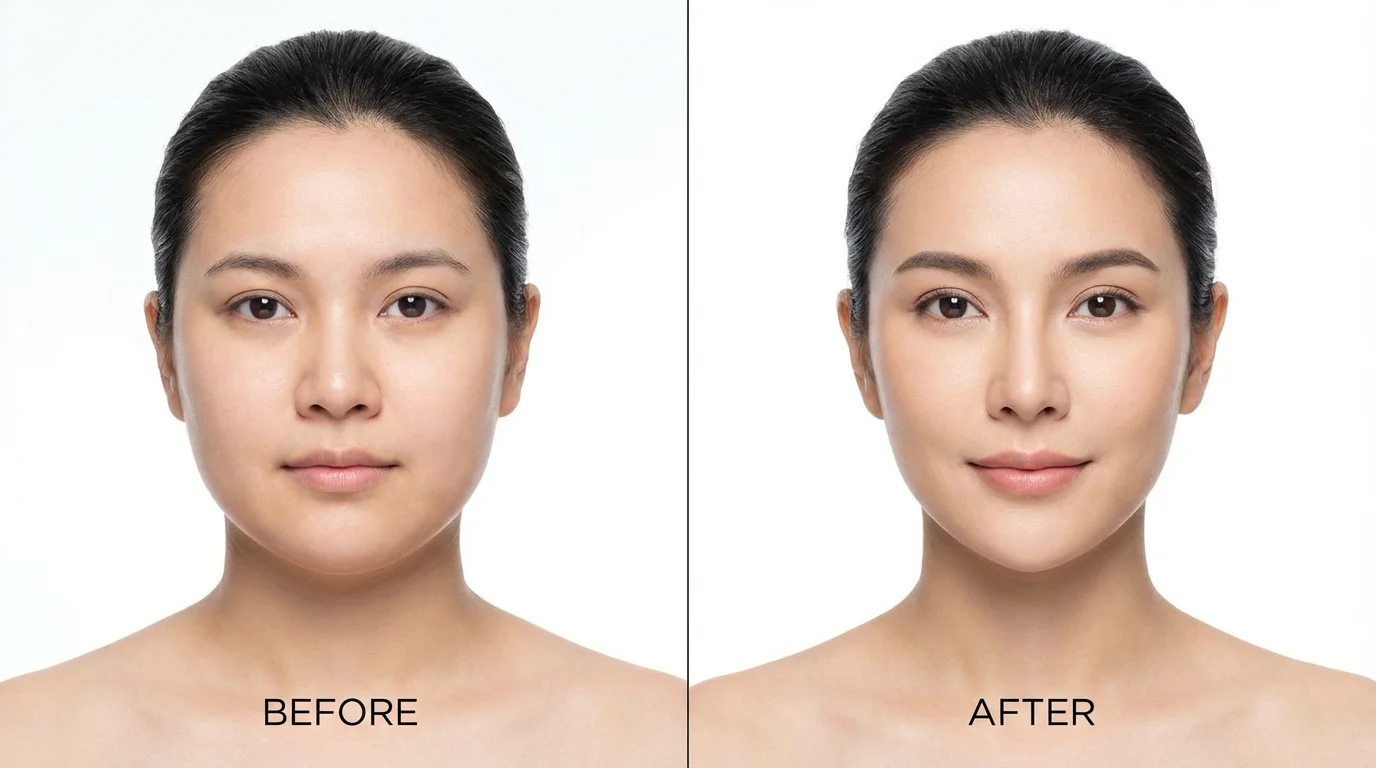
A before-and-after comparison image showing a woman's face. The left side displays her natural features, while the right side is subtly slimmed down to showcase a face slimming effect.
It’s Fast: Get from your original photo to an enhanced portrait in seconds. It’s Intuitive: No more complex tools. Just describe the edit you want, like 'slim my face and define my cheekbones'. AI-Powered: Our AI understands your instructions to make intelligent, natural-looking adjustments. Subtle & Realistic: Avoid the over-edited, artificial look. Our tool focuses on realistic enhancements. Free to Try: Experiment with different edits and see the results for yourself at no cost.

Why use Pixelcut's AI Face Slimmer?

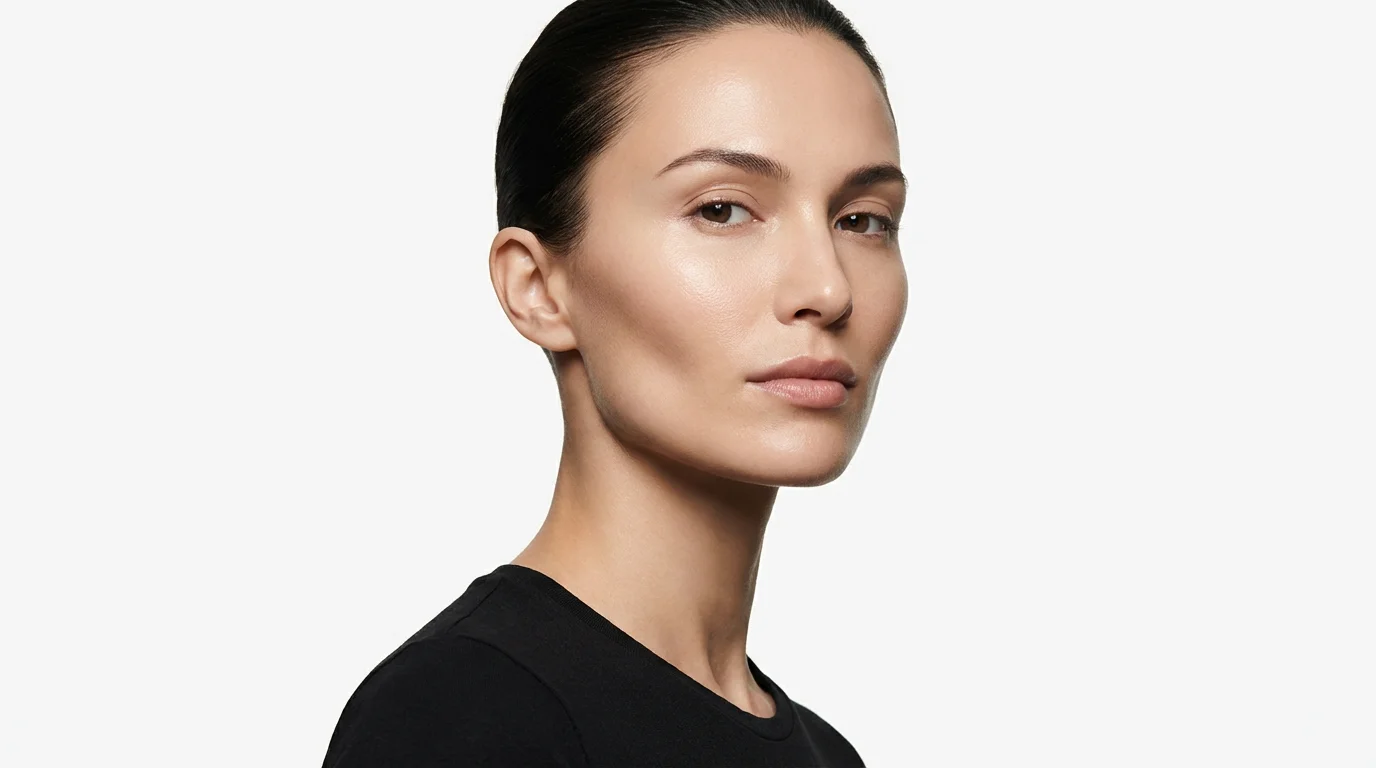
A close-up beauty photograph showing a woman's face with a prominently defined and slim jawline, illustrating the effect of a face slimmer, against a white background.
Social Media Profiles: Create a polished and consistent look for your profile pictures on Instagram, Facebook, and LinkedIn. Professional Headshots: Subtly refine your features for business photos to ensure you look your best. Group Photos: Make minor adjustments to your appearance in group shots to ensure you're happy with the final picture. Dating Apps: Enhance your selfies to make a great first impression while still looking like you. Creative Portraits: Experiment with different looks by contouring and shaping your face for artistic photos.

Face Slimmer Use Cases

A close-up beauty shot focusing on a woman's perfectly slim and defined jawline against a clean white background, illustrating the effect of a face slimmer.

Frequently Asked Questions

Pixelcut is loved by over 2 million people

  • My favorite app

    Great app, easy to use. Helps our small business save time and money to create different marketing materials professionally. Thank you.
    Shaelyn D.
  • Best background remover

    I need a good background remover for my work and I've been through them all it feels like. This one is the best by far. It's so easy to use and the results always look amazing. Thank you Pixelcut!
    Kira H.
  • Love it

    It's amazingly easy and gives the perfect results for my bags and accessories. It looks like it was done by a professional photographer.
    Mary J.