Pixelcut
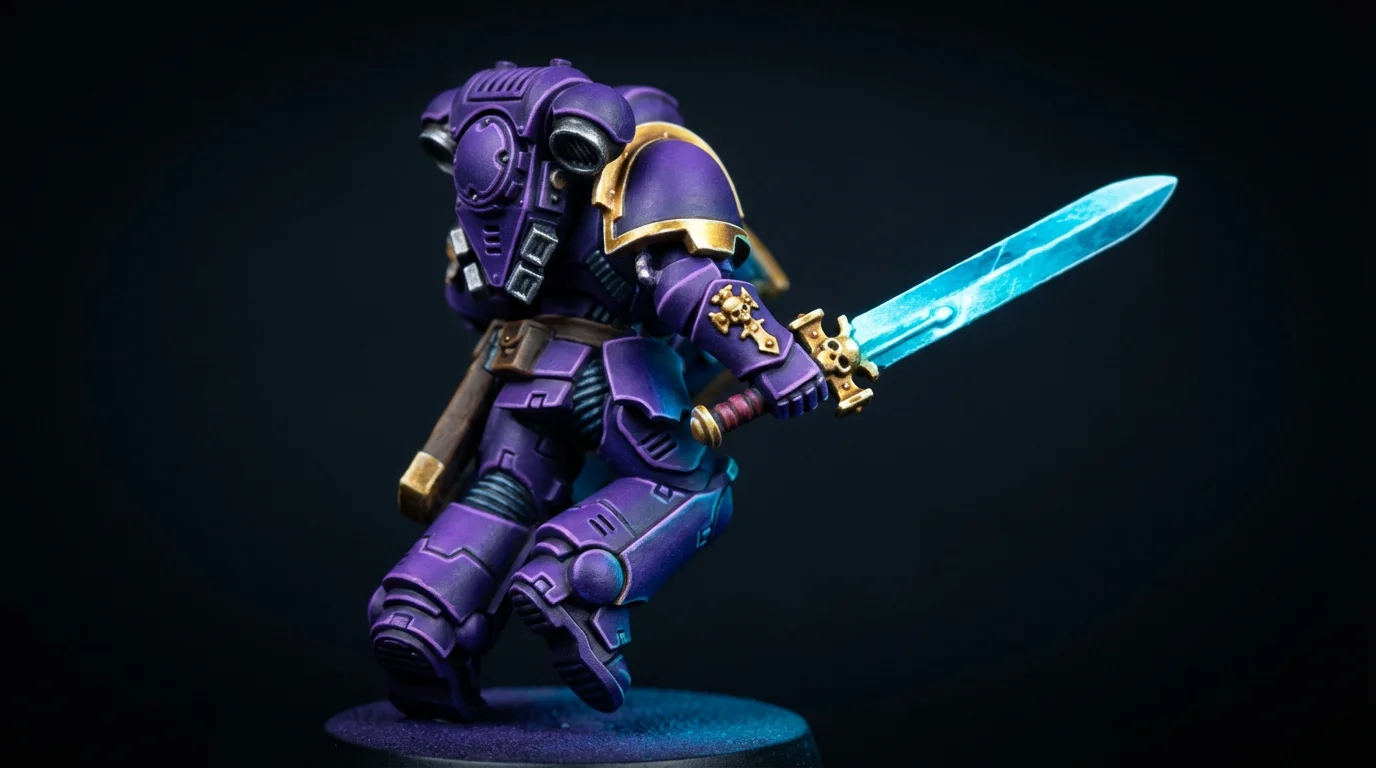
A detailed, professional close-up of a masterfully painted sci-fi knight miniature, showcasing an intricate purple and gold paint scheme and a glowing blue energy sword.

AI Miniature Paint Scheme Generator

Trusted by 70 million people
171,800 Reviews
Developer API
Available on iPhone & Android

How to create a miniature paint scheme

  1. 1

    Upload Your Miniature Photo

    Start by uploading a photo of your unpainted or primed miniature. A clean, well-lit image works best.

  2. 2

    Describe Your Paint Scheme

    In the prompt box, describe the look you want. Include colors, styles like 'grimdark' or 'clean,' and effects like 'glowing weapons'.

  3. 3

    Generate Your Scheme

    Click the generate button and let the AI create a custom-painted version of your miniature based on your prompt.

  4. 4

    Download Your Inspiration

    Download the high-resolution image to use as a reference while you paint. All downloads are free and watermark-free.

Stop staring at unpainted plastic and start creating. Our AI paint scheme generator is the perfect tool to break through painter's block. Just upload a photo of your primed or unpainted model and describe a style. In seconds, you'll get a unique, visually-rendered paint scheme. Experiment with bold colors, test out complex ideas like weathering or non-metallic metals, and generate endless inspiration for your next project. It's the fastest way to move from indecision to your next masterpiece without wasting a drop of paint.

Beat Painter's Block Instantly

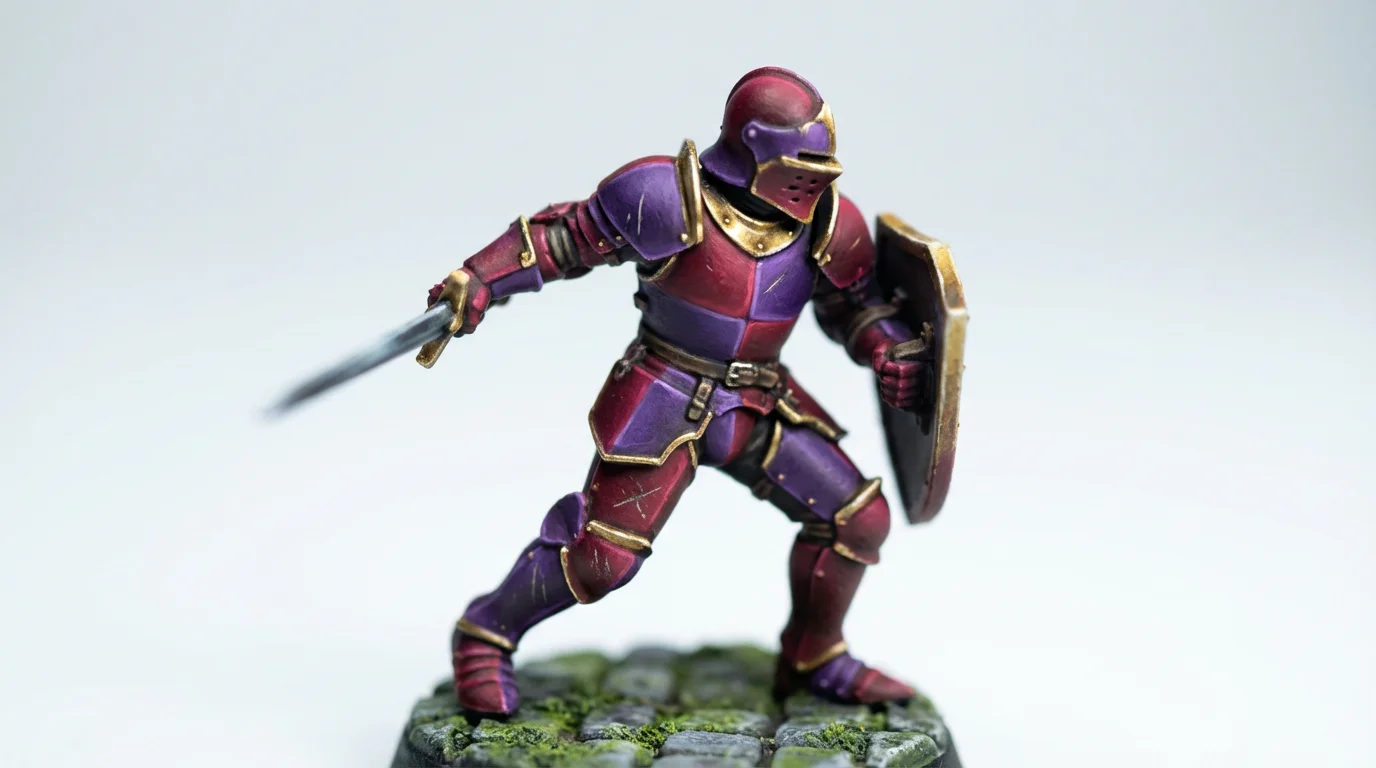
A close-up studio photograph of a single, intricately painted fantasy knight miniature, showcasing a red, purple, and gold color scheme against a clean white background.
See your finished model before you even pick up a brush. Pixelcut’s generator lets you upload an image of your actual miniature and apply a paint scheme digitally. This allows you to test how colors interact on a specific model, saving you time, money, and the frustration of a failed scheme. Describe specific textures like 'chipped paint,' 'rust effects,' or 'glowing object source lighting' to get a detailed preview. Make confident decisions and ensure your final painted miniature looks exactly as you envisioned.

Visualize Before You Paint

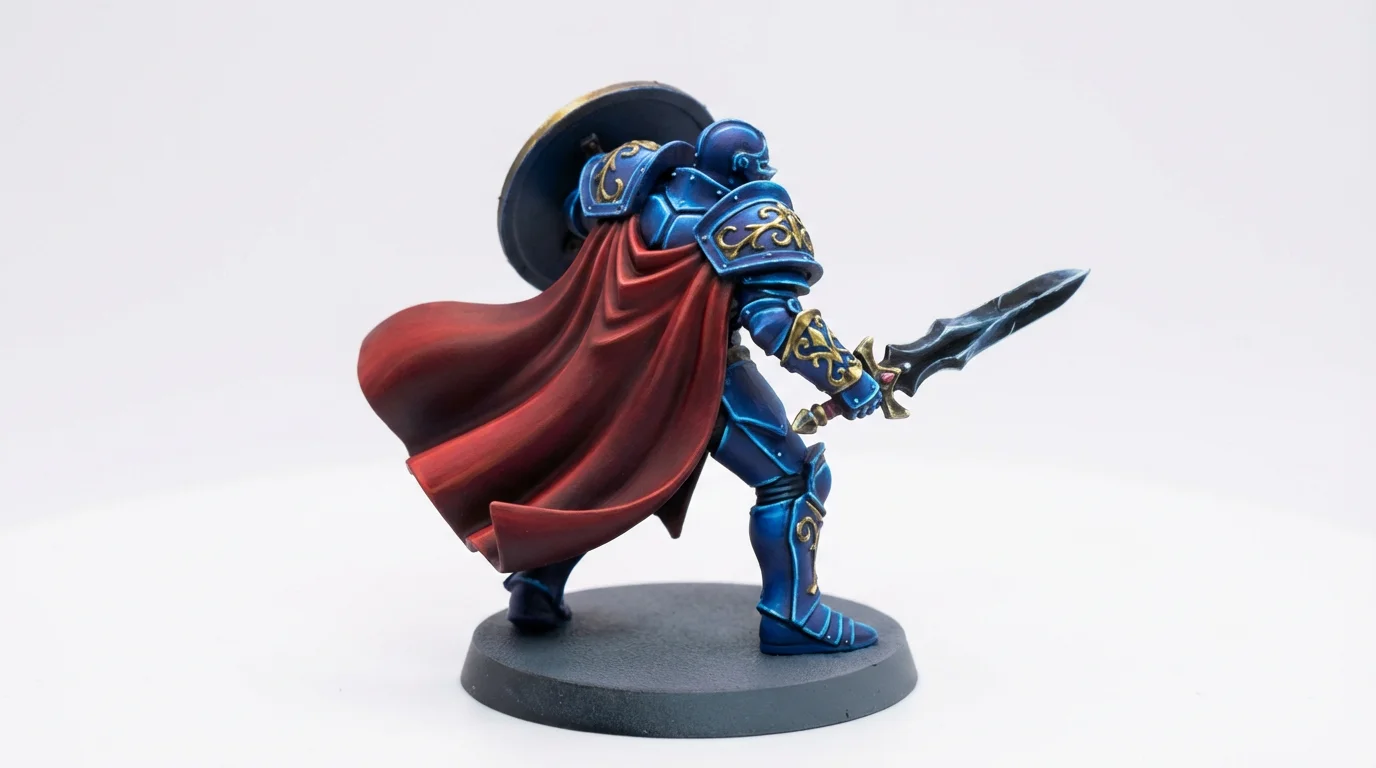
A close-up photo of a hand-painted fantasy knight miniature, showcasing a detailed paint scheme of cobalt blue, gold, and crimson against a stark white background.
Design a cohesive and striking look for your entire army. Our AI tool is ideal for wargamers looking to test color combinations across different units. You can easily visualize how a core scheme will look on infantry, vehicles, and characters to ensure a unified aesthetic. Tweak accent colors for elite squads or create variations for different sub-factions while keeping the army's identity intact. Planning your army's visual theme has never been easier, helping you field a force that looks impressive on the tabletop.

Perfect Your Army's Palette

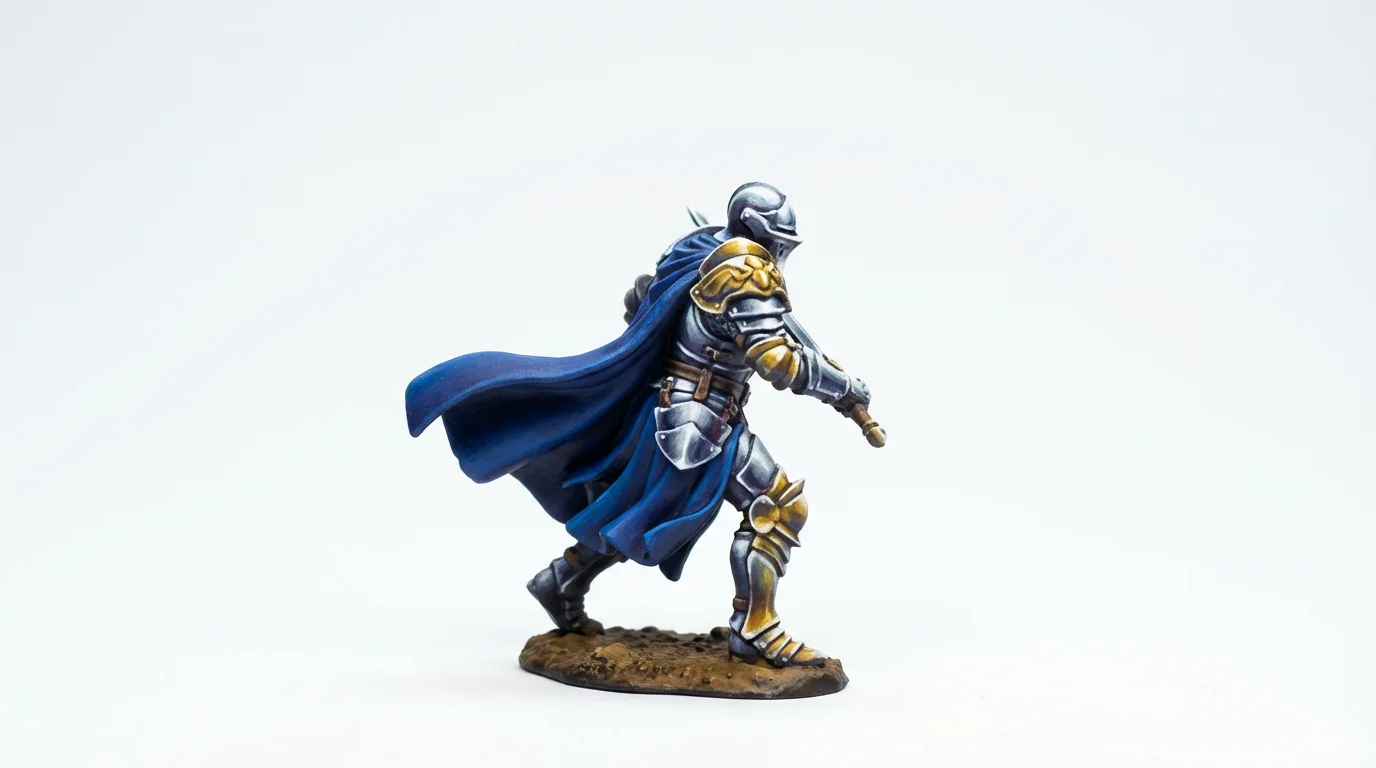
A close-up, studio-quality photograph of a professionally painted fantasy knight miniature, highlighting a detailed blue, silver, and gold color scheme against a clean white background.
It’s Fast: Go from a primed model to a full color concept in moments. It’s a Visualizer: Upload your own model to see how a scheme will look before you commit. AI-Powered: Use the power of AI to create unique and detailed paint schemes from simple text. Easy to Use: No complex software needed. If you can describe it, you can create it, directly from your browser. Risk-Free Creativity: Test wild ideas and unconventional colors without the fear of ruining an expensive miniature.

Why use Pixelcut's AI Miniature Paint Scheme Generator?

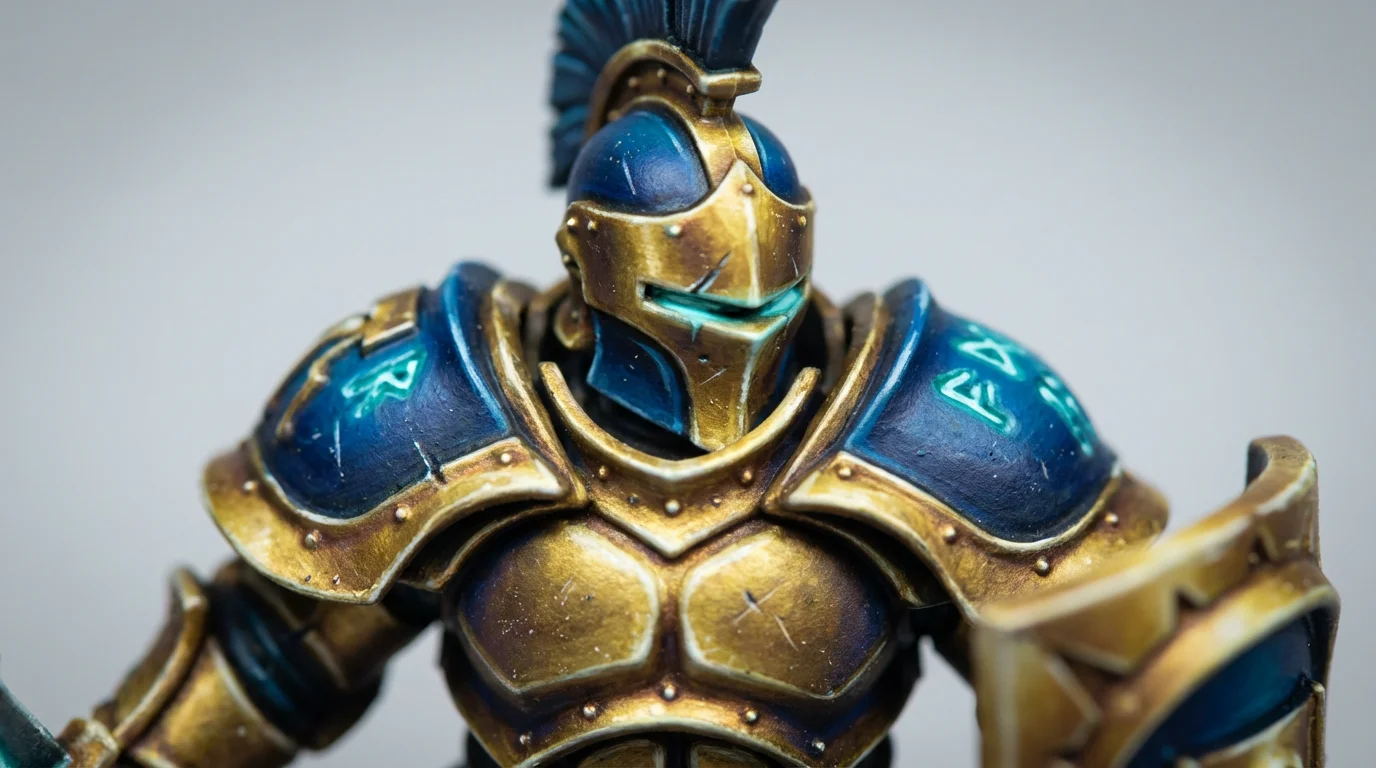
A close-up photograph of a professionally painted miniature of a futuristic knight, displaying a detailed gold and royal blue paint scheme with glowing turquoise details, set against a plain light gray background.
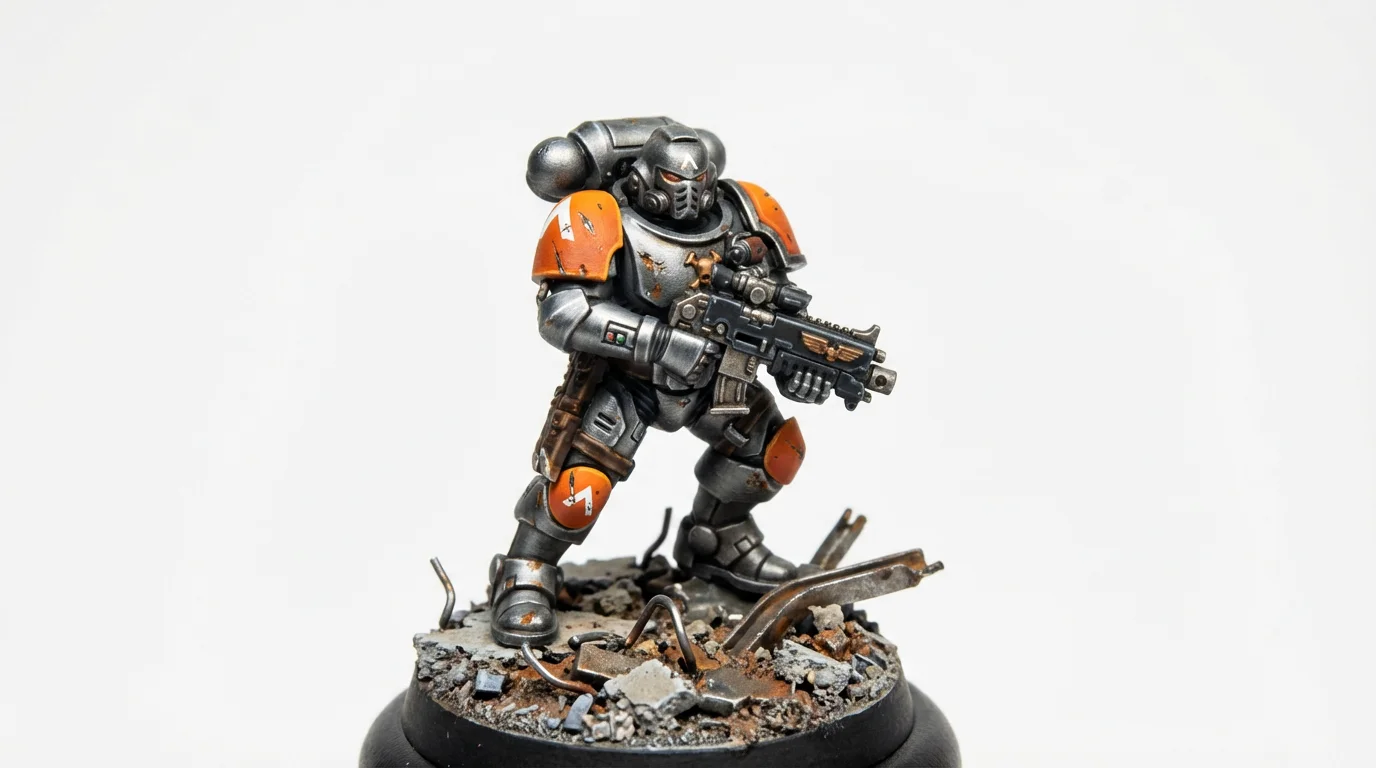
Warhammer 40k & Age of Sigmar: Test schemes for your Space Marine chapter, Ork clan, or Stormcast chamber. Dungeons & Dragons: Create unique color palettes for your heroes, villains, and monsters. Historical Wargaming: Visualize authentic color schemes for historical soldiers and vehicles. Sci-Fi & Fantasy Skirmish Games: Develop palettes for specialist warbands or individual character models. Display Painting: Plan award-winning color combinations and lighting effects for large-scale display pieces.

Miniature Paint Scheme Use Cases

A close-up photograph of a professionally painted sci-fi soldier miniature in grey and orange armor, standing on a small rubble-themed diorama base against a white background.

Frequently Asked Questions

Pixelcut is loved by over 2 million people

  • My favorite app

    Great app, easy to use. Helps our small business save time and money to create different marketing materials professionally. Thank you.
    Shaelyn D.
  • Best background remover

    I need a good background remover for my work and I've been through them all it feels like. This one is the best by far. It's so easy to use and the results always look amazing. Thank you Pixelcut!
    Kira H.
  • Love it

    It's amazingly easy and gives the perfect results for my bags and accessories. It looks like it was done by a professional photographer.
    Mary J.