My favorite app
Great app, easy to use. Helps our small business save time and money to create different marketing materials professionally. Thank you.
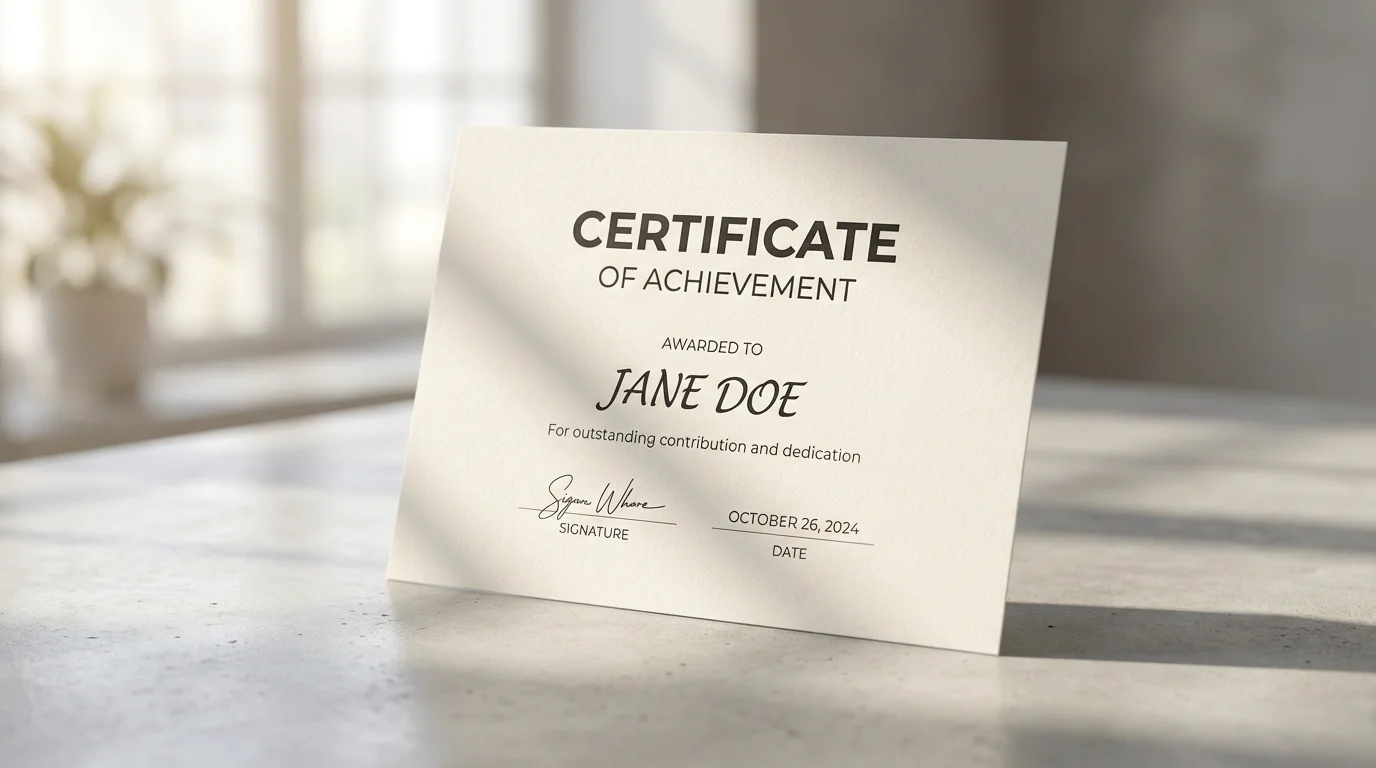
Start by writing a detailed description of the certificate. Include the recipient's name, the achievement, date, and any specific design elements like fonts or colors.
Click the generate button and let the AI create a unique, minimal certificate based on your prompt. It will arrange all the elements into a professional layout for you.
Your high-resolution certificate is ready to download. You can print it out or share it digitally. All downloads are watermark-free and ready for immediate use.
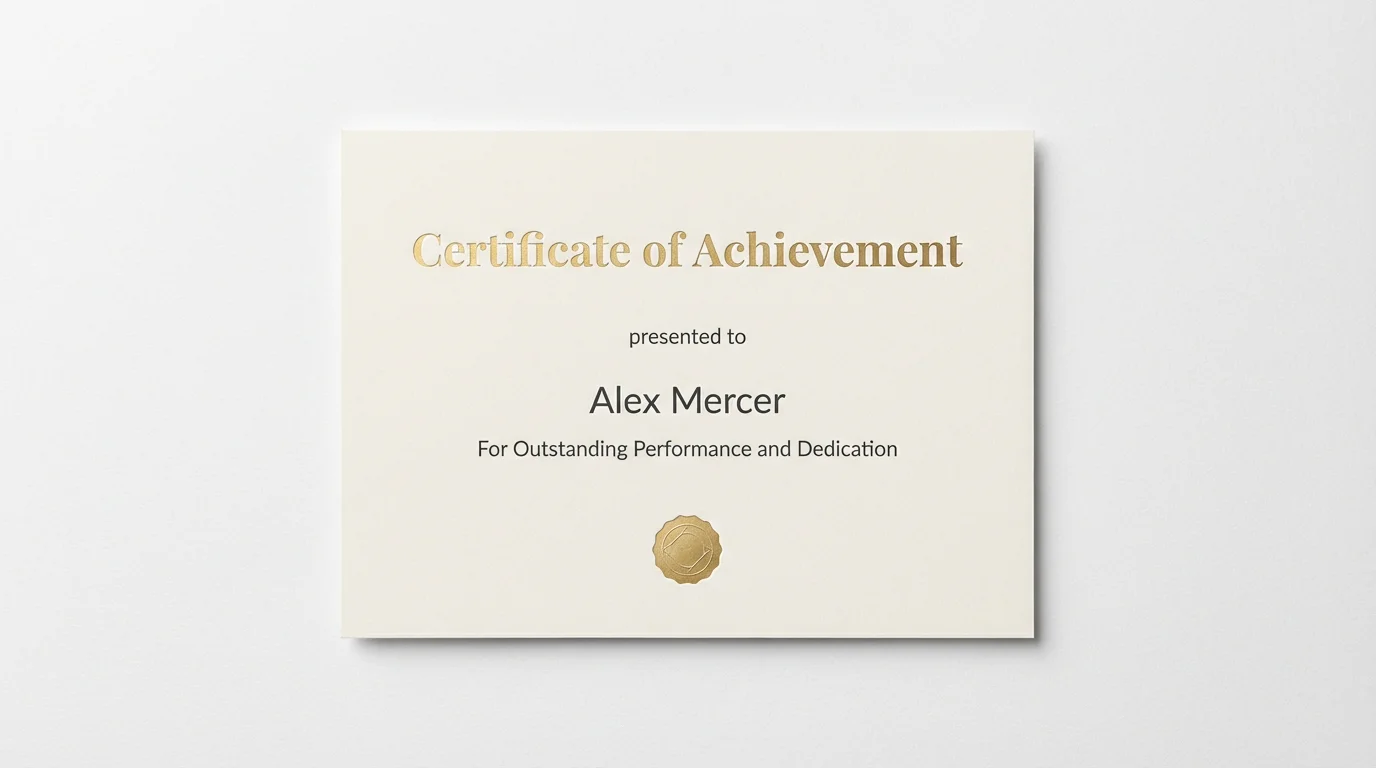
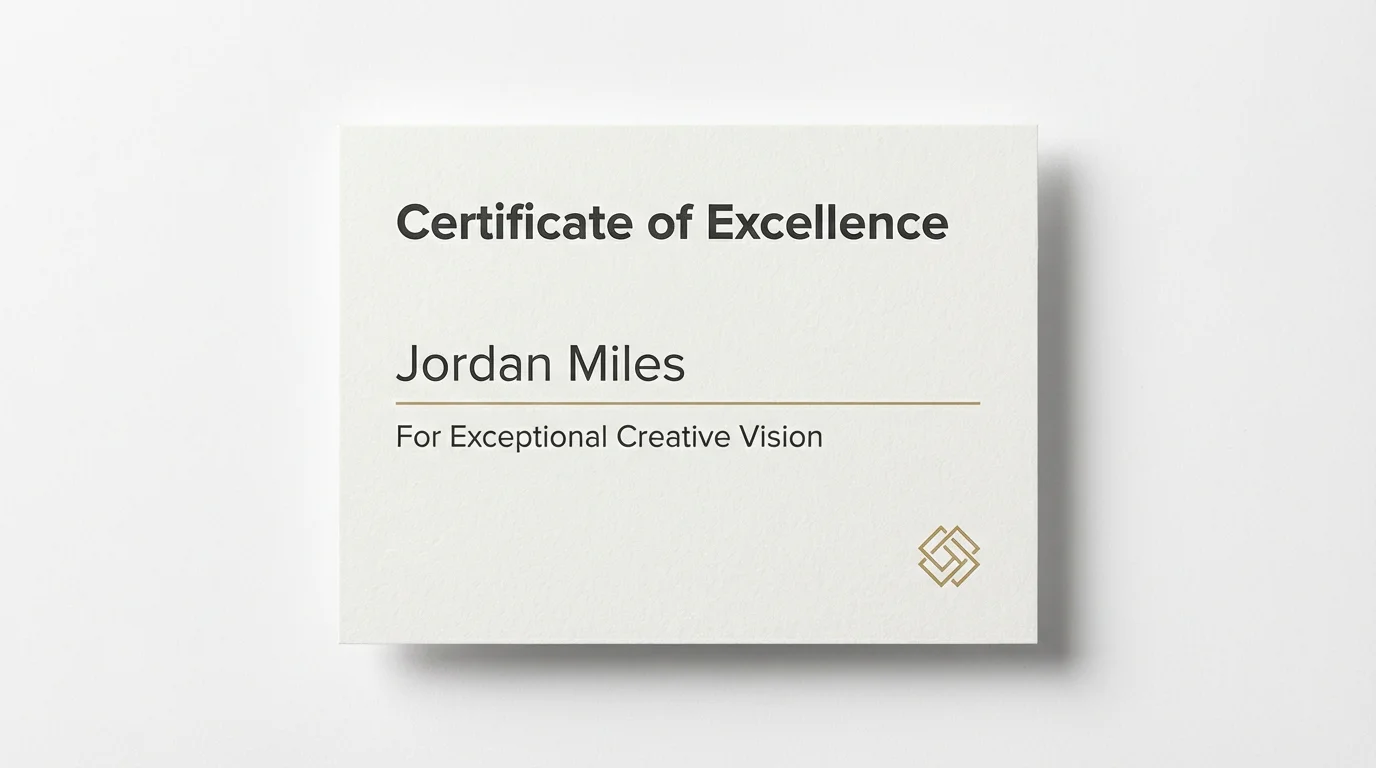
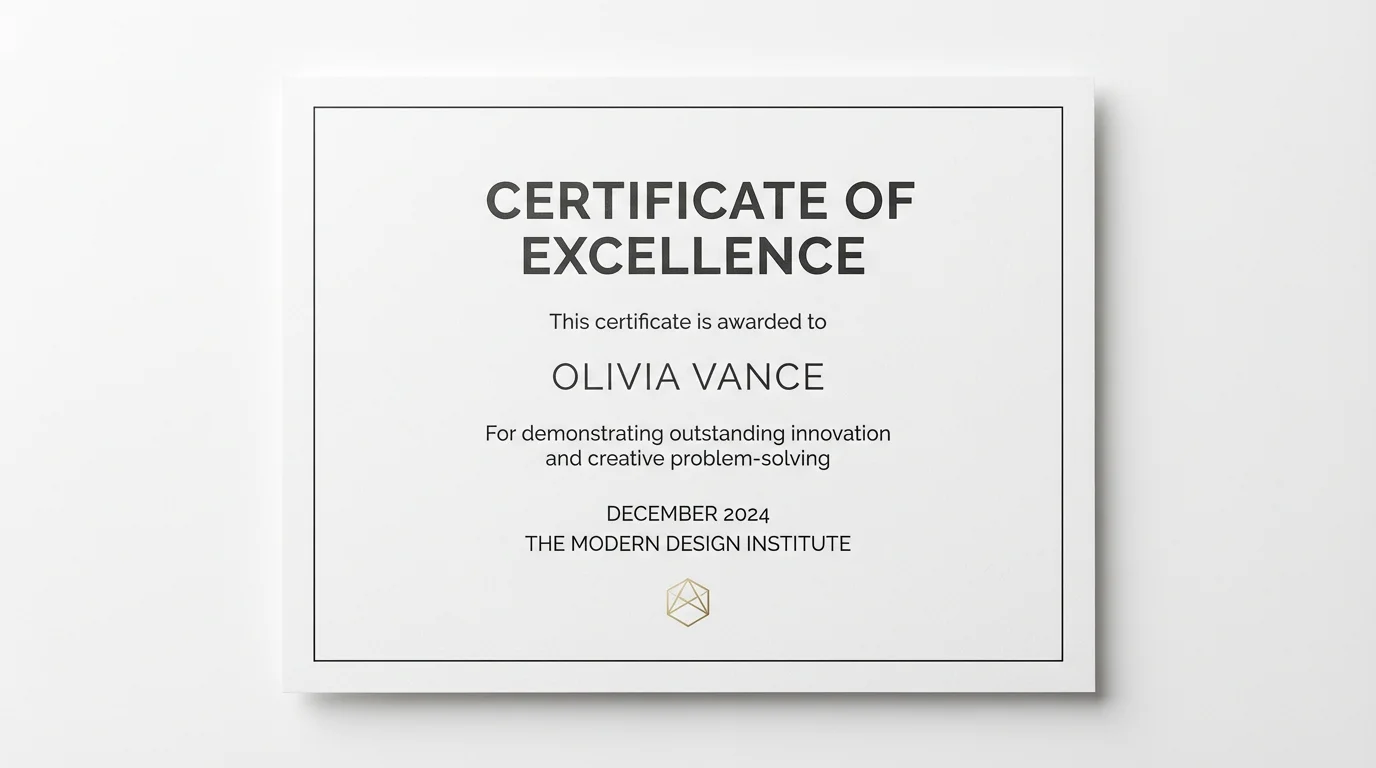
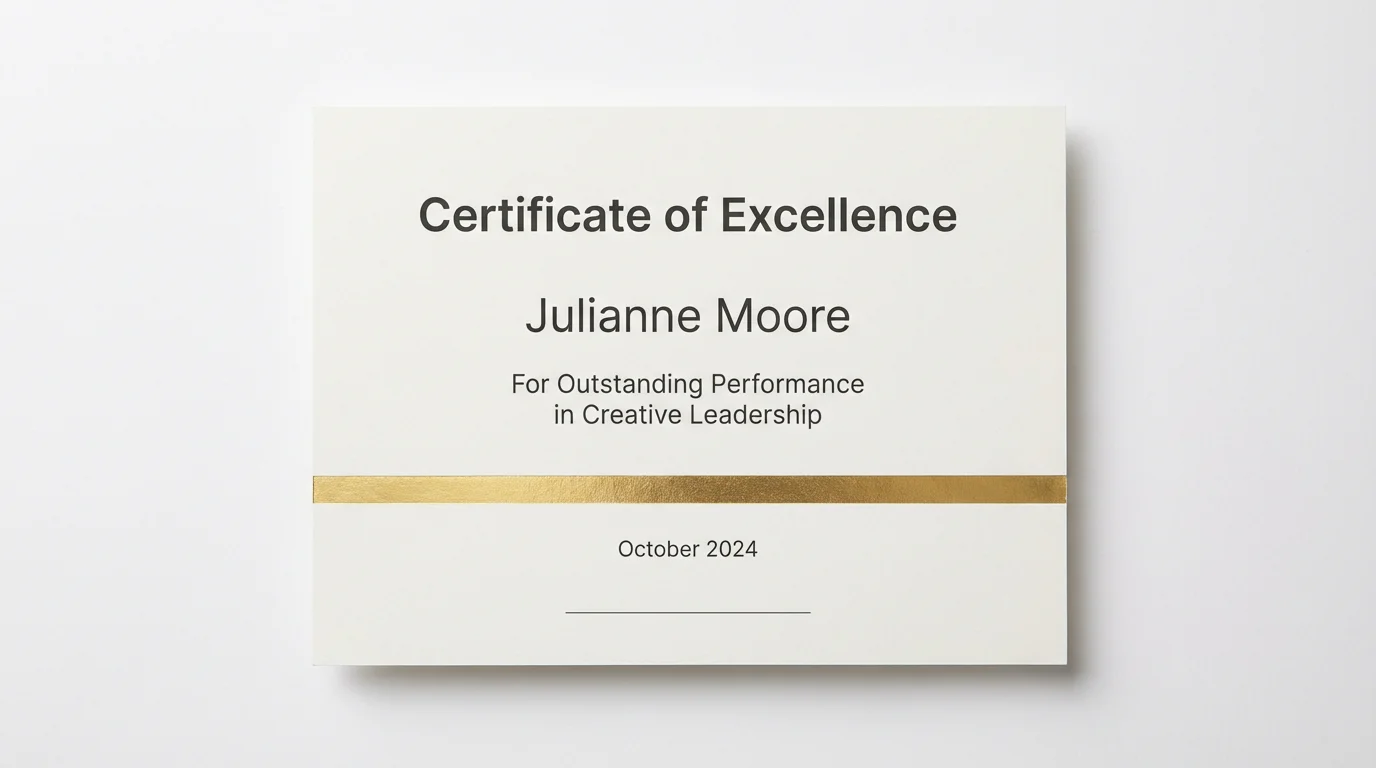
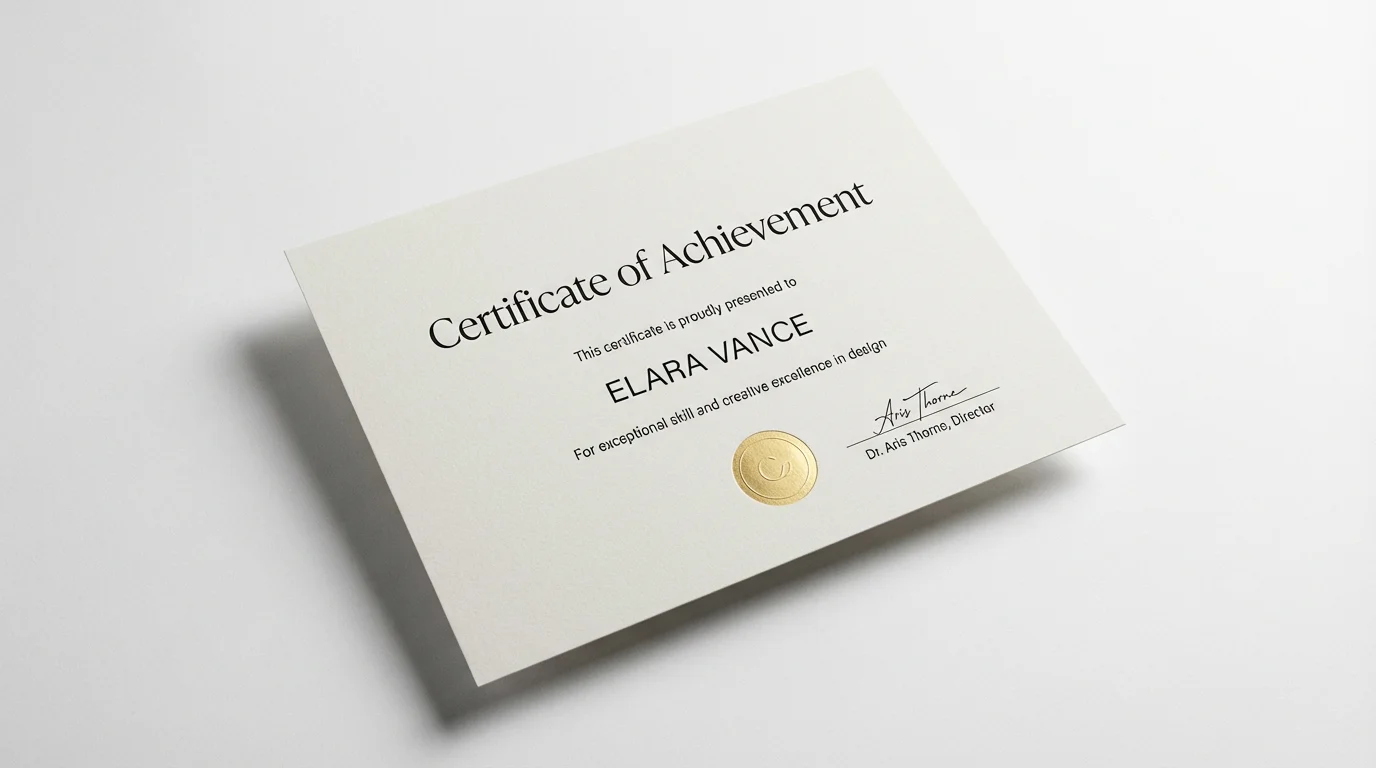
An AI minimal certificate generator is a tool that uses artificial intelligence to create clean, simple, and professional certificates from text descriptions. Instead of using templates, you just describe the certificate you want, and the AI creates a unique design based on your input.
To create a professional, minimal look, focus on the essentials. Use clean fonts like sans-serif, maintain plenty of white space, and stick to a limited color palette. Mention these preferences in your text prompt to guide the AI in generating a design with a polished and uncluttered aesthetic.
A standard certificate should include the name of the issuing organization, the title of the certificate (e.g., 'Certificate of Completion'), the recipient's full name, a brief description of the achievement, the date of issuance, and a signature line. You can include all of this information directly in your prompt.
Yes, you can upload your company logo to have it included in the certificate design. Simply upload the image and mention in your prompt where you would like the AI to place it, for example, 'place my logo at the top center'.
You can start using Pixelcut's minimal certificate generator for free. Simply type your prompt into the text box and generate your design. You can then download your high-resolution certificate in PNG or JPEG format at no cost.
You can download your certificate for free in high-resolution PNG and JPEG formats. If you are a Pixelcut PRO user, you have the additional options of downloading in SVG or WEBP formats.
Great app, easy to use. Helps our small business save time and money to create different marketing materials professionally. Thank you.
I need a good background remover for my work and I've been through them all it feels like. This one is the best by far. It's so easy to use and the results always look amazing. Thank you Pixelcut!
It's amazingly easy and gives the perfect results for my bags and accessories. It looks like it was done by a professional photographer.