My favorite app
Great app, easy to use. Helps our small business save time and money to create different marketing materials professionally. Thank you.
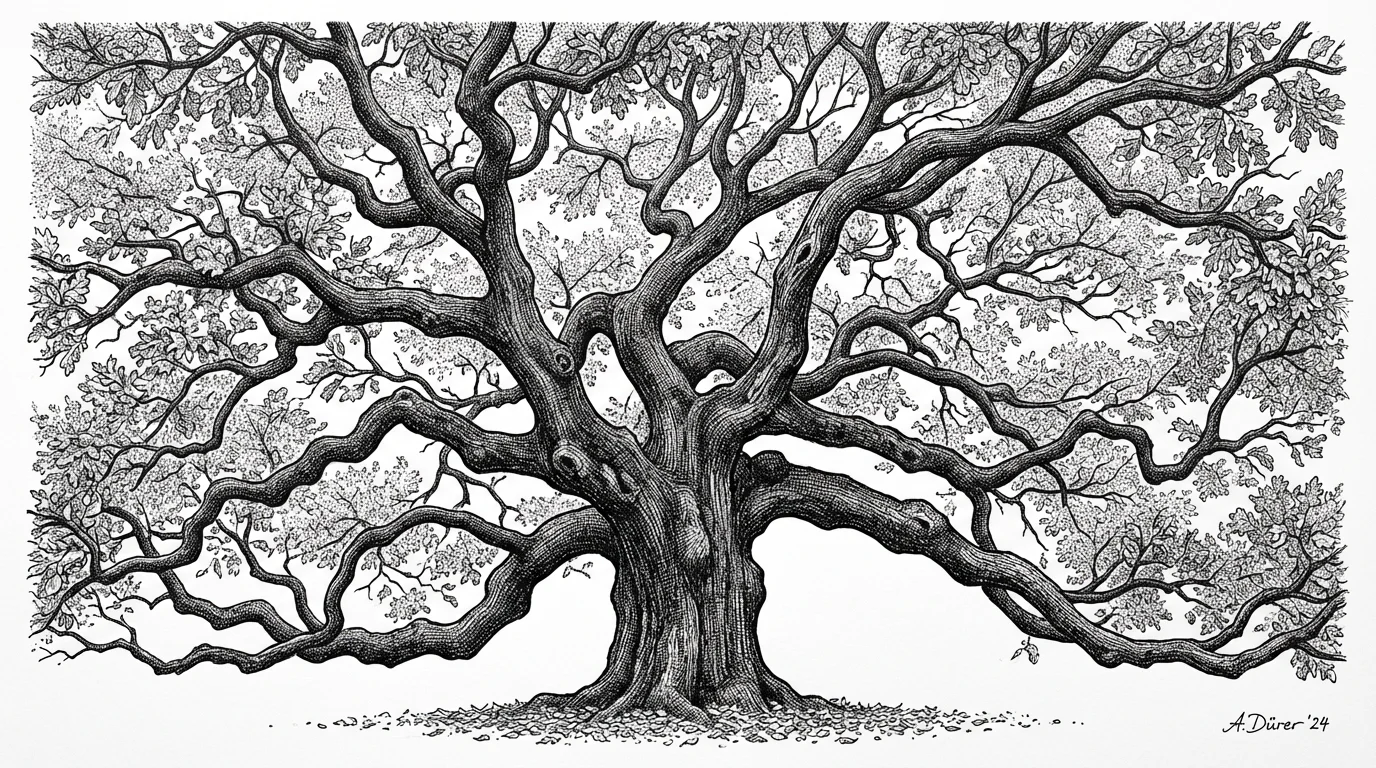
Start by typing a detailed description of the tree you want to create. Include the tree type, artistic style, and techniques like 'cross-hatching' or 'stippling'.
Click the generate button and our AI will instantly create a unique piece of pen and ink art based on your prompt.
Your high-resolution ink drawing is ready to be downloaded. Use it for prints, digital projects, or creative inspiration.
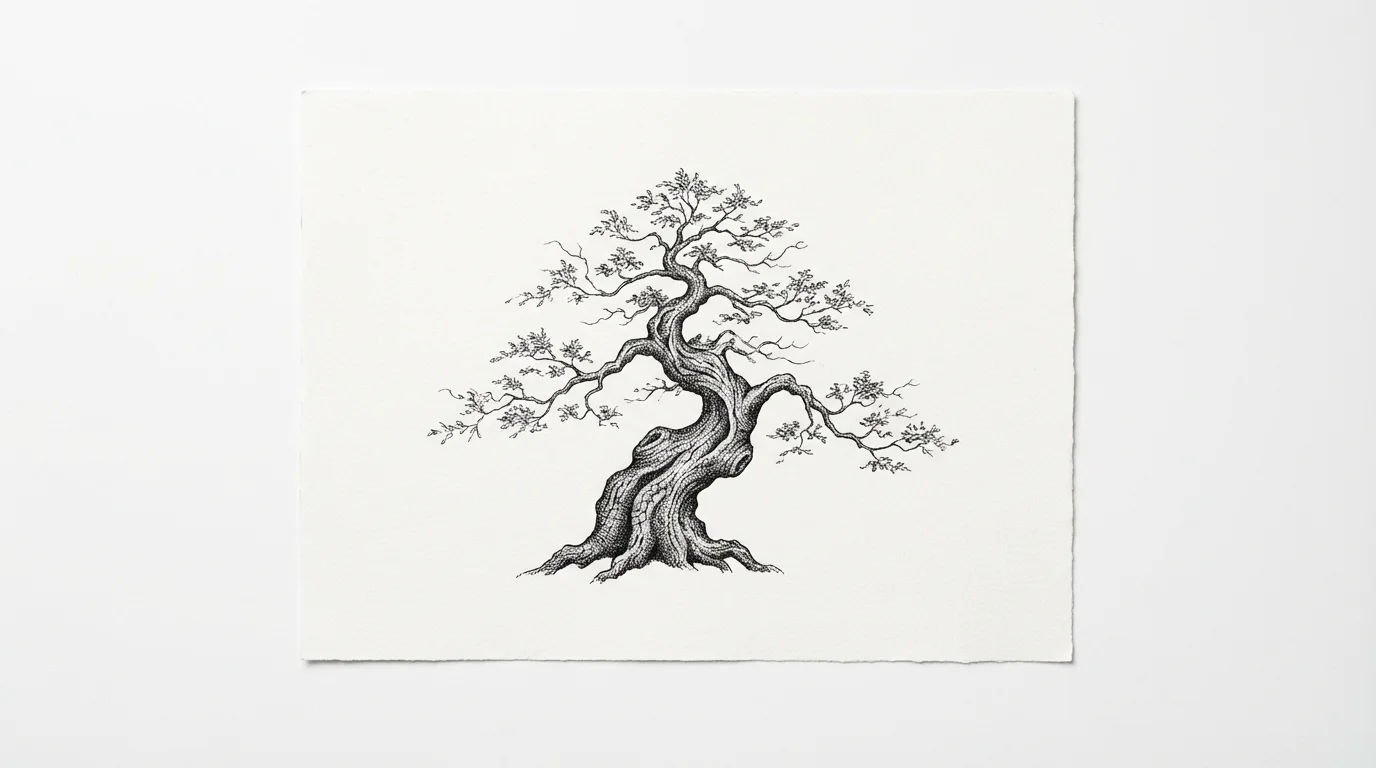
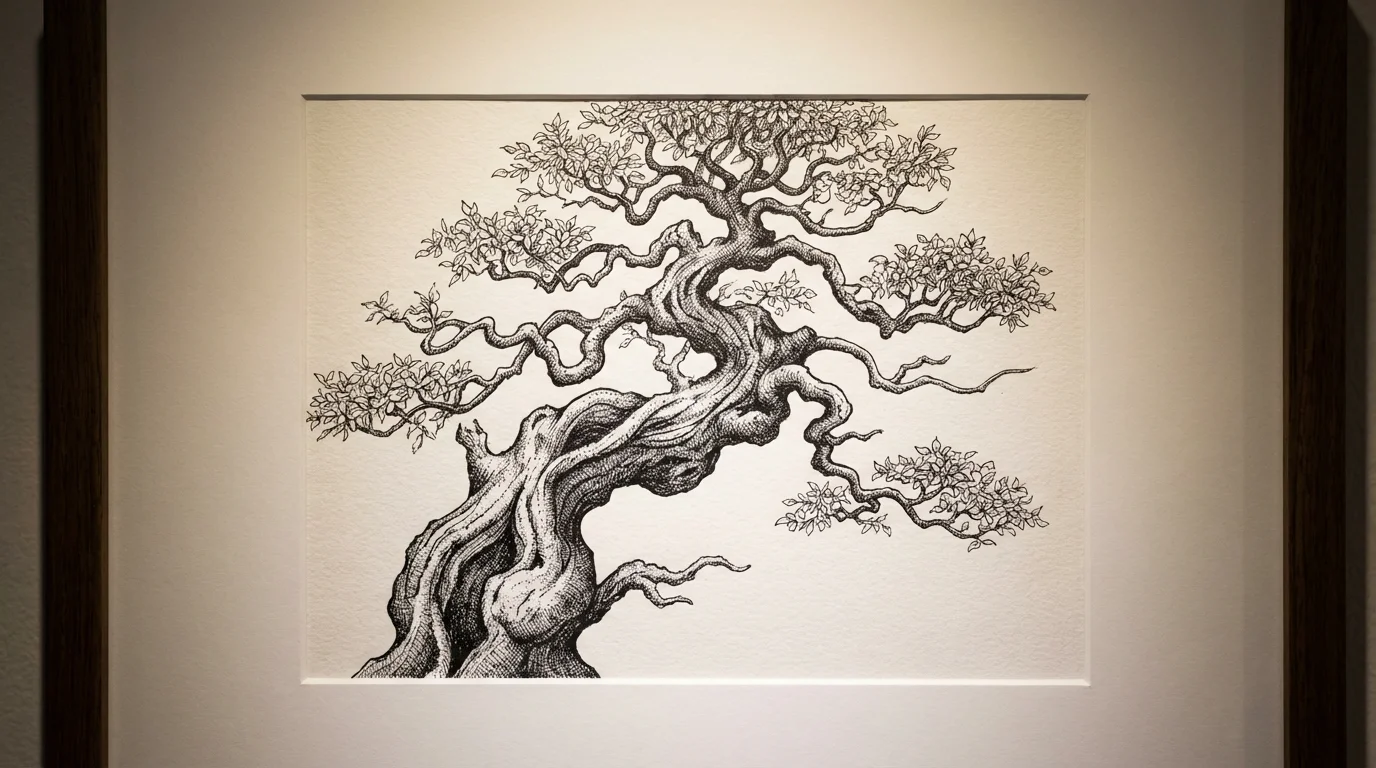
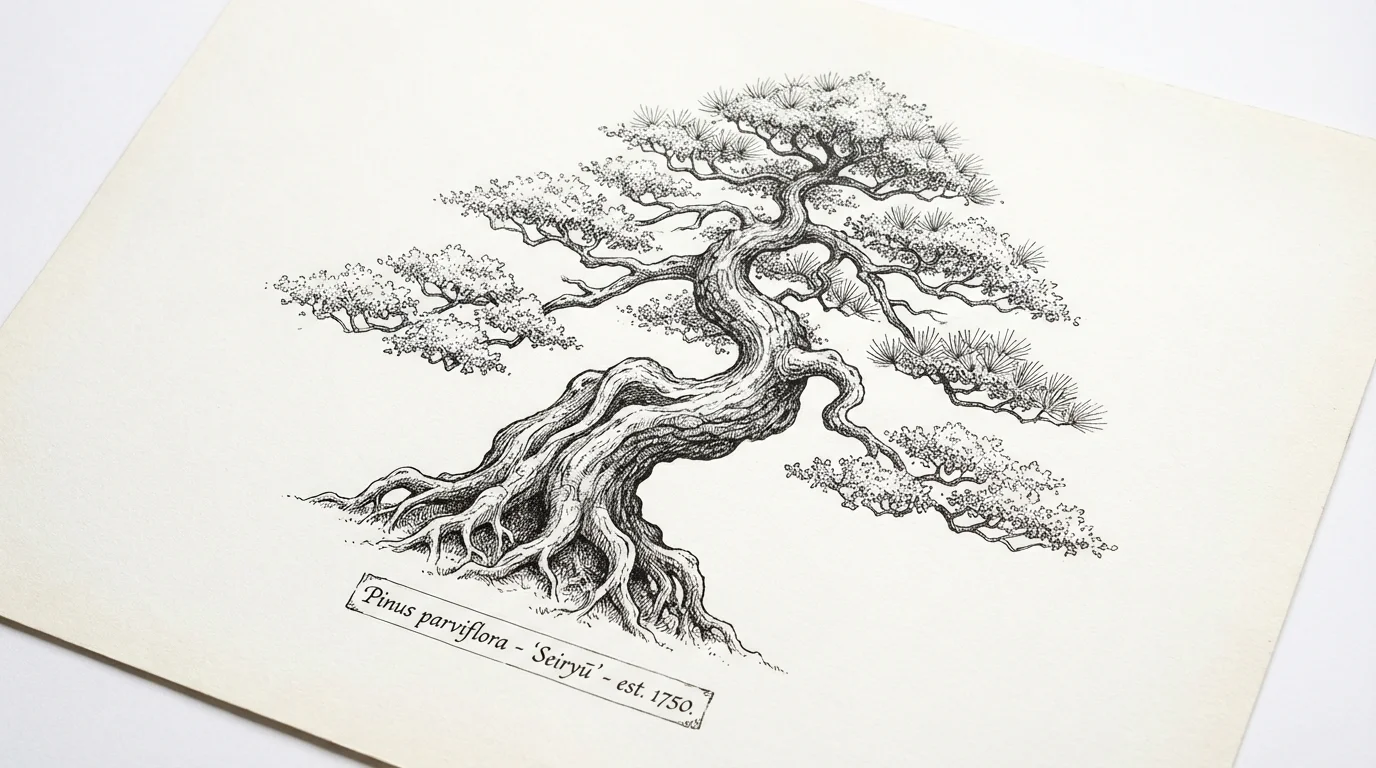
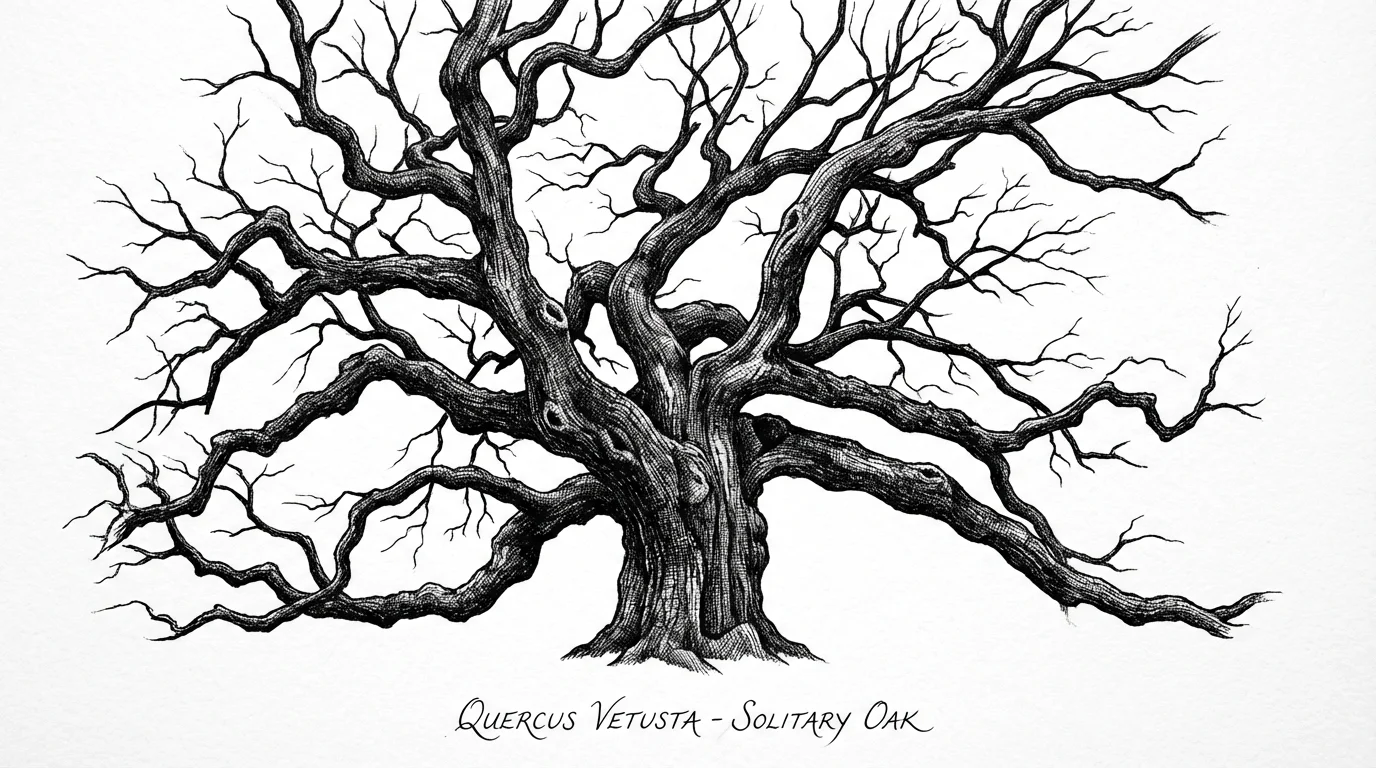
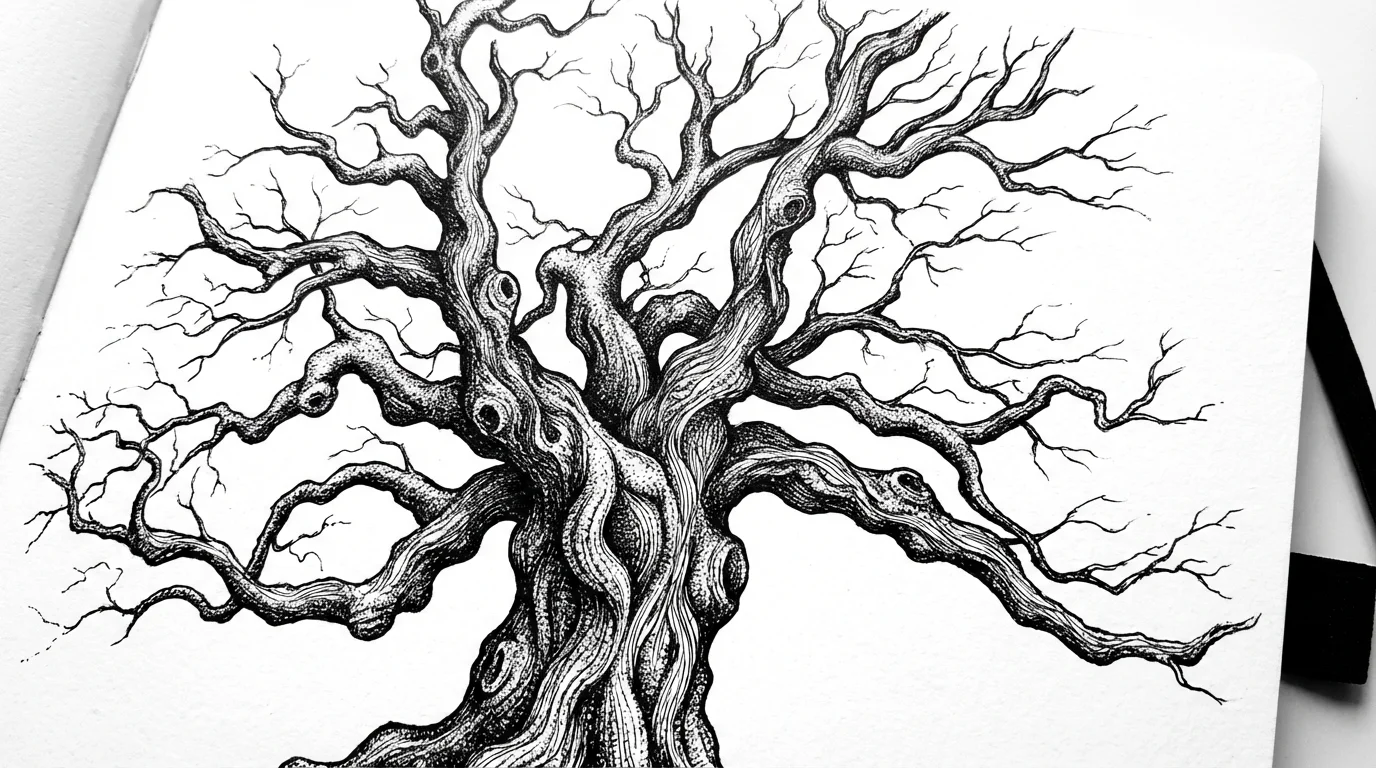
An AI pen and ink tree drawing generator is a tool that uses artificial intelligence to create original tree illustrations from text descriptions. You can describe the type of tree, the artistic style, and details like shading or texture, and the AI will produce a unique drawing for you.
To get a detailed drawing, be specific in your prompt. Use keywords that describe the textures and techniques you want to see, such as 'intricate bark texture,' 'cross-hatching for shadows,' or 'stippling on leaves.' The more detail you provide, the more the AI has to work with.
Yes, you have full control over the tree species and style. You can ask for a 'minimalist line drawing of a birch tree' or a 'highly detailed ink sketch of a gnarled bonsai tree.' Experiment with different descriptions to see the variety of results you can achieve.
Yes, you can try the tool for free. After using your free credits, you can purchase more to continue creating. All downloaded images are high-resolution and do not have a watermark, making them suitable for both personal and commercial projects.
Yes, you can upload an image as a reference to guide the AI. Simply upload a photo of a tree or an existing drawing you admire, and then use your text prompt to describe how you want the AI to interpret it in a pen and ink style.
You can download your generated tree drawings for free in PNG and JPEG formats. If you have a Pixelcut PRO account, you also have the option to download in SVG or WEBP formats. Transparent backgrounds can be generated by specifying transparency in your prompt.
Great app, easy to use. Helps our small business save time and money to create different marketing materials professionally. Thank you.
I need a good background remover for my work and I've been through them all it feels like. This one is the best by far. It's so easy to use and the results always look amazing. Thank you Pixelcut!
It's amazingly easy and gives the perfect results for my bags and accessories. It looks like it was done by a professional photographer.