Pixelcut
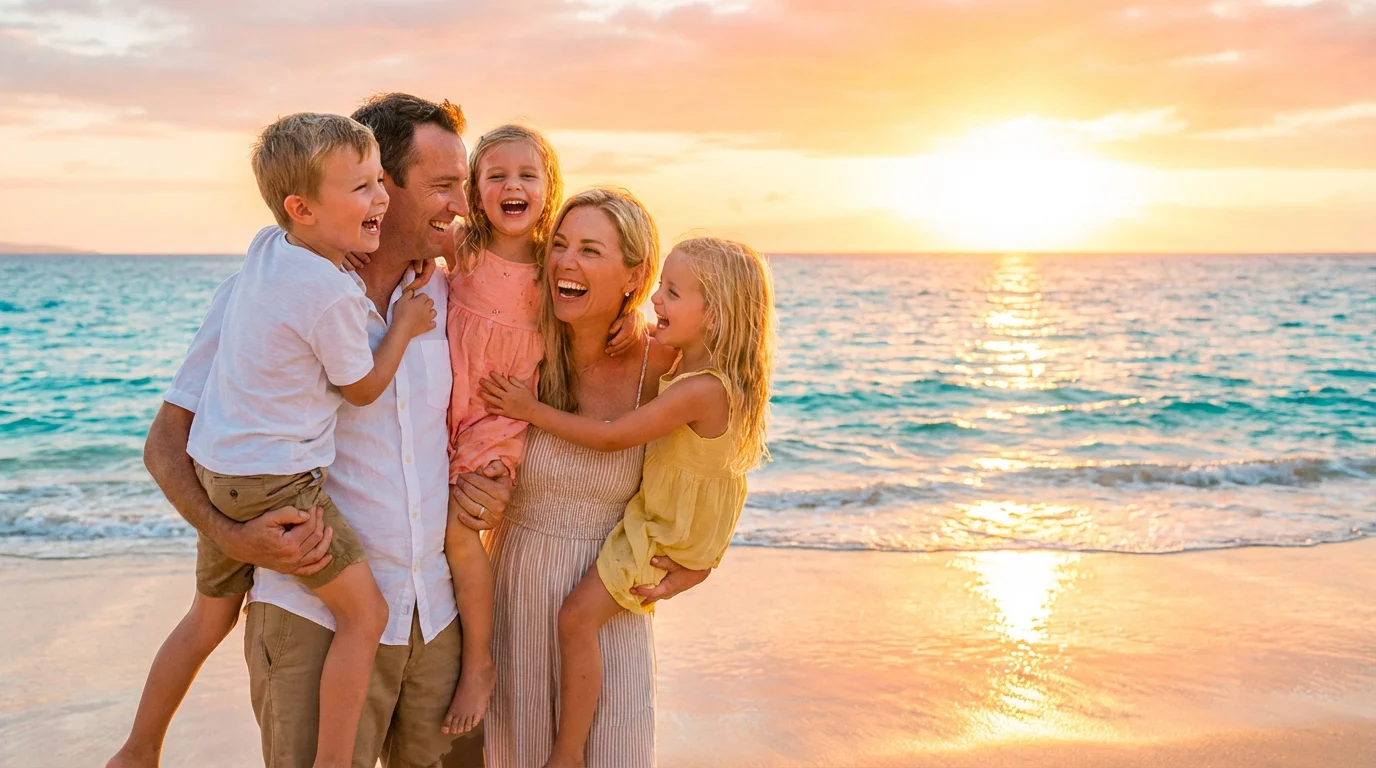
A perfectly brightened photo of a family laughing on the beach at sunset, with vibrant colors and clear details in their faces and the surrounding scenery.

Make Your Photo Brighter with AI

Trusted by 70 million people
171,800 Reviews
Developer API
Available on iPhone & Android

How to Make a Photo Brighter

  1. 1

    Upload your photo

    Click the upload button to select a dark or underexposed image you want to fix from your device.

  2. 2

    Enter your prompt

    In the text box, describe how you want to adjust the lighting. For example, type 'brighten this photo' or 'fix the lighting'.

  3. 3

    Generate your brightened photo

    Our AI will instantly process your image and prompt, automatically adjusting the brightness and enhancing the details.

  4. 4

    Download your image

    Your new, brighter photo is ready to be downloaded in high resolution, free of watermarks.

Don't let poor lighting ruin a great shot. Our AI-powered tool analyzes your image and automatically adjusts the brightness and contrast to fix underexposed areas. It intelligently enhances light and shadows, revealing details that were lost in the dark. Whether you're dealing with a backlit subject or a photo taken in a dim room, you can rescue your images and make them perfectly lit. Simply upload your picture, and our tool does the hard work for you, delivering a naturally brighter photo instantly.

Fix Lighting in One Click

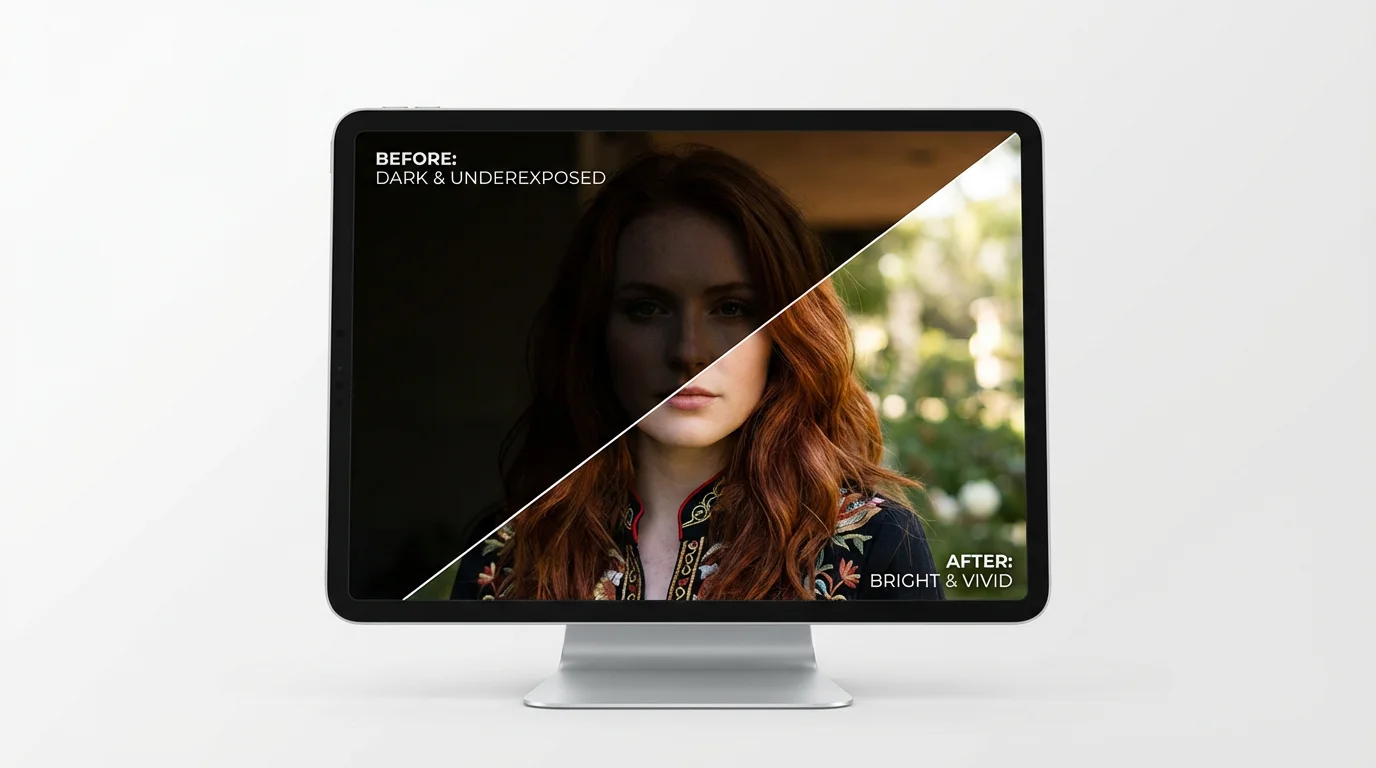
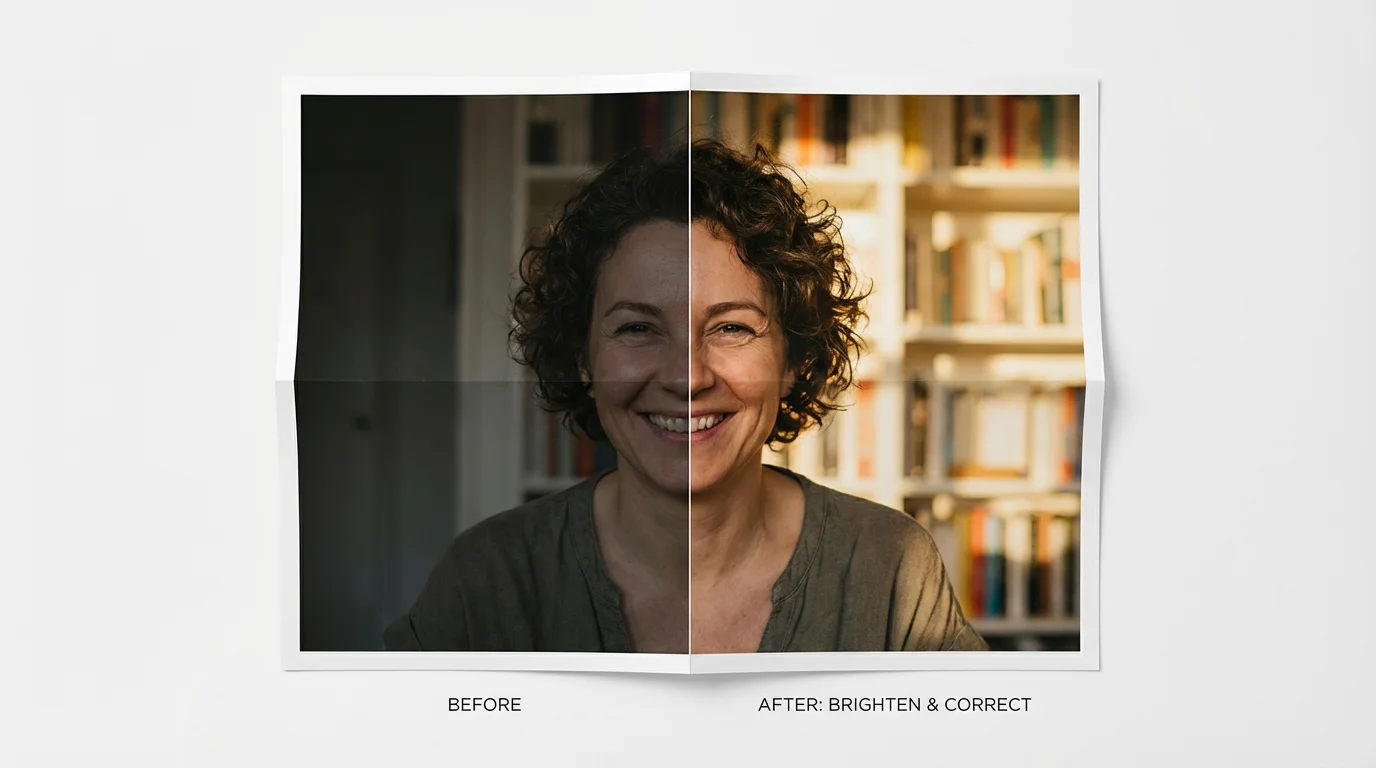
A split-screen comparison image demonstrating a photo brightener. One side shows a dark, underexposed portrait of a woman, and the other side shows the same portrait made bright, clear, and vibrant.
Transform your dark and dull photos into vibrant, eye-catching images. Our photo brightener doesn't just increase exposure; it enhances color saturation and improves overall clarity. By adjusting the lighting, the tool brings out the true colors and sharpens details that make your photo stand out. This is perfect for improving product photos, livening up portraits, or making your social media posts more engaging. Turn flat, boring pictures into professional-looking shots without any complicated editing software or manual adjustments.

Instantly Enhance and Clarify Images

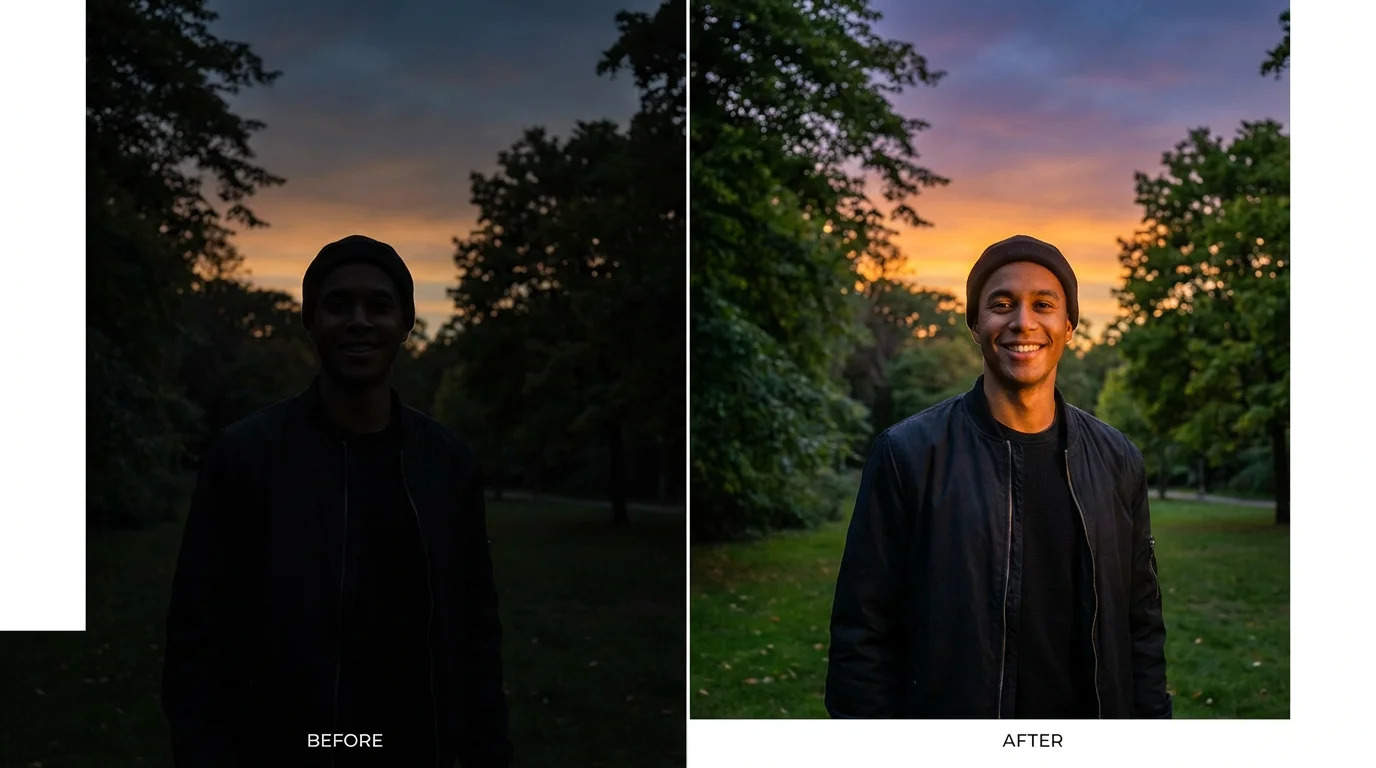
A before-and-after comparison image demonstrating a photo brightener. The left side shows a dark, underexposed portrait, while the right side shows the same photo made bright, clear, and vibrant.
Our AI image brightener is designed to recover details hidden in the shadows without overexposing the rest of your photo. It carefully balances the light to ensure that highlights remain intact while dark areas become clearer. This intelligent process prevents the washed-out look that can happen with basic brightness tools. From the subtle texture in a piece of clothing to distant elements in a landscape, our tool helps you bring every part of your photo to life with stunning clarity and depth.

Reveal Hidden Details with Smart AI

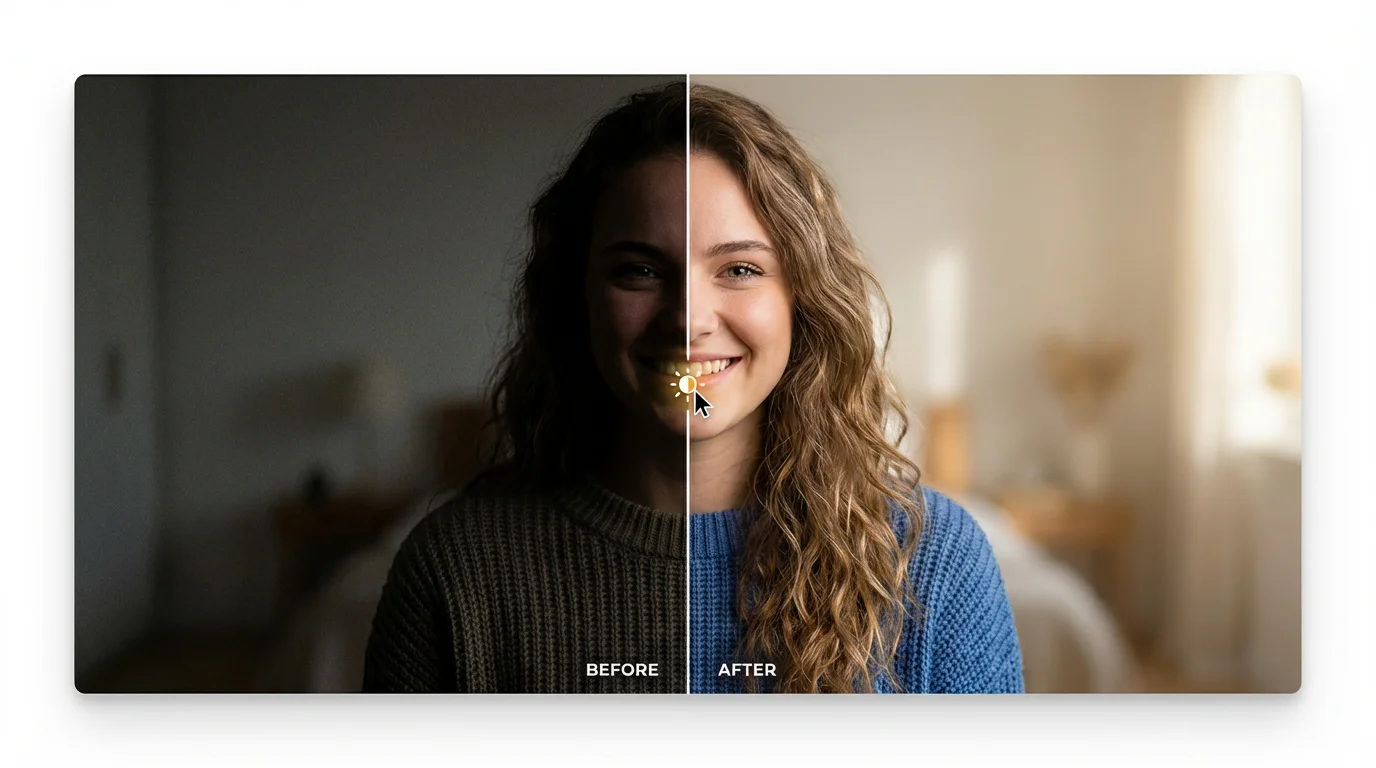
A split-screen image demonstrating a photo brightener. The left side shows a dark, underexposed portrait of a woman, while the right side shows the same photo made bright, clear, and vibrant, revealing her smile and details.
It’s Effortless: No more struggling with complex editing software. Brighten any photo with a simple text prompt after uploading your image. It’s Intelligent: Our AI does more than just slide up the brightness. It analyzes your photo to make smart adjustments to light, contrast, and color for a balanced, natural look. It’s Fast: Go from a dark, unusable photo to a bright, clear image in just a few seconds. High-Quality Results: Download your enhanced photos in high resolution, ready for printing, posting, or professional use. All downloads are watermark-free.

Why use Pixelcut's AI Photo Brightener?

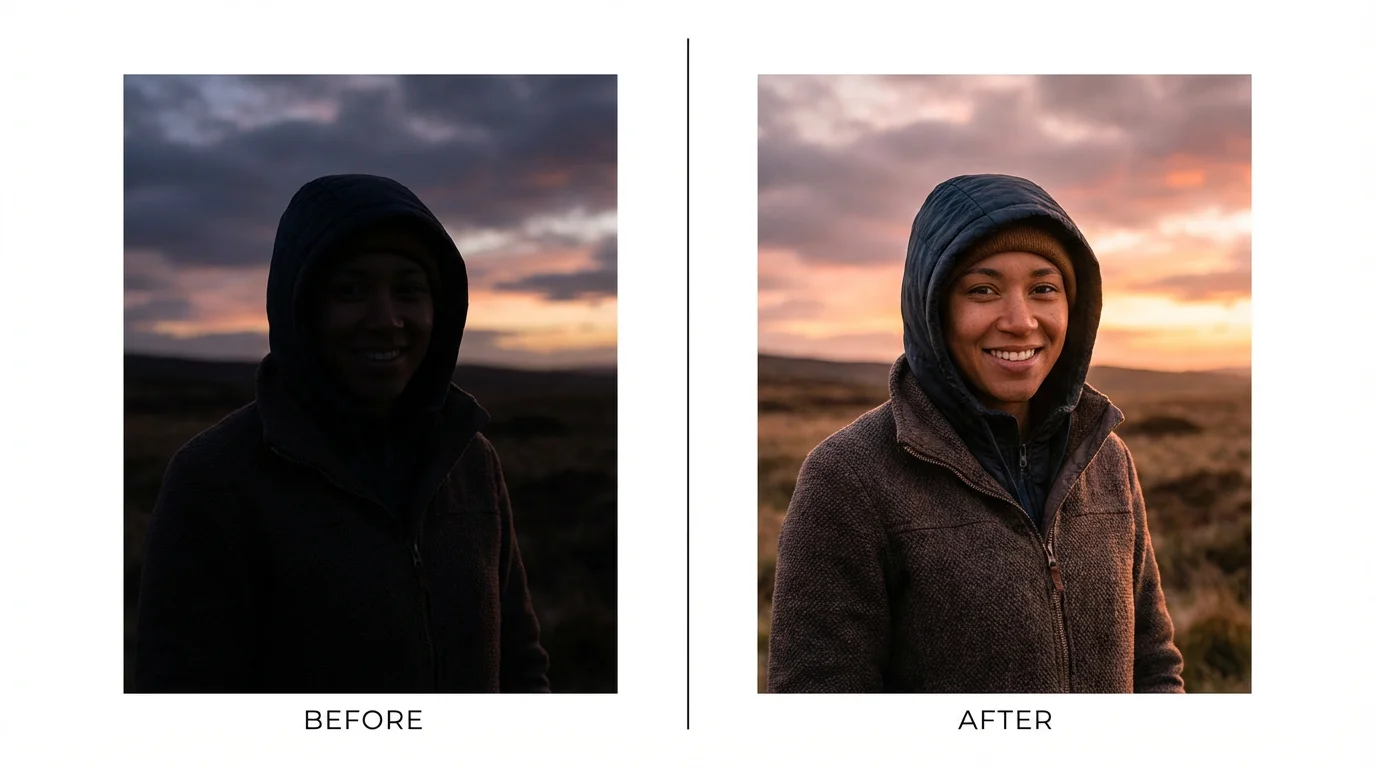
A comparison image demonstrating a photo brightener. The left half shows a dark, underexposed portrait, while the right half shows the same portrait after being brightened, making it clear, vibrant, and detailed.
Social Media Posts: Make your Instagram, Facebook, and Pinterest photos pop with bright, vibrant colors that grab attention. E-commerce: Improve product photos taken in poor lighting to showcase your items clearly and professionally. Real Estate Photography: Brighten up pictures of home interiors to make rooms look more spacious and inviting to potential buyers. Personal Memories: Rescue cherished but dark photos from weddings, vacations, and family events, making sure every memory shines.

Photo Brightener Use Cases

A before-and-after portrait demonstrating a photo brightener. The left side is dark and dull, while the right side is bright, clear, and vibrant.

Frequently Asked Questions

Pixelcut is loved by over 2 million people

  • My favorite app

    Great app, easy to use. Helps our small business save time and money to create different marketing materials professionally. Thank you.
    Shaelyn D.
  • Best background remover

    I need a good background remover for my work and I've been through them all it feels like. This one is the best by far. It's so easy to use and the results always look amazing. Thank you Pixelcut!
    Kira H.
  • Love it

    It's amazingly easy and gives the perfect results for my bags and accessories. It looks like it was done by a professional photographer.
    Mary J.