Pixelcut
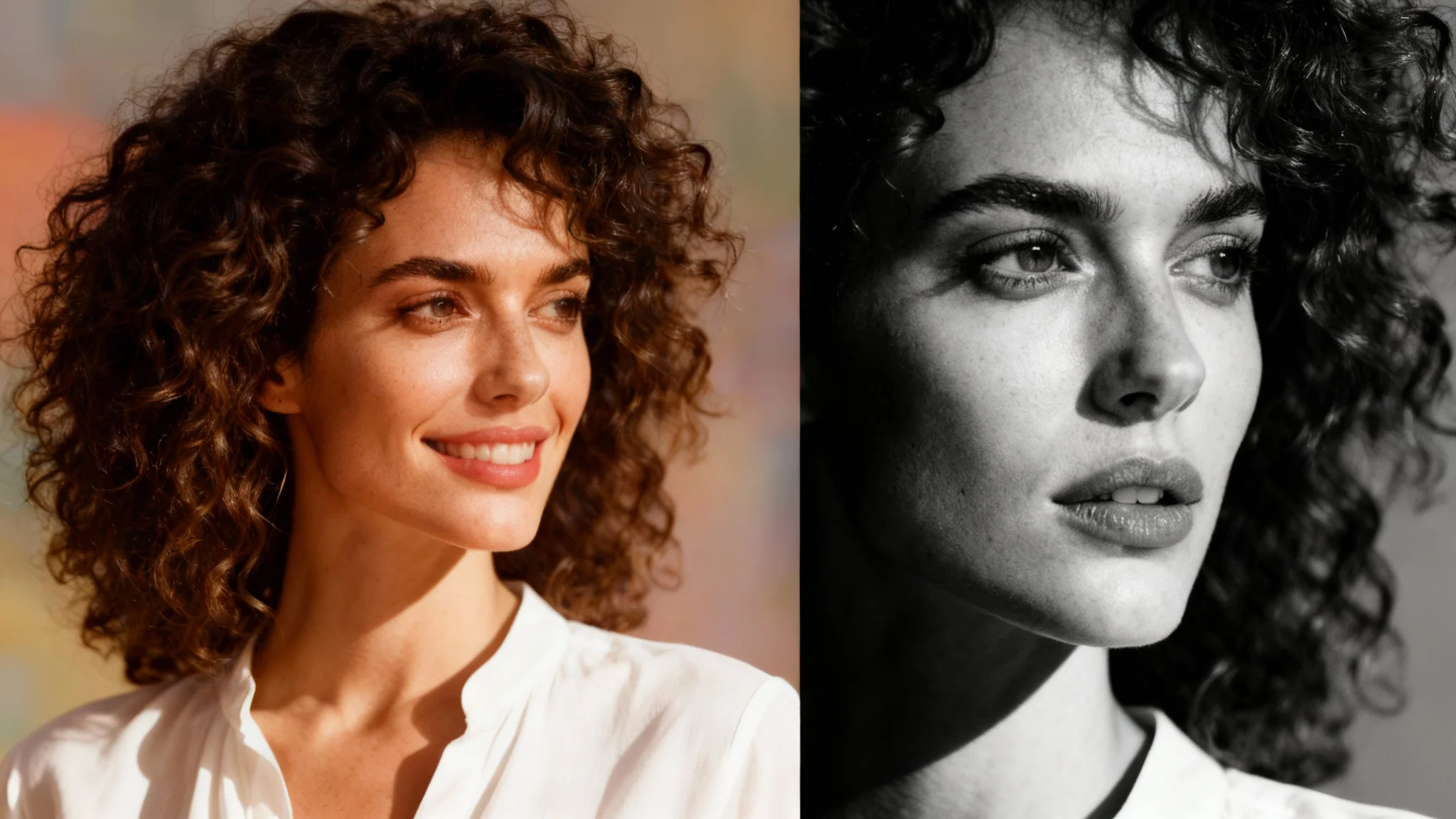
A side-by-side comparison image showing a photo being converted to grayscale. The left side is a color photo of a smiling woman with curly hair, and the right side is the same photo in dramatic black and white.

AI Photo to Grayscale Converter

Trusted by 70 million people
171,800 Reviews
Developer API
Available on iPhone & Android

How to Convert a Photo to Grayscale

  1. 1

    Upload your photo

    Select the color image from your device that you wish to transform into a black and white photograph.

  2. 2

    Enter your prompt

    In the text box, simply write 'convert to grayscale' or a similar instruction to tell the AI what to do.

  3. 3

    Generate your image

    Click the generate button and our AI will instantly process your photo, creating a beautiful grayscale version.

  4. 4

    Download your photo

    Your high-resolution, watermark-free black and white photo is ready. Download it as a PNG file to share or print.

Transform your color pictures into timeless works of art. By removing color, you can draw attention to the essential elements of your photograph: light, shadow, texture, and emotion. Our AI converter intelligently translates color values into rich monochrome tones, perfect for creating powerful portraits where facial expressions and textures, like curly hair, become the main focus. This process adds a classic, sophisticated feel to any image, making your favorite moments feel eternal. It’s a simple way to give your photos a professional, artistic touch.

Create Timeless Black and White Photos Instantly

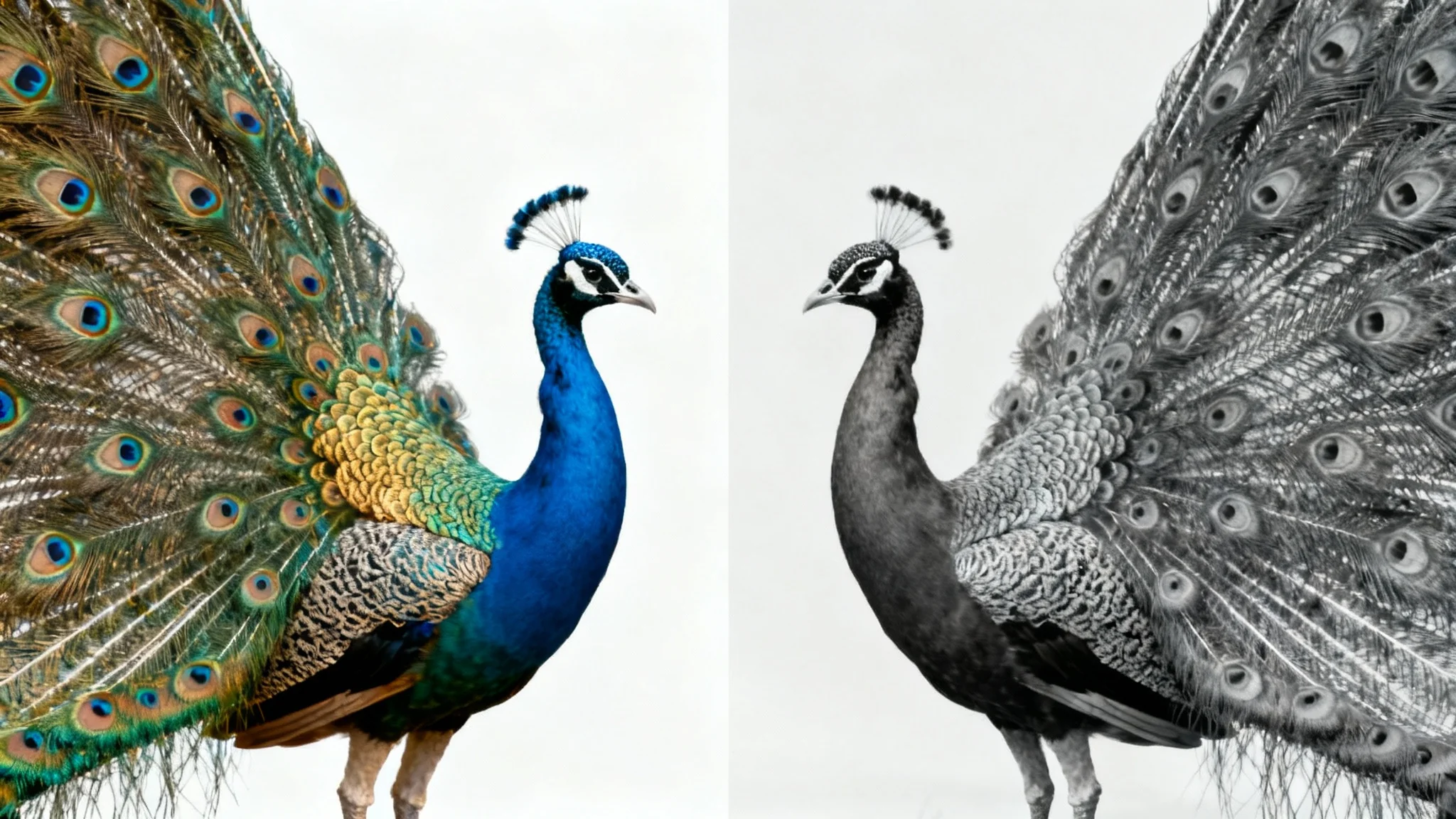
A split image demonstrating a photo to grayscale effect. The left side shows a peacock with its colorful feathers, and the right side shows the same image in high-contrast black and white.
Move beyond flat, uninspired grayscale filters. Our AI-powered tool analyzes your image to produce a dynamic black and white version with deep blacks, brilliant whites, and a full range of gray tones. This method preserves important details and enhances the visual depth of your photos. The result is a striking image that captures the interplay between light and shadow, adding a sense of drama and intensity. Ideal for architectural, landscape, and street photography, this tool helps your images make a bold statement.

Achieve Dramatic, High-Contrast Conversions

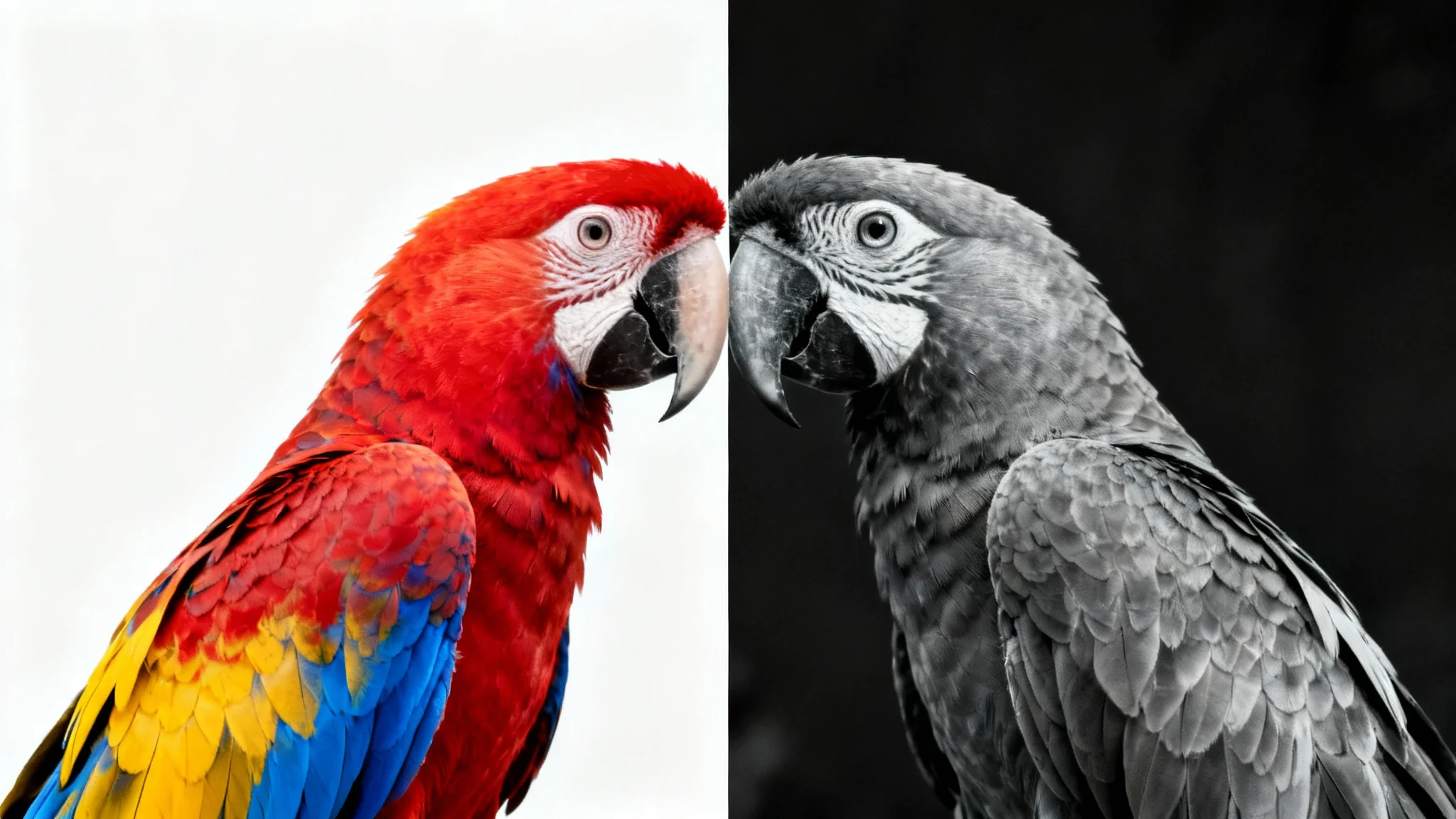
A photo of a parrot split down the middle, with the left side in vibrant color and the right side in high-contrast black and white, demonstrating a grayscale effect.
Color can sometimes distract from a photo's core message. By converting an image to grayscale, you strip away those distractions, allowing the viewer to connect more deeply with the subject and narrative. A black and white palette encourages a focus on composition, form, and the story being told within the frame. This technique is especially effective for evoking nostalgia, creating a moody atmosphere, or emphasizing the raw emotion of a moment, making your visual storytelling more direct and impactful.

Shift the Focus to Story and Emotion

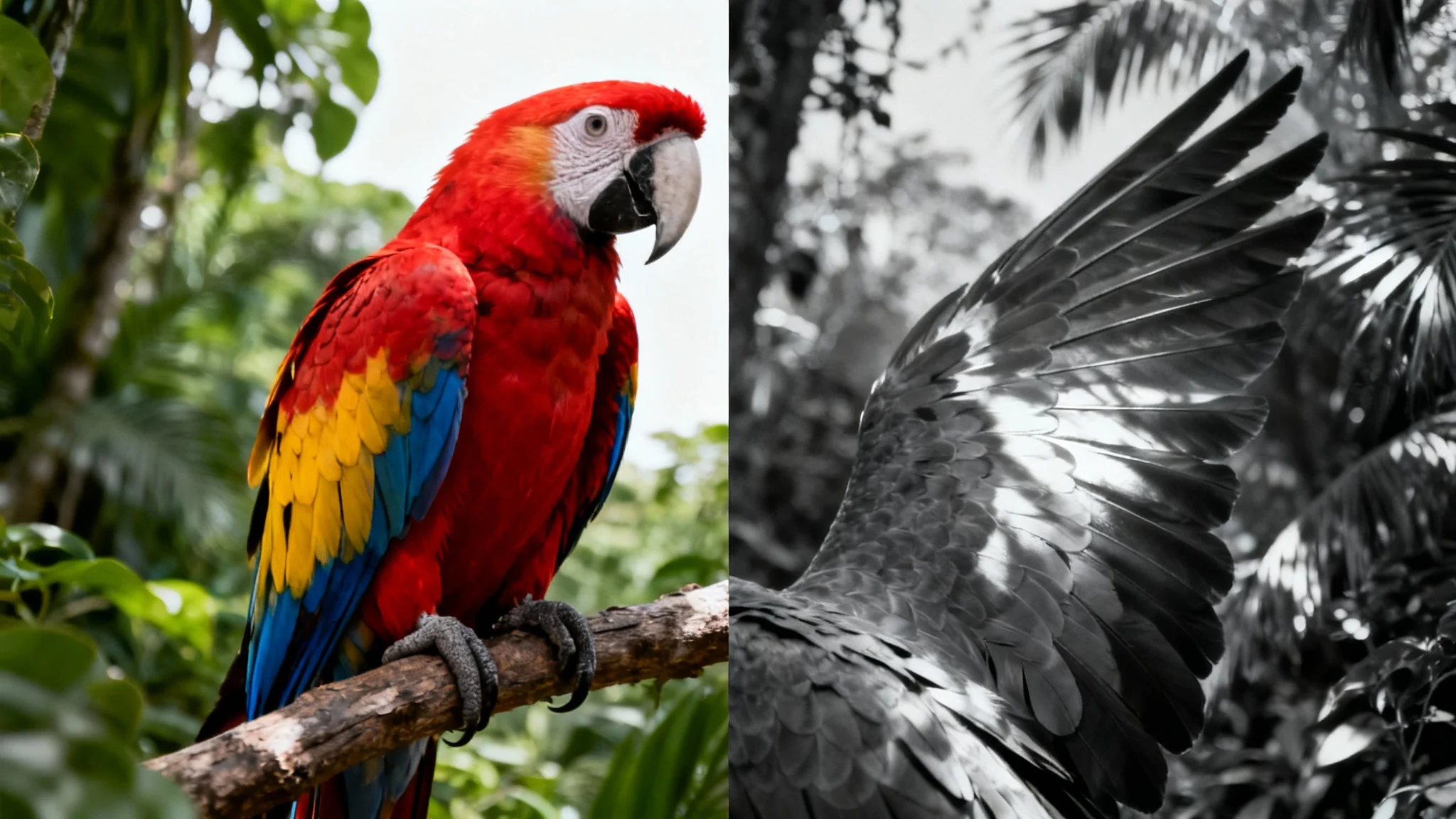
A conceptual image demonstrating a photo to grayscale effect, split down the middle. The left half shows a colorful parrot in a jungle, while the right half shows the same image in dramatic black and white.
It’s Fast: Convert any color photo to black and white in just a few seconds. It’s Easy to Use: Simply upload your image and type 'convert to grayscale' to get an instant result. AI-Powered Quality: Our AI creates a balanced and visually appealing monochrome image, not just a simple desaturation. No Manual Edits Needed: Get a beautiful result without adjusting sliders or complex settings. Versatile Application: Perfect for giving your social media posts, artistic portfolio, or personal photos a classic, elegant finish.

Why use Pixelcut's AI photo to grayscale converter?

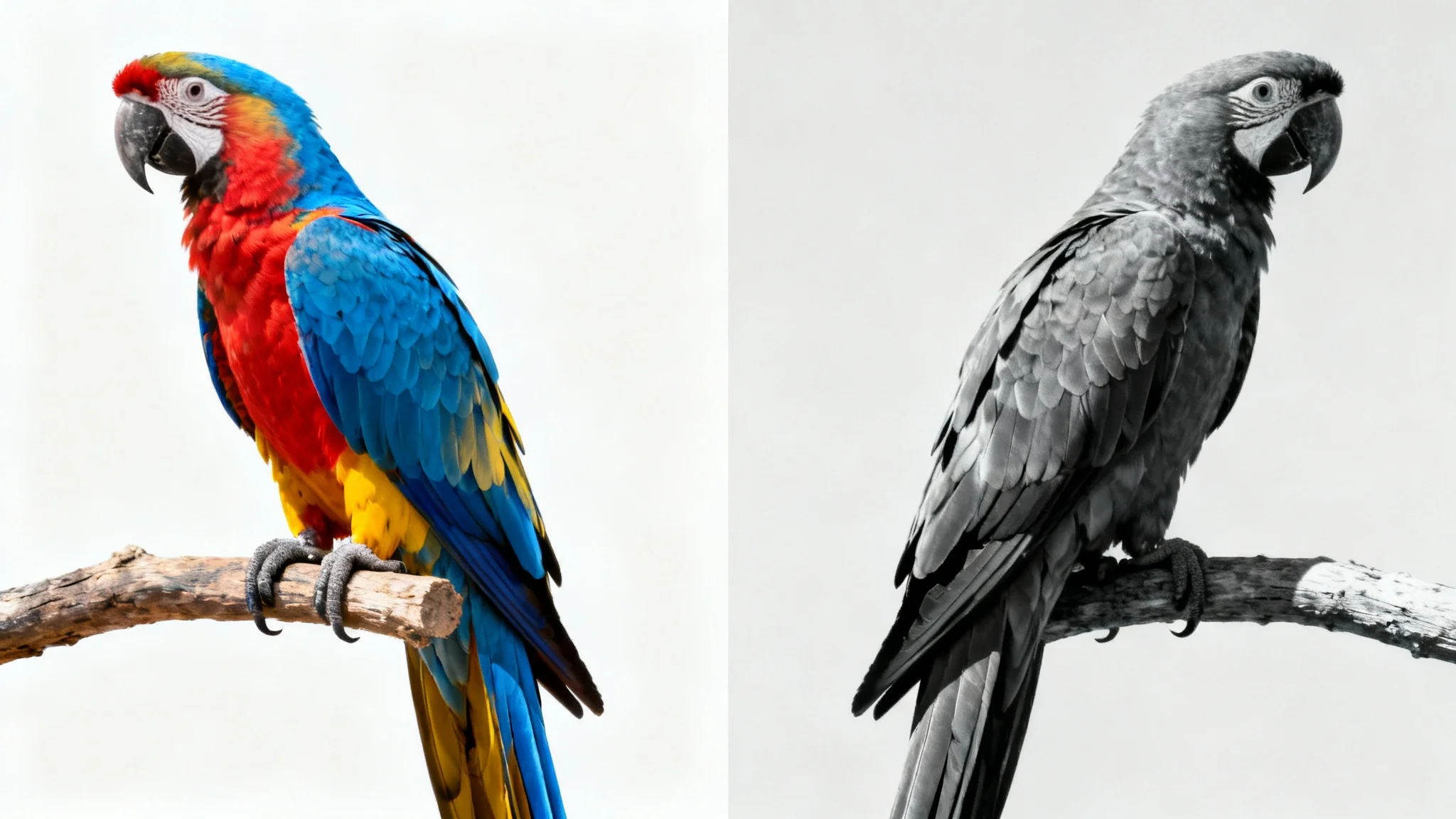
An image split in half: the left side shows a colorful parrot, and the right side shows the same parrot in black and white, demonstrating a photo to grayscale effect.
Artistic Portraits: Emphasize the emotion, character, and texture in a person's face for timeless and powerful portraits. Dramatic Landscapes: Transform landscapes into moody and atmospheric scenes by highlighting shapes, clouds, and light. Product Photography: Create a sleek, uniform, and sophisticated look for your product listings or brand catalog. Architectural Photography: Showcase the lines, forms, and textures of buildings by removing the distraction of color. Street Photography: Capture the raw, unfiltered moments of daily life with a classic, documentary-style feel.

Photo to Grayscale Use Cases

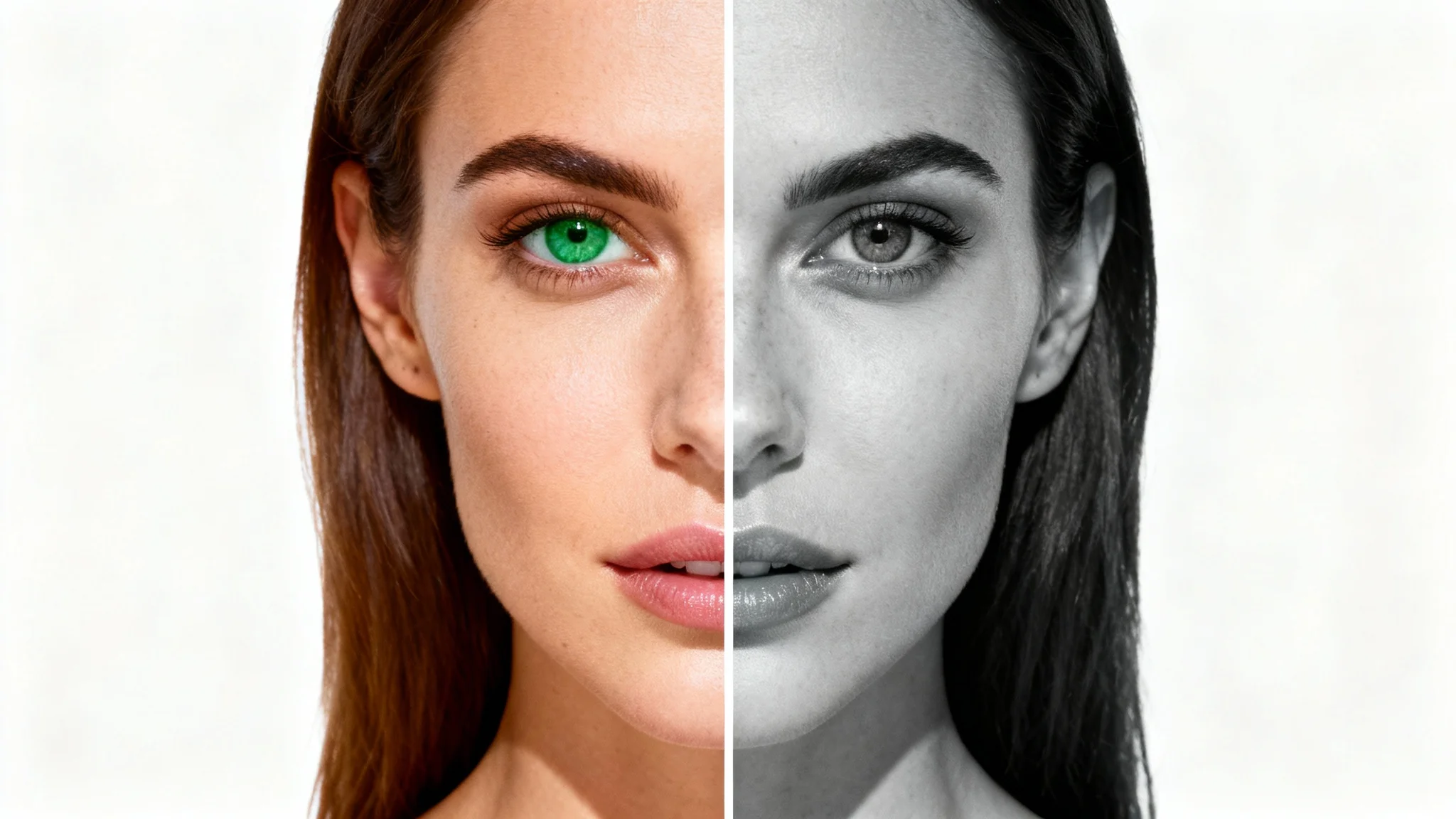
A close-up portrait of a woman, split vertically. The left half is in vibrant color, showing her green eyes and warm skin. The right half is in dramatic black and white, illustrating the photo to grayscale effect.

Frequently Asked Questions

Pixelcut is loved by over 2 million people

  • My favorite app

    Great app, easy to use. Helps our small business save time and money to create different marketing materials professionally. Thank you.
    Shaelyn D.
  • Best background remover

    I need a good background remover for my work and I've been through them all it feels like. This one is the best by far. It's so easy to use and the results always look amazing. Thank you Pixelcut!
    Kira H.
  • Love it

    It's amazingly easy and gives the perfect results for my bags and accessories. It looks like it was done by a professional photographer.
    Mary J.