My favorite app
Great app, easy to use. Helps our small business save time and money to create different marketing materials professionally. Thank you.
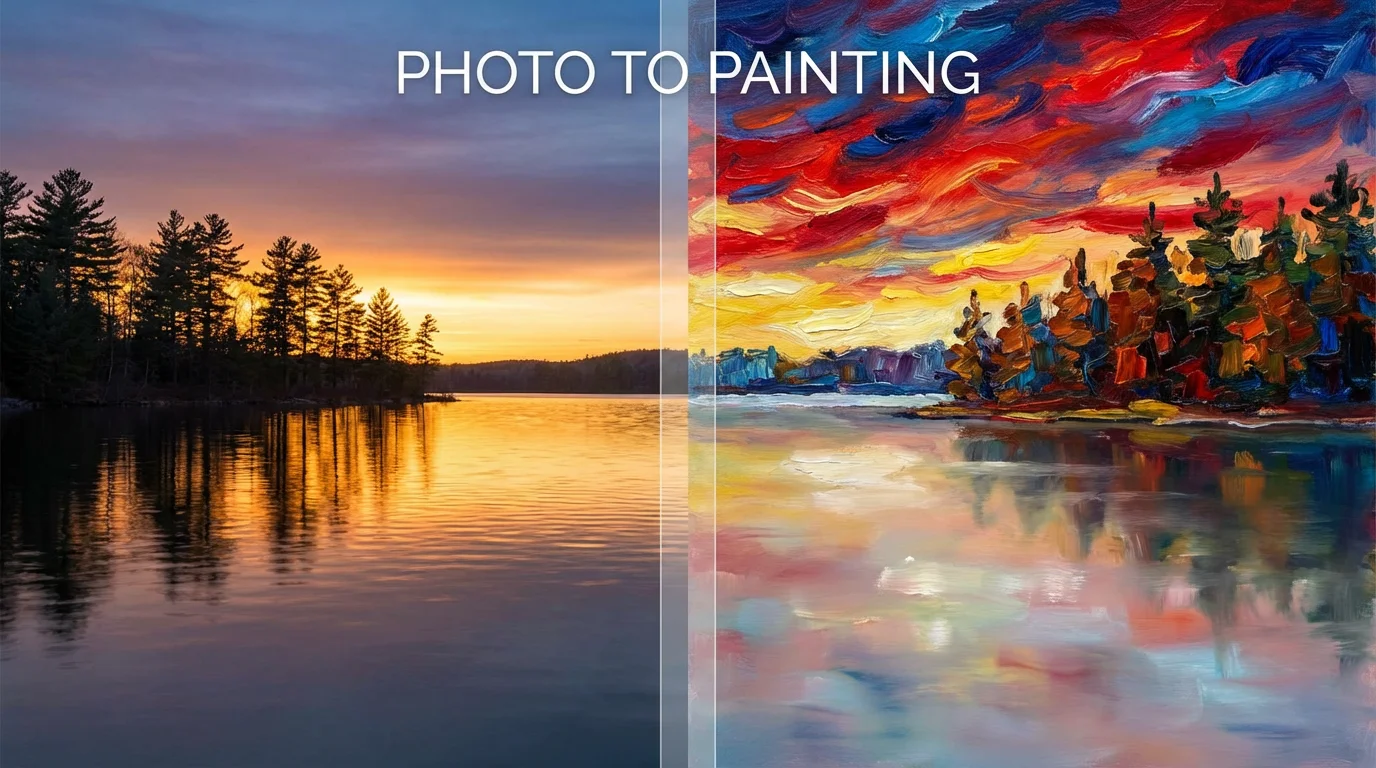
Start by uploading the image you want to transform. This can be a portrait, a landscape, a pet photo, or any other picture.
Describe the artistic style you want. For example, 'turn this into a vibrant oil painting' or 'convert to a soft watercolor style'.
Click the generate button and let the AI work its magic. Your photo will be re-imagined as a painting based on your instructions.
Your new painting is ready to be downloaded. Save the high-resolution image to your device to print, frame, or share online.
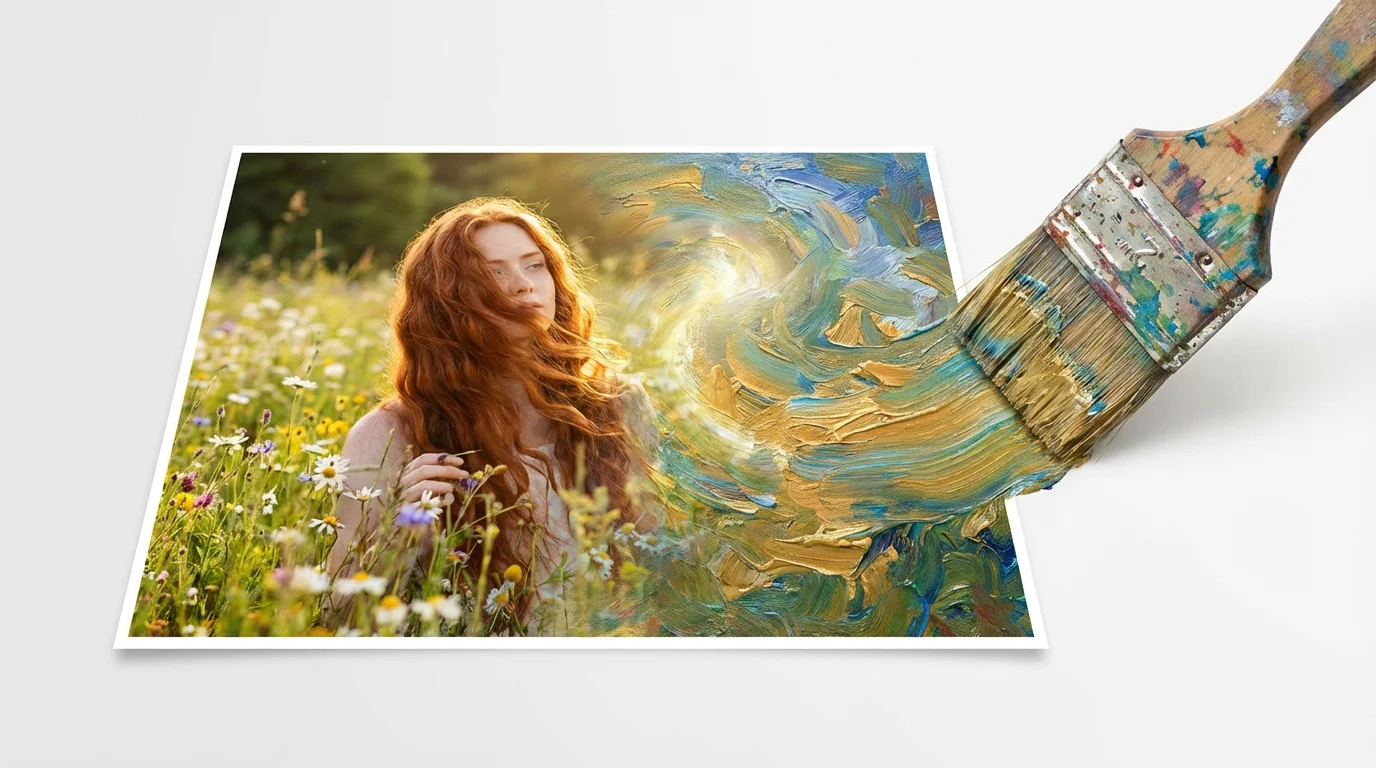
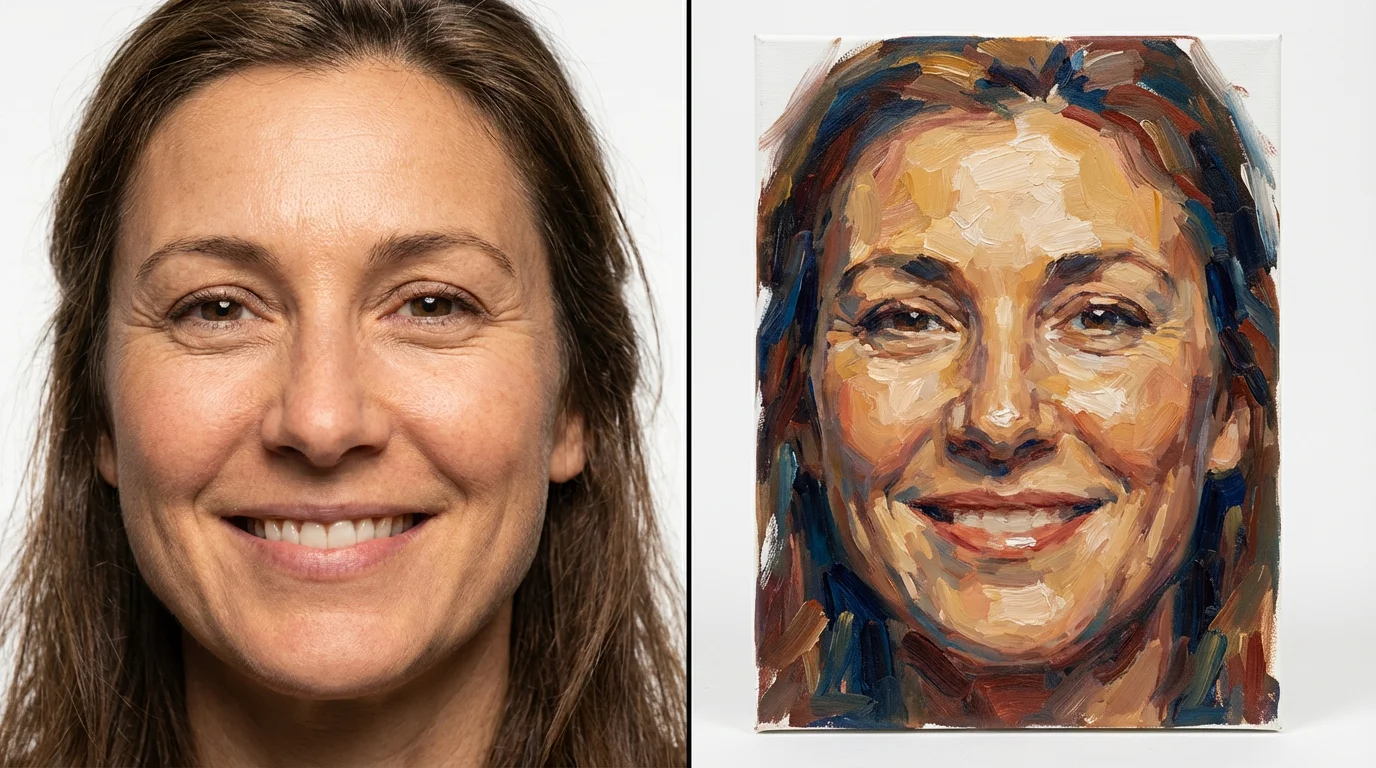
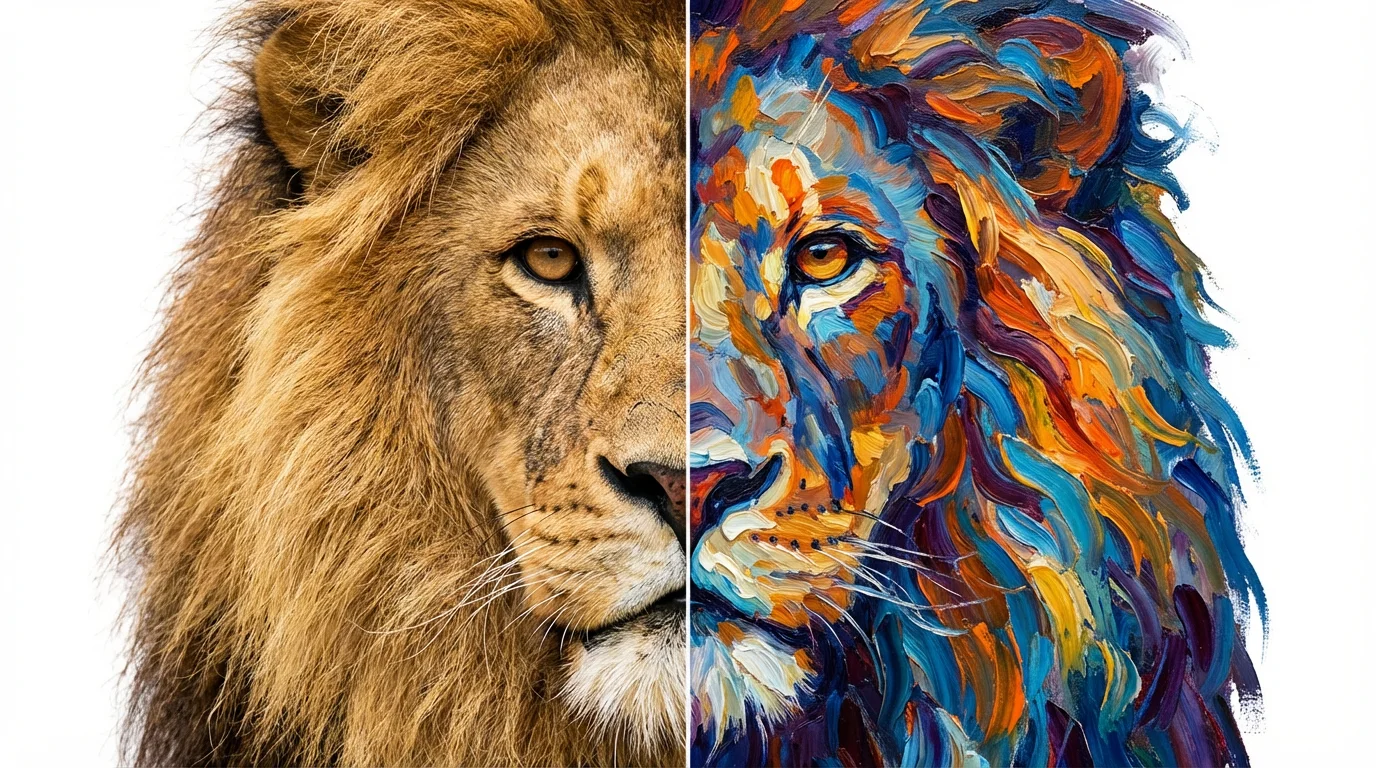
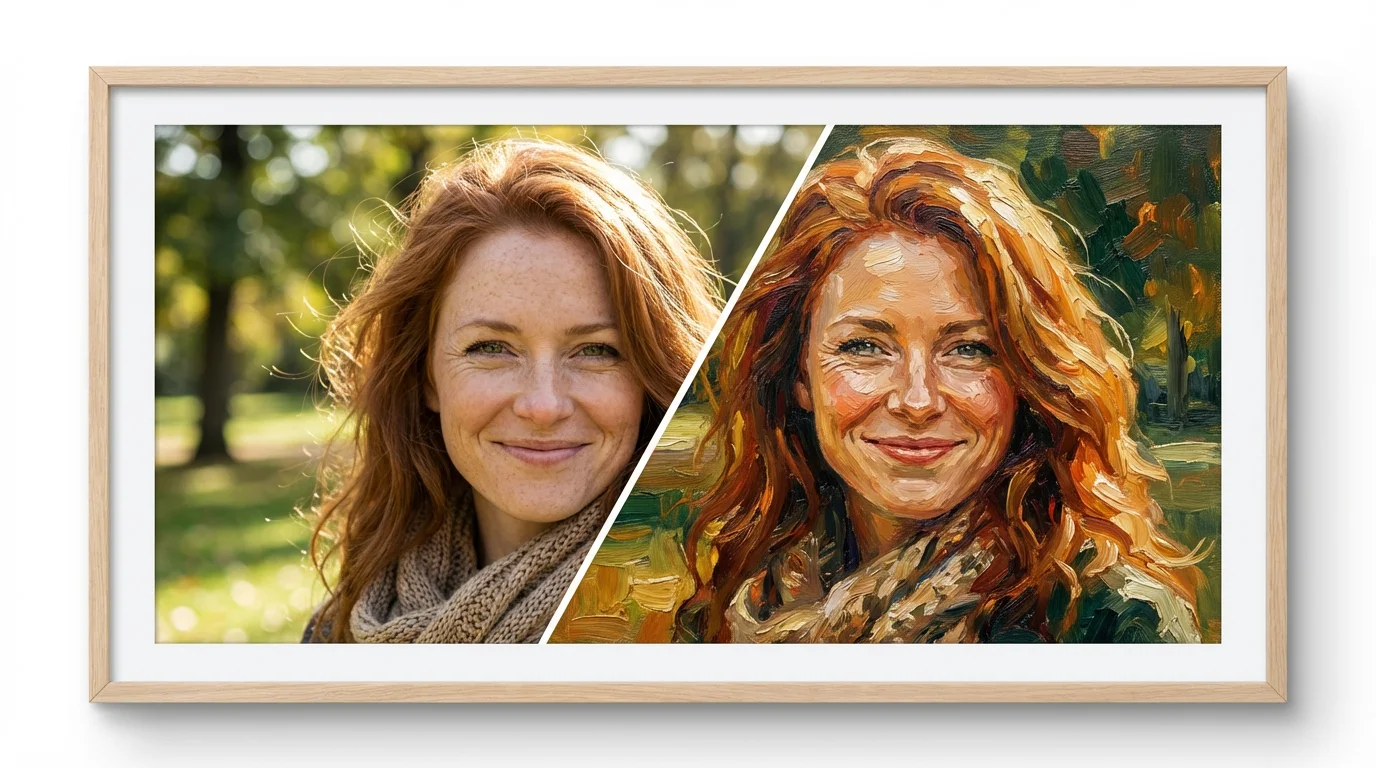
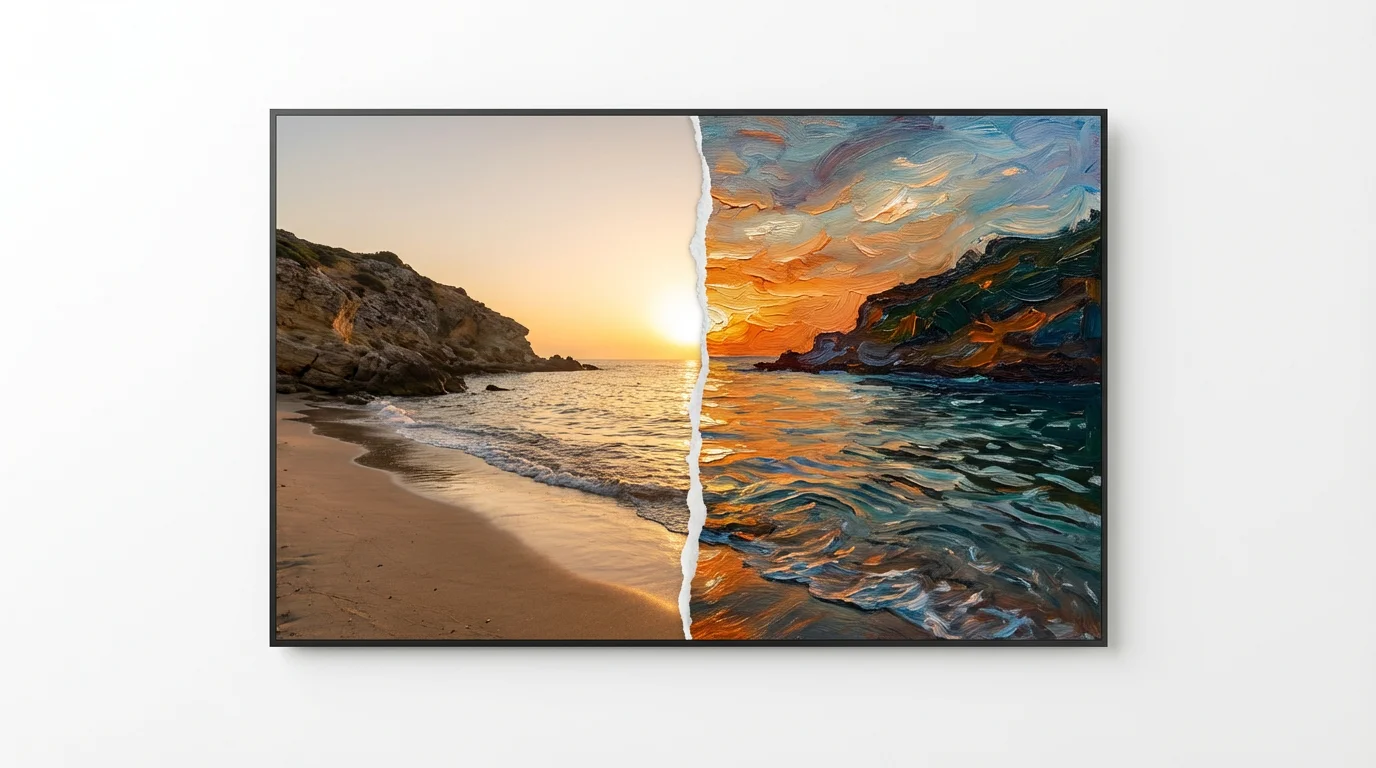
An AI photo to painting converter is a tool that uses artificial intelligence to transform your digital photographs into images that look like paintings. You can upload a photo and then use a text prompt to describe the artistic style you want, such as 'oil painting' or 'watercolor'.
To turn your photo into a painting, upload your image to the tool. Then, in the text box, describe the style of painting you'd like to create. For example, you could type 'impressionist painting of a field of flowers.' The AI will then generate a new image for you based on your photo and prompt.
Yes, you have complete control over the style. You can specify different painting mediums like oil, watercolor, acrylic, or charcoal sketch. You can also name famous art styles like Impressionism, Cubism, or Pop Art to guide the AI.
Yes, the tool is free to try. You can convert your photos into paintings and download them. After using your free credits, you have the option to purchase more to continue creating.
High-quality photos with good lighting and clear subjects generally produce the best results. You can use portraits, landscapes, pet photos, and still life images. The AI can adapt to various types of pictures.
Yes, you can use the paintings you create for both personal and commercial projects. All generated images are watermark-free and ready for you to use.
You can download your AI-generated paintings for free in PNG and JPEG formats. If you have a Pixelcut PRO subscription, you also have the option to download in SVG or WEBP formats.
Great app, easy to use. Helps our small business save time and money to create different marketing materials professionally. Thank you.
I need a good background remover for my work and I've been through them all it feels like. This one is the best by far. It's so easy to use and the results always look amazing. Thank you Pixelcut!
It's amazingly easy and gives the perfect results for my bags and accessories. It looks like it was done by a professional photographer.