My favorite app
Great app, easy to use. Helps our small business save time and money to create different marketing materials professionally. Thank you.
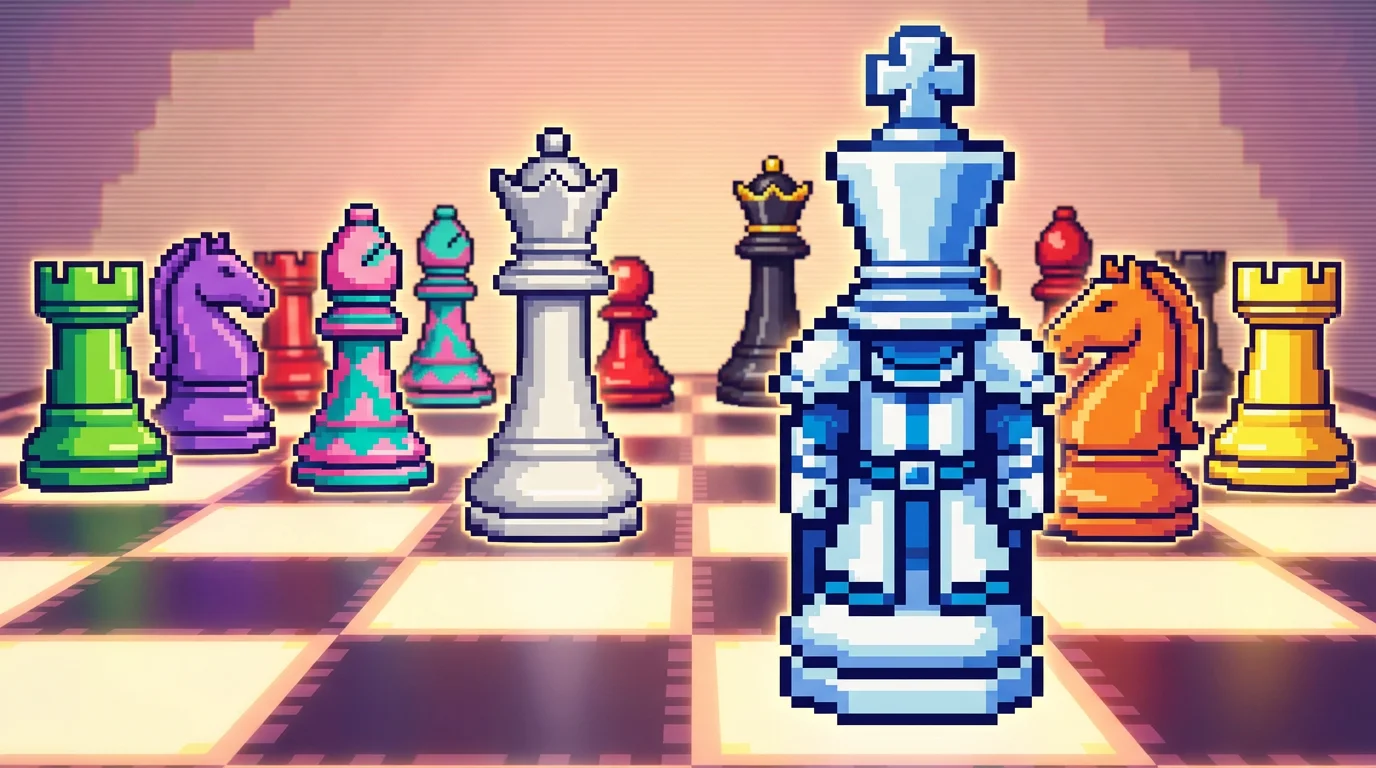
Enter a text prompt detailing your vision. Specify style (like 8-bit or 16-bit), colors, and piece designs. For example, 'a set of glowing neon chess pieces'.
Our AI will process your description and create a unique set of pixel art chess sprites. Click generate and watch your ideas materialize in seconds.
Your high-resolution, watermark-free chess piece images are ready to be downloaded. Integrate them directly into your game, project, or use them as standalone art.
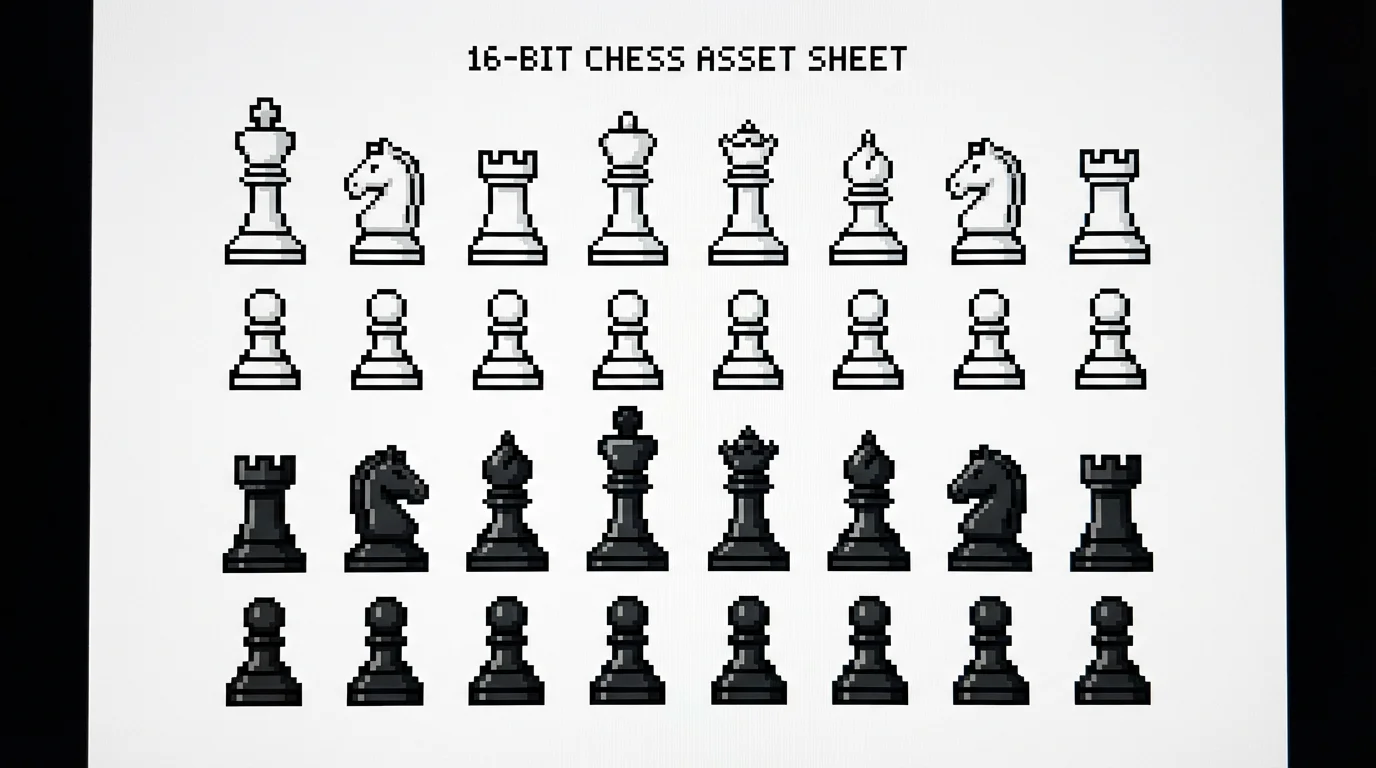
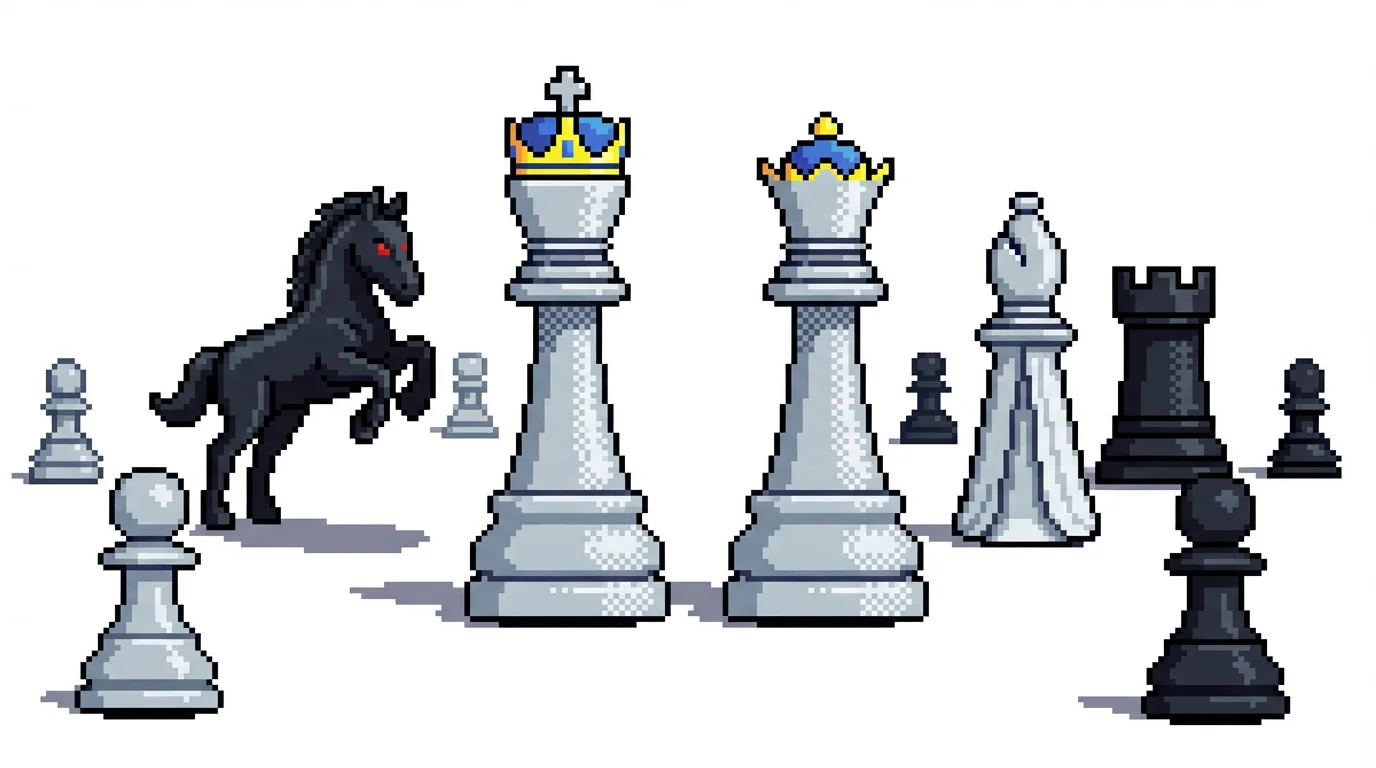
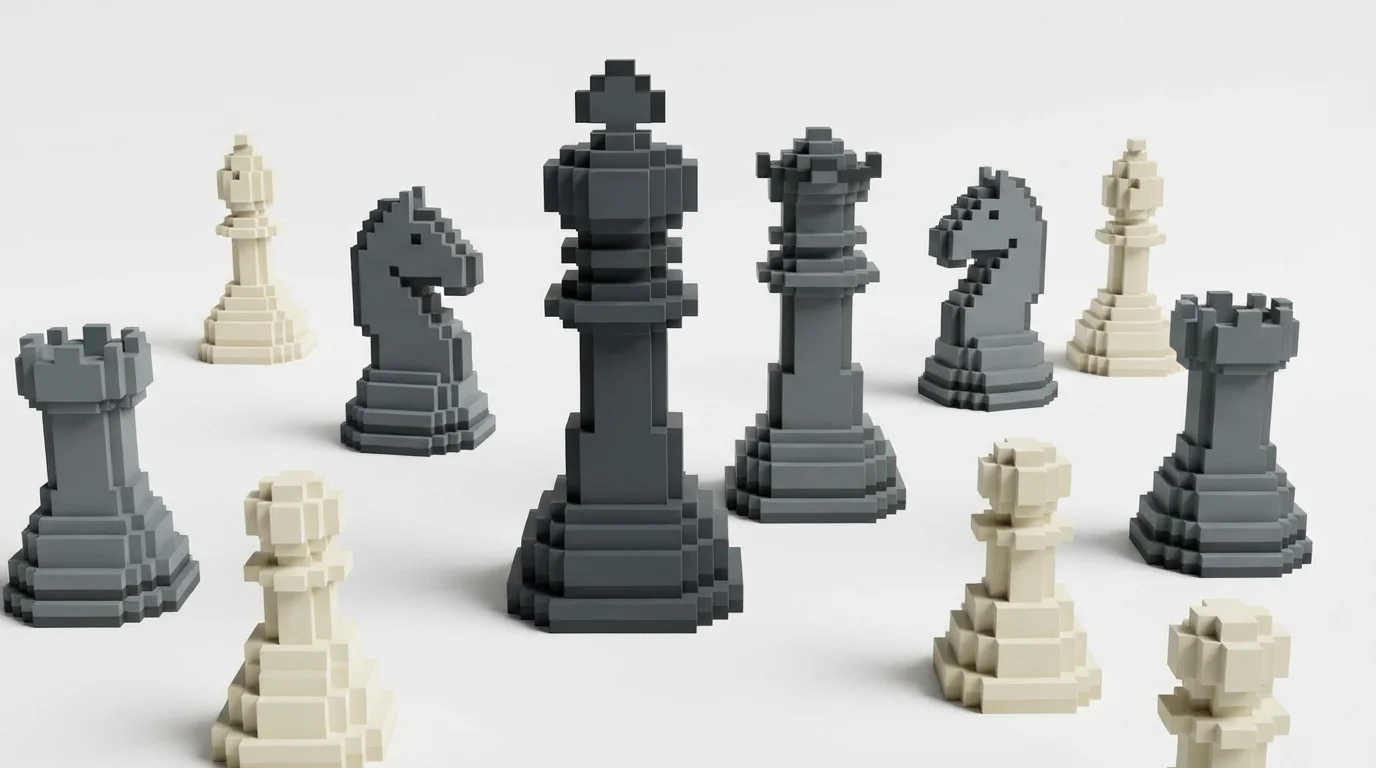
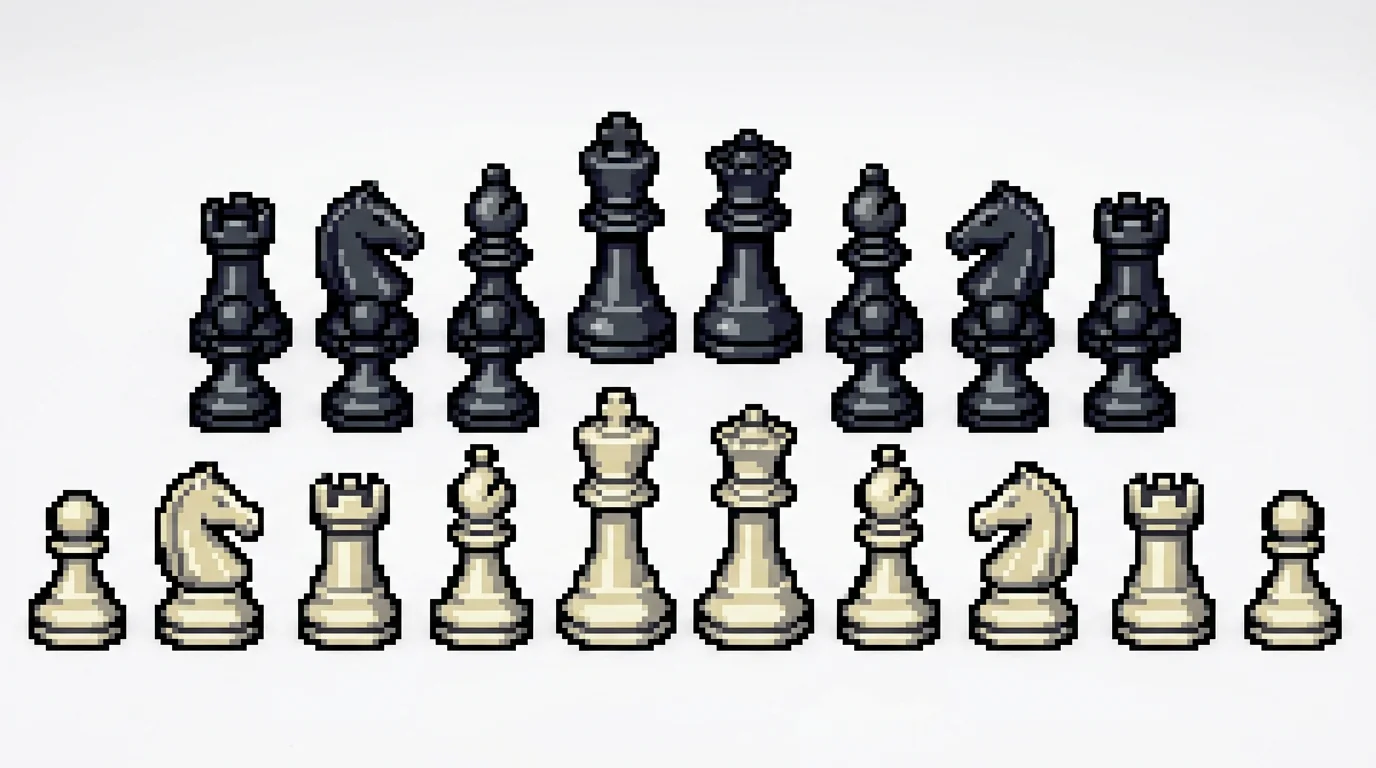
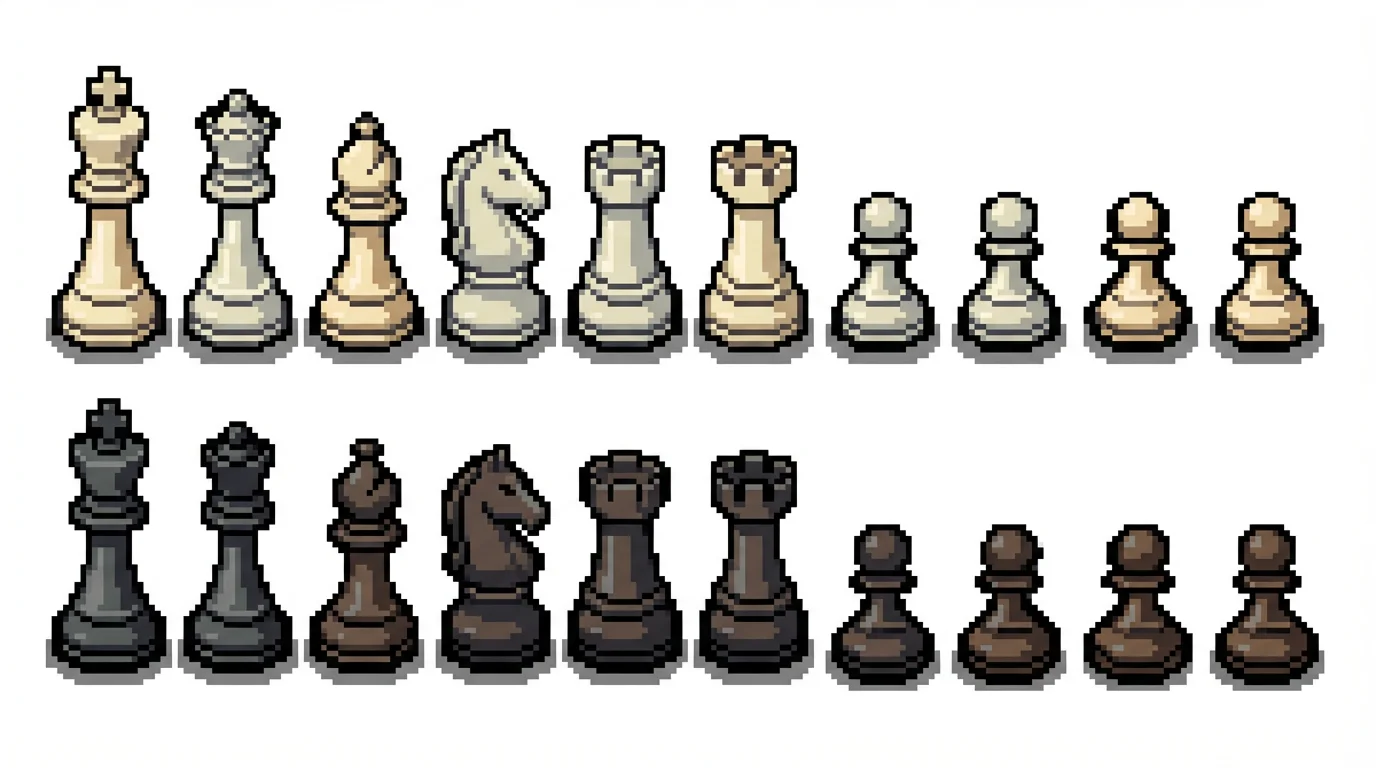
A pixel art chess piece generator is an AI-powered tool that creates images of chess pieces in a pixelated, retro style from text descriptions. You can specify the appearance, colors, and style, and the AI will generate unique chess sprites for you.
Yes, you can generate a complete and cohesive set of chess pieces. By providing a detailed prompt that describes the overall style, such as 'a full 16-bit chess set in a fantasy theme with glowing blue highlights', the AI will create all the necessary pieces with a consistent aesthetic.
You have a wide range of stylistic possibilities. The AI can generate assets in various styles including 8-bit, 16-bit, 32-bit, monochrome, vibrant and colorful, or specific themes like fantasy, sci-fi, or modern minimalist. The more descriptive your prompt, the more tailored the result will be.
Not at all. This tool is designed for everyone, regardless of artistic ability. You don't need any drawing or design experience; you only need to describe the chess pieces you want to create in the text prompt.
Yes, the images you create are high-resolution and free of watermarks, making them suitable for use in both personal and commercial projects, including indie games.
To make your pieces unique, get specific with your text prompt. Think about combining different themes or characteristics. For example, try prompting 'cactus themed chess pieces' or 'chess pieces made of crystal with neon outlines' to generate truly original designs.
Great app, easy to use. Helps our small business save time and money to create different marketing materials professionally. Thank you.
I need a good background remover for my work and I've been through them all it feels like. This one is the best by far. It's so easy to use and the results always look amazing. Thank you Pixelcut!
It's amazingly easy and gives the perfect results for my bags and accessories. It looks like it was done by a professional photographer.